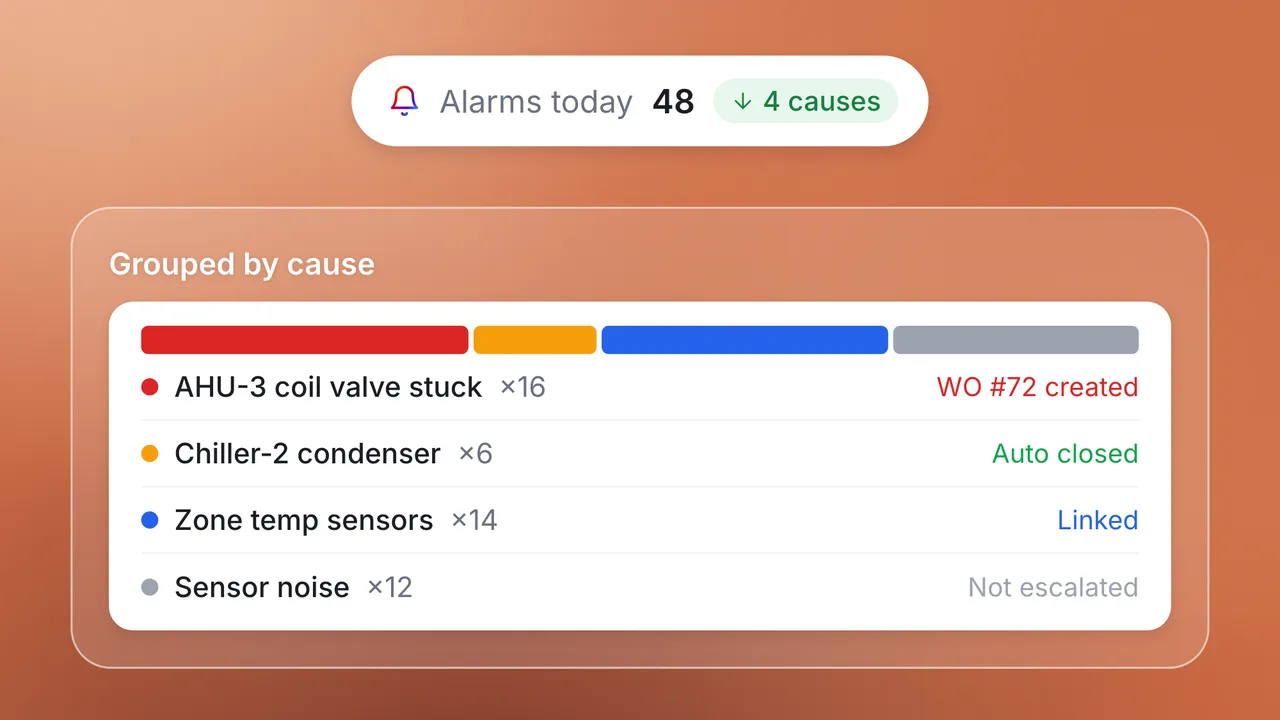
Handle requests as they arrive, 24/7
Handle requests as they arrive, 24/7. The agent turns calls, emails and messages into prioritised work orders.

Every request your helpdesk takes in starts the same way: someone has to answer it, work out where the problem is, decide how urgent it is and type it into a work order. The service intake agent does that work as requests arrive, 24/7, across phone calls, email, WhatsApp and web chat, and turns each one into a prioritised work order in your CMMS.
These five short videos follow a week of requests at Acme Facilities, from a 7:42 pm call about a leaking ceiling to a late-night safety call the agent hands straight to a person. 90% of calls handled autonomously by the Intake agent: the rest, including every emergency and anything it isn't sure about, reach your team with the details already written down.
Overview and setup
AI helpdesk for FM: Calls, WhatsApp, email and chat together
See an AI helpdesk take facilities requests by phone, WhatsApp and email and turn each one into a work order. A 2-minute demo.
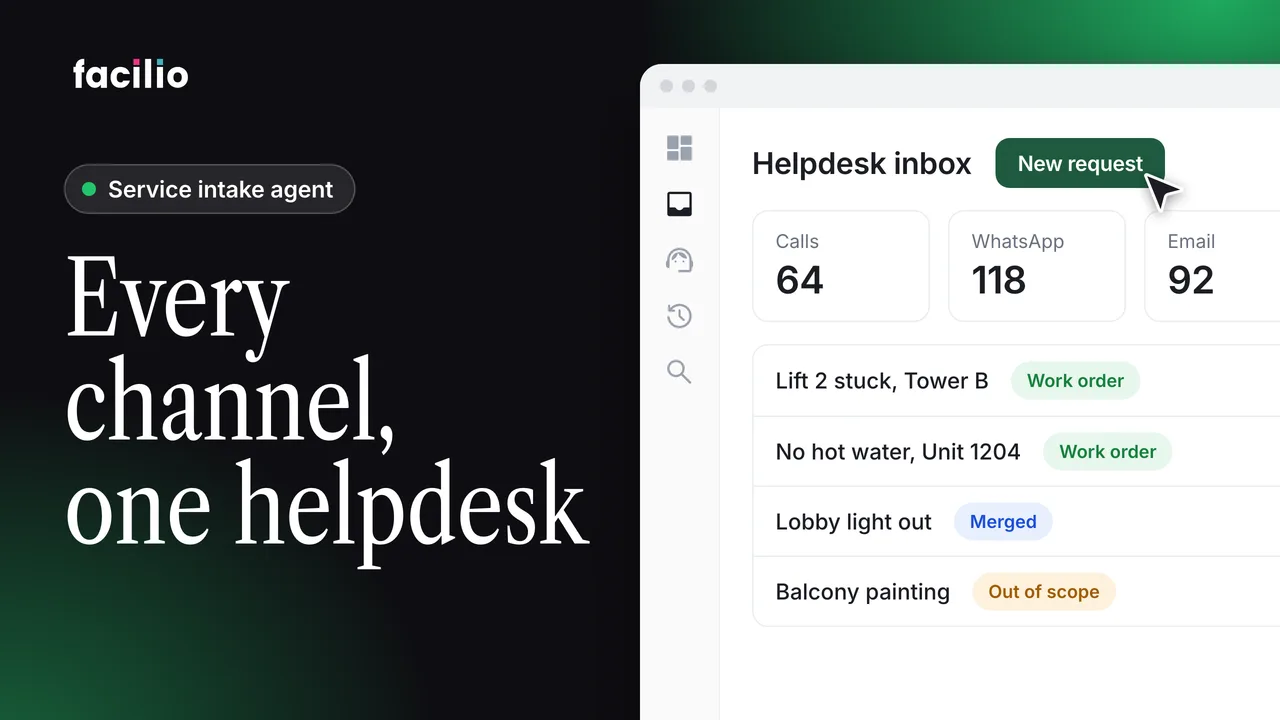
AI helpdesk setup: Self-configured from your website link
Paste your website URL and the AI helpdesk is ready to take requests. Watch the setup, start to finish, in just over a minute.
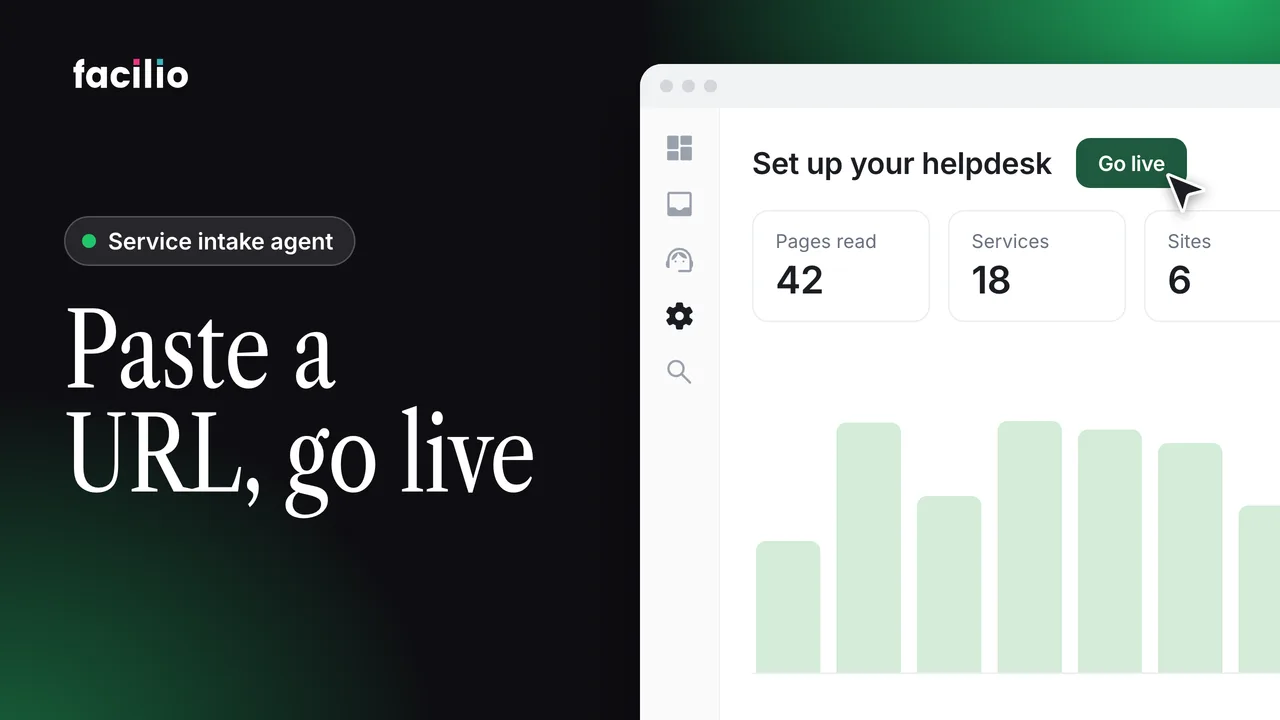
Helpdesk Ask AI: Configure, find records and draft replies
Ask AI configures settings, finds records, drafts replies and answers questions inside your facilities helpdesk. A short demo.
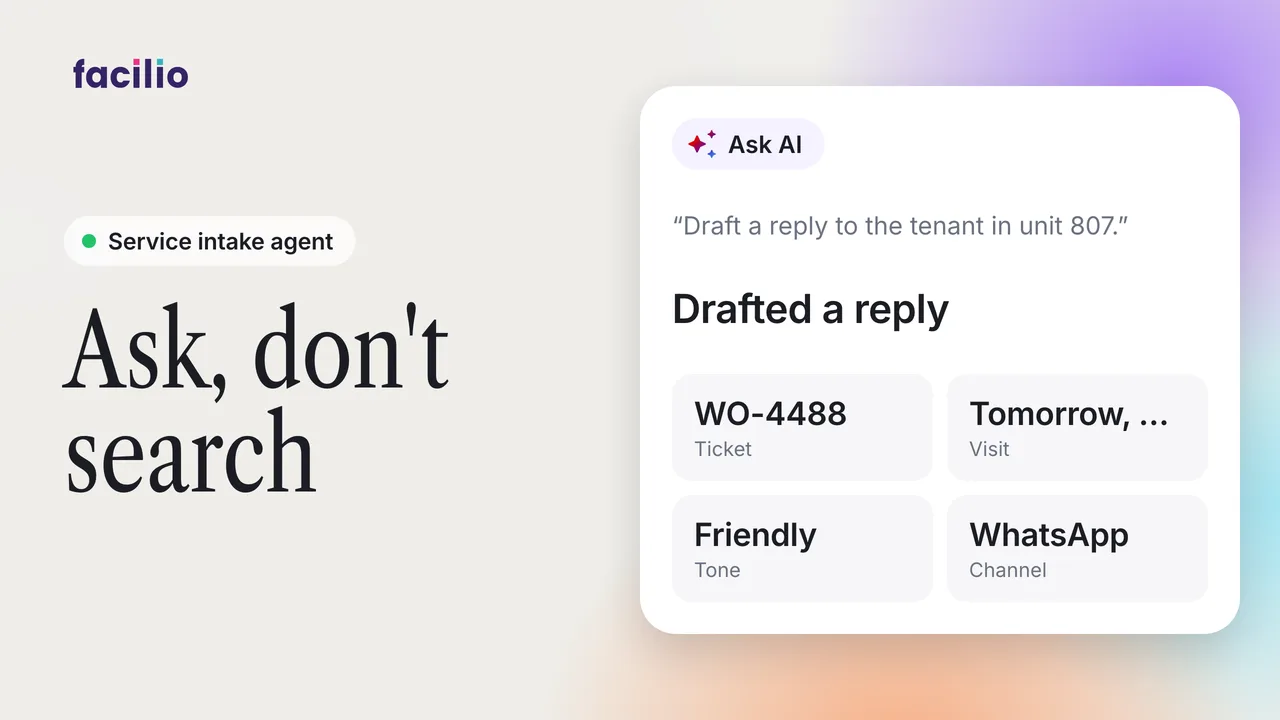
Email intake
AI email intake: A tenant email taken to a closed work order
Follow a maintenance request from the helpdesk inbox to a completed work order, handled by an AI intake agent.
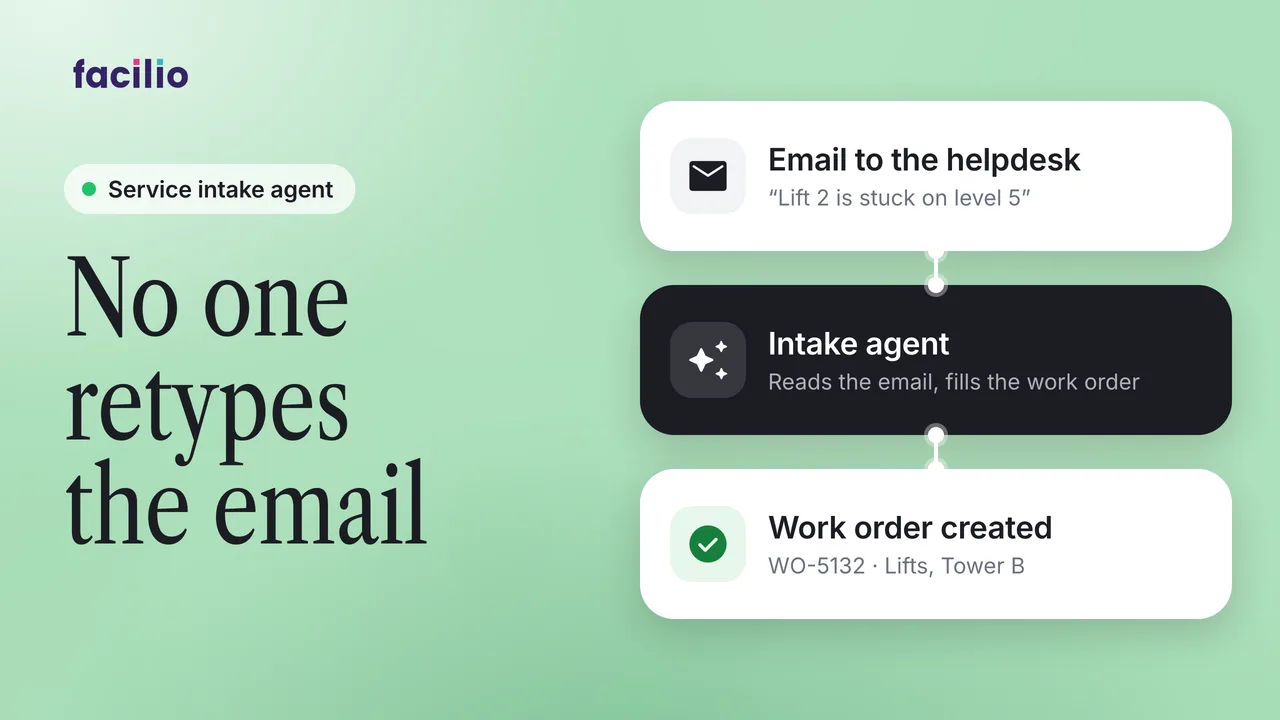
AI email triage: Complete, incomplete and duplicate requests
How the AI intake agent handles complete requests, missing details, duplicates and exceptions that arrive by email.
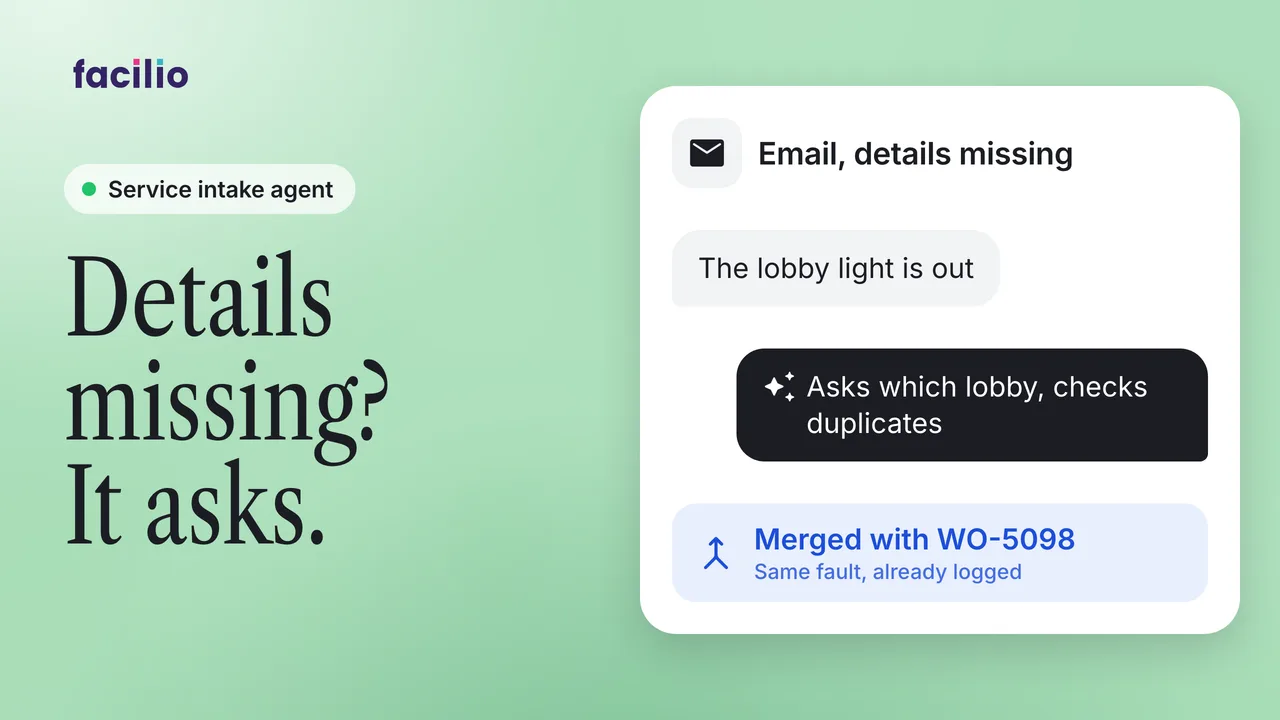
Vendor quotes by email: Raised, checked and client-approved
A vendor quote validated by the FM supervisor and sent to the client for approval, all by email. A 1-minute demo.
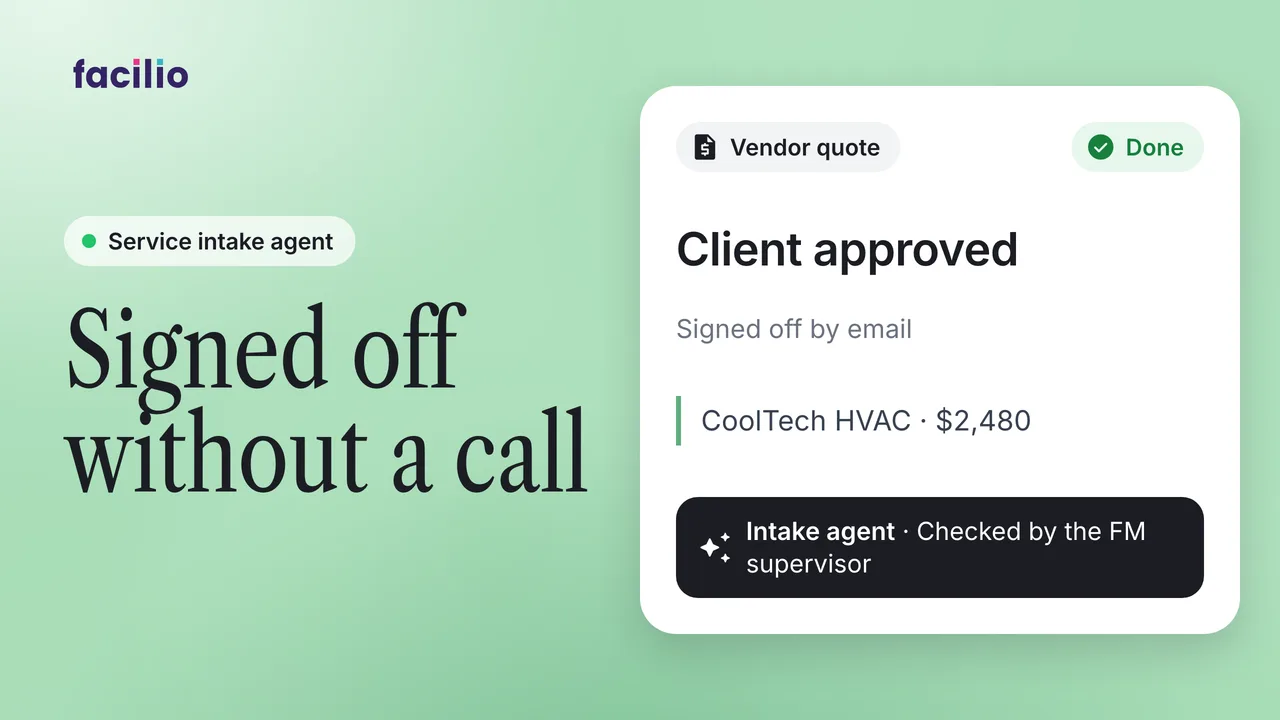
Voice intake: core call scenarios
AI voice agent: Full maintenance call logged as a work order
Watch an AI voice agent take a maintenance call, raise the work order and follow it through to completion.
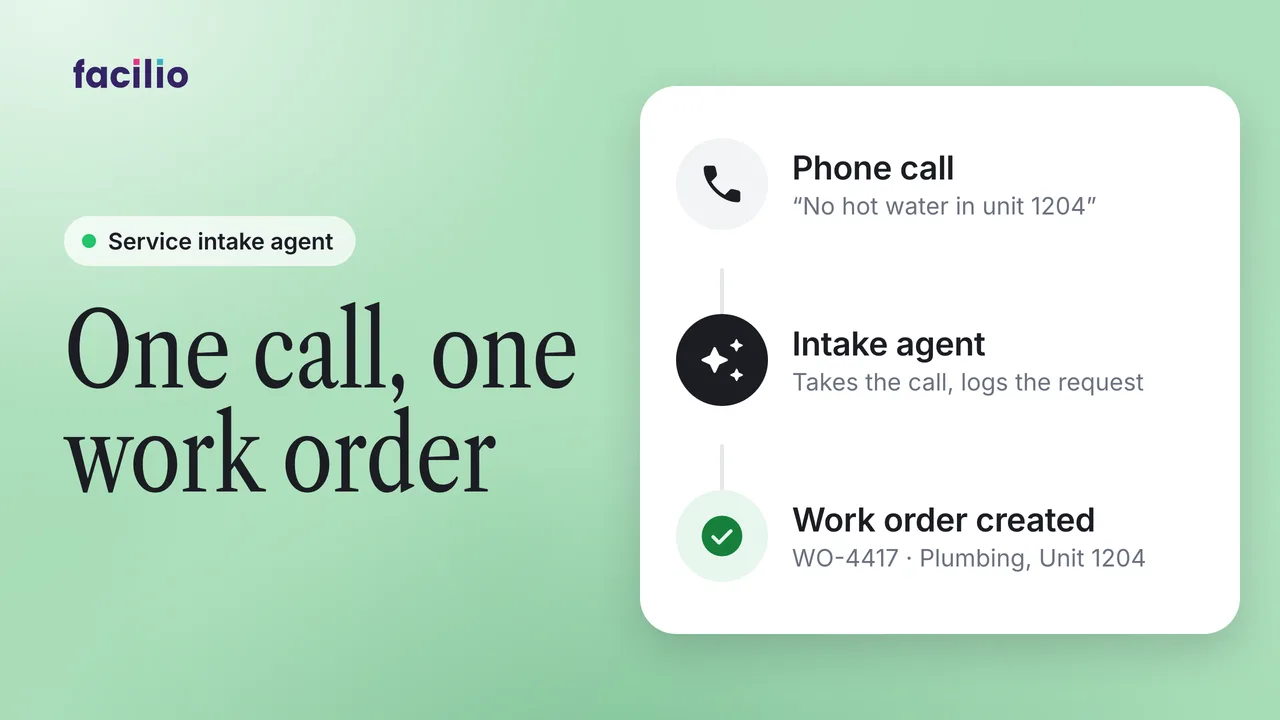
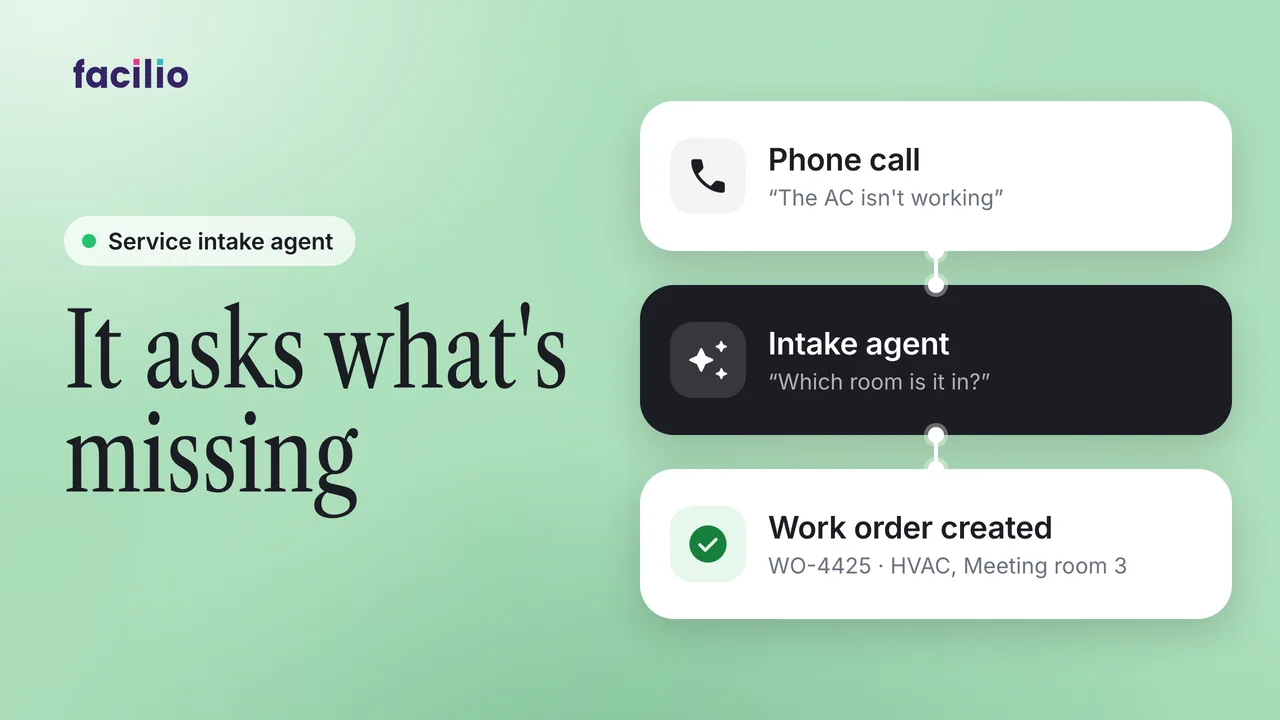
AI voice agent: Asking for a missing site before logging it
When a caller leaves out a detail, the AI voice agent asks for it before raising the work order. See how it handles the call.
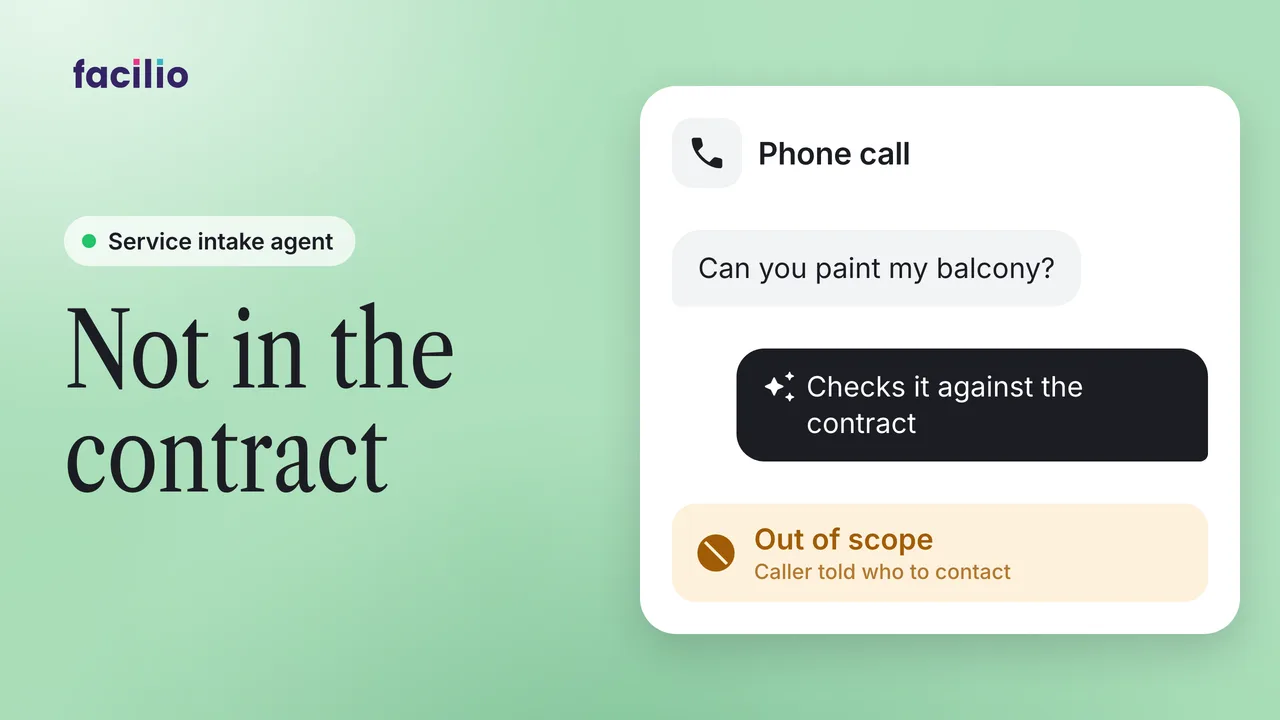
AI voice agent: Out-of-scope request handed over to a person
A caller asks for work outside the agreed scope. See how the AI voice agent handles the request and what it tells the caller.
Voice intake: end to end
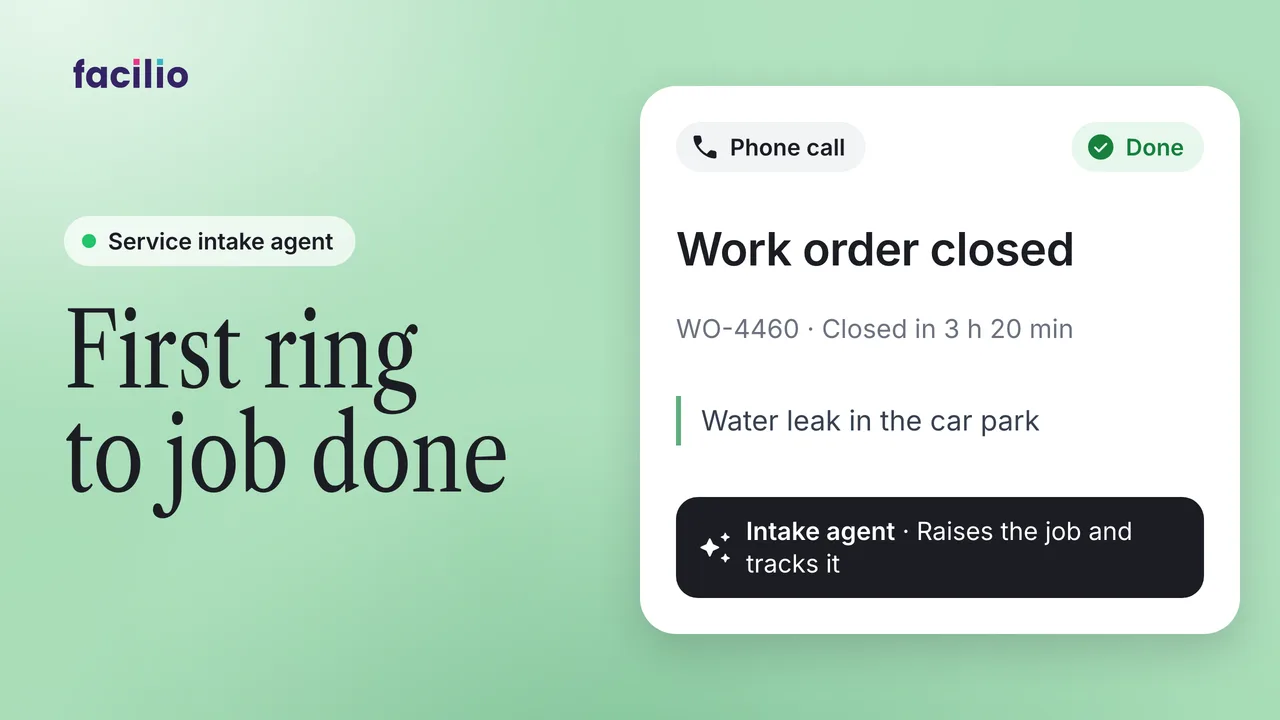
AI voice intake end to end: Three calls, one job to sign-off
One maintenance call followed from the first ring to the closed work order, with an AI voice agent handling the intake.
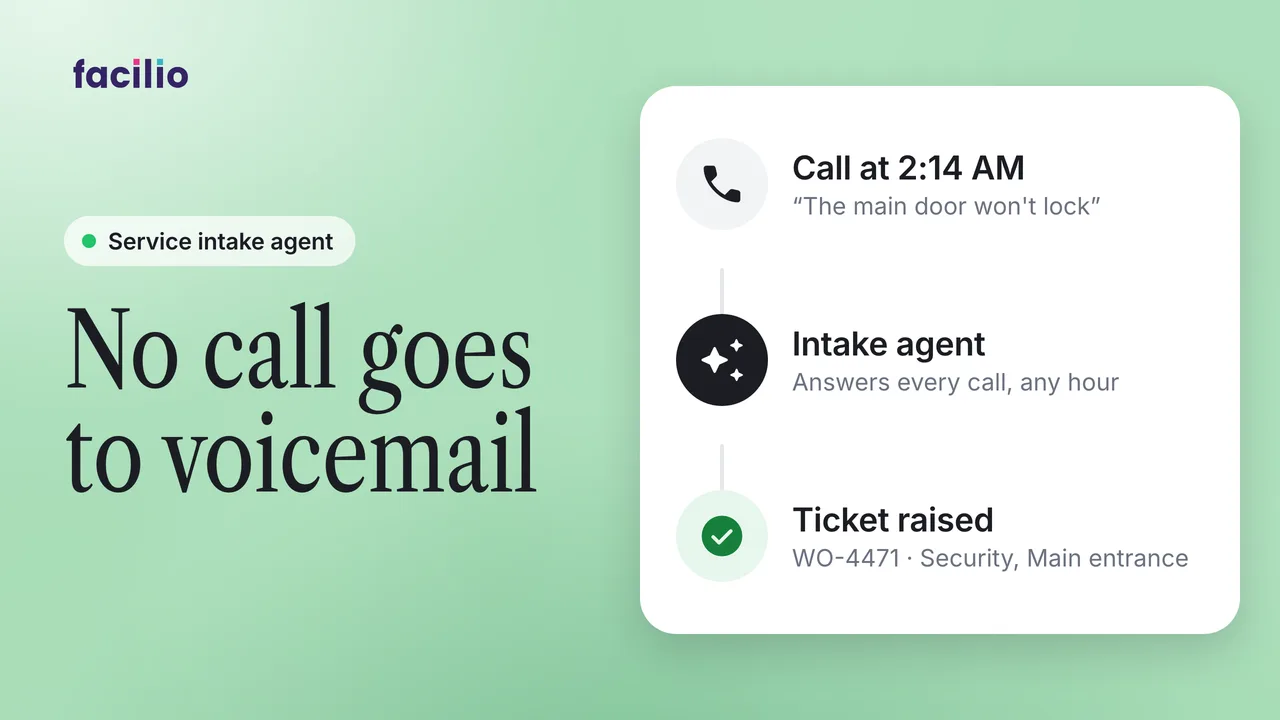
24/7 AI call answering: After-hours resident call to ticket
Resident and tenant calls answered at any hour and turned into maintenance tickets by AI. A short demo.
WhatsApp and chat
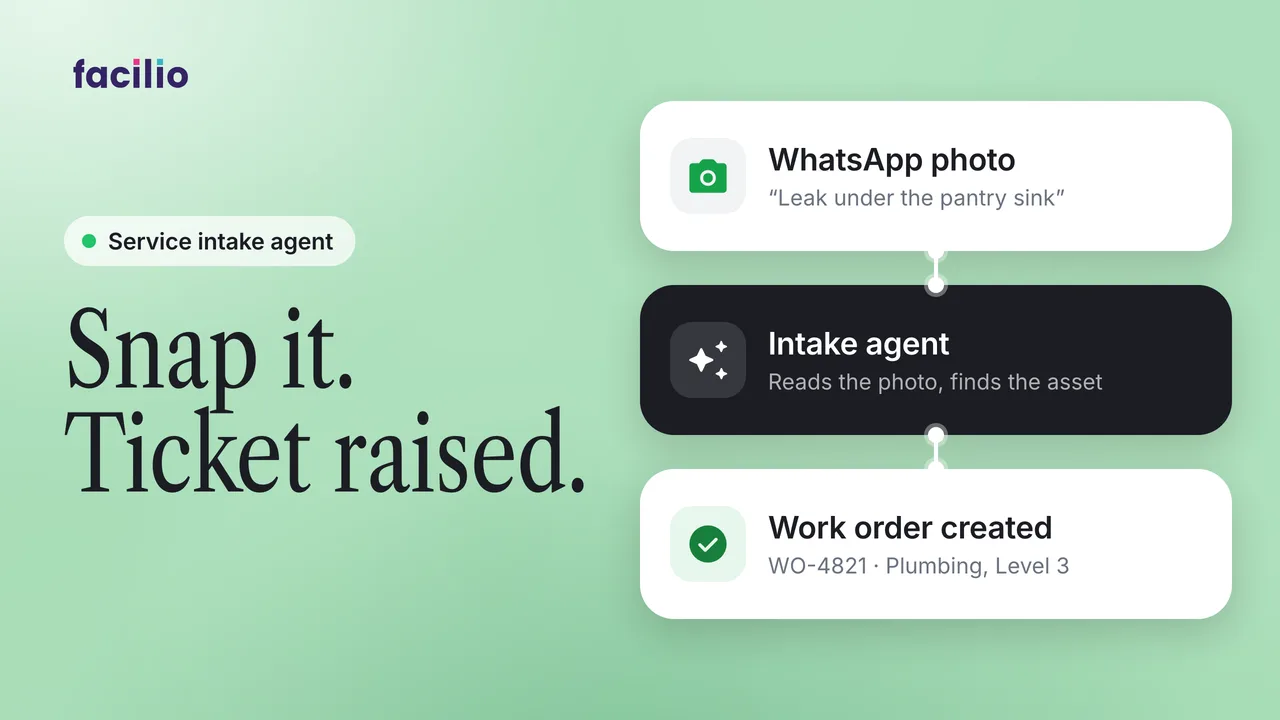
WhatsApp photo to ticket: AI reads the fault image, logs it
Send a photo of the fault on WhatsApp and the AI helpdesk reads it and raises a maintenance ticket. A 1-minute demo.
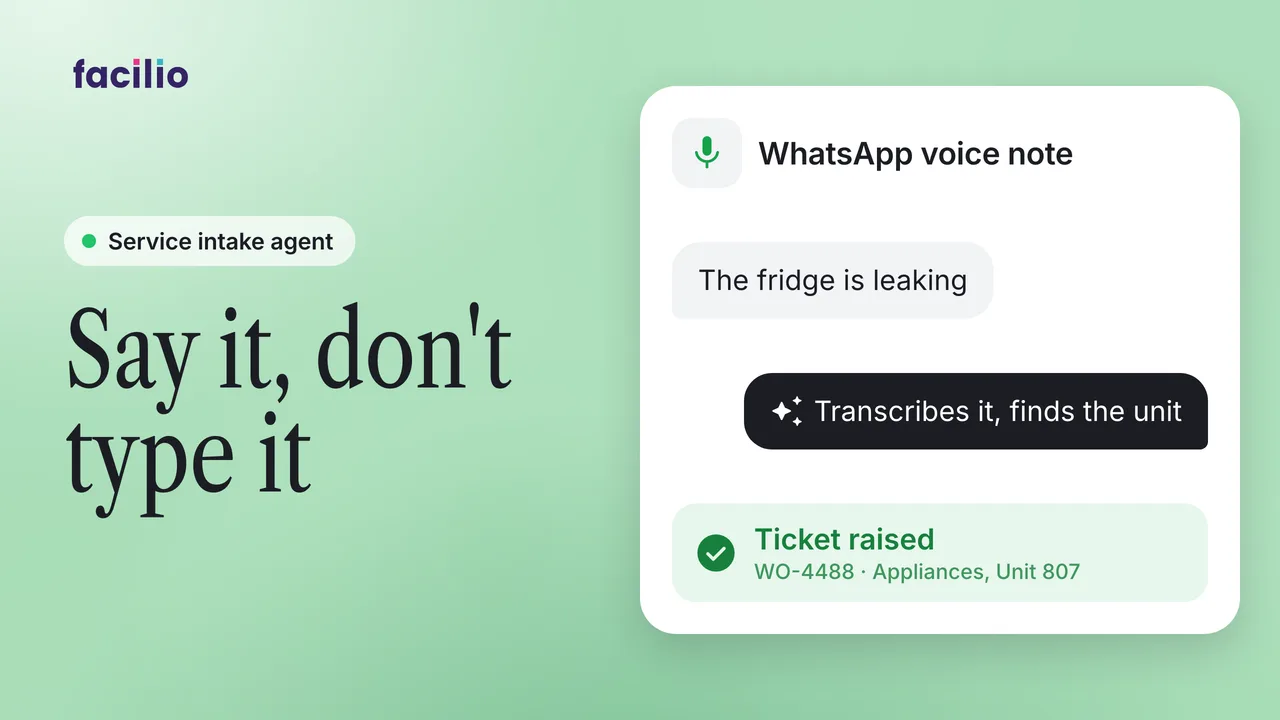
WhatsApp voice note to ticket: Burst pipe logged, no typing
A tenant sends a WhatsApp voice note and the AI helpdesk turns it into a maintenance ticket automatically.
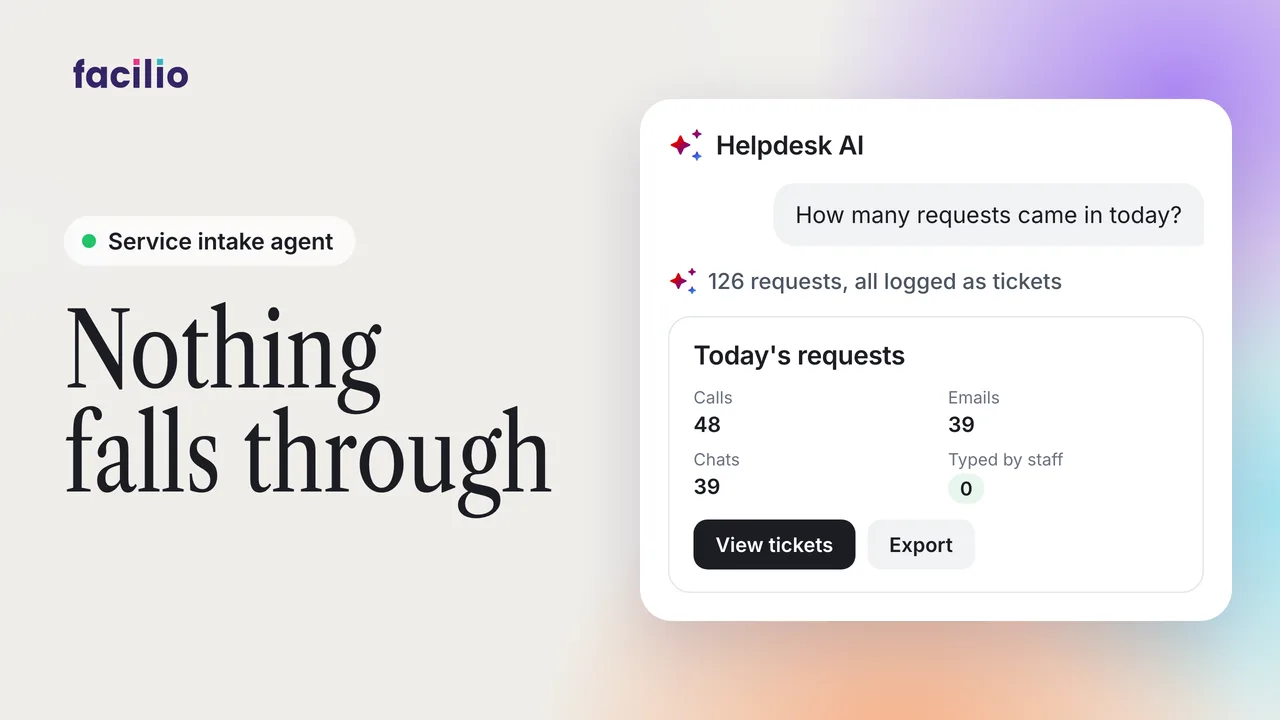
Helpdesk capture: Calls, emails and chats saved as tickets
Calls, emails and chats captured in one place and logged as tickets, without anyone typing them in.
Full story: intake to dispatch
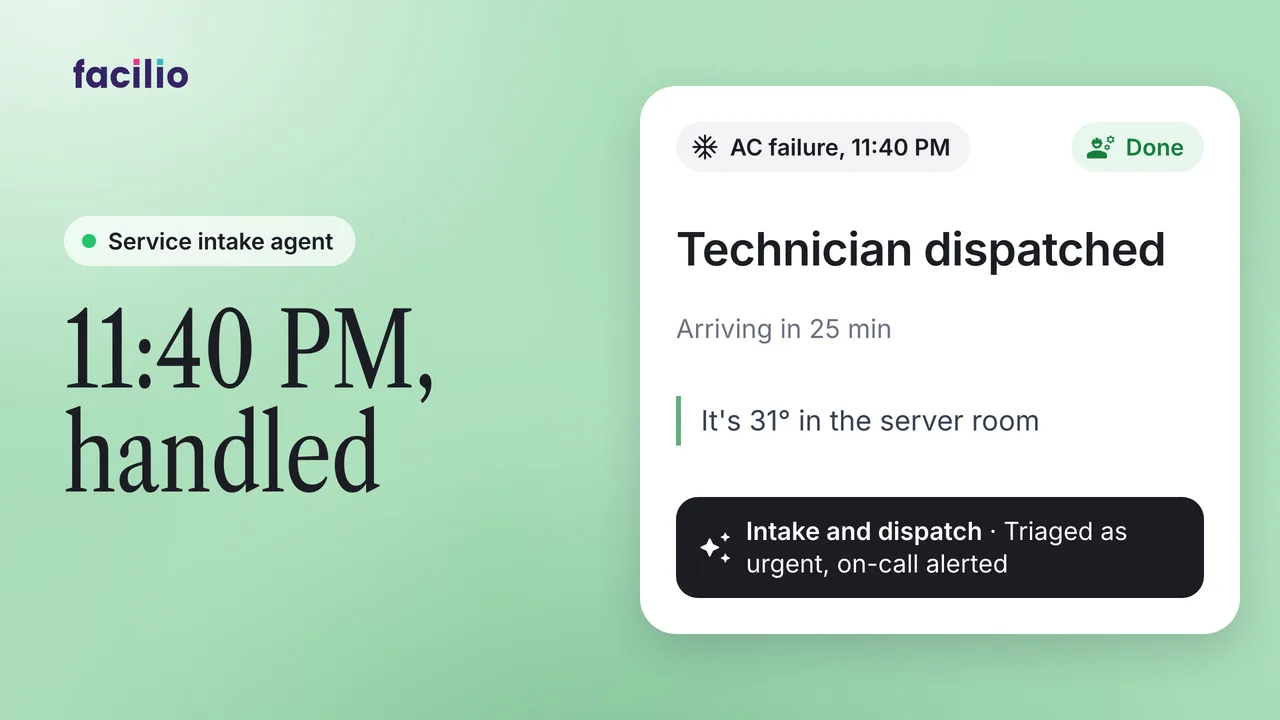
After-hours AC fault: AI triages and books a same-night tech
An AC failure reported after hours, taken from the first message through triage to a dispatched job by AI agents.
Monitoring and dashboards
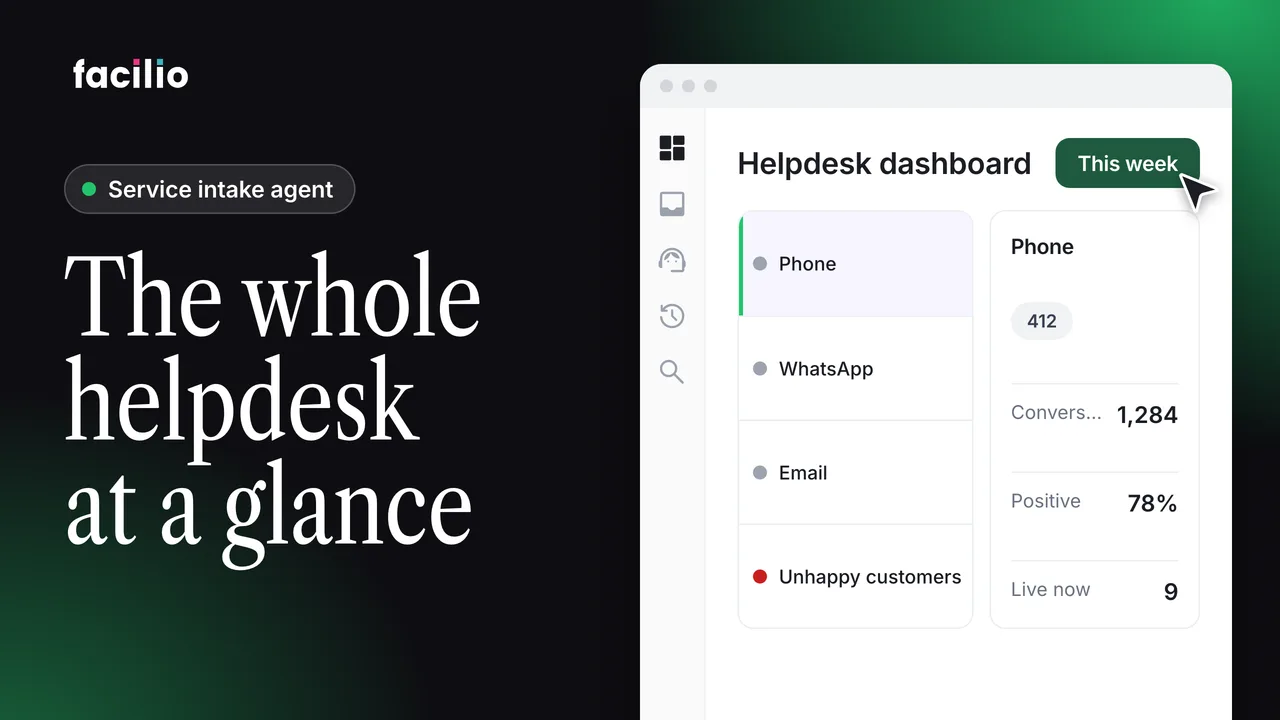
Helpdesk dashboard: Channel volumes, customer mood, chats
Channel volumes, customer mood and live conversations on one screen. See the facilities helpdesk dashboard in under a minute.
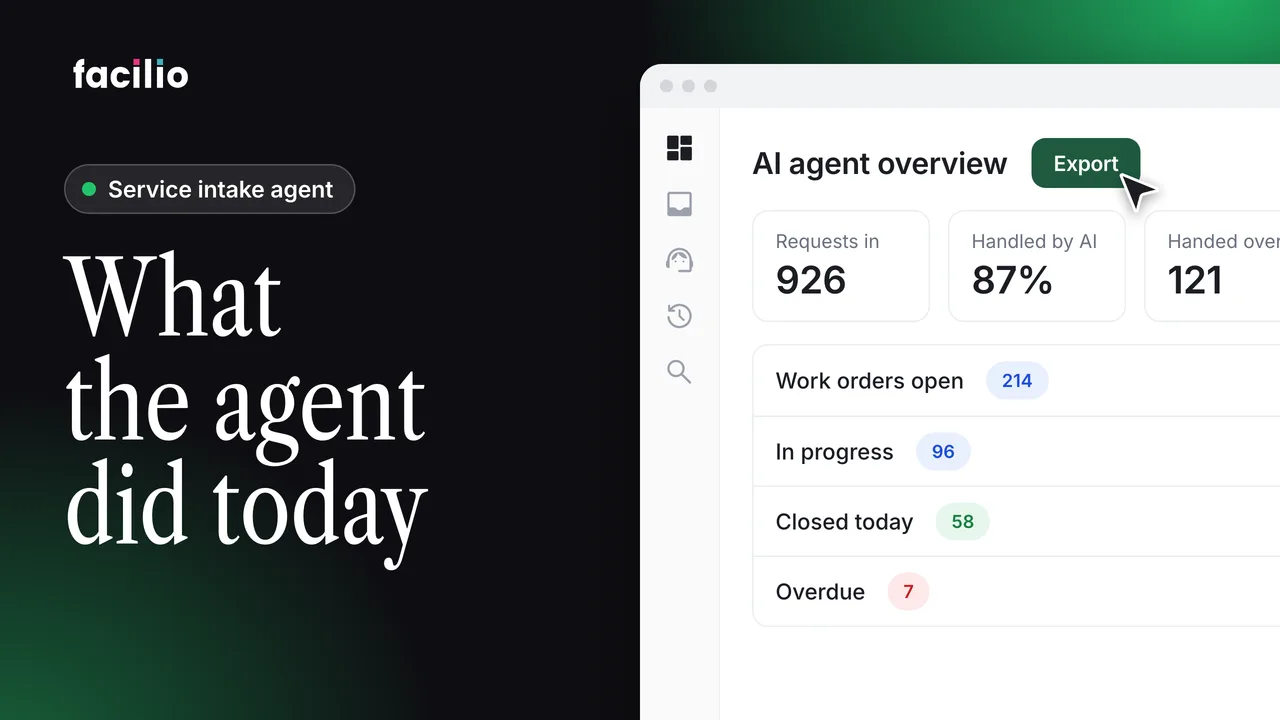
AI agent dashboards: Work created, escalated and in progress
See what the AI agent took in, where a person stepped in, and how work orders are moving, in two dashboards.
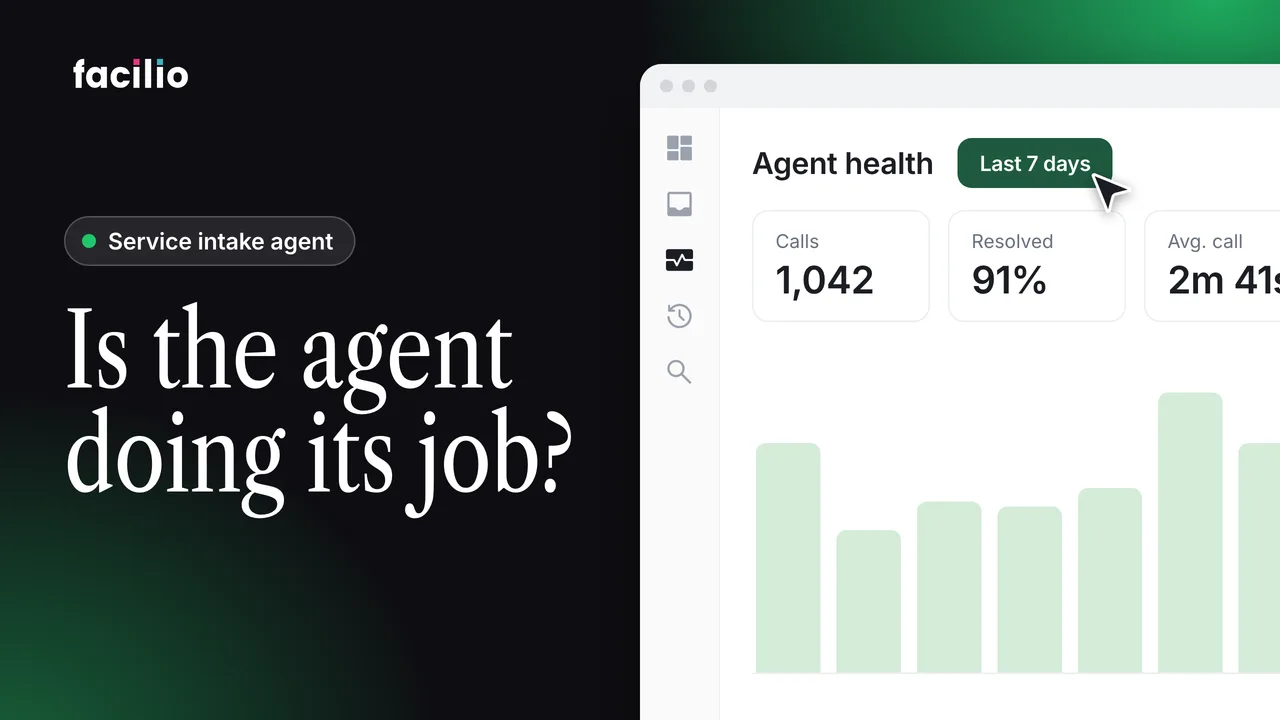
Agent Health dashboard: AI voice agent performance per call
Track how the AI voice agent is performing, call by call, in the Agent Health dashboard.
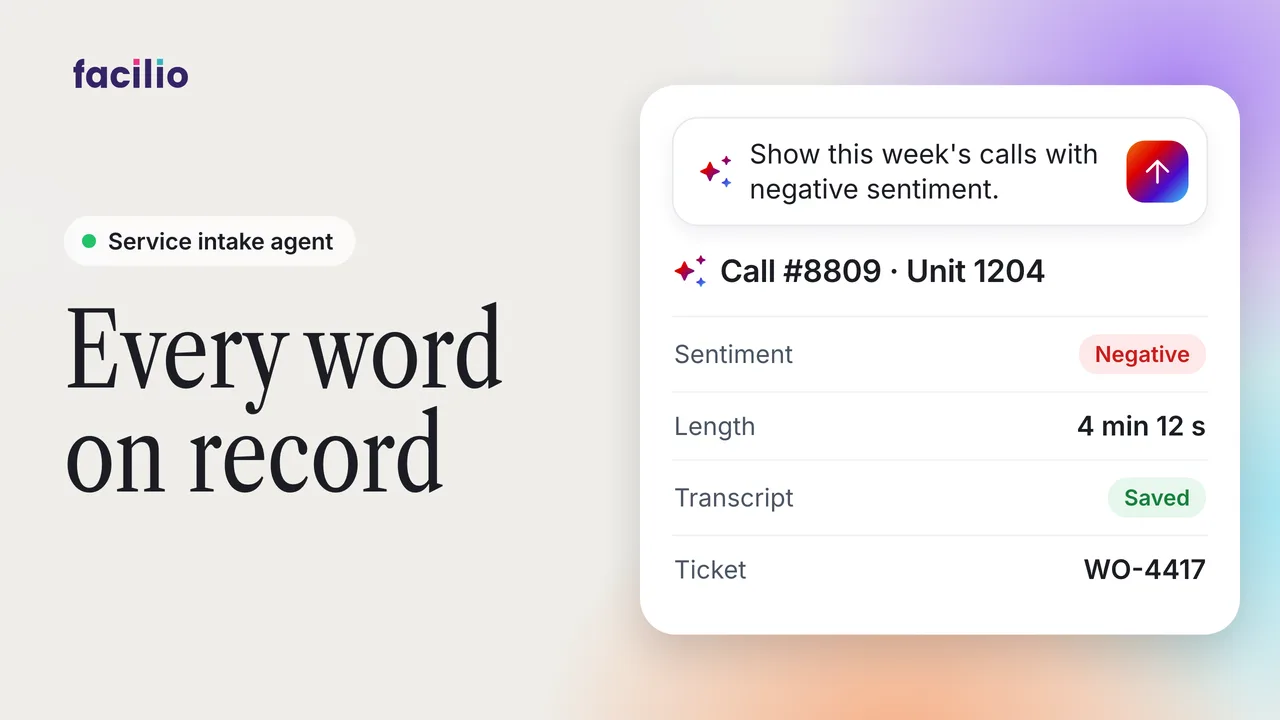
Helpdesk call logs: Transcripts, sentiment tags, summaries
Every helpdesk call and message saved with a transcript and sentiment tag, ready for your team to review.
Before and after
| Area | Before | With the service intake agent |
|---|---|---|
| Answers every call, email and message | Calls go to voicemail after hours and emails wait in a shared inbox until the morning shift reads them. | Every call, email and message is answered as it arrives and logged with the same details, day or night. |
| Finds the site, space and asset | A coordinator calls the requester back or searches the asset register to work out exactly where the problem is. | The work order arrives with the site, floor, space and asset already checked against your CMMS. |
| Sets priority and avoids duplicate tickets | A coordinator reads each ticket to set its priority and merges duplicates by hand once someone notices them. | Each request is categorised and prioritised on arrival, and repeat reports of the same fault don't become extra work orders. |
| Turns each request into a work order | A helpdesk coordinator retypes each request into the CMMS and replies to requesters one by one. | The work order is created with every field filled in, and the requester has the reference number before they hang up. |
| Hands emergencies to a person | After-hours emergencies depend on the caller finding the right on-call number, and the duty manager hears about it second-hand. | Safety advice comes first, the work order is raised as an emergency and the on-call engineer is notified straight away. |
How the service intake agent goes live with your team
Our FM Ops Engineers build the service intake agent around your sites, categories and on-call rules, then run it with you and keep fine-tuning it. Your team needs no training, and every request arrives as a work order from the day it goes live.
- 01 We learn your operation Our FM Ops Engineers sit with your team and map how work is assigned today.
- 02 We build the agent Your rules, sites and vendors, built into the agent with you.
- 03 We run it Deployed, maintained and fine-tuned by our team. Your team gets the outcome.