Agent Health dashboard: AI voice agent performance per call
About this demo
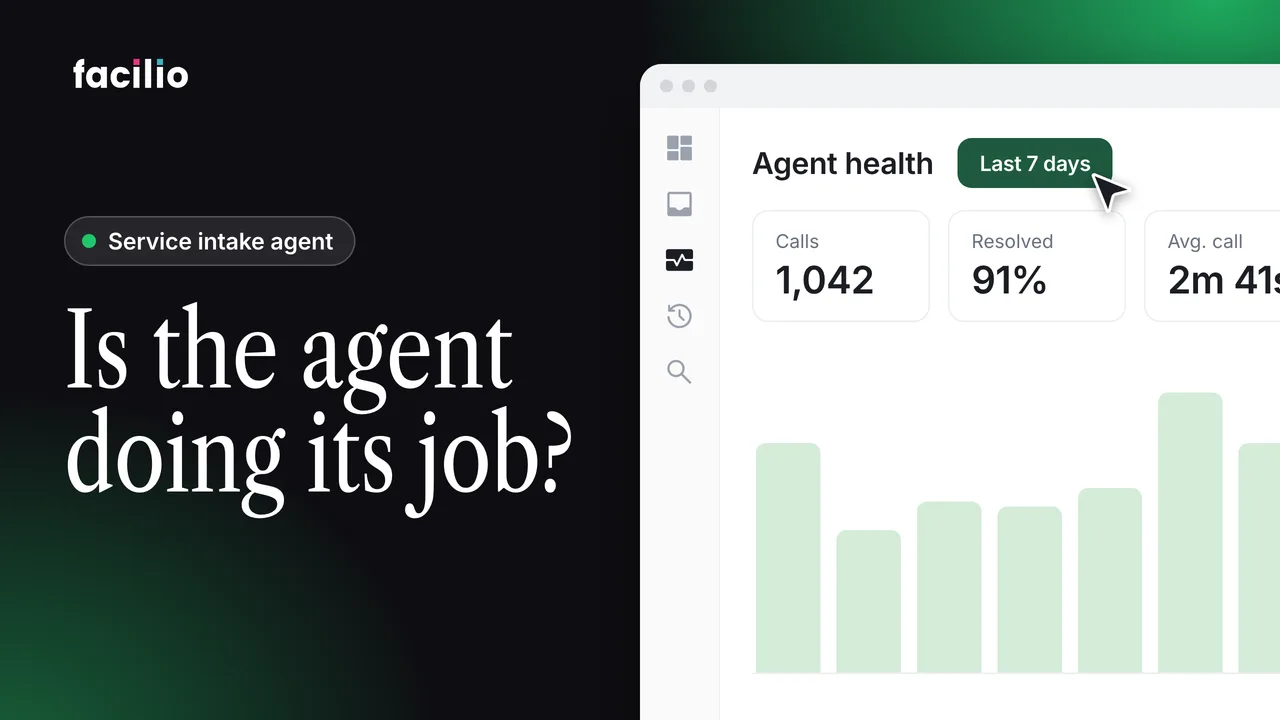
Track how the AI voice agent is performing, call by call, in the Agent Health dashboard.
Once AI agents handle intake, the next question is what they're doing with it. The Agent Health dashboard answers that in two tabs: how the agents handled what came in, and what happened to the work afterwards.
- Last month in four numbers. 412 requests, 371 work orders with no one involved (a 90% automation rate), 41 for a person, and under 2 minutes to a work order.
- By channel. Email, voice, WhatsApp and the portal. Voice has the shortest intake time, because the agent collects details during the call.
- The funnel and the reasons. Where every request went, and why 41 went to a person: mostly missing information, then scope, duplicates and escalations.
- Operational health. Open, resolved and waiting on a supervisor, and an average resolution of 4.6 hours against 11.2 before the agents.
- Load and audit trail. Open work by zone, workload by team leader, the live queue, and the photo, approval and client notice for every job.
Transcript
-
Once helpdesk intake is handled by AI agents, the next question is what they're actually doing with it. That's what this dashboard is for. Two tabs. Agent health is the intake side. What came in and how the agents handled it. Operational health is what happened to the work afterwards. The top row is last month in four numbers. 412 requests. 371 became work orders with no one involved, a 90% automation rate. 41 needed a person, and the average request became a work order in under 2 minutes.
-
The first tile splits that by channel, email, voice, WhatsApp, and the portal. Voice is the newest, 121 calls, and it has the shortest intake time because the agent collects the site and the fault while the caller is still on the line. The funnel is the path every request takes. Received, classified, team leader assigned. And the short bar at the bottom is what went to a person. If the automation rate drops, this shows you where.
-
For those 41, this panel tells you why. Missing information mostly, then out of scope, duplicates, and a few escalations. 36 are already closed, and the five still open each have an owner. Scrolling down gives you the same picture day by day. Blue is what the agents raised on their own. Red is what people picked up. Steady blue and a small red. That's the shape you want.
-
Operational health opens the same way. 63 work orders open. 298 resolved last month. 11 waiting on a supervisor. That last one is the approval gate. Nothing closes until a person has checked the photo and the remarks. This is the tile people tend to screenshot. Average resolution is 4.6 hours against 11.2 before the agents.
-
The technicians didn't get faster. The job simply reached the right team in minutes instead of sitting in an inbox. Load by zone shows where the open work is building up. Right now, that's north. Team leader workload shows who it's sitting with. Amir has 22 jobs, Tom 14. So, an operations lead can rebalance before anyone is overloaded.
-
Below that, the live queue. Each job with its status and age. Then the daily resolution trend with the old baseline dotted underneath. And the row at the bottom is the audit trail. Photo attached, supervisor approved, client notified. That's the dashboard. You hand intake to the agents. And this is how you keep sight of it. What came in, who handled it, how quickly it was fixed, and who signed it off. No month end report because it's already here.
Who it's for
Operations leads
Rebalance work before anyone is overloaded.
Helpdesk managers
See why requests went to a person, and who owns them.
FM directors
Track the automation rate and resolution time month to month.