AI helpdesk setup: Self-configured from your website link
About this demo
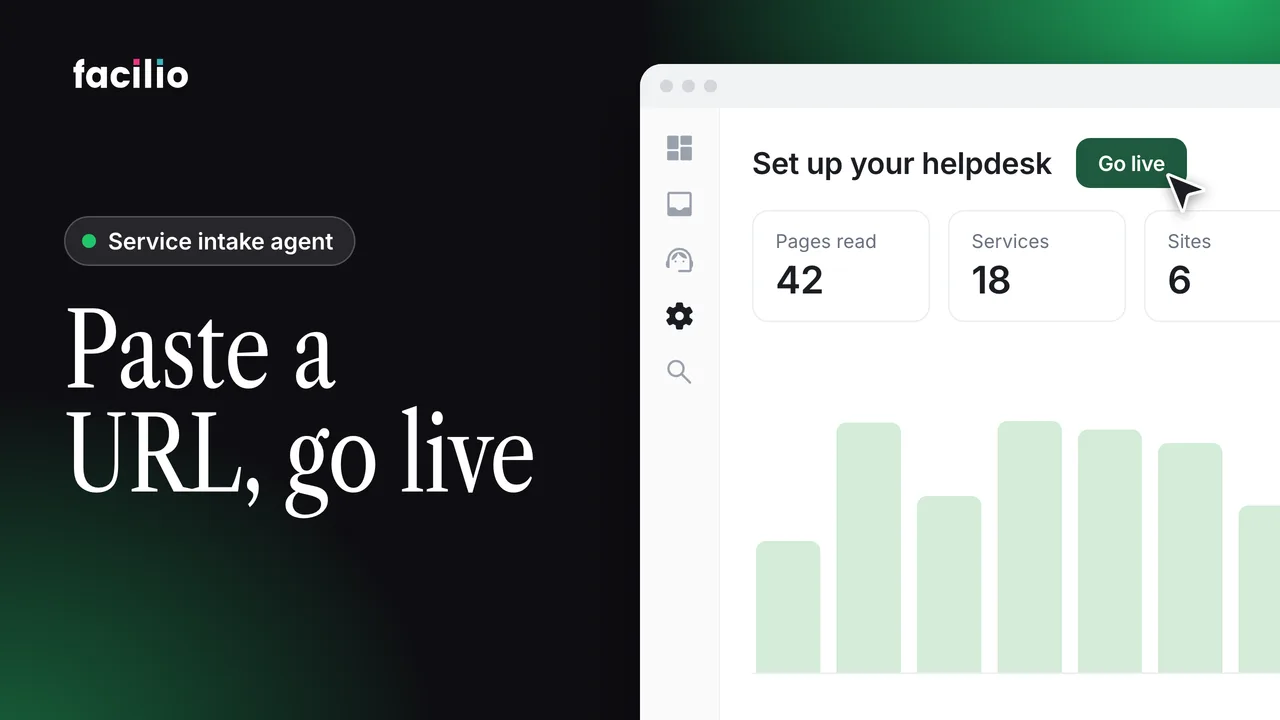
Paste your website URL and the AI helpdesk is ready to take requests. Watch the setup, start to finish, in just over a minute.
Setting up a support desk used to take weeks. Here it takes an email address and your website link: Helpdesk AI reads the site, builds a profile of your services and regions, and configures itself.
- Sign up. No IT team or configuration: an email address and the account is ready.
- Your website link. Helpdesk AI reads the whole site from a single link.
- Your profile. Services, customers and regions appear, ready to refine.
- Set up for you. It handles the technical setup in the background.
- Live. The agent answers calls, replies in chat and clears tickets across voice, chat and email.
Transcript
-
This is Helpdesk AI onboarding, a complete support desk that sets itself up in minutes. The problem is configuring a support desk used to take weeks, and customers waited while nothing got answered. Now setup takes seconds. No IT team, no config, just an email and the account is ready. A single website link is all Helpdesk AI needs to begin.
-
In moments, it reads the entire site. Seconds later, the full profile appears. Services, customers, regions, every detail ready to refine. Then it handles the whole technical setup on its own, configuring everything in the background. And the support desk is up and running, fully built and open for business.
-
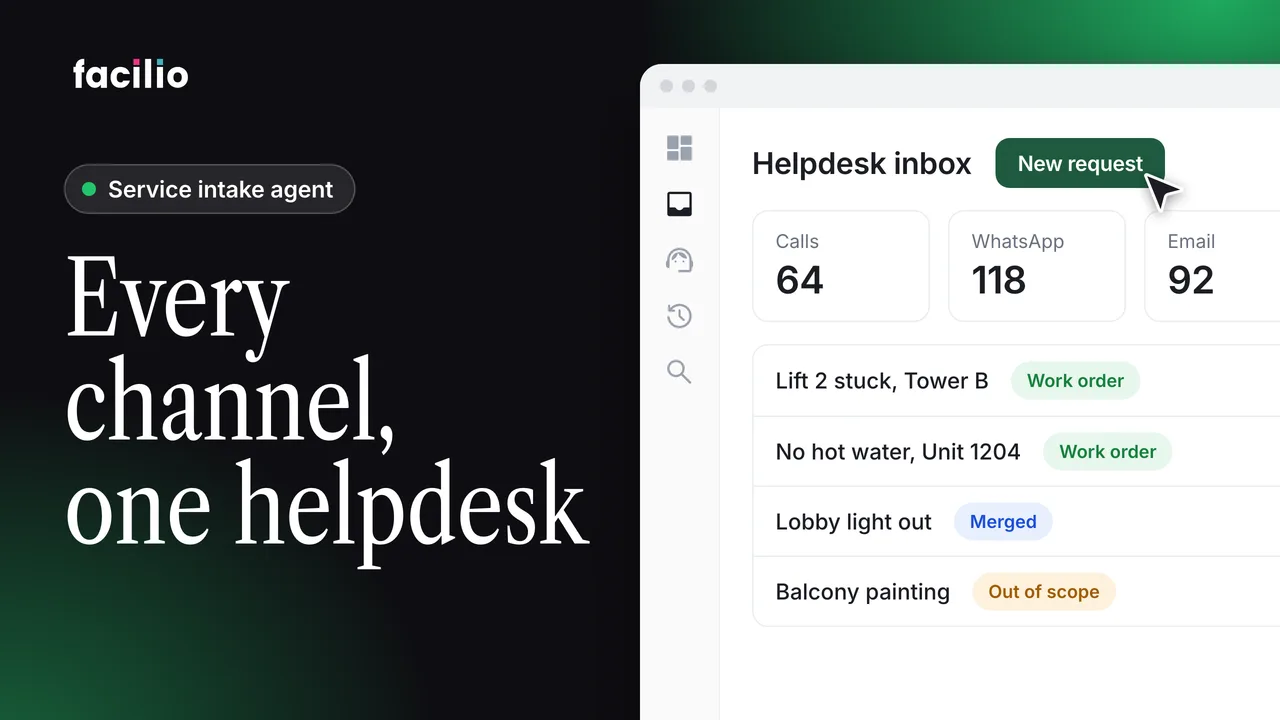
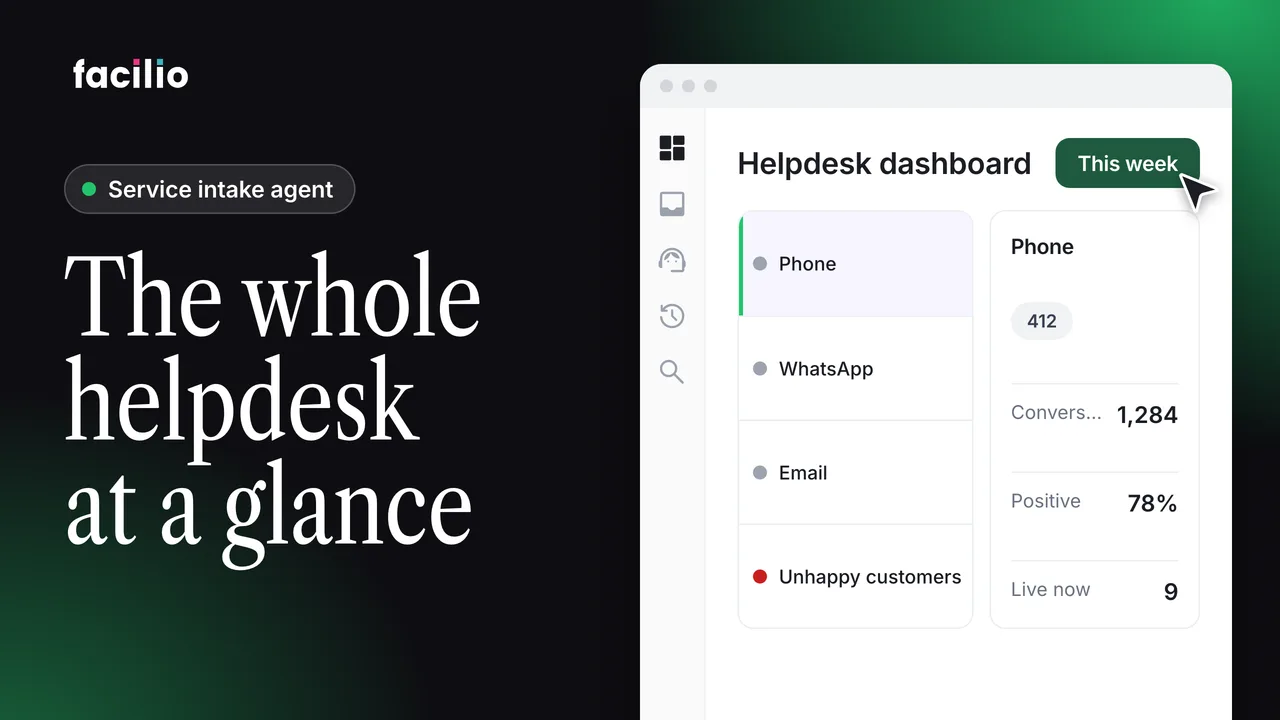
With setup complete, the agent answers calls, replies in chat, and clears tickets without a break. Across voice, chat, and email, the agent responds to every message. One web link becomes a complete support desk, free to try.
Who it's for
FM service providers
Get a helpdesk running without an IT project.
Helpdesk managers
Review and refine what it learned from your site.
Operations leads
Cover voice, chat and email from day one.