AI agent dashboards: Work created, escalated and in progress
About this demo
See what the AI agent took in, where a person stepped in, and how work orders are moving, in two dashboards.
Any vendor can show a workflow that works once. These two dashboards, live from the CAFM system, show how the AI agent performs every day: what it created on its own, what it handed to a person and why, and how the work is moving.
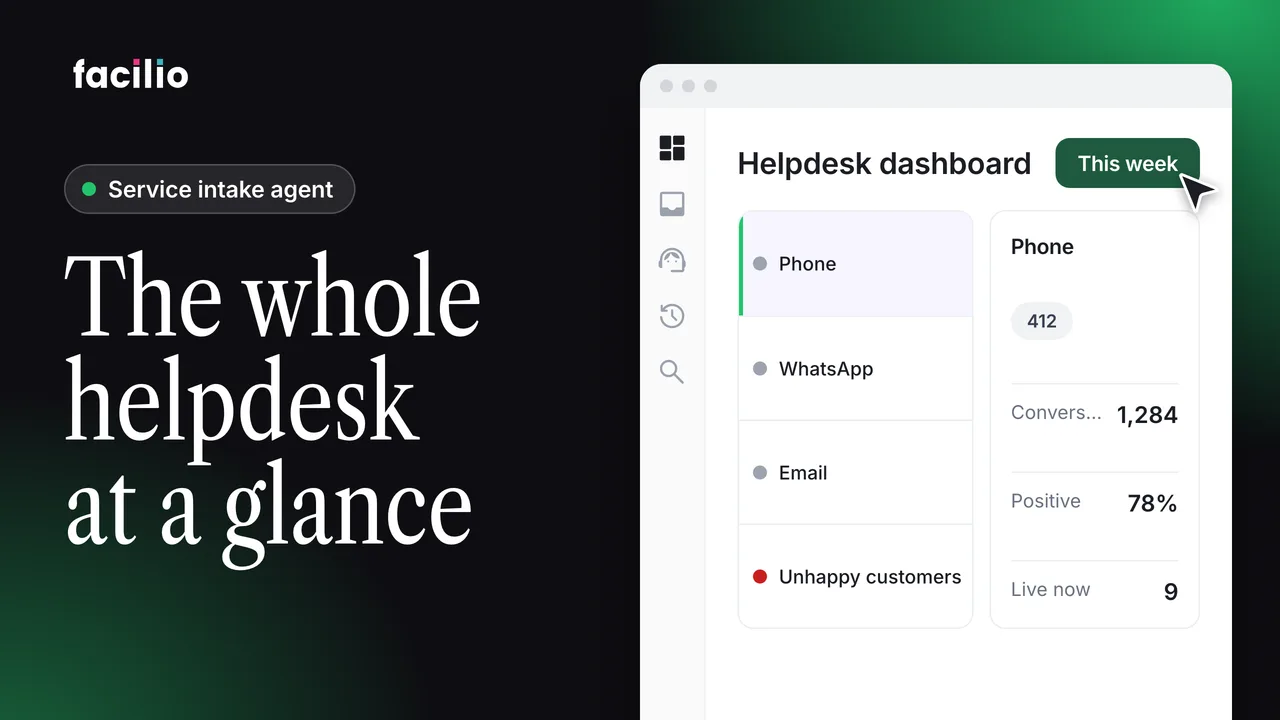
- Helpdesk dashboard. Emails in, work orders the agent created on its own, the share that needed a person, and the time from request to work order.
- The funnel. Where every request went, stage by stage, so you can see where the automation rate drops.
- Handed back. Requests returned to a person, by reason: quote, missing information, duplicate or escalation.
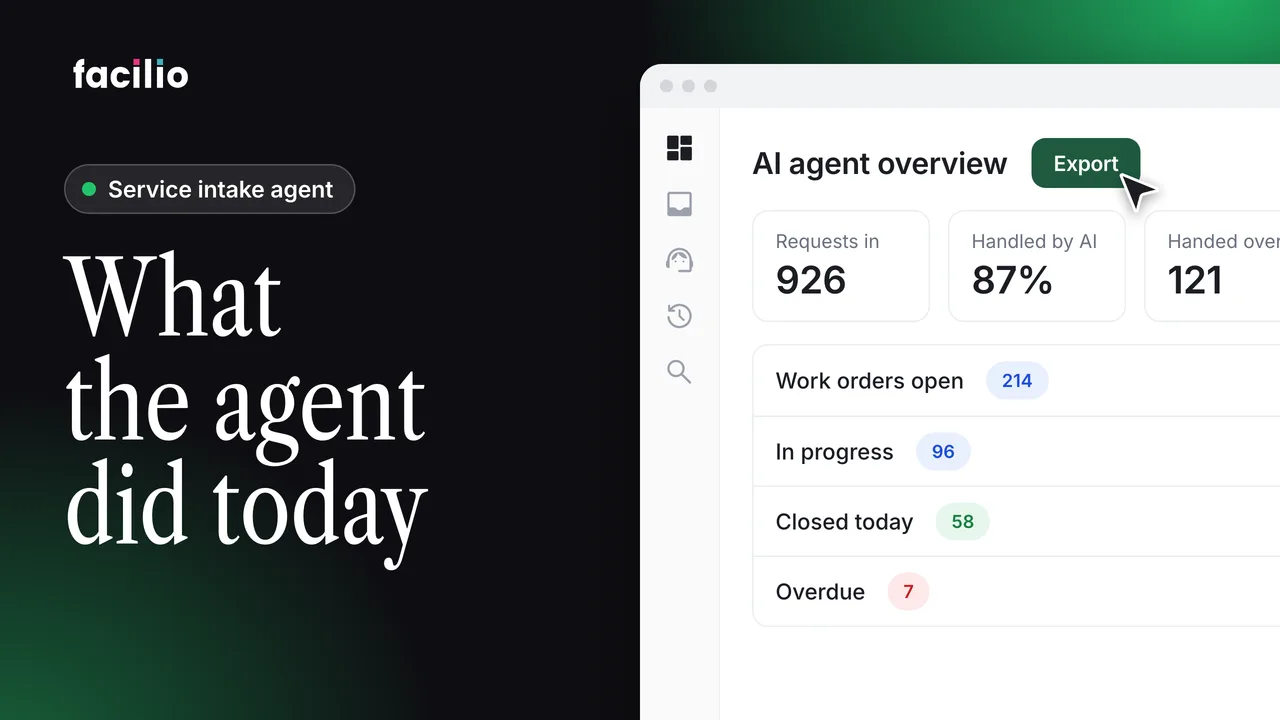
- Operations dashboard. Open, resolved and awaiting review, with the supervisor's approval step as a number.
- Live queue and team load. What's stuck, sorted by age, and the load on each team.
Transcript
-
Any vendor can show a workflow that works once. Two dashboards live from CAFM. This one is for the helpdesk. Emails in work orders the agent created on its own.
-
The share that needed a person and how long from request to work order. The funnel shows where everything went stage by stage. If the auto rate ever drops, this tells you which stage it dropped at. The queue broken down by reason, quote, missing info, duplicate, escalation. You're not auditing the AI, it's telling you what it handed back and why.
-
Day by day created against intervened for the ops lead open resolved and awaiting review. That last one is the supervisor gate as a number. The live queue shows what's stuck sorted by age and the load per team before it becomes a month-end problem.
-
Evidence attached. Supervisor approved. Client notified. The monthly report isn't something you assemble. It's already a number on this screen.
Who it's for
Helpdesk managers
See what the agent handled and what it handed back.
Operations leads
Spot stuck jobs and overloaded teams early.
Account managers
Report to clients from live numbers, not a month-end spreadsheet.