AI helpdesk for FM: Calls, WhatsApp, email and chat together
About this demo
See an AI helpdesk take facilities requests by phone, WhatsApp and email and turn each one into a work order. A 2-minute demo.
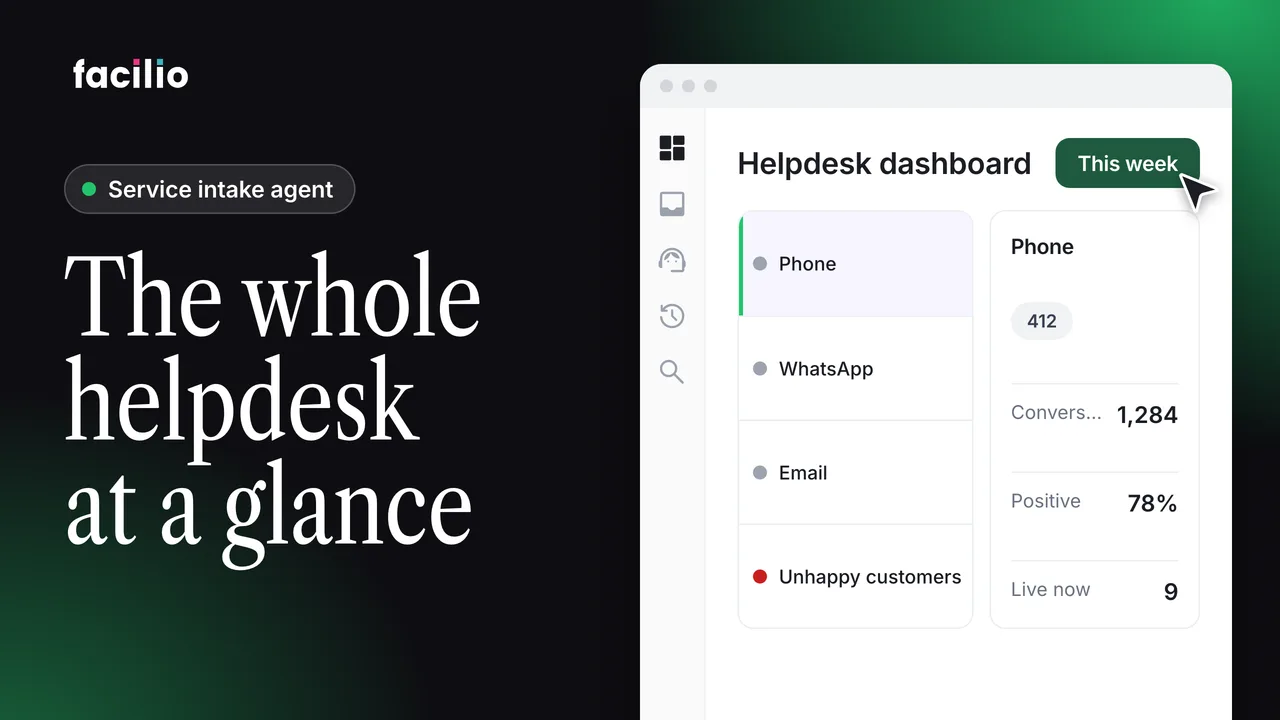
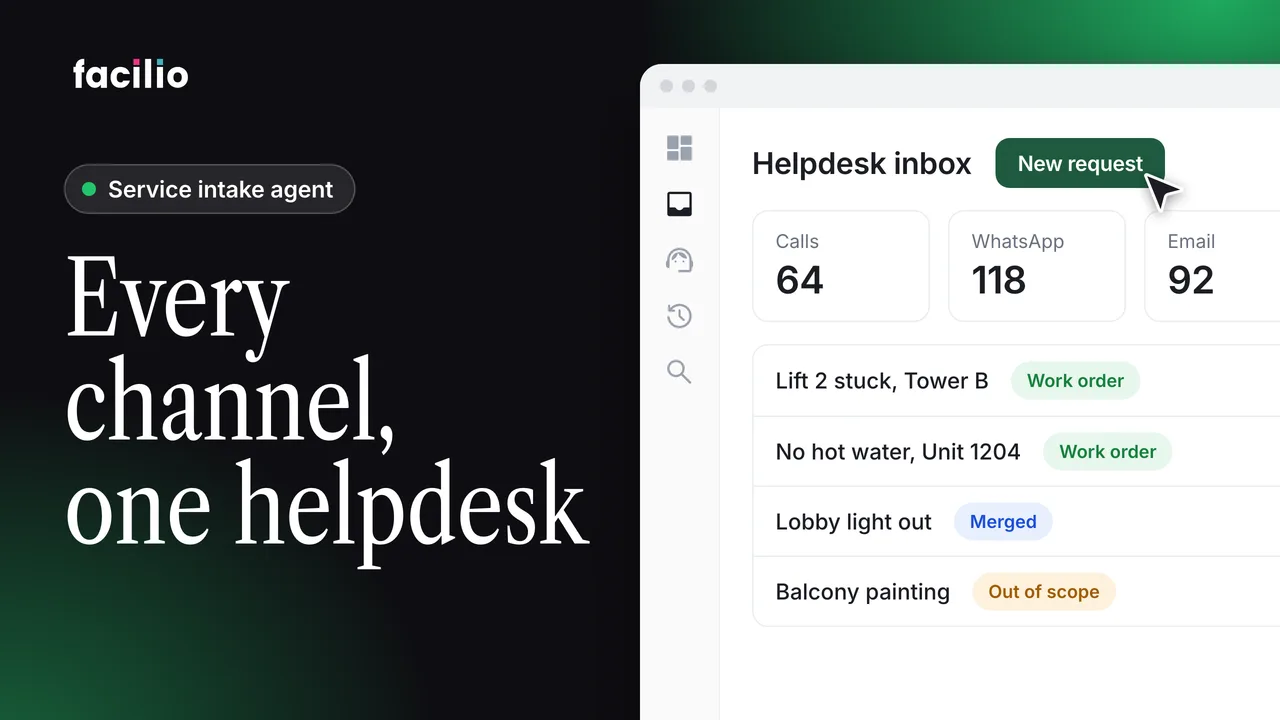
Calls, WhatsApp, email and website chat usually land in four separate inboxes, so requests slip through. This walkthrough shows how Helpdesk AI brings them into one helpdesk, and how you set it up channel by channel.
- General. Set the language and voice the helpdesk AI uses, and its scope of work from ready-made playbooks.
- Scenarios. Teach it the questions tenants ask and the answers it should give.
- Actions. Let it raise tickets, assign them and follow up from the conversation.
- Calls. Give it a phone number, a greeting and rules for handing a call to a person.
- WhatsApp. It answers messages and, with image analysis on, reads the photos tenants send.
- Web widget and email. Add the widget to your site and fold your inbox in, so every message becomes a routed ticket.
Transcript
-
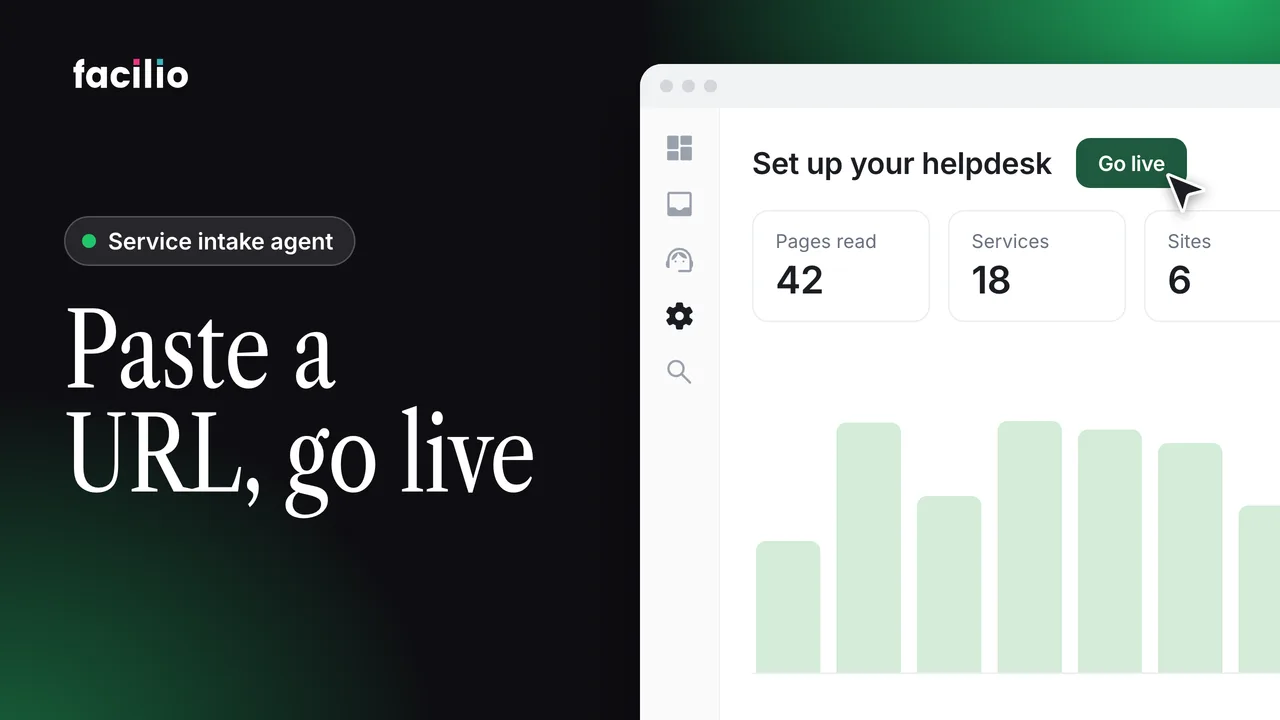
See how AI helpdesk unifies support across every channel. A call, a WhatsApp, an email, a message on your site. Four separate inboxes, no single system. So, requests slip through and nothing gets tracked. Helpdesk AI brings it all together. It starts in the general tab in the intake where you shape the helpdesk AI itself, the language it speaks and the voice it answers in.
-
Here you set its scope of work pulling ready-made playbooks from the library so the helpdesk AI already understands the issues your buildings face. Scenarios teach it how to respond, the question a tenant might ask and the answer it should give.
-
And actions let it do the real work, raising tickets, assigning them, following up right from the conversation. In the calls tab, give it a phone number, a greeting and rules to transfer a call to a human when needed.
-
On WhatsApp, it answers texts and with image analysis on, it reads the photos tenants send. In the web widget tab, create the widget for your site and once the integration setup is done, it goes live, turning visitor questions into tracked requests. And the email tab folds your inbox in.
-
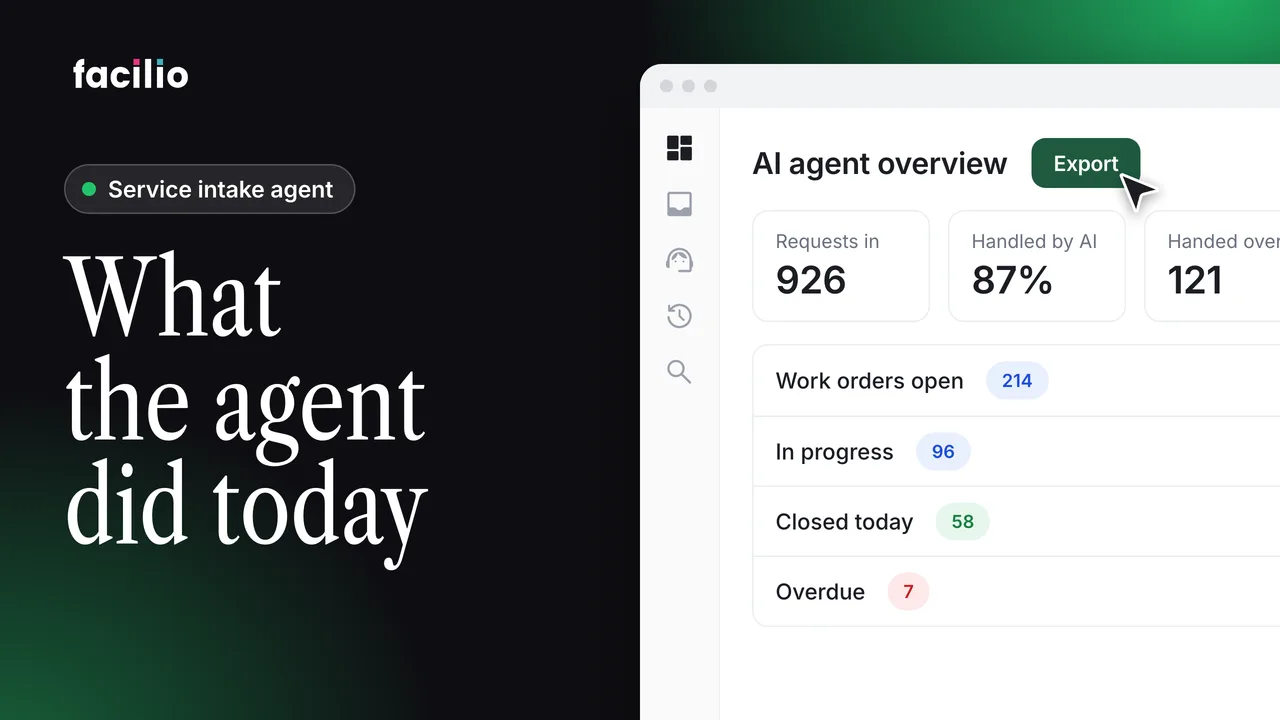
Every message becomes a structured ticket, routed and prioritized by the same helpdesk AI. Four channels, one intelligent helpdesk. However a request arrives, it all lands as a single tracked ticket. Every request captured and resolved.
Who it's for
Helpdesk managers
Set up channels, scope and hand-off rules in one place.
FM operations leads
See every request as one tracked ticket, however it arrived.
Tenants and occupants
Report issues by phone, WhatsApp, email or on your website.