WhatsApp voice note to ticket: Burst pipe logged, no typing
About this demo
A tenant sends a WhatsApp voice note and the AI helpdesk turns it into a maintenance ticket automatically.
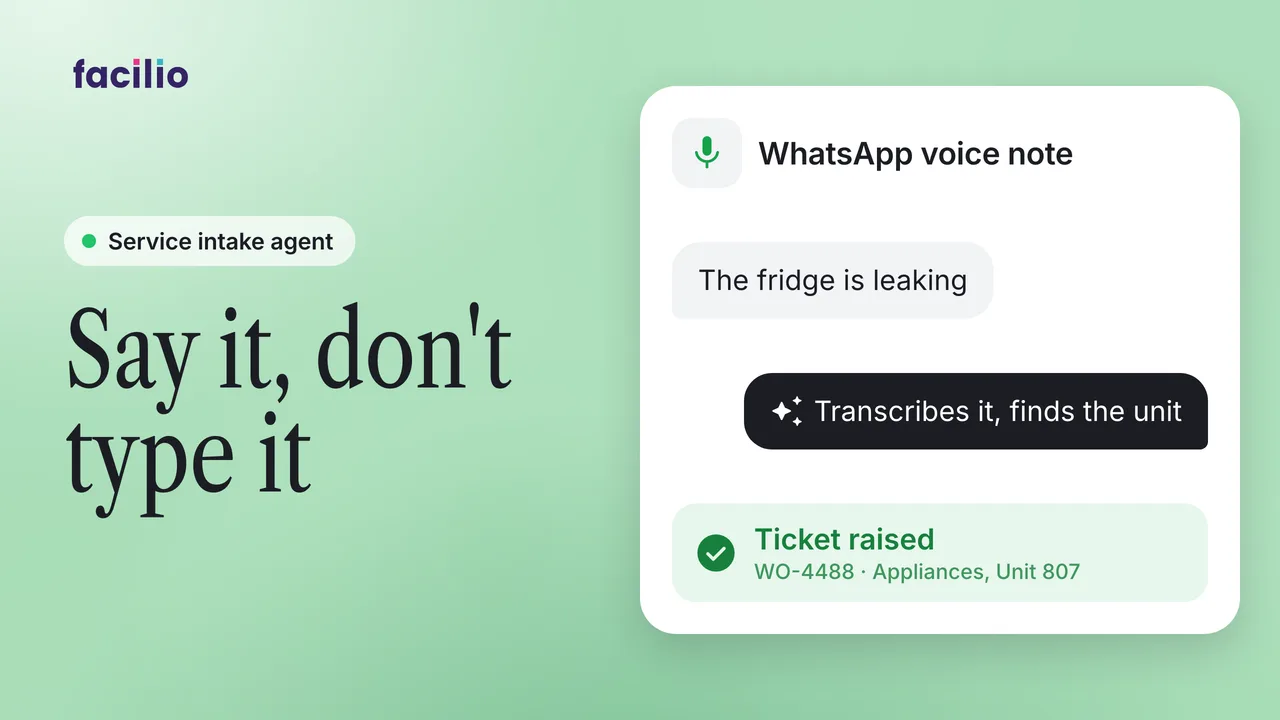
Speaking is the easiest way to report a problem, but a spoken report rarely becomes a ticket. Here a tenant sends a WhatsApp voice note about a burst pipe, and Helpdesk AI turns it into a complete ticket with no typing.
- The voice note. A tenant reports water gushing from the ceiling on the third floor.
- Transcribed and understood. Helpdesk AI transcribes every word and pulls out what's wrong, where, how urgent it is and who handles it.
- From any chat. A voice note forwarded from any group or chat is logged the same way.
- On the board. The ticket lands in the helpdesk app, structured, prioritised and searchable, for the whole team to track.
Transcript
-
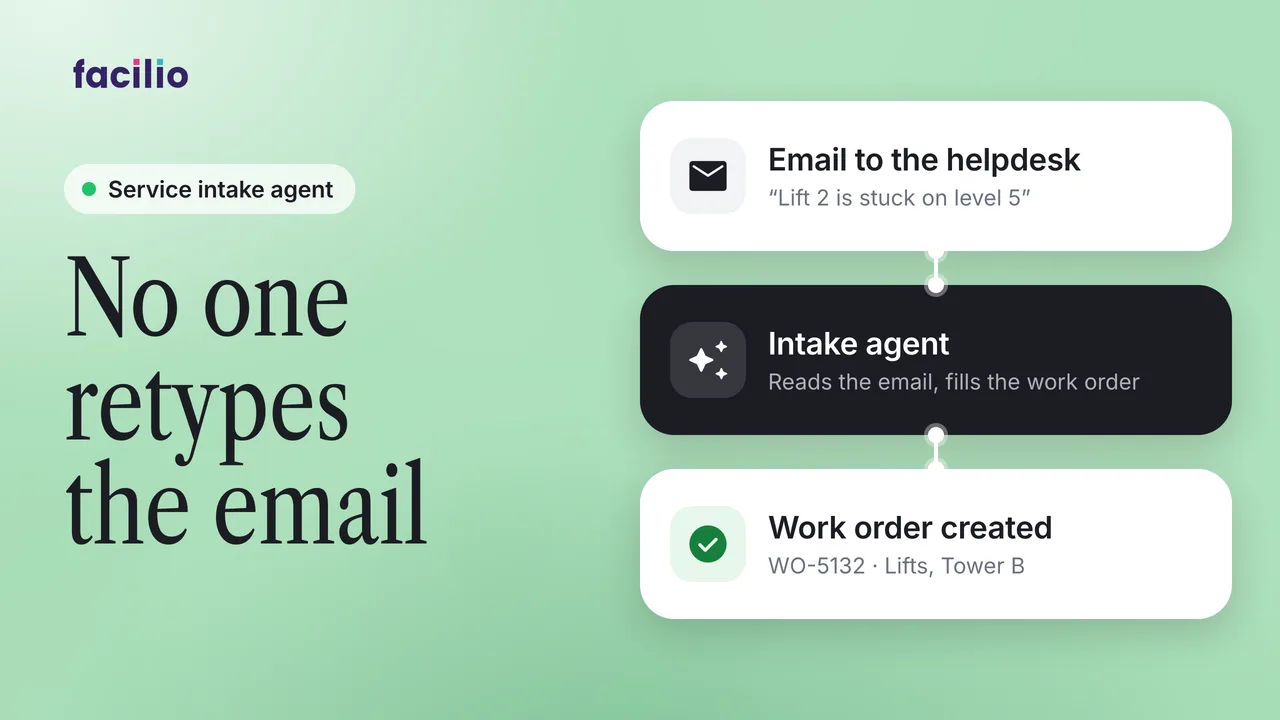
Reporting an issue should be as easy as speaking. But a spoken problem rarely becomes a ticket. It's heard in the moment, then lost in a thread and quietly forgotten. So now the tenant just speaks. Water's gushing from the ceiling on the third floor. It looks like a pipe burst. It's an emergency. Helpdesk AI listens and transcribes every word live. In seconds, it pulls out what's wrong, where, how urgent, and who handles it. And just like that, a complete structured ticket raises itself. No typing. And it works from anywhere. Forward a voice note from any group or chat. And it's logged exactly the same way, instantly. No forms to fill and no one left chasing it down.
-
Every request lands in the helpdesk app, fully structured, prioritized, and searchable. on the board. The very moment it arrives, the whole team sees it land and tracks it throughout from a spoken word to a tracked ticket automatically.
What it takes off your team
- Voice notes become tickets automatically
- No forms to fill
- Nothing lost in a chat thread