Vendor quotes by email: Raised, checked and client-approved
About this demo
A vendor quote validated by the FM supervisor and sent to the client for approval, all by email. A 1-minute demo.
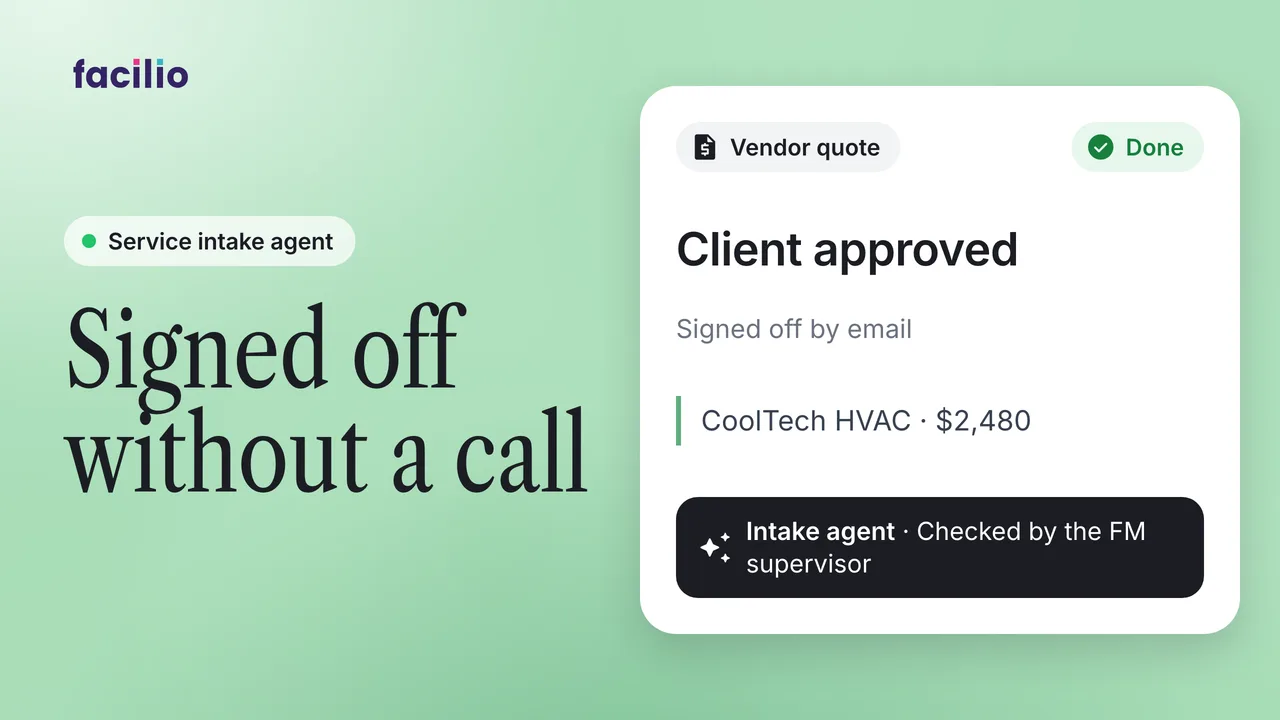
Some work can't be quoted until someone has seen it. Here the vendor attends work order 25, finds it needs a part the contract doesn't cover, and raises a quote from the same thread they accepted the job in. It's checked, sent to the client and approved without anyone typing it up.
- The quote. On site, the vendor finds a part outside the contract and raises a quote from the job's thread.
- The record. The quote request creates itself in the helpdesk, linked to the work order with the photo and costs on it.
- The approvals. The FM supervisor validates it with one tap, the quote goes to the client automatically, and the client approves.
- Back to the vendor. The vendor is told to proceed in the same thread where the job started.
Transcript
-
Chapter 1. The quote. Lum work can't be quoted until someone has seen it. Work order 25. The vendor accepts and attends. On site, it needs a part the contract doesn't cover. So they raised the quote from the same thread they accepted the job in.
-
Chapter two, the record and the quote request creates itself in the helpdesk linked to the work order with the photo and the costs already on it. Nobody typed it up. Chapter 3, the approvals.
-
It goes to the FM supervisor to validate. One tap. The quotation goes to the client automatically. They approve and the vendor is told to proceed in the same thread where it started.
-
Quoted, validated, approved in one thread.
What it takes off your team
- No quote typed up by hand
- One tap each for the supervisor and the client
- One thread from quote to go-ahead