Helpdesk call logs: Transcripts, sentiment tags, summaries
About this demo
Every helpdesk call and message saved with a transcript and sentiment tag, ready for your team to review.
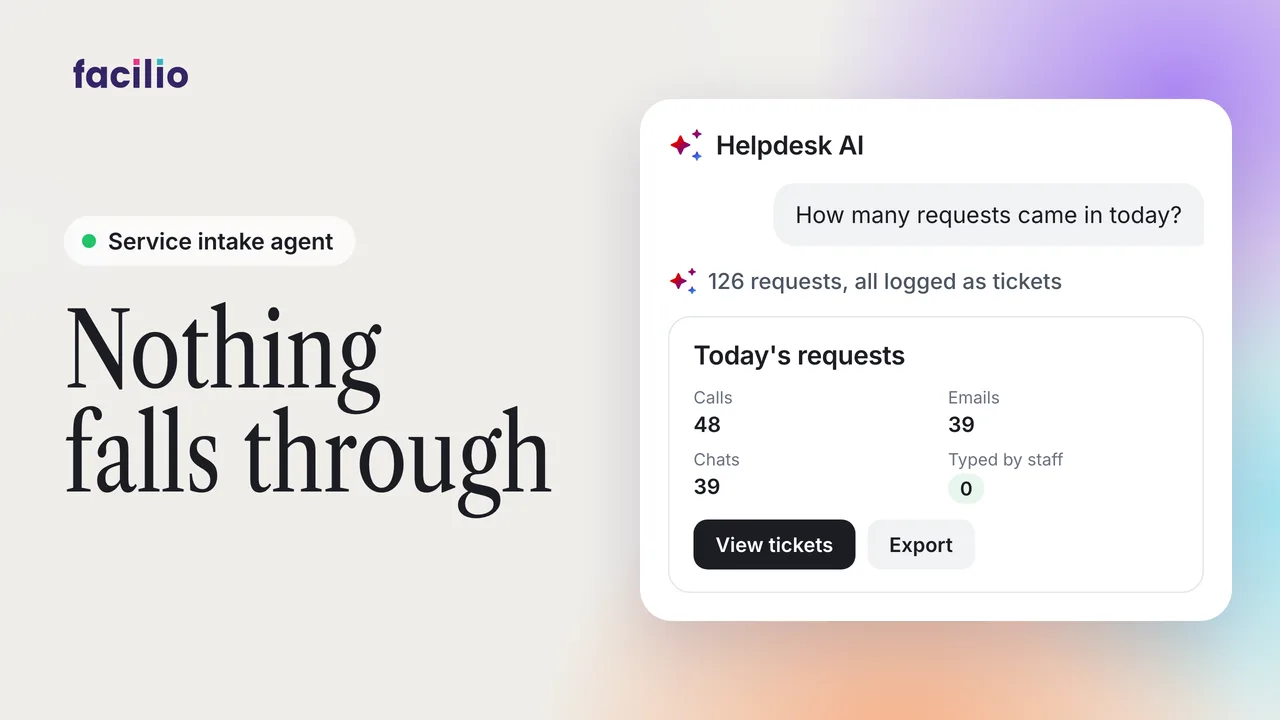
Requests pour in across every channel, and the one that slips through comes back as a complaint. Helpdesk AI captures every call, chat and email with a transcript, sentiment, tags and a summary.
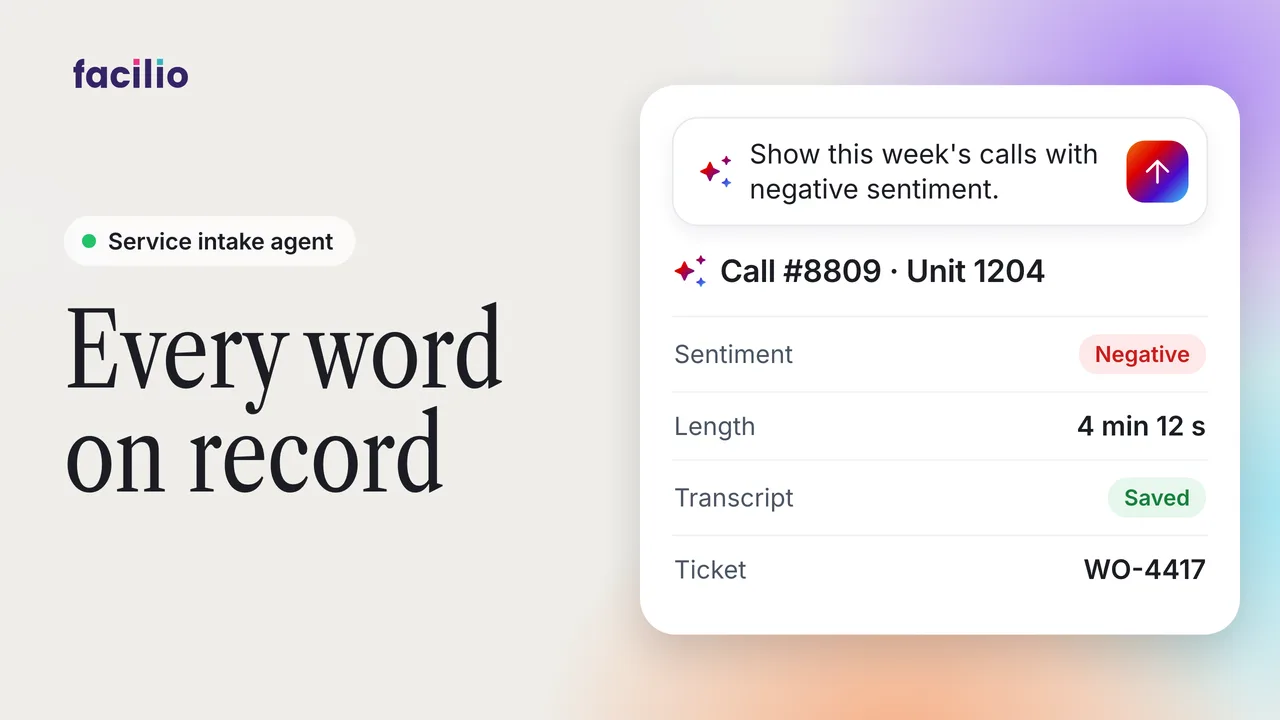
- Calls transcribed. Every call is answered and transcribed, with its sentiment, key tags, a summary and the call details.
- Chats and emails too. WhatsApp threads and emails are logged and summarised the same way, and a ticket is raised only when one is needed.
- One inbox. Every channel flows into one inbox, so nothing slips away.
Transcripts and sentiment are part of Facility Helpdesk AI.
Transcript
-
In this quick walk through, let's see how Facilio Helpdesk AI captures and logs every tenant conversation. The problem here is requests pour in across every channel and the one that slips through comes back as a complaint. When a tenant calls, the conversation is answered and fully transcribed. It reads the sentiment, pulls out the key tags, and summarizes the issue. Call info lays out every detail, the number, the time, the duration. Download the full log in a single click. It answers and raises a ticket when the issue needs one. Chats work exactly the same way.
-
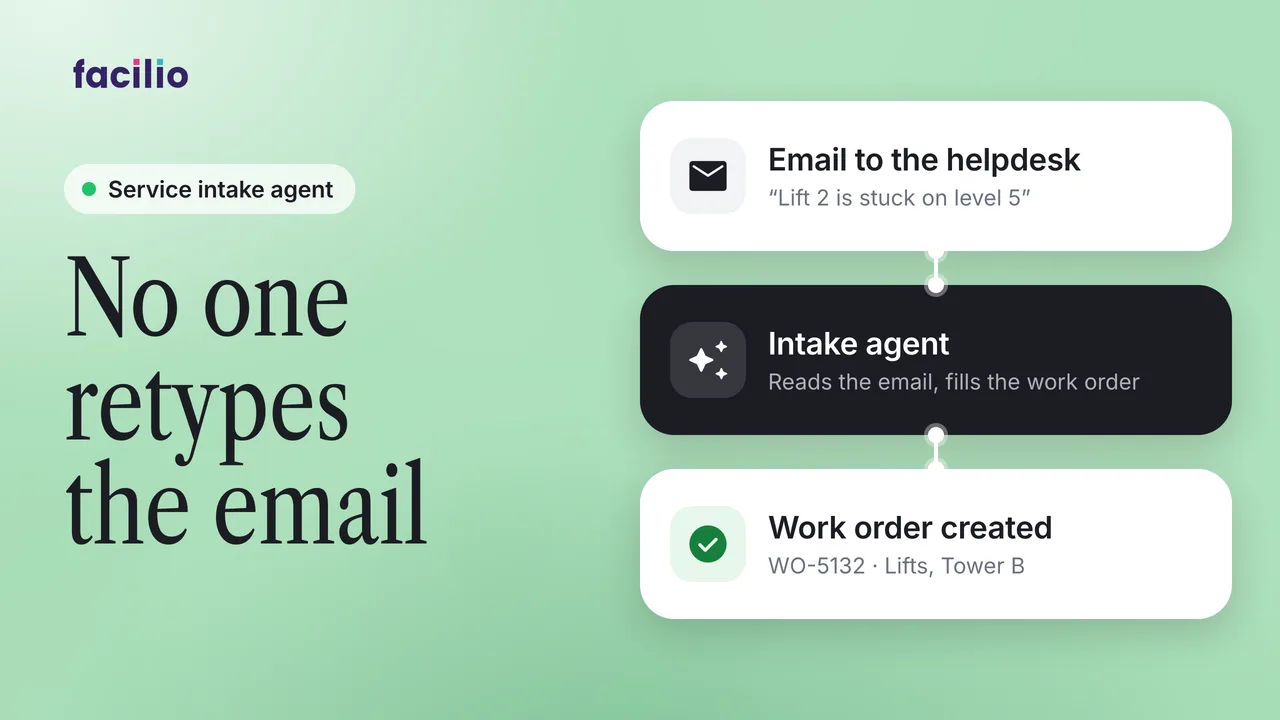
The helpdesk agent captures the full WhatsApp thread and logs it so nobody reasks and nothing gets lost. It analyses the conversation and writes a clear summary automatically. Emails get triaged automatically, too. It records the whole thread and summarizes the issue for your team. The helpdesk agent reads each message, replies, and raises a ticket only when the issue calls for one.
-
Every channel flows into one inbox, so the team never misses a thing. However, a tenant reaches out, it's captured and logged. Nothing slips away.