










 Service intake















The best MRI Facilities Management alternatives in 2026 are 1. Facilio, 2. Planon, 3. Eptura (Archibus), 4. Infraspeak, 5. FMX, 6. Limble, 7. MaintainX, and 8. UpKeep.
If you run an in-house facilities team on MRI Evolution or NETfacilities and your renewal is coming up, the real question is whether you need a full workplace suite, a multi-site FM platform, or a mobile maintenance tool your technicians will actually use.
This guide compares 8 MRI Facilities Management alternatives on IWMS depth, multi-site fit, mobile and offline work, total cost and what each tool's AI completes on its own, alongside the wider market for facility management software.
Quick verdict
- Facilio: Best for in-house FM teams that want agents to run intake, dispatch, vendor follow-up and compliance on top of a full CMMS, with FM Ops Engineers running it with you.
- Planon: Best for large corporate occupiers that need a full IWMS covering space, lease, real estate and maintenance.
- Eptura (Archibus): Best for estates that want a like-for-like IWMS with CAD, BIM and space planning at its center.
- Infraspeak: Best for multi-site teams that coordinate a heavy load of contractors and suppliers.
- FMX: Best for K-12 districts, colleges and campuses that schedule rooms and fields as often as they fix them.
- Limble: Best for maintenance teams that want fast PM setup and dashboards a supervisor can build alone.
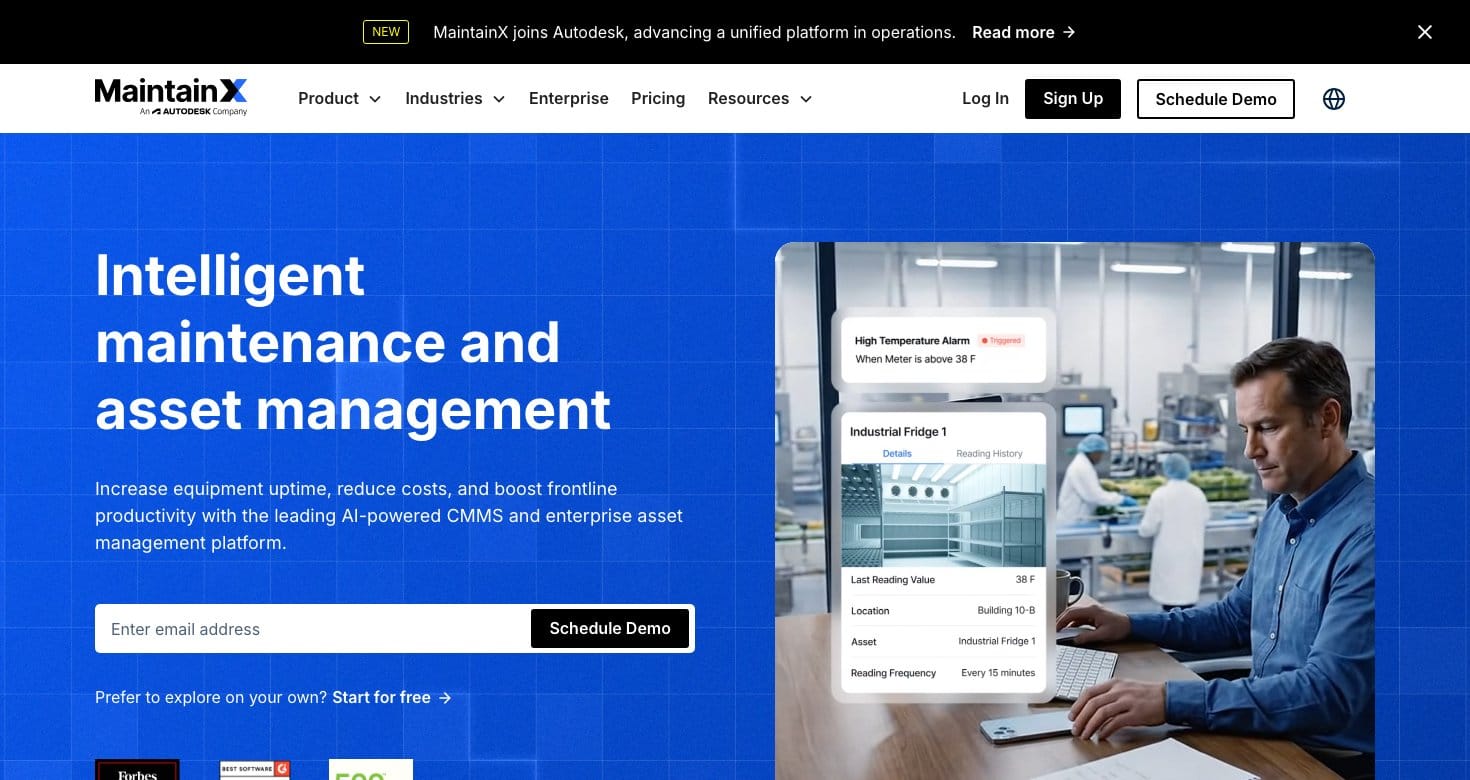
- MaintainX: Best for frontline-heavy teams that want mobile work orders and a free plan to prove adoption.
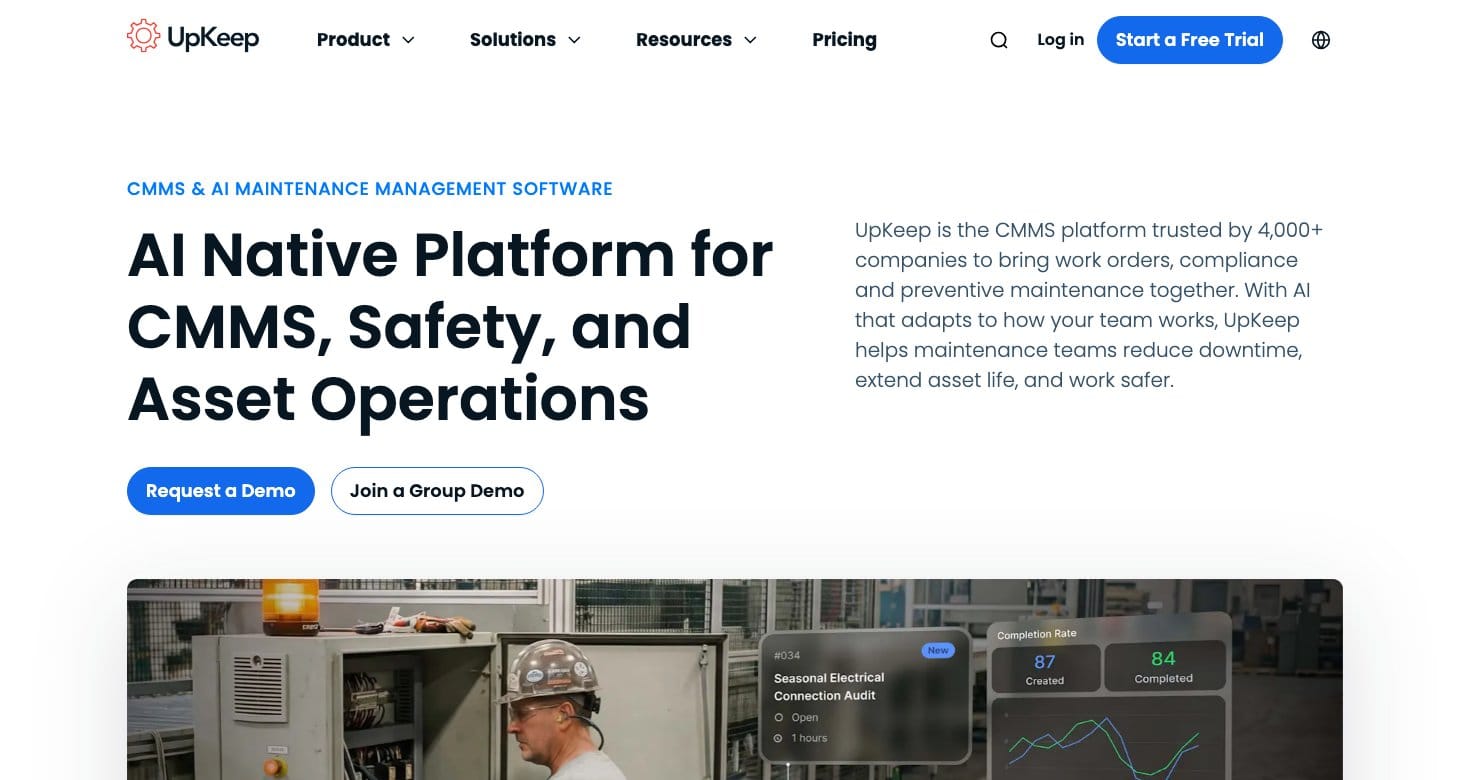
- UpKeep: Best for smaller facilities teams that want a mobile-first CMMS with voice-driven work orders.
Replacing MRI's property and lease side instead? That is a different shortlist, usually Yardi Voyager or Breeze, AppFolio, Entrata, Buildium and DoorLoop, and the online property management software guide covers it. This page covers the facilities and maintenance side.
MRI Facilities Management alternatives compared
This table groups all 8 MRI Facilities Management alternatives by type, from full IWMS suites to mobile-first maintenance tools, so you can see which tier fits before reading the profiles; the wider best cafm software roundup covers more options.
| Platform | Tier | Best for | Standout strength | Honest limitation | Starting price | AI and automation |
|---|---|---|---|---|---|---|
| Facilio | Agentic platform with a CMMS core | In-house FM teams across many buildings | Live agents that carry intake, dispatch, vendor and compliance work | Quote-based; implementation needs your data gathered up front | Quote | Live agents for service intake, dispatch, vendor coordination, invoices and compliance |
| Planon | Enterprise IWMS | Large corporate occupiers | Space, lease, real estate and maintenance in one suite | Complex implementation; price | UK framework list from £87/user/mo | AI assistant features; agent access via MCP server on the 2026 roadmap |
| Eptura (Archibus) | Enterprise IWMS | Space-led estates with CAD and BIM | Breadth of modules and CAD/BIM integration | Customization cost; dated interface | Quote | Assistant for data analysis (needs AI integration), work request summaries, intelligent booking |
| Infraspeak | Multi-site FM | Contractor-heavy multi-site teams | Built-in contractor and supplier network | Learning curve; no PPM templates | Quote | Gear AI suggestions, alerts, predictions and task automation |
| FMX | Multi-site FM (education) | Schools and campuses | Maintenance plus room and event scheduling | Iris assistant still in early access | Quote | Iris assistant (early access) acts on work requests on command |
| Limble | Mobile-first CMMS | Single maintenance teams | Flexible PM triggers and fast adoption | Multi-location reporting on Enterprise only | Quote (calculator) | AI PM builder, Asset Snap, anomaly flags on higher tiers |
| MaintainX | Mobile-first CMMS | Frontline-heavy teams | Mobile adoption and in-job chat | Multi-site and SSO on Enterprise only | Free; paid from $20/user/mo | AI reporting, suggestions and forecasting that assist a person |
| UpKeep | Mobile-first CMMS | Smaller facilities teams | Voice-driven work orders | Offline mode and API on higher tiers | From $24/user/mo | Nova creates and closes work orders by voice, on monthly credits |
Prices from each vendor's pricing page or public framework listings, as of November 2026. MRI Facilities Management is quote-only.
Why FM teams look at MRI Evolution alternatives
Most teams that review the market are not unhappy with what MRI Evolution records. The friction sits in who can change the system, how the mobile app keeps up, and how the bill grows. These are the themes that recur in the review corpus, in order of how often they appear.
Workflow and report changes depend on specialists
About one in four of the critical points in MRI Evolution customer reviews concern setup and configuration: workflows that need technical support to adjust, set-up steps spread across many screens, and a steep curve for new users.
This is an architectural issue, not a cosmetic one. When the operating logic of your helpdesk and PPM lives in a heavily configured system, every change to a workflow, an assignment rule or a report becomes a ticket for a specialist or for MRI, rather than a rule your team adjusts through cmms workflow automation.
- Workflow and assignment changes routed through support rather than the FM team.
- Report building that reviewers describe as hard to navigate, with gaps after the Crystal Reports retirement.
- Thin documentation of system behavior, which pushes teams toward paid sessions.
The practical impact: your coordinators wait on changes, and the system drifts behind how the operation actually runs.
The mobile app trails the desktop
Roughly one in six critical points concern the MRI Go mobile app: jobs reaching devices late, sync gaps between the portal and the phone, and less customization than the desktop client.
For an in-house team, this lands on the technicians who close the most work. If a job reaches a phone late in a plant room, SLA clocks and PPM compliance figures are wrong before anyone looks at a dashboard, which undercuts the point of work order software.
Module-by-module licensing
About one in six critical points concern cost, mostly the way each smaller module is licensed separately and how enhancements, extra modules and customizations add up over time.
That structure suits a team that wants a narrow scope. It becomes a planning problem when your estate adds contractor management, energy or occupant engagement, because each step is a new line on the renewal, a pattern common in enterprise facility management software.
Support since the MRI takeover
A similar share of critical points describe support and account service since FSI became part of MRI, including slow ticket resolution and a cloud transition some customers felt was poorly managed. Other reviewers praise support warmly, so experiences vary by account, which is worth testing with references before you renew or switch.
How we evaluated MRI software competitors
We scored each platform on the jobs an in-house facilities team runs every week, then checked every price, rating and AI claim live in November 2026.
- Time to productivity: How long until coordinators and technicians work in the system without vendor services, and how much training it takes.
- Integration stack: Whether it connects to your general ledger and ERP, your building management system (BMS) and IoT sensors, and the property systems you keep.
- Reporting and customization: Whether a coordinator can build a report or change a workflow, or whether it needs a paid specialist.
- Total cost of ownership: Implementation, per-module add-ons, training and contractor portal access, not only the licence.
- Mobile and offline work: Whether technicians can close jobs with photos where there is no signal.
- PPM and statutory compliance: Planned maintenance, inspections and audit-ready records for fire, life safety and water checks.
- AI that completes work: What the AI finishes on its own, such as raising, dispatching or following up, versus what it only answers or suggests.
- Reviewer sentiment: Current ratings and recurring themes across the review corpus.
Prices come from each vendor's own pricing page wherever one exists, and where a vendor only quotes, we say so. For a structured buying checklist, our guide to evaluating facilities management software goes further.
Your CMMS records the work. Facilio's agents do the follow-up.
See an agent take a request, dispatch it and close it on your own sites.
Request an AI agent demo →The 8 best MRI Facilities Management alternatives, reviewed
Each profile covers fit, key features, AI and automation, strengths and limitations drawn from customer reviews, and pricing, so you can see what changes when you move off MRI.
1. Facilio
Ideal for: In-house facilities directors running maintenance across many buildings who want the routine follow-up done, not only logged.
| Ideal for | In-house FM teams across corporate, campus and healthcare estates |
| Starting price | Quote |
| Key strength | Full CMMS plus live agents on one platform |
| Rating | 4.4/5 on G2 |
| Free trial | Guided demo |
| AI and automation | Live agents for service intake, dispatch, vendor coordination, invoice processing and building compliance |
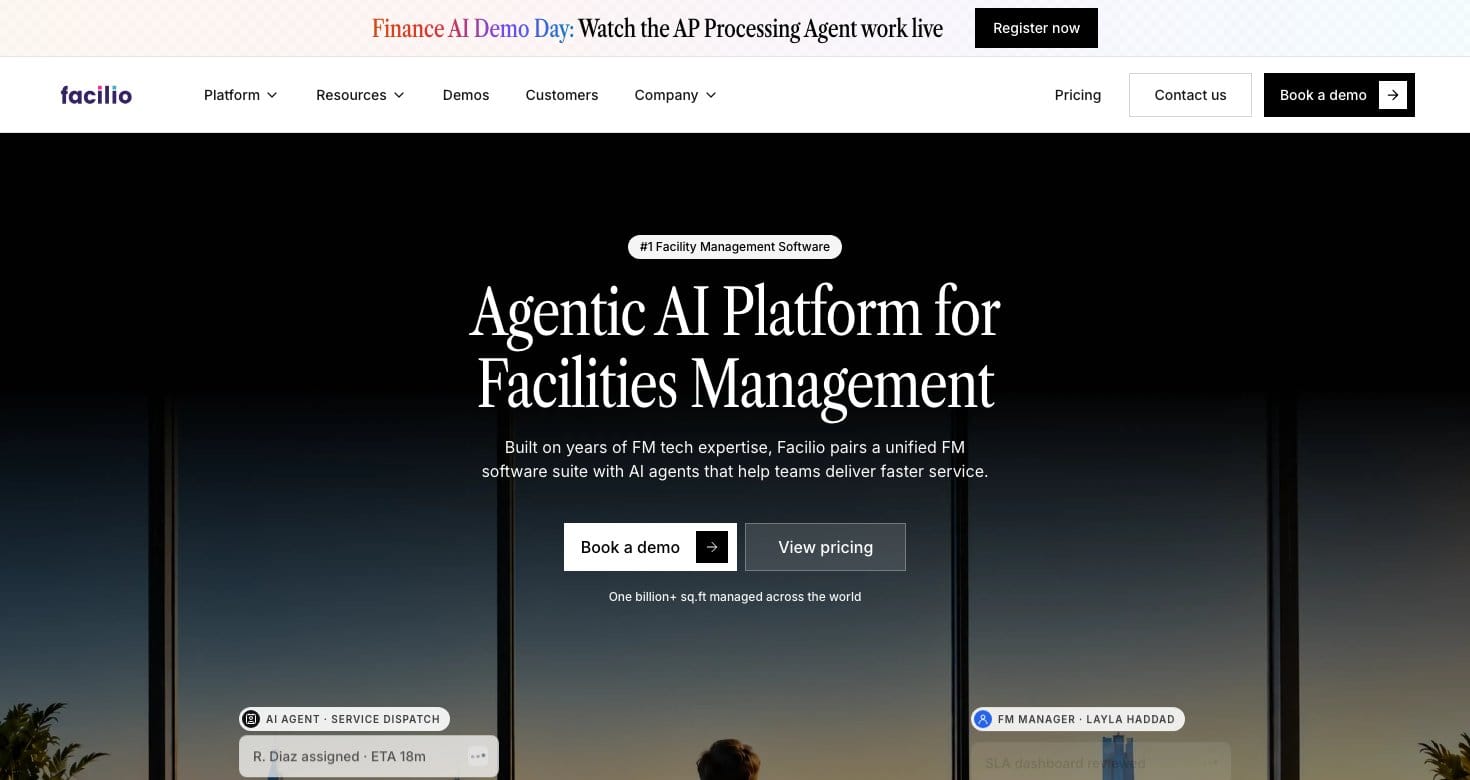
Facilio is the agentic platform for facilities management. It is built for facilities, so work orders, PPM, assets, compliance, helpdesk and vendors sit on one data model and are licensed as one platform rather than module by module.
Where MRI is adding Agora agents across a suite built around property, lease and finance, Facilio's agents are built for facilities operations and carry a job end to end, on Facilio's cmms software or the one you already run. FM Ops Engineers build and run it with you, so workflow changes do not wait on a specialist and your team needs no technical hires or training.
Facilio is trusted by 150+ customers across four regions, and the mrisoftware vs facilio comparison sets the two side by side.
Key features:
Core features:
- Work orders, PPM and asset lifecycle: Runs reactive and planned work on one calendar, with QR- and RFID-tagged assets carrying full work, cost and warranty history through preventive maintenance software.
- Mobile and offline-first: The mobile cmms app lets technicians raise, update and close work orders when the connection drops, with before-and-after photo validation on closure.
- Field dispatch and SLA tracking: Assigns work through smart dispatch and geofenced check-in in field service management software, and tracks live SLA timers with alerts across every site.
- Inspections, statutory compliance and audit trail: Digitizes inspection forms and statutory tasks through inspection management software, keeping audit-ready records for fire, life safety and water checks.
- Vendor and subcontractor management: Vendor management software gives contractors a portal, checks licences and insurance, and ties each work order to its invoice.
- Parts, inventory and procurement: Links stock to work orders in parts inventory management software and reorders automatically through reorder points and purchase orders.
- Helpdesk and occupant portal: Takes requests through a facility helpdesk with a branded self-service portal, email and phone, and keeps requesters updated until the job closes.
- Reports and dashboards: Compares backlog, PPM compliance, response time and cost site by site in reports a coordinator can build without a specialist.
AI agent features (Atom agents from the Facilio ai suite, running on Facilio's CMMS or the one you already have):
- Service intake: Answers requests on any channel, including voice, chat and email, around the clock and raises the right work order the first time.
- Service dispatch: Picks the right technician or vendor for each job from SLA, skills, location and history.
- Vendor coordination: Chases contractor quotes, confirms attendance, collects service reports and closes the loop on each job.
- Invoice processing: Checks every invoice line against the work order, contract and rate card before it is paid.
- Building compliance: Tracks certificates, inspections and statutory tasks, and flags the gap before the audit.
- Contract and utility bill validation: Checks contracts and utility bills against agreed terms and flags errors for recovery.
- Ask Atom: Answers plain-language questions inside every work order, asset and dashboard.
- Custom agents built in weeks: FM Ops Engineers build agents for jobs still run by hand, such as procurement or end-of-month reporting, and run them against agreed measures.
Teams that also manage utilities, BMS alarms and energy can add connected buildings on the same record.
Strengths:
- Agents built for facilities work, so intake, dispatch and vendor follow-up run without a coordinator chasing each step.
- FM Ops Engineers build, run and tune the platform with your team, which answers the "changes need a specialist" problem directly.
- One platform licence across CMMS, helpdesk, vendors and compliance, instead of a new line for each module.
- Offline-first mobile with photo validation, so field data is complete when a job closes.
Limitations:
- Implementation asks your team to gather asset, site and vendor data up front, and one reviewer with a lean team said timelines slipped during their first rollout.
- Pricing is quoted after scoping, so there is no public price list to budget against.
- A small single-site team that only needs a self-serve work order app will be buying more platform than it uses.
Pricing: Facilio is quoted by portfolio size, users and scope across its Standard, Essential and Enterprise plans; see pricing to scope a quote.
Customer proof: Purdue University Fort Wayne replaced a CMMS it had used for more than 16 years and moved 55 buildings, about 3 million sq ft, onto Facilio, with 1,100+ assets digitized and 400+ PPM schedules automated in a 10-week implementation, per the purdue university fort wayne case study (as of November 2026).
10 weeks
“From kickoff to go-live across 55 buildings, replacing a 16-year-old CMMS”
Purdue University Fort Wayne →See it on your own estate. Bring one building's open work orders and contractor list, and watch the agents take, dispatch and close that work. Request a demo.
Verdict: The strongest MRI Facilities Management alternative for an in-house team that wants the work run, not only recorded, with people who stay to run it.
2. Planon
Ideal for: Large corporate occupiers that need space, lease, real estate and maintenance in one enterprise suite.
| Ideal for | Global corporate real estate and FM teams |
| Starting price | UK framework list from £87/user/mo (Jan 2026) |
| Key strength | Full IWMS breadth |
| Rating | 3.8/5 on G2 |
| Free trial | Demo |
| AI and automation | AI assistant features; MCP server for external agents on the 2026 roadmap |
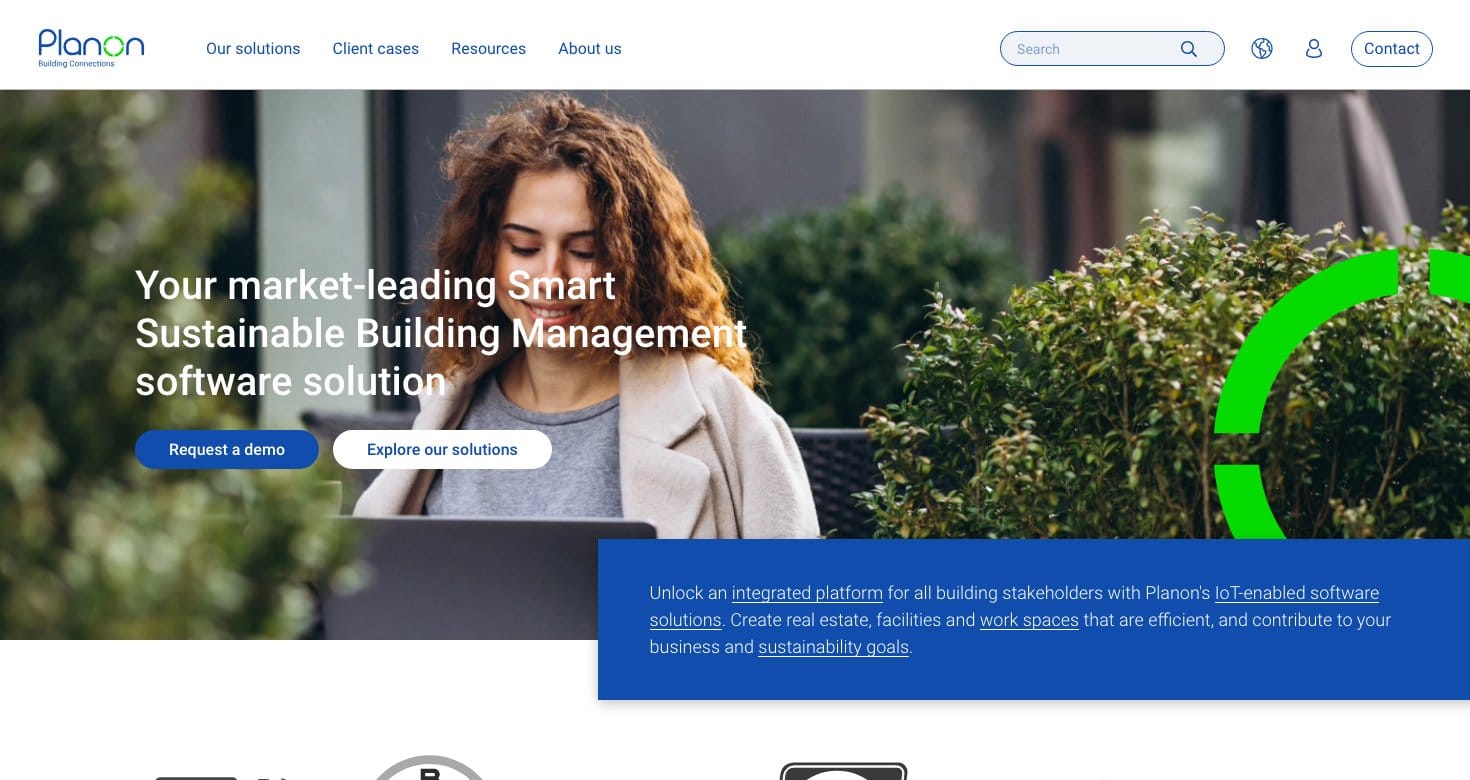
Planon is the closest like-for-like replacement for an MRI estate that uses ManhattanONE alongside Evolution, because it covers space, lease and maintenance in one platform of the kind our iwms software guide describes. Schneider Electric owns a majority stake, which ties it closely to building automation.
The trade is weight. Planon is an implementation program rather than a quick switch, and it suits teams with the internal capacity to run one; the planon alternative guide covers lighter options.
Key features:
Core features:
- Space and workplace management: Tracks floor plans, occupancy and moves against CAD-linked space records, so a planner can see which floors of a regional office sit half empty before a lease decision.
- Lease and real estate administration: Manages leases, critical dates, rent schedules and portfolio data in the same system as FM, so a lease break and the maintenance obligations attached to it sit on one record.
- Maintenance management: Runs planned and reactive maintenance against asset registers with SLA tracking, covering work from a chiller PPM to a reactive call about a broken lift.
- Service management for outsourced FM: Handles service requests and service-provider contracts, which suits occupiers that run maintenance through an integrated FM provider.
- Sustainability and energy: Records energy and sustainability data at building and portfolio level for reporting against corporate targets.
- Mobile apps: Gives field staff mobile access to work orders and inspections, licensed per user and priced separately from back-office seats on its UK framework listing.
- Integrations and cloud procurement: Connects to SAP and other ERPs and to IoT devices and sensors, and lists its IWMS in AWS Marketplace for centralized procurement.
AI and automation features:
- AI assistant and analytics: Offers AI assistant and analytics features inside the IWMS that help users query and interpret workplace and maintenance data.
- MCP server for external agents (roadmap): Lists an MCP server that lets outside AI assistants create service requests, plus lease contract abstraction, on its 2026 product roadmap; see agentic ai for planon users for agents that run on Planon today.
Strengths:
- Breadth across space, lease, real estate and maintenance in one suite, so a corporate real estate team and an FM team work from the same building and contract records.
- Integrations with SAP, IoT devices and building systems that reviewers single out, which matters when finance and sensor data already live in those systems.
- Support that reviewers describe as comprehensive across FM and building management activities.
- A strong fit for multinational occupiers with a dedicated systems team that can own configuration after go-live.
Limitations:
- Reviewers describe implementation as complex, and the configuration and settings screens as overwhelming until users understand why each option exists.
- Price is a recurring complaint, and the per-user licence model with separate mobile seats adds up quickly across a large estate.
- Some reviewers flag interface issues, which weighs most on occasional users such as requesters and visiting contractors.
Pricing: Planon does not publish US prices. Its UK government framework listing shows back-office licences from £87 to £173 per user per month before volume discounts, and the planon pricing guide covers real contract figures.
Verdict: The right MRI alternative when you need a full IWMS and have the team to implement one; the planon vs facilio comparison shows the trade.
3. Eptura (Archibus)
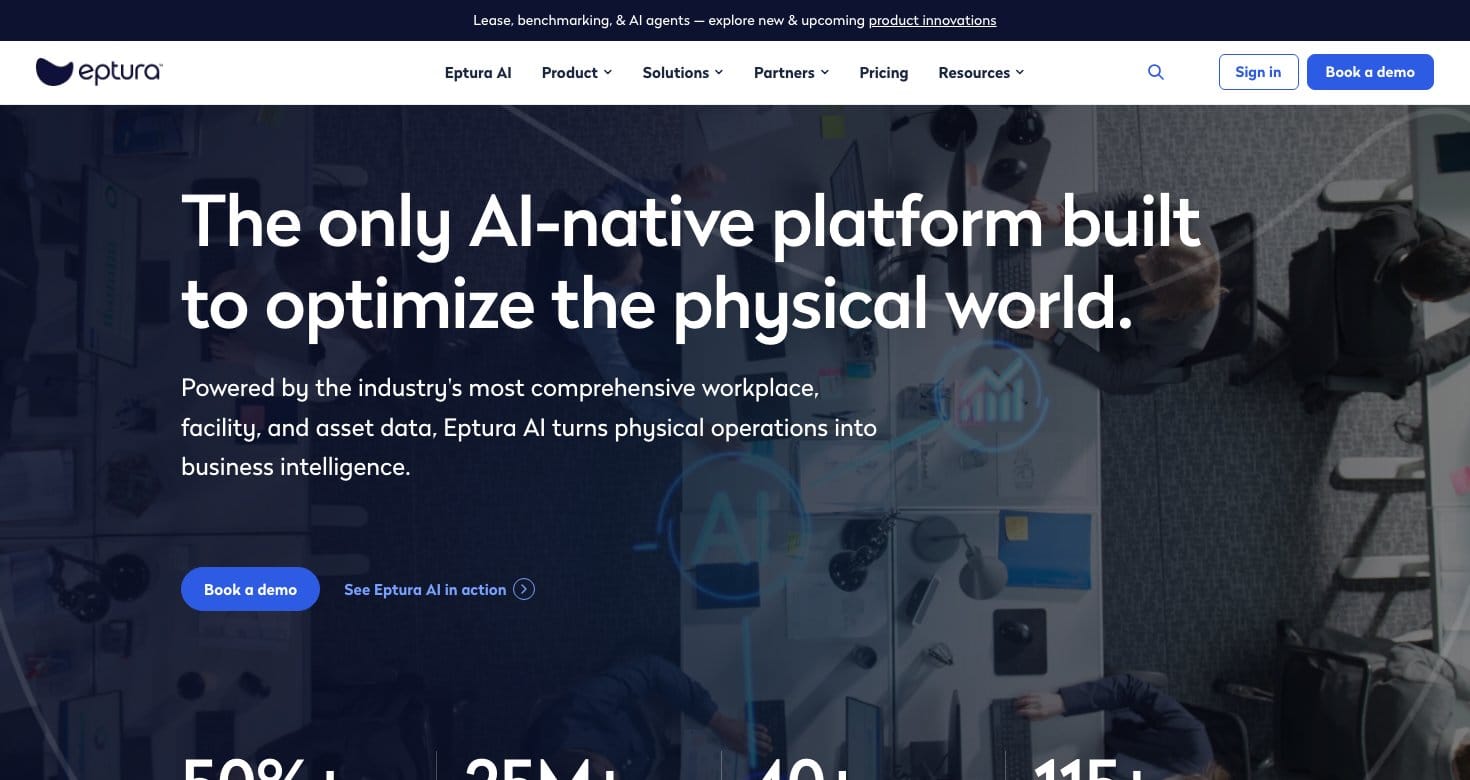
Ideal for: Estates that run space planning, CAD and BIM as the center of facilities work.
| Ideal for | Corporate, higher-ed and public estates with space-led FM |
| Starting price | Quote |
| Key strength | Module breadth and CAD/BIM integration |
| Rating | 4.1/5 on G2 |
| Free trial | Demo |
| AI and automation | Assistant for data analysis (requires AI integration setup), AI work request summaries, intelligent booking |
Archibus is a long-standing IWMS, now part of Eptura's workplace and asset suite. Like MRI, it is modular, so you license space, lease, maintenance and capital planning one module at a time through a partner, and archibus alternatives covers teams that moved off it.
That makes it the most familiar commercial shape for an MRI customer, with deeper space and drawing tools. It also means the module-by-module cost pattern carries over, which the archibus pricing breakdown details.
Key features:
Core features:
- Space inventory and planning: Ties rooms and occupancy to CAD floor plans for allocation, chargeback and move planning, so a campus can bill departments for the space they actually use.
- CAD, BIM and GIS integration: Links drawings, building models and maps to asset and space records, so a technician can find the exact air handler on a floor plan before going on site.
- Preventive maintenance: Schedules PMs and work requests against assets and locations, with procedures and resources attached to each task.
- Lease administration and capital budgeting: Tracks leases, critical dates and capital projects as separately licensed modules alongside FM.
- Energy and environmental sustainability: Adds energy and sustainability modules for consumption tracking and reporting at building level.
- Archibus OnSite mobile: Gives technicians mobile work request handling in the field, with Eptura in the process of replacing the app.
- Enterprise integrations and licensing options: Connects to ERP, Microsoft and ServiceNow environments, with fixed-term subscription or perpetual licences delivered through Eptura partners.
AI and automation features:
- Assistant for data analysis: Answers plain-language questions about operational data once the AI integration is completed, per the Archibus V.2026.01 release notes.
- AI work request summaries and intelligent booking: Condenses long work requests so teams can respond faster, and suggests workspaces and handles reservations, leaving dispatch and follow-up to your team.
Strengths:
- Wide functional coverage in one system, from space inventory to capital planning, which suits estates that want one IWMS of record.
- Deep customizability that lets teams with unusual processes shape the system around them.
- CAD, BIM and GIS links that space planners and drawing managers rely on daily.
- Enterprise integrations with ERP, Microsoft and ServiceNow that fit large IT estates.
Limitations:
- Value for money is its lowest-rated area, and reviewers say per-user licensing makes broad view-only and reporting access expensive.
- Customization often needs proprietary back-end development, which reviewers say makes even minor changes slow and costly.
- Reviewers describe the core interface as dated and built for power users, with many steps to reach common features.
- Long-tenure users say upgrades have become complicated and expensive over time.
- Some customers describe support since the Eptura transition as more corporate and partner-reliant, so confirm who handles your support in writing.
Pricing: Archibus is quote-only through Eptura partners, licensed per module and per user; see archibus reviews for how customers rate value.
Verdict: A strong like-for-like IWMS swap if space and drawings lead your FM, with familiar module costs to manage; the eptura review covers the wider suite.
4. Infraspeak
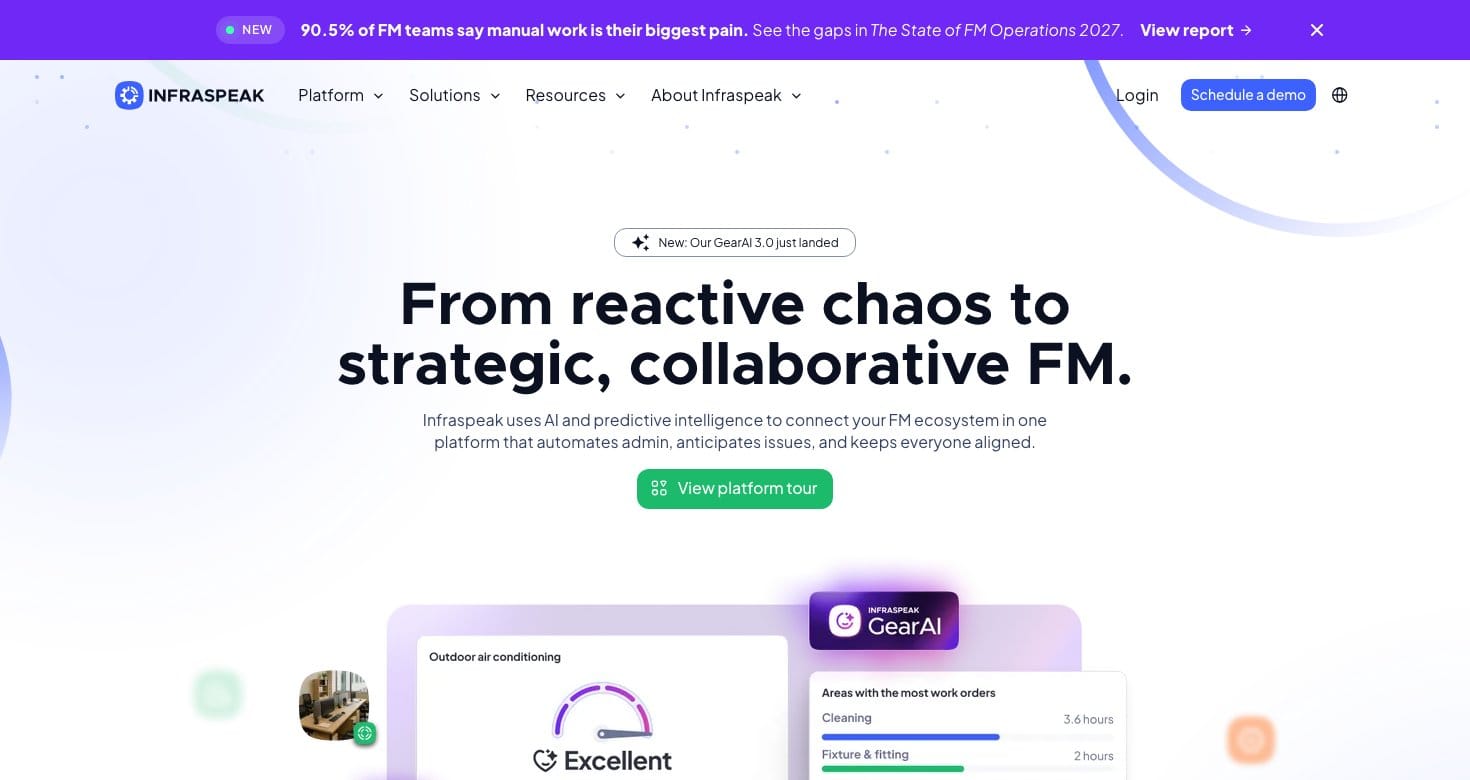
Ideal for: Multi-site FM teams that run much of their work through external contractors and suppliers.
| Ideal for | Multi-site FM teams in retail, hospitality and estates |
| Starting price | Quote |
| Key strength | Built-in contractor and supplier network |
| Rating | 4.6/5 on G2 |
| Free trial | Demo |
| AI and automation | Gear AI for suggestions, predictions, alerts and task automation |
Infraspeak positions itself as a collaborative FM platform rather than a pure CMMS. Its two real differentiators are a low-code hub for assembling workflows and a supplier network where external trades receive, quote and close work inside the same system.
Against MRI Evolution, the gain is self-configurable workflows and faster onboarding for contractors. Its roots and customer base are in Europe, so check US references and support hours; the infraspeak alternatives guide compares it further.
Key features:
Core features:
- Infraspeak Hub: Lets you assemble modules and workflows with low-code tools, so an FM manager can add an approval step for a retail chain's out-of-hours callouts without waiting on the vendor.
- Infraspeak Network: Gives contractors and suppliers a shared space to receive, quote and close jobs inside the same platform, instead of email chains per job.
- Work orders and PPM: Runs reactive and planned maintenance with scheduling, assignment and activity logs that double as audit records for statutory checks.
- Asset management: Keeps asset registers with full service history, plus failure analysis using MTBF and MTTR, so repeat failures on a site's refrigeration show up early.
- Inventory control: Tracks stock with low-stock warnings and consumption against each job across storerooms and sites.
- Analytics and reporting: Reports on maintenance trends, cost and asset performance across sites on configurable dashboards.
- Integrations: Offers 100+ connectors to common business and building systems.
AI and automation features:
- Gear AI: Turns maintenance data into suggestions, predictions, alerts and task automations such as asset health scores, per Infraspeak's pricing page, with people still deciding and acting on most outputs.
Strengths:
- A built-in contractor and supplier network that few maintenance platforms match, valuable for teams coordinating many external trades.
- Low-code configuration that adapts to unusual workflows without a vendor change request.
- Support, reporting and activity logging that reviewers single out warmly.
- A genuine European footprint, with a London office alongside its Porto headquarters and named hospitality and retail customers.
Limitations:
- New CAFM users report a steep learning curve, especially teams moving from spreadsheets or a simpler tool.
- There are no preloaded PPM task templates, so the first schedule build takes real effort.
- Reviewers say the cycle from feature request to release can be slow.
Pricing: Infraspeak publishes no plans or prices and quotes after a demo, so ask for module and user scope in writing; the infraspeak vs facilio comparison shows how the models differ.
Verdict: A strong contractor-centric MRI alternative for multi-site teams willing to invest in onboarding.
5. FMX
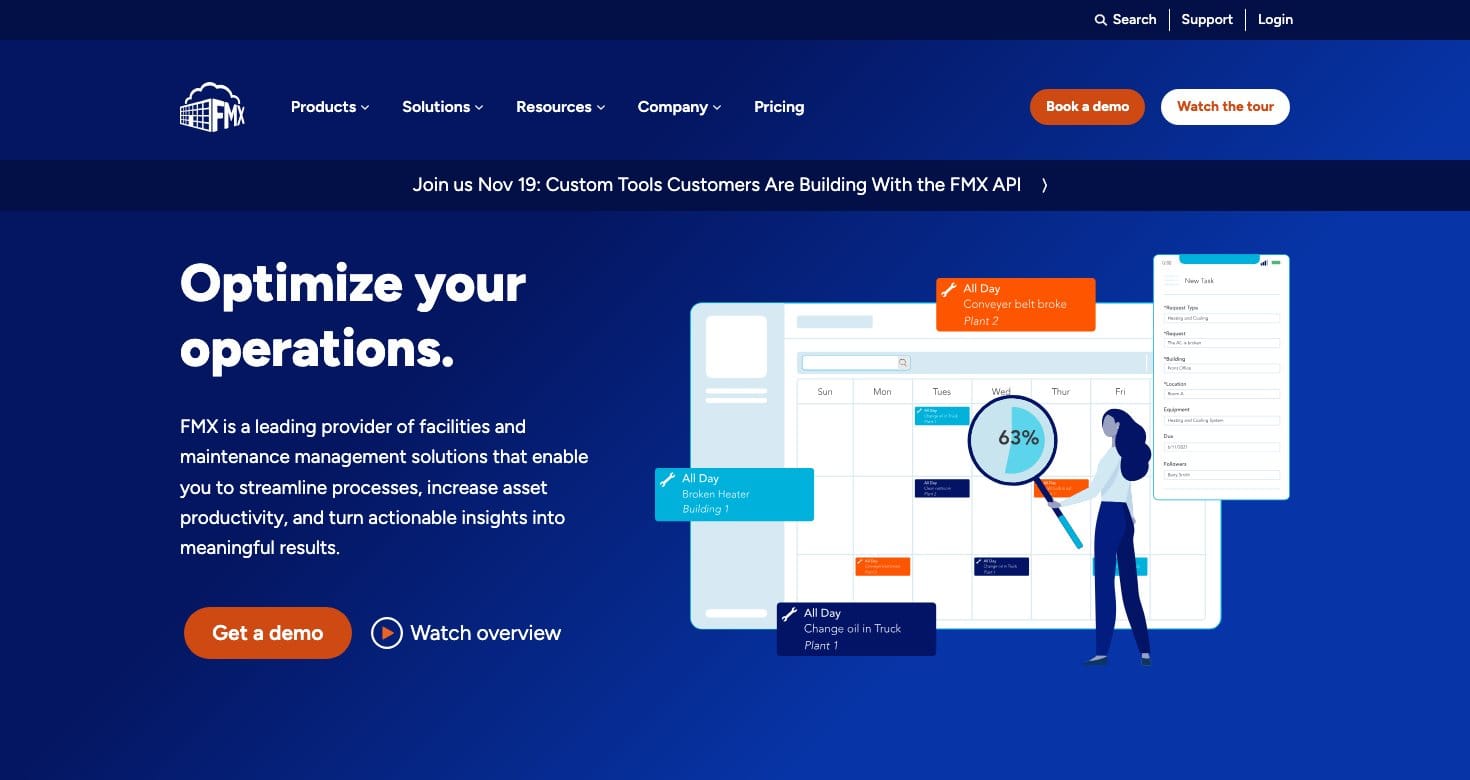
Ideal for: K-12 districts, colleges and campuses that book rooms and fields as often as they fix them.
| Ideal for | Schools, campuses and community facilities |
| Starting price | Quote (K-12 priced by enrollment) |
| Key strength | Maintenance plus event and room scheduling |
| Rating | 4.8/5 on G2 |
| Free trial | Yes |
| AI and automation | Iris assistant (early access) searches requests and assets and acts on work requests on command |
FMX is a cloud platform for school and campus operations, where a broken bleacher and a Saturday gym booking land in the same system. It is US-built and education-focused, which suits campus FM directors leaving a UK-rooted CAFM.
Against MRI Evolution, it trades contract and SLA depth for scheduling and campus logistics. Its Iris assistant is in early access, so test it in the demo; the fmx alternative guide covers tools with stronger contractor workflows.
Key features:
Core features:
- Maintenance requests: Collects maintenance requests from staff and building users in one queue, so a teacher's report of a broken projector reaches the right technician without a phone call.
- Equipment and preventive maintenance: Attaches recurring PM schedules to equipment records and generates routine checks automatically for boilers, roofs and kitchen equipment.
- Facility scheduling and rentals: Books rooms, gyms and fields for meetings, events and outside groups through Event Manager, with setup work tied to the booking.
- Inventory through Warehouse Manager: Tracks supplies and parts across storerooms in a single inventory.
- Interactive mapping: Places assets and requests on campus maps, which helps new technicians find equipment across many buildings.
- Capital and utility planning: Adds replacement budgeting through Capital Planner and energy bill tracking through Utility Manager.
- Fleet, IT assets and integrations: Extends to vehicles and devices through Fleet Manager and IT Asset Manager, with built-in reports, out-of-the-box integrations and an API.
AI and automation features:
- Iris assistant (early access): Answers product questions, searches requests and assets by text or voice, and assigns, holds or resolves work requests when a user asks, within the Work Request module only.
Strengths:
- Maintenance requests, PMs and facility rentals in one system, because a gym booking and its setup work order share the same record.
- Modules you can buy as you grow, starting with work requests and adding events, capital planning or fleet later.
- An education focus that includes K-12 pricing by student enrollment.
- Ease of use that reviewers praise consistently, including the maintenance records and room scheduler.
Limitations:
- No condition monitoring, sensor-triggered work or calibration records, which matters for plant-heavy campuses.
- The AI acts only when a user asks and covers only work requests, so it does not take requests or dispatch on its own.
- Contractor compliance and invoice checks are not named modules, so a coordinator still handles them.
- Reviewers want a tighter link between the room scheduler and Google Calendar.
Pricing: FMX quotes by users, features and workflows and prices K-12 by enrollment, per its pricing page; the fmx cmms pricing guide covers what schools pay.
Verdict: The best MRI alternative for a US campus that schedules spaces as much as it maintains them; see fmx vs facilio for contractor-heavy estates.
6. Limble
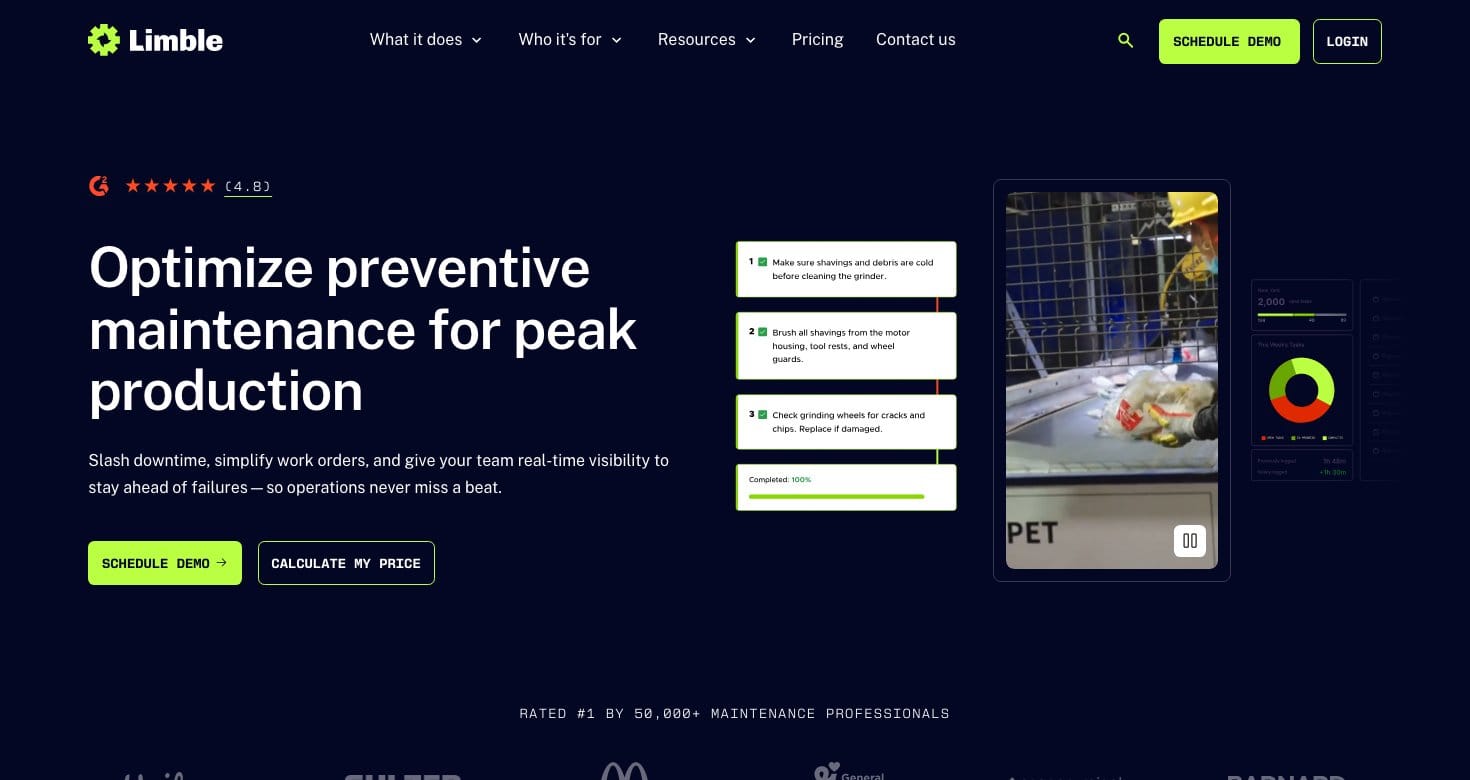
Ideal for: In-house maintenance teams that want flexible PM triggers and support that answers fast.
| Ideal for | Single-site or small multi-site maintenance teams |
| Starting price | Quote (pricing calculator) |
| Key strength | PM flexibility and fast adoption |
| Rating | 4.8/5 on G2 |
| Free trial | Demo |
| AI and automation | AI PM builder on every plan; Asset Snap and anomaly flags on higher tiers |
Limble is a mobile-first CMMS for teams that want PMs to run on rules, not reminders. Most teams go live in weeks, and supervisors build their own dashboards.
It directly answers MRI's "changes need a specialist" complaint for a maintenance team. It stays a maintenance tool, though, without helpdesk, occupant portal or contract depth, which is why teams also compare limble cmms alternatives.
Key features:
Core features:
- PM triggers: Schedules preventive maintenance on calendar, meter, threshold or combined triggers, and opens a corrective work order when an inspection fails.
- Work requests by QR code and URL: Lets unlimited requesters submit work through a request portal or by scanning an asset QR code, without a login.
- Technician mobile app: Completes work orders, scans QR codes and captures signatures on a phone, with offline mode on Premium+.
- Asset records and downtime tracking: Stores unlimited assets in parent and child hierarchies with warranty dates and automatic downtime reporting.
- Parts, vendors and purchasing: Manages min and max stock, vendor records, purchase orders, bills and bills of materials on Premium+.
- Dashboards and multi-location reporting: Tracks MTBF and MTTR on custom dashboards, with multi-location reporting and site maps on Enterprise.
- Enterprise controls and integrations: Adds custom roles, approvals, budgets, GL codes and SSO on Enterprise, plus an open REST API.
AI and automation features:
- AI PM Builder: Drafts a preventive maintenance plan from an uploaded equipment manual for a planner to review, on every plan.
- Asset Snap: Reads a nameplate photo and creates the asset record automatically, on Premium+ and Enterprise.
- Anomaly checks and scheduling suggestions: Flags unusual readings and duplicate requests, and suggests schedules and job durations on higher tiers, leaving dispatch to your planner.
Strengths:
- Fast setup, with most teams live in two to four weeks and dashboards a supervisor can build alone, which answers MRI's "changes need a specialist" complaint for a maintenance team.
- Strong meter-, threshold- and condition-based PM logic, where combined triggers and auto-created corrective work orders save a planner a daily round of follow-up.
- Hands-on support through rollout that reviewers credit as often as the product itself.
Limitations:
- Cross-site reporting and site maps sit on the Enterprise plan, so multi-building estates pay more for portfolio views.
- It stays a maintenance tool with no occupant layer or contractor portal for facilities-wide work.
- Every plan is priced through a calculator, so there is no published per-user price to budget against.
- Reviewers say closed work orders are hard to reopen and edit.
Pricing: Limble prices every plan through a calculator on its pricing page, and the limble cmms pricing guide covers what buyers pay.
Verdict: A clean move off MRI for a maintenance team that has outgrown waiting on configuration changes.
7. MaintainX
Ideal for: Frontline-heavy teams that need technicians working in the app within days.
| Ideal for | Frontline maintenance and operations teams |
| Starting price | Free; Essential from $20/user/mo billed annually |
| Key strength | Mobile adoption and in-job chat |
| Rating | 4.8/5 on G2 |
| Free trial | Free plan |
| AI and automation | AI reporting, troubleshooting suggestions and forecasting that assist a person |
MaintainX runs work orders, procedures, PMs and parts from a phone, with a chat thread on every job and free requester accounts on every plan.
For a team whose main MRI complaint is the mobile app, it is the most direct fix. Multi-site management, SSO and its fuller AI set sit on the quote-only Enterprise plan; the maintainx vs facilio comparison covers the facilities-wide gap.
Key features:
Core features:
- Work orders with built-in chat: Tracks priority, photos and due dates on each job, with a message thread attached so a technician and supervisor discuss a leaking valve in context.
- Procedures and inspections: Builds digital checklists with pass and fail steps, limited on Essential and unlimited on Premium.
- Preventive maintenance: Runs time-based PMs on every paid plan and meter-based triggers on Premium.
- Asset history and hierarchies: Keeps full work history, QR and barcode tags, and parent and child links for every asset.
- Parts, purchasing and cost tracking: Manages inventory, purchase orders, and time and cost tracking on Premium.
- Free requester portal and vendor work orders: Gives unlimited free requester accounts, and shares external work orders with contractors through limited access.
- Enterprise multi-site and integrations: Adds multi-site management, SSO and custom permissions on Enterprise, with a REST API and SAP and NetSuite connections.
AI and automation features:
- AI reporting: Turns plain-language questions into charts built from your maintenance data.
- Suggestions, troubleshooting and summaries: Suggests fixes from manuals and work history and drafts summaries, leaving decisions to the technician.
- Forecasting and anomaly detection: Predicts parts needs, estimates job time and flags unusual asset behavior, with MaintainX Assist on Enterprise.
Strengths:
- Technician adoption that reviewers cite as the reason work actually gets logged, which is the most direct fix for MRI Go sync complaints.
- Free requester seats on every plan, useful for occasional users across a campus or corporate estate.
- A free plan that lets a team prove adoption with real technicians before committing budget.
- In-job chat that keeps photos, questions and answers on the work order instead of in text messages.
Limitations:
- Multi-site management, SSO and the fuller AI set sit on the quote-only Enterprise plan.
- Deep custom reporting is the most common complaint in reviews, with complex reports needing manual workarounds.
- Contractor licence and insurance checks and invoice validation are not built in, so a coordinator handles them.
Pricing: MaintainX lists Basic free, Essential at $20 per user per month billed annually, Premium at $65 and Enterprise by quote on its pricing page; the maintainx pricing guide covers tier limits.
Verdict: The fastest MRI replacement to roll out to technicians, with multi-site depth reserved for Enterprise; maintainx cmms alternatives lists larger-estate options.
8. UpKeep
Ideal for: Smaller facilities teams across campuses and warehouses that want technicians to talk to the system.
| Ideal for | Facilities and operations maintenance teams |
| Starting price | From $24/user/mo (Essential) |
| Key strength | Technician adoption and voice-driven work |
| Rating | 4.5/5 on G2 |
| Free trial | Yes |
| AI and automation | Nova creates and closes work orders by voice and turns forwarded invoices into work orders, on monthly credits |
UpKeep pairs a phone app technicians adopt quickly with Nova, an assistant that creates and closes simple work orders by voice. Forwarded invoices and quotes also become work orders automatically.
It is a lighter step than MRI Evolution, with published entry pricing. The trade-off is tier creep, since offline mode, API access and purchase orders each sit on a higher plan; the upkeep vs facilio comparison covers larger estates.
Key features:
Core features:
- Work orders on every plan: Records photos, priorities, parts and push notifications on each job from the entry plan up.
- PM triggers and checklists: Schedules PMs on time, meter or usage triggers with custom checklists from the Premium plan.
- Asset tracking: Scans QR and barcodes for full asset history, with lifecycle tracking on Professional and downtime tracking on Enterprise.
- Parts and purchasing: Tracks parts inventory with costing on Premium and manages purchase orders on Enterprise.
- Requests, approvals and free users: Offers an external request portal and signature capture on Professional, with free requester and third-party users.
- Offline mode and multi-site: Supports offline work from Professional, covers unlimited locations on Essential, and adds a multi-site module on Enterprise.
- Add-on products: Extends the platform with Edge sensors, Safety, Learn, Fleet and Studio custom apps, each sold separately.
AI and automation features:
- Nova by voice and chat: Creates, updates and closes work orders by voice and answers asset and inventory questions, metered on monthly credits.
- Email to work order and Bulk Fixes: Converts forwarded invoices, purchase orders and quotes into work orders, and closes stale tickets in bulk.
- Pulse and data audits: Runs scheduled tasks with your approval and flags bad data for cleanup.
Strengths:
- Voice-driven work that technicians actually use, which suits distribution, warehouse and campus teams who rarely sit at a desk.
- A route into condition monitoring through UpKeep Edge sensors without a separate vendor.
- Published entry pricing and a free trial before any sales call.
Limitations:
- PM triggers, offline mode, API access, purchase orders and custom dashboards each move you up a tier, which raises the per-user cost.
- Reviewers say multi-site setup takes manual configuration before cross-site reporting works.
- Offline mobile starts only at the Professional plan.
Pricing: UpKeep's pricing page lists Essential at $24 and Premium at $55 per user per month, with Professional and Enterprise by quote; the upkeep pricing guide covers implementation packages.
Verdict: A good MRI alternative for a smaller team that wants simplicity and voice, with tier creep to watch; see the best upkeep alternatives if you outgrow it.
Other MRI Evolution alternatives worth a look
- eFACiLiTY: A modular CAFM and IWMS suite from Sierra ODC; see the efacility review.
- eMaint: A Fluke-owned CMMS for multi-site maintenance; see the best emaint alternatives.
- FlowPath: A simple CMMS that facilities managers recommend for text-in work orders and flat PM pricing.
- Click Maint: An affordable cloud CMMS for work orders, PMs and spare parts.
- Mitti (by SafetyCulture): A budget inspection and operational tracking tool with a free plan.
Questions to ask any MRI Evolution alternative in a demo
These questions map to the reasons teams leave MRI, so the answers show quickly whether a platform fixes your actual problem or only moves it. If you are still deciding between categories, start with the difference between cafm and cmms.
- Who changes a workflow, and how fast? Ask the vendor to change an assignment rule live in the demo, and ask whether your coordinator could do it without a ticket.
- Can a coordinator build a report? Give them a real request, such as PPM compliance by building last quarter, and watch who builds it.
- What happens offline? Have a technician close a job with photos in airplane mode, then check when it reaches the dashboard.
- How is it licensed? Get the price for your full scope in writing, including contractor access, helpdesk and any module you may add in year two.
- What does the AI finish on its own? Ask which steps the AI completes, such as raising, dispatching or chasing a vendor, and which only produce a suggestion for a person.
- How do PPM history and asset hierarchies migrate? Ask for a sample import of your own export, not a generic template.
- Who runs it after go-live? Ask whether the vendor stays involved in tuning workflows or hands you a support queue.
How to switch from MRI Evolution: The 4-Phase Cutover
A move off MRI Evolution is mostly a data and process project. This four-phase model keeps the estate running while you switch.
Phase 1: Map and export (weeks 1 to 3)
- Export assets, locations, PPM schedules, contracts, SLAs and open work orders from MRI Evolution.
- Document the workflows you actually use, not the ones configured years ago.
- List every integration, including finance, BMS and any MRI property or lease systems you are keeping.
Phase 2: Configure and prove one site (weeks 3 to 7)
- Load one building's assets and PPM schedules into the new platform, tagging equipment with qrcode asset tracking software.
- Rebuild the helpdesk and assignment rules, then test them with real requests.
- Put technicians on the mobile app and test offline closure.
Phase 3: Parallel run (weeks 7 to 10)
- Run new requests in the new platform while MRI handles its open jobs.
- Compare SLA and PPM compliance figures between the two each week.
- Bring contractors onto the new portal and confirm insurance and licence records.
Phase 4: Cut over and retire licences (weeks 10 to 12)
- Close or migrate remaining MRI jobs and archive history in a reportable format.
- Switch all sites and retire MRI FM modules at the renewal date.
- Keep MRI property and lease accounting running if it serves finance, connected through open APIs.
Purdue University Fort Wayne's 10-week move across 55 buildings shows the timeline is realistic for a campus estate when the data work starts early, and campus facility management covers the operating side once you are live.
The bottom line on MRI Facilities Management alternatives
If you need a full workplace suite, Planon or Archibus replace MRI like for like. If your pain is contractors across many sites, look at Infraspeak or FMX, and if it is technicians and mobile, Limble, MaintainX or UpKeep fix it quickly, and the best cmms software list covers the rest of that market.
If the real problem is that your team spends its day chasing requests, vendors and invoices that the system only records, Facilio is the agentic platform for facilities management, with agents that do that work and FM Ops Engineers who build and run it with you.
Running facilities on MRI Evolution?
See agents take, dispatch and close work on your own estate.
Request a demo →MRI Facilities Management alternatives: frequently asked questions
Is MRI Evolution the same as Concept Evolution?
Yes. MRI Evolution is FSI's former Concept Evolution CAFM, renamed after MRI Software acquired FSI in 2021. NETfacilities and ManhattanONE are separate MRI products for CMMS and IWMS.
How much does MRI Facilities Management cost?
MRI quotes each deal. Directory listings show a "$5,000 per feature" starting figure, but real contracts depend on modules, users and services, and reviewers say add-on modules and customizations raise the total over time.
Does MRI Facilities Management have AI agents?
MRI announced Agora Intelligence and Agora Orchestrator in June 2026, with agentic workflows across leasing, finance and operations, plus a voice agent for leasing and maintenance calls. MRI has not said which parts are generally available.
What is the best CAFM alternative to MRI Evolution for a US team?
It depends on scope. Planon and Archibus suit a full IWMS, Infraspeak and FMX suit multi-site and campus FM, and Facilio suits teams that want agents to run intake, dispatch and vendor work on a full CMMS.
Can I replace MRI FM but keep MRI for property and lease accounting?
Yes. Many teams keep MRI for property accounting and leases while moving facilities and maintenance to a dedicated platform connected through open APIs. Confirm the integration scope in writing during the demo.
How long does a move off MRI Evolution take?
A single-estate move typically takes 8 to 12 weeks when assets, PPM schedules and contracts are exported early. Purdue University Fort Wayne went live on Facilio across 55 buildings in 10 weeks.
About the Author
