Connected CMMS

 Connected Buildings
 Connected Refrigeration


 Download ebook

 Read case study


 Watch now


 Retail
 Healthcare
 FM Services
 Commercial Portfolios
 Corporate Facilities
 Education
 Data-driven Portfolio Ops
 Facility Management Software
 360° Asset Lifecycle
 Continuous Sustainability

 Blogs
Blogs
 Help docs
 Knowledge Hub
 ROI Calculator
 Ebooks & Guides
 Webinars
 Videos
 Case studies


 About us
 Newsroom
 Careers
 Contact us
 Partners
 Events



FMX is a solid platform for what it was built to do. Single campus, K-12 school, small healthcare building, community non-profit. It handles work orders, PM scheduling, and room booking reliably for teams in those verticals. The ceiling shows the moment your operation grows past that profile.
Multi-site reporting collapses into disconnected accounts. Vendor invoice workflows stay manual. AI capability is limited to rule-based scheduling. And the pricing model, quote-based and not publicly disclosed, makes it difficult to plan for growth with any confidence.
This guide covers the 7 best FMX alternatives in 2026 for facilities teams that have outgrown what FMX was designed for, or are evaluating it alongside platforms built for a different operational scale.
Quick Comparison: FMX vs 7 Alternatives
All pricing figures sourced from vendor pages, G2, and Capterra as of June 2026. Verify before quoting in procurement conversations.
What FMX Does Well
Before we get into the alternatives, it is worth being clear about what FMX actually delivers, because the platform has real strengths for the right buyer.
a) Fast deployment without IT involvement: FMX is designed to be live in days, not weeks. Non-technical facility managers can configure work order workflows, PM schedules, and room booking calendars without a developer or implementation partner.
b) Facility and resource scheduling This is FMX's most distinctive feature. The room and resource booking module lets schools, universities, and multi-use buildings coordinate space alongside maintenance, which most pure CMMS tools do not handle in the same workflow.
c) Public request portal: Occupants, faculty, and non-technical staff can submit work requests without a platform account. For education environments where the requester pool is large and varied, this is a real usability advantage.
d) Customer support quality: FMX consistently receives high support scores in G2 and Capterra reviews. For teams without internal CMMS expertise, this matters.
e) Fits well if: You manage a single campus or small building cluster in education, healthcare, or a non-profit; your team is under 25 people; and your primary requirements are work orders, PM scheduling, and room booking.
Why Facilities Teams Outgrow FMX
Four patterns come up consistently when FMX users start evaluating alternatives.
a) Multi-site management is effectively siloed
FMX does not have a native cross-site portfolio layer. Each location operates as a separate account. For teams managing more than two or three buildings, this means no unified reporting, no cross-site benchmarking, and no consolidated view of vendor performance or asset health.
b) Vendor and invoice workflows stay manual
FMX records vendor invoices in the system, but matching them against work orders, identifying overbilling, and resolving disputes all require human review at every step. For FM operations where contractor spend is significant, this is a persistent overhead cost.
c) AI capability is rule-based, not autonomous
FMX can generate PM work orders on a schedule and send status notifications. It cannot receive a service call and autonomously create a work order, route to the right technician, dispatch, track contractor arrival, and confirm SLA compliance without a person at each handoff. The distinction matters for teams evaluating AI maturity.
d) Integration depth insufficient for enterprise connectivity
BMS connectivity, IoT sensor integration, ERP sync, and energy monitoring are either unavailable or require significant custom development.
For larger facilities with existing building infrastructure, this becomes a blocking constraint.
7 Best FMX Alternatives for Enterprise Teams
FMX built a loyal base in education and local government for good reason, it is genuinely easy to use and fast to deploy. But the teams evaluating alternatives have usually hit one of a few specific walls: no IoT connectivity, no cross-site portfolio reporting, no tenant management, or a US-market focus that creates friction for international operations.
The seven tools below cover the full range of what comes next, from mobile-first maintenance tools that deploy in days to enterprise FM platforms built for autonomous AI at scale. Each entry includes what the tool does well, where it starts to feel limited, and who it is actually built for.
1. Facilio – Best for enterprise FM portfolios and multi-site operations
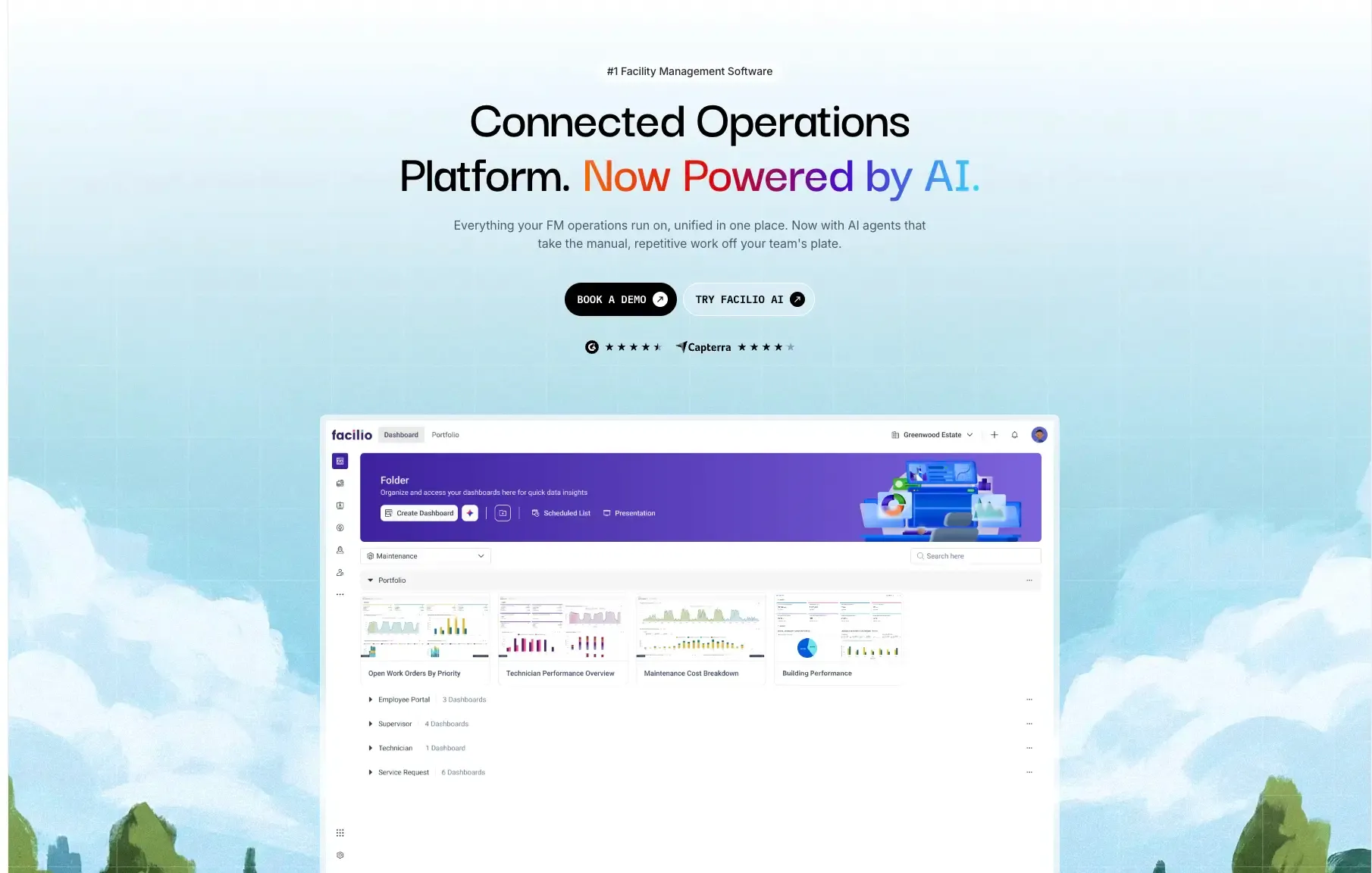
Facilio is the strongest FMX alternative for facilities teams that have outgrown single-site tooling or are managing multi-site portfolios where maintenance, vendors, tenants, energy, compliance, and financial workflows need to connect.
Where FMX was built for fast, accessible single-site operations, Facilio was designed from the ground up for portfolio-scale facilities management. Multi-site is not an Enterprise-tier feature in Facilio. It is the base architecture. The platform serves commercial real estate portfolios, FM service providers, healthcare networks, retail chains, and large campus environments.
The most relevant distinction for teams evaluating AI maturity: Facilio's Atom agent suite executes FM workflows autonomously rather than surfacing recommendations for a human to act on. Three agents are directly relevant to the workflows FMX does not cover:
Helpdesk AI Agent: Captures service calls via WhatsApp, chat, voice, or email. Creates the work order, routes to the right technician, and confirms dispatch autonomously. At Berkeley UAE: 276 calls, 175 service requests in 30 days, 80% autonomous resolution.
Invoice Validation Agent: Cross-references every contractor invoice against work orders and contracted rates. Discrepancies flagged before payment. At Charter Hall: 2,117 invoices processed, 619 errors caught, 70+ FM hours of manual review eliminated per month.
FM Copilot: Natural-language query across operational data. Portfolio-wide visibility without a report builder or data export.
Facilio operates across 150M+ sq ft globally and was named a Verdantix Leader in 2025.
Facilio is a strong fit if: You manage multiple buildings or a portfolio; your operation involves vendors, tenants, energy, or compliance workflows; you need AI that acts rather than advises; or FMX's per-account-per-site model is creating reporting gaps.
Starts to feel limited when: Your team is small (under 10 users) and the operation is genuinely single-site with basic PM requirements only.
2. UpKeep – Best for mobile-first maintenance teams
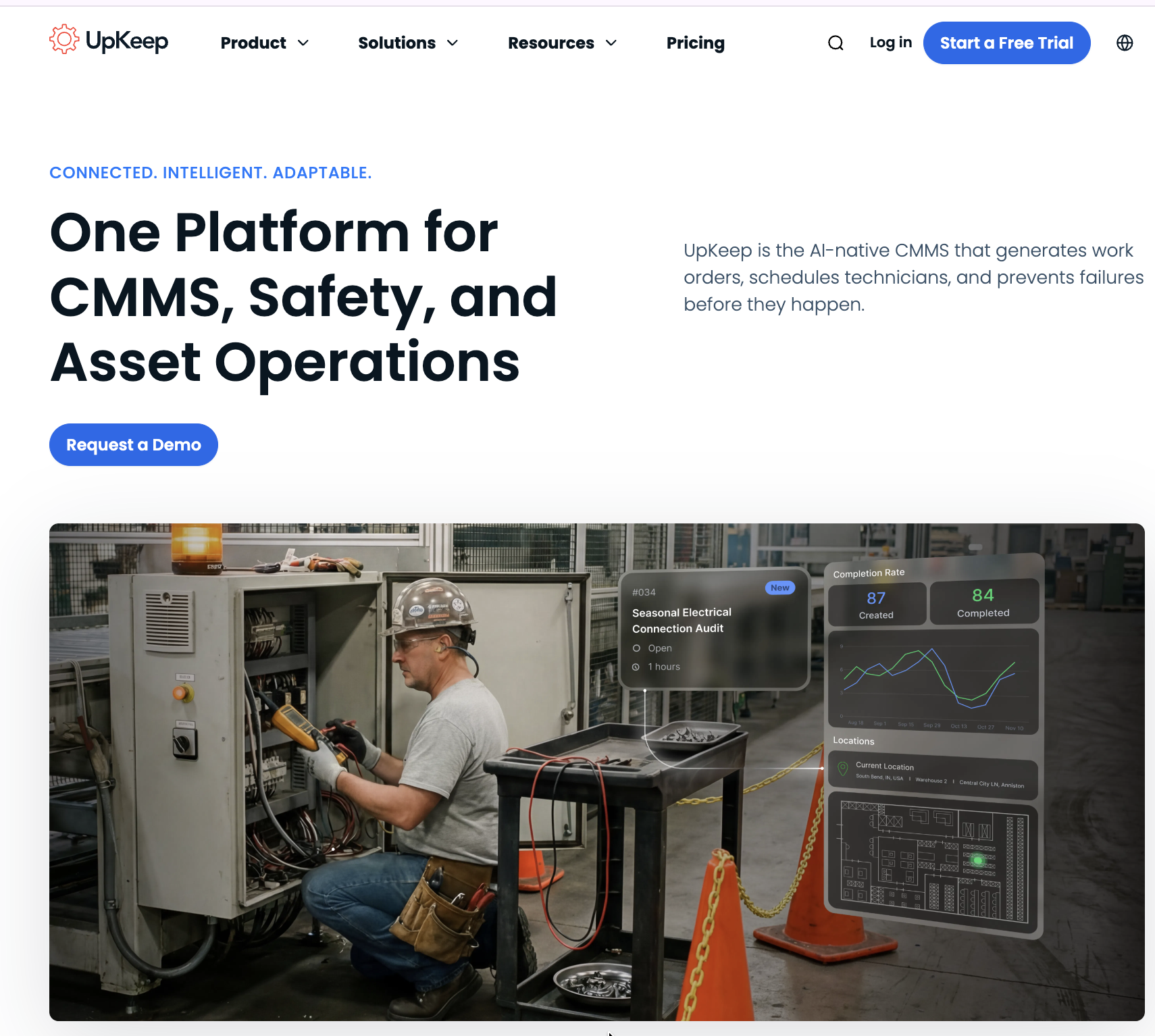
UpKeep is a mobile-first CMMS built by Ryan Chan in 2014 to solve a specific problem: maintenance technicians who needed to raise a work order from the floor without walking back to a desktop. It solved that problem well, and the platform now serves 4,000+ companies across manufacturing, healthcare, and property management.
For FMX users who are primarily frustrated with FMX's interface or mobile experience, UpKeep is a natural comparison. The work order experience is fast and clean; technician adoption is high; and the free requester account model keeps inbound request volume manageable.
Where UpKeep runs into the same ceiling as FMX: multi-site management requires an Enterprise account per site (no native cross-site dashboards at lower tiers), AI capability via Nova is assistive rather than autonomous, and the platform was not built for tenant management, energy monitoring, or vendor compliance governance.
UpKeep pricing starts at approximately $20/user/month. At 40 users on the Starter plan, that is around $9,600/year before Enterprise features.
Strong fit if: You are moving off paper or spreadsheets; mobile technician adoption is the primary constraint; your operation is single-site or a small cluster without portfolio reporting requirements.
Starts to feel limited when: You need cross-site reporting, vendor compliance tracking, tenant workflows, or AI that executes rather than advises.
3. MaintainX – Best for frontline teams and fast digital onboarding
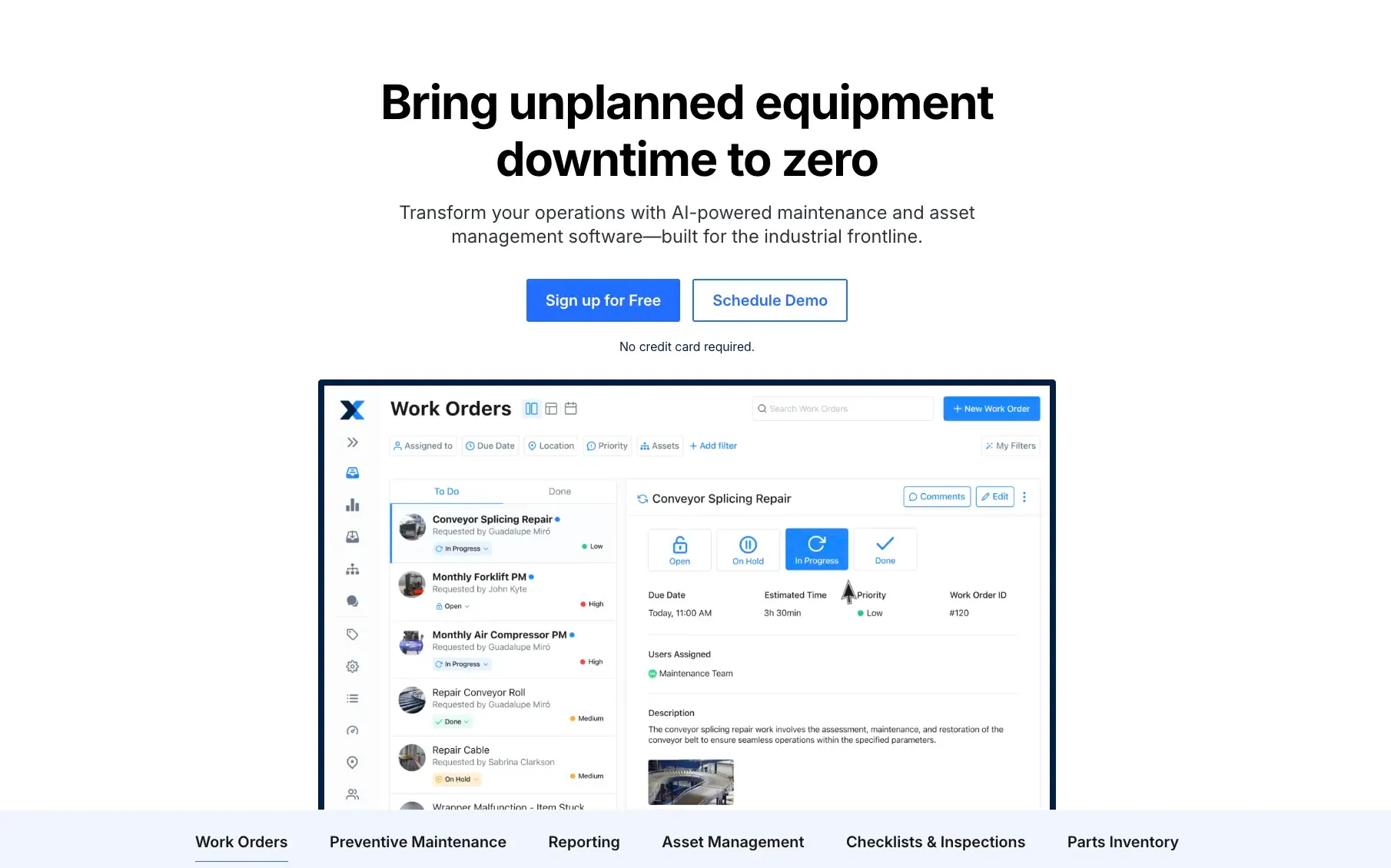
MaintainX was founded in 2018 with a sharper insight than most CMMS tools: if technicians don't enjoy using the app, the data won't be reliable. The product started from the phone up, with a chat-centric interface that feels more like a consumer app than enterprise software. That design decision paid off. MaintainX now serves 13,000+ customers and has processed over 50 million work orders.
For FMX users in education or facilities management who are primarily evaluating based on ease of use and technician adoption, MaintainX is a direct and credible alternative. The mobile experience is excellent, work order creation is fast, and built-in messaging keeps communication contextual rather than scattered across email threads.
The ceiling is the same as UpKeep: no native multi-site portfolio management, no autonomous AI, no tenant or vendor compliance layer. If you are moving from FMX to MaintainX, you are trading facility scheduling depth for mobile UX improvement. That is a legitimate trade-off depending on your operation.
MaintainX pricing starts at approximately $16/user/month.
Strong fit if: Frontline technician adoption is the primary bottleneck; your team responds well to consumer-style UX; you run a single site or a few sites without complex portfolio reporting needs.
Starts to feel limited when: Asset hierarchies grow complex; multi-site benchmarking becomes a requirement; or AI automation beyond rule-based triggers is on the roadmap.
4. Limble CMMS – Best for PM depth and reporting flexibility
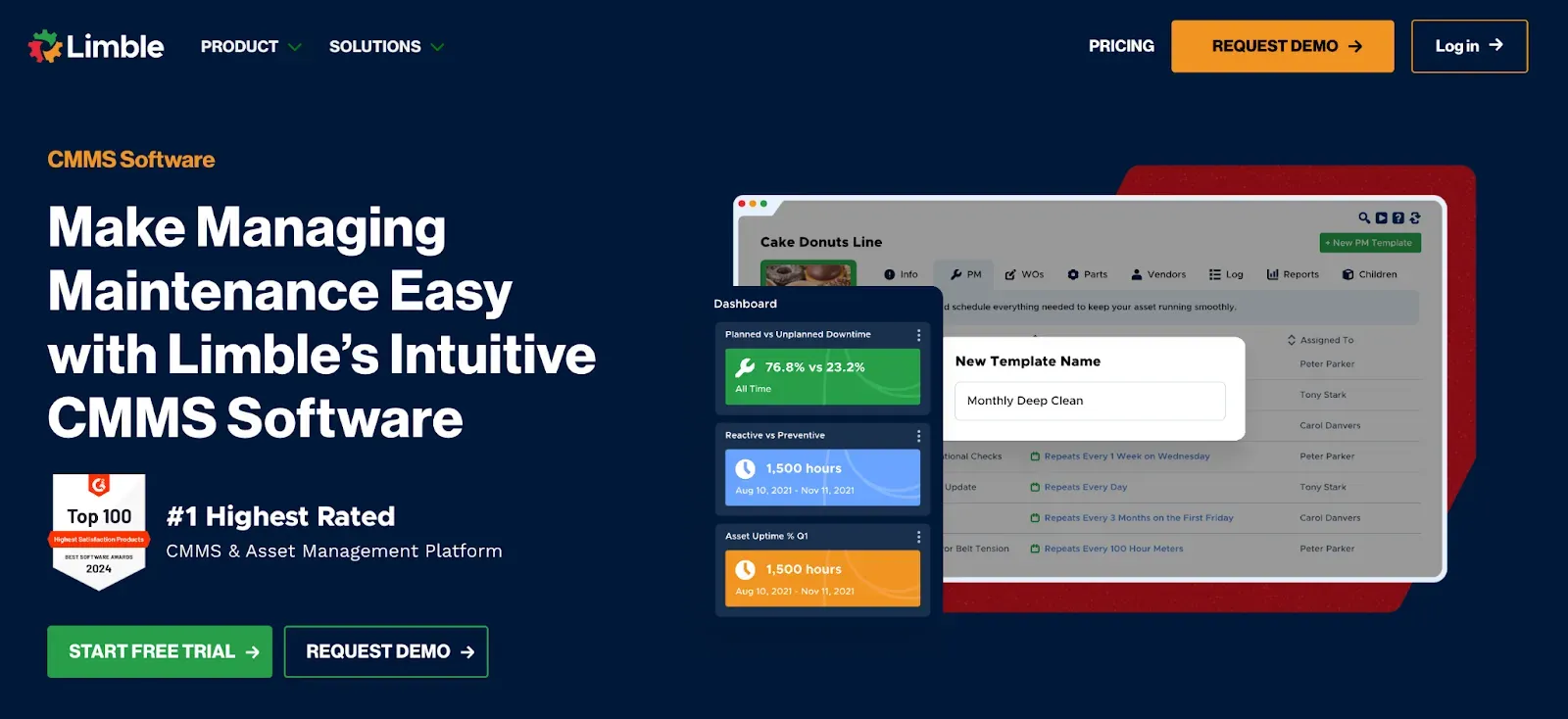
Limble is a mid-market CMMS with stronger PM configurability and reporting flexibility than FMX, UpKeep, or MaintainX at comparable price points. It is particularly well regarded by teams that have been frustrated by rigid report builders. Verified G2 reviewers consistently cite Limble's reporting as more accessible than peer tools.
For FMX users who are frustrated with FMX's limited report customisation or PM scheduling depth, Limble is the most direct technical improvement. The PM calendar handles multi-trigger schedules, and the custom dashboard builder lets facility managers get the views they need without exporting to Excel.
Where Limble shares FMX's ceiling: no native AI agents, no autonomous workflow execution, and multi-site management is limited. It was built for the same maintenance-team buyer profile, just with a more configurable architecture.
Limble pricing starts at approximately $28/user/month.
Strong fit if: PM depth and reporting flexibility are the primary frustrations with FMX; your team is mid-market and doesn't need enterprise portfolio management; customer support quality is a priority (Limble rates exceptionally high on this).
Starts to feel limited when: Multi-site portfolio governance, autonomous AI operations, vendor compliance, or tenant management enter the requirement set.
5. eMaint by Fluke – Best for regulated, compliance-heavy environments
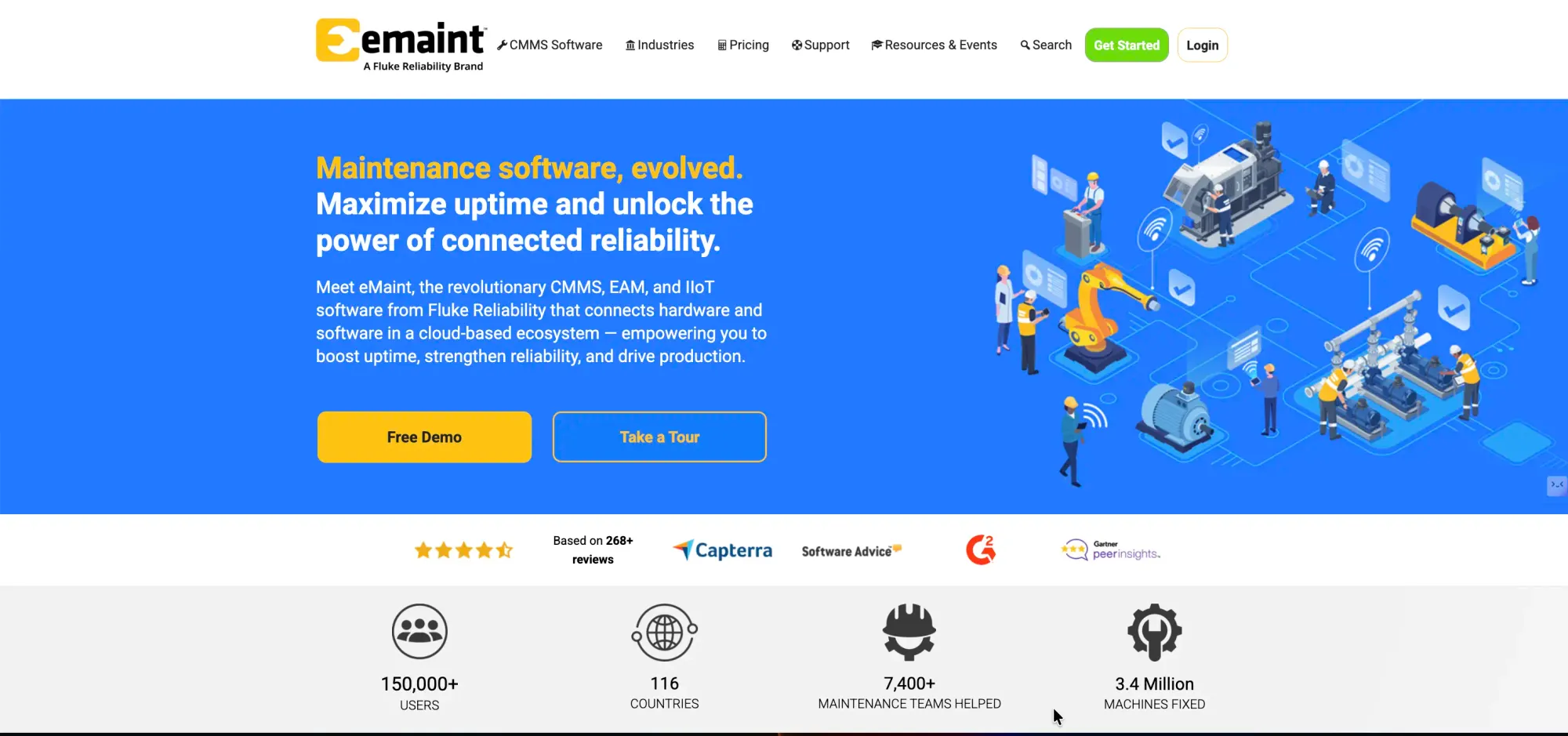
eMaint is a 30-year-old CMMS with deep configurability, condition-based maintenance triggers, and multi-site PM scheduling that goes well beyond what FMX can handle. It is particularly well suited to regulated industrial and healthcare environments where compliance evidence trails and condition-based maintenance are requirements rather than nice-to-haves.
For FMX users in healthcare or facilities environments with significant compliance obligations, eMaint is worth evaluating. The platform handles complex asset hierarchies and supports Fluke condition monitoring hardware, which connects vibration, temperature, and electrical sensors directly to work order generation.
The trade-off is cost and learning curve. eMaint pricing starts at approximately $69/user/month, significantly higher than FMX. The interface is functional but dense, and reviewers consistently note that report configuration requires either training or repeated support calls. It is a lot of platform to manage if your requirements are straightforward.
Strong fit if: Your environment has significant compliance requirements; condition-based maintenance from sensors is a requirement; you need multi-site PM scheduling with deep configurability.
Starts to feel limited when: Simplicity and fast technician adoption are priorities; or budget constraints make $69+/user/month difficult to justify.
6. Hippo CMMS (Eptura) – Best for small facilities teams keeping it simple
Hippo CMMS, now part of Eptura following a 2022 acquisition, is positioned at a similar buyer profile to FMX: small-to-mid-size facilities teams that need basic work orders, PM scheduling, and asset tracking without complex enterprise capability. The platform is straightforward to deploy and easy for non-technical staff to adopt.
For FMX users who want to evaluate an alternative at a similar operational level, Hippo is a reasonable comparison. The feature set is broadly equivalent, and the Eptura acquisition has brought it under the same umbrella as Archibus and Famis360, which may be relevant for buyers with enterprise IWMS ambitions.
Where Hippo shares FMX's ceiling: no native multi-site portfolio management, no AI agents, limited integration depth. Pricing is quote-based.
Strong fit if: Your requirements are genuinely basic: work orders, PM scheduling, asset records, and mobile access for a small team at a single site.
Starts to feel limited when: Multi-site management, advanced reporting, IoT connectivity, or AI automation enter the conversation.
7. IBM Maximo – Best for asset-intensive enterprises with IBM infrastructure
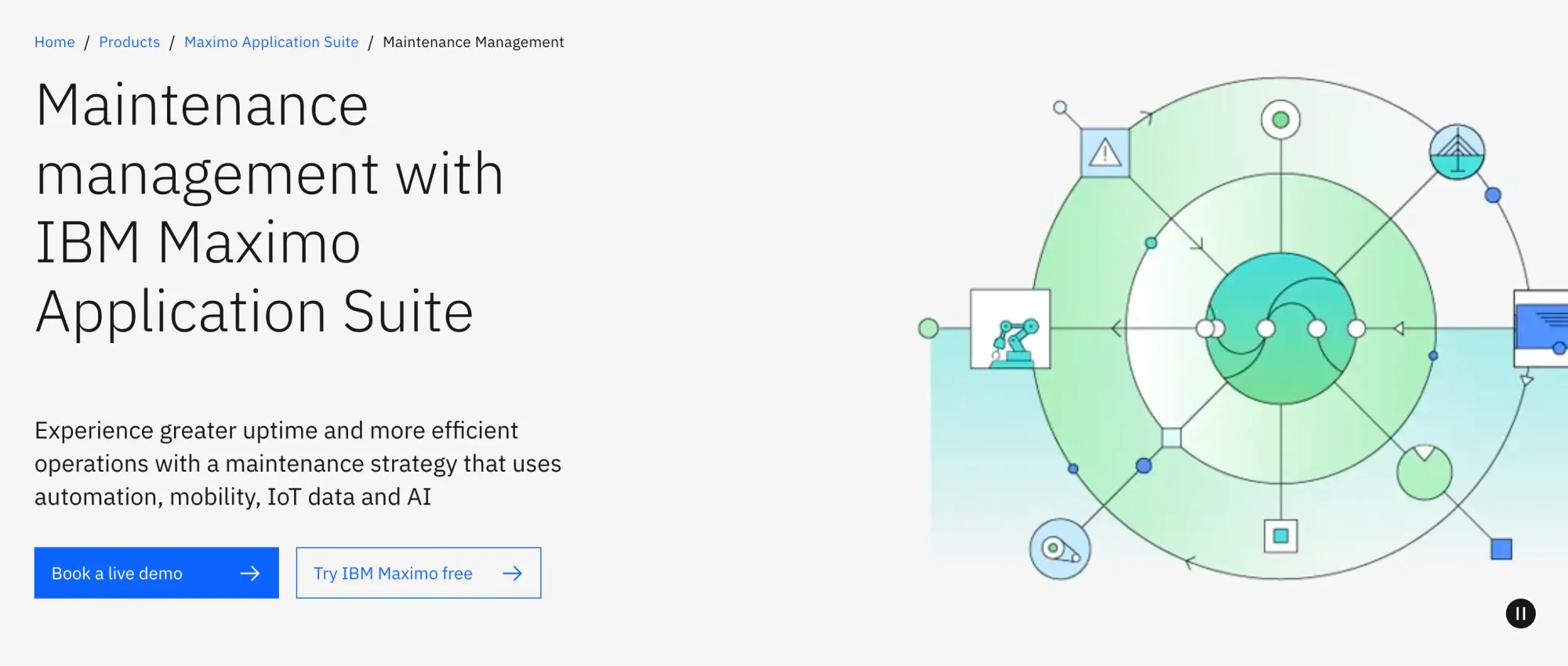
IBM Maximo is the enterprise EAM standard for asset-intensive industries: utilities, manufacturing, transportation, oil and gas. Full asset lifecycle governance, regulatory compliance, and integration with IBM enterprise infrastructure are requirements in these verticals.
For FMX users in enterprise environments who have genuinely outgrown mid-market CMMS and need a heavy-duty asset management platform, Maximo belongs on the evaluation list. It handles complex asset hierarchies, detailed lifecycle cost tracking, and multi-site operations at a scale that no mid-market tool reaches.
The trade-off is substantial. IBM Maximo pricing is approximately $3,500/month, implementation typically runs months, and the platform requires dedicated IT and implementation expertise to deploy and maintain. For the profile FMX serves, which is education, healthcare, and small non-profits, Maximo is almost certainly the wrong tool. It is on this list for the small subset of FMX users who are scaling into genuinely enterprise-level asset management requirements.
Strong fit if: You are managing critical infrastructure, heavy industrial assets, or a large regulated estate where full lifecycle governance and IBM ecosystem integration are requirements.
Starts to feel limited when: Fast deployment, easy adoption, and modern UX are priorities. Maximo's implementation overhead is significant.
Why Facilio Stands Apart from Every Other Option on This List
Every alternative above solves a specific part of the FMX problem. UpKeep and MaintainX improve the mobile experience. Limble improves PM depth. eMaint adds compliance rigor. Maximo adds enterprise asset governance.
None of them address the complete picture for a facilities team managing a growing portfolio: maintenance, vendors, tenants, energy, compliance, and AI-driven automation running on the same platform, under one data model.
That is what Facilio was built for.
The clearest evidence is in production deployments:
Berkeley UAE, Helpdesk AI Agent: 276 calls, 175 service requests in 30 days, 80% autonomous resolution. The agent captured requests via WhatsApp, created work orders, assigned technicians, and confirmed dispatch without human intervention at each step.
Charter Hall, Invoice Validation Agent: 2,117 invoices processed, 619 errors caught, 70+ FM hours of manual review eliminated per month. Cross-referenced every invoice against work orders and contracted rates automatically.
Skeens: 100% manual contractor check-ins eliminated. Compliance tracking automated and expanded across Canada and the UK without adding headcount.
Facilio operates across 150M+ sq ft globally and was named a Verdantix Leader in 2025.
If you are already running FMX and not ready to migrate, there is a meaningful option that does not require one. Facilio's Atom agents can operate alongside your existing FMX setup, handling the workflows FMX cannot. Your team keeps working in the system they know. The AI acts on the data it is already generating.
More from Facilio
Frequently Asked Questions
About the Author

More from Facilio