










 Service intake















The best Fiix alternatives in 2026 are 1. Facilio, 2. MaintainX, 3. UpKeep, 4. Limble CMMS, 5. eMaint, 6. Maintenance Connection, 7. WebTMA and 8. Click Maint.
The right pick depends on four things: your team size and budget, the hardware you already run (Rockwell controls, Fluke sensors or neither), whether technicians need mobile-first work orders that hold up offline, and whether you need predictive maintenance or full enterprise asset management depth.
Fiix by Rockwell Automation is a capable CMMS built for the plant floor, where machines on a line drive the work. If you run maintenance across many buildings, with contractors, occupants and compliance deadlines, you need Fiix alternatives built for that kind of operation. If you run a single plant on Rockwell equipment, sensor-led predictive maintenance tools or Fiix itself may still be the better fit.
This guide compares eight options on pricing, mobile use, multi-site reporting and what each tool's AI actually does. Every option here is a full cmms software platform, not a point tool.
Top 8 Fiix alternatives at a glance
- Facilio: Agents take requests, dispatch work, chase vendors and check invoices on top of a full CMMS, for building portfolios run with contractors.
- MaintainX: Mobile-first work orders and digital checklists built for frontline adoption, with a free plan and a chat thread on every job.
- UpKeep: An asset operations platform for facilities and inventory teams, where Nova creates and closes work orders by voice.
- Limble CMMS: Fast technician setup, flexible preventive maintenance scheduling, spare parts inventory and an offline mobile app.
- eMaint: Deep configuration and analytics tied to Fluke tools and condition-monitoring sensors.
- Maintenance Connection: Enterprise asset management depth for regulated multi-site work, in the cloud or on premise.
- WebTMA: Rules-based work requests and reporting for universities, hospitals and public estates.
- Click Maint: A budget-friendly single plan with preventive maintenance, inventory and a 30-day free trial.
Also considered: IBM Maximo and SAP S/4HANA for asset-intensive enterprises (see our ibm maximo alternative guide), and Asset Essentials by Siemens for schools and local government.
Fiix competitors compared
The table lines up the Fiix competitors on fit, strength, limitation, AI and pricing model, so you can cut the list to two before you book demos.
| Platform | Category | Best for | Standout strength | Honest limitation | AI (as of November 2026) | Pricing model |
|---|---|---|---|---|---|---|
| Facilio | CMMS with an agent layer | Multi-site facilities with vendors | Agents run intake, dispatch, vendor and invoice work | Quote-only; built for large portfolios, not small teams | Agents that complete steps of the job | Quote by portfolio size, users and scope |
| MaintainX | Mobile-first CMMS | Frontline crews | Technician adoption and in-job chat | Custom reporting is the top complaint | Answers, suggestions and forecasts that assist a person | Free; $20 and $65 per user/mo; Enterprise quote |
| UpKeep | Facilities CMMS | Warehouse and campus upkeep | Voice-driven work orders | Key features sit on higher tiers | Nova creates and closes work orders by voice, on credits | $24 and $55 per user/mo; higher tiers quote |
| Limble CMMS | Maintenance CMMS | One in-house maintenance team | PM flexibility and fast rollout | Multi-location reporting needs Enterprise | Drafts PM plans and asset records for review | Quote via pricing calculator |
| eMaint | Reliability CMMS | Fluke-instrumented teams | Condition monitoring with Fluke sensors | Setup time and report building | AI Suite drafts and suggests for approval | Quote only, user minimums |
| Maintenance Connection | Enterprise CMMS | Regulated multi-site estates | Multi-site PM and audit trails | Needs an admin for SQL-level setup | None named on the product page | From $110 per user/mo (indicative) |
| WebTMA | Facilities CMMS | Campuses, hospitals, public sector | Request routing and reporting | AI scope not detailed publicly | TMAi scheduler, email intake, OTTO assistant | Formal quote |
| Click Maint | Budget CMMS | Small teams on a fixed budget | One all-in plan at a published price | Reporting customization is basic | None named on product pages | $35 per user/mo, one plan |
Prices from each vendor's pricing page, November 2026. Fiix itself lists Free, $45 and $75 per user per month, plus Enterprise by quote, onFiix's pricing page.
What Fiix CMMS does well, and where facilities teams outgrow it
Fiix is a strong maintenance planner's tool. Teams usually look for Fiix CMMS alternatives when they manage buildings, not lines, and the gaps show up in the field, the reports and the bill.
Rockwell Automation acquired Fiix in 2020, and the product reflects it. FactoryTalk Optix can open a work order straight from a PLC alarm, and Fiix Asset Health uses Augury sensors to predict machine failures.
Planners rate its PM depth, with calendar, meter and event triggers and nested PMs on the Professional plan, and many reviewers call it easy to learn. Our fiix cmms review covers the full picture.
The switching reasons cluster in five places:
- Field work can be lost offline: The mobile app is the most common complaint in customer reviews, with technicians describing forced logouts and offline changes that disappear if they log out before a sync finishes.
- Custom reports take specialist skill: Reviewers say deeper reporting needs SQL knowledge or the Enterprise tier, which puts insight out of reach for lean facilities teams.
- The headline price is not the whole bill: SSO, the Integration Hub, custom API work and custom workflows carry extra cost on Enterprise, and Fiix MAX and the Lite License are quoted separately. Our fiix cmms pricing guide runs the numbers.
- Billing terms frustrate buyers: Renewal and cancellation complaints are the main reason Fiix's public-trust scores sit far below its software ratings in customer reviews.
- The data model is built around machines: Fiix organizes work around assets on a line, not portfolios of buildings with vendors, contracts, occupants and compliance certificates.
How we evaluated these Fiix alternatives
We scored each of these Fiix CMMS alternatives on the jobs a multi-site facilities team runs every week, then checked every price and AI claim on the vendor's own pages in November 2026. If the category is new to your team, start with what is cmms.
- Multi-site fit: A portfolio view across buildings, site hierarchies and cross-site reporting without an extra tier.
- Field mobility and offline mode: Whether technicians can raise, update and close work with photos where there is no signal.
- Preventive maintenance depth: Calendar, meter and condition triggers, plus grouped or nested PMs, the core of any preventive maintenance software.
- Vendor and compliance control: Contractor onboarding, insurance and certificate tracking, inspections and an audit trail.
- Hardware and integrations: Sensor or BMS signals to work orders without lock-in to one hardware brand, plus ERP and finance connections.
- AI that does work vs AI that answers: What the AI completes on its own versus what it drafts or answers for a person.
- Total cost and pricing clarity: Published versus quote-only pricing, add-ons billed separately, and contract terms.
- Setup and adoption: Time to go live, training load, and who configures and runs the system.
Review themes come from a mixed pool of customer reviews across several sites, not one. Prices come from each vendor's own pricing page, and where a vendor only quotes, we say so.
The 8 best Fiix alternatives for multi-site facilities teams, reviewed
Each profile covers fit, key features, strengths, limitations and pricing, with a direct line on how it compares with Fiix for a building portfolio.
1. Facilio
Best for: FM directors running maintenance across many buildings with in-house technicians and contractors.
| Starting price | Quote by portfolio size, users and scope |
| Free plan or trial | Guided demo on your own sites |
| Key strength | Full CMMS plus live agents on one platform |
| AI and automation | Agents for intake, dispatch, vendor follow-up, invoice checks and compliance |
| Reviews | 4.4/5 on G2 |
Where Fiix pairs a plant-floor CMMS with an assistant that answers questions, Facilio puts agents to work on the facilities jobs around the work order. Agents take the routine operations and maintenance work off the desk, and the CMMS stays the core record they run on.
FM Ops Engineers, Facilio's own team, build the platform around your operation and keep running it with you, so your team needs no technical hires and no training program. Facilio is trusted by 150+ customers across four regions.
Core features:
- Work orders, PPM and asset lifecycle: Runs reactive and planned work on one calendar, with RFID and QR-tagged assets carrying full history in the Connected CMMS.
- Mobile and offline-first: The mobile cmms app lets technicians raise, update and close work orders with no signal, with before-and-after photo validation on closure.
- Field service and dispatch: Assigns work through smart dispatch and geofenced check-in, with live SLA tracking across sites.
- Inspections, audits and compliance: Digitizes inspection forms and statutory tasks and keeps audit-ready records.
- Vendor and subcontractor management: vendor management software checks licenses and insurance and blocks new work when a document expires.
- Parts, inventory and procurement: Links stock to work orders and reorders automatically from set reorder points.
- No-code reports and dashboards: Compares backlog, PM compliance and cost site by site, with Ask Atom for plain-language answers inside every work order, asset and dashboard.
- Connected Buildings: connected buildings turns BMS and HVAC alarms into work orders with fault detection attached.
AI agent features (Atom agents, as of November 2026):
- Service intake: Works as a facility helpdesk that answers requests across phone, email and chat, around the clock, and raises the right work order the first time.
- Service dispatch: Picks the technician or vendor from SLA, skills, location and history.
- Vendor coordination: Chases quotes, confirms attendance and collects service reports until the job is closed.
- Invoice processing: Checks every invoice line against the work order, contract and rate card before payment.
- Building compliance: Tracks certificates, inspections and the statutory compliance for facilities management calendar, and flags the gap before the audit.
The agents run on your CMMS or on Facilio's, and new agents are added in weeks. See the ai suite for the current list.
Strengths:
- Built for buildings, so vendors, contracts, occupants and compliance sit in the same record as the work order.
- FM Ops Engineers configure, run and tune the platform with you, which suits teams without spare IT capacity.
- The offline-first field app answers the most common complaint teams raise about Fiix.
Limitations:
- There is no free plan or published per-user price, because each plan is scoped and quoted first.
- It is built for large, multi-site enterprise portfolios, so a small single-site team that only needs a self-serve work order app will pay for more platform than it uses.
Compared with Fiix: Facilio trades Fiix's PLC hooks for building systems, vendor control and agents that complete the follow-up work. The full fiix vs facilio comparison sets them side by side.
Pricing: Facilio quotes its Standard, Essential and Enterprise plans by portfolio size, users and scope; see pricing.
Customer proof: Skeens Warehouse Services, an Indianapolis maintenance provider for commercial and industrial clients, moved off a mix of incumbent tools and cut manual contractor check-ins by phone by 100%, with expired insurance now blocking new work automatically (skeens case study).
Limbach, a US mechanical services firm whose clients include manufacturers, runs Connected Buildings across 1.3 million sq ft and 813 assets with 300+ fault detection rules (limbach case study).
See it on your own sites.
Bring one site's open work orders and contractor list, and watch the agents raise, dispatch and close that work.
Request a demo →Verdict: The strongest Fiix alternative for a multi-site facilities team that wants the follow-up work done, not just logged, with a team that stays to run it.
2. MaintainX
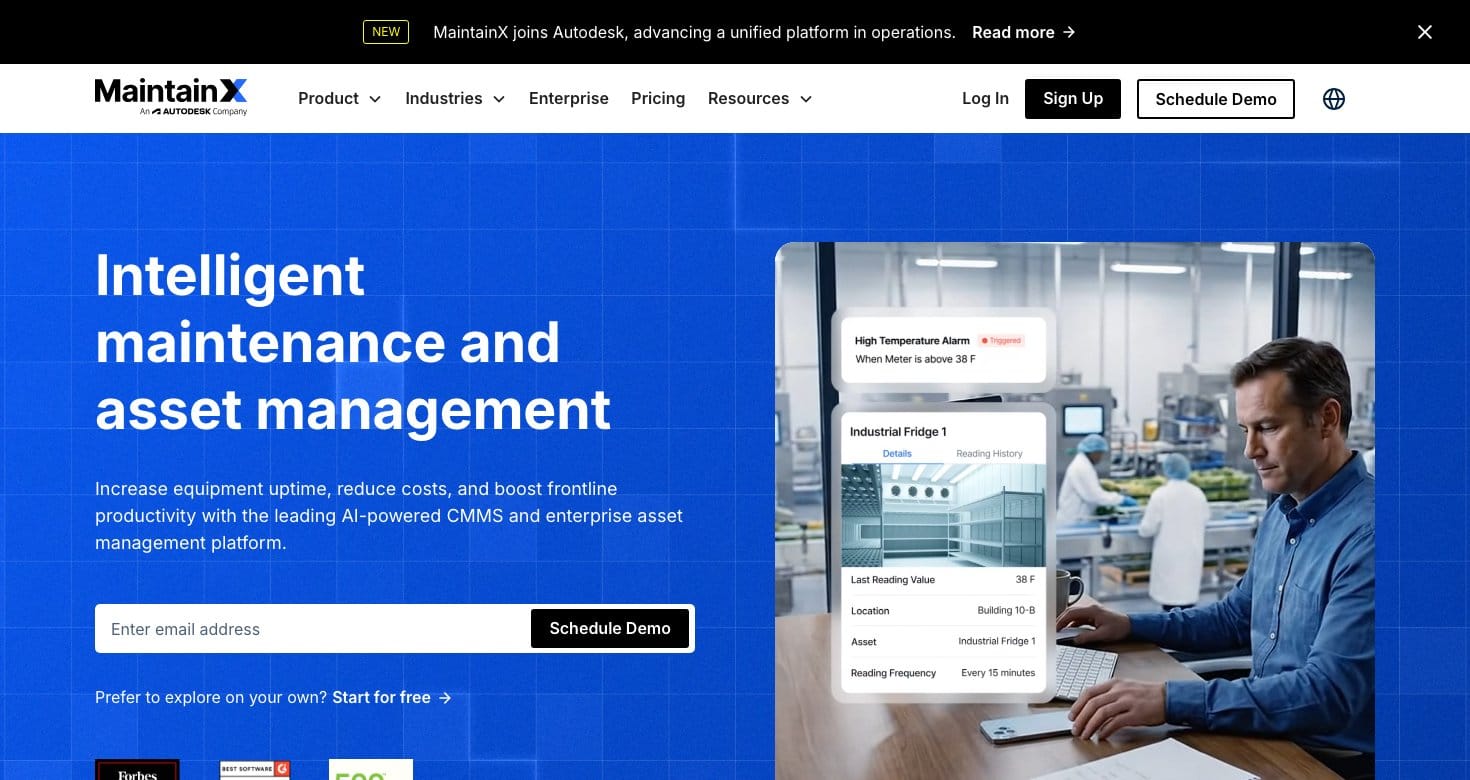
Best for: Frontline-heavy maintenance teams that need technicians working in the app within days.
| Starting price | Free; Essential from $20 per user/mo billed annually |
| Free plan or trial | Free Basic plan |
| Key strength | Technician adoption and in-job chat |
| AI and automation | Procedure drafts, smart input checks and time estimates; MaintainX Assist on Enterprise |
| Reviews | 4.8/5 on G2 |
MaintainX, part of Autodesk since the deal closed in August 2026, is built around the phone. Every work order carries its own chat thread, procedures run as digital checklists, and requester accounts are free on every plan.
MaintainX puts the average implementation at three weeks per site, and Premium and Enterprise customers get structured onboarding with a dedicated specialist. Multi-site management, SSO and the deeper AI sit on the quote-only Enterprise plan.
Core features:
- Work orders with real-time messaging: Attaches photos, priority, due dates and a chat thread to every job, with unlimited work orders even on the free Basic plan.
- Procedures with logic and signatures: Builds checklists with inspection checks, signature capture and conditional logic fields (in beta), unlimited on Premium.
- Preventive maintenance and meter triggers: Runs repeating work orders on every paid plan, with meter-based maintenance, automated corrective actions and maintenance plans on Premium.
- Request portals and routing: Gives unlimited free requester users, request portals and custom request routing for staff and occupants.
- Assets, locations and downtime: Tracks unlimited assets and locations with QR and barcode scanning, hierarchies, downtime tracking and root cause analysis.
- Parts, purchasing and cost tracking: Manages parts inventory, purchase orders, low-stock alerts and time and cost tracking on Premium, with cycle counts and multi-location parts higher up.
- External work orders: Shares work orders with outside contractors from the Premium plan, with unlimited vendor records.
- Enterprise multi-site controls: Adds multi-site management and reporting, SSO, custom permissions, escalation protocols, Report Builder and ERP integrations on Enterprise.
AI and automation features:
- AI procedure generation and smart input checks: Drafts procedures and flags unusual readings as technicians enter them.
- Smart time estimates and MaintainX Assist: Estimates job duration, with the MaintainX Assist assistant on Enterprise; our guide to ai agents for maintainx covers what Assist leaves to your team.
- Asset Intelligence add-on: Reads machine data through OT connectors and vibration monitoring, with AI anomaly detection, sold separately.
Strengths:
- Technician adoption is the reason most teams pick it in customer reviews, with reviewers who switched from older systems crediting the app for getting work logged.
- Unlimited free requester accounts suit operations with many occasional requesters, such as stores or schools.
- A free plan and published prices let you prove adoption before you commit budget.
- Chat on every job keeps field crews and planners on the same thread without a separate messaging app, as our maintainx cmms review explains.
Limitations:
- Custom reporting is the most common complaint in customer reviews, and Report Builder sits on Enterprise.
- Multi-site management, SSO and MaintainX Assist are on the quote-only Enterprise plan, a common reason teams compare maintainx cmms alternatives.
- Contractor-heavy sites still need a coordinator for vendor compliance and invoice checks.
Compared with Fiix: MaintainX wins on the phone experience and loses on PM depth for complex equipment; see maintainx vs fiix.
Pricing: MaintainX lists Basic free, Essential at $20 per user per month billed annually, Premium at $65 and Enterprise by quote on its pricing page. The maintainx pricing guide covers tier limits.
Verdict: The fastest Fiix replacement to put in technicians' hands, with multi-site depth reserved for Enterprise; the maintainx vs facilio comparison shows the trade-off for building portfolios.
3. UpKeep
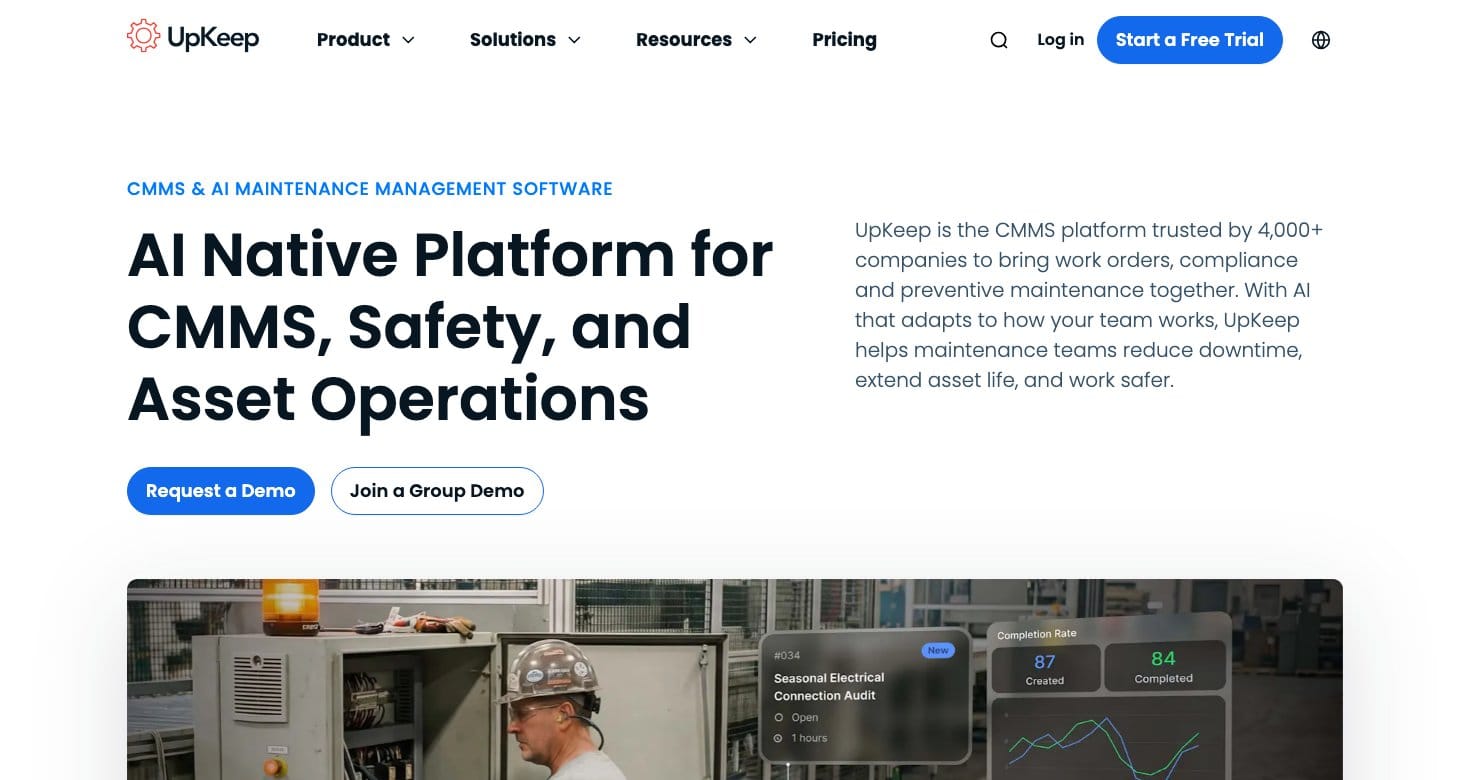
Best for: Facilities upkeep teams across warehouses, campuses and distribution centers.
| Starting price | From $24 per user/mo (Essential) |
| Free plan or trial | Free trial, no credit card |
| Key strength | Voice-driven work orders |
| AI and automation | Nova creates and closes work orders by voice, on monthly credits |
| Reviews | 4.5/5 on G2 |
UpKeep pairs an app technicians pick up quickly with Nova, an assistant that creates, updates and closes work orders by voice. Every plan includes a monthly Nova credit allowance, from 250 credits on Essential to 1,000 on Enterprise.
The catch is tier creep. Preventive maintenance starts on Premium, offline mode and the external request portal on Professional, and purchase orders, API access and SSO on Enterprise.
Core features:
- Work orders on every plan: Includes unlimited work orders and locations from Essential, with custom categories and data importing.
- PM scheduling and checklists: Adds preventive maintenance, custom checklists and meter readings from the Premium plan.
- Parts and inventory with costing: Tracks parts with costing on Premium, with multiple inventory lines higher up and purchase orders on Enterprise.
- Time and labor tracking: Logs time and cost on each job from Premium.
- Mobile offline mode: Works offline from Professional, caching up to 100 work orders and saving unlimited offline drafts on Enterprise.
- External request portal and signature capture: Lets outside requesters submit work and captures sign-off for compliance on Professional.
- Asset lifecycle and downtime: Tracks asset lifecycle on Professional, with downtime, depreciation and warranty tracking on Enterprise.
- Workflow automation and custom dashboards: Adds automation rules, equipment reliability reports and custom dashboards on Enterprise.
- UpKeep Studio and add-on products: Builds custom apps in Studio from Premium, with Edge sensors, Safety, Learn and Fleet sold separately.
AI and automation features:
- Nova Chat and Voice Fill: Answers asset and inventory questions and fills work orders by voice. Our guide to agentic ai for upkeep users covers what Nova leaves to your team.
- Smart Checklist Builder and Photo-to-Parts: Drafts checklists and creates part records from a photo.
- Closeout notes, summaries and data cleanup: Writes closeout notes and activity summaries and flags messy records.
- App Builder, App Marketplace and Smart Scheduler: Builds and installs apps on Nova credits, with the Smart Scheduler on higher tiers.
Strengths:
- Voice-driven work suits technicians who would rather talk than type, a theme that comes up often in customer reviews; one reviewer running several distribution centers credits it with more predictable maintenance.
- Published entry prices, a free trial and fixed-price onboarding ($500 training, $1,500 Quickstart, $5,000 Advanced) make budgeting simple.
- Free requester, vendor and view-only users keep paid seat counts down; the upkeep cmms review covers the user model.
Limitations:
- PM scheduling, offline mode, API access and purchase orders each sit on a higher tier, a point that comes up often in customer reviews.
- Reviewers say multi-site setup takes manual configuration, which sends some teams to the best upkeep alternatives.
- Nova actions draw on monthly credits, so heavy AI use needs planning or a higher plan.
- Sensors, safety and fleet tools are separate products with their own pricing.
Compared with Fiix: UpKeep is lighter on nested PMs but further along on AI that acts; see upkeep vs fiix cmms.
Pricing: UpKeep's pricing page lists Essential at $24 per user per month and Premium at $55, with Professional and Enterprise by quote. The upkeep pricing guide covers implementation packages.
Verdict: A strong Fiix alternative for facilities upkeep where talking to the system beats typing, with tier creep as the cost to watch.
4. Limble CMMS
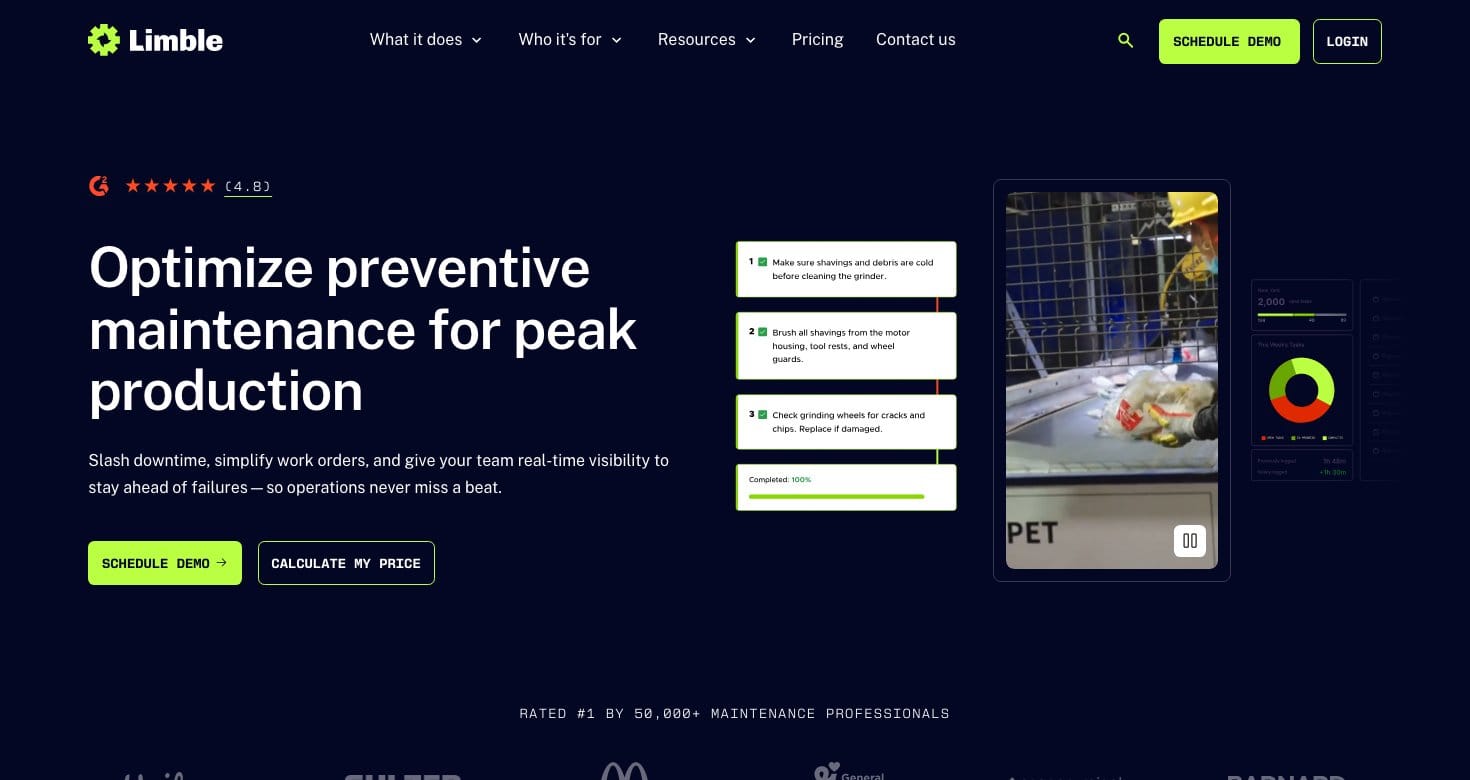
Best for: A single in-house maintenance team that wants flexible PM scheduling and a quick rollout.
| Starting price | Quote via pricing calculator |
| Free plan or trial | Free trial |
| Key strength | PM flexibility and a two-to-four-week rollout |
| AI and automation | AI PM Builder and Asset Snap on every plan; scheduling suggestions on Enterprise |
| Reviews | 4.8/5 on G2 |
Limble is a mobile-first CMMS that runs PMs on rules, not reminders. A failed inspection opens its own corrective work order, and most teams go live in two to four weeks.
Every plan is priced through a calculator rather than a published rate, and multi-location tools and reporting sit on Enterprise. Below that, it is a strong single-team tool.
Core features:
- PM triggers and automated corrective actions: Runs unlimited PMs on every plan, with meter and threshold scheduling and auto-created corrective work orders on Premium+.
- Work request portal and QR codes: Lets unlimited requesters submit work by portal or QR code with photo markup, with request review and approval on Premium+.
- Mobile app with offline mode: Lets technicians complete procedures with inspection checks and signature capture, with offline mode on Premium+.
- Asset hierarchies and downtime reporting: Stores unlimited assets in hierarchies with warranty tracking and automatic MTBF and MTTR reporting.
- Parts, vendors and purchasing: Manages spare parts with min and max thresholds, vendor records with certificate of insurance tracking, and purchase orders on Premium+.
- Resource planning: Adds drag-and-drop scheduling and technician capacity tracking on Enterprise.
- Enterprise controls and integrations: Adds multi-location reporting and maps, custom roles, approval workflows, budgets, 21 CFR compliance and SSO on Enterprise, with an open REST API and MCP access from Premium+.
AI and automation features:
- AI PM Builder: Drafts a preventive maintenance plan from an equipment manual for a planner to review, on every plan.
- Asset Snap: Builds an asset record from a nameplate photo, on every plan.
- Anomaly detection and duplicate checks: Flags unusual readings on Premium+ and duplicate work requests on Enterprise.
- Scheduling suggestions and smart time estimates: Suggests schedules and job durations on Enterprise, leaving dispatch to your planner; see agentic ai for limble cmms for what agents add.
Strengths:
- Fast setup and dashboards a supervisor can build alone come up again and again in customer reviews.
- Hands-on support through rollout, with a Customer Success Manager on every plan.
- Combined PM triggers save a planner a daily round of follow-up, which keeps it high on lists of the best preventive maintenance software.
- Certificate of insurance tracking on Premium+ helps teams that bring in some contractors.
- A 99.99% uptime commitment applies on every plan.
Limitations:
- Cross-site reporting needs the Enterprise plan, a frequent trigger for comparing limble cmms alternatives.
- Reviewers say closed work orders cannot be reopened and edited, which frustrates teams that correct records after the fact, a point raised in customer reviews.
- There is no published per-user price to budget against, so every plan starts with the calculator.
Compared with Fiix: Limble matches Fiix on PM flexibility with an easier rollout; our limble cmms review goes deeper.
Pricing: Limble prices Standard, Premium+ and Enterprise through the calculator on its pricing page. The limble cmms pricing guide covers what buyers report paying.
Verdict: The cleanest lateral move off Fiix for one maintenance team, with multi-site depth as the price of growth.
5. eMaint
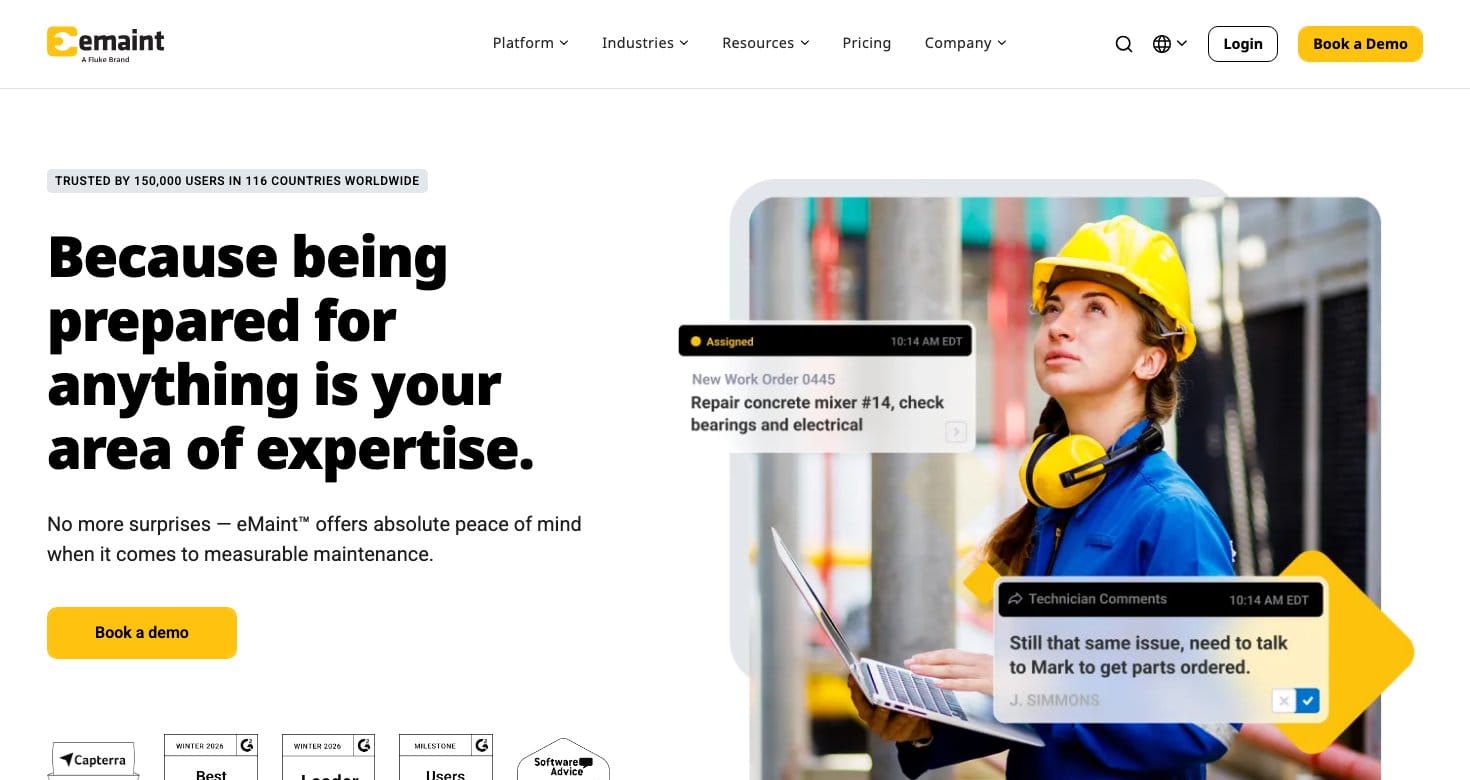
Best for: Reliability teams that already run Fluke condition-monitoring tools.
| Starting price | Quote only; three-user minimum, prepaid annually |
| Free plan or trial | Free trial |
| Key strength | Fluke condition monitoring and calibration |
| AI and automation | AI Suite on Enterprise: cited answers, SOP drafts, voice requests for approval |
| Reviews | 4.5/5 on G2 |
eMaint, owned by Fluke Reliability, is the closest match to Fiix's hardware story: where Fiix ties into Rockwell controls, eMaint ties into Fluke sensors and test tools. Its AI Suite, which launched in beta in March 2026, sits on the Enterprise plan.
Both plans are billed as a prepaid annual commitment. eMaint fixes the price for the contract term and says it may change at renewal.
Core features:
- Work orders and PM checklists: Runs work orders, recurring PMs, PM checklists and meter readings on the Professional plan.
- Condition-based triggers and live monitoring: Opens work from condition readings, including Fluke sensors, and monitors conditions in real time.
- Advanced procedures and e-signatures: Guides technicians step by step and captures e-signature sign-off for regulated work.
- Calibration management: Tracks calibrations, standards and tools, and prints calibration labels.
- Inventory forecasting and multi-location stock: Forecasts parts, runs cycle counts and manages requisitions across storerooms.
- Mobile app with offline work mode: Lets technicians complete tasks offline, with QR and barcode scanning.
- Workflow automation and reliability reporting: Automates workflows and reports on MTBF, downtime and equipment reliability.
- Requests and vendor portal: Takes requests by weblink, QR code and unlimited request logins, with a vendor portal as a paid add-on.
- Enterprise global operations: Adds global multi-site operations and inventory, SSO, and ERP, BI and SCADA APIs with pre-built connectors on Enterprise.
AI and automation features:
- AI Assistant: Answers questions about assets, procedures and history from your manuals and data, with a cited source on every answer, on desktop and mobile.
- SOP Builder: Drafts structured SOPs from an uploaded manual for a senior technician to edit and approve.
- Voice to Work Order Request: Fills asset, location, problem and criticality from one spoken sentence, then waits for your team to review and approve. Our guide to ai agents for emaint covers the step after approval.
Strengths:
- Deep configuration for teams that want the CMMS to match their reliability program, a recurring theme in customer reviews.
- Hardware and software from one vendor for Fluke-instrumented sites, with a dedicated Fluke account manager.
- Calibration, e-signature and audit depth for regulated plants and labs.
Limitations:
- Setup time and report building are the two most common complaints in customer reviews.
- Pricing is quote-only since July 2026, with a three-user minimum on Professional and five on Enterprise, prepaid annually.
- The AI Suite is Enterprise-only, and it drafts and suggests for approval rather than completing work, the main gap in the emaint vs facilio comparison.
- The vendor portal, implementation and on-site training are paid add-ons.
Compared with Fiix: eMaint is a sideways move from Rockwell hardware to Fluke hardware; the emaint cmms review covers it in full.
Pricing: eMaint lists Professional and Enterprise plans with no prices on its pricing page. The emaint pricing guide tracks what changed in July.
Verdict: The natural Fiix alternative for a Fluke shop, less so for a building portfolio run through contractors; the best emaint alternatives guide covers that case.
6. Maintenance Connection
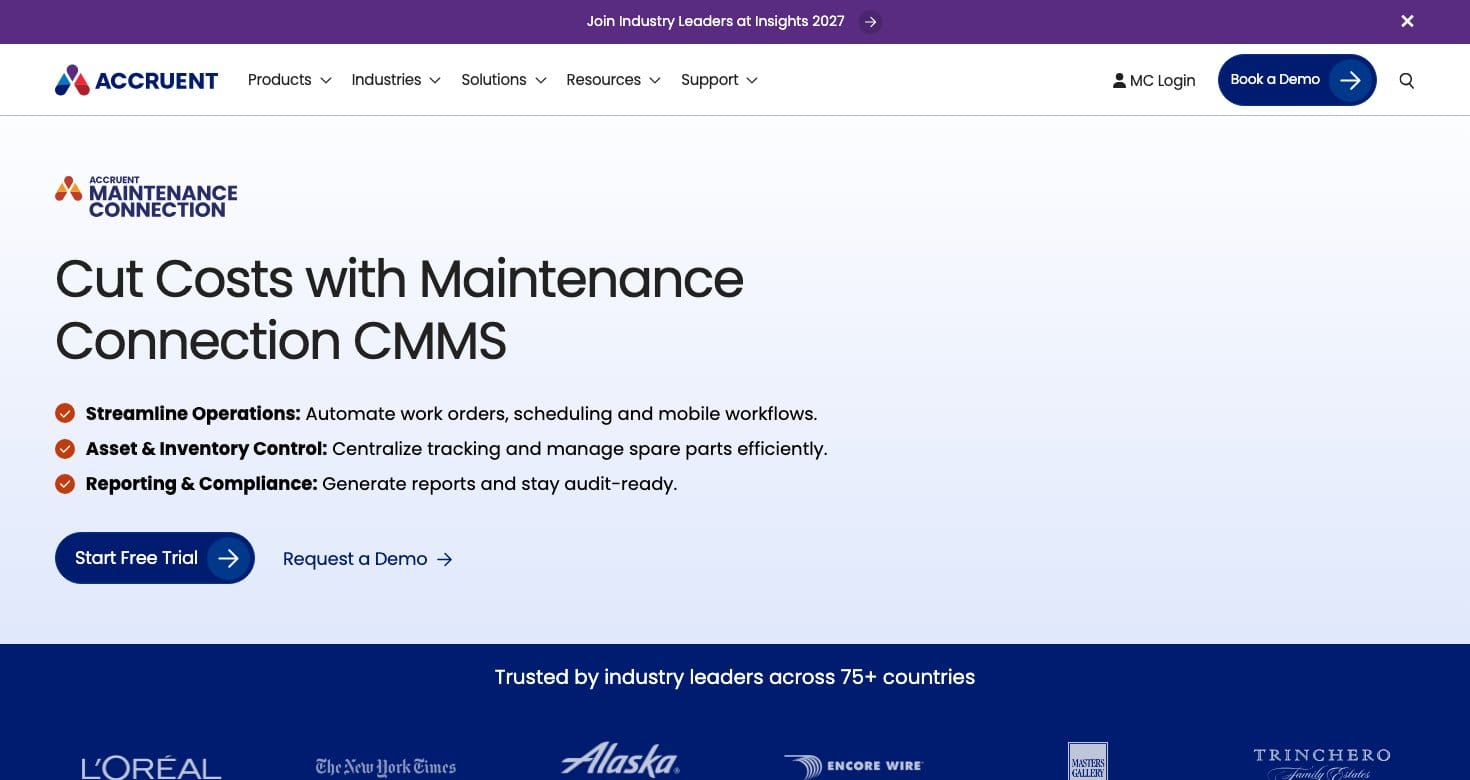
Best for: Regulated, multi-site estates and plants with a dedicated CMMS administrator.
| Starting price | From $110 per user/mo (indicative, three-user minimum) |
| Free plan or trial | Free trial |
| Key strength | Multi-site PM and audit trails |
| AI and automation | None named on the product page |
| Reviews | 4.2/5 on G2 |
Accruent positions Maintenance Connection as a multi-site CMMS and EAM for manufacturing, food and beverage, pharmaceuticals and utilities, with e-signatures, procedure versioning and audit trails built in. It runs in the cloud or on premise.
Accruent shows indicative pricing: $110 per user per month for Professional with at least three users and a one-year contract, and Enterprise by quote from five users. The mobile app is licensed separately.
Core features:
- Work order management: Centralizes work orders with automated notifications and alerts that keep tasks on schedule.
- Multi-site PM and labor scheduling: Scales from one site to many, with preventive maintenance, labor scheduling and parts demand forecasting.
- Regulatory compliance: Keeps e-signatures, precise procedure versioning, document management and audit trails for FDA and ISO-regulated work.
- Spare parts, purchasing and financials: Manages spare parts, purchasing and cost data in one system.
- Mobile add-on: Provides an offline-capable app with barcode and QR scanning, images, signatures and mobile parts management.
- Self-service reporting and Data Connect: Offers interactive reports and dashboards, with Accruent Data Connect supplying BI-ready data to your own tools.
- Integrations and deployment: Connects to ArcGIS, ERP, SCADA, HR, document management and IoT systems through an integration hub or open API, with native EDMS and IoT integration on Enterprise.
AI and automation features:
- No named AI features: The product page lists no AI feature as of November 2026.
- Data Connect for your own analytics: Feeds governed, BI-ready datasets to the analytics or AI tools you already run.
Strengths:
- Reviewers value having asset records, documents and parts lists (BOMs) in one system, a theme across customer reviews.
- An on-premise option suits organizations with strict hosting policies, one reason it shows up when teams look for the best accruent alternative.
- E-signatures, procedure versioning and audit trails cover FDA and ISO record-keeping.
Limitations:
- Custom rules and reports need SQL-level setup, and reviewers find everyday tasks and the asset hierarchy confusing in customer reviews.
- The product page names no AI feature today; our guide to ai agents for accruent covers adding agents alongside it.
- Mobile costs an extra $58 per user per month, and every plan carries a one-year minimum.
- Accruent markets it mainly to plants and regulated manufacturers, so building-portfolio workflows such as occupant requests get less attention.
Compared with Fiix: Maintenance Connection is an EAM-grade step up for large asset estates, at more cost and setup effort; see maintenance connection reviews.
Pricing: Accruent's product pricing page shows an indicative Professional price of $110 per user per month with a three-user minimum, plus a mobile add-on at $58 per user per month. The accruent pricing guide explains the rest.
Verdict: A heavier, audit-ready option for regulated estates that have the admin capacity to run it; the accruent vs facilio comparison covers the building-portfolio angle.
7. WebTMA
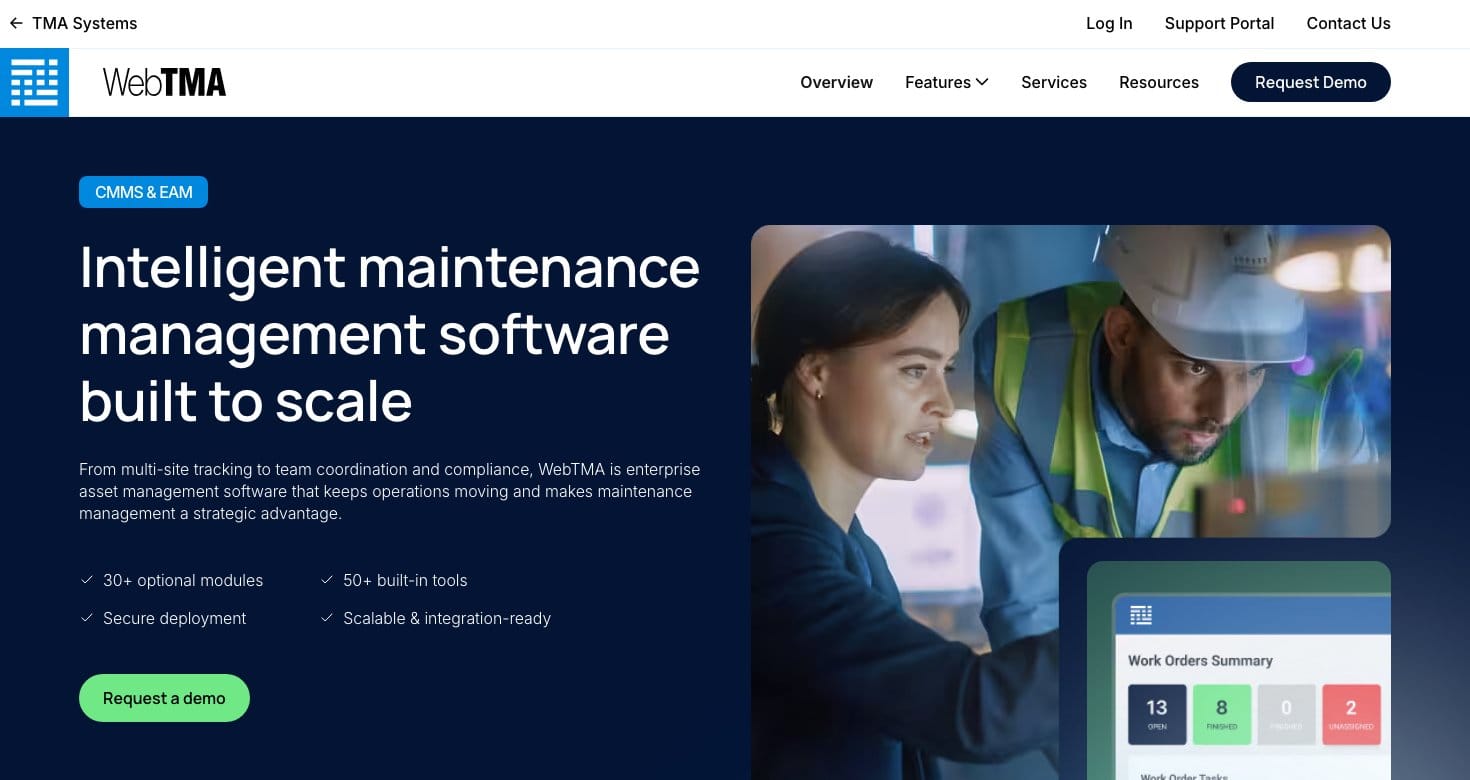
Best for: Universities, health systems and public-sector estates with large in-house trades teams.
| Starting price | Formal estimate |
| Free plan or trial | Demo on request |
| Key strength | Request routing and campus integrations |
| AI and automation | TMAi scheduler, email intake and OTTO assistant (scope not detailed publicly) |
| Reviews | 4.5/5 on G2 |
Universities and health systems use WebTMA, from TMA Systems, to route each service request to the right shop by rule and report on work, cost and problem locations from one data set. TMA describes it as an enterprise platform with 30+ optional modules and 50+ built-in tools.
TMA has grown through a run of acquisitions since 2021, including MEX, Virtual Facility and Facil-IT. Pricing comes as a formal estimate after you choose modules.
Core features:
- Work orders with labor and parts: Creates, assigns and completes work orders with labor, parts and timelines tracked on each job.
- Automated maintenance: Runs recurring tasks, preventive maintenance inspections and PM work orders through automated workflows.
- Rules-based service requests: Captures request details up front and routes each request to the right shop.
- Asset lifecycle tracking: Follows each asset's usage, condition and cost from acquisition to retirement to support repair-or-replace calls.
- Automated workflows: Builds repeatable, rules-based processes that remove manual handoffs.
- Custom dashboards and reports: Pulls live dashboards and built-in reports from one data set to show trends and problem locations.
- MobileTMA GO: Scans QR codes and barcodes, generates work orders and automates corrective steps, online or offline.
- Integrations and hosting: Connects to BIM, ESRI GIS, RSMeans, StarRez and MedTester plus universal connectors, hosted in TMA's cloud or on premise.
AI and automation features:
- TMAi: Offers an AI SmartScheduler, email work request automation and the OTTO work order assistant; TMA describes TMAi as supporting decisions without replacing human judgment.
- Alarm Intelligence (separate product): Manages facility alarms and the workflows they trigger, sold as its own TMA product.
Strengths:
- Reporting that tracks work, cost and problem locations is the strength reviewers mention most in customer reviews.
- Integrations built for campuses and hospitals, from student housing to medical equipment testing.
- A modular build lets you buy only the modules you need and add more later.
Limitations:
- TMA does not describe what each TMAi feature completes on its own, and customer reviews say little about it yet, so ask for a live demo.
- Contractor insurance tracking is a separate TMA product (RiskPartner COI) rather than part of WebTMA, which matters if you need contractor compliance management software in the same system.
- There is no published pricing; every buyer goes through a formal estimate.
Compared with Fiix: WebTMA covers similar reporting depth, aimed at campuses and hospitals rather than production lines.
Pricing: TMA Systems prices WebTMA by formal estimate through its pricing page.
Verdict: A dependable Fiix alternative for campus and hospital estates, best bought with a clear view of what TMAi actually does.
8. Click Maint
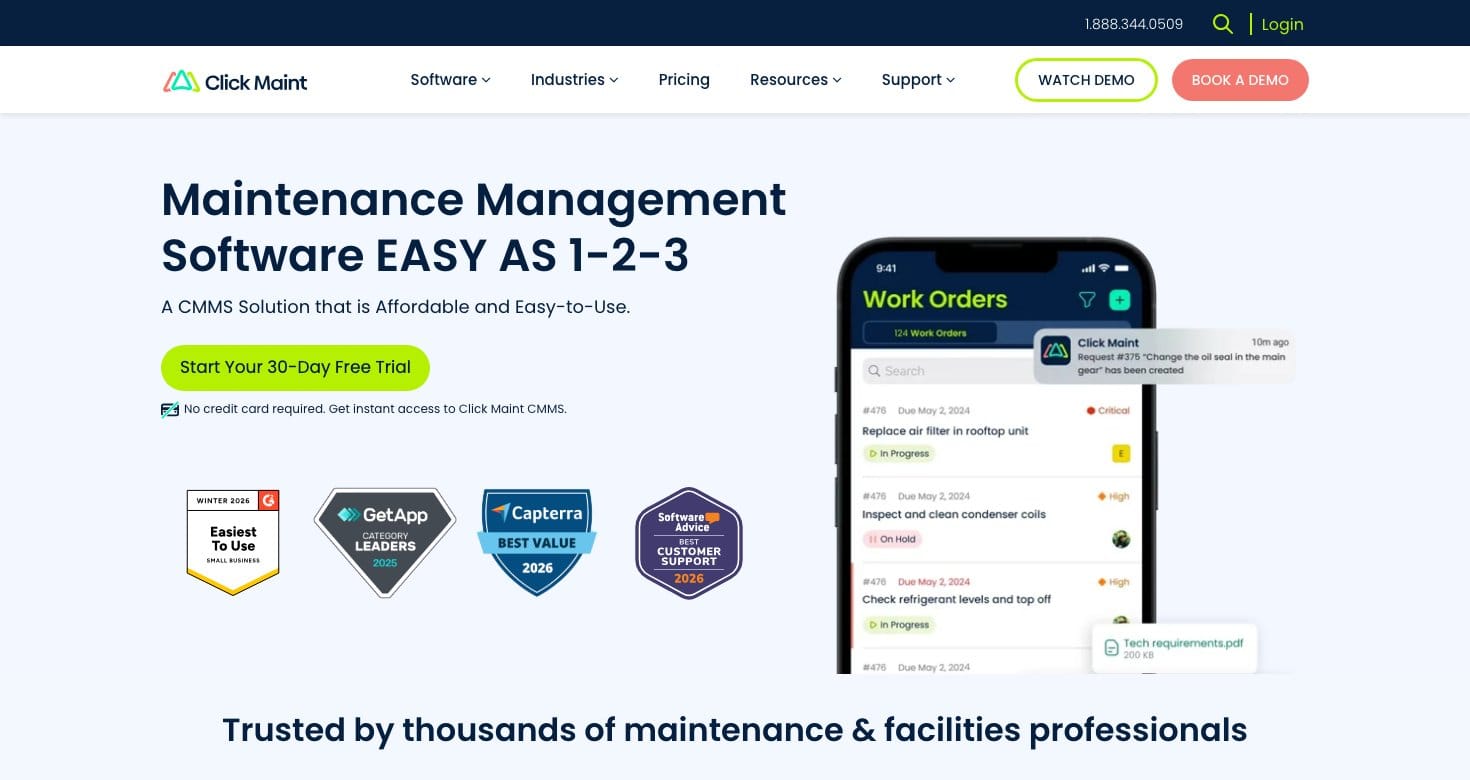
Best for: Small and mid-sized maintenance teams that want a full CMMS on a fixed, predictable budget.
| Starting price | $35 per user/mo, one plan |
| Free plan or trial | 30-day free trial, no credit card |
| Key strength | One all-in plan with fast setup |
| AI and automation | None named; approval workflows and floating PM triggers |
| Reviews | 4.7/5 on G2 |
Click Maint sells one Professional plan at $35 per user per month, with work requests, work orders, preventive maintenance, assets, inventory, vendors, reporting, the mobile app and API access all included. Requesters are free.
Click Maint says most customers are managing work orders and assets within 30 days, and every customer gets a dedicated Customer Success Manager. It is built for ease and price rather than enterprise depth.
Core features:
- Work requests and portals: Takes requests from unlimited requesters through request portals and QR codes, with approval workflows and configurable forms.
- Work orders with checklists: Runs work orders with custom categories, checklists and procedures, batch updates and labor time and cost tracking.
- Preventive maintenance: Schedules PMs hourly to annually, with floating PM triggers, pause and resume, a PM progression view and a calendar dashboard.
- Mobile app: Handles requests, work orders, PMs, assets and parts on iOS and Android, with push notifications and QR scanning.
- Assets and locations: Keeps parent and child hierarchies, downtime and warranty tracking, manuals and full maintenance cost history.
- Inventory and parts: Tracks stock and non-stock parts with min and max quantities, lead times, low-stock alerts and storeroom management.
- Vendors and suppliers: Assigns vendors to work orders and parts, tracks vendor costs and rates each vendor.
- Reports and KPIs: Shows MTTR, MTBF, cost breakdown, on-time completion and reactive versus preventive work on a KPI dashboard, with an audit log and data export.
AI and automation features:
- No named AI features: The product and pricing pages list none as of November 2026.
- Rule-based automation: Approval workflows, floating PM triggers and real-time notifications handle routine routing.
Strengths:
- Ease of use is the theme reviewers return to most in customer reviews.
- One published plan with every module included makes budgeting simple, and requesters are free.
- A 30-day free trial includes the mobile app and an import wizard, so you can test with your own data.
- Every customer gets a dedicated Customer Success Manager.
Limitations:
- Reporting customization is basic, the most common complaint in customer reviews, along with requests for more automation.
- The single plan does not list multi-site management or SSO, so ask how it handles a large portfolio.
- Offline use is not listed among the mobile app features, so test it during the trial.
- Onboarding and implementation services may carry extra fees.
Compared with Fiix: Click Maint undercuts Fiix's $45 Basic and $75 Professional plans with one $35 plan, trading Fiix's Rockwell hardware ties and enterprise tier for simplicity; the click maint vs facilio comparison covers the building-portfolio angle.
Pricing: Click Maint lists one Professional plan at $35 per user per month, with monthly or yearly billing, on its pricing page.
Verdict: The budget pick: a complete, easy CMMS for a small team that wants every module at one price, not a platform for a contractor-heavy portfolio.
How to choose the best Fiix alternative: a step-by-step framework
Choosing among the best Fiix alternatives comes down to six steps, in order. Work through them before any demo, and the shortlist usually narrows itself.
- Map your operation: Count your sites, buildings and assets, and note how much work goes to in-house technicians versus contractors. Write down where requests come from today: email, phone, a portal or a hallway.
- List what Fiix does for you now: Record the PM trigger types you rely on (calendar, meter, nested), the live integrations (FactoryTalk, sensors, ERP) and the reports people read every week. These are your must-keeps.
- Name the work you want off people's desks: Request intake, dispatch, vendor follow-up, invoice checks and compliance tracking. Ask each vendor which of these the software completes and which it only records.
- Score the shortlist on the evaluation criteria: Use the eight criteria above and weight them for your operation. For most facilities teams, multi-site fit and offline mode weigh most.
- Pilot one site for 30 days: Run real work orders with the mobile crew, test offline in a plant room or basement, and complete one PM cycle. Our guide to mobile cmms offline support lists what to test.
- Decide who runs it: Agree who configures the system, trains crews and owns adoption after go-live, and put it in the contract.
For the wider market beyond this list, see the best cmms software guide.
Which Fiix alternative fits your operation
If you would rather start from your situation than from the profiles, this table gives a first pick and a runner-up, including the one case where staying on Fiix makes sense.
| Your situation | First pick | Runner-up |
|---|---|---|
| Multi-site facilities with contractors and compliance deadlines | Facilio | Maintenance Connection |
| Preventive maintenance scheduling and work orders for one team | Limble CMMS | MaintainX |
| Mobile-first frontline crew | MaintainX | UpKeep |
| Small maintenance team on a fixed budget | Click Maint | MaintainX |
| Reliability team already running Fluke tools | eMaint | UpKeep |
| Large regulated estate such as a hospital or lab | Maintenance Connection | WebTMA |
| Campus or public-sector facilities | WebTMA | Facilio |
| Single plant on Rockwell equipment | Stay on Fiix | eMaint |
Common mistakes to avoid when choosing a Fiix alternative
A Fiix alternative can look right in a demo and still fail at your sites. These four traps catch facilities teams most often, and each has a simple fix.
- Comparing headline per-user prices only: Add-ons, integrations and onboarding change the total fast. Fix: get a three-year quote for each shortlisted tool with every add-on and fee in writing; our cmms pricing guide lists what to ask.
- Paying for plant-floor features you no longer need: PLC hooks and sensor-led predictive maintenance matter on a production line. Across buildings, the work is requests, vendors and compliance. Fix: price only the modules your buildings use.
- Letting one site pick for the whole portfolio: A tool chosen by the head office team can fail at sites run by contractors with no in-house technicians. Fix: include a contractor-run site in the shortlist review.
- Leaving requesters and vendors out of the evaluation: Planners test the software, but occupants raise the requests and vendors close the jobs. Fix: have both use the request portal and the vendor app before you decide.
Moving off Fiix: a five-phase migration plan
Once you have chosen, the move itself follows five phases. Most of the risk sits in the first three, before anyone logs in to the new system, and our cmms implementation guide covers the rollout in more depth.
- Audit: Check your Fiix contract term and notice window, count named users versus Lite users, and list open work orders.
- Export: Pull assets and their hierarchy, PM schedules with every trigger type mapped (nested PMs, meter and condition triggers), recent work-order history and parts.
- Map: List every Integration Hub, API, FactoryTalk or sensor connection, and name its replacement before cutover day.
- Roll out site by site: Use the pilot site's setup as the template, and train each crew on its own site's assets.
- Cut over and run in parallel: Run both systems for one PM cycle, then switch Fiix to read-only.
The DOE Operations and Maintenance Best Practices Guide is a useful reference for setting the PM program you carry into the new system.
The bottom line on Fiix alternatives
Fiix remains a smart pick for a single plant on Rockwell equipment. For a portfolio of buildings, pick by the work you need done: MaintainX or Limble for one team, Click Maint when budget leads, Maintenance Connection or WebTMA for regulated estates, and Facilio when contractors, compliance and follow-up are where the hours go.
Fiix alternatives FAQ
What are the best alternatives to Fiix CMMS?
For multi-site facilities, the best Fiix alternatives are Facilio, MaintainX, UpKeep, Limble CMMS, eMaint, Maintenance Connection, WebTMA and Click Maint. Facilio leads for building portfolios with contractors; MaintainX and Limble suit single maintenance teams.
Is Fiix a good CMMS?
Yes, for manufacturing. Planners rate its PM depth and asset hierarchy highly. Reviewers mark it down for mobile reliability, reports that need SQL, and billing terms, which matter more for multi-site building teams.
How much does Fiix cost?
Fiix lists a free plan, Basic at $45 per user per month, Professional at $75 and Enterprise by quote. SSO, the Integration Hub, custom API work, Fiix MAX and the Lite License cost extra.
Is Fiix CMMS free?
Fiix has a free plan with unlimited work orders and assets, capped at 25 active PMs and a limited number of users. Reports, unlimited PMs and multi-site management need a paid plan.
Which Fiix alternative has the best mobile app for field technicians?
MaintainX is the most praised for technician adoption. For offline work across many buildings, Facilio's offline-first app and WebTMA's MobileTMA GO both let technicians close work without signal.
Is Maintenance Connection better than Fiix for large asset estates?
For regulated, multi-site estates, often yes: it scales PM across sites with e-signatures and audit trails. It costs more and needs an administrator for SQL-level setup.
Can I keep my existing CMMS and add AI agents instead of switching?
Yes. Facilio's agents can run on top of an existing CMMS, taking requests, dispatching and checking invoices, so you can add the agent layer first and decide on the CMMS later.
About the Author
