







 Service intake
















The best ServiceChannel alternatives in 2026 are 1. Facilio, 2. Corrigo, 3. FMX, 4. MaintainX, 5. Limble CMMS, 6. eMaint, 7. UpKeep, 8. Accruent Maintenance Connection, 9. Infraspeak and 10. IBM Maximo.
The right pick comes down to four things: how many locations you run, whether most repairs go to contractors or your own technicians, how tightly you need to control invoices, and your budget.
ServiceChannel, part of Fortive since 2021, is built for multi-location brands. It sends repairs to a network of more than 70,000 contractors, then checks their proposals and invoices. If that network is the main thing you need, it still does the job well.
FM directors look further when they also run in-house technicians, preventive maintenance, asset records and refrigeration compliance across hundreds of stores. This guide compares 10 options on multi-site fit, offline mobile, vendor control, pricing and AI, starting from the cmms software each one is built on.
Top 10 ServiceChannel alternatives at a glance
- Facilio: A CMMS with live agents that take request intake, dispatch, vendor follow-up and invoice checks off your desk, all built on work order software your vendors share.
- Corrigo: JLL's enterprise work order platform with a peer-vetted network of 70K+ service providers.
- FMX: An easy-to-learn facilities CMMS with an assistant, Iris, that can assign and resolve requests when you ask it to.
- MaintainX: A mobile-first CMMS, now part of Autodesk, with a free tier to start on.
- Limble CMMS: A fast-to-adopt CMMS with vendor work sharing and multi-location tools on its top plan.
- eMaint: Fluke's configurable CMMS, built around condition triggers and predictive maintenance software workflows.
- UpKeep: A simple mobile CMMS with monthly Nova AI credits in every plan.
- Accruent Maintenance Connection: An EAM-grade CMMS with published per-user pricing, run as SaaS or on your own servers.
- Infraspeak: A retail-friendly FM platform built for working with suppliers, with Gear AI on top.
- IBM Maximo: Enterprise asset management for complex, regulated estates.
Also considered: Fexa and Ecotrak, two contractor-network platforms for multi-site brands, and ResQ, which now sells restaurant repair services with its software included.
ServiceChannel competitors compared
The table puts the 10 ServiceChannel competitors side by side, and our servicechannel vs facilio page goes deeper on the first pick.
| Platform | Category | Best for | Standout strength | Honest limitation | AI (as of Nov 2026) | Pricing model |
|---|---|---|---|---|---|---|
| Facilio | Agentic platform with a CMMS core | Multi-site brands with vendors, in-house techs and refrigeration | Agents complete intake, dispatch, vendor follow-up and invoice checks | Quote-only; built for large portfolios, not small teams | Agents that complete the work | Quote by portfolio size, users and scope |
| Corrigo | Enterprise FM work order platform | Large brands that want a provider network | 70K+ provider network, cost-validated approvals | Recent reviews: too many clicks | Auto-assigns work; vendor matching recommends | Quote; per user or per site |
| FMX | Facilities CMMS | Campuses, districts, multi-department teams | Ease of use and scheduling | Mobile sorting and custom reports | Iris answers and acts on requests on command | Quote by users and features; one-time setup fee |
| MaintainX | Mobile-first CMMS | Frontline crews | Free tier, easy navigation | Multi-site and SSO are Enterprise only | Assist answers; can't create or edit data | $0, $20 or $65 per user/mo billed annually; Enterprise custom |
| Limble CMMS | CMMS | Mixed in-house and vendor teams | Speed of adoption | Multi-location tools are Enterprise only | Drafts PMs, flags anomalies | Quote through a price calculator |
| eMaint | Configurable CMMS | Equipment-heavy sites | Condition-based triggers | Setup takes time | Answers and drafts with human approval | Quote; 3- or 5-user minimum, prepaid annually |
| UpKeep | Mobile CMMS | Small to midsize teams | Simple work orders | Offline mode starts at Professional | Nova runs bulk edits when asked | $24 or $55 per user/mo; higher tiers quoted |
| Maintenance Connection | EAM-grade CMMS | Asset-intensive multi-site operations | SaaS or on-premises | Mobile is a paid add-on | None named on the product page | $110 per user/mo indicative; Enterprise quoted |
| Infraspeak | FM platform | Retail FM teams working with suppliers | Fast setup | Stock module needs work | Suggests, alerts, runs rule automations | Quote; no published tiers |
| IBM Maximo | Enterprise asset management | Regulated, asset-intensive estates | Asset depth | Complex setup | Recommends and answers (MAS 9.2) | Essentials Maintenance from under $40K per year; quote above |
Prices come from each vendor's pricing page, November 2026. ServiceChannel itself is priced per location by custom quote, with no public price list (ServiceChannel platform FAQ).
What ServiceChannel does well, and where FM directors outgrow it
Is ServiceChannel a CMMS? Not quite. It is a work order and provider platform with asset and preventive maintenance modules added on. Its strengths are real: Provider Search and performance scoring, proposal approvals, not-to-exceed (NTE) limits, invoice checks and refrigerant reporting. Ease of use is the most common praise, as our servicechannel review covers.
It is also fair on cost in two places. Core ServiceChannel AI is included at no added cost (ServiceChannel AI), and the 5 percent network commission is paid by the provider, not by your brand. The Fall 2026 release added offline check-in and check-out for technicians.
The switching reasons cluster in five places:
- Field check-in and check-out: GPS and IVR check-ins that fail or log the wrong time on site are a recurring complaint in customer reviews. Most of those reviewers are contractors, so this is the provider side of your network talking.
- Speed and navigation: Slow refreshes and sections that are hard to find at first are a regular theme in customer reviews.
- Analytics licensing: AI Analytics is still in beta, with one free trial licence per subscriber, and full analytics users are licensed on top (Fall 2026 release notes).
- A price you can't see: ServiceChannel is quoted per location and publishes no price, which makes a like-for-like comparison slow. Our servicechannel pricing guide breaks down what goes into a quote.
- Built around the contractor transaction: The platform is designed for one flow: request, dispatch, invoice. As of November 2026, its live AI drafts, answers, flags and recommends, so a person still takes every next step. Action Hub opens in beta on December 1, 2026, and agents arrive in early 2027 (ServiceChannel AI launch).
How we evaluated these ServiceChannel alternatives
Every price and AI claim below was checked on the vendor's own pages in November 2026. We scored each tool on eight criteria:
- Multi-site fit: Location hierarchies, portfolio roll-ups and simple request flows for store managers, the core of enterprise facility management software.
- Field mobility and offline mode: Whether technicians can open, update and close work orders with no signal.
- Preventive maintenance depth: Calendar, meter and condition triggers, and how well the preventive maintenance software handles hundreds of sites.
- Vendor and compliance control: Certificates of insurance, NTE limits, proposal approvals and invoice checks.
- Hardware and integrations: BMS and refrigeration monitoring software alarms turning into work orders, plus ERP and AP connections.
- AI that does work vs AI that answers: Whether the AI completes a step on its own or only drafts, answers and recommends.
- Total cost and pricing clarity: Per location, per user or per AppPoint, plus add-ons, as laid out in our cmms pricing guide.
- Setup and adoption: Time to go live and how much training store teams and technicians need.
Review themes come from several review sites, not one. Prices come from each vendor's own page, and quote-only vendors are named as quote-only.
The 10 best ServiceChannel alternatives for multi-site FM directors, reviewed
Here are the best ServiceChannel alternatives, each reviewed to the same depth so you can compare like for like.
1. Facilio
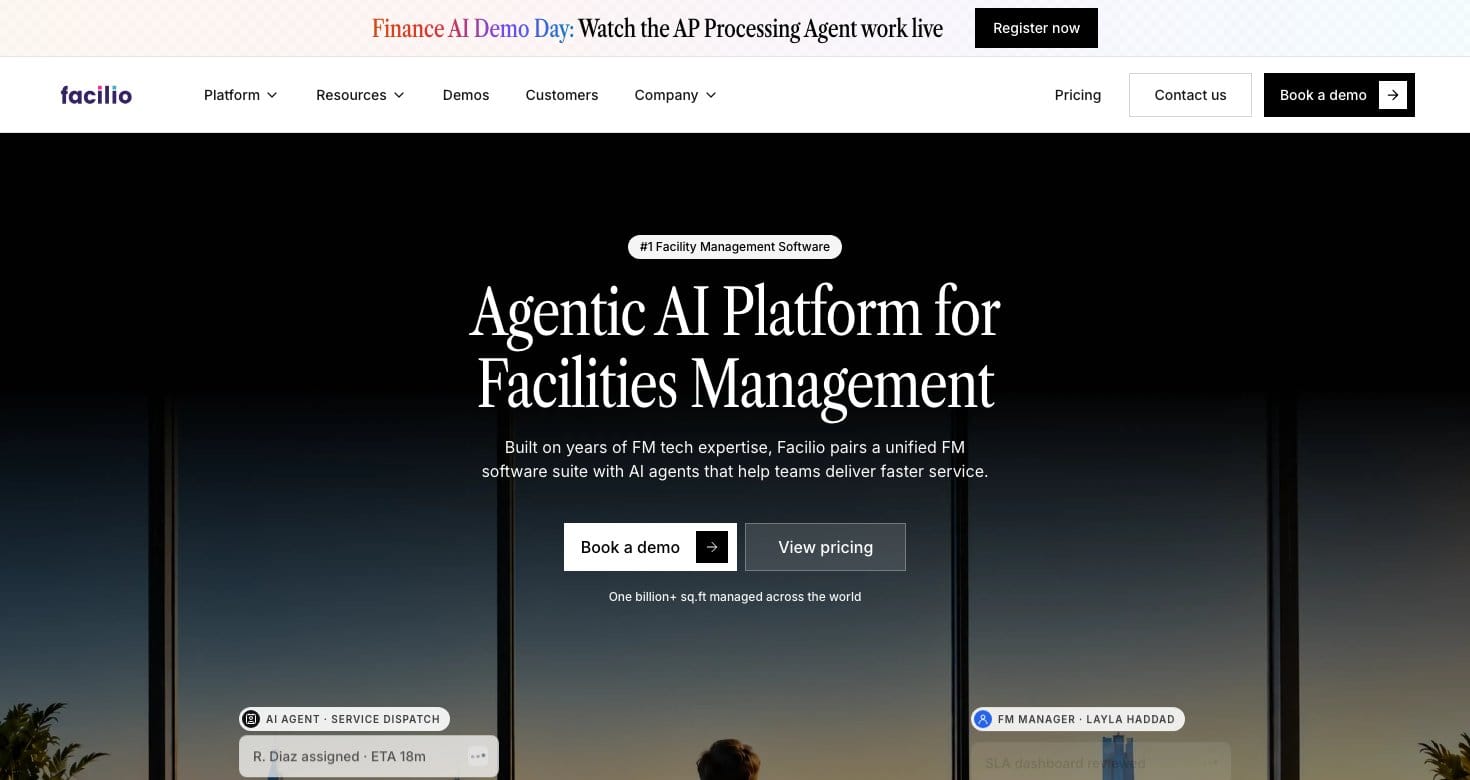
Best for: FM directors running maintenance across many stores, restaurants or grocery sites with in-house technicians and contractors.
| Starting price | Quote by portfolio size, users and scope |
| Free plan or trial | Guided demo on your own sites |
| Key strength | Full CMMS plus live agents on one platform |
| AI and automation | Agents for intake, dispatch, vendor follow-up, invoice checks and compliance |
| Reviews | 4.4 on G2 |
ServiceChannel is still adding agents to a contractor network, a gap we cover in agentic ai for servicechannel users. On Facilio, agents already take each store request through to a checked invoice, on a CMMS your team and your vendors share.
FM Ops Engineers build the platform around how your operation runs and keep running it with you, so there are no technical hires and no training program. More than 150 customers run their operations on Facilio across North America, the Middle East, the UK and Ireland, Australia and New Zealand, and Asia-Pacific.
Core features:
- Work orders, PPM and asset lifecycle: Reactive and planned work, asset registers with QR and RFID tags, and service history for every store asset.
- Mobile and offline-first: Technicians raise, update and close work orders on a mobile cmms app that keeps working when the signal drops, with before-and-after photos on closure.
- Field service and dispatch: Smart dispatch, geofenced check-in and SLA tracking for in-house crews and contractors.
- Inspections, audits and compliance: Store audits, statutory tasks and refrigerant records that support epa 608 compliance.
- Vendor and subcontractor management: Contractor onboarding, licence and insurance checks that block new work when a certificate expires, and a vendor portal for quotes and invoices.
- Parts, inventory and procurement: Stock linked to work orders, reorder points, RFQs and purchase orders, through parts inventory management software.
- No-code reports and dashboards: Portfolio and store-level views, with Ask Atom answering plain-language questions inside every work order, asset and dashboard.
- Connected Buildings: BMS and refrigeration alarms become work orders with the evidence attached, through connected buildings software.
AI agent features (as of November 2026):
- Service intake: Answers every request on any channel, 24/7, and raises the right work order the first time.
- Service dispatch: Picks the right technician or contractor based on SLA, skills, location and history.
- Vendor coordination: Chases quotes, confirms attendance, collects reports and closes the loop with each contractor.
- Invoice processing: Checks every invoice line against the work order, contract and rate card before it is paid, the job behind our contractor invoice management software guide.
- Building compliance: Tracks certificates, inspections and statutory tasks, and flags the gap before the audit.
The agents run on your CMMS or on Facilio's, and new agents are added in weeks.
Strengths:
- Facilio is built for buildings, so refrigeration records, vendor certificates and invoices sit on the same asset record instead of in separate tools.
- FM Ops Engineers configure the platform and run it with your team, so adoption does not depend on internal admins.
- The offline-first field app keeps check-ins and closures working in back rooms and walk-in coolers, the exact spot where field check-ins are a common complaint about ServiceChannel.
Limitations:
- There is no free plan or published per-user price, because each plan is scoped and quoted first.
- Facilio is built for large multi-site enterprise portfolios, so a small single-site team pays for more platform than it uses.
Compared with ServiceChannel: Facilio has no contractor marketplace, so you bring your own vendors and Facilio manages their onboarding, insurance, SLAs and invoices. See our full servicechannel alternative page.
Pricing: Facilio quotes its Standard, Essential and Enterprise plans by portfolio size, users and scope. See Facilio pricing.
Customer proof: A Midwest supermarket chain runs maintenance, refrigerant compliance, vendors and utilities for 25+ grocery and production sites on Facilio. EPA 608 compliance is enforced before contractors invoice, about 140 utility bills are processed every month, and the chain went live in 3 months (leading retail chain case study).
At Tuten Labs, alarm-to-work-order automation across 10,000+ retail sites cut customer service calls by 10 to 15 percent (tuten labs case study).
Verdict: Pick Facilio when you want the work around each store request done for you, not just tracked, on a CMMS your contractors share.
2. Corrigo
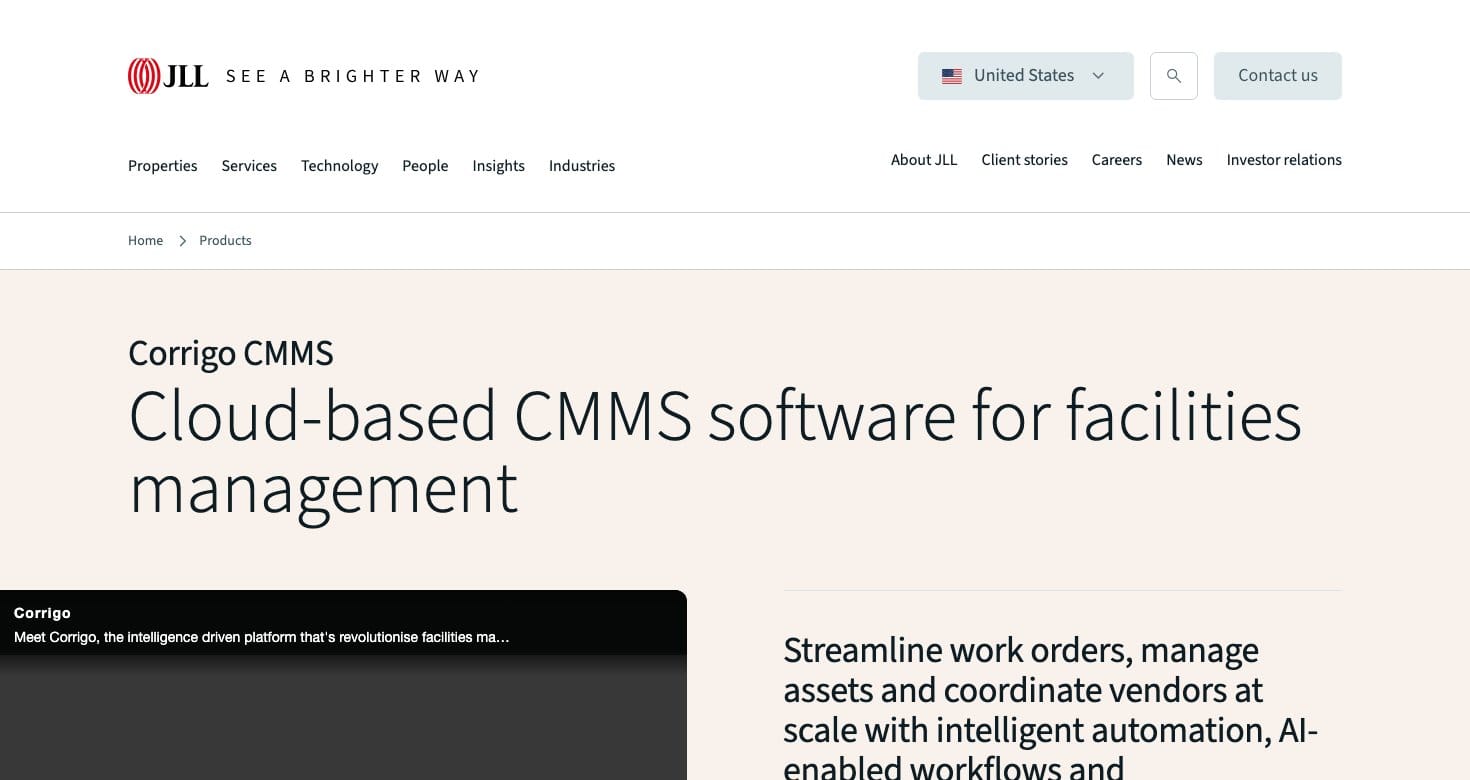
Best for: Large brands that want a vetted provider network inside an enterprise work order platform.
| Starting price | Custom quote |
| Free plan or trial | None listed |
| Key strength | 70K+ peer-vetted provider network |
| AI and automation | Auto-assigns work by skills and availability; recommends vendor matches |
| Reviews | 4.5 on G2 |
Corrigo is JLL's cloud CMMS for facilities, sold to retailers, restaurants, grocery chains and property portfolios. Like ServiceChannel, it pairs work order software with a large provider network, which makes it the closest like-for-like switch on this list.
The trade-off is weight. JLL licenses Corrigo per user or per site, and a standard multi-site rollout with SSO and ERP connections takes 8 to 20 weeks. Contractors pay their own CorrigoPro fee to join the network, as our corrigo vs facilio comparison explains.
Core features:
- Work order automation: Routes, prioritizes and approves work orders through cost-validated approval workflows, so spend outside your limits is stopped before a contractor starts.
- Preventive maintenance scheduling: Builds recurring PM schedules across every site and ties each visit to the asset record, so planned work replaces repeat call-outs.
- Asset lifecycle tracking: Keeps warranty alerts, service history and repair-vs-replace recommendations on each piece of store equipment, so you stop paying for repairs a warranty should cover.
- Provider network: Opens access to JLL's peer-vetted network of 70K+ service providers, with vendor matching and scoring when you need coverage in a new market.
- Credential and SLA monitoring: Shows contractor credentials, GPS check-ins and SLA performance in one view, so you can see who turned up and whether they met the agreed response time.
- Multi-property dashboards: Standardizes workflows and rolls up cost and performance across retail chains and property portfolios, with BI dashboards and benchmarking for regional comparisons.
- Mobile apps with offline work orders: Lets technicians open and update work orders when the signal drops, then syncs the changes once they reconnect.
- Integrations: Connects through a REST API, ERP, accounting and CAFM connectors and an SSO connector, which JLL scopes into the quote for multi-site rollouts.
- JLL managed services: Adds optional JLL-managed operations and JLL Marketplace procurement for brands that want to hand part of the FM workload to JLL.
AI and automation features:
- AI scheduling: Assigns tasks automatically based on priority, technician skills and availability.
- Vendor matching and scoring: Recommends providers and scores their performance; a person still approves the choice.
- Asset identification from photos: Reads field photos to identify assets. JLL names no separate AI agent, which is why we cover the gap in ai agents for corrigo.
Strengths:
- Ease of use is the most common praise in customer reviews, with day-to-day users saying routine work orders are quick to raise and track once the platform is configured.
- Teams value real-time visibility of vendor work across many sites, which cuts the calls and emails needed to find out whether a job is done.
- Customer support and account management get regular credit from long-time users, which matters during a rollout that can run 8 to 20 weeks.
- The 70K+ provider network gives brands a ready pool of vetted contractors when they open stores in new regions.
Limitations:
- Recent reviewers say the interface hides actions behind too many clicks, a recurring theme in customer reviews, which slows down high-volume help desks.
- New users describe a learning curve, and customizing workflows and reports takes effort, so plan for admin time after go-live.
- Importing customers and recurring PM schedules is described as cumbersome, which can stretch the data migration phase of a switch.
- The Corrigo Enterprise mobile app gets new features later than the web version, so field teams can wait for capabilities office users already have.
Compared with ServiceChannel: Corrigo trades ServiceChannel's network for JLL's, with heavier implementation and contractor fees that sit with providers. See our ranked corrigo alternatives.
Pricing: JLL quotes Corrigo by deployment scale, users, integrations and service level, licensed per user or per site (Corrigo FAQ). Contractors pay $99 a month for unlimited CorrigoPro work orders since April 1, 2026, or $5 a month plus $5 per work order. More in our corrigo cmms pricing guide.
Verdict: Corrigo is the safest swap if a vetted contractor network is non-negotiable and you have the time for a long rollout.
3. FMX
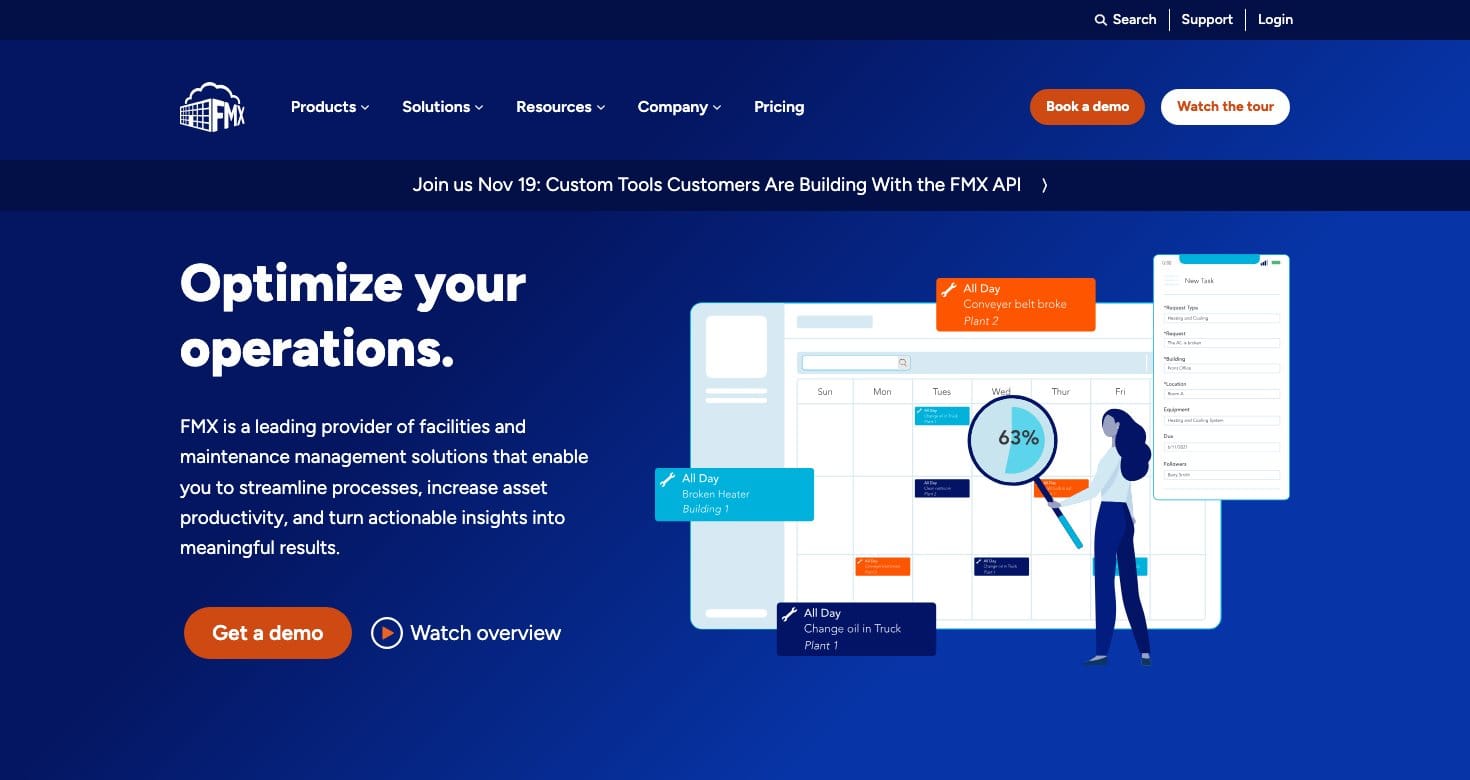
Best for: School districts, campuses and multi-department facilities teams that mostly run work in-house.
| Starting price | Custom quote by users and features |
| Free plan or trial | 14-day free trial |
| Key strength | Ease of use |
| AI and automation | Iris answers questions and can assign, hold, respond to and resolve requests on command |
| Reviews | 4.8 on G2 |
FMX is a facilities and maintenance platform best known in education, with modules that run well beyond work orders, from facility scheduling to capital planning. Our fmx cmms review covers it in depth.
FMX prices on the number of users who close out work and the features you switch on. A one-time implementation fee applies, contracts renew annually, and vendors and requesters don't count as billable users.
Core features:
- Maintenance requests: Unlimited requesters submit work from a simple form, and each request routes to the right team, so staff can report a problem without a paid seat.
- Work orders: Technicians get assignments, status updates and labor logging in one queue, and vendors can be given access without counting as billable users.
- Preventive maintenance: Recurring schedules and checklists keep planned work on the calendar across buildings and departments.
- Asset management: Equipment records, maintenance history and costs sit by building and location, so you can see what each unit has cost over time.
- Inventory: Parts and supplies are tracked against the work orders that use them, with purchase orders that can go straight to vendors.
- Facility scheduling and rentals: Room, event and rental bookings run alongside maintenance, a strength for campuses and districts that share space.
- Capital planning: Long-range replacement planning turns maintenance data into budget requests for future years.
- Fleet, IT and reporting: Separate modules cover vehicles and IT assets, with dashboards across requests, PMs and costs.
AI and automation features:
- Iris actions: On request, Iris can assign, re-assign, place on hold, take off hold, respond to and bulk-resolve work requests, with a review step before it applies changes. The gap to full agents is covered in ai agents for fmx.
- Iris answers: Searches work requests, buildings and equipment and answers product questions. FMX's AI policy says customer data is not used for model training.
Strengths:
- Ease of use is the most common praise in customer reviews, and teams say new technicians and requesters pick it up with little training.
- Customer support is a close second, with reviewers describing a responsive team that helps them get more out of the platform.
- Teams can shape forms and workflows for each department, which suits districts where maintenance, transport and events share one system.
Limitations:
- The mobile app needs better sorting, a recurring theme in recent customer reviews, which slows technicians working through long queues on site.
- Reviewers say they can't build custom reports, so some teams export data into spreadsheets to answer leadership questions.
- Reviewers also miss two-way sync with outside calendars, which means double entry for teams that plan in their own calendar tools.
- Several long-time users say the cost has risen over time, so agree renewal terms in the contract.
Compared with ServiceChannel: For facilities management and work orders, FMX suits in-house-first teams better, while ServiceChannel suits brands that send most repairs to a contractor network. See our fmx alternative roundup.
Pricing: FMX is quote-only, priced by billable users and features, with a one-time implementation fee (FMX pricing). See our fmx cmms pricing guide.
Verdict: FMX is the friendliest pick for campus and district teams whose own staff do most of the work.
4. MaintainX
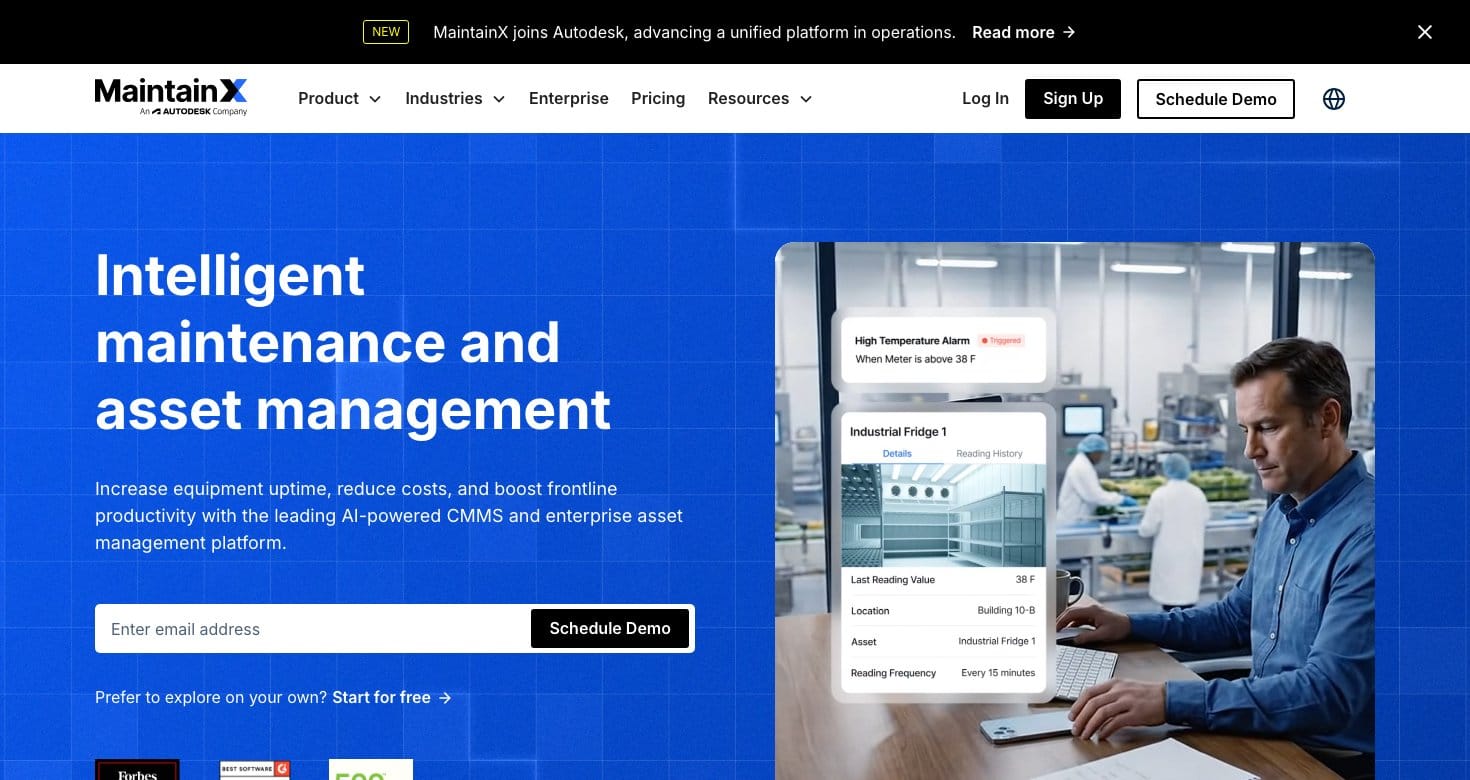
Best for: Frontline crews that want a mobile-first CMMS and a free tier to start on.
| Starting price | $0 Basic; $20 Essential or $65 Premium per user/mo, billed annually |
| Free plan or trial | Free Basic plan; free trial on Essential and Premium |
| Key strength | Easy navigation |
| AI and automation | Assist answers and recommends on Enterprise; can't create or edit data |
| Reviews | 4.8 on G2 |
MaintainX is a mobile-first work order and procedures app for frontline teams. Autodesk completed its acquisition on August 3, 2026, and MaintainX now sits inside Autodesk Operations Solutions (Autodesk news).
The plans climb quickly for multi-site use. Offline mode, vendor work orders and the API start at Premium, while multi-site management, SSO and MaintainX Assist are Enterprise only. Our maintainx cmms review walks through each tier.
Core features:
- Unlimited work orders and requesters: Every tier, including the free Basic plan, allows unlimited work orders and free requester accounts, so store staff can report issues without a paid seat.
- Preventive maintenance: Basic allows two repeating PMs a month, Essential makes them unlimited, and Premium adds meter-based triggers for equipment that runs on hours or cycles.
- Offline mode: Premium and Enterprise let technicians keep working in basements, coolers and plant rooms, then sync when the signal returns.
- External work orders: From Premium, you can send work orders to vendors and contractors and track them next to in-house jobs.
- Parts and purchasing: Premium adds parts inventory and purchase orders, and Enterprise adds global and multi-location parts for brands that share stock across stores.
- Open REST API: Premium opens the API, while ERP and business-system integrations sit on Enterprise.
- Multi-site management: Enterprise adds management of multiple sites with global reporting, the tier most multi-location brands will need.
- SSO and custom permissions: SAML-based SSO and custom permissions are Enterprise only, which matters for IT sign-off at large brands.
AI and automation features:
- MaintainX Assist (Enterprise): Answers questions from manuals, procedures and past work orders, and recommends next steps. It can't create or edit data or approve changes, as covered in ai agents for maintainx.
- AI procedure generation: Drafts procedures from manuals on every tier.
- Anomaly detection: Flags unusual asset behavior; asset-type anomaly detection is in beta.
Strengths:
- Easy navigation is by far the most common praise in customer reviews, and technicians say they can find and close work orders with little training.
- Support is quick and responsive, with reviewers citing fast answers while they set up new procedures and sites.
- Onboarding is straightforward, and MaintainX puts it at about three weeks per site, which helps when you roll out store by store.
Limitations:
- Key features are locked to higher plans, a common complaint in customer reviews, so a multi-site brand ends up on Enterprise for multi-site management, SSO and Assist.
- Per-user pricing adds up for large crews, especially when every technician and supervisor needs a paid seat.
- Reporting lacks the detail some managers need, so portfolio reviews can still depend on exports.
- Some reviewers find gaps in parts inventory, which matters if your stores share spares.
- Some users find the mobile app clunky in places, despite its mobile-first design.
Compared with ServiceChannel: MaintainX gives your own technicians a better app, but its vendor tools and multi-site roll-ups sit on the top plans. See our maintainx cmms alternatives.
Pricing: Basic is free, Essential is $20 and Premium is25 and $75 billed monthly), and Enterprise is custom (MaintainX pricing). More in our maintainx pricing guide.
Verdict: Choose MaintainX for crews that live on their phones and a budget that starts small.
5. Limble CMMS
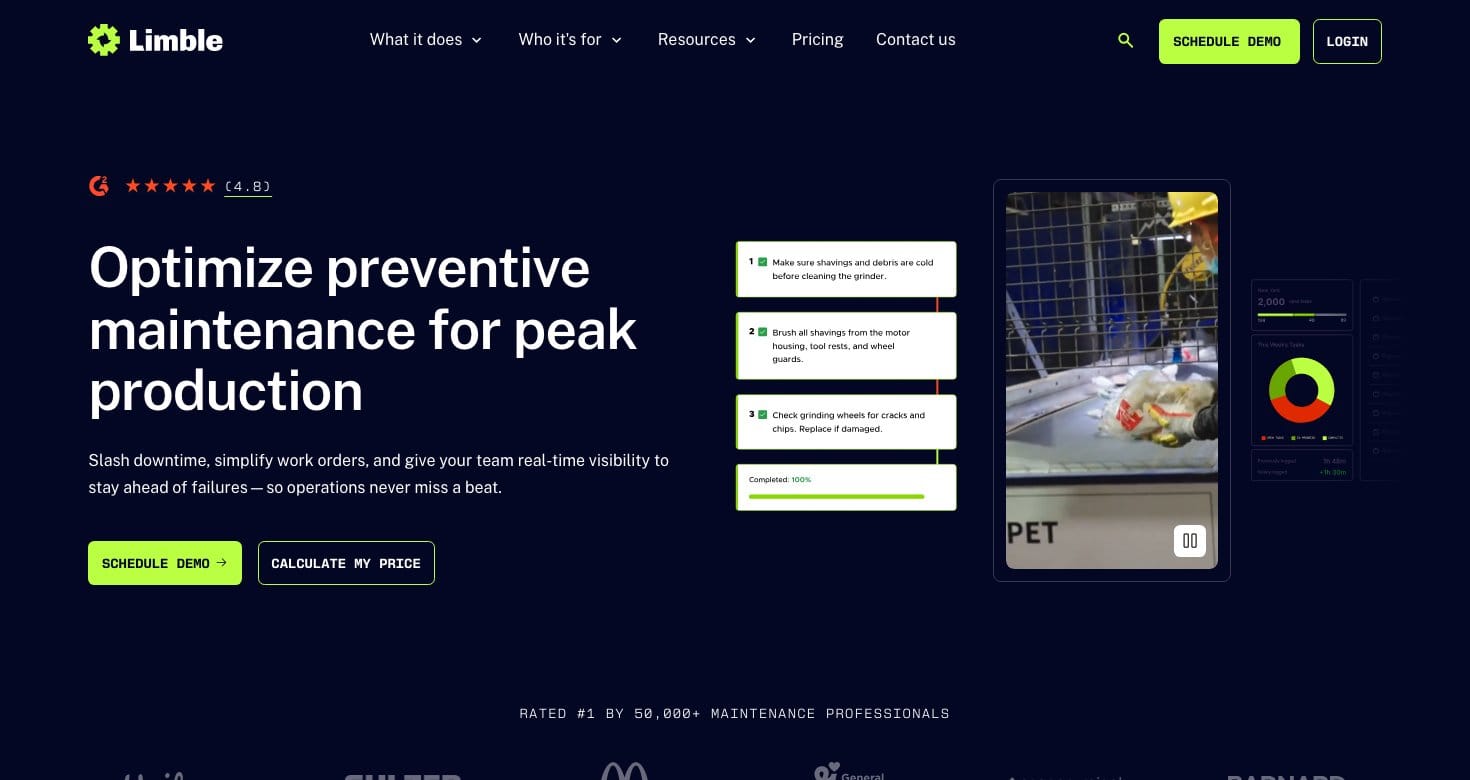
Best for: Teams that run most maintenance in-house and share specialist jobs with vendors.
| Starting price | Quote through a price calculator |
| Free plan or trial | No free plan listed |
| Key strength | Fast adoption |
| AI and automation | Drafts PMs, creates assets from photos, flags anomalies |
| Reviews | 4.8 on G2 |
Limble is a CMMS built to keep daily workflows simple for technicians while giving managers deep reporting. It sells three plans, Standard, Premium+ and Enterprise, and shows a price only after you fill in its calculator. Our limble cmms review has the detail.
Multi-site brands land on the top tiers. Offline mode, vendors and the API start at Premium+, multi-location tools are Enterprise only, and SSO is a paid add-on on Premium+.
Core features:
- Mobile app with offline mode: Every plan includes the mobile app, and Premium+ adds offline mode so technicians can close work where there is no signal.
- Work orders and PMs: Unlimited work orders and PMs come on every plan, with meter and threshold triggers from Premium+ for condition-driven maintenance.
- Vendor management: Premium+ adds vendor records, COI tracking and work order sharing, so outside specialists can see and update the jobs you send them.
- Parts and purchasing: Premium+ adds inventory and purchase orders, and Enterprise adds transfers between locations and cycle counts.
- Multi-location tools: Enterprise adds multi-location reporting and maps, so regional managers can compare sites side by side.
- Custom roles and approvals: Enterprise adds custom roles, approval workflows, budgets and GL codes for brands with formal spend controls.
- Open REST API and MCP server: Premium+ opens the API and an MCP server that lets outside AI tools read Limble data, while ERP and IoT integrations may cost extra.
- Scheduling and capacity: Enterprise adds drag-and-drop scheduling and technician capacity planning for larger in-house crews.
AI and automation features:
- AI PM Builder: Drafts PM schedules from equipment manuals, on every plan.
- Asset Snap: Creates an asset record from a nameplate photo. Limble's pricing table and AI page disagree on the starting tier, so confirm it in your quote.
- Anomaly detection: Flags unusual readings from Premium+.
- AI scheduling suggestions: Recommends schedules on Enterprise. None of these acts as an agent, a gap covered in agentic ai for limble cmms.
Strengths:
- Ease of use is the most common praise by a wide margin in customer reviews, with technicians and requesters adopting it quickly.
- Support and training resources get strong marks, which shortens the learning curve at each new site.
- Teams go live quickly, which suits brands that want results before the next budget cycle.
- PM history on each unit is clear and easy to audit, which helps when inspectors or warranty providers ask for records.
Limitations:
- Work order statuses and date fields are limited, a theme in customer reviews, which can force workarounds for brands with detailed approval stages.
- A work order can't cover several assets at once, so one store visit across several units may need several work orders.
- Some admins find the depth of settings hard to learn at first, so name an internal owner early.
- A full multi-site rollout takes time, especially when every location moves to the Enterprise tier.
Compared with ServiceChannel: Limble is stronger on in-house maintenance and weaker on contractor sourcing. See our limble cmms alternatives.
Pricing: Limble shows no prices; each plan has a "Calculate my price" form (Limble pricing). See our limble cmms pricing guide.
Verdict: Limble wins on adoption for teams whose own technicians do most of the work.
6. eMaint
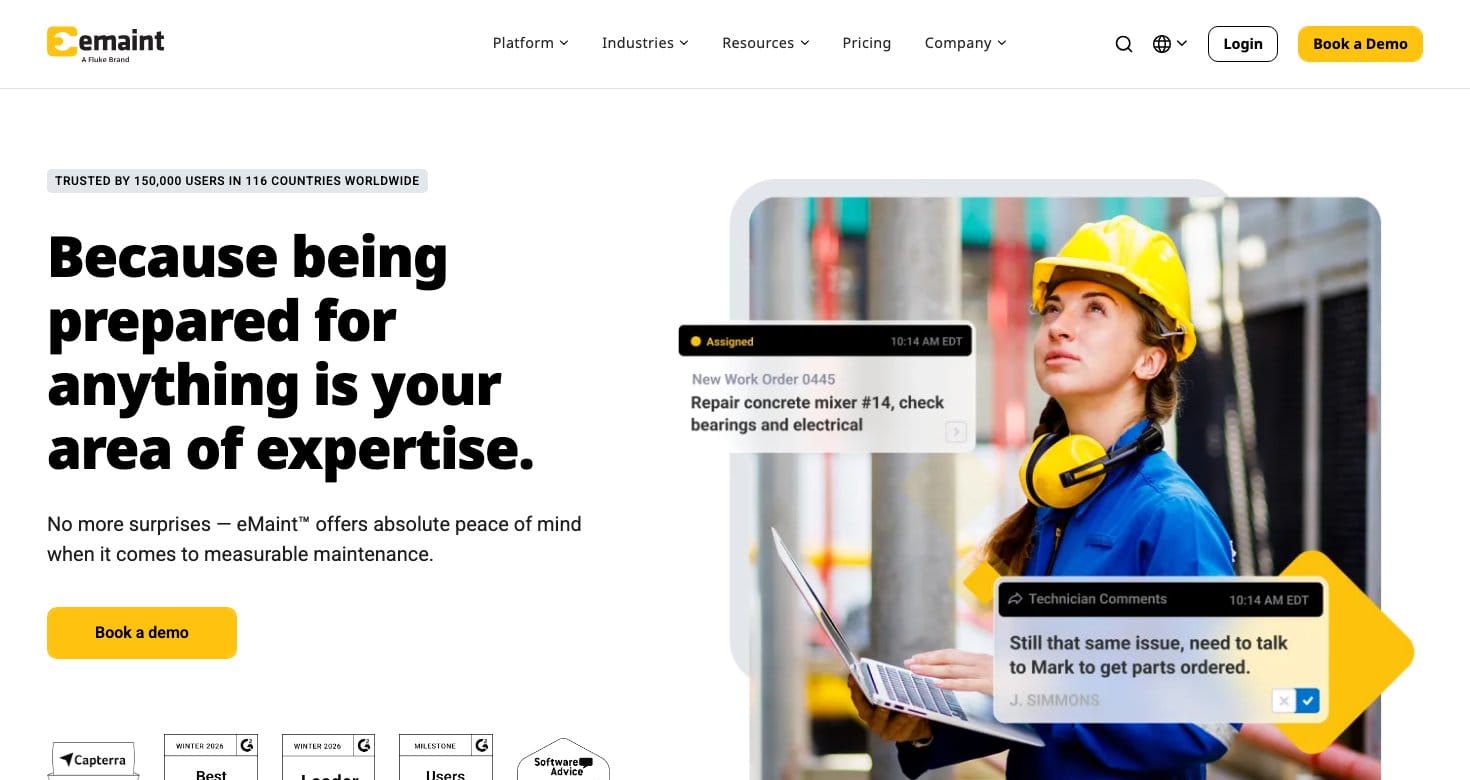
Best for: Equipment-heavy sites that want condition-based maintenance tied to Fluke sensors.
| Starting price | Custom quote; 3-user minimum (Professional), 5-user minimum (Enterprise) |
| Free plan or trial | No free plan listed |
| Key strength | Configurability |
| AI and automation | Answers and drafts with human approval (Enterprise) |
| Reviews | 4.5 on G2 |
eMaint is the CMMS from Fluke Reliability, built for teams that want deep configuration and condition monitoring. Our emaint cmms review covers how it runs day to day.
It now sells two plans, Professional and Enterprise, both quoted and billed as a prepaid annual commitment. The vendor portal is a paid add-on on both, and the AI Suite, SSO and APIs sit on Enterprise.
Core features:
- Work orders, PMs and checklists: Professional covers work orders, preventive maintenance and checklists, with automated workflows for routine jobs.
- Mobile app with offline work mode: Both plans let technicians keep working without a connection and sync their updates later.
- Multi-location inventory: Professional supports multi-location inventory and asset transfers, and Enterprise adds global multi-site operations and global inventory.
- Condition-based maintenance: Professional triggers work from real-time condition monitoring, a natural fit for teams already using Fluke sensors and instruments.
- Advanced procedures and e-signatures: Step-by-step procedures and electronic sign-off produce audit-ready maintenance records.
- Vendor portal: A paid add-on on both plans that lets contractors receive and update the work you send them.
- SSO, APIs and connectors: Enterprise adds SSO, eMaint APIs and pre-built connectors for ERP, BI and SCADA systems.
- eMaint AI Suite: Enterprise includes the AI Assistant, SOP Builder and Voice to Work Order Request.
- Reporting and analytics: Advanced reporting comes on both plans, with multi-site reporting on Enterprise.
AI and automation features:
- eMaint AI Assistant: Answers questions over your documents and maintenance data, with citations.
- SOP Builder: Drafts SOPs and PMs from manuals for a senior technician to edit and approve.
- Voice to Work Order Request: Fills request fields from a spoken description; your team still reviews and converts it. None of the three completes work alone, as covered in ai agents for emaint.
Strengths:
- Ease of use and customization both rank high in customer reviews, with teams shaping screens and workflows to their own processes.
- Data management is strong, so asset-heavy teams can keep detailed equipment histories in one place.
- Support is described as responsive, a plus during configuration-heavy rollouts.
- Condition triggers suit teams already using Fluke instruments, turning readings into work orders without a separate integration project.
Limitations:
- Some customers report support gaps from the migration team at cutover, according to customer reviews, so agree migration support in writing.
- Missing or limited features are the most common complaint overall, so check every module you need against the plan you are quoted.
- Initial setup is time-consuming and complex, which lengthens time to value for multi-site brands.
Compared with ServiceChannel: eMaint goes deeper on equipment and condition data, lists no contractor network, and charges extra for its vendor portal. See our best emaint alternatives.
Pricing: Professional and Enterprise are quote-only, with 3- and 5-user minimums and prepaid annual billing (eMaint pricing). See our emaint pricing guide.
Verdict: eMaint fits sites where equipment condition, not contractor coordination, drives the work.
7. UpKeep
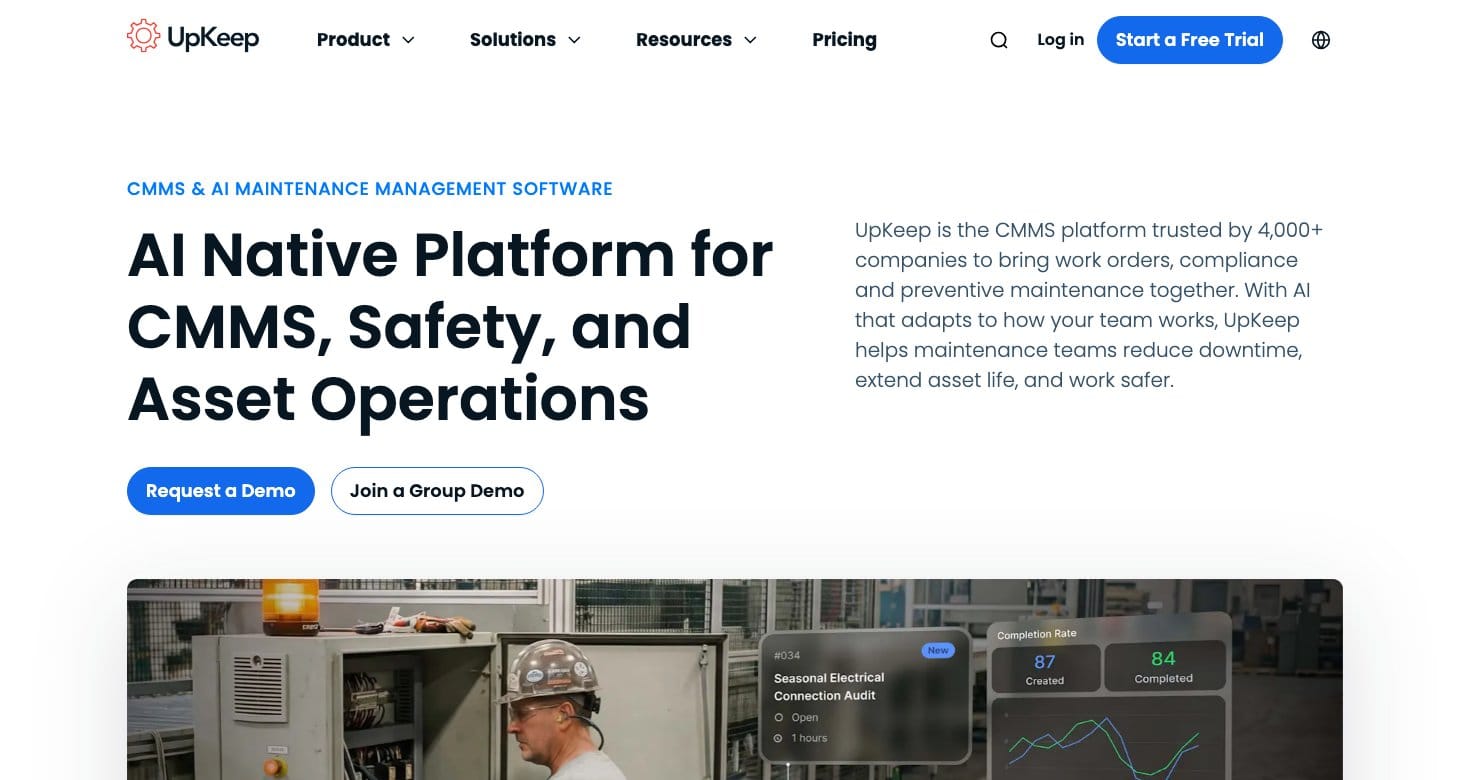
Best for: Small and midsize teams that want simple work orders at a published per-user price.
| Starting price | $24 Essential or $55 Premium per user/mo; Professional and Enterprise quoted |
| Free plan or trial | Free trial on Essential and Premium |
| Key strength | Simple work orders |
| AI and automation | Nova runs bulk edits when asked; Pulse recommends and you approve |
| Reviews | 4.5 on G2 |
UpKeep is a mobile CMMS aimed at teams that want to get going fast. Every plan includes monthly Nova AI credits: 250 on Essential, 500 on Premium, 750 on Professional and 1,000 on Enterprise. Our upkeep cmms review has the full picture.
Multi-site brands need the top of the ladder. Offline mode starts at Professional, and multi-site modules, the API and SSO are Enterprise only. Implementation help costs $500 to $5,000 on top.
Core features:
- Work orders and locations: Essential includes unlimited work orders and unlimited locations, so adding stores doesn't change the base plan.
- Preventive maintenance: Premium adds PM scheduling and checklists to keep planned work on the calendar.
- Parts, time and labor: Premium adds parts and inventory tracking with time and labor logging for cost reporting.
- Unlimited vendors: Premium and above let you add as many vendors as your stores need.
- Mobile offline mode: Professional keeps up to 5 work orders available offline, and Enterprise up to 100 with unlimited offline drafts.
- Request portal and asset lifecycle: Professional adds an external request portal, asset lifecycle tracking and signature capture.
- Multi-site modules: Enterprise adds multi-site modules, workflow automation and purchase order management.
- API, SSO and custom roles: Enterprise opens API access, business and custom integrations, SSO and custom roles.
AI and automation features:
- Nova chat and bulk edits: Relabels parts, standardizes names and closes stale work orders when a user asks, as compared in agentic ai for upkeep users.
- Pulse: Runs scheduled checks and posts recommendations; nothing changes without your approval.
- Smart Scheduler: Suggests schedules from Professional.
Strengths:
- Ease of use is the most common praise in customer reviews, with teams saying it is quick to set up and simple to run day to day.
- Work orders are intuitive for technicians from day one, which helps adoption across a spread-out crew.
- Support gets steady credit, and reviewers mention Nova AI positively for cutting routine admin.
Limitations:
- Advanced reporting and customization need higher tiers, the top recent complaint in customer reviews, so the plan you start on may not be the plan you finish on.
- Cost scales with users and locations, which adds up for brands with large crews.
- Some data has to be entered more than once, which slows technicians at closeout.
- A few users report slow performance at times.
Compared with ServiceChannel: UpKeep is lighter and cheaper to start, but multi-site and offline needs push you to quoted tiers. See our best upkeep alternatives.
Pricing: Essential is $24 and Premium is $55 per user per month, and Professional and Enterprise are quoted (UpKeep pricing). See our upkeep pricing guide.
Verdict: UpKeep is the low-friction start for smaller teams that can grow into its upper tiers.
8. Accruent Maintenance Connection
Best for: Asset-intensive multi-site operations that want EAM-grade reporting, in the cloud or on their own servers.
| Starting price | $110 per user/mo indicative (3+ users, 1-year minimum) |
| Free plan or trial | Free trial offered on the product page |
| Key strength | SaaS or on-premises deployment |
| AI and automation | None named on the product page |
| Reviews | 4.2 on G2 |
Maintenance Connection is Accruent's CMMS for organizations that want EAM-level depth without a full EAM suite. It is one of the few here that publishes an indicative price.
Mobile is the catch. The mobile app with offline mode is a paid add-on at $58 per user per month, and multi-site capabilities are part of the Enterprise plan, quoted for five or more users.
Core features:
- Work order management: Creates and routes work orders with automated notifications, so requesters and technicians see status changes without chasing.
- PM and labor scheduling: Schedules preventive maintenance and labor across sites and crews, with PM scheduling included in named-user pricing.
- Inventory, financials and purchasing: Tracks spare parts, purchasing and maintenance costs in one module, with EAM-level reporting.
- Mobile app: Adds offline mode and barcode and QR scanning for technicians, as a paid add-on at $58 per user per month.
- Multi-site: Multi-site capabilities are part of the Enterprise plan, quoted for five or more users.
- Integrations: An open API, an integration hub (ArcGIS, ERP, SCADA, HR, IoT) and Data Connect for BI tools tie it into the wider estate.
- Compliance controls: E-signatures, procedure versioning and audit trails support regulated environments.
- Deployment choice: Runs as SaaS or on-premises, which suits organizations whose IT policy keeps data in-house.
AI and automation features:
- No named AI: The product page names no AI feature, so ask for a demo of any AI running on your data. Accruent's Crue assistant appears on a different product page, and its place in Maintenance Connection isn't stated. We cover the gap in ai agents for accruent.
- Data Connect: Feeds maintenance data into BI tools for your own analytics.
Strengths:
- Ease of use for day-to-day work orders is a regular theme in customer reviews, once teams are past setup.
- PM tracking is reliable across many assets, which keeps planned work from slipping.
- Cost tracking gives finance a clear view of maintenance spend by asset and site.
Limitations:
- New users face a steep learning curve and a busy interface, a recurring theme in customer reviews, so plan for training at each site.
- Reporting and customization often need admin help, which can bottleneck requests for new reports.
- Implementations can run late, so build buffer into the rollout plan.
- Search can be hard to use, which slows technicians looking up assets or parts.
Compared with ServiceChannel: Maintenance Connection is the asset-first opposite of ServiceChannel, strong on records and weak on contractor sourcing. Read our maintenance connection reviews roundup.
Pricing: Professional is $110 per user per month or $1,325 per user per year (indicative, 3+ users, 1-year minimum). The mobile add-on is $58 per user per month, and Enterprise is quoted (Accruent pricing).
Verdict: Pick Maintenance Connection when you need on-premises control and EAM-grade records more than a slick app.
9. Infraspeak
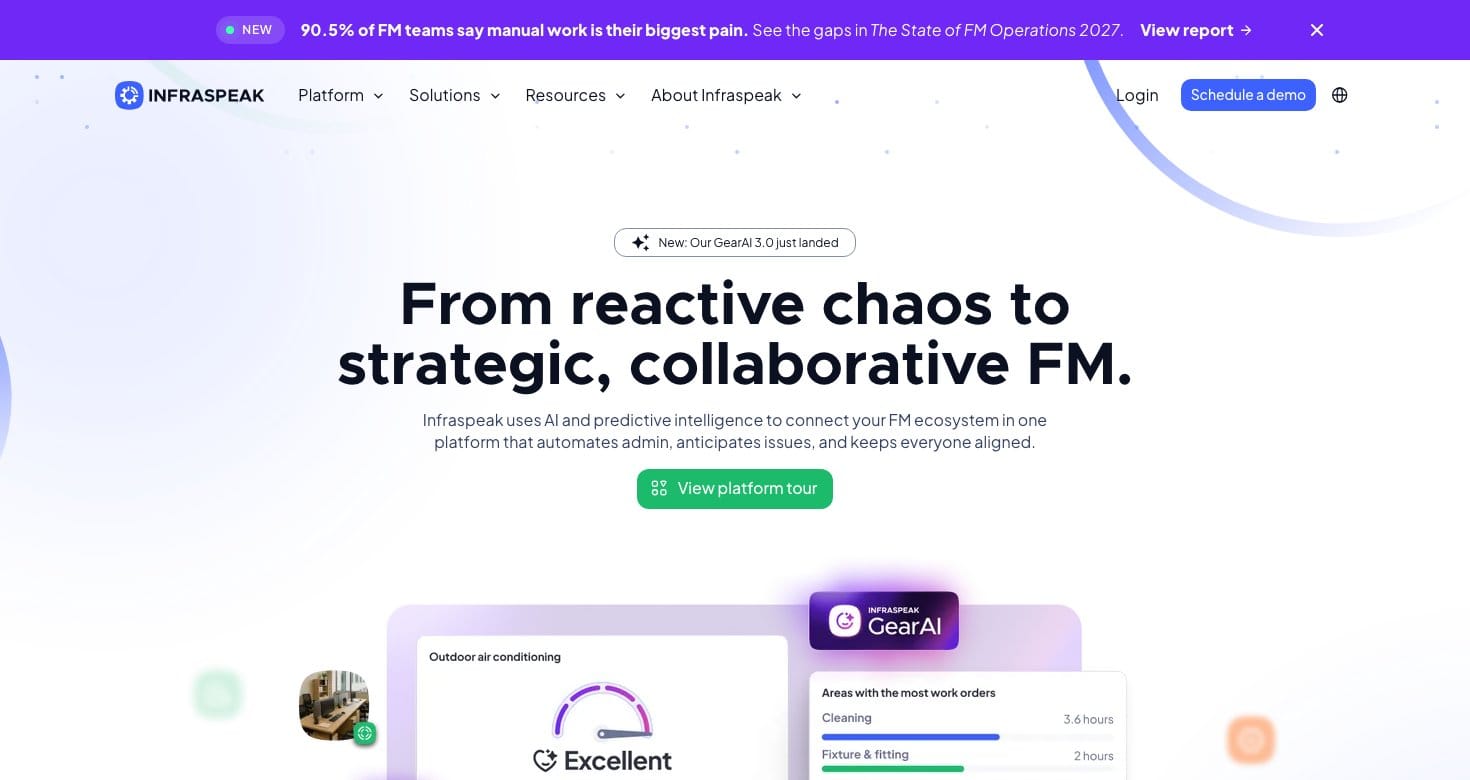
Best for: Retail FM teams that work closely with suppliers and want a fast setup.
| Starting price | Custom quote |
| Free plan or trial | None listed |
| Key strength | Little training needed |
| AI and automation | Gear AI suggests, alerts and runs rule automations |
| Reviews | 4.6 on G2 |
Infraspeak is an FM platform headquartered in Porto, Portugal, with a US office in San Francisco. It focuses on collaboration between your team, your suppliers and your clients, and says implementation takes from 2 weeks.
It publishes no tiers or prices, only a request form. For a direct comparison with our platform, see infraspeak vs facilio.
Core features:
- Work orders: Handles preventive and reactive maintenance in one flow, from the first request to closeout.
- Asset management: Keeps asset records with KPIs such as MTTR and MTBF, so recurring failures show up quickly.
- Procurement: Ties purchasing to maintenance work, so spend links back to the job behind it.
- Supplier relationship management: Tracks supplier performance and connects suppliers through the Infraspeak Network, so they update jobs on the same platform.
- Analytics and KPIs: Compares sites and suppliers on KPIs such as MTTR and supplier performance.
- Web and mobile apps: Gives managers, technicians and suppliers their own views of the same work.
- Integrations and app marketplace: Connects to ERP, CRM, BMS and IoT systems, with an app marketplace for add-ons.
AI and automation features:
- Gear AI insights and alerts: Predicts issues and flags them for your team.
- Gear AI suggestions: Recommends actions; Infraspeak says users choose its suggestions 75 percent of the time.
- Rule automations: Run on their own once configured, managed from an AI Hub that switches features on or off.
Strengths:
- Clients, suppliers and managers all find their view clear, a theme in customer reviews, which keeps outsourced work visible.
- Users call it intuitive, and retail FM teams praise how it handles tickets.
- Teams need little training to start, which supports fast rollouts.
- Integrations are a regular point of praise, helping it sit alongside existing ERP and BMS tools.
Limitations:
- Some users find parts of the platform complex, according to customer reviews, so test the workflows your team uses most.
- The stock management module needs more development, so teams with large spare-parts stores should test it closely.
- Its US presence is lighter than its European base, with a US office in San Francisco, so check local support hours.
Compared with ServiceChannel: For facilities management, Infraspeak brings your existing suppliers onto one platform instead of sourcing new ones from a network. See our infraspeak alternatives.
Pricing: Infraspeak is quote-only, with no published tiers (Infraspeak pricing).
Verdict: Infraspeak suits supplier-heavy retail FM teams that want a quick start.
10. IBM Maximo
Best for: Regulated, asset-intensive estates with in-house reliability teams.
| Starting price | Essentials Maintenance from under $40K per year (up to 25 users) |
| Free plan or trial | None listed |
| Key strength | Asset management depth |
| AI and automation | MAS 9.2 recommends and answers; MCP server for your own agents |
| Reviews | 4.4 on G2 |
IBM Maximo Application Suite is enterprise asset management for complex estates, licensed through AppPoints. MAS 9.2, released June 25, 2026, added a round of AI features. Our ibm maximo cmms review covers the suite.
Entry is cheaper than it used to be, but capped. Essentials Maintenance covers up to 25 users, while Monitor, Predict and Assist come only with Standard and above, which are quoted.
Core features:
- Maximo Manage: Runs work management, asset records and inventory at EAM depth, the core of every package.
- Health and Reliability Strategies: Scores asset health and builds reliability plans, included with the Essentials Maintenance option.
- Mobile and Scheduler: Essentials Maintenance includes Maximo Mobile and the MAS Scheduler for planning crews.
- Monitor, Predict and Assist: Sensor monitoring, failure prediction and technician assistance come only with Standard and above.
- Real Estate and Facilities: Space management, capital planning and lease management are separate Essentials options, each starting under $40K per year.
- Visual Inspection: On-device image inspection is its own Essentials option, starting under $47K per year.
- Inventory Optimization: Plans stock across storerooms, starting under $40K per year plus a service package.
- Industry solutions and deployment: Select industry solutions come with Standard and all with Premium, which also offers a choice of AWS region and extended data retention.
AI and automation features:
- Maximo Condition Insight: Recommends what to do next for an asset.
- Maximo Assistant on mobile: Answers asset questions in plain language.
- AI incident classification: Suggests categories for incoming issues.
- MCP server: Lets your own AI agents call Maximo, rather than running agents itself, as covered in ai agents for ibm maximo.
Strengths:
- Asset management depth is the most common praise in customer reviews, from full asset hierarchies to reliability planning.
- Teams can configure it to almost any process, which suits regulated industries with strict procedures.
- It connects to a wide range of enterprise systems, so asset data flows into ERP and finance.
Limitations:
- Out-of-the-box reports and dashboards are limited, a theme in customer reviews, so plan for report-building work.
- Complex setup is the dominant complaint overall, so budget for implementation partners.
- The learning curve is steep for store and field users.
- Users describe it as bulky and pricey, which is hard to justify for routine store repairs.
Compared with ServiceChannel: Maximo is far heavier and asset-centric, with no contractor network for store repairs. See our ibm maximo alternative guide.
Pricing: Essentials Maintenance starts under $40K per year, Inspection under $47K per year, and Standard and Premium are quoted (IBM Maximo pricing). See our ibm maximo pricing guide.
Verdict: Maximo earns its weight only where asset reliability is regulated and mission-critical.
How to choose the best ServiceChannel alternative: a step-by-step framework
Use these six steps to turn the list into one choice.
- Map your operation: Count locations and assets, split the work between in-house technicians and contractors, and note where requests come from: store managers, phone calls or alarms. Our guide to retail maintenance management helps frame it.
- List what ServiceChannel does for you now: Write down your NTE rules, proposal approvals, check-in rules, invoice rules and refrigerant reports. These are your must-keeps.
- Name the work you want off people's desks: Request intake, dispatch, contractor chasing, invoice checks and certificate tracking. Ask each vendor which of these the software completes and which it only records, starting from your service request software flow.
- Score the shortlist on the eight criteria: Weight them for your operation. Multi-site fit and vendor control usually carry the most weight for brands.
- Pilot one region for 30 days: Use your top contractors, one full PM cycle and an offline test in a back room or walk-in cooler. Our mobile cmms offline support guide lists what to test.
- Decide who runs it after go-live: Name who configures it, trains store teams and owns adoption, and put it in the contract.
For a wider view of the category, see our list of the best cmms software.
Which ServiceChannel alternative fits your operation
Start from your situation; the table names a first pick and a runner-up, the same way we would in restaurant maintenance management software buying.
| Your situation | First pick | Runner-up |
|---|---|---|
| Multi-site brand with its own vendors, in-house techs and refrigeration | Facilio | Corrigo |
| Brand that needs a provider network to find contractors | Corrigo | Fexa |
| Campus, district or multi-department facilities | FMX | Limble CMMS |
| Mobile-first crew on a tight budget | MaintainX | UpKeep |
| Equipment-heavy sites with condition monitoring | eMaint | IBM Maximo |
| Regulated, asset-intensive estate | IBM Maximo | Maintenance Connection |
| Retail FM that works closely with suppliers | Infraspeak | Facilio |
| You mainly use the contractor network and are happy with AI that recommends | Stay on ServiceChannel | None |
Common mistakes to avoid when choosing a ServiceChannel alternative
These four traps catch brands that switch in a hurry.
- Assuming your contractors will follow you: Network fees sit with providers: CorrigoPro costs contractors $99 a month, and ServiceChannel takes 5 percent on work won through its network. Fix: Ask each vendor what your top 20 contractors will pay and do to use the new tool, and check their onboarding in your vendor management software shortlist.
- Comparing the subscription price only: Units differ (per location, per user or per AppPoint), and add-ons stack up, from Maintenance Connection's $58 mobile add-on to eMaint's paid vendor portal, FMX's setup fee and UpKeep's $500 to $5,000 implementation. Fix: Get a 3-year quote with every line in writing.
- Losing your spend controls: NTE limits, approval tiers and rate cards live in configuration, not in a data export. Fix: Have each vendor configure your three most-used rules live in the demo, using its cmms workflow automation software tools.
- Letting HQ choose without store managers: Store managers raise the requests, so a tool they find slow will be bypassed by phone and email. Fix: Have them submit real requests in each shortlisted tool before you decide.
Moving off ServiceChannel: a five-phase migration plan
A clean move follows the same order as any cmms implementation guide, with extra care for contractors and invoices.
- Audit: Check your contract term and notice window, location count and user types, active providers, open work orders and unpaid invoices.
- Export: Pull locations, assets and hierarchy, PM schedules with every trigger type mapped, recent work order and invoice history, and the provider list with certificates and rates.
- Map: List every integration (ERP and AP, BMS and refrigeration alarms, SSO) and its replacement before cutover.
- Roll out region by region: Use the pilot region as the template, onboard its contractors first and train each store team on its own site.
- Cut over and run in parallel: Run both systems for one billing and PM cycle, then set ServiceChannel to read-only.
For maintenance program standards to carry into the new system, the US Department of Energy's O&M Best Practices Guide is a solid reference. Keep refrigerant records meeting EPA Section 608 rules through the move.
The bottom line on ServiceChannel alternatives
Stay on ServiceChannel if its contractor network is the main job and AI that recommends is enough for now. Corrigo is the closest swap for a network inside an enterprise platform. FMX and Limble suit in-house-first teams, MaintainX and UpKeep suit mobile crews on a budget, and eMaint and IBM Maximo suit asset-heavy estates. Choose Facilio when you want agents doing the work around every store request, on facility management software your contractors share.
ServiceChannel alternatives FAQ
What are the best ServiceChannel alternatives?
The best ServiceChannel alternatives in 2026 are Facilio, Corrigo, FMX, MaintainX, Limble CMMS, eMaint, UpKeep, Accruent Maintenance Connection, Infraspeak and IBM Maximo. Corrigo is the closest network match; Facilio fits brands that want agents doing the work on their own vendors.
Is ServiceChannel a good platform for multi-site facilities?
Yes, for brands that mainly need a large contractor network, proposal approvals and invoice checks. Teams that also run in-house technicians, asset records and refrigeration compliance often want deeper CMMS tools and AI that completes work, not only recommends.
How much does ServiceChannel cost?
ServiceChannel doesn't publish prices. Subscriptions are priced per location by custom quote. Core ServiceChannel AI is included at no added cost, and providers pay a 5 percent commission on invoices for work they win through the network.
Is ServiceChannel free?
No. ServiceChannel has no free plan or free trial for brands. Contractors can use the provider app, but they pay a 5 percent commission on approved invoices for customers won through the ServiceChannel network.
Which ServiceChannel alternative has the best mobile app for technicians?
MaintainX and Limble get the most praise for ease of use on mobile, and Facilio's app is built offline-first. Check the tier: offline mode starts at Premium on MaintainX, Premium+ on Limble and Professional on UpKeep.
Is FMX better than ServiceChannel for facilities management and work orders?
FMX is better for in-house teams on campuses and in school districts, with easy work orders, scheduling and an assistant that can act on requests. ServiceChannel is better when most repairs go to outside contractors you need to find and pay.
Can I keep my CMMS and add AI agents instead of switching?
Yes. Facilio's agents can run on an existing CMMS or on Facilio's own, taking on intake, dispatch, vendor follow-up and invoice checks. Ask any vendor which systems its agents connect to and what the agents complete on their own.
About the Author