










 Service intake
















The best cloud based maintenance management software in 2026 are 1. Facilio, 2. Fiix, 3. MaintainX, 4. Limble CMMS, 5. UpKeep, 6. eMaint, 7. MPulse, 8. Asset Essentials by Siemens, 9. Accruent Maintenance Connection, and 10. IBM Maximo Application Suite.
You need maintenance software your technicians can open on a phone in any building, that your IT team can sign off without buying servers, and that still works when the signal drops in a basement plant room.
This guide compares 10 cloud options on hosting, offline mobile access, security, AI and total cost, and the wider list of the best maintenance management software covers tools sold for on-premise use too.
Quick verdict
- Facilio: best for multi-site facilities portfolios that want a cloud CMMS plus agents that do the follow-up work, hosted as SaaS or behind your firewall.
- Fiix: best for growing plants and multi-site teams formalizing PM programs, starting on a free plan.
- MaintainX: best for mobile-first teams replacing paper checklists and radio calls.
- Limble CMMS: best for mid-sized teams that want PM schedules running within weeks.
- UpKeep: best for small maintenance teams that need technicians using the app on day one.
- eMaint: best for regulated, asset-intensive operations that pair maintenance with condition monitoring.
- MPulse: best for mid-market teams that want a configurable CMMS with a choice of hosted or on-premise deployment.
- Asset Essentials by Siemens: best for school districts, local government and healthcare facility teams.
- Accruent Maintenance Connection: best for healthcare and multi-site organizations standardizing maintenance workflows.
- IBM Maximo Application Suite: best for asset-heavy enterprises with an in-house EAM team.
Which cloud maintenance software buyer are you?
Cloud maintenance software buyers split into three groups by team size, site count and IT involvement, and each group should shortlist different tools on this list; for the wider field beyond cloud-first tools, see the guide to the best cmms software.
- Single-site team moving off paper or spreadsheets: you need quick setup, a phone app technicians like and a low monthly price, so start with MaintainX, UpKeep, Fiix or Limble.
- Growing team adding sites: you need multi-site reporting, parts across locations and SSO, so compare Fiix, Limble, eMaint and Maintenance Connection on the tier that includes multi-site, not the entry price.
- Enterprise facilities portfolio with an IT security review: you need hosting options, data residency, integrations with ERP and building systems, and help to run it, so shortlist Facilio, IBM Maximo and Accruent Maintenance Connection, which all offer more than shared SaaS hosting.
Cloud based maintenance management software compared at a glance
This table compares all 10 cloud maintenance software tools on fit, starting price, hosting options, offline mobile, AI and automation, and current review ratings.
| # | Tool | Best for | Starting price | Hosting | Offline mobile | AI and automation | Rating |
|---|---|---|---|---|---|---|---|
| 1 | Facilio | Multi-site facilities portfolios | Quote | SaaS or behind your firewall | Yes | Live agents for intake, dispatch, vendors, invoices, compliance | 4.4/5 G2 |
| 2 | Fiix | Growing plants, multi-site PM | Free; paid from $45/user/mo | SaaS (AWS) | Yes, all plans | Foresight suggests; MAX answers; Asset Health raises sensor work orders | 4.5/5 Software Advice |
| 3 | MaintainX | Mobile-first teams | Free; paid from $20/user/mo | SaaS (AWS) | Yes | AI procedure drafts; Assist (Enterprise) | 4.8/5 Software Advice |
| 4 | Limble CMMS | Mid-sized teams, fast PM setup | Quote (price calculator) | SaaS (AWS) | Premium+ and up | PM schedules from manuals, anomaly flags | 4.8/5 G2 |
| 5 | UpKeep | Small teams, fast adoption | from $24/user/mo | SaaS (AWS) | Professional and up | Nova assistant; agents in early access | 4.6/5 Software Advice |
| 6 | eMaint | Regulated, asset-intensive sites | Quote (3-user minimum) | SaaS (AWS) | Yes | AI Suite answers and drafts SOPs (Enterprise) | 4.5/5 G2 |
| 7 | MPulse | Configurable mid-market CMMS | from $29/user/mo (annual, 3-user minimum) | SaaS or self-hosted license | Advanced and up (add-on) | Rule-based work order automation; no live AI features | 4.5/5 Software Advice |
| 8 | Asset Essentials by Siemens | Education, government, healthcare | Quote | SaaS (AWS, US and UK) | Partial | Copilot suggests fixes (Enterprise tier) | 4.2/5 G2 |
| 9 | Accruent Maintenance Connection | Healthcare, multi-site standards | from $110/user/mo (indicative, 3-user minimum) | SaaS or on-premises | Yes (paid mobile add-on) | Rule-based alerts; no product-specific AI stated | 4.4/5 Software Advice |
| 10 | IBM Maximo Application Suite | Asset-heavy enterprises | Maintenance from under $40K/yr | SaaS or client-managed | Not stated | Assistant answers; visual inspection flags defects | 7.9/10 TrustRadius |
Prices from each vendor's own pricing page and ratings from the review site named, as of November - 2026.
How we evaluate cloud based maintenance software
We test each cloud maintenance software tool on what changes when the system lives in the vendor's cloud: access, hosting, uptime, security, mobile use and cost.
We judged every platform on seven criteria:
- Hosting and deployment choice: whether the vendor offers multi-tenant SaaS only, a private cloud, or a client-managed install for teams whose IT policy rules out shared hosting.
- Mobile and offline access: whether a technician can open, update and close a work order with photos in a no-signal plant room, then sync later, and which plan includes it.
- Work order, PM and asset depth: recurring PM by calendar, meter or runtime, an asset registry with history, and parts inventory tied to the job.
- Integrations: connections to ERP and finance, building management systems and IoT sensors, plus SSO through your identity provider.
- Security and data residency: certifications the vendor states, where your data is hosted, backups and who applies updates.
- AI that does the work: what each tool's AI completes on its own, and what it only suggests or drafts for a person to finish.
- Total cost: the list price of the tier that includes multi-site, SSO and offline, not the entry price on the pricing page.
Ratings come from G2, Software Advice and TrustRadius, checked live on November 23, 2026, and prices come from each vendor's own pricing page wherever one is published.
The 10 best cloud based maintenance software, reviewed
Each profile below covers who the cloud maintenance tool suits, its key features, what its AI does, pricing, a named reviewer and a one-line verdict.
1. Facilio
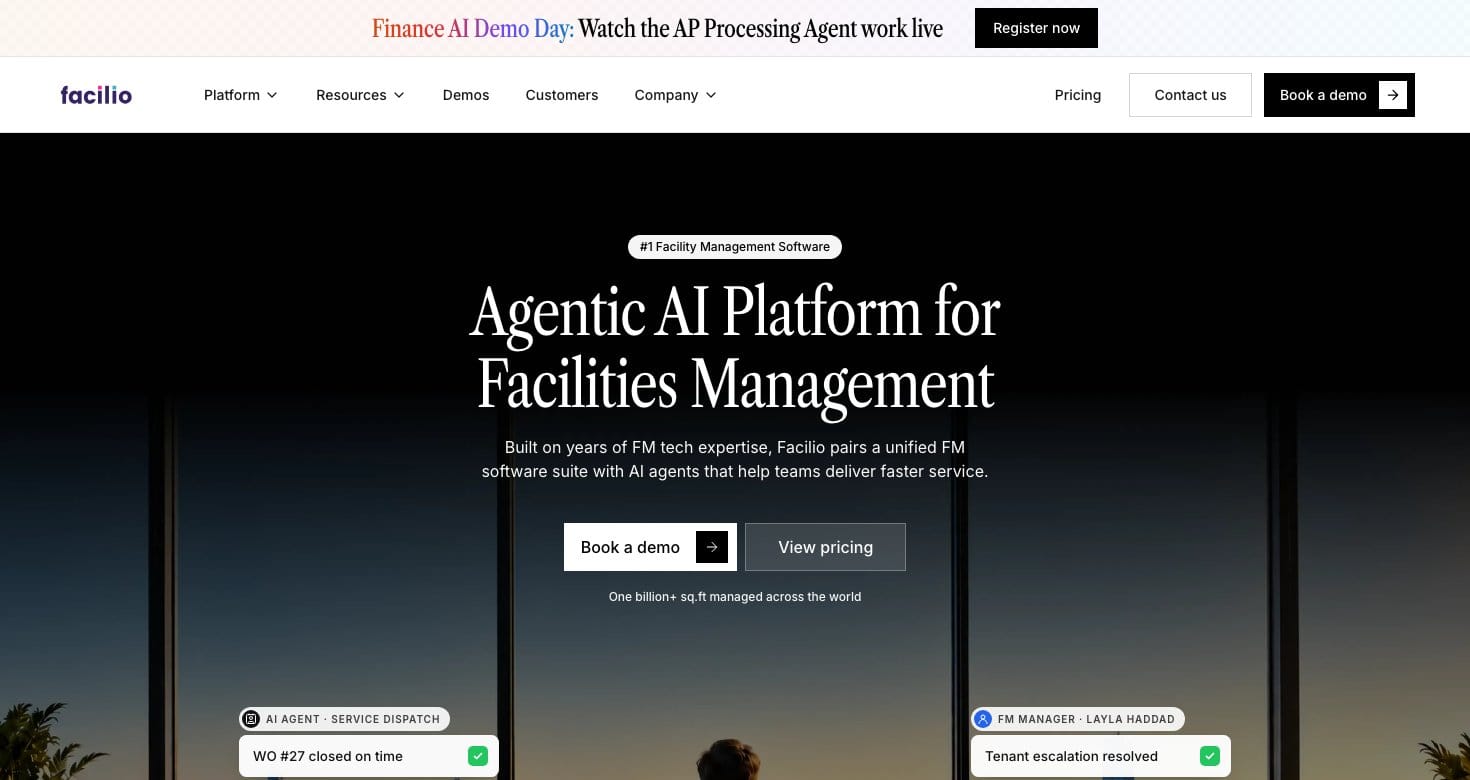
Ideal for: FM directors running maintenance across a multi-site portfolio who want cloud access for every technician and an IT-approved hosting model.
Why it ranks #1: it is the only platform here that pairs a facilities-built cloud CMMS with live agents that run the work around the work order, and it can be hosted as SaaS or behind your own firewall.
| Ideal for | Multi-site facilities portfolios (offices, campuses, healthcare, retail estates) |
| Starting price | Quote by portfolio size, users and scope |
| Key strength | Facilities-built CMMS with agents on top, SaaS or behind your firewall |
| Rating | 4.4/5 on G2 |
| Free trial | Guided demo on your own sites |
| AI and automation | Live agents for service intake, dispatch, vendor coordination, invoice processing and building compliance |
Most cloud maintenance tools move a work order app onto the vendor's servers. Facilio starts from how a building is run: its CMMS already models assets, vendors, contracts, SLAs and compliance tasks, and its agents take on the intake, dispatch, vendor and invoice work that still eats a maintenance desk's day. That is what being the agentic platform for facilities management means in practice.
Behind it sits a pod of FM Ops Engineers, Facilio's own team. They map your maintenance operation, migrate your asset data, configure the CMMS and the agents, and stay after go-live, so cloud adoption does not depend on your IT team or a training program. Facilio is trusted by 150+ customers across four regions.
Key features:
Core features:
- Cloud CMMS for work orders, PM and assets: Facilio's cmms software runs in the browser for every site, with planned and reactive work on one record, PM triggered by calendar, meter reading or runtime, and every chiller, lift and air handler carrying its history, warranties and manuals.
- Mobile and offline-first app: technicians raise, update and close work orders on a mobile cmms app that keeps working in no-signal plant rooms and syncs the moment the device reconnects, with before-and-after photo validation on closure.
- SaaS or behind your firewall: run Facilio as SaaS hosted on AWS in the US, UK, Australia, UAE or Saudi Arabia, or deploy it behind your own firewall when your IT policy rules out shared hosting.
- Integrations and single sign-on: 40+ ready connectors link the CMMS to your ERP, finance, BMS and identity systems, and Enterprise plans add SSO and enterprise security controls.
- Multi-site dispatch and SLA tracking: jobs route by skill, location and SLA across every building, and no-code portfolio dashboards compare backlog, PM completion and cost site by site.
- Inspections, compliance and vendors: statutory inspections run on one calendar with timestamped audit trails aligned to OSHA, NFPA and ISO, and contractors are checked for license and insurance before they are assigned.
- Parts, inventory and procurement: stock is tied to work orders and reordered automatically, with purchase requests and budgets in the same cloud system.
- Connected Buildings: BMS, IoT and utility data feed connected buildings alarm-to-work-order rules and fault detection, so a failing chiller raises its own job with the evidence attached.
AI agent features (from the Facilio ai suite, running on Facilio's cloud CMMS or the one you already have):
- Service intake agent: answers every maintenance request on voice, chat or email around the clock and raises the right work order the first time, so a 2am leak report is logged and routed without a coordinator.
- Service dispatch agent: picks the right technician or vendor from SLA, skills, location and history, then tracks the job until it closes.
- Vendor coordination agent: chases contractor quotes, confirms attendance and collects service reports, so outside work closes the loop without phone calls.
- Invoice validation agent: checks every contractor invoice line against the work order, contract and rate card before you pay.
- Compliance agent: turns audit findings into work orders and flags lapsing certificates before the next inspection.
- FM Copilot: answers plain-language questions inside any work order, asset or dashboard from your live maintenance data.
- Reporting agent: builds monthly maintenance reports and vendor health scores from live data, in your own report template.
- Custom agents built in weeks: FM Ops Engineers build agents for jobs your team still does by hand, such as procurement or alarm triage, and test them against agreed measures before go-live.
Security: ISO 27001 and GDPR, data encrypted at rest and in transit, and production data backed up every 24 hours.
Best for:
- Portfolios of 20 or more buildings where maintenance, vendor and compliance work has to be visible site by site from one cloud system.
- FM directors whose IT team needs a choice between SaaS and hosting behind the firewall, with data kept in the region.
- Teams that want agents to take intake, dispatch and invoice checks off the maintenance desk rather than an assistant that only answers questions.
- Organizations without spare IT capacity, because FM Ops Engineers migrate, configure and keep running the platform with you.
Not ideal for:
- A small single-site team that only needs a self-serve work order app, because Facilio is built for large, multi-site enterprise portfolios and that team would pay for more platform than it uses.
- Buyers who want a published per-user price before the first call, because every plan is quoted by portfolio size, users and scope.
Pricing: Facilio quotes its Standard, Essential and Enterprise plans by portfolio size, users and deployment scope; see pricing.
What reviewers say: Facilio holds 4.4 out of 5 on G2. Dan B., a Vice President of Real Estate and Construction at a mid-market company, wrote in July 2025 that "Facilio is super easy to use," especially compared with the IT ticketing system their team used before.
Customer proof: Purdue University Fort Wayne replaced a 16-year-old CMMS with Facilio across 55 buildings and 3M sq ft, digitizing 1,100+ assets and automating 400+ PPM schedules, live within ten weeks of kickoff (purdue university fort wayne case study).
See your maintenance run in the cloud.
Bring one building's asset list and watch it go live on a phone, offline included, with agents handling the follow-up.
Request a demo →Verdict: the strongest pick for a multi-site facilities team that wants cloud maintenance its IT team can approve and agents that run the work, with a team that stays to run it.
2. Fiix
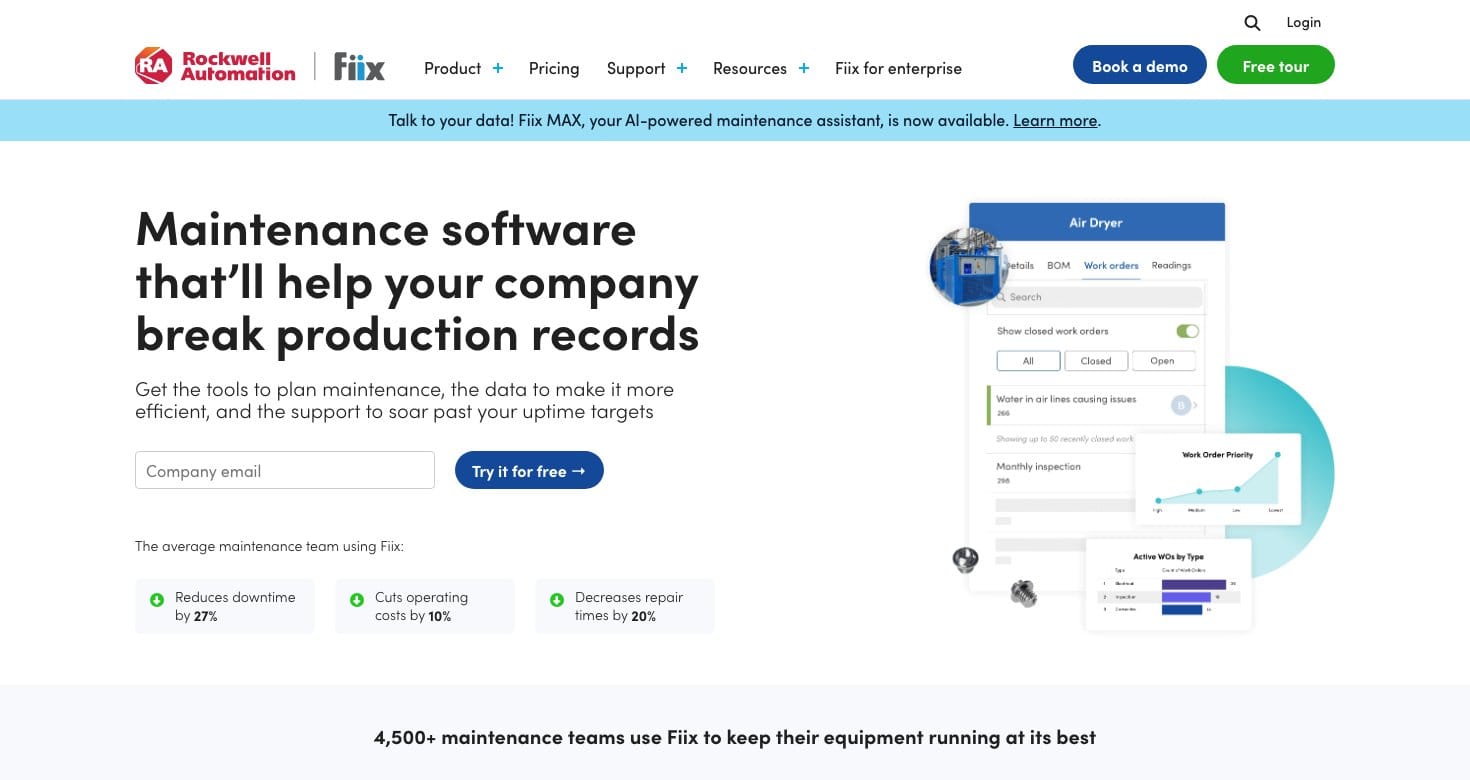
Ideal for: growing plants and multi-site maintenance teams formalizing their PM program with links to ERP.
Why it ranks here: it publishes its prices, offers a permanent free plan and includes offline mobile on every plan, which makes it an easy cloud starting point, though most of its AI answers and predicts rather than acting.
| Ideal for | Growing manufacturing and multi-site maintenance teams |
| Starting price | Free; Basic $45/user/mo; Professional $75/user/mo |
| Key strength | Published pricing with a free plan and an ERP integration hub |
| Rating | 4.5/5 on Software Advice |
| Free trial | Free plan (25 active PMs); guided tour of Professional |
| AI and automation | Foresight suggests purchases and flags anomalies; MAX answers questions (paid add-on); Asset Health with Augury raises work orders from sensor data |
Fiix is a cloud CMMS owned by Rockwell Automation, hosted on Amazon Web Services in several US locations and used by 4,100+ companies, most of them in manufacturing, food and beverage, oil and gas and heavy equipment. Its pricing page lists actual figures, and the Free plan has no expiry date, so a single technician can start logging work orders without a purchase order.
The jump to multi-site comes at Professional, which adds multi-site management, purchasing and the Foresight insights layer, while SSO and the Integration Hub cost extra on top. Its AI has grown in layers since 2022: Foresight predicts, MAX answers questions, and the newest service, Asset Health with Augury, pairs sensors with human experts to raise work orders when a machine starts to fail.
Key features:
Core features:
- Cloud hosting with an uptime guarantee: Fiix runs on Amazon Web Services with a 99.5 percent uptime guarantee, so a plant with no server room still gets vendor-managed upgrades and backups.
- Offline mode on every plan: technicians view and add work order details with no wifi in a remote pump house, and the updates upload the next time the phone connects.
- Work orders and PM scheduling: unlimited PMs from the Basic plan (Free caps you at 25 active PMs), with resource-based scheduling to plan PMs around technician availability.
- Multi-site management: Professional adds multi-site management, nested PMs and multi-asset work orders, so a three-plant group can run one PM library with site-level reporting.
- Parts, purchasing and RFQs: purchasing, RFQs and inventory cycle counts on Professional keep spare bearings and filters stocked across every site.
- Inspections and certifications: pass and fail inspection tasks and user certification tracking from Basic, so planners can see who is certified for a forklift or boiler job.
- Integration Hub and single sign-on: ERP and business-system connections through the Integration Hub, with SSO on Enterprise at additional cost.
- SOC 2 Type 2 compliance: security documentation is available on request under an NDA, which helps a procurement team complete its review.
AI features:
- Parts Forecaster: recommends parts purchases from usage history, leaving the buyer to approve each order.
- Asset Insights: spots performance anomalies on an asset, such as a compressor drawing more runtime per cycle, and flags it for a planner.
- Work Order Insights: predicts which open work orders are likely to run late so a supervisor can reassign them.
- Fiix MAX: a paid conversational add-on for Professional or Enterprise that answers questions from your own CMMS data and the Fiix help center.
- Asset Health with Augury: sensors, AI and human expert validation combine to create detailed work orders in the CMMS when a machine starts to fail.
Best for:
- Plants and distribution sites that want a cloud CMMS connected to their ERP through an integration hub.
- Single-site teams that want to start on a free plan and move to paid tiers as PM volume grows.
- Rockwell Automation customers who want maintenance data near their control systems.
- Remote or rural sites where technicians need offline mode without paying for a higher plan.
Not ideal for:
- Facilities teams that need vendor, contractor and tenant workflows, because Fiix is built around equipment maintenance rather than building operations.
- Buyers who want AI to run intake, vendor follow-up or invoice checks, because Foresight and MAX suggest and answer while your team does the follow-up; only the sensor-driven Asset Health service raises work orders itself.
- Teams budgeting on list price alone, since multi-site sits on Professional and SSO and integrations carry additional costs.
- IT teams that want ISO 27001 certification, which Fiix's security pages do not state.
Pricing: Free, Basic at $45 and Professional at $75 per user per month, with Enterprise, Fiix MAX and the Lite License quoted; see the Fiix pricing page and Facilio's fiix cmms pricing breakdown.
What reviewers say: Fiix holds 4.5 out of 5 on Software Advice. Cara H., in financial services at a 10,000+ employee company, wrote in September 2026 that "it helps improve visibility, organization, and accountability by centralizing work orders, asset records" and maintenance information.
Verdict: a strong cloud CMMS for plants that want published pricing and ERP links, lighter on building operations and AI that acts.
3. MaintainX
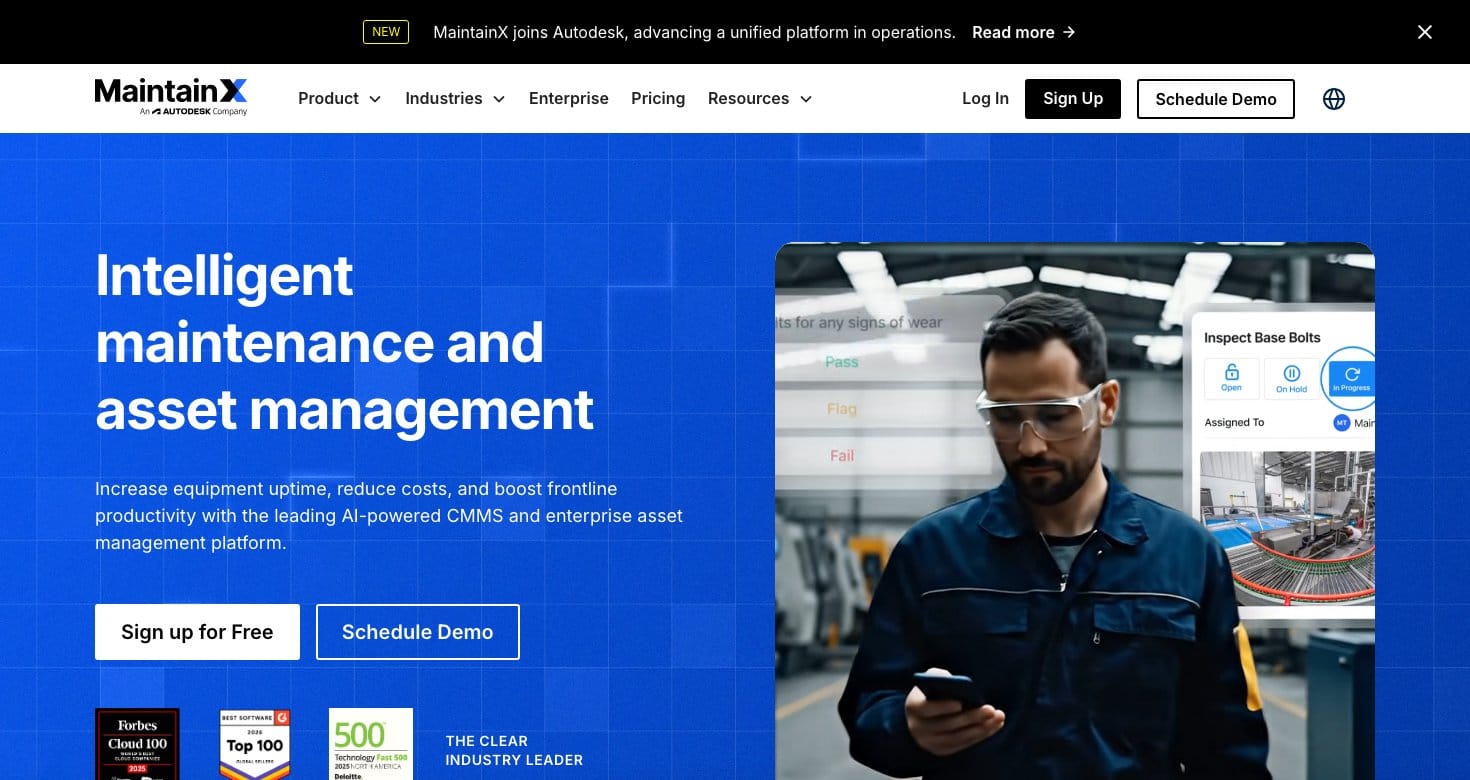
Ideal for: mobile-first maintenance teams replacing paper checklists, whiteboards and radio calls.
Why it ranks here: technicians adopt it fast, the free plan has no time limit, and it is now part of Autodesk, though multi-site management, SSO and its Assist AI sit on the quoted Enterprise tier.
| Ideal for | Mobile-first maintenance and operations teams |
| Starting price | Free; Essential $20/user/mo billed annually |
| Key strength | Fast technician adoption with chat and digital procedures in one app |
| Rating | 4.8/5 on Software Advice |
| Free trial | Free Basic plan |
| AI and automation | AI procedure generation and input checks; MaintainX Assist on Enterprise, which "can't create or edit data" |
MaintainX built its cloud CMMS around the phone: work orders, procedures, photos and team chat live in one app that technicians open between jobs, and requesters use it free. It runs on AWS, holds ISO 27001:2022 and SOC 2 reports, and Autodesk completed its acquisition of the company in August 2026, which links it to Autodesk's design and construction software.
The pricing page is public and the free Basic plan has no expiry, but it limits you to two work orders with attached procedures. Essential and Premium cover most single-site needs, while multi-site management, ERP integrations, SSO, an uptime SLA and MaintainX Assist are all listed under the quoted Enterprise plan.
Key features:
Core features:
- Cloud platform with ISO 27001: MaintainX runs on AWS with ISO 27001:2022, SOC 2 and GDPR coverage stated on its security page.
- Mobile work orders and chat: technicians receive, update and close jobs from a phone, with photos, comments and team messaging on the same work order.
- Offline mode: saved work orders can be opened and completed in areas with low connectivity, then sync when the phone reconnects.
- Digital procedures and inspections: templates with pass and fail steps standardize a monthly fire pump test or a daily line walk across every location.
- Failed step to work order: a failed inspection step can raise a work order and alert the team, once the automation is configured.
- Meter-based PM, parts and purchasing: Premium adds meter-triggered PM, parts inventory, purchase orders, time and cost tracking and a REST API.
- QR codes and barcodes: asset tags generated by the system open the right record and history in one scan.
- Enterprise controls: multi-site management, custom permissions, ERP integrations, SAML SSO and a guaranteed uptime SLA on the quoted Enterprise plan.
AI features:
- AI procedure generation: generates procedures and checklists with AI, so a new inspection template is not typed from scratch.
- Smart input checks: flags an unusual reading as a technician enters it, such as a chiller temperature far outside the normal range.
- Smart time estimates: estimates how long a job should take, to help planners schedule the week.
- MaintainX Assist (Enterprise): helps technicians find asset information, generate procedures and write up work, but it cannot create or edit data itself.
Best for:
- Teams moving off paper who need technicians using the app within days.
- Single-site operations that can run on the free or Essential plan before paying for more.
- Organizations that want team messaging inside the maintenance app rather than in a separate chat tool.
- Companies already standardizing on Autodesk software for design and construction.
Not ideal for:
- Multi-site portfolios on a fixed budget, since multi-site management and SSO require the quoted Enterprise plan.
- Buyers who want AI that completes work, because Assist answers questions and cannot create or edit data.
- Facilities teams that need contractor compliance and invoice checks built in, since neither is a core workflow.
- Buyers who want an uptime commitment in writing below Enterprise, since the uptime SLA is Enterprise-only.
Pricing: Basic is free, Essential is $20 and Premium25 and $75 monthly), and Enterprise is quoted; see the MaintainX pricing page and Facilio's maintainx pricing guide.
What reviewers say: MaintainX holds 4.8 out of 5 on Software Advice. Chris L., in hospital and health care, wrote in October 2026 that "the ability to add Photos/Documents straight from the app is very useful."
Verdict: the easiest cloud CMMS here for technicians to adopt, with multi-site depth and AI held back for Enterprise buyers.
4. Limble CMMS
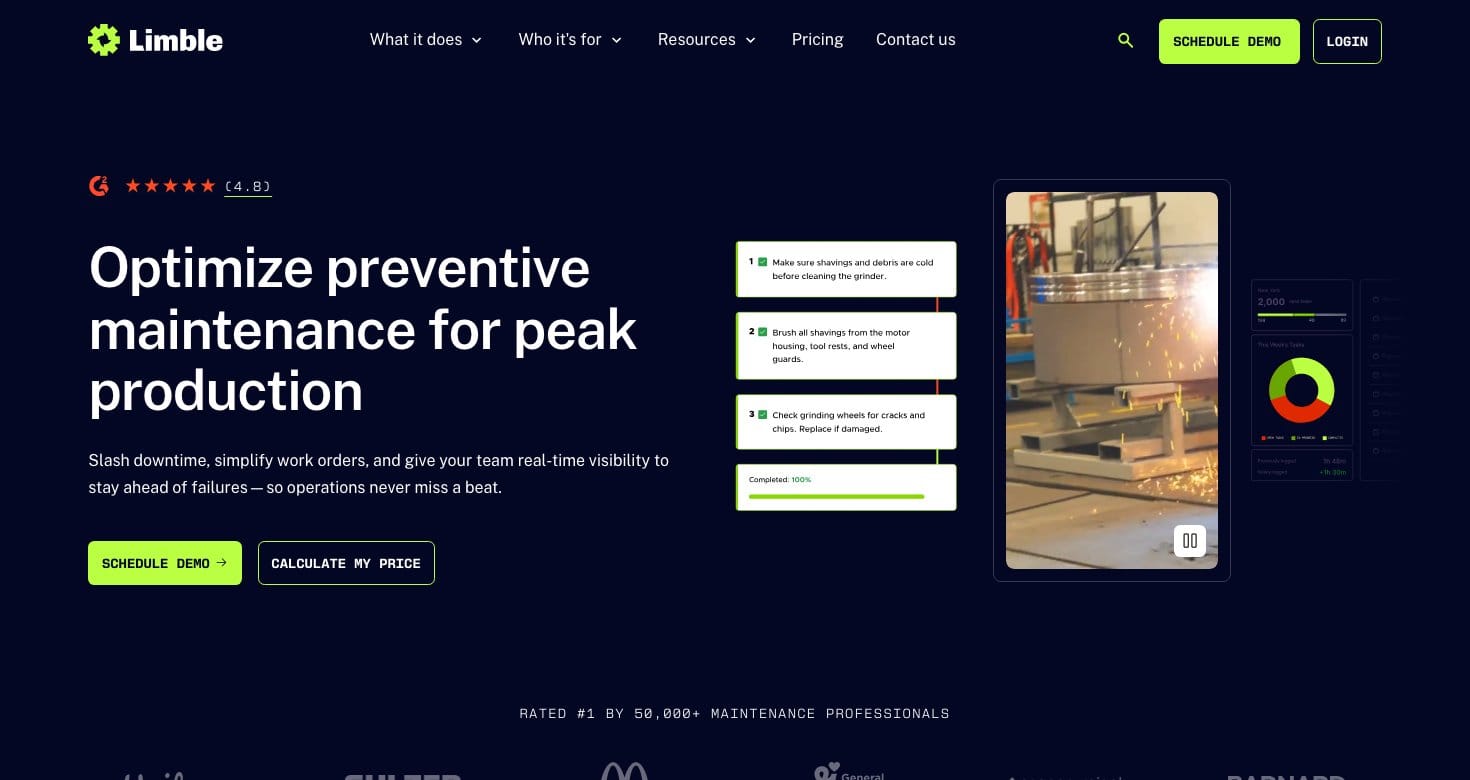
Ideal for: mid-sized maintenance teams that want PM schedules running within weeks rather than months.
Why it ranks here: setup is quick and reviewers rate it highly, and its AI builds PM schedules from manuals, though prices now sit behind a calculator and offline mode starts at Premium+.
| Ideal for | Mid-sized maintenance teams across manufacturing, facilities and education |
| Starting price | Quote (price calculator) |
| Key strength | Fast PM setup with AI that turns manuals into schedules |
| Rating | 4.8/5 on G2 |
| Free trial | Not published |
| AI and automation | AI PM Builder, Asset Snap nameplate capture, anomaly flags, duplicate-request detection, MCP server |
Limble is a cloud CMMS known for a short learning curve, used by teams from single plants to nationwide property portfolios. It offers a 99.99 percent uptime SLA and SOC 2 Type II compliance on every plan, and in March 2026 it launched a rebuilt technician mobile app.
Its plans are now Standard, Premium+ and Enterprise, priced only after you answer the calculator's questions. Limble has added a run of AI features through 2026, from a PM builder that reads service manuals to an MCP server for outside AI tools, and in October 2026 it acquired FM360's professional services business to help customers implement.
Key features:
Core features:
- Cloud SaaS with a 99.99 percent SLA: every plan carries a guaranteed uptime SLA of 99.99 percent and SOC 2 Type II compliance, with backups run on AWS.
- Mobile app with offline mode: technicians keep working in areas with no signal and the app syncs automatically, from Premium+ upward.
- Work orders and PM scheduling: recurring PM by time or meter with step-by-step task instructions, photos and readings captured on each job.
- Work requests by QR code or URL: staff or occupants scan a QR code on a unit or open a link to report an issue without a login.
- Inspection procedures: Premium+ adds procedures with inspection checks, while Standard runs inspection procedures on demand.
- Single sign-on: OIDC-based SSO is an add-on on Premium+ and included on Enterprise.
- Compliance reporting: an audit trail of training, acknowledgments and completed work that can be shared with auditors.
AI features:
- AI PM Builder: turns service manuals and asset data into ready-to-use PM schedules on every plan, so a new boiler gets its tasks without hand-typing the manual.
- Asset Snap: a photo of a nameplate creates the asset record with its details filled in (Premium+ and Enterprise).
- Smart Parts: pulls parts data from documents into the parts list (Premium+ and Enterprise).
- Anomaly detection: unusual meter readings are flagged in real time so a rising compressor temperature gets attention early.
- Duplicate request prevention: Enterprise detects when several people report the same leak and consolidates the requests.
- AI scheduling suggestions: Enterprise recommends ways to consolidate tasks and plan resources, for a planner to accept.
- MCP server: connects your Limble data to outside AI tools such as Claude Desktop or Cursor, which read the data rather than act in Limble.
Best for:
- Mid-sized teams that want PM programs live quickly with little admin time.
- Organizations with large equipment manuals to digitize, where AI-built schedules save weeks of data entry.
- Teams that want to connect their own AI tools through an MCP server.
- IT teams that want a 99.99 percent uptime SLA on every tier.
- Buyers who want implementation help from the vendor's own services team.
Not ideal for:
- Budget holders who need a list price before talking to sales, since prices sit behind a calculator.
- Field teams on the Standard plan who need offline mode or SSO, which start at Premium+.
- Portfolios that need AI to dispatch, chase vendors or check invoices, since Limble's AI flags and suggests.
Pricing: Standard, Premium+ and Enterprise are priced through Limble's calculator; see the Limble pricing page and Facilio's limble cmms pricing breakdown.
What reviewers say: Limble holds 4.8 out of 5 on G2. Eric S., a Senior Director of Maintenance, wrote in August 2026 that "the new app has also made it much easier for my techs to complete work" on the go.
Verdict: a quick-to-deploy cloud CMMS with useful AI for building PM programs, best for mid-sized teams willing to request a quote.
5. UpKeep
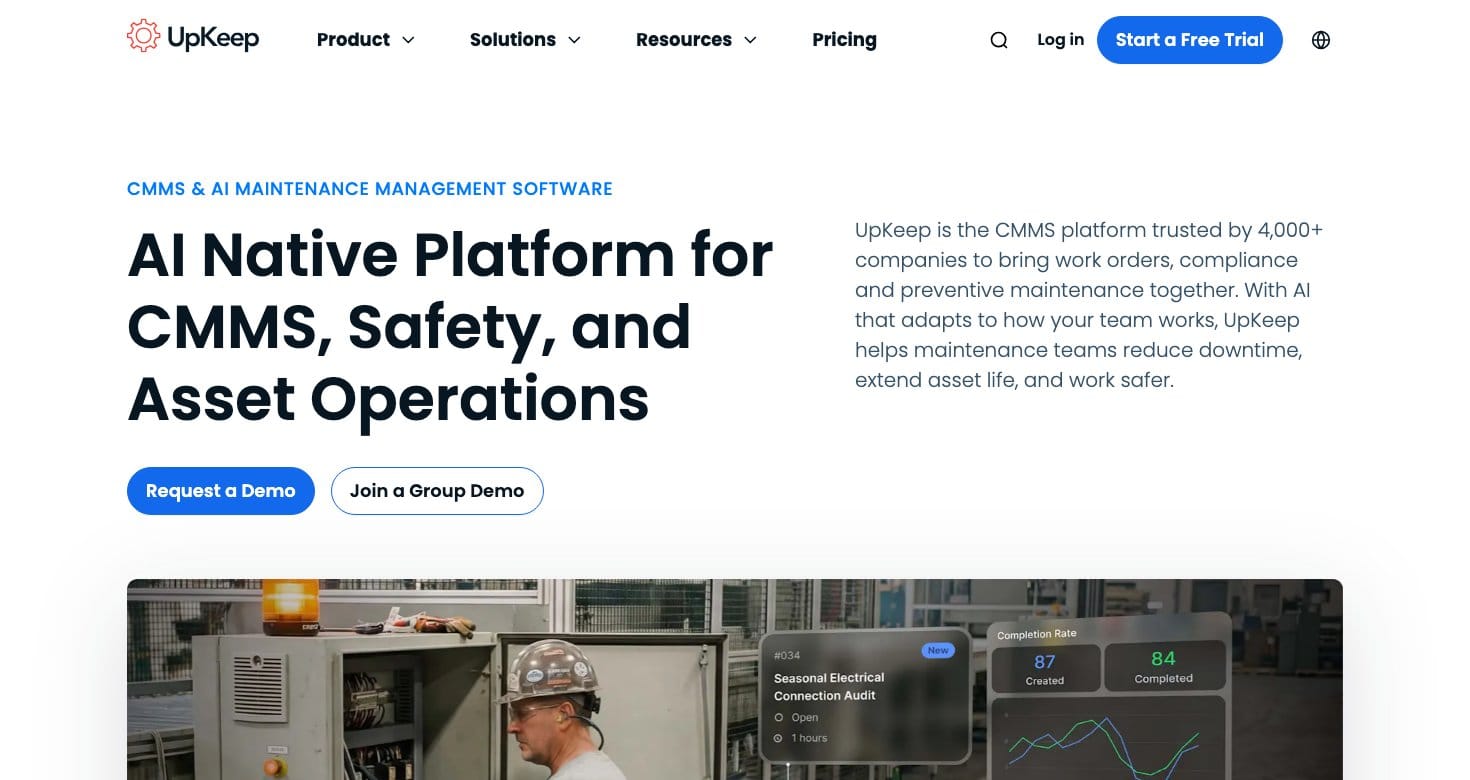
Ideal for: small maintenance teams that need technicians using a phone app from the first day.
Why it ranks here: it publishes entry prices and is simple to learn, though offline mode and multi-site support sit on quoted tiers and its most capable agents are still in early access.
| Ideal for | Small and mid-sized maintenance teams |
| Starting price | from $24/user/mo (Essential) |
| Key strength | Simple mobile CMMS with published entry prices |
| Rating | 4.6/5 on Software Advice |
| Free trial | Free trial, no credit card |
| AI and automation | Nova assistant on credits; Supernova agents in early access |
UpKeep is a mobile-first cloud CMMS founded in 2015 in Los Angeles that says it serves 4,000+ companies across manufacturing, facilities, data centers, healthcare and energy. It is hosted on AWS, requester seats are free and unlimited, and Essential and Premium are priced per user while Professional and Enterprise are quoted.
Its AI runs on Nova credits included in every plan, from 250 a month on Essential to 1,000 on Enterprise. Nova answers questions and runs scheduled tasks, and a separate Supernova tier with autonomous agents and an approval inbox is in early access, priced by demo.
Key features:
Core features:
- Cloud CMMS on AWS: UpKeep hosts its platform in Amazon-managed data centers, so there are no servers to run on site.
- Mobile work orders: technicians create, update and close jobs with photos from a phone.
- Offline mode: forms and work order drafts can be completed with no signal and sync later, from the Professional plan.
- Inspection forms: sections, pass and fail items, numeric ranges, signatures and photos, published to every site from one library.
- Optional failed-item follow-up: a failed item can raise a work order, notify an owner or open an incident, if you set it to.
- PM scheduling and custom checklists: recurring PM by time or meter on Premium and above.
- Free requester seats: occupants and staff submit requests without a paid seat.
- Enterprise controls: the multi-site module, SSO and custom roles on the quoted Enterprise plan.
AI features:
- Nova assistant: answers questions, runs scheduled tasks and passes data between apps on your behalf, metered by monthly credits.
- Email to work order: forwarded documents are turned into work orders automatically.
- Meeting Capture: drafts work from meeting notes, and nothing reaches UpKeep until a reviewer approves it.
- Smart Scheduler and Voice Fill: recommends the best technician for a job and fills work order fields from a voice note (Premium and above).
- Smart Checklist Builder and Photo-to-Part: generates PM checklists and suggests a part's name, type and quantity from a photo.
- Supernova agents (early access): agents that triage work orders on their own, with an approval inbox for proposals such as reassigning a job.
Best for:
- Small teams that want to start at a published per-user price.
- Technician-heavy teams where ease of use decides adoption.
- Single-site operations that do not need offline mode on day one.
- Teams with many occasional requesters, since requester seats are free.
Not ideal for:
- Field teams that need offline mode on the entry plans, since it starts at Professional.
- Multi-site portfolios, because the multi-site module is on the quoted Enterprise tier.
- Buyers who want production agents today, since Supernova is in early access.
- Heavy AI users on a fixed budget, since Nova usage draws down monthly credits.
Pricing: Essential is $24 and Premium $55 per user per month, with Professional and Enterprise quoted; see the UpKeep pricing page and Facilio's upkeep pricing breakdown.
What reviewers say: UpKeep holds 4.6 out of 5 on Software Advice. Janapher S., in facilities services, wrote in July 2026 that "it is easy to learn, improves team collaboration," and keeps the team organized.
Verdict: a simple, affordable cloud CMMS for small teams, with offline and multi-site support priced above the entry plans.
6. eMaint
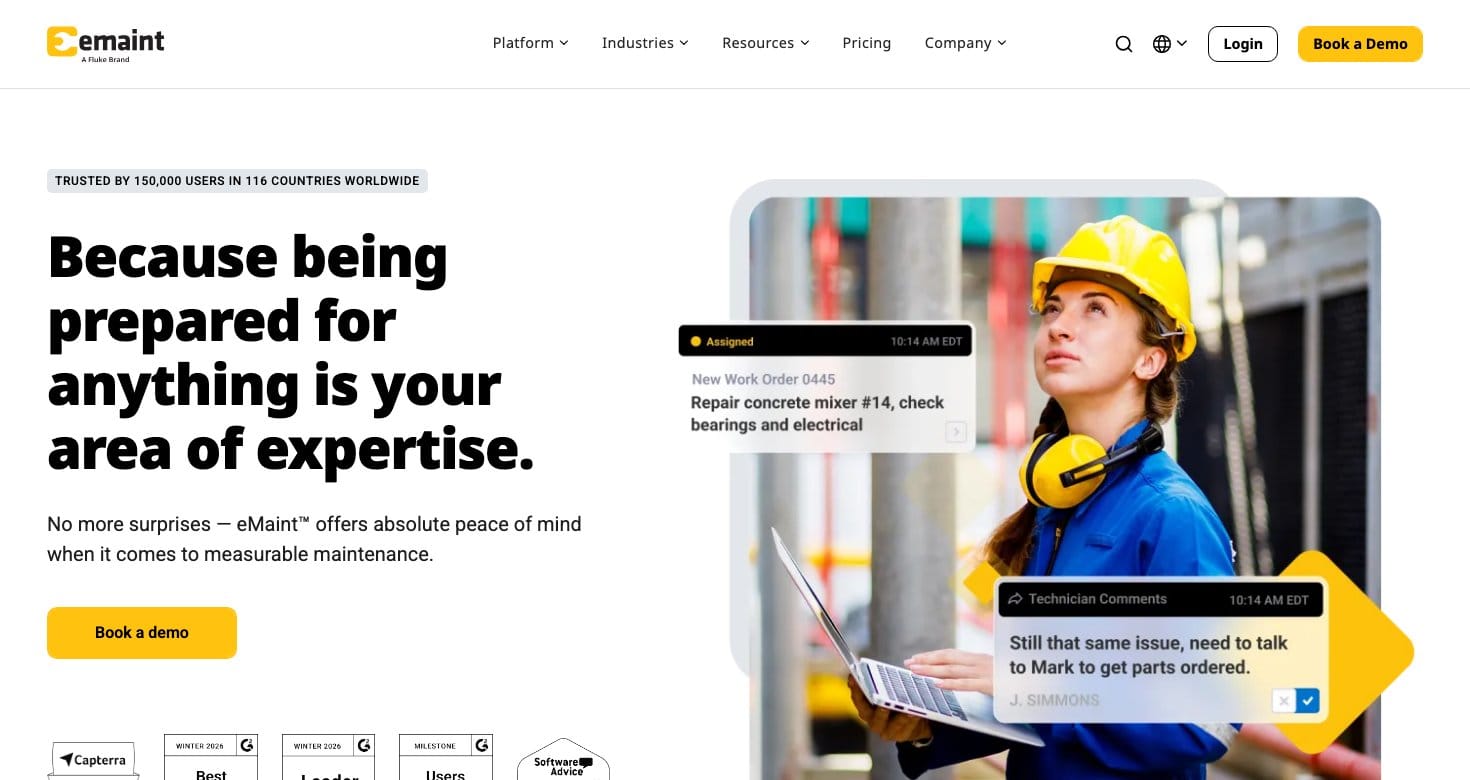
Ideal for: regulated, asset-intensive operations that pair maintenance with condition monitoring and calibration.
Why it ranks here: it has deep configuration, full offline mobile and Fluke's reliability tools behind it, though prices are no longer published and its AI Suite is Enterprise-only.
| Ideal for | Manufacturing, healthcare and regulated multi-site operations |
| Starting price | Quote (Professional 3-user minimum) |
| Key strength | Configurable CMMS tied to Fluke condition monitoring |
| Rating | 4.5/5 on G2 |
| Free trial | Not published; demo only |
| AI and automation | eMaint AI Suite answers from your data, drafts SOPs and fills requests from voice (Enterprise) |
eMaint is a cloud CMMS from Fluke Reliability with 7,400+ deployments and 150,000+ users. It is hosted on AWS, certified to ISO 27001 and SOC 2 Type II, and backs up to AWS storage, with backups for some regions copied to a second AWS region.
It now sells two plans, Professional with a 3-user minimum and Enterprise with a 5-user minimum, both quoted and billed as a prepaid annual commitment, with individual features available a la carte. Its strength is configuration and reliability data, and its AI Suite answers questions with citations and drafts SOPs for a senior technician to approve.
Key features:
Core features:
- Cloud hosting with ISO 27001: eMaint runs on AWS with ISO 27001 and SOC 2 Type II certification and a 99.8 percent availability objective.
- Fully offline mobile app: technicians view work orders, update status, take photos, scan assets and view history with no connection, and changes sync automatically.
- PM checklists and meter readings: Professional covers PM checklists, meter readings and advanced reporting for a recurring motor or compressor program.
- Condition-based maintenance triggers: readings from Fluke sensors or meters raise work when a value crosses its limit.
- Calibration management: calibration records, labels and tracked standards for regulated equipment.
- E-signatures and audit trails: digital sign-off on work order completion with an automatic audit trail for inspectors.
- Multi-site, SSO and APIs (Enterprise): global multi-site operations, SAML SSO, API integrations and an unlimited request-only portal.
AI features:
- eMaint AI Assistant: searches your maintenance data and documents and answers with a citation, including trends and charts, without changing records.
- SOP Builder: drafts SOPs and PM content from manuals, and each draft links back to its source for a senior technician to edit and approve.
- Voice to work order request: listens to a technician's voice note and fills in the work request fields, which the team reviews before converting it into a work order request.
Best for:
- Regulated sites in food, pharma and healthcare that need calibration and signature trails.
- Reliability teams already using Fluke condition-monitoring hardware.
- Field technicians who need the whole app offline, not just saved work orders.
- IT teams that want ISO 27001 and SOC 2 Type II certification with SAML single sign-on.
Not ideal for:
- Small teams, given the 3-user minimum and prepaid annual billing.
- Buyers who want a published price, since eMaint removed its list prices in 2026.
- Teams that want AI that acts, because the AI Suite answers and drafts while people approve.
Pricing: Professional and Enterprise are quoted and billed annually; eMaint's last published prices were withdrawn in mid-2026. See the eMaint pricing page and Facilio's emaint pricing breakdown.
What reviewers say: eMaint holds 4.5 out of 5 on G2. Ronnie G., a Maintenance Manager, wrote in July 2026 that after using it at previous jobs, "I asked them if we could get the eMaint program here too."
Verdict: a configurable cloud CMMS for regulated, reliability-focused sites, best for teams ready for a quoted annual contract.
7. MPulse
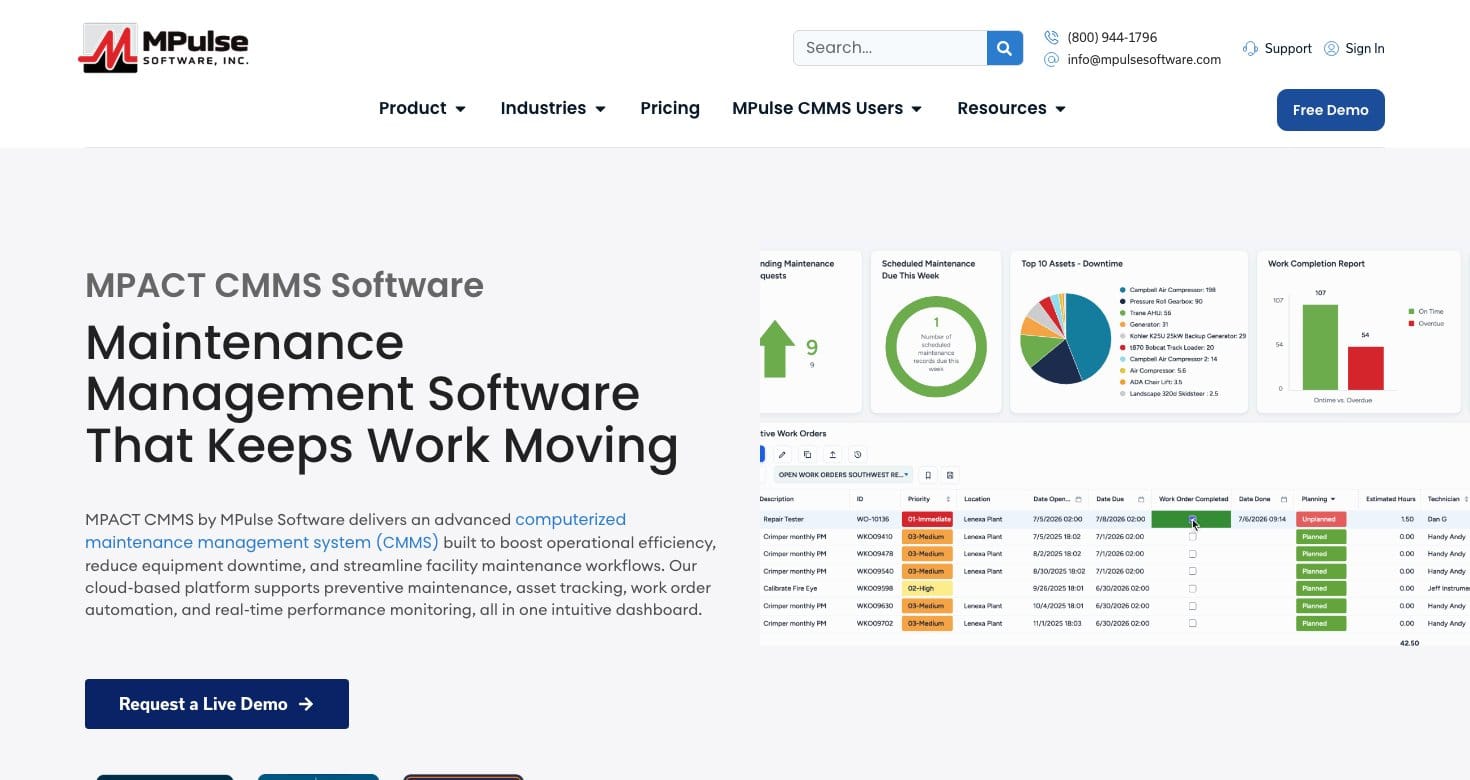
Ideal for: mid-market maintenance teams in manufacturing, facilities, healthcare and government that want a configurable CMMS and the option to host it themselves.
Why it ranks here: it publishes its entry price and offers a rare choice of cloud or self-hosted licensing, though it has no live AI features and its public reviews are dated.
| Ideal for | Mid-market teams that need hosting flexibility |
| Starting price | $29/user/mo billed annually (3-user minimum) |
| Key strength | Published editions with cloud or self-hosted licensing |
| Rating | 4.5/5 on Software Advice |
| Free trial | Not published; free demo |
| AI and automation | Rule-based work order generation; no live AI features |
MPulse, part of JDM Technology Group and founded in 1995 in Eugene, Oregon, now sells MPACT as its flagship cloud CMMS while still supporting older MPulse editions with no forced migration. It says 3,500+ customers use its software, that nine in ten renew each year, and it won 2026 Capterra Shortlist and Software Advice FrontRunners awards.
Its deployment page offers a subscription or an owned license, hosted by MPulse at no extra cost or installed on your own servers, and says local installs meet FedRAMP and ITAR requirements; confirm which options apply to MPACT before you plan around them. Every edition carries a 99.9 percent uptime SLA, while the offline app and SSO are paid extras on the higher editions.
Key features:
Core features:
- Cloud or self-hosted deployment: choose SaaS, a licensed purchase hosted by MPulse, or a local install on your own infrastructure.
- Uptime SLA on every edition: a 99.9 percent guaranteed uptime SLA from Professional up.
- Adaptive web app: every edition runs in the browser on a desktop, tablet or phone without an install.
- Offline technician app: an iOS and Android app that works offline, available as an add-on on Advanced and Enterprise.
- Automated work order generation: PM schedules raise work orders automatically, and requests convert to work orders automatically or by a planner's approval.
- Role-based licenses: Manager, Admin and Technician licenses, plus technician bundles, so occasional technicians cost less than planners.
- REST API integrations: new in MPACT, real-time API connections to ERP and other business systems.
- SAML single sign-on: an Enterprise add-on that works with Okta and other identity providers.
Best for:
- Government and defense-adjacent sites whose IT policy calls for a self-hosted install.
- Mid-market teams that want published per-user prices and a choice between subscribing and owning the license.
- Existing MPulse customers who want a cloud path without a forced migration.
- Teams that want an uptime SLA in writing on the entry edition.
Not ideal for:
- Field teams on the Professional edition, since the offline app is an add-on from Advanced upward.
- Buyers who want AI in the product today, because no AI feature is live yet.
- Teams that rely on recent peer reviews, since public reviews of MPulse are several years old.
- Buyers who need SSO without an add-on fee, since SAML SSO is an Enterprise extra.
Pricing: Professional is $29 per user per month billed annually with a 3-user minimum, Advanced is $79 plus $29 technician licenses, and Enterprise is quoted; see the MPulse pricing page and Facilio's mpulse pricing breakdown.
What reviewers say: MPulse holds 4.5 out of 5 on Software Advice, but the reviews behind that score are several years old, and no recent named review appears on G2, TrustRadius or Software Advice. Ask MPulse for current customer references before you shortlist it.
Verdict: a configurable mid-market CMMS with unusual hosting flexibility, best confirmed with current customer references before you buy.
8. Asset Essentials by Siemens
Ideal for: school districts, local government and healthcare facility teams planning maintenance in one cloud CMMS.
Why it ranks here: it has a large public-sector customer base and a Siemens owner, and its Copilot helps technicians troubleshoot, though prices are not published and offline mode is partial.
| Ideal for | Education, government, healthcare and senior living facilities |
| Starting price | Quote |
| Key strength | Large public-sector install base with IoT monitoring options |
| Rating | 4.2/5 on G2 |
| Free trial | Not published |
| AI and automation | Maintenance Copilot suggests fixes; AI summaries; duplicate work order flags (Enterprise tier) |
Asset Essentials comes from Brightly, which Siemens acquired in 2022 and rebranded as Siemens in July 2026. Siemens says the platform serves 11,000+ organizations and 4.6 million users, many of them school districts, cities, hospitals and senior living operators.
It runs on AWS with separate US and UK instances, and Siemens's 2026 datasheet lists SOC 2 Type 2, ISO 27001 and GDPR compliance; the company says it is pursuing FedRAMP certification. The product, team and support stayed the same after the rebrand, and its AI features, Maintenance Copilot and AI Summary, require the Asset Essentials Enterprise tier.
Key features:
Core features:
- Cloud hosting in the US or UK: AWS-hosted instances in the US and the UK, with SOC 2 Type 2, ISO 27001 and GDPR listed in the 2026 datasheet.
- Automated PM: recurring schedules generate work orders automatically by date or meter.
- IoT remote monitoring: connected sensors raise corrective work orders when a reading goes out of range.
- Work requests and tasks: occupants submit requests, and a failed task lets the technician raise a follow-up work order.
- Partial offline mobile: technicians can create a work order or follow up a failed task offline, but cannot add assets, parts or attachments until they reconnect.
- Public-sector focus: workflows and a customer base built around K-12 districts, campuses, municipalities and hospitals.
- FedRAMP in progress: Siemens says it is pursuing FedRAMP certification for federal buyers.
AI features:
- Maintenance Copilot: suggests root causes, diagnostics and repair steps from manuals and recent history, with citations, for the technician to act on.
- AI Summary: writes a short auto-generated overview of a work order (Enterprise tier).
- Duplicate work order flags: requests for the same issue are flagged and consolidated before assignment.
- Predictor and Origin: separate Siemens products that use AI to predict asset lifecycles and long-term asset health for capital planning.
Best for:
- K-12 districts, colleges and municipalities that want a CMMS many peers already use.
- Facility teams that plan to add Siemens building and IoT products.
- UK and US teams that want their data hosted in-country.
Not ideal for:
- Field teams that need full offline use, since several actions need a connection.
- Buyers who want a price list, since every plan is quoted and the pricing page now redirects to the homepage.
- Teams that want AI to complete work, since Copilot suggests and the technician acts.
- IT teams that need an uptime SLA or SSO confirmed upfront, since neither is published.
- Federal agencies that need FedRAMP today, since certification is still in progress.
Pricing: quote only; Siemens publishes no plan prices and its former pricing page now redirects to the homepage. See the Asset Essentials product page and Facilio's brightly pricing guide.
What reviewers say: Asset Essentials holds 4.2 out of 5 on G2. Bobbi S., an Executive Assistant and Events Coordinator, wrote in April 2026: "My requests are seen quickly and addressed by the correct people."
Verdict: a proven cloud CMMS for public-sector facilities, with partial offline support and AI that advises rather than acts.
9. Accruent Maintenance Connection
Ideal for: healthcare, higher education and multi-site organizations standardizing maintenance workflows, including those that need an on-premises option.
Why it ranks here: it is one of the few tools here sold as SaaS or on-premises with an indicative published price, though mobile is a paid add-on and no product-specific AI is named.
| Ideal for | Healthcare, higher education and multi-site operations |
| Starting price | from $110/user/mo (indicative; 3-user minimum, 1-year contract) |
| Key strength | SaaS or on-premises with configurable workflows |
| Rating | 4.4/5 on Software Advice |
| Free trial | Free trial offered (terms not published) |
| AI and automation | Rule-based alerts and notifications; no Maintenance Connection-specific AI stated |
Accruent, based in Austin, Texas, says it serves 10,000+ organizations in more than 150 countries, and Maintenance Connection is used in 75+ countries across healthcare, higher education, manufacturing, utilities and retail. It sells the product as SaaS or as an on-premises model for companies that need local control of their data.
Its pricing page lists indicative per-user prices with a 3-user minimum and a one-year contract, and the MC Kinetic mobile app, which works offline, is priced as an add-on to each user license. Accruent lists ISO/IEC 27001, SOC 1 and SOC 2 at company level, and the product's security FAQ addresses HIPAA, GDPR and CCPA.
Key features:
Core features:
- SaaS or on-premises: the same product runs in Accruent's cloud or in your own data center.
- MC Kinetic offline mobile app: a native app that works with no connectivity and scans barcodes and QR codes, sold as a mobile add-on.
- Work order and PM management: configurable work order types, PM schedules and approval steps, so a hospital can route biomedical and building work differently.
- Asset tracking: equipment records with history, readings and locations across every site.
- Automated alerts and notifications: rule-based alerts flag overdue PMs and status changes to the right supervisor.
- Accruent Data Connect: a data layer that feeds maintenance data into analytics and reporting tools.
- Single sign-on: SSO is available as an authentication option.
- Security and privacy: ISO/IEC 27001, SOC 1 and SOC 2 at company level, with a security FAQ that covers HIPAA, GDPR and CCPA.
Best for:
- Hospitals and health systems that need HIPAA-aware maintenance records and configurable workflows.
- Organizations whose IT policy requires an on-premises install but who want a cloud option later.
- Multi-site teams standardizing work order and PM processes across many buildings.
- Buyers who want an indicative price before the first sales call.
Not ideal for:
- Budget holders comparing per-user prices, since the mobile app adds $58 per user per month on top of each license.
- Buyers who want AI in the maintenance workflow today, since none is named for this product.
- Small teams, given the 3-user minimum and one-year contract.
- Teams that want a fast self-serve start, because configuration usually needs planning time.
Pricing: Professional is listed as an indicative $110 per user per month or $1,325 per user per year with a 3-user minimum and one-year contract, the mobile add-on is $58 per user per month, and Enterprise is quoted; see the Accruent pricing page and Facilio's accruent pricing breakdown.
What reviewers say: Maintenance Connection holds 4.4 out of 5 on Software Advice. Kevin L., in warehousing at a 1,001 to 5,000 employee company, wrote in February 2026 that it helps their team "stay on top of maintenance without things falling through the cracks."
Verdict: a configurable CMMS for healthcare and multi-site teams that want a choice of SaaS or on-premises, with mobile and AI to price carefully.
10. IBM Maximo Application Suite
Ideal for: asset-heavy enterprises with an in-house EAM team or a long-term implementation partner.
Why it ranks here: it is the reference enterprise asset management suite and runs as SaaS or client-managed, though its cost and setup put it out of reach for most facilities teams.
| Ideal for | Utilities, transport, heavy industry and large campuses |
| Starting price | Maintenance component from under $40K per year |
| Key strength | Full EAM suite with health, predictive and visual inspection modules |
| Rating | 7.9/10 on TrustRadius |
| Free trial | Guided trial for Manage and Health |
| AI and automation | Maximo Assistant answers and suggests problem codes; visual inspection flags defects from images |
IBM Maximo Application Suite bundles maintenance, inspection, health, space and capital planning, priced per component per year under a minimum 12-month agreement. IBM runs it as SaaS on AWS with a choice of region, including the US, Canada, the UK, Germany, the UAE and Australia, or you can run it client-managed on AWS, Azure, Google Cloud or your own data center.
That choice suits enterprises with strict IT policies, but Maximo is an EAM, not a quick cloud CMMS: most rollouts need a partner, data migration and trained administrators. Facilio's maximo vs facilio comparison covers the trade-offs for facilities teams.
Key features:
Core features:
- SaaS or client-managed: IBM-hosted SaaS on AWS, or a client-managed install on AWS, Azure, Google Cloud or on premises.
- Choice of hosting region: SaaS customers pick a preferred AWS region, from the US and Canada to the UAE, India, Singapore and Japan.
- Enterprise work and asset management: Maximo Manage covers work orders, PM, inventory and purchasing across very large asset registers.
- Maximo Mobile: technicians record work, readings and photos from a phone in the field; confirm offline behavior for your sites, since IBM's pricing page does not state it.
- Asset health scores: Maximo Health scores condition across an asset class to guide replacement planning.
- Inventory optimization: a separate component that balances spare parts stock against service levels.
- Space, lease and capital planning: separate components cover real estate for enterprises that want one IBM estate.
AI features:
- Maximo Assistant: a plain-language assistant that finds asset history and suggests problem codes for a supervisor to confirm.
- Maximo Visual Inspection: computer vision trained on your own images flags corrosion or defects from cameras and drones, and since release 9.2 can run on the device.
- Failure predictions: predictive models estimate when an asset is likely to fail, feeding the replacement plan.
- Open agent connections: release 9.2 lets organizations connect their own agents to Maximo Manage through its APIs.
Best for:
- Enterprises with tens of thousands of assets and an EAM team to run them.
- Organizations whose IT policy requires a client-managed deployment.
- Asset-intensive operators that want predictive and visual inspection in the same suite.
- Global enterprises that need SaaS data hosted in a chosen region, from the US to the UAE or Australia.
Not ideal for:
- Facilities teams that want to go live in weeks, since rollouts need a partner and trained administrators.
- Budgets below enterprise scale, with each component priced in the tens of thousands of dollars per year before services.
- Buyers who want AI that runs the work, because Maximo Assistant answers and suggests.
Pricing: IBM lists the Essentials Maintenance component from under $40K per year, with Standard and Premium quoted; see the IBM Maximo pricing page and Facilio's ibm maximo pricing breakdown.
What reviewers say: Maximo scores 7.9 out of 10 on TrustRadius. Vicki Maxwell, a Business Systems Manager at Duke Energy, wrote in October 2026 that it "allows for limitless customization to fit your business needs."
Verdict: the deepest enterprise suite here, with a full choice of hosting, best for asset-heavy organizations with the budget and team to run it.
Key features to look for in cloud maintenance software
Cloud maintenance software should give you anywhere access and no server upkeep, but check these features on the plan you will buy, not the top tier.
Cloud maintenance core features:
- Hosting you can choose: multi-tenant SaaS for most teams, with a private cloud or behind-the-firewall option if your IT policy needs one.
- Vendor-managed updates and backups: the vendor applies security patches, upgrades and backups, with the schedule stated in the contract.
- Mobile app with true offline mode: creating and closing work orders, photos and checklists with no signal, not only viewing saved jobs; the guide to mobile cmms offline support lists what to test.
- PM triggers by calendar, meter and runtime: so a generator PM can fire on hours run, not just on the first of the month.
- Asset registry with QR or RFID tags: each asset's history, manuals and warranty open in one scan.
- Parts inventory tied to work orders: stock drops when a part is used and reorders before it runs out.
- SSO and role-based access: sign-in through your identity provider, with permissions by site and role.
- Open API and integrations: ERP, finance, BMS and IoT connections without a custom project per system.
AI and agent features:
- Request intake: an agent that answers calls, emails and chats and raises the right work order.
- Dispatch: an agent that assigns the technician or vendor by skill, location and SLA.
- Vendor follow-up: an agent that chases quotes, confirms visits and collects reports.
- Invoice checks: an agent that matches each invoice to the work order and contract before payment.
- In-record answers: plain-language answers from your asset and work order history.
Test every AI feature with one question: does it do the job end to end, or does it only suggest the next step for your team?
Cloud vs on-premise maintenance software
Cloud maintenance software moves hosting, updates and backups to the vendor, while on-premise keeps them with your IT team; most buyers now choose between four models.
| Criteria | Multi-tenant SaaS | Private cloud or behind your firewall | On-premise | Hybrid |
|---|---|---|---|---|
| Time to go live | Fastest; no servers to set up | Moderate; dedicated environment to provision | Slowest; servers, installs and testing | Varies by how systems are split |
| Cost model | Subscription (operating expense) | Subscription plus hosting | Upfront licenses and hardware (capital expense) | Mix of both |
| Updates and patches | Vendor applies them for everyone | Vendor or your IT, by agreement | Your IT team | Shared |
| Mobile and offline access | Built in | Built in | Often needs a VPN | Depends on setup |
| Data control and residency | Vendor's regions | Your region or your network | Fully in-house | Split |
| Best for | Most teams that want speed and low IT load | Enterprises with strict security or residency rules | Sites with no internet dependence allowed | Teams mid-migration |
On this list, Facilio (SaaS or behind your firewall), IBM Maximo (SaaS or client-managed), Accruent Maintenance Connection (SaaS or on-premises) and MPulse (SaaS or a self-hosted license) offer more than shared SaaS; the other six are SaaS only.
If you need enterprise asset lifecycle and capital planning rather than maintenance execution, compare cloud EAM suites in the list of the best eam software.
Cloud maintenance software pricing: cost per user
Cloud maintenance software is priced per user, per component or by quote, and the tier that includes multi-site, SSO and offline often costs well above the advertised entry price.
How the pricing models work:
- Per user per month: the most common model (Fiix, MaintainX, UpKeep, MPulse, Maintenance Connection); requester-only users are often free, but technicians and admins need paid seats.
- Tiered features: offline mode, multi-site and SSO usually sit on higher tiers, so the plan you need may not be the plan advertised.
- Annual commitment: many vendors bill annually and prepaid (eMaint), or discount annual billing (MaintainX).
- Per component per year: enterprise suites such as IBM Maximo price each module separately.
- Quote by portfolio: platforms built for large portfolios (Facilio, Asset Essentials) quote by sites, users and scope.
Example: 25 paid technician seats across 5 sites, annual list price
| Tool | Entry paid tier | Annual cost at entry tier | Tier with multi-site management | Annual cost at multi-site tier |
|---|---|---|---|---|
| Fiix | Basic, $45/user/mo | $13,500 | Professional, $75/user/mo | $22,500 |
| MaintainX | Essential, $20/user/mo (annual) | $6,000 | Enterprise | Quote |
| UpKeep | Essential, $24/user/mo | $7,200 | Enterprise | Quote |
| MPulse | Professional, $29/user/mo (annual) | $8,700 | Not stated | Quote |
| Accruent Maintenance Connection | Professional, $1,325/user/yr plus $700/user/yr mobile (indicative) | $50,625 | Enterprise | Quote |
| IBM Maximo | Essentials Maintenance | under $40,000 | Standard | Quote |
| Facilio, Limble, eMaint, Asset Essentials | Quote | Quote | Quote | Quote |
List prices from each vendor's pricing page, USD, before taxes, discounts, implementation and add-ons, as of November - 2026. Assumes 25 paid technician seats; requester-only users excluded.
Sources:Fiix pricing,MaintainX pricing,UpKeep pricing,MPulse pricing,Accruent pricing,IBM Maximo pricing.
Hidden costs to ask about:
- Implementation and data migration, often quoted separately from the subscription.
- SSO and API access, which some vendors price as add-ons (Fiix and MPulse charge extra for SSO).
- A mobile app priced per user on top of the license (Maintenance Connection).
- AI usage, where credits or add-ons can run out mid-year.
- Premium support and a named customer success manager.
- Price increases at renewal after a multi-year term ends.
For a deeper breakdown of models across vendors, see the guide to cmms pricing.
How to choose cloud based maintenance software: The 5-Step Cloud CMMS Selection Framework
Choosing cloud based maintenance software comes down to five decisions, made in order, from your hosting rules to how much of the work you want AI to run.
1. Settle the hosting rule first: ask IT whether shared SaaS is acceptable or whether data must stay in a private cloud or your own network. This rules vendors in or out before anyone sees a demo, and it is the step most teams skip until procurement. Shortlist: shared SaaS works with every tool here; behind-the-firewall or client-managed narrows it to Facilio, IBM Maximo, Accruent Maintenance Connection and MPulse.
2. Count sites, technicians and requesters: price the tier that covers all your sites and the number of paid seats you need, not the advertised entry plan. A 5-site team on a per-user plan often needs the multi-site tier. Shortlist: single site, MaintainX, UpKeep, Fiix or Limble; 2 to 20 sites, Fiix, Limble, eMaint, MPulse or Maintenance Connection; 20+ sites, Facilio, Asset Essentials or Maximo.
3. Test offline where your technicians work: walk a real plant room or parking garage with a phone in airplane mode and try to create, complete and photograph a work order. Many apps only show cached jobs offline.
Shortlist: offline on every plan, Facilio, Fiix and MaintainX; included on the entry quoted plan, eMaint; plan-dependent or add-on, Limble (Premium+), UpKeep (Professional), MPulse (Advanced) and Maintenance Connection (mobile add-on); partial, Asset Essentials.
4. Map integrations and the IT sign-off: list the ERP, finance, BMS and identity systems the CMMS must connect to, and ask each vendor for its security documents and SSO tier up front.
Shortlist: BMS and IoT, Facilio, Asset Essentials and eMaint; ERP-heavy plants, Fiix and Maximo.
5. Decide how much work the AI should run: decide whether you need answers and suggestions, or agents that take intake, dispatch, vendor follow-up and invoice checks off your desk.
Shortlist: answers and suggestions, MaintainX, eMaint, Limble, Asset Essentials and Maximo; sensor-driven work orders, Fiix with Asset Health; rule-based automation only, MPulse and Maintenance Connection; agents in early access, UpKeep; live agents across the work order lifecycle, Facilio.
Integrations, security and compliance for cloud maintenance software
Cloud maintenance software has to fit your ERP, building systems and identity provider, and pass your security review, so ask for these items in writing.
- ERP and finance: two-way sync of purchase orders, invoices and cost codes with SAP, Oracle, Microsoft Dynamics or your accounting system.
- BMS and IoT sensors: alarms and readings from building management systems and sensors that raise work orders automatically.
- SSO and identity: SAML or OpenID sign-in through Microsoft Entra ID, Okta or Google, and which plan includes it.
- Uptime and backups: a stated uptime commitment, backup frequency and recovery time in the contract; published figures on this list range from a 99.5 percent guarantee (Fiix) to a 99.99 percent SLA (Limble), and some vendors publish none.
- Data residency: the region where your data is stored, and whether it can stay in the US.
- Security certifications: ISO 27001 and similar certifications, plus GDPR compliance for any European sites; ask each vendor for current certificates rather than relying on a logo.
- Audit trails for compliance: timestamped records of who did what and when, for OSHA, NFPA and Joint Commission inspections.
Common mistakes when buying cloud maintenance software
Most cloud maintenance software regrets come from testing the demo instead of the field, and from pricing the entry tier instead of the plan you need.
1. Assuming cloud means it works offline: many apps only show work orders already downloaded, so a technician in a basement cannot open a new job or attach a photo. That costs repeat trips and lost evidence for compliance work.
How to avoid it: put a phone in airplane mode during the demo and create, complete and photograph a new work order.
2. Pricing the entry tier: multi-site management, SSO and offline often sit one or two tiers above the advertised price. A team that budgets for the entry plan can face a much larger bill once it adds sites and sign-on.
How to avoid it: ask for a written quote on the exact tier that includes every site, SSO and offline mode.
3. Leaving IT out until procurement: a security review that starts after the vendor is chosen can stall the contract for months over hosting, residency or SSO.
How to avoid it: send each shortlisted vendor your security questionnaire in week one.
4. Migrating dirty asset data: duplicate assets and inconsistent names carried over from spreadsheets or an old system break PM schedules and reporting from day one.
How to avoid it: clean and de-duplicate the asset register before import, and ask the vendor who does the migration.
5. Buying an assistant when you need agents: an assistant that answers questions still leaves your coordinators on the phone with vendors and checking invoices by hand.
How to avoid it: ask the vendor to show a request going from a phone call to a closed, invoiced work order without a person retyping it.
6. Ignoring requester and contractor access: if occupants and contractors cannot submit requests or update jobs, work keeps arriving by email and phone.
How to avoid it: confirm that requester seats are free and that contractors can update jobs from a link or portal.
How to switch: The 4-Phase Cloud CMMS Cutover
Moving to cloud maintenance software from spreadsheets or an on-premise CMMS works best in four phases, with the old system kept read-only until the new one is trusted.
Phase 1: Audit and clean your data (typically weeks 1 to 3):
- Export assets, PM schedules, open work orders and parts from the current system.
- Remove duplicates and standardize asset names and locations.
- Agree which history to migrate and which to archive.
Phase 2: Configure and connect (typically weeks 3 to 6):
- Set up sites, asset hierarchies, PM templates and user roles.
- Connect SSO, ERP and any BMS or IoT feeds.
- Complete the IT security review and sign off hosting and residency.
Phase 3: Pilot one site in parallel (typically weeks 6 to 9):
- Run one site on the new system while the old one stays live.
- Test offline mobile in the hardest areas of that site.
- Compare PM completion and response times between the two systems.
Phase 4: Roll out and retire the old system (typically weeks 9 to 14):
- Move remaining sites in waves, largest first or by region.
- Switch requesters and contractors to the new request links.
- Set the old system to read-only, then decommission its servers once reporting matches.
The bottom line on cloud based maintenance management software
The best cloud based maintenance management software is the one your technicians will use offline in the field and your IT team will approve for hosting and security.
- For multi-site facilities portfolios that want agents doing the follow-up work and a choice of SaaS or behind-the-firewall hosting, start with Facilio.
- For single-site teams moving off paper, MaintainX and UpKeep are quick to adopt, and Fiix offers a free plan to start.
- For mid-sized and growing teams, compare Limble, eMaint, MPulse and Maintenance Connection on the tier that covers all your sites, and on hosting if your IT team needs a self-hosted option.
- For public-sector facilities, Asset Essentials by Siemens is widely used.
- For asset-heavy enterprises with an EAM team, IBM Maximo offers the deepest suite.
Put your maintenance in the cloud, with agents doing the follow-up.
See your own sites live on a phone, offline included, and watch requests, dispatch and invoices handled by Facilio's agents.
Request a demo →FAQ
Is cloud maintenance software secure?
Usually yes, if the vendor states its certifications, encryption, backups and uptime. Ask for ISO 27001 or similar certificates, the hosting region and the SSO tier, and check who can access your data.
Does a cloud CMMS work offline?
Some do fully, some partly. The best apps let technicians create, complete and photograph work orders with no signal and sync later. Others only show cached jobs, and some put offline mode on higher plans.
Is cloud or on-premise maintenance software cheaper?
Cloud usually costs less upfront because you pay a subscription instead of buying servers and licenses. Over five or more years, compare subscription fees with hardware, IT staff time and upgrade costs.
How long does it take to move to a cloud CMMS?
A single site can go live in a few weeks. A multi-site migration from an on-premise system typically takes three to four months, including data cleanup, integrations, a pilot site and a phased rollout.
What is the most popular CMMS software?
MaintainX, Fiix, UpKeep, Limble and eMaint are among the most reviewed cloud CMMS tools. Popularity on review sites does not mean the right fit for a multi-site facilities portfolio, so test against your own sites.
Is Excel a CMMS?
No. A spreadsheet can list assets and PM dates, but it cannot raise work orders, track parts, send jobs to a phone or keep an audit trail. Most teams outgrow it once they have more than one technician.
Is ServiceNow a CMMS?
Not by default. ServiceNow is an IT service management platform with facilities and field service modules. Teams that need PM schedules, asset history and parts usually pair it with or replace it by a dedicated CMMS.
Is Fiix or Limble better for cloud maintenance management?
Fiix suits plants that want published prices, a free plan and ERP links. Limble suits mid-sized teams that want fast PM setup and AI-built schedules. Both run as SaaS on AWS, but Fiix includes offline mode on every plan while Limble starts it at Premium+.
About the Author
