






 Service intake














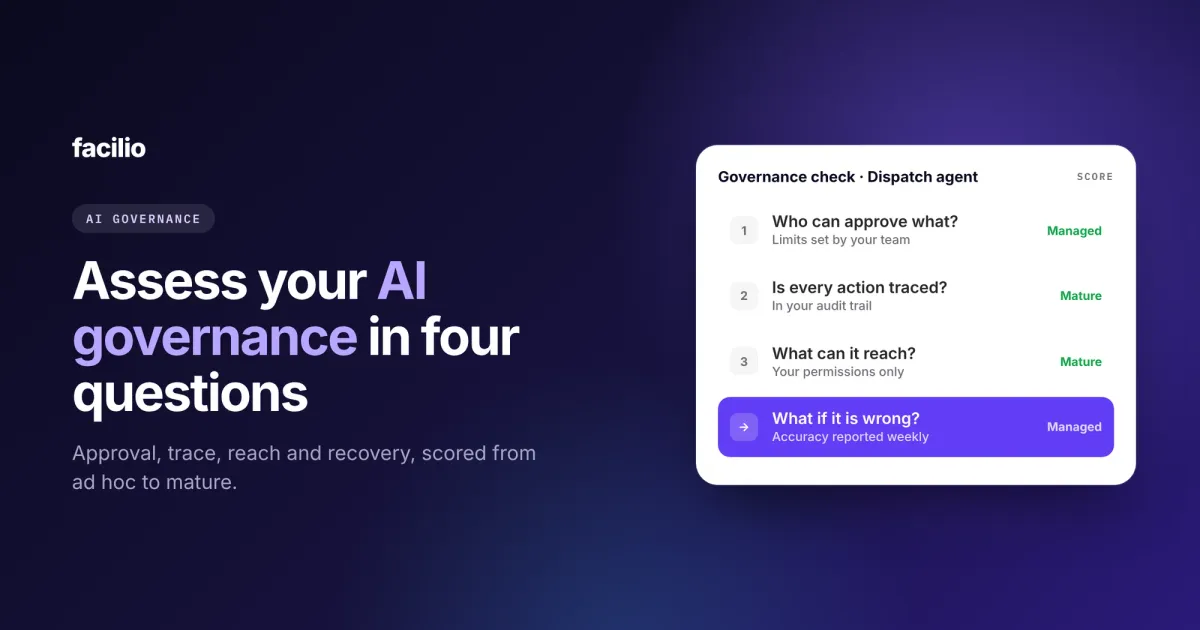

If you want to assess your facilities AI governance, ask four questions: who can approve what, is every agent action traced, what can the agent reach, and what happens when it is wrong. A facilities leader and their IT counterpart can answer all four in an hour, and score each one from ad hoc to mature.
AI in facilities has moved from answering questions to doing the work: logging requests, dispatching jobs, chasing vendors and checking invoices. When software acts, governance stops being a policy document. In this guide, we have tried to explain the four questions, how to score them and what to fix first.
Key takeaways
- Four questions cover AI governance in facilities: approval, trace, reach and recovery.
- Answer them with your IT counterpart, one agent or AI tool at a time.
- Score each question on four levels, from ad hoc to mature.
- Fix your lowest score first. One weak answer is enough to stop a rollout.
- A well-governed agent asks before big changes, logs every action and works inside your existing permissions.
How do you run an AI governance assessment for facilities?
Put a facilities leader and someone from IT in a room, pick one AI agent or tool, and answer four questions together. The facilities leader knows what the agent does. IT knows what it touches. You need both views.

Score each question on the same four levels, then look at your lowest score. That is the risk to fix before the agent does more work or moves to more sites.
| Level | Approval | Trace | Reach | Recovery |
|---|---|---|---|---|
| Ad hoc | No written limits | Logs only on the vendor's side | One shared admin key | Mistakes found by tenants or clients |
| Defined | Limits written down | Agent actions logged | Systems and roles listed | Hand-off rules agreed |
| Managed | Your team sets and changes the limits | Actions and reasons in your audit trail | Works inside each user's permissions | Accuracy reported weekly |
| Mature | Limits reviewed whenever the agent gains powers | Any action explainable months later | No shadow copy, hosting region known | Every fix tested before it goes live |
Assess each agent separately. An agent that drafts tenant updates carries less risk than one that approves invoices, so the same score can mean different things.
Question 1: Who can approve what?
Every action an agent can take should sit in one of two groups: what it can do on its own, and what needs a person to say yes. Someone in your team should own that line, in writing.
What good looks like
- Clear limits: The agent dispatches routine jobs on its own, but jobs over a cost limit or with safety risk go to a person. That is how we set up AI work order dispatch.
- A named owner: A facilities manager, not the vendor, decides where the limits sit and changes them.
- Big changes always ask first: Deleting records, overriding decisions or changing many records at once should never happen without a person confirming.
Red flags
- Nobody can say which actions need approval.
- The limits sit in the vendor's settings, and only the vendor can change them.
Question 2: Is every agent action traced?
You should be able to answer "what did the agent do, why, and for whom?" for any action, months later. If you cannot, you cannot defend the agent to an auditor, a client or your own board.
What good looks like
- Every action logged: The request it handled, the decision it made, the record it changed and when.
- One audit trail: Agent actions sit in the same trail as your team's actions, not in a separate tool only the vendor can read.
- A reason with every decision: When an agent assigns a vendor or rejects an invoice, the reason is on the record.
Red flags
- Logs live only on the vendor's side, or are kept for days, not years.
- You can see what the agent did, but not why.
An audit-ready CMMS already gives you this for your team. Ask for the same standard for your agents.
Question 3: What can the agent reach?
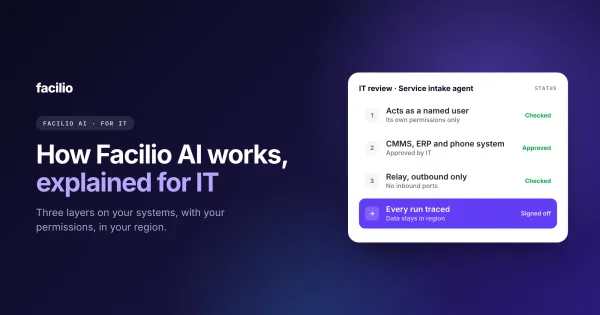
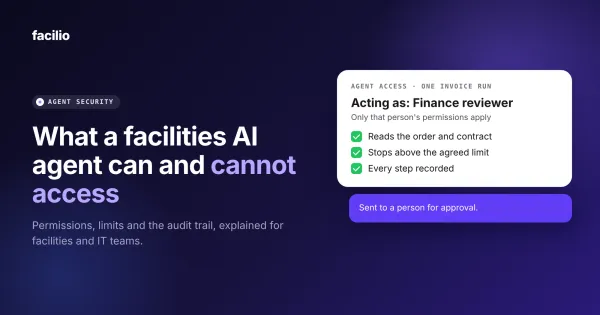
An agent should see and change only what the person or role it acts for can see and change, inside the systems you already govern. If it needs a separate copy of your data or one powerful shared key, its reach is wider than you think.
What good looks like
- Your permissions, unchanged: The agent works inside the roles you already set in your CMMS and finance systems.
- No shadow copy: The agent reads and writes your system of record. It does not keep its own database of your work orders, tenants or rates.
- Credentials held safely: Passwords and keys for other systems are stored securely and never shown to the agent's users.
- Data where you need it: You know which region your data is hosted in, and that is where it stays.
Red flags
- The agent connects with one shared admin key that can see everything.
- Nobody can list which systems the agent touches.
This is the same test we suggest when you connect your CMMS to ChatGPT or Claude: sign-in as the person, permissions that carry over, every question logged.
Question 4: What happens when it is wrong?
It will be wrong sometimes, and good governance plans for that. A wrong decision should be caught, handed to a person and fixed, and accuracy should be reported every week.
What good looks like
- It hands off when unsure: The agent passes unclear cases to a person with the context attached, instead of guessing.
- Mistakes get fixed at the root: A wrong decision leads to a rule or data fix, tested before it goes live.
- Accuracy is reported: Your team sees accuracy and exceptions every week, measured against a starting point. That is how we measure whether an AI agent is working.
- You can pause it: Someone on your side can stop the agent or narrow what it does, quickly.
Red flags
- Nobody can say what share of the agent's decisions were right last month.
- Every fix waits for the vendor's next release.
Bring your IT team. We will answer all four.
See how our agents handle approval, trace, reach and recovery, with your IT counterpart in the room.
What does your score mean, and what should you fix first?
Your lowest score is your governance level. A mature answer on three questions does not make up for an ad hoc answer on the fourth.

- Ad hoc: Keep the agent in a trial run, where it suggests and your team decides. Write down the approval limits first.
- Defined: Fix tracing next. Rules on paper mean little if you cannot show what happened.
- Managed: Start reporting accuracy weekly and test every change before it goes live.
- Mature: You are ready to add agents and sites. Re-run the assessment whenever an agent gets new powers.
Here is the difference in practice between an ungoverned AI tool and a governed agent.
| Area | An ungoverned AI tool | A governed AI agent |
|---|---|---|
| Approval | Acts on whatever it is asked | Asks a person above the limits you set |
| Big changes | Can delete or bulk-change records | Always asks a person first |
| Trace | A chat history, if anything | Every action and reason in your audit trail |
| Reach | One shared key with wide access | Each user's existing permissions |
| Your data | Copied into the tool | Stays in your system of record |
| When it is wrong | Found by a tenant or client | Passed to a person, fixed and reported |
How does Facilio govern its AI agents?
We build our AI agents for facility operations to pass these four questions by default, and our FM Ops Engineers set the approval limits with your team before any agent goes live.
How our agents answer the four questions
What FM teams see on Facilio
From Berkeley Services' helpdesk and Charter Hall's invoice validation agent.
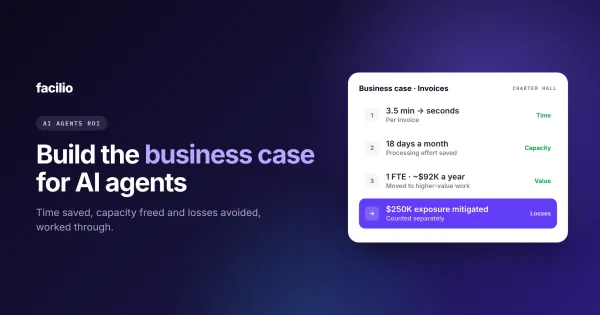
Hosting regions and how we protect your data are covered on our data security page. Once the controls hold up, use the same numbers to build the business case for AI agents.
The bottom line: Is an AI governance assessment worth an hour?
Yes, before any agent approves, pays or dispatches anything on your behalf. Four questions, one hour, two people. It tells you whether an agent is ready for more work, and it gives IT the answers they will ask for anyway.
A simple first step: pick the AI tool your team uses most today, book an hour with IT and score it against the four questions. Fix the lowest score before you expand it.
See the controls
AI agents your IT team can sign off.
Approval limits you set, every action logged and your permissions unchanged. See how our agents answer all four questions.
Frequently asked questions about AI governance assessments
What is an AI governance assessment?
What is an AI governance maturity model?
What should an audit trail for AI agents include?
Should AI agents have their own access to our systems?
Who should own AI governance in a facilities team?
About the Author

More from Facilio