






 Service intake














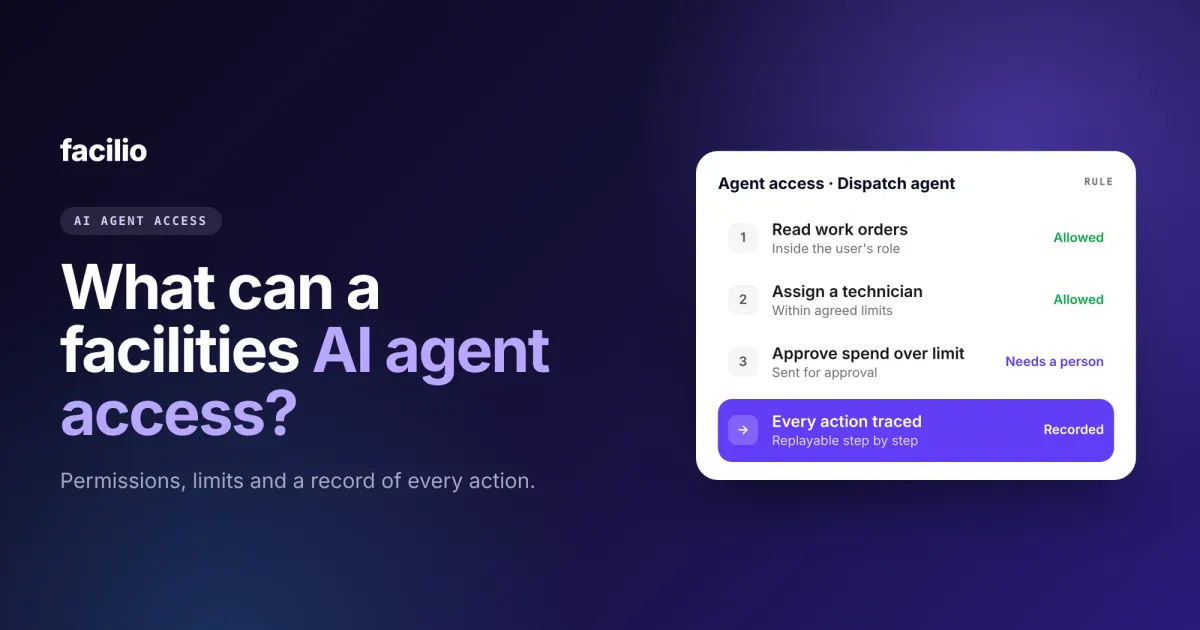

A facilities AI agent should be able to access exactly what the person it acts for can access, in the systems you connect, and nothing more. It should never pay, delete or send anything outside its agreed job without a person saying yes, and every action it takes should be on the record.
That is easy to say and harder to check. When software only stores records, access control is about who can read them. When software acts, it is about what it can change, for whom and with whose approval. In this guide, we have tried to explain what an AI agent can and cannot touch, and how to check it.
Key takeaways
- A well-built agent acts as a named user, with that user's permissions and never more.
- It sees only your organisation's data, in the systems you choose to connect.
- Payments, deletions and messages outside its agreed job wait for a person.
- Every action is recorded, attributed and can be replayed step by step.
- SOC 2 and ISO 27001 cover the platform. Ask how the agent's own actions are controlled too.
What changes when software acts instead of just storing records?
The question moves from "who can see this record?" to "what can this software change, and who said it could?" A CMMS stores a work order. An AI agent creates it, assigns it, chases the vendor and checks the invoice.
That means an agent needs three things a reporting tool never did: an identity, limits and a record of everything it did. Without them, an agent with good intentions and wide access is still a risk.
What can a facilities AI agent access?
Only what the person or role it acts for can access, in the systems you connect, for your organisation alone.
| What the agent could touch | Can it? | On what condition |
|---|---|---|
| Records the user can see in your CMMS | Yes | Only inside that user's role |
| Create and update work orders | Yes | Inside the limits agreed before go-live |
| Systems you have not connected | No | Every connection is approved by your team first |
| Another customer's data | No | Each customer's data is kept separate |
| Approve spend above the agreed limit | No | Goes to a person |
| Pay an invoice | No | Payment stays with your finance team |
| Delete or bulk-change records | No | A person must confirm |
Acts as the user, never above them
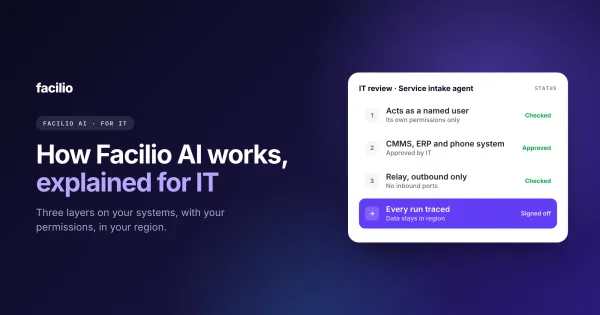
The agent signs in as a named user and inherits that user's role. If a site manager cannot see another site's budget in your CMMS, an agent acting for that manager cannot see it either. It never uses a shared system account with wide access.
Only the systems you connect
An agent reaches a system only after your team approves the connection. That covers your CMMS, ERP, finance and building systems through their APIs, and even systems with no API, through the same approved login a person would use.
Only your organisation's data
Each customer's data is kept separate from every other customer's. An agent working for you cannot read another customer's records, and there is no shared pool of data across customers.

What is a facilities AI agent blocked from doing?
Anything big, irreversible or outside its job, unless a person approves it. These limits are agreed with your team before go-live.
Moving money
An agent can check an invoice against the purchase order and your rules, but paying it stays with your finance team. Spend above an agreed limit always goes to a person, which is how we set up AI work order dispatch.
Deleting or bulk-changing records
Deleting, overriding or changing many records at once always needs a person to confirm. One loosely worded request should never change a thousand work orders.
Sending messages outside its job
An intake agent sends tenant updates and a vendor agent chases vendors, because that is their job. Any other kind of outside message waits for approval.
Acting when it is unsure
When an agent cannot confirm the person, the place or the problem, it passes the case to a person with what it has gathered. For the AI intake agent at Berkeley Services, that was 16 of 777 conversations in 30 days.
How do you know what an AI agent did?
From its trace. Every run should be recorded end to end, attributed to a person and replayable step by step, in the same audit trail as your team's work.
- What it was asked: the request, the channel and who it came from.
- What it decided: each step, with the reason, such as why it picked one vendor over another.
- What it changed: every record created or updated, and for whom.
- What went to a person: every hand-off, and what the person decided.
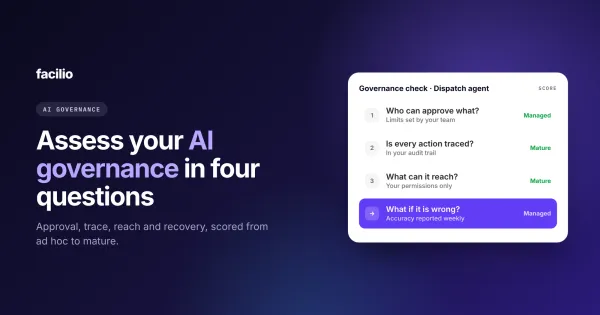
If a vendor cannot show you this for any action months later, the agent is not ready for work that matters. It is one of the four questions in our AI governance assessment.
See exactly what our agents can touch.
We walk your security team through an agent's identity, limits, approvals and trace, on your own systems.
Where do SOC 2 and ISO 27001 apply to AI agents?
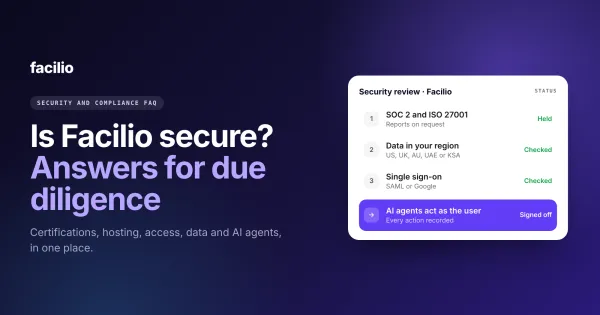
To the platform the agents run on: how it is hosted, secured, accessed and monitored. They do not, on their own, tell you what an agent may decide.
So ask two questions, not one. First, is the platform covered by SOC 2 and ISO 27001, and do the agents run inside that same platform? Second, how are the agent's own actions limited, approved and recorded? You need a good answer to both.

What should you ask a vendor about AI agent access?
Six questions. Use them in your security review, alongside a vendor's answers to your security questionnaire, such as our security and compliance FAQ.
| Ask your vendor | A red flag | A good answer |
|---|---|---|
| Who does the agent act as? | One shared admin account | A named user, with that user's permissions |
| Which systems can it reach? | "Whatever it needs" | Only the ones you approve |
| Can it see other customers' data? | A shared data pool | No, each customer is kept separate |
| What needs a person's approval? | Nothing, or limits only the vendor can change | Payments, deletions, bulk changes and anything over agreed limits |
| Can we see every action? | A chat history, if anything | Every action recorded, attributed and replayable |
| What do SOC 2 and ISO 27001 cover? | "The AI is covered", with no detail | The platform the agents run on, plus controls on the agent's own actions |
How do Facilio's AI agents control access?
We build every one of our AI agents for facility operations to pass the six questions above. Our FM Ops Engineers agree each agent's limits with your team before go-live, and the same rules apply whether the agent runs on our CMMS or on yours.
How our agents handle access
What FM teams see on Facilio
From Berkeley Services' helpdesk, Charter Hall's invoice validation agent and our platform.
The same controls work when your team asks questions through Claude or ChatGPT: we explain how in our guide to using your CMMS from ChatGPT or Claude. For the wider architecture, see our AI platform architecture for IT teams, and our data security practices.
The bottom line: Is it safe to let an AI agent act in your systems?
Yes, if the agent acts as a named user, sees only your data, asks before big changes and records everything it does. Those four conditions matter more than how clever the agent is.
A simple first step: pick one agent you are considering, ask the vendor the six questions above and score the answers before anything goes live.
See the controls
AI agents that stay inside the lines.
Your permissions, your data only, a person for anything big, and a record of every action.
Frequently asked questions about AI agent access control
What can an AI agent access in a CMMS?
Only what the user it acts for can access. A well-built agent inherits that user's role and permissions in the CMMS, and never connects through a shared admin account.
Can an AI agent make payments or delete records?
It should not without a person. Payments, deletions and bulk changes should always wait for a person to approve, inside limits agreed before go-live.
How do you audit what an AI agent did?
Through its trace: every request, decision, change and hand-off, recorded with who it acted for and when, and replayable step by step in your audit trail.
Does SOC 2 cover AI agents?
SOC 2 covers the platform the agents run on. It does not, by itself, limit what an agent may decide, so also check how the agent's actions are approved and recorded.
What is least privilege for AI agents?
It means an agent gets only the access its job needs, through the permissions of the user it acts for, and nothing wider.
About the Author

More from Facilio