






 Service intake
















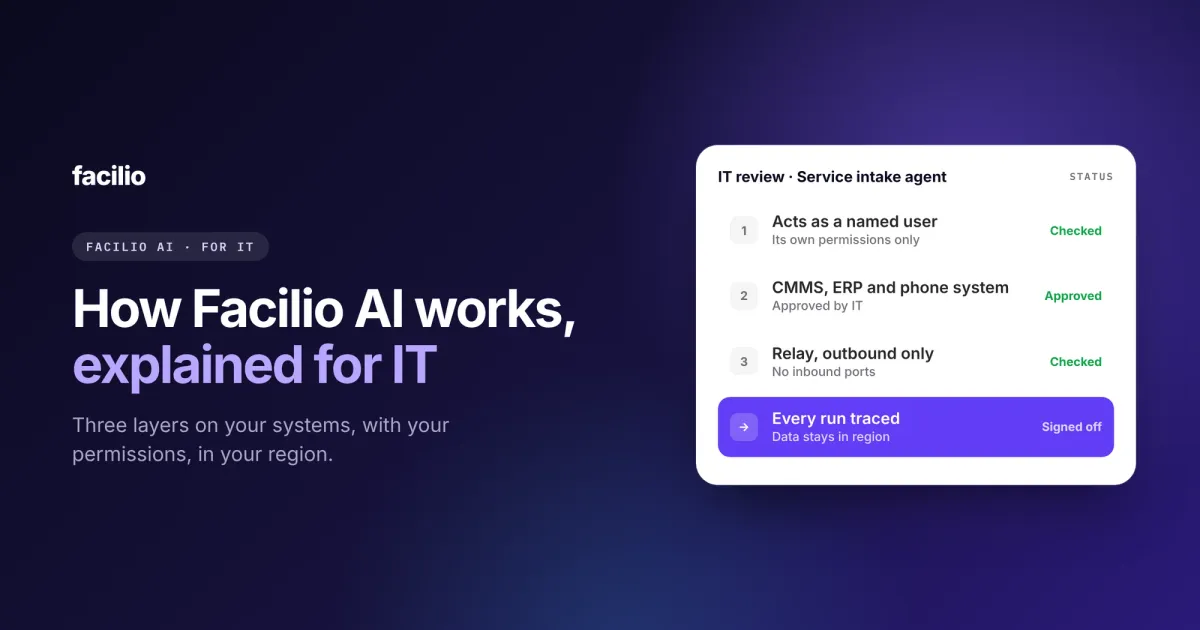

If your IT team wants to know how Facilio AI works, here is the short version: three layers sit on top of the systems you already run. A knowledge layer holds how facilities work, an action layer connects agents to your systems, and a governance layer decides what they may do and records everything they did.
IT teams rarely get a clear picture of where an AI agent runs, what it touches and who answers when it goes wrong. In this guide, we have tried to explain all of it in one place: the architecture, the connections, the controls, where your data lives and what your IT team owns.
Key takeaways
- Facilio AI has three layers: knowledge, action and governance.
- Agents connect to 40+ systems, including ones with no API and ones behind your firewall.
- Each agent acts as a named user, with that user's permissions and nothing more.
- Every run is recorded end to end and can be replayed step by step.
- Your data and prompts stay in your hosting region, and we work with several AI model providers.
What are the three layers of the Facilio AI platform?
Knowledge, action and governance. Each layer does one job, and together they let an agent do facilities work across your systems without new silos or a separate copy of your data.

Knowledge layer: How facilities run, built in
Agents arrive knowing how facilities work. A facilities data model covers work orders, assets, sites, vendors, contracts and SLAs, and a knowledge store holds the rules, documents and history the agents draw on. Your data stays yours.
Action layer: Where the work happens
Work arrives on any channel, such as voice, WhatsApp, email or the Claude and ChatGPT connector for CMMS. Agents pick it up, follow your workflows and act across your systems through built-in connections. When a team needs a screen or a portal rather than an agent, we build a custom app on the same platform.
Governance layer: What agents may do, and proof of what they did
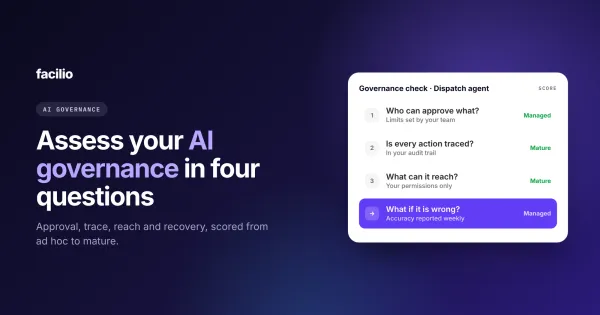
Guardrails set what each agent can do and when it must ask a person. Evals test every agent before it goes live, and tracing records every run after. This is the layer IT and risk teams care about most, and it is the subject of our AI governance assessment.
How do Facilio's AI agents connect to your systems?
Through built-in connectors for 40+ systems, a browser agent for systems with no API, and an on-premises bridge for systems behind your firewall. You approve every connection, and nothing is ripped out or replaced.
| What you connect | How it connects | What IT controls |
|---|---|---|
| CMMS, ERP and finance | Built-in connectors, through each system's API | Which systems connect, and which user each agent acts as |
| Building management and identity | Built-in connectors | Which data each agent can read |
| Portals with no API | A browser agent that works the screens | The login it uses, with alerts if anything fails |
| Systems behind your firewall | Facilio Relay, dialing out from your network | No inbound ports, and credentials stay on your side |
| Channels | Your existing phone numbers, WhatsApp, email, Claude and ChatGPT | Which channels each agent answers on |
Systems with an API
Your CMMS, ERP, finance, building management and identity systems connect through their APIs. Agents can run on our own CMMS or on top of the one you already have, such as Planon, Corrigo or MaintainX. See our CMMS integrations for the full list, and how AI agents work with IBM Maximo.
Systems with no API
Some portals have no API at all. For those, a browser agent works the screens the way a person would. At Berkeley Services, where we also run the AI helpdesk, one does this for a client's FM portal that sits behind single sign-on and a one-time code. It signs itself in, enters each work order within 15 minutes and alerts our team if anything keeps failing.
Systems behind your firewall
For systems you do not expose to the internet, Facilio Relay runs inside your network and dials out to the platform. Nothing dials in, so there are no inbound ports to open, and credentials for your internal systems stay on your side.
How are Facilio's AI agents governed and secured?
Through limits you agree before go-live, a person for anything outside them, and a full record of every run.
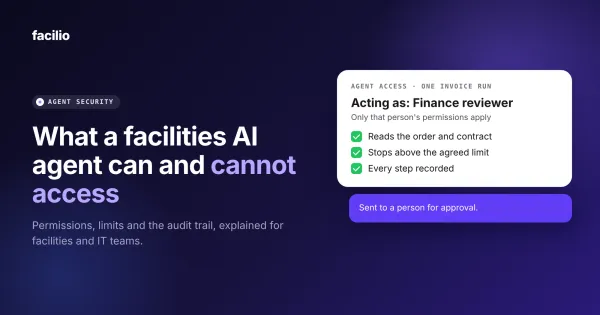
- Acts as the user: An agent works with one user's permissions, never a shared system account, and every action is attributed to a person.
- Limits per agent: Operating limits, approval steps and spend thresholds are agreed before go-live. Anything outside them goes to a person.
- Big changes ask first: Deleting, overriding or bulk-changing records always needs a person to confirm.
- Full trace: Every run is recorded end to end and can be replayed step by step.
- Tested before and after go-live: Agents run against evals until they pass, and every change is tested the same way before it ships. That is how we built and tested our helpdesk agent.
- Isolated: Each customer's data is kept separate from every other customer's.
Bring your IT checklist. We will walk through it.
A 30-minute review of connections, permissions, hosting and models, with our FM Ops Engineers.
Where does your data live, and which AI models does Facilio use?
In the hosting region you choose. Your prompts and data stay there, and you are not tied to one AI model provider.
- Hosting regions: The United States, United Kingdom, Australia, UAE and Saudi Arabia.
- Deployment: As SaaS, or behind your firewall.
- Certifications: SOC 2, ISO 27001 and GDPR. More on how we protect your data.
- Model providers: The platform works with models from Anthropic (Claude), OpenAI, Google (Gemini) and AWS Bedrock, so you are not tied to one provider. When we change the model behind an agent, the agent is tested against its evals again before the change goes live.
What does IT own, and what does Facilio run?
IT owns access, connections and where data lives. Your facilities team owns the business rules. We build, run, monitor and fix the agents.
| Area | Your IT team | Facilio |
|---|---|---|
| Access and identity | Sets which user each agent acts as, and its permissions | Works only inside those permissions |
| Connections | Approves which systems connect | Builds and maintains the connectors |
| Hosting | Chooses the region, and SaaS or behind your firewall | Runs the platform there |
| Business rules | Reviews the approval and spend limits your facilities team agrees | Sets the agents up to follow them |
| Running the agents | Reviews the weekly reports | Monitors, fixes and tunes every agent |
| Model changes | Can ask what changed and why | Tests every change against evals before it ships |

How does Facilio work with your IT team?
We do not hand IT a platform and leave. A pod of two or three FM Ops Engineers works with your IT and facilities teams from the first connection to the hundredth agent, and runs our AI agents for facility operations on the systems you already have.
From objective to outcome
Who does whatWhy IT teams sign off
What IT teams see on Facilio
From our platform and the client portal agent we run for Berkeley Services.
Your team can also use your CMMS from ChatGPT or Claude through the same platform, with the same permissions and audit trail.
The bottom line: Is Facilio AI ready for your IT review?
Yes, if you want agents that work inside your existing systems and permissions, keep data in your region and leave a full record of every action. Most of what IT needs to sign off is set before the first agent goes live, not after.
A simple first step: list the systems the first agent would need to touch, mark which ones have an API and which sit behind your firewall, and bring that list to a 30-minute review with our team.
Talk to our team
AI agents your IT team can approve.
Your permissions, your region, your firewall. See how the platform fits the systems you already run.
Frequently asked questions about how Facilio AI works
How does Facilio AI integrate with an existing CMMS?
Through built-in connectors. Facilio's agents can run on our own CMMS or on top of others such as Planon, Corrigo and MaintainX, alongside ERP, finance, building management and identity systems. Connectors cover 40+ systems.
Can Facilio AI agents work with systems that have no API?
Yes. A browser agent works the system's screens the way a person would, including sign-in and one-time codes. At Berkeley Services, one enters work orders into a client's FM portal that has no API.
Can Facilio AI run on-premises or behind our firewall?
Yes. Facilio can be deployed behind your firewall, and Facilio Relay connects internal systems by dialing out from your network. There are no inbound ports to open.
Where is Facilio AI data hosted?
In the region you choose: the United States, United Kingdom, Australia, UAE or Saudi Arabia. Prompts and data stay in that region.
Which AI models does Facilio use?
Facilio works with models from several providers, including Claude, OpenAI, Gemini and AWS Bedrock. Every agent is tested against its evals before go-live and again whenever its model changes.
About the Author

More from Facilio