







 Service intake


















The best CMMS software for airports in 2026 are 1. Facilio, 2. IBM Maximo, 3. LLumin CMMS+, 4. MaintainX, 5. Limble, 6. UpKeep, 7. eMaint, 8. Fiix, and 9. Aerosimple.
An airport is three maintenance operations running at once: the airfield, the terminal, and the baggage and ground-support equipment behind them, each with its own safety rules and its own clock. The CMMS you pick has to route a runway edge-light failure and a jammed baggage carousel and a terminal air-handling fault through the same system without losing the audit trail a Part 139 inspection will ask for.
This guide compares nine tools, from airport-specialist platforms to enterprise asset management, so a facilities team or the service provider running the contract can shortlist fast.
If you want the all-industry view first, start with the best cmms software roundup; for the category basics, see what is cmms.
A fast read on which tool fits which airport operation, mapped to the three buyer modes before the full reviews.
- Facilio: best for airports and the service providers that run them, where agents handle intake, dispatch, vendors, and compliance end to end across a portfolio.
- IBM Maximo: best for asset-intensive major hubs that need deep asset hierarchies and enterprise ERP integration.
- LLumin CMMS+: best for condition-based monitoring of critical airfield and baggage assets using IoT sensor data.
- MaintainX: best for fast mobile work-order execution and quick contractor and technician adoption on the apron and in the terminal.
- Limble: best for facility and grounds teams that want straightforward preventive maintenance and work requests.
- UpKeep: best for a single airport or a lean in-house team wanting a published per-user price and a quick start.
- eMaint: best for multi-site operators that want a configurable system backed by Fluke condition monitoring.
- Fiix: best for airports sitting next to light production or maintenance shops that need sensor-driven work orders.
- Aerosimple: best for airfield operations teams that want Part 139 self-inspection and SMS in the same platform as the CMMS.
How airport maintenance teams use CMMS software
A quick map of where a CMMS does the work at an airport before the tool-by-tool reviews, because the asset mix is what separates a fit from a miss.
Airports do not run one maintenance program, they run several on one site:
- Airfield: runway and taxiway pavement, edge and approach lighting, signage, navigational aids, and the wildlife and FOD sweeps that feed the self-inspection record.
- Terminal: HVAC and air handling, escalators, elevators, passenger boarding bridges, restrooms, and the building management system alarms behind them.
- Baggage and ground support: conveyors, sortation drives, scanners, and the GSE fleet that keeps aircraft turning.
One finding on the airfield has to become a work order, a corrective-action link, and a KPI without anyone re-typing it, and a technician on the apron has to log parts and photos even where the signal drops. That is the job: intake from any zone, priority rules that put a lighting or safety fault ahead of a routine terminal request, and a record that survives an audit. For a service provider holding the contract, the same platform has to do that across several airport clients at once, each with its own compliance regime and its own reporting template. The reviews below weigh each tool on exactly that, starting with how it handles work order software and asset data.
Airport CMMS comparison table
Compare all nine airport CMMS tools side by side on starting price, offline mobile, airfield and compliance fit, AI and rating before you read the full reviews below.
| Tool | Best for | Starting price | Offline mobile | Airfield / Part 139 fit | AI and automation | Rating |
|---|---|---|---|---|---|---|
| 1. Facilio | Airports and their service providers | Quote (by portfolio size, users, scope) | Yes | Compliance tracking, inspections, permits | Live agents: intake, dispatch, vendor, invoice, compliance | 4.4/5 G2 |
| 2. IBM Maximo | Asset-intensive major hubs | Quote (per component per year) | Yes (Maximo Mobile) | Strong asset/compliance, heavy to set up | Maximo AI, Health, Predict (add-ons) | 7.9/10 TrustRadius |
| 3. LLumin CMMS+ | Condition-based airfield assets | From $45/user/mo | Yes | Via condition monitoring, not Part 139-native | Sensor-triggered work orders, ML analytics | 4.5/5 Software Advice |
| 4. MaintainX | Mobile work execution | Free; $20/user/mo | Yes | General inspections, no Part 139 module | AI assist; Assist (Enterprise) | 4.8/5 G2 |
| 5. Limble | Facility and grounds teams | Quote (online calculator) | Yes | General PM and requests | Sensor-triggered work orders, AI insights | 4.8/5 G2 |
| 6. UpKeep | Lean single-airport teams | $24/user/mo | Yes | General inspections | Nova AI (metered) | 4.5/5 G2 |
| 7. eMaint | Multi-site operators | Quote (3-user min) | Yes | Configurable inspections | Fluke condition monitoring, AI assist | 4.5/5 G2 |
| 8. Fiix | Airports near light production | Free; from $45/user/mo | Yes | General PM | Sensor data creates work orders; MAX (paid) | 4.6/5 G2 |
| 9. Aerosimple | Airfield ops and compliance | Modular, quote | Yes | Part 139 and SMS native | AI safety intelligence, auto-drafted work orders | No third-party star rating |
How we evaluated these aviation CMMS tools
The methodology behind the ranking, so you can see what we weighed and reproduce the shortlist for your own airport operation.
We scored each tool on the jobs an airport actually runs, not a generic feature count. Our criteria:
- Priority and routing: can it separate an urgent airfield or lighting fault from a routine terminal request, with rules a dispatcher trusts.
- Compliance and inspection: support for self-inspection programs, corrective-action links, and records that hold up to an audit.
- Field and offline use: technicians and contractors logging photos, parts, and completions on mobile, including low-signal apron zones.
- ERP and IoT alignment: work orders connected to parts inventory, procurement, and sensor triggers.
- AI and automation: whether the AI does the work end to end or only suggests.
Ratings are the current scores on G2, TrustRadius, Software Advice, and Capterra as of November 2026, and every price is taken from the vendor's own page or a named third-party source, linked in each profile. Where a tool had no named third-party review, we say so rather than quote an anonymous one.
The 9 best airport CMMS software, reviewed
Nine tools in depth, each on the same airport jobs: airfield, terminal, baggage, compliance, mobile, and the AI behind them.
1. Facilio
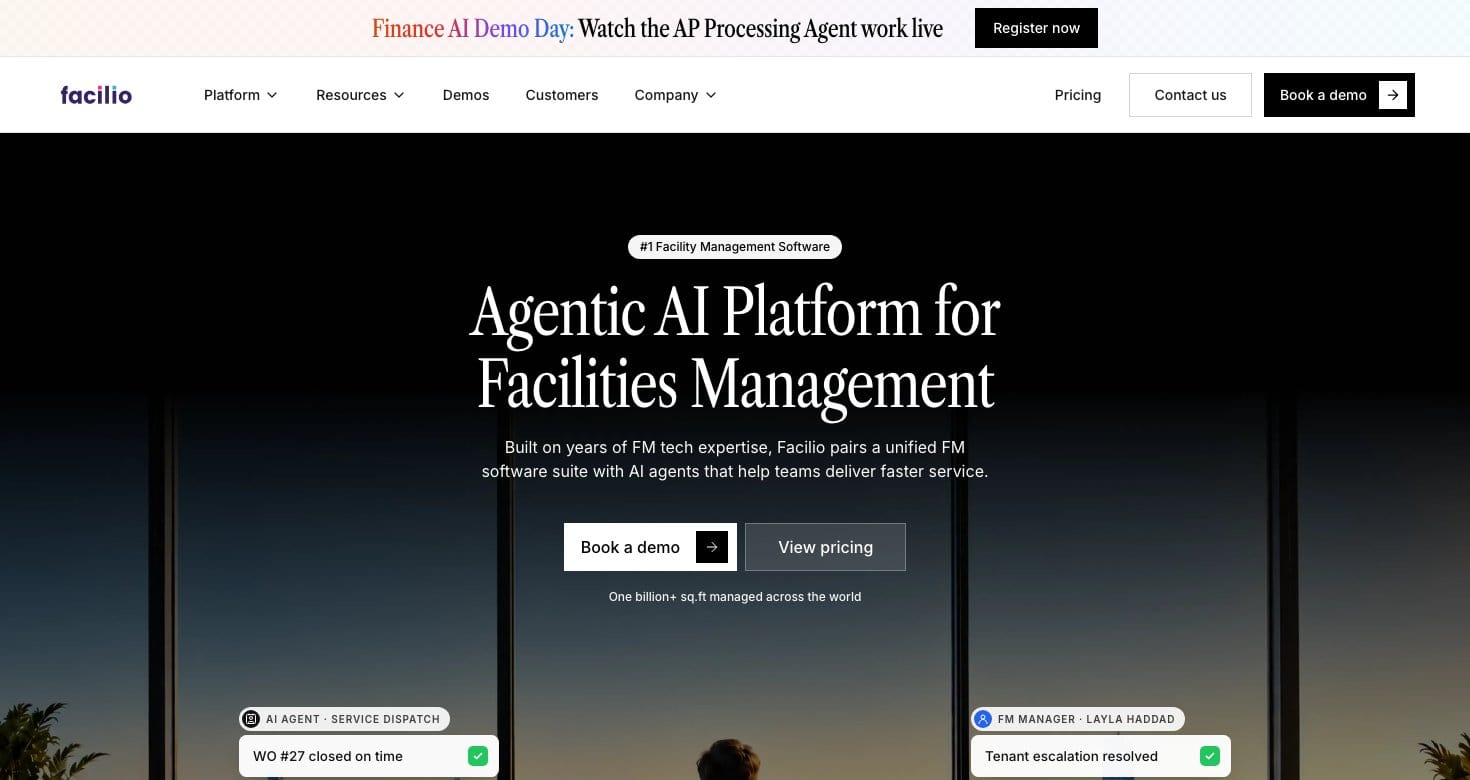
Ideal for: airports and the facilities service providers that run their operations across terminals and sites.
Why it ranks here: it is the only tool on this list where AI agents run the maintenance operation end to end, on your CMMS or the one you already have, with a team that builds and runs them.
Facilio is the agentic platform for facilities management. Agents run the operations and maintenance of real estate, intake, dispatch, vendors, invoices, and compliance, on Facilio's own Connected CMMS or the system an airport already has.
For an airport, that means the service intake agent answers a terminal or airfield request on any channel and raises the right work order first time, while building compliance tracking keeps certificates and statutory inspections ahead of the audit. It is built for facilities operators and the service providers who run their buildings, with FM Ops Engineers who build and run the agents with your team.
Core features:
- Work orders and asset lifecycle: one data model covers runway lighting, terminal HVAC, and baggage conveyors, with RFID and QR tagging through cmms software.
- Preventive and planned maintenance: condition and time-based preventive maintenance software for airfield and terminal assets.
- Mobile and offline-first: technicians raise, update, and close work orders on the apron even when the connection drops, with before-and-after photo validation.
- Compliance and audit trail: inspections, work permits, and statutory tasks tracked with a record that survives an inspection visit.
- Vendor and subcontractor management: licence and insurance compliance for the contractors who service jet bridges and GSE.
- Parts and inventory: work-order-linked stock with auto-reorder for critical spares across terminals.
- Portfolio dashboards and SLA tracking: no-code reports and SLA views across every zone and every site.
- Connected Buildings energy: utility management and remote monitoring for terminal energy and alarm-to-work-order.
AI agent features (running on Facilio's CMMS or the one you already have, via the ai suite):
- Service intake agent: answers every request on any channel, 24/7, and raises the right work order.
- Service dispatch agent: picks the technician or vendor by SLA, skill, location, and history.
- Vendor coordination agent: chases quotes, confirms attendance, and closes the loop.
- Invoice and utility-bill validation: checks every line against the work order, contract, and rate card.
- Building compliance agent: tracks certificates and inspections and flags the gap before the audit.
- Custom agents built in weeks by FM Ops Engineers for any process still run by hand.
- Airports that want the maintenance operation run, not just ticketed, across airfield, terminal, and baggage.
- Service providers managing maintenance for several airport clients on one platform with per-client reporting.
- Operators that want to keep an existing CMMS and add an agent layer on top.
- Teams with no spare headcount for change management, since FM Ops Engineers build and run it.
- Small single-field general-aviation operations that need less than a full enterprise platform.
- Buyers who want a published per-user price on a pricing page rather than a scoped quote.
Pricing: quoted by portfolio size, users, and deployment scope on the Facilio pricing page, across three plans:
- Standard: for teams establishing structured maintenance, with work order and service-request management, preventive maintenance scheduling, mobile access for field teams, and reports and operational dashboards. Fits a single airport standing up its first CMMS.
- Essential (most popular): everything in Standard plus inspections and compliance rounds, inventory and spare-parts management, procurement workflows, tenant and stakeholder portals, and integration support. Fits an airport adding airfield inspections and parts control.
- Enterprise: everything in Essential plus vendor management and RFQs, compliance and audit controls, SSO and enterprise security, a dedicated customer success owner, and sandbox and advanced configuration. Fits multi-terminal hubs and service providers with Part 139 audit and contractor ecosystems.
AI agents run on a separate credit-based subscription with a free trial for Helpdesk AI. For how CMMS pricing models compare, see the cmms pricing guide.
Facilio runs across 150+ enterprise customers and 500M+ sq ft in four regions, with airports among its named verticals.
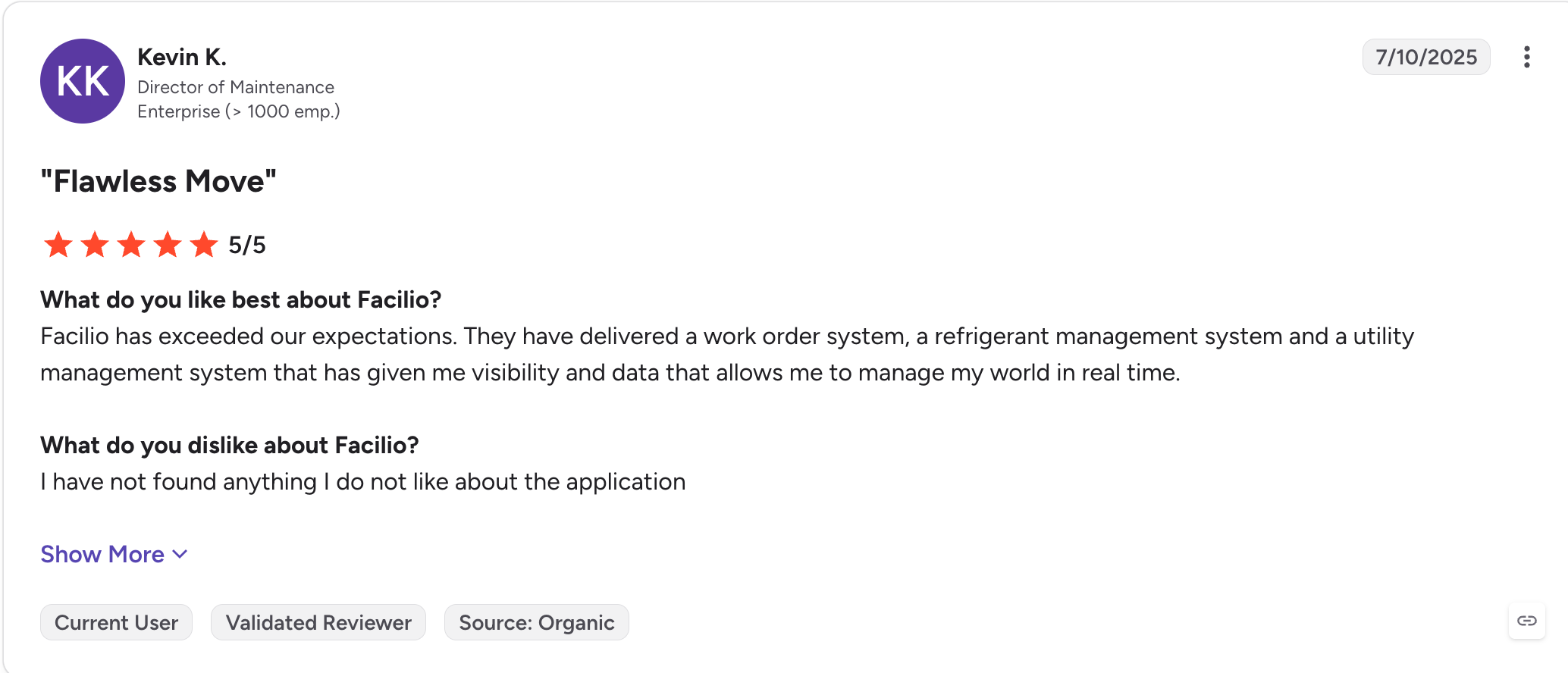
What reviewers say: rated 4.4/5 on G2. Kevin K., a Director of Maintenance at an enterprise, wrote in July 2025 that Facilio gives him "visibility and data that allows me to manage my world in real time."
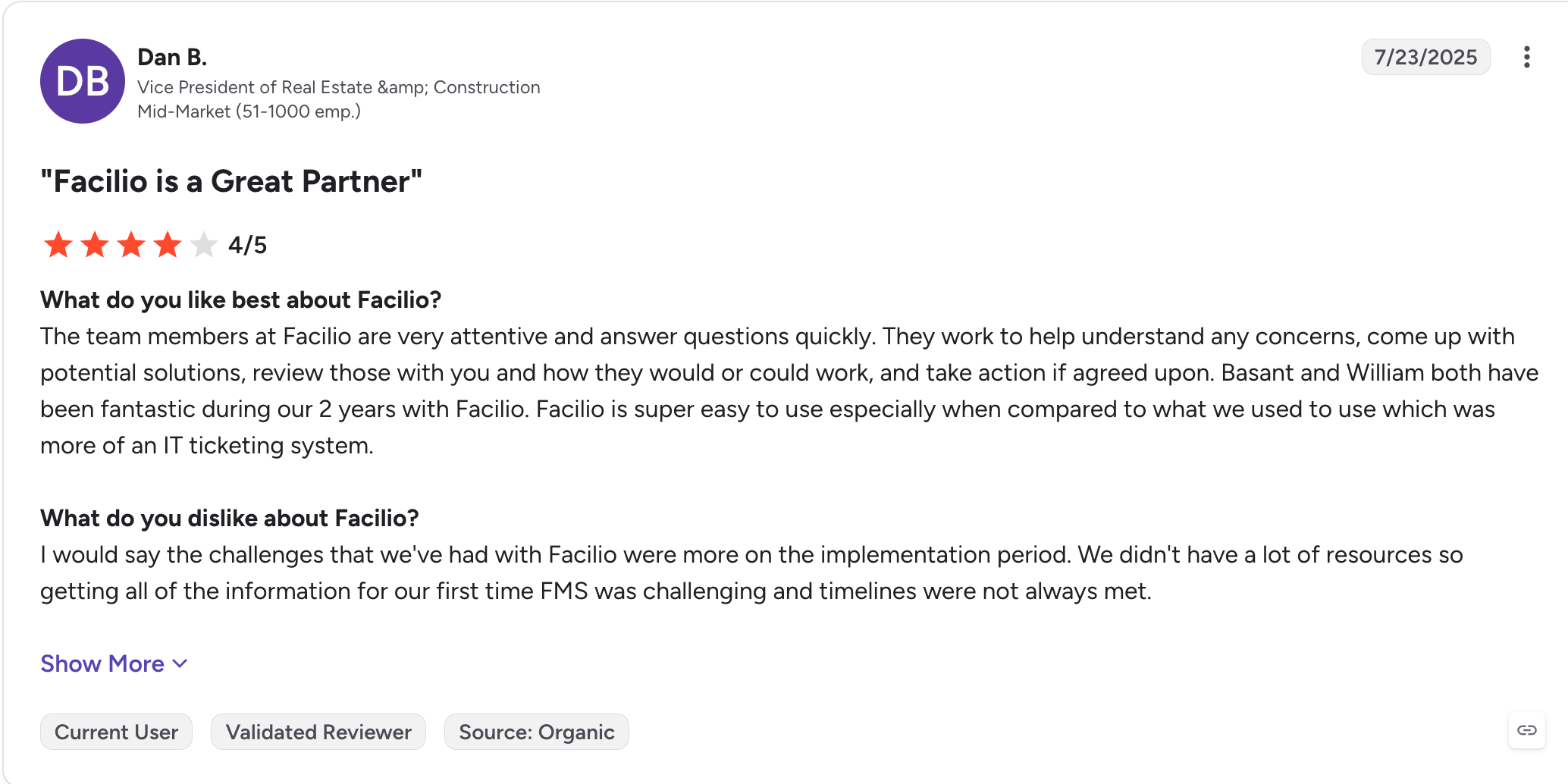
Dan B., a Vice President of Real Estate and Construction, added the honest flip side: "the challenges that we've had with Facilio were more on the implementation period," so ask how FM Ops Engineers handle data collection in the first weeks.
See Facilio run on your airport's data. Book a demo with your own asset list and compliance program, not a canned tour, and watch the agents raise and route a live airport work order.
Choose it if: you run an airport or its maintenance contract and want agents to carry intake, dispatch, vendors, and compliance across the whole site.
See how Facilio runs this across your own sites
2. IBM Maximo
Ideal for: asset-intensive major hubs with the engineering depth to run enterprise asset management.
Why it ranks here: for a large airport authority tracking thousands of capital assets, Maximo's asset hierarchy and reliability depth are hard to match, at the cost of a heavier setup.
IBM Maximo is an enterprise asset management platform used across transport, utilities, and other asset-heavy sectors, and it is a common choice at large international airports and transit authorities. It models the full lifecycle of airfield and terminal capital assets, from runway systems and jet bridges to chillers and baggage handling drives, with condition and reliability data that few general CMMS tools carry.
Maximo's strength is scale and depth. It handles complex asset hierarchies, meter-based and predictive maintenance, and multi-store spares across an entire estate, and its application suite extends into reliability, scheduling, and asset investment planning.
That depth is also the trade-off: Maximo is a project to deploy and run, usually with specialist resource and a multi-month timeline, which is why it suits large hubs with a dedicated reliability function more than regional fields.
Key features:
- Asset hierarchy and lifecycle: models every airfield and terminal capital asset, from runway systems and jet bridges to chillers and baggage drives, across its full lifecycle in deep, multi-level hierarchies.
- Reliability and condition monitoring: anomaly detection and health scoring on safety-critical plant such as chillers, pumps, escalators, and baggage sortation drives, flagging degradation before a failure disrupts operations.
- Work and inspection management: work orders, job plans, safety plans, and recurring inspections scoped to the safety-critical airfield and terminal assets an authority must evidence.
- Preventive and predictive maintenance: time, meter, and condition-based PM across the whole estate, with Maximo Predict applying failure forecasting to critical equipment.
- Enterprise integration: deep connectors to ERP, finance, GIS, and procurement systems through enterprise asset management software, so capital works and asset data stay in sync.
- Spares and inventory: multi-store inventory, automated reorder rules, and vendor catalogs for the high-value spares a hub holds across terminals and airside stores.
- Mobile: Maximo Mobile for field inspection and work execution on the apron, including fully disconnected use where signal drops.
- Analytics and reporting: reliability analytics, KPIs, and capital-planning reports formatted for airport authority boards and regulators.
- AI add-ons: Maximo Health and Predict apply machine learning to asset condition and failure prediction, licensed as separate applications.
- Large airport authorities with a dedicated asset management and reliability engineering function.
- Operators standardizing thousands of capital assets across multiple terminals and the airside estate.
- Teams that need deep ERP, GIS, and finance integration for airport capital works programs.
- Reliability engineers who want condition-based and predictive depth on critical rotating plant.
- Major hubs with the budget and specialist staff to run and sustain an enterprise EAM.
- Regional or general-aviation airports without the specialist implementation and administration resource that Maximo assumes.
- Teams wanting fast setup, since a full Maximo rollout is a multi-month deployment rather than a quick signup.
- Buyers sensitive to total cost once add-ons, middleware, and professional services are included in the figure.
- Lean crews that would rather run a simple mobile-first app than administer a full enterprise asset platform.
Pricing: quote-based, with Essentials now priced per component per year rather than the old flat subscription; see the ibm maximo pricing breakdown.
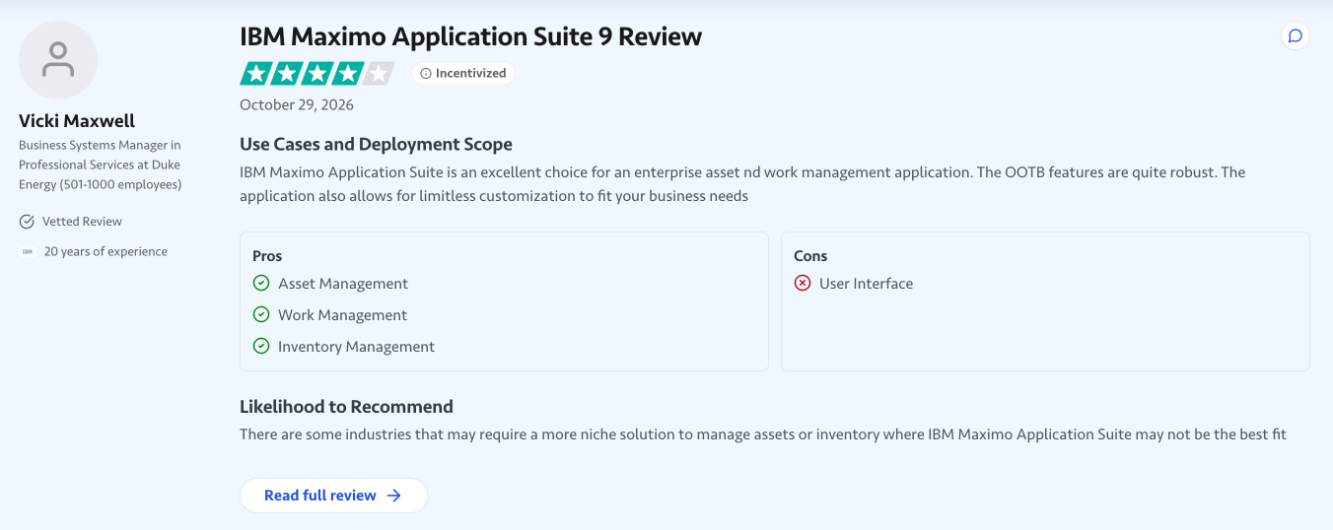
What reviewers say: rated 7.9/10 on TrustRadius. Vicki Maxwell, a Business Systems Manager at Duke Energy, wrote in October 2026 that it "allows for limitless customization to fit your business needs."
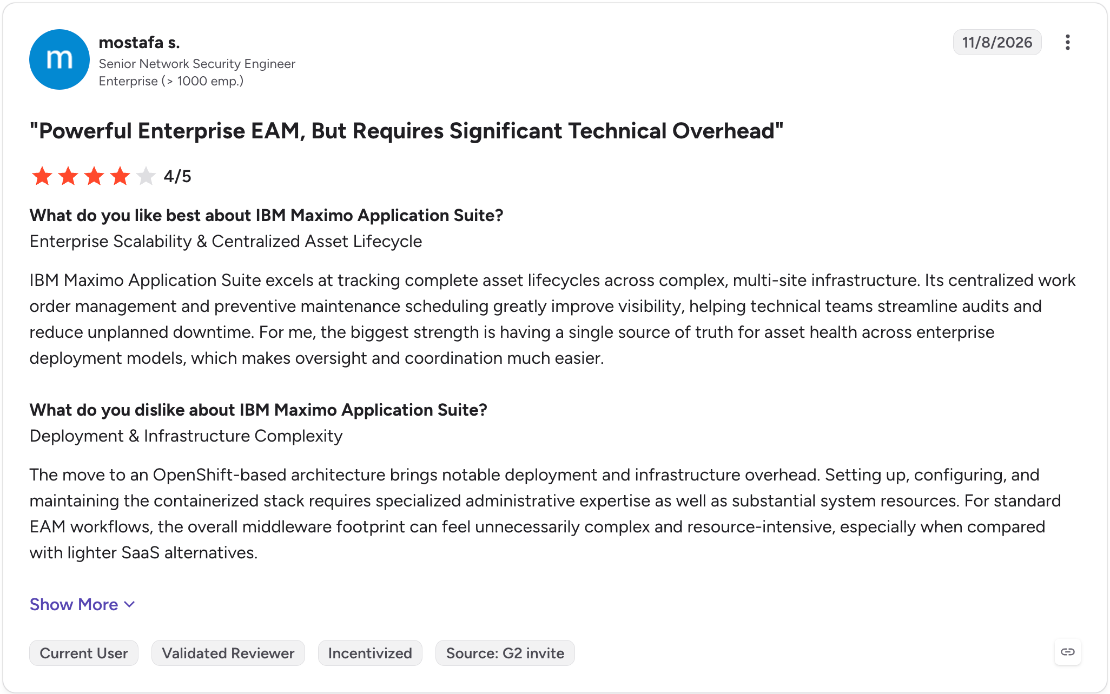
The counterpoint comes from Mostafa S., a Senior Network Security Engineer, who noted in November 2026 that "the overall middleware footprint can feel unnecessarily complex and resource-intensive." The full ibm maximo cmms review covers the rest.
Choose it if: you run a major hub with the reliability team and budget to get Maximo's depth working.
3. LLumin CMMS+
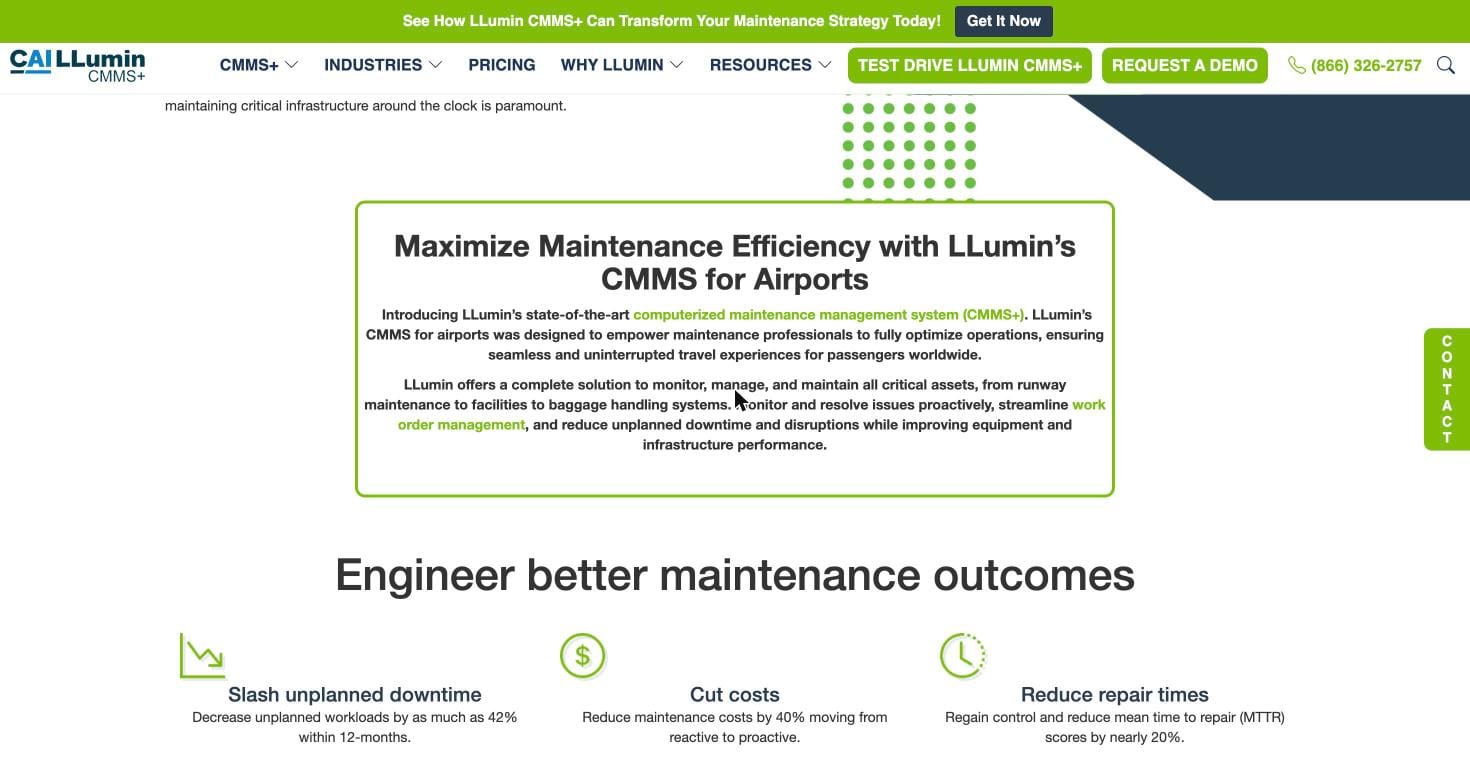
Ideal for: airports that want condition-based maintenance on critical airfield and baggage assets from sensor data.
Why it ranks here: LLumin publishes a dedicated airport solution and leans hard into IoT-driven, condition-based maintenance for runways, facilities, and baggage handling.
LLumin CMMS+ (from CAI) positions itself directly for airport maintenance, covering runway, facilities, and baggage handling assets on its solution page. Its strength is condition-based maintenance: it collects data from IoT and machine-level sensors and triggers a work order the moment an asset trends toward failure, which suits instrumented airfield and baggage systems.
The platform pairs that sensor layer with the standard CMMS backbone, asset lifecycle, inventory, purchasing, and an offline-capable mobile app, and layers machine-learning analytics on top to flag failure patterns before they disrupt operations.
That makes it a fit for airports that have, or plan to add, sensor instrumentation on critical systems and want to move from reactive to predictive upkeep, rather than teams that mainly need airfield compliance tooling.
Key features:
- Condition-based monitoring: gathers IoT and machine-level sensor data to track the health of critical airport equipment such as conveyors, chillers, and runway lighting in real time.
- Automated work orders: the START workflow engine raises a work order the moment a sensor crosses a threshold, for example a trending edge-light or a baggage conveyor drawing abnormal current.
- Predictive analytics: machine learning identifies failure patterns across instrumented assets and flags them before a breakdown disrupts a bank of flights.
- Asset lifecycle and TCO: tracks depreciation, risk of failure, and total cost of ownership for every tracked airport asset over its life.
- Preventive maintenance: time and condition-based PM scheduling for airfield, terminal, and baggage handling assets on one calendar.
- Mobile and offline: HTML5 app for iPhone, iPad, and Android with offline field functionality for technicians working the apron and basement plant.
- Inventory and purchasing: advanced inventory control and purchase-order management for the critical spares an airport cannot run out of.
- Automated workflows: coordinates maintenance, scheduling, inventory, and purchasing across departments without re-keying between them.
- Integration: connects to varied data sources, equipment types, and the IoT platforms already instrumented on site.
- Airports instrumenting runways, baggage systems, or terminal facilities with condition and vibration sensors.
- Reliability-minded teams shifting from reactive to predictive maintenance on critical rotating plant.
- Operators that want work orders auto-generated the moment a condition or threshold trigger fires.
- Teams tracking asset total cost of ownership and risk of failure across a large estate.
- Airfield teams needing native FAA Part 139 self-inspection, which LLumin does not center its product on.
- Infrequent or seasonal users, whom reviewers note can find the system harder to navigate.
- Teams wanting a fully self-serve signup rather than a demo-led start and guided onboarding.
- Small fields without the sensor instrumentation that LLumin's condition-based strengths depend on.
- Operators needing deep tenant or lease-facing features that sit outside a maintenance platform.
Pricing: from $45 per user per month for Professional, with Premium and Enterprise tiers above it, per its Software Advice and Capterra listings. LLumin has no Facilio comparison page, so this is sourced externally.
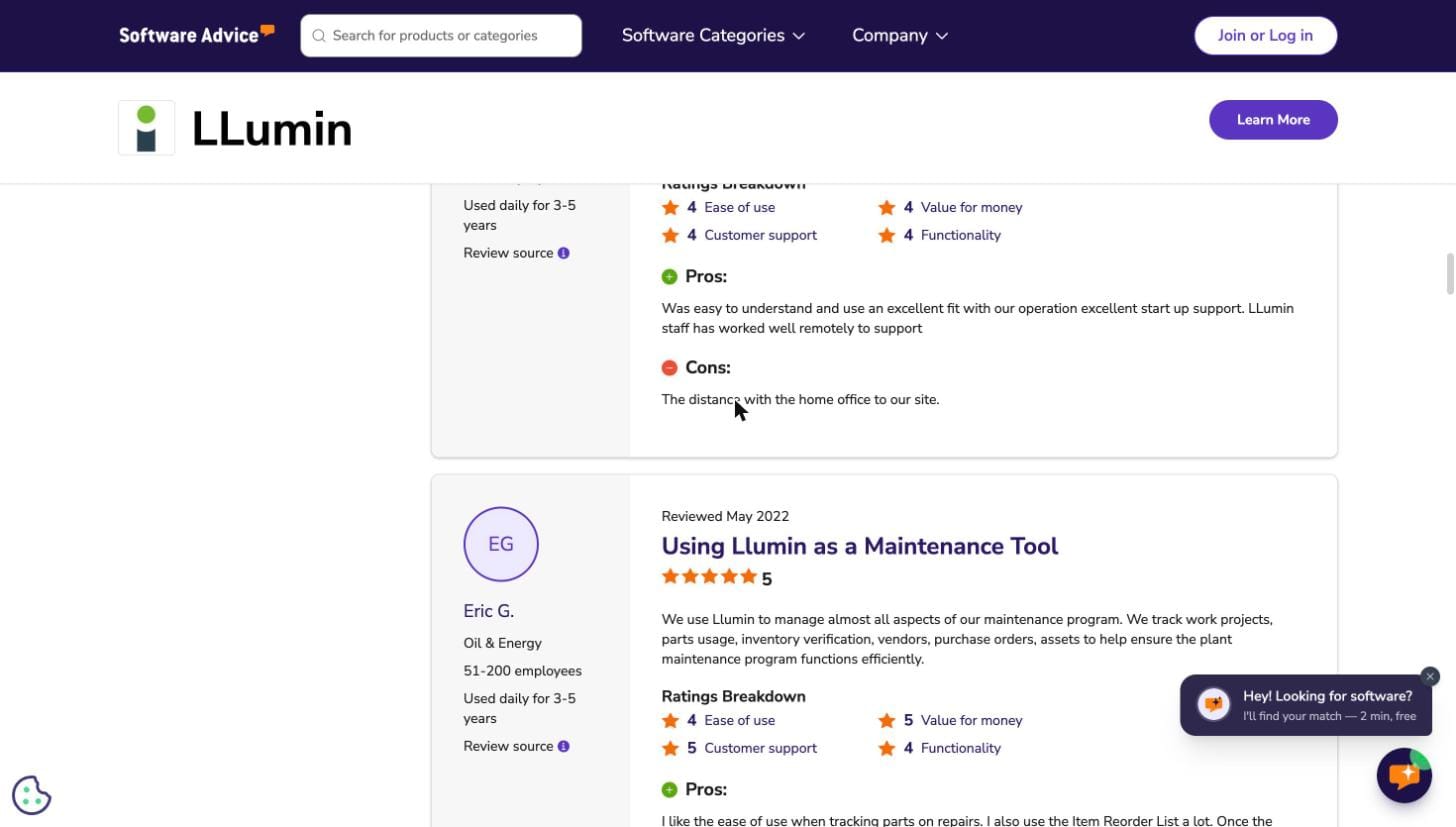
What reviewers say: rated 4.5/5 on Software Advice across 44 reviews. Danielle B., in Hospital and Health Care, wrote in December 2025 that the "system is easy to use, very intuitive and navigation is great."
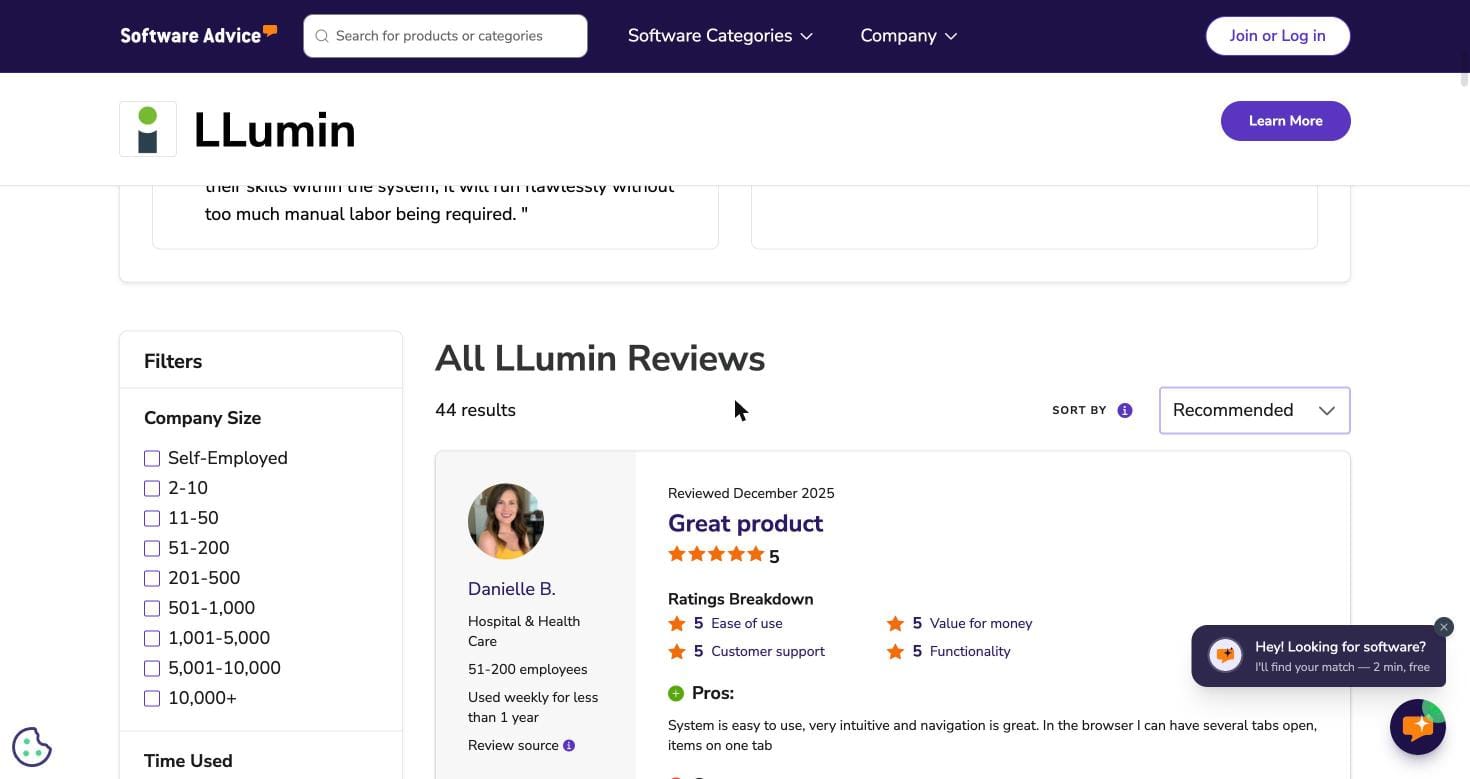
Eric G., in Oil and Energy, gave the balancing note that while heavy users find it easy, "infrequent users find it difficult to navigate through the system to find parts or write work orders," which matters for seasonal or contractor crews.
Choose it if: you want condition-based maintenance driven by sensor data on your most critical airport assets.
4. MaintainX
Ideal for: airports that want fast, mobile work-order execution and quick adoption by technicians and contractors.
Why it ranks here: MaintainX is the mobile-first choice, and it publishes airport-maintenance guidance of its own; crews on the apron and in the terminal pick it up quickly.
MaintainX, now part of Autodesk, is built around a fast mobile experience for work orders, procedures, and work requests. For an airport, that speed shows up where a technician needs to log a jet-bridge fault or a terminal request from a phone and move on, with in-app messaging that keeps crews and contractors on the same work order.
Its adoption curve is short, which makes it a practical pick for mixed in-house and contractor crews, and its digital procedures suit the high volume of repeating checklists on terminal and GSE assets.
It is lighter on deep airfield compliance than the airport specialists, and its stronger AI, MaintainX Assist, sits on the Enterprise plan, so weigh what you need against the tier.
Key features:
- Mobile work orders: create, assign, and close work orders from a phone across terminal, apron, and baggage-hall zones.
- Digital procedures: step-by-step checklists for inspections and preventive maintenance on terminal HVAC, escalators, and GSE assets.
- Work requests: QR-code and portal requests raised by gate agents, retail tenants, and operations staff across the airport.
- Offline mode: keeps technicians working in low-signal apron and basement plant areas and syncs every change on reconnect.
- Parts and inventory: tracks spares against work orders with low-stock alerts and simple purchase records.
- Messaging: in-context chat attached to a work order for crews, supervisors, and outside contractors.
- Preventive maintenance: recurring schedules triggered by date, photo, and meter readings on repeating assets.
- Reporting: dashboards on completion rate, downtime, and maintenance cost by asset and by site.
- AI assist: generates procedures and summarizes work orders; the deeper MaintainX Assist sits on the Enterprise plan.
- Airport teams that want in-house crews and contractors live on mobile in days, not weeks.
- Mixed in-house and contractor workforces that need simple, low-friction request intake.
- Terminal and GSE maintenance with heavy inspection checklist and preventive-maintenance volume.
- Operators wanting a free tier to pilot the tool before committing to a paid plan.
- Teams that value in-app messaging on the work order over scattered email threads.
- Airfield teams needing native Part 139 self-inspection and a full Safety Management System built in.
- Large hubs needing deep multi-level asset hierarchies and reliability modeling across capital plant.
- Teams that want the full AI feature set without stepping up to the Enterprise plan.
- Operators needing deep energy, BMS, or sensor integration beyond the mobile basics.
Pricing: free Basic plan, then $20 per user per month on Essential billed annually; see the maintainx pricing breakdown.
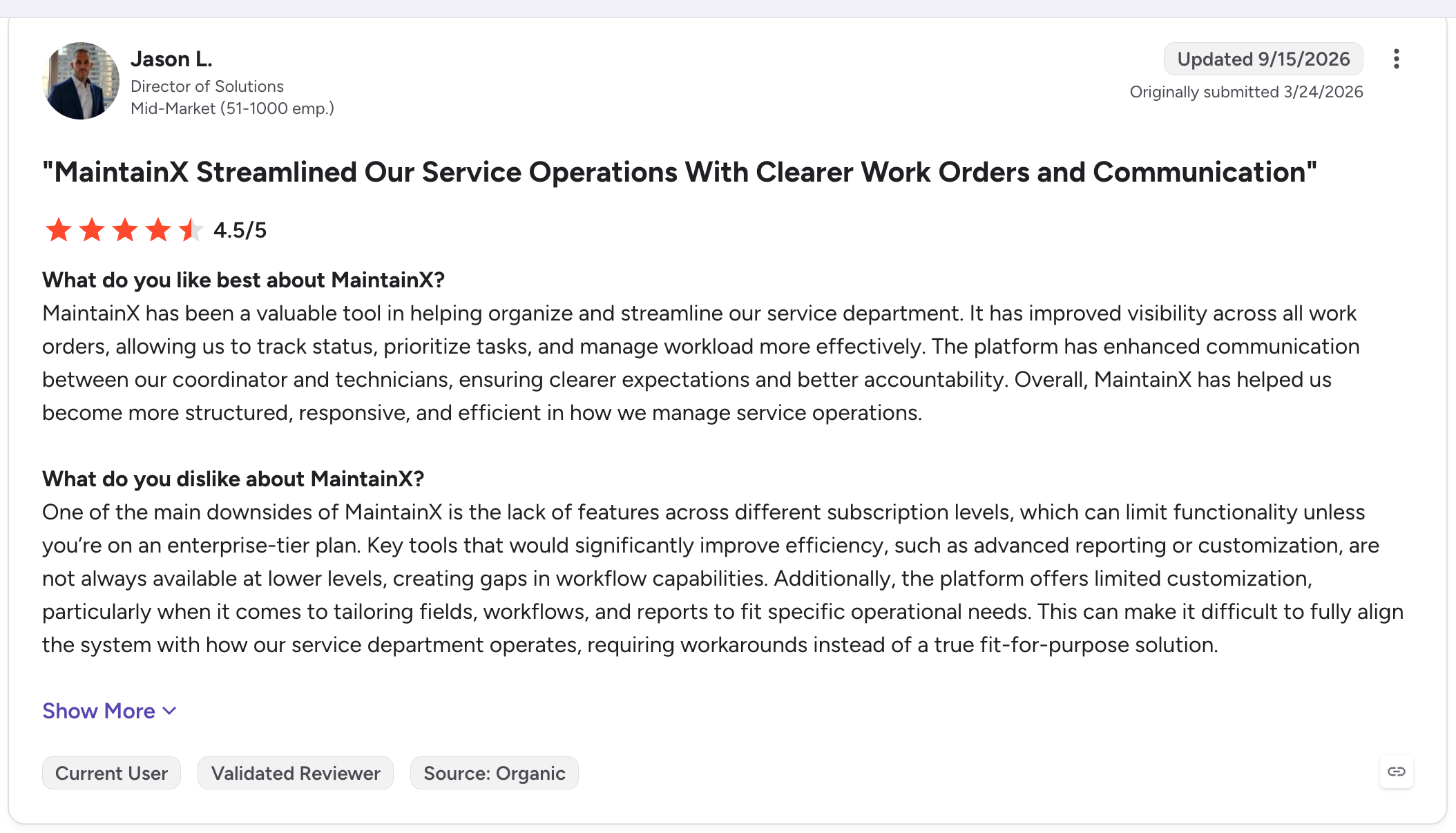
What reviewers say: rated 4.8/5 on G2. Liam W., a Maintenance Engineer, wrote in October 2026 that it is "extremely user-friendly thanks to intuitive UI and mobile-first methodology."
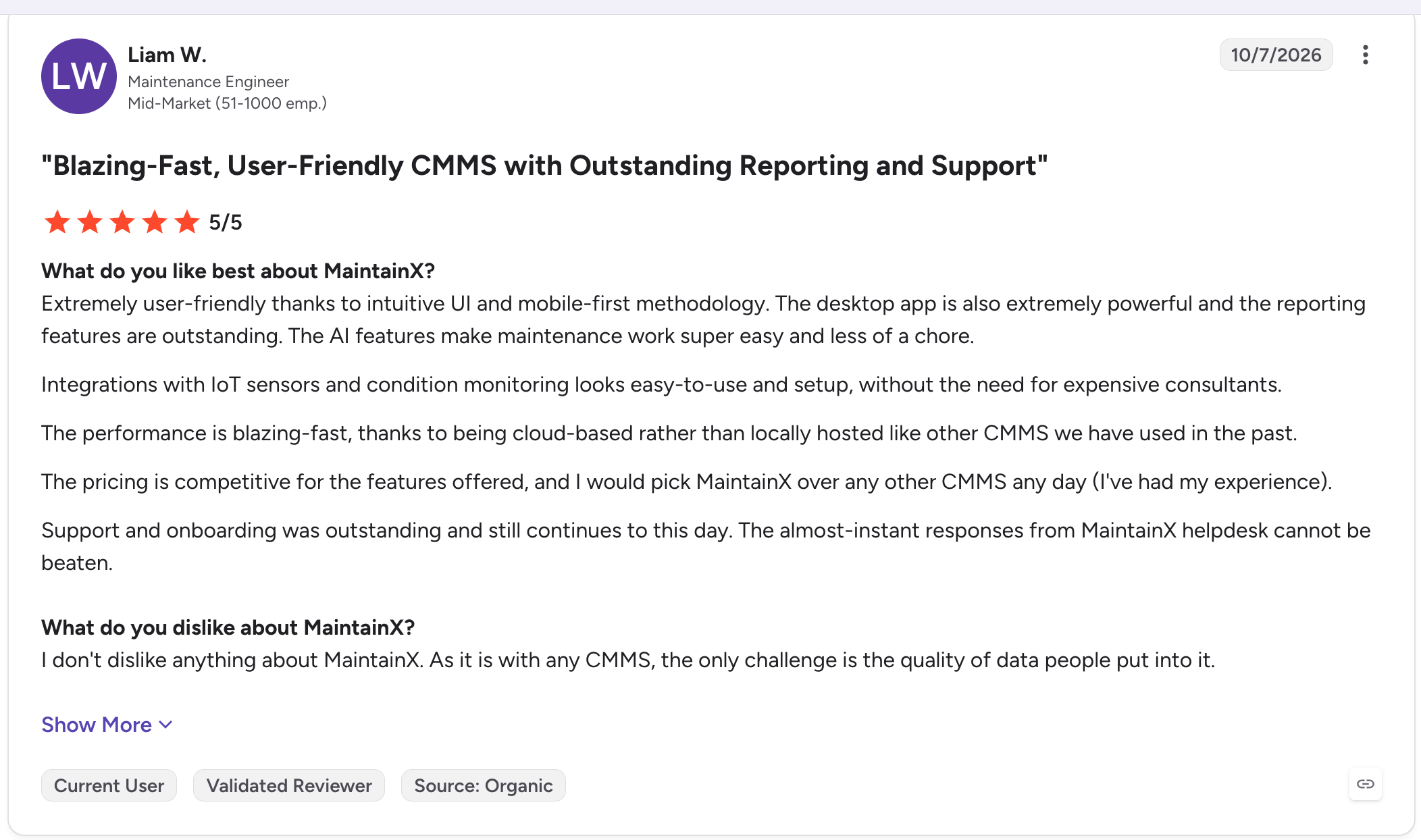
Jason L., a Director of Solutions, flagged the trade-off: "the lack of features across different subscription levels, which can limit functionality," so confirm which capabilities sit on which tier. The maintainx cmms review has more.
Choose it if: you want crews logging and closing airport work orders on mobile from day one.
5. Limble
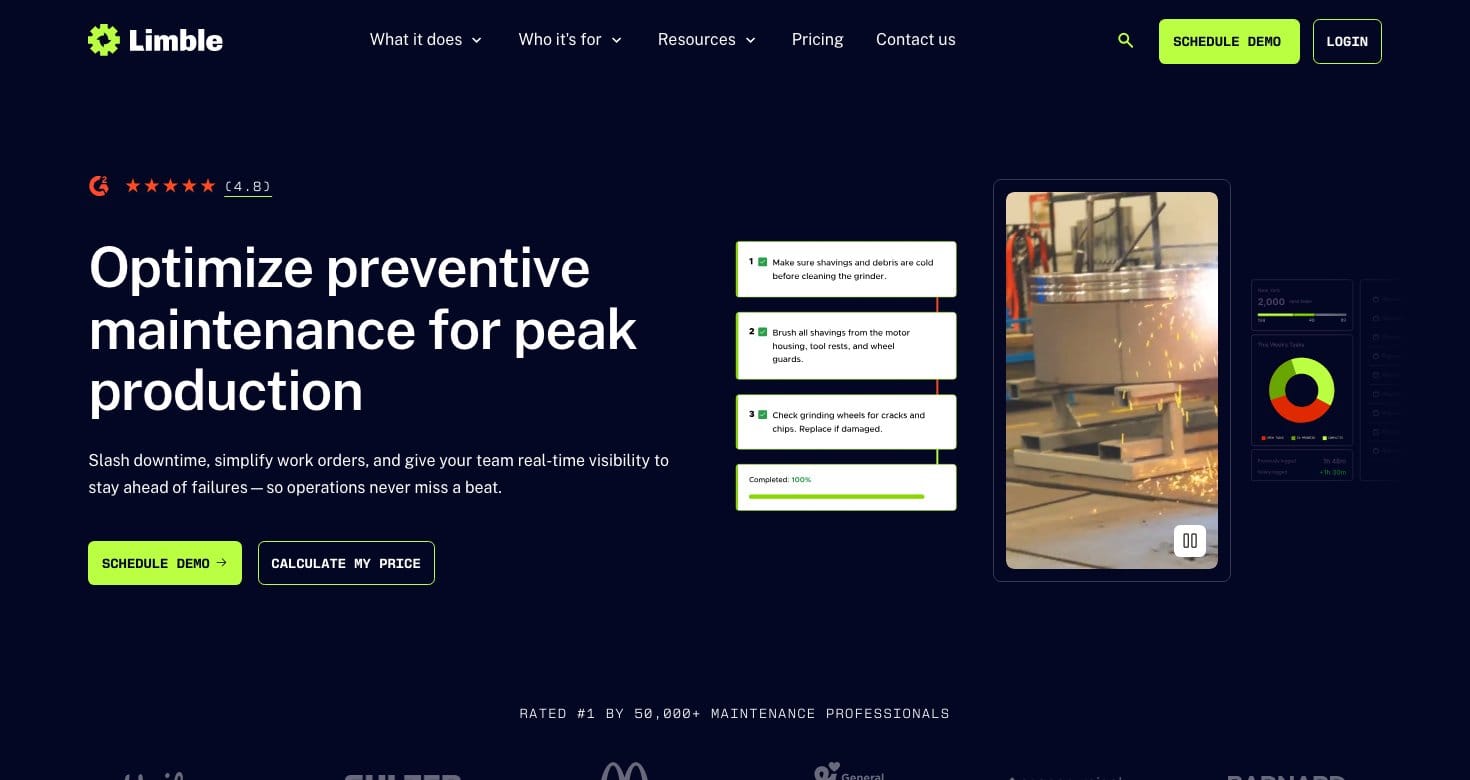
Ideal for: facility and grounds teams that want straightforward preventive maintenance and work requests.
Why it ranks here: Limble pairs an easy mobile app with solid PM and request handling, a practical fit for terminal-facilities and grounds crews that do not need airfield-specific tooling.
Limble is known for usability and support, with a mobile app technicians adopt quickly and a reputation for fast onboarding. For an airport, it suits the terminal-facilities and grounds side: preventive maintenance on HVAC, escalators, and grounds assets, work requests from staff and tenants, and asset tracking without a heavy setup.
It handles the standard CMMS backbone well, asset records, parts, PM compliance dashboards, and rule-based automations, and adds sensor-triggered work orders and AI insights for teams that want them.
It is a general CMMS rather than an airfield platform, so Part 139 and SMS workflows would sit outside it, but for facilities upkeep it is one of the smoother tools to run and to roll out to a non-technical workforce.
Key features:
- Preventive maintenance: flexible PM schedules for terminal HVAC, escalators, elevators, and grounds assets across the airport.
- Work requests: staff and tenant requests raised via URL or QR code, easy for non-technical gate and retail staff to submit.
- Mobile app: a strongly rated field app with photos, parts, and full asset history available on a technician's phone.
- Asset management: asset records, downtime, meter readings, and cost tracking across every site and zone.
- Parts and inventory: spares tracking tied to work orders with reorder thresholds and low-stock alerts.
- Dashboards: custom reports on preventive-maintenance compliance, work completion, and maintenance cost.
- Automations: rule-based routing, escalation, and notifications that move work to the right crew automatically.
- Sensor integration: sensor-triggered work orders for instrumented terminal plant and rotating equipment.
- AI insights: maintenance suggestions, asset anomaly flags, and predictive hints surfaced on the paid tiers for planners and managers.
- Terminal-facilities and grounds teams wanting quick preventive-maintenance setup without a heavy build.
- Operators that value a strongly rated, widely adopted mobile app and responsive customer support.
- Staff-request-heavy environments that need simple, low-friction intake from non-technical gate and retail users.
- Teams that want a free trial and a short learning curve before they commit budget.
- Airfield operations needing Part 139 and Safety Management System workflows built in natively.
- Large hubs needing enterprise asset hierarchies and the reliability depth of an EAM.
- Buyers wanting published list pricing, since Limble quotes only through an online calculator.
- Teams needing deep ERP or finance integration for airport capital works.
- Operators that must run airside compliance evidence rather than general facility maintenance.
Pricing: quoted through an online calculator with list prices not published; see the limble cmms pricing analysis.
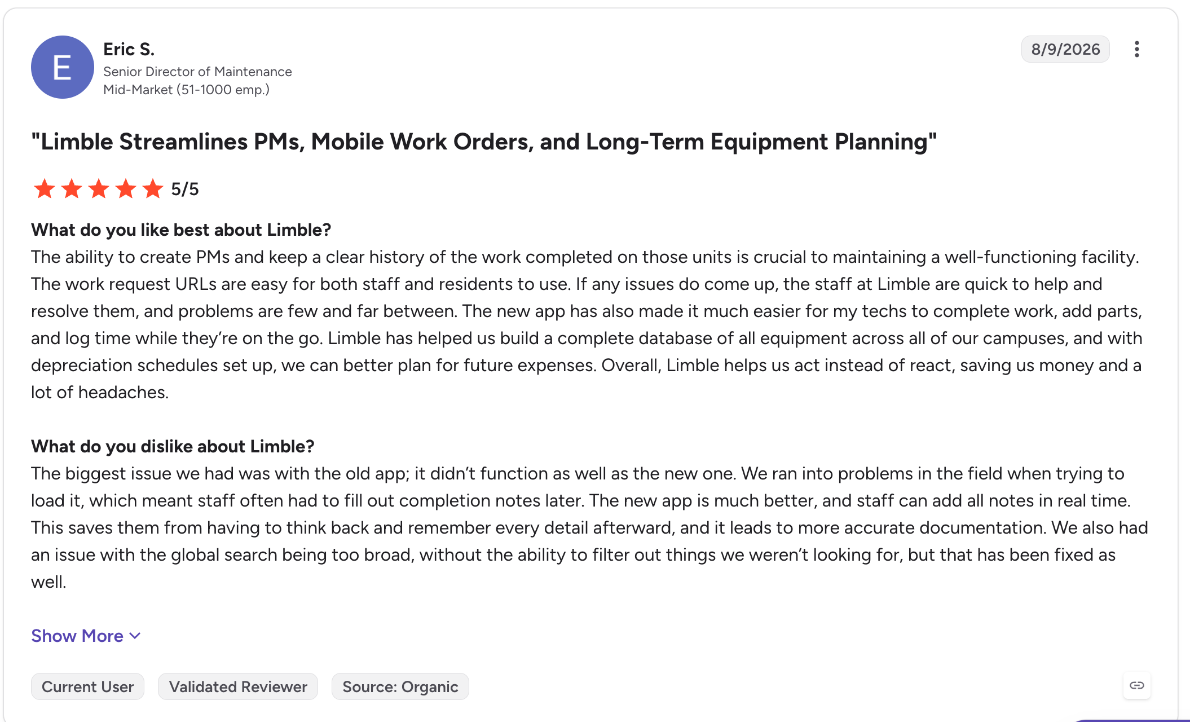
What reviewers say: rated 4.8/5 on G2. Eric S., a Senior Director of Maintenance, wrote in August 2026 that "the new app has also made it much easier for my techs to complete work" in the field.
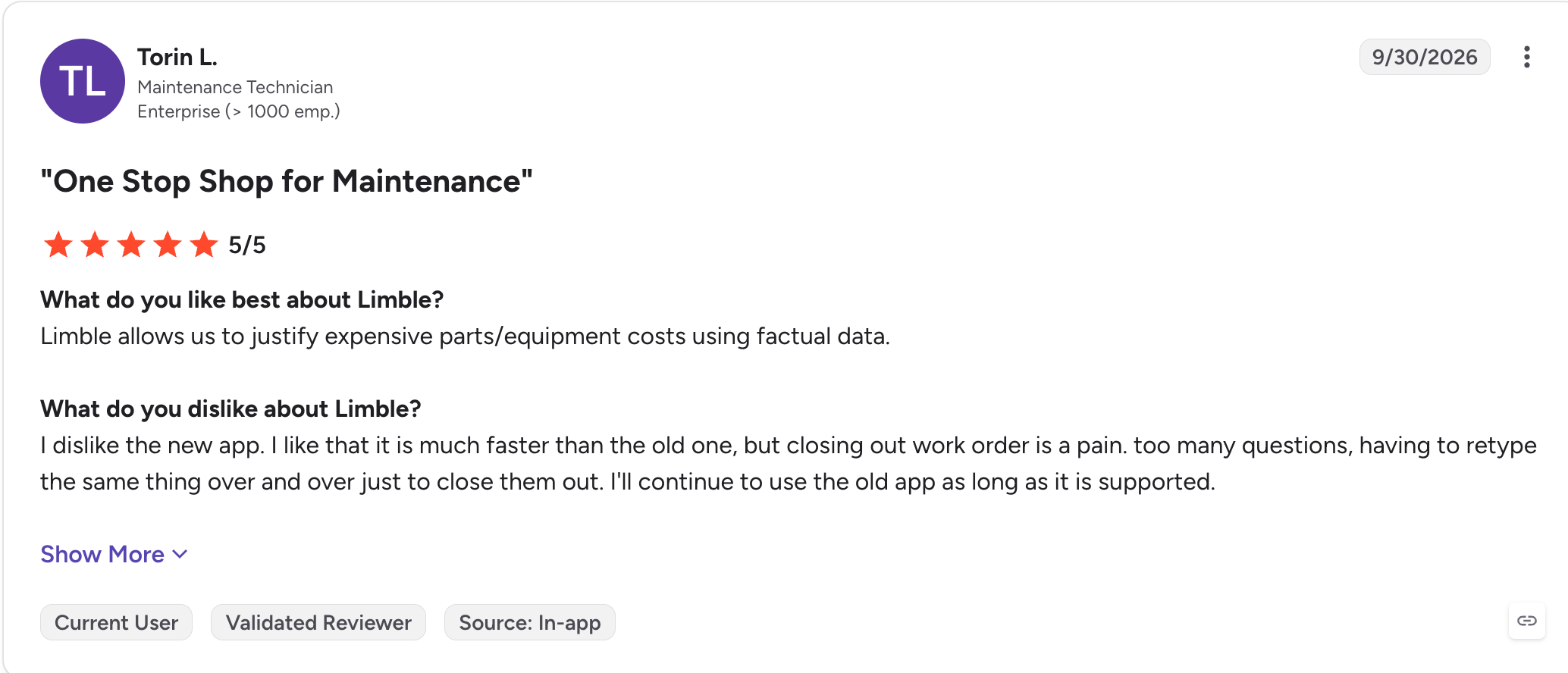
Torin L., a Maintenance Technician at an enterprise, gave the critical view that "closing out work order is a pain, too many questions," so test the closeout flow with your own crew. See the limble cmms review.
Choose it if: your priority is easy preventive maintenance and requests for terminal and grounds teams.
6. UpKeep
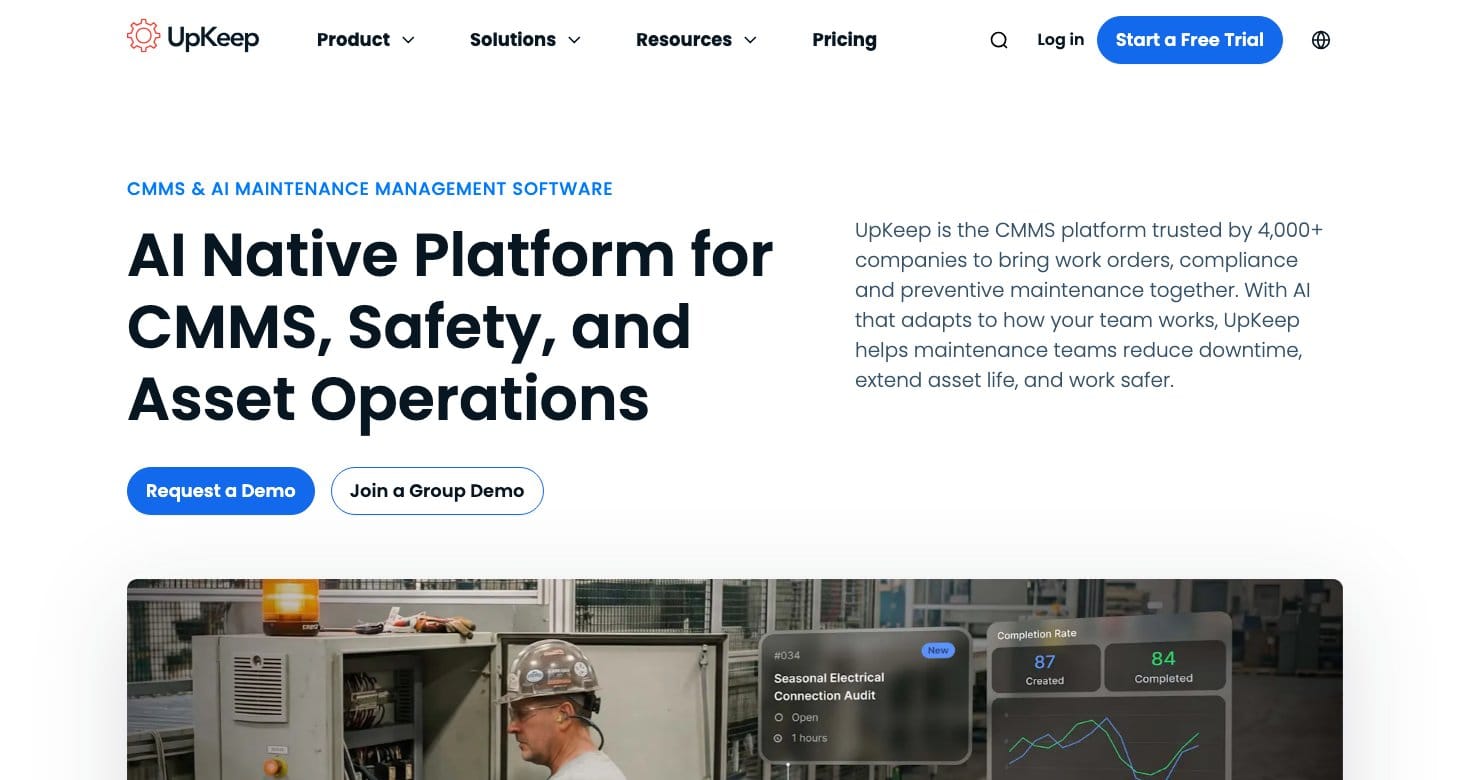
Ideal for: a single airport or a lean in-house team that wants a published per-user price and a quick start.
Why it ranks here: UpKeep publishes an airports-and-aviation solution and a transparent $24 per-user price, which makes it the simplest on-ramp for a smaller operation.
UpKeep is a mobile-first CMMS with a dedicated airports-and-aviation page covering baggage handling, jet bridges, HVAC, elevators, and escalators. Its draw is a low, published starting price and a free trial that needs no card, so a single airport or a lean team can start fast without a procurement cycle.
The core is solid for terminal and GSE upkeep, mobile work orders, PM schedules, a request portal, and asset and parts tracking, and it reports cleanly on work and cost.
It is lighter on portfolio depth and airfield compliance than the specialists, and its Nova AI is metered by credits with paid setup packages, so model those costs before you scale.
Key features:
- Mobile work orders: fast work-order creation, assignment, and closure from the field on any phone or tablet.
- Preventive maintenance: recurring PM schedules for terminal HVAC, escalators, and GSE assets on one calendar.
- Work requests: a branded request portal for gate, retail, and operations staff to log issues across the airport.
- Asset management: asset records, meter readings, and downtime tracking with full maintenance history.
- Parts and inventory: spares, purchase orders, and stock tracking tied to the work orders that consume them.
- Reporting: dashboards on work completion, downtime, and maintenance cost by asset and location.
- Published pricing: transparent per-user tiers you can budget from directly, unusual in this set.
- Signals and conditions: sensor and meter triggers that automatically create work orders on instrumented assets.
- Nova AI: an AI assistant metered by usage credits, with paid onboarding setup packages that run from $500 to $5,000.
- A single airport or terminal wanting the simplest, fastest possible start.
- Lean in-house teams that value a published $24 per-user price they can budget from.
- Operators piloting the tool on a free trial that needs no credit card.
- Mobile-first crews doing day-to-day terminal and GSE upkeep from a phone.
- Teams that want predictable per-user budgeting rather than a scoped quote.
- Multi-site portfolios needing deep cross-site rollups and consolidated reporting across terminals.
- Airfield teams needing native Part 139 self-inspection and Safety Management System workflows.
- Buyers who dislike metered AI credits and the paid setup fees that come with onboarding.
- Large authorities needing the enterprise asset hierarchies and reliability depth of an EAM.
Pricing: $24 per user per month on Essential with a free trial; the upkeep pricing guide has the detail.
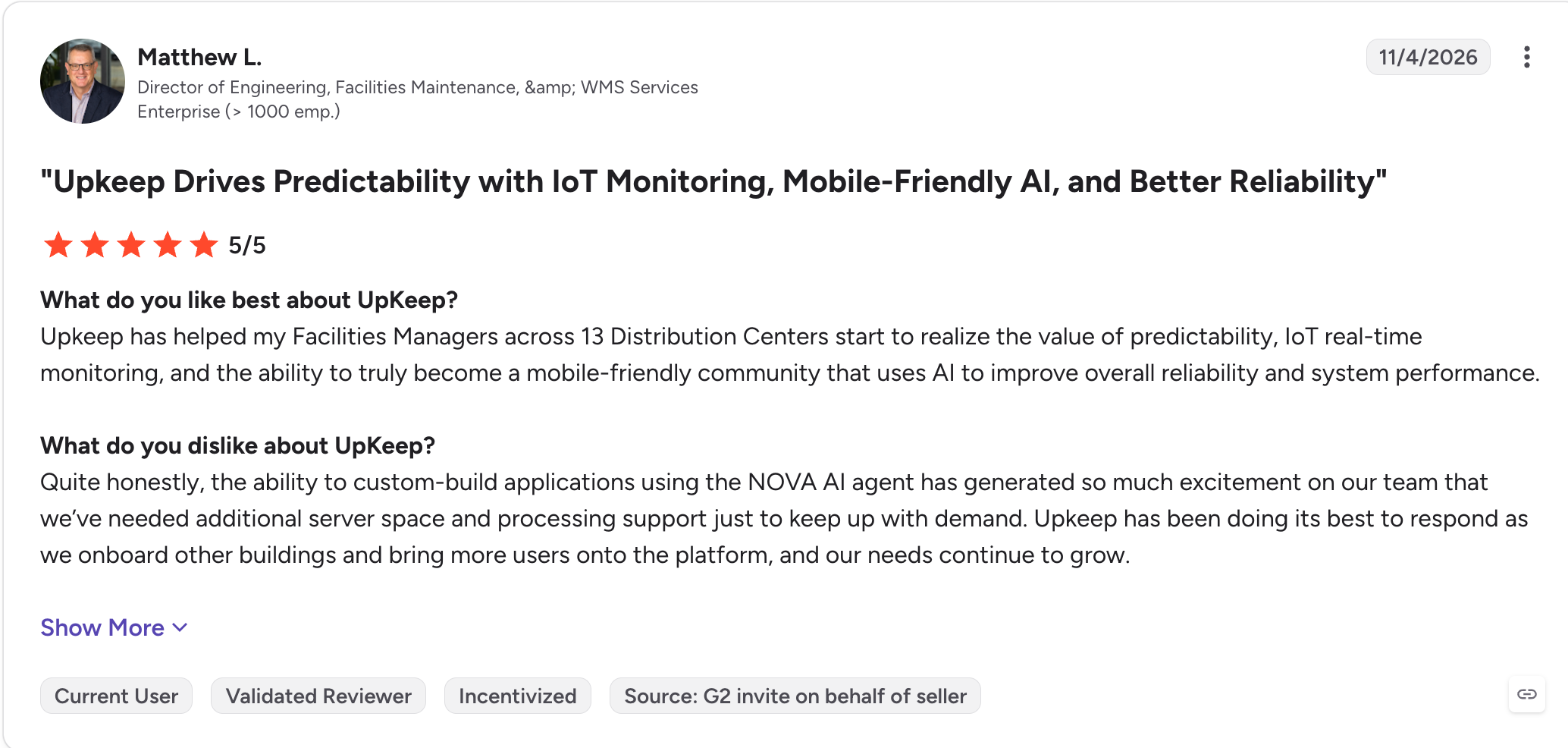
What reviewers say: rated 4.5/5 on G2. Matthew L., a Director of Engineering for Facilities Maintenance, wrote in November 2026 that it "helped my Facilities Managers across 13 Distribution Centers" (incentivized).
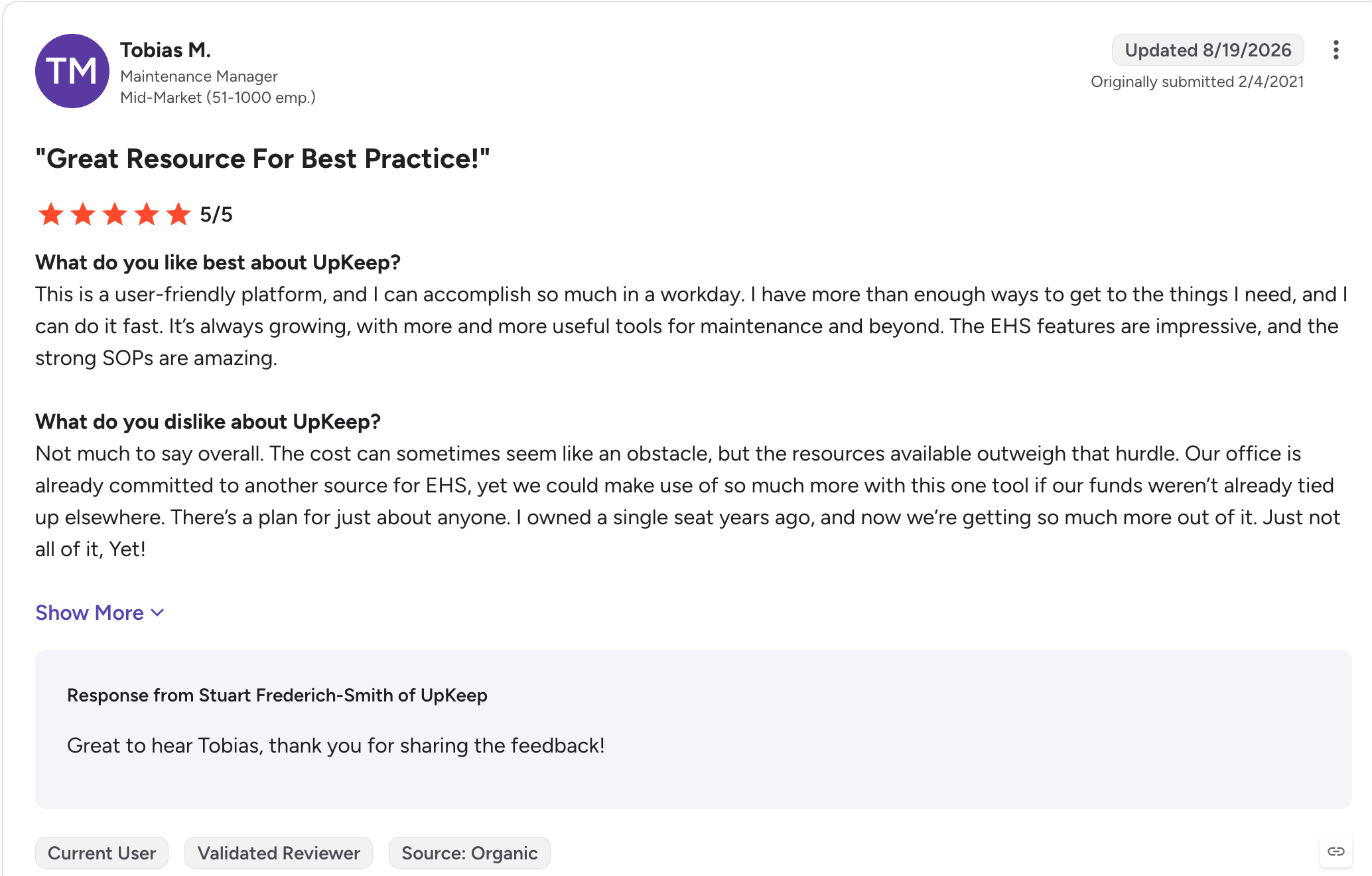
Tobias M., a Maintenance Manager, gave the cost caveat that "the cost can sometimes seem like an obstacle" once add-ons and AI credits are counted. The upkeep cmms review adds more.
Choose it if: you want the fastest, most affordable start for one airport or a small team.
7. eMaint
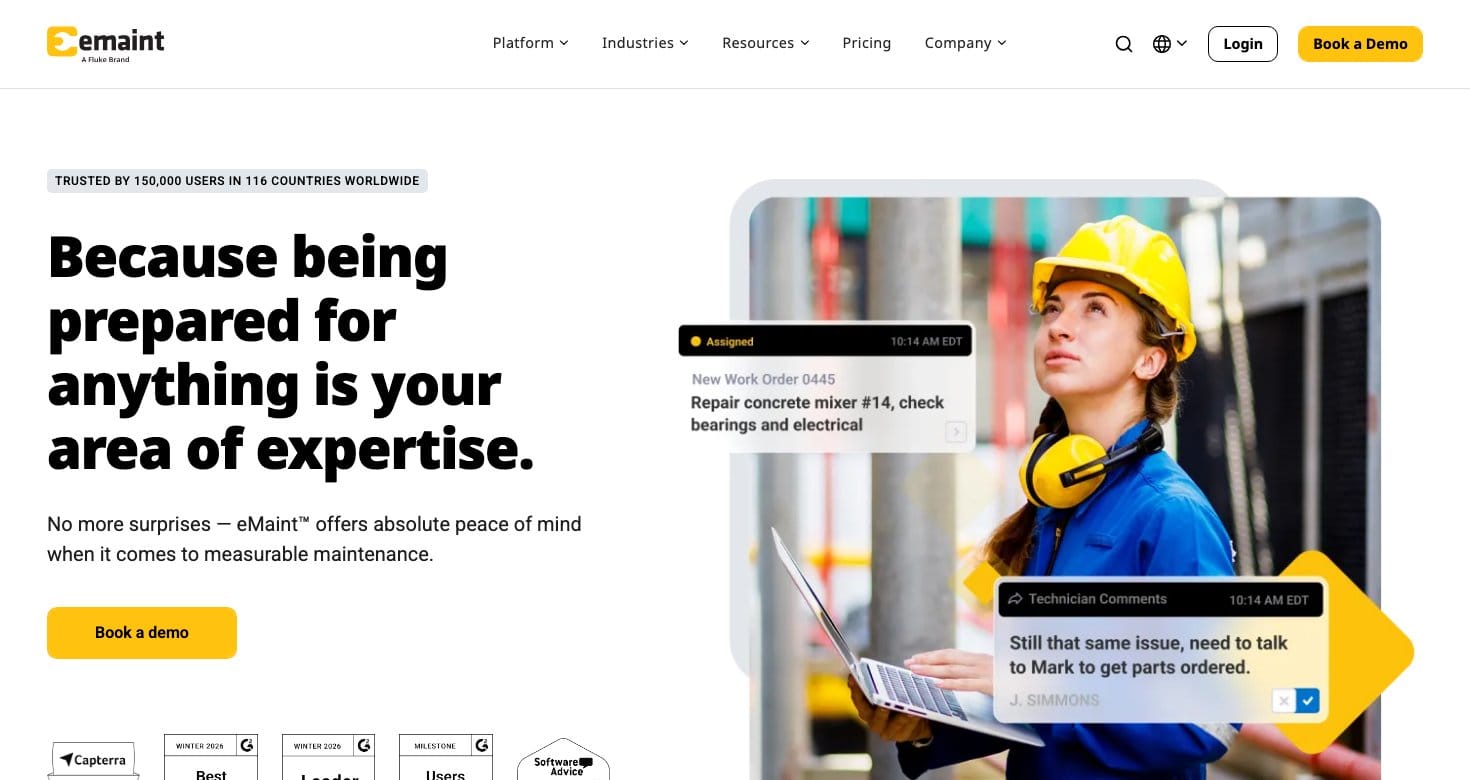
Ideal for: multi-site operators that want a configurable system backed by Fluke condition monitoring.
Why it ranks here: eMaint, a Fluke company, is a configurable, multi-site CMMS with a direct line into Fluke sensors, useful where an airport wants condition data on rotating equipment.
eMaint is a long-established, highly configurable CMMS owned by Fluke. For an airport, its strength is tailoring forms, work types, and workflows to local inspection regimes and pulling condition data from Fluke sensors on terminal and utility plant, from chillers to pumps to switchgear.
It carries the full CMMS backbone, PM scheduling, asset hierarchies, multi-store inventory, and configurable dashboards, and it manages several airport sites under one account, which suits operators running a portfolio.
Configurability is a double edge: it rewards a team that invests in setup, and its list prices have been hidden since mid-2026, so budgeting means a quote. A current switch offer of up to four months without paying for two systems softens a migration.
Key features:
- Configurable workflows: tailor forms, work types, and inspections to airport-specific and Part 139-adjacent compliance regimes.
- Fluke condition monitoring: native integration with Fluke sensors for vibration and thermal data on rotating terminal plant.
- Preventive maintenance: time, usage, and condition-based PM scheduling across airfield, terminal, and utility plant assets on one shared calendar.
- Asset management: asset records, multi-level hierarchies, and full maintenance histories across multiple airport sites.
- Parts and inventory: multi-store inventory, automated reorder rules, and purchasing for critical spares.
- Mobile: a field app for raising work orders, completing inspections, and looking up asset data on the apron.
- Reporting: configurable dashboards and KPI tracking tailored for maintenance managers and planners.
- Multi-site: manage several terminals or airports under one account with shared asset and PM libraries.
- Interoperability: open APIs and prebuilt connectors to the ERP, procurement, and condition-monitoring tools an airport already runs, so data flows both ways.
- Operators running several airport sites or terminals on one deeply configurable system.
- Teams that want Fluke vibration and thermal sensor data feeding maintenance work orders directly.
- Maintenance planners willing to invest in tailored forms and workflows for a long-term fit.
- Portfolios attracted by shared asset libraries and a switch offer of up to four months.
- Teams wanting fast, low-config deployment straight out of the box.
- Buyers needing published pricing, which eMaint has hidden since July 2026.
- Airfield-specific Part 139 and SMS needs that would require configuration work to meet.
- Very small single-site teams below the three-user minimum on the Professional plan.
- Operators who want the tool to run itself rather than reward a heavy setup investment.
Pricing: quote-based with a three-user minimum on Professional and prices hidden since July 2026, plus a free trial; see the emaint pricing page.
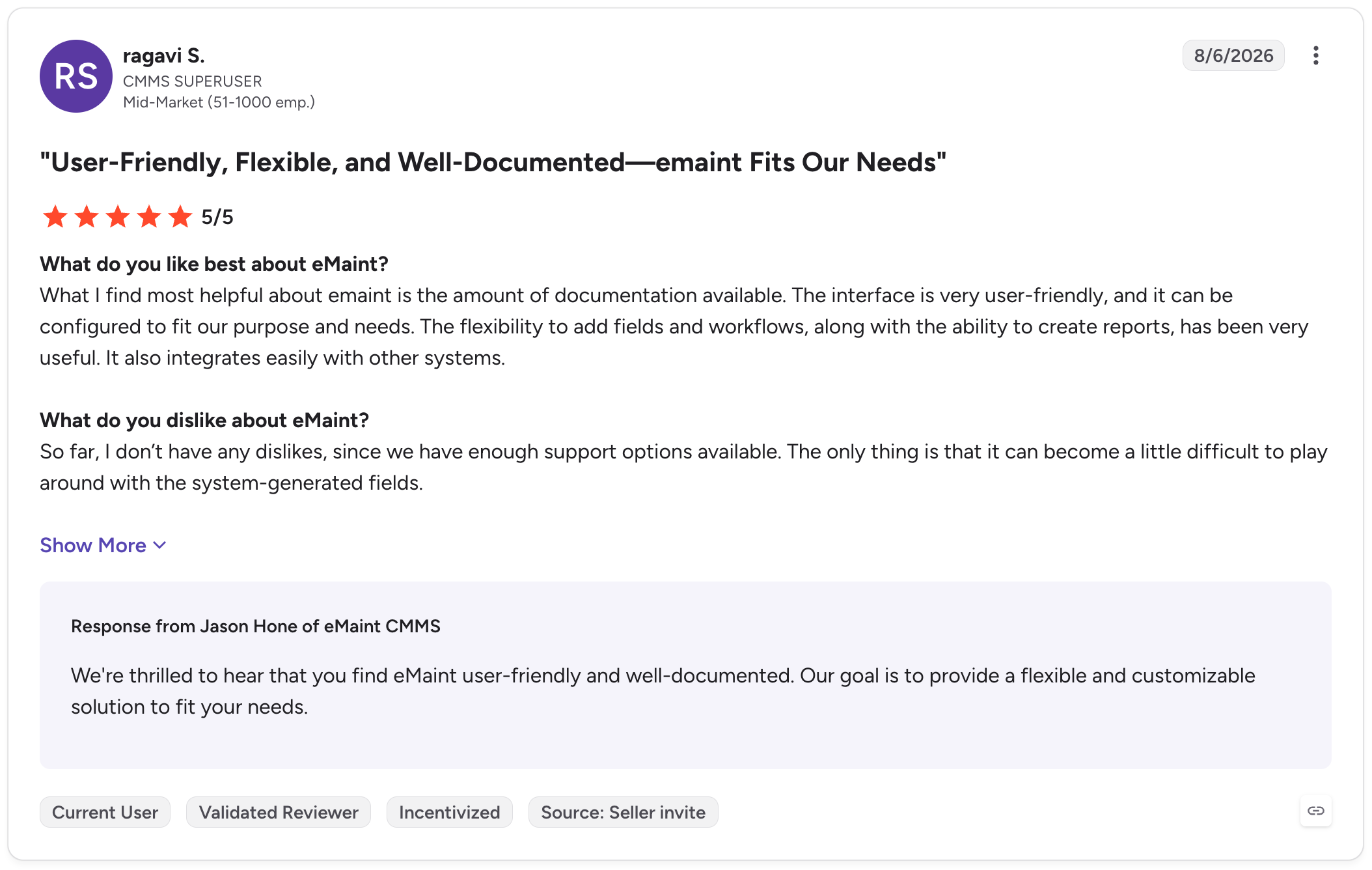
What reviewers say: rated 4.5/5 on G2. Ragavi S., a CMMS Superuser, wrote in August 2026 that "the interface is very user-friendly."
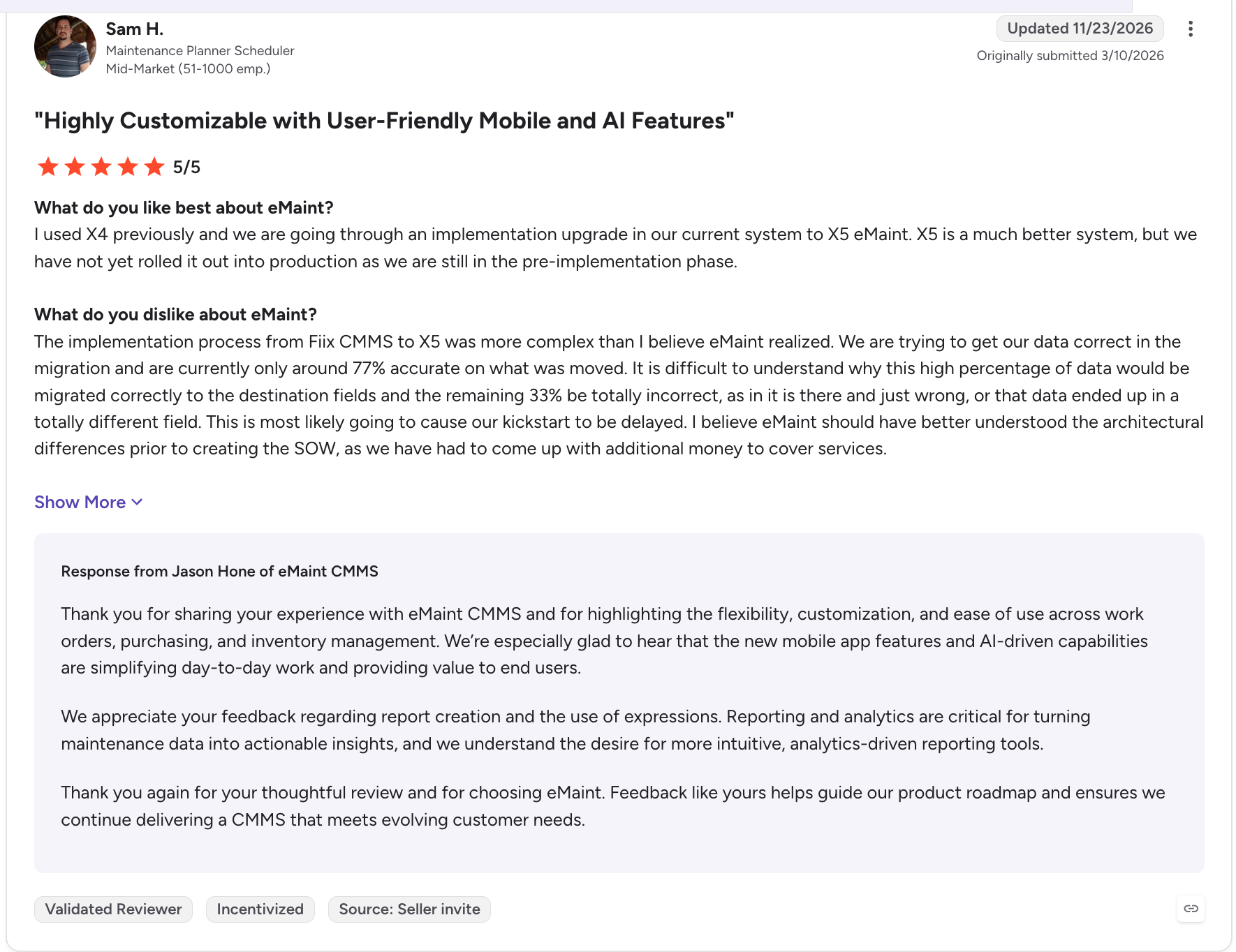
Sam H., a Maintenance Planner Scheduler, gave the migration warning that "the implementation process from Fiix CMMS to X5 was more complex than I believe eMaint realized," noting only about 77 percent of data landed correctly at first. The emaint cmms review covers the rest.
Choose it if: you run multiple airport sites and want deep configurability with Fluke condition data.
8. Fiix
Ideal for: airports sitting next to light production or maintenance shops that need sensor-driven work orders.
Why it ranks here: Fiix, a Rockwell Automation company, brings an industrial lineage and sensor-to-work-order automation, a fit where airport facilities overlap with production-style assets.
Fiix is a cloud CMMS with a Rockwell industrial pedigree. For an airport with adjacent maintenance shops, fuel systems, or production-style plant, Fiix connects sensors to work orders and brings asset analytics that suit rotating and instrumented equipment.
It covers the standard CMMS backbone, PM scheduling, asset hierarchies, parts and purchasing, and an offline mobile app on all plans, and its integration library is one of its strengths, linking to Rockwell and ERP systems.
It is a general CMMS rather than an airfield platform, and some AI features sit behind paid tiers, but its free plan and $45 paid entry make it accessible to a facilities team starting out.
Key features:
- Sensor-triggered work orders: IoT and sensor data auto-generate work orders for instrumented assets such as baggage conveyors and chillers.
- Preventive maintenance: time and meter-based PM schedules for terminal plant, fuel systems, and adjacent maintenance-shop equipment.
- Asset management: asset hierarchies, full maintenance histories, and risk scoring across the whole airport estate.
- Parts and inventory: spares, purchasing, and stockroom management with automated reorder rules and alerts.
- Mobile: a field app included on all plans, with offline work on the apron and in basement plant rooms.
- Integrations: a strong connector library including Rockwell automation, ERP, and BI systems.
- Analytics: an asset risk predictor and maintenance analytics that help planners target preventive work before failures.
- Scheduling: calendar and workload views for assigning crews, balancing their load, and planning around flight banks.
- MAX AI: conversational AI answers and maintenance insights that surface asset trends, available on the paid tiers.
- Airports with adjacent production, fuel-farm, or maintenance-shop assets to maintain.
- Teams wanting sensor-to-work-order automation working out of the box on instrumented plant.
- Operators needing a strong integration library with Rockwell and other industrial systems.
- Planners who want asset risk scoring and analytics to prioritize preventive work.
- Buyers wanting a genuinely free plan to start before paying per user.
- Airfield teams needing native Part 139 self-inspection and Safety Management System workflows.
- Teams wanting the complete AI feature set without moving onto the higher paid tiers.
- Buyers needing property, tenant, or lease-facing features that sit beyond a maintenance tool.
- Operators who dislike a mobile app that some reviewers describe as limited for heavy field use.
Pricing: free plan, then paid from $45 per user per month; the fiix cmms pricing page compares the tiers.
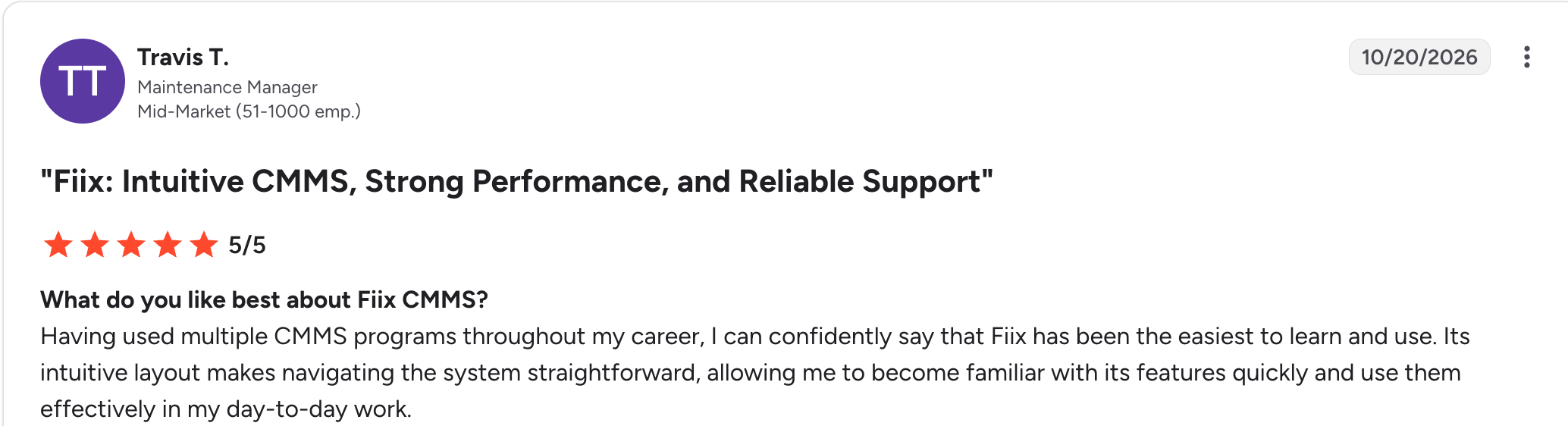
What reviewers say: rated 4.6/5 on G2. Travis T., a Maintenance Manager, wrote in October 2026 that "Fiix has been the easiest to learn and use" of the systems he has run.
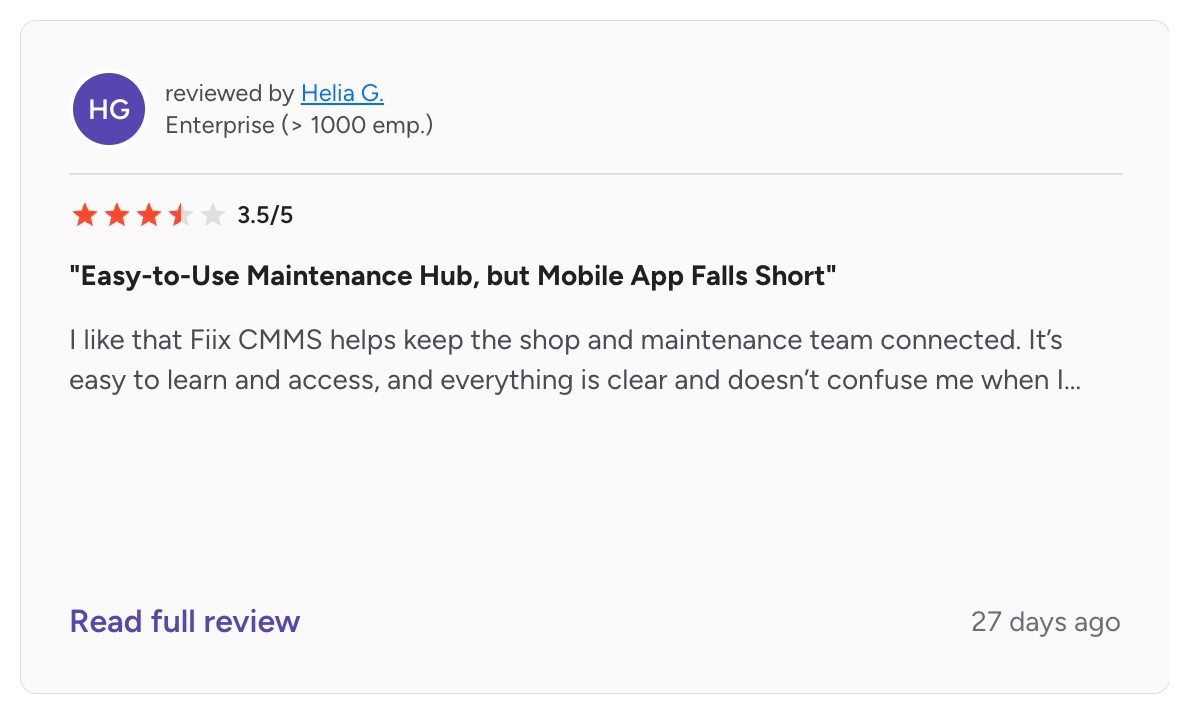
Helia G., an enterprise reviewer, rated Fiix 3.5 out of 5 in October 2026 under the headline "Easy-to-Use Maintenance Hub, but Mobile App Falls Short," so test the mobile app with apron crews. See the full fiix cmms review.
Choose it if: your airport has production-style assets and you want sensor-driven work orders.
9. Aerosimple
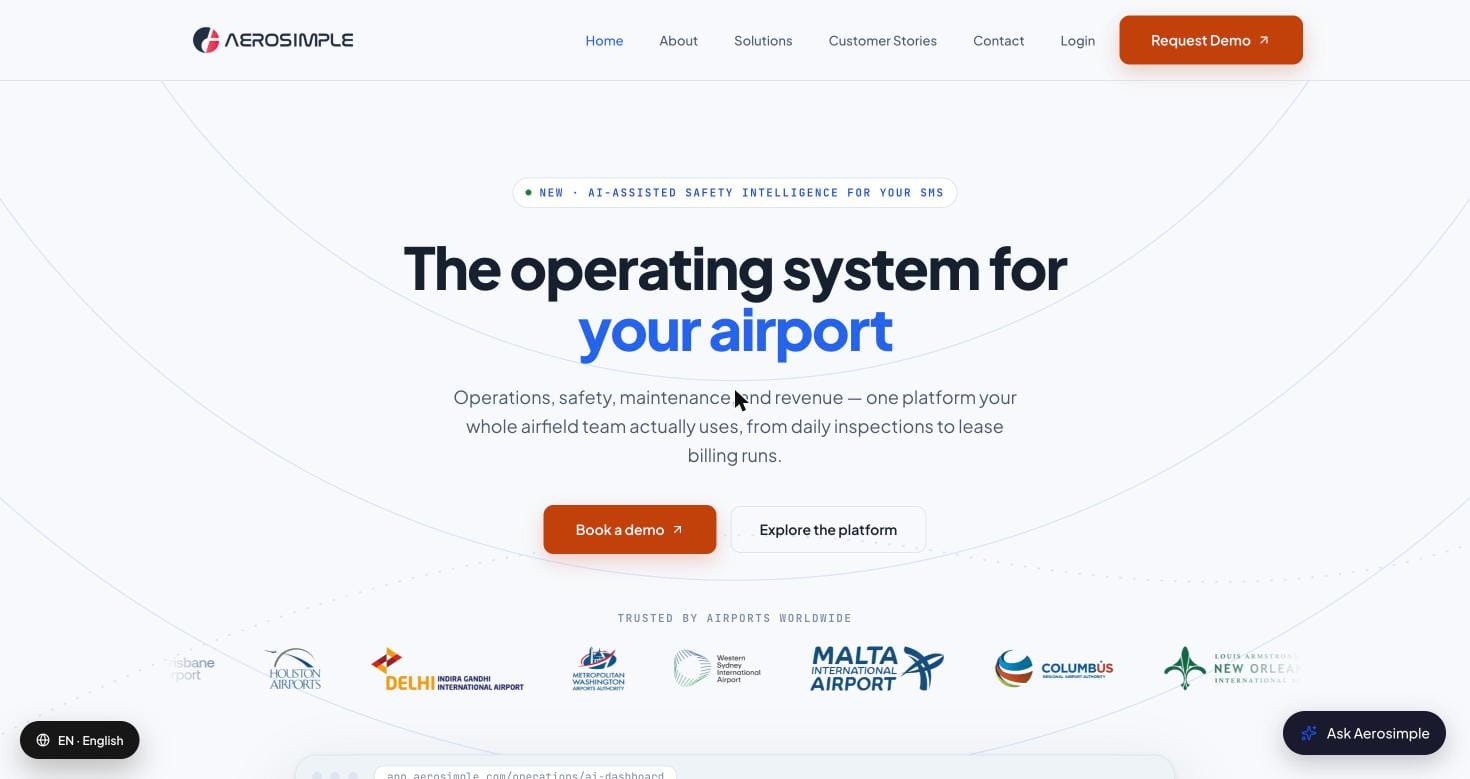
Ideal for: airfield operations teams that want Part 139 self-inspection and SMS in the same platform as the CMMS.
Why it ranks here: Aerosimple is the airport specialist on this list, built only for airports, with the maintenance CMMS as one module alongside airfield operations, safety, and lease management.
Aerosimple calls itself the operating system for the airport, with operations, safety, maintenance, and revenue on one platform used by more than 170 airports across 15 countries. The maintenance and assets CMMS is one module among many, so a finding on the airfield becomes a work order, a corrective action, and a KPI in the same system that runs the self-inspection.
Its advantage is airfield depth no general CMMS has: FAA Part 139 self-inspection, ICAO Annex 19 SMS, Global Reporting Format for runway condition, and wildlife and strike logs, all tied to assets and work orders. An AI operations dashboard surfaces wildlife, weather, and workload insights and drafts a work order when it detects a fault such as a trending runway edge-light failure.
Its trade-off is that it is airport-only, so it does not serve a wider property portfolio, and as a newer niche platform it carries community-reported rough edges around its mobile app and integrations.
Key features:
- Part 139 self-inspection: a self-inspection program with discrepancy tracking and records built to survive an FAA inspection visit.
- Safety Management System: full SMS pillars covering policy, risk assessment, hazard tracking, audits, and corrective actions.
- Maintenance and assets CMMS: work orders, assets, preventive maintenance, and inventory for airfield and terminal equipment.
- Global Reporting Format: GRF runway condition reporting built directly into airfield operations.
- Airfield operations: inspections, a checklist designer, wildlife and FOD logs, and workflow automation across the airfield.
- Lease and revenue: tenant billing and lease administration for airport revenue management on the same platform.
- Document and form management: a form builder and document control shared across every module.
- AI safety intelligence: an AI operations dashboard surfacing wildlife, weather, staffing, and workload insights.
- Auto-drafted work orders: AI drafts a work order when it detects a fault such as a trending edge-light failure.
- Airfield operations teams that run FAA Part 139 self-inspection every single day.
- Airports wanting their Safety Management System and maintenance together on one connected platform.
- Operators that want GRF runway reporting and wildlife logging native rather than bolted on afterward.
- Teams replacing paper and spreadsheets across airfield operations, safety, and maintenance workflows.
- Non-airport portfolios, since Aerosimple is built exclusively for airports.
- Teams wanting an established, widely populated third-party review base to check.
- Buyers wary of per-module pricing and the add-on fees that can accrue over time.
- Operators needing the deep enterprise asset hierarchies of a full EAM platform.
- Teams that need a proven, heavily reviewed mobile app for daily field use.
Pricing: modular, with pricing per module on a quote; a free tier is listed on third-party directories. Aerosimple has no Facilio comparison page, so pricing is sourced externally.
What reviewers say: Aerosimple has no G2 or Capterra star rating, so there is no verified score or named review to quote. Community discussion on r/airfieldops is mixed: users praise its Part 139 and SMS tooling and responsive updates, while others report mobile app bugs, missing integrations, and unexpected add-on fees. Treat it as an emerging specialist and validate in a demo.
Choose it if: your priority is airfield compliance and you want Part 139 and SMS in the same platform as maintenance.
What an airport CMMS must handle, from airfield to terminal
The capabilities that separate an airport-ready CMMS from a general one, grouped so you can turn them into shortlist questions.
Ask these before you commit, for your own operation:
- Does it route by severity? An urgent runway-lighting or safety fault cannot sit in the same queue as a routine terminal request.
- Does it carry Part 139 and SMS? Self-inspection logging, discrepancy and corrective-action links, and records that survive an audit.
- Does it work offline on the apron? Photos, parts, and completions logged in low-signal zones and synced later.
- Does it connect to your systems? ERP and procurement for parts, and IoT or BMS for sensor-triggered work orders.
- Does the AI do the job or just suggest it? The test is whether it drafts and routes the work order, or only hints at it.
Airport-specific core features: priority routing, Part 139 and SMS support, offline mobile, asset hierarchies for airfield and terminal plant, vendor and contractor compliance, and parts management for critical spares. For the general checklist, see key cmms features.
AI and agent features: sensor-to-work-order automation, intake that raises the right work order first time, dispatch by skill and SLA, and compliance tracking that flags the gap before the audit. The line that matters: does the AI do the job end to end, or only suggest it?
Matching the airport CMMS to your operation
How the shortlist changes by what you run, because an airfield-heavy operation and a terminal-facilities team do not need the same tool.
The maintenance job an airport is mostly solving should drive the pick:
- Airfield and Part 139 heavy: when daily self-inspection, discrepancy tracking, and SMS are the core work, the airport specialists lead.
Shortlist: Aerosimple for native Part 139 and SMS, Facilio where agents also run intake, dispatch, and compliance across the site.
- Terminal facilities and grounds: when the work is HVAC, escalators, elevators, and grounds, a strong general CMMS fits.
Shortlist: Limble and MaintainX for mobile PM and requests, UpKeep for a lean single-airport team.
- Baggage, GSE, and condition-based: when instrumented and rotating assets dominate, sensor-driven tools lead.
Shortlist: LLumin and Fiix for sensor-to-work-order automation, eMaint for Fluke condition data.
- Major hub, asset-intensive: when thousands of capital assets need reliability depth, enterprise EAM fits.
Shortlist: IBM Maximo, with Facilio where you want an agent layer over the asset system you already run.
Best airport CMMS by airport size, from regional fields to major hubs
How size changes the right choice, since a regional field and an international hub buy very differently.
- Regional and general-aviation fields: a lean team wants a fast, affordable start. UpKeep's published $24 price and MaintainX's free tier fit, with Aerosimple where Part 139 is the driver.
- Mid-size commercial airports: a facilities team juggling terminal, airfield, and baggage wants breadth without a heavy build. Limble, eMaint, and Facilio fit, depending on how much the agents and compliance depth matter.
- Major hubs and authorities: thousands of capital assets and multiple terminals need enterprise depth. IBM Maximo and Facilio lead, with Facilio suited to authorities that also want agents and a service-provider operating model. For the broader enterprise view, see the best enterprise cmms software guide.
- Service providers running airport contracts: an IFM managing several airport clients wants one platform with per-client reporting and multi-site rollups, which is where Facilio's agentic model and corporate facilities software depth fit best.
Airport CMMS pricing and total cost of ownership
How airport CMMS pricing works and what a realistic deployment costs once setup, modules, and AI are counted.
Pricing in this category comes in three shapes:
- Published per-user: UpKeep ($24/user/mo) and MaintainX (free, then $20/user/mo) post prices you can budget from directly.
- Quote-based: Facilio, IBM Maximo, Limble, and eMaint quote by portfolio, users, modules, or component, so the number depends on scope.
- Modular or usage-metered: Aerosimple charges per module, and UpKeep's Nova AI and Fiix's MAX meter or gate AI behind paid tiers.
| Tool | List basis | Est. annual software (25 users) | Notes |
|---|---|---|---|
| UpKeep | $24/user/mo | ~$7,200 | Plus Nova AI credits and setup $500 to $5,000 |
| MaintainX | $20/user/mo (Essential) | ~$6,000 | AI Assist needs Enterprise |
| LLumin | $45/user/mo | ~$13,500 | Premium and Enterprise tiers higher |
| Fiix | from $45/user/mo | ~$13,500+ | MAX AI on paid tiers |
| eMaint | quote (3-user min) | Quote | Prices hidden since July 2026 |
| Limble | quote (calculator) | Quote | List prices not published |
| Facilio | quote by scope | Quote | Agents on separate credit subscription |
| IBM Maximo | per component/yr | Quote (enterprise) | Add-ons and services raise TCO |
| Aerosimple | per module | Quote | Pay for the modules you use |
Sources: each tool's pricing is linked in its profile above, taken from the vendor's own page or a named third-party listing as of November 2026. Quote-based figures are estimates from public ranges; re-verify every price before publishing.
Hidden costs to ask about: implementation and data migration, per-module or add-on fees, metered AI credits, premium support, and the cost of integrating your BMS, ERP, and sensors.
What to weigh when choosing airport CMMS software
A five-step framework for picking airport CMMS software, each step with a decision, why it matters, and the tools it points to.
1. Name the primary operation. Decide whether airfield compliance, terminal facilities, baggage and GSE, or capital-asset reliability is the main job, because no tool wins all four. An airfield-led airport weights Part 139 and SMS; a terminal-led one weights PM and requests. Shortlist: Aerosimple or Facilio for airfield-led; Limble, MaintainX, or UpKeep for terminal-led.
2. Set the compliance bar. Decide how much self-inspection, discrepancy tracking, and audit evidence you need native versus configurable, since this is where general CMMS tools stop short. Shortlist: Aerosimple for native Part 139 and SMS; Facilio for agent-driven compliance tracking across the site.
3. Check the field and offline reality. Decide whether technicians and contractors must work offline on the apron, because a tool that assumes signal fails where airports need it most. Shortlist: every tool here offers offline mobile; weigh app quality, where Limble and MaintainX score well.
4. Map the integrations. Decide which systems must connect, BMS, ERP, procurement, and sensors, so work orders and parts are not re-keyed. Shortlist: Fiix and LLumin for sensor-to-work-order; IBM Maximo and Facilio for deep ERP and system breadth.
5. Decide the operating model. Decide whether your team runs the platform or a service provider does, which changes who needs the tool and how it is priced. Shortlist: Facilio where you want agents and FM Ops Engineers to run it; UpKeep or MaintainX where a lean team self-serves.
Common airport CMMS mistakes to avoid
The pitfalls that cost airport maintenance teams time, money, and audit findings, each with a concrete way to avoid it.
Most airport CMMS problems trace to buying for one zone and discovering the others too late. The six that recur:
Buying a terminal tool for an airfield job. A general CMMS with no Part 139 or SMS leaves self-inspection in a spreadsheet, and the gap shows up at the audit.
How to avoid it: confirm native self-inspection and corrective-action links in the demo, with your own inspection form.
Ignoring offline on the apron. A tool that assumes signal strands technicians in dead zones, and work goes unlogged until someone remembers it. How to avoid it: test the mobile app in airplane mode and confirm photos and parts sync on reconnect.
Underestimating integrations. When the CMMS does not talk to the BMS, ERP, or sensors, staff re-key data and parts, and a jet-bridge fault waits on a spare nobody tracked. How to avoid it: list every must-connect system before you shortlist and ask for a live integration, not a roadmap.
Treating AI as a label. An assistant that only suggests still leaves the dispatcher routing every fault by hand. How to avoid it: ask the vendor to show the AI drafting and routing a live airport work order end to end.
Skipping the compliance audit trail. A record that cannot export cleanly turns an inspection into a scramble. How to avoid it: export a sample inspection and corrective-action history during the trial and check it against statutory compliance for facilities management needs.
Pricing for today's team, not the portfolio. A per-user tool looks cheap for one terminal and costs more as sites and contractors are added.
How to avoid it: model the three-year cost with contractors and extra sites included, using the TCO table above.
How to switch airport CMMS without downtime
A phased cutover that moves an airport off its current system without disrupting inspections or operations, with typical week ranges.
- Scope and data audit (typically weeks 1 to 3). Start by inventorying airfield, terminal, baggage, and GSE assets and their criticality, then map the current inspection programs, including Part 139 and SMS records. Export and clean the asset, PM, and parts data while you still have both systems, and agree which compliance exports the new platform has to reproduce before anyone signs off.
- Configuration and integration (typically weeks 3 to 6). Build the work types, priority rules, and inspection forms for each zone, then connect the BMS, ERP, procurement, and any sensors so work orders and parts stop being re-keyed. Set roles for in-house teams and contractors, load the cleaned data, and validate record counts against the old system.
- Pilot on one zone (typically weeks 6 to 9). Run the new system live on one terminal or the airfield while the old one stays as a backup, and confirm offline mobile holds up in live apron conditions. Walk a full inspection-to-corrective-action cycle end to end, and fix the gaps the pilot surfaces before you widen it.
- Full rollout and decommission (typically weeks 9 to 12). Extend to every zone and site, retiring the old system only once records reconcile, and train crews and contractors on mobile intake as you go. Stand up the dashboards and SLA tracking the operation runs on, then archive the legacy data and confirm the audit trail is intact.
Which airport CMMS is right for your operation
A final read on the best airport CMMS for each type of operation, so you can move from this list to a shortlist and a demo.
- Run the whole operation with agents: Facilio, for airports and the service providers that want intake, dispatch, vendors, and compliance handled end to end.
- Airfield compliance first: Aerosimple, for native Part 139 self-inspection and SMS.
- Condition-based on critical assets: LLumin, for sensor-driven maintenance on runways and baggage systems.
- Mobile-first execution: MaintainX, for crews live on mobile in days.
- Terminal and grounds PM: Limble, for usable preventive maintenance and requests.
- Lean single-airport start: UpKeep, for a published price and a quick trial.
- Configurable multi-site with sensors: eMaint, for Fluke condition data and tailoring.
- Production-adjacent assets: Fiix, for sensor-to-work-order automation.
- Asset-intensive major hub: IBM Maximo, for enterprise asset management depth.
See Facilio run on your airport's data. Book a 30-minute demo with your own asset list, inspection program, and compliance regime, and see the agents raise, route, and close a live airport work order. Book a demo
Airport CMMS software: questions buyers ask
What software do airports use for maintenance?
Airports use CMMS and EAM software to manage airfield, terminal, baggage, and GSE maintenance. Common choices include airport specialists like Aerosimple and LLumin, agentic platforms like Facilio, enterprise EAM like IBM Maximo, and mobile-first tools like MaintainX, Limble, and UpKeep.
What is the best CMMS for airport maintenance?
It depends on the main job. Facilio fits airports and service providers that want agents to run the operation, Aerosimple fits airfield Part 139 and SMS work, IBM Maximo fits asset-intensive hubs, and MaintainX or UpKeep fit lean mobile-first teams.
How does an airport CMMS handle Part 139 compliance?
An airport-ready CMMS logs self-inspections, tracks discrepancies, links corrective actions to work orders, and keeps exportable records for an inspection visit. Airport specialists build this in natively, while general CMMS tools usually need configuration.
Is aviation CMMS the same as aircraft maintenance software?
No. Aviation CMMS in this guide means software for airport facilities and infrastructure, runways, terminals, baggage, and GSE. Aircraft maintenance and airworthiness software, or MRO, is a separate category for maintaining the aircraft themselves.
How much does airport CMMS software cost?
Costs range from about $20 to $45 per user per month for published tools like UpKeep, MaintainX, LLumin, and Fiix, to quote-based pricing for Facilio, IBM Maximo, Limble, eMaint, and Aerosimple, where the figure depends on scope, modules, and setup.
Want the work done for you?
Our FM Ops Engineers scope your first AI agent on your own sites, then build it, run it and stay with you.
About the Author