







 Service intake














A CMMS for apartments keeps resident requests, unit turns, preventive maintenance on boilers, roofs and elevators, and your technicians' day in one system, whether maintenance lives inside your property management software today or in a separate tool.
This guide narrows the best CMMS software field to the 9 options that fit apartment portfolios, compared on resident requests, technician mobility, PMS integration, AI and cost per door.
The best CMMS software for apartments in 2026 are 1. Facilio, 2. MaintainX, 3. HappyCo, 4. Property Meld, 5. Limble, 6. UpKeep, 7. Maintenance Care, 8. ClickMaint, and 9. eMaint.
- Facilio: best for 500+ door portfolios that want agents to take resident requests, dispatch technicians and chase vendors on top of a full CMMS.
- MaintainX: best for in-house technician teams that want a mobile-first CMMS with a free starting tier.
- HappyCo: best for turn-heavy operators that want make-ready boards, inspections and maintenance synced with Yardi, RealPage or Entrata.
- Property Meld: best for operators that send most repairs to outside vendors and want resident-to-vendor coordination automated.
- Limble: best for growing in-house teams that want quick technician adoption and a free resident request portal.
- UpKeep: best for mid-size teams that want an AI that logs and closes work orders by voice.
- Maintenance Care: best for budget-conscious teams that want unlimited users at one flat monthly price.
- ClickMaint: best for small portfolios that want one simple plan and a 30-day free trial.
- eMaint: best for communities with central plants that need meter- and condition-based PM on an offline app.
CMMS software for apartments comparison table
Compare all 9 apartment CMMS tools side by side on starting price, offline mobile, PMS integration, AI and rating before you read the full reviews below.
| Tool | Best for | Starting price | Offline mobile | PMS integration | AI and automation | Rating |
|---|---|---|---|---|---|---|
| 1. Facilio | 500+ door portfolios with in-house techs | Quote | Yes | Native Yardi; others by API | Live agents | 4.4/5 G2 |
| 2. MaintainX | In-house technician teams | Free; $20/user/mo | Premium and up | Zapier or API | Assistant only | 4.8/5 G2 |
| 3. HappyCo | Turn-heavy multifamily operators | Quote by unit count | Yes | Yardi Voyager, RealPage, Entrata, ResMan, AppFolio, Buildium | Live agents | 4.3/5 G2 |
| 4. Property Meld | Vendor-led residential portfolios | $2.00/unit/mo | Not documented | AppFolio, Buildium, Rent Manager, Yardi | Live agents | 4.3/5 G2 |
| 5. Limble | Growing in-house teams | Quote (calculator) | Premium+ | API or Zapier | Suggestions | 4.8/5 Software Advice |
| 6. UpKeep | Mid-size in-house teams | $24/user/mo | Professional and up | Zapier, API, webhooks | Live agent (credits) | 4.6/5 Capterra |
| 7. Maintenance Care | Budget teams, unlimited users | Free; $250/mo | Not documented | Zapier (paid plan) | Unclear | 4.7/5 Capterra |
| 8. ClickMaint | Small portfolios | $35/user/mo | Not documented | API | None found | 4.8/5 Capterra |
| 9. eMaint | Central-plant-heavy communities | Quote | Yes | API (Enterprise) | Assistant only | 4.5/5 G2 |
Prices from each vendor's pricing page and ratings from G2, Capterra and Software Advice, as of November - 2026. Facilio is the agentic platform for facilities management; "live agents" means the AI completes steps such as logging or dispatching work, not only suggesting them.
How we evaluate CMMS software for apartment communities
We scored each apartment CMMS on the weekly jobs of a multifamily maintenance team, from the 2 a.m. leak call to the make-ready, and on its cost per door.
- Resident request loop: how a resident reports a problem (portal, QR code, phone, text), whether the request becomes a complete work order with the unit attached, and whether the resident hears back.
- Preventive maintenance for building systems: calendar and meter-based PM for boilers, water heaters, chillers, elevators, roofs and fire systems across every community.
- Technician mobility offline: whether the mobile app keeps working in basements, boiler rooms and parking garages, and which plan you need for it.
- Make-ready and inspections: move-in, move-out and turn checklists, and whether failed items raise work orders on their own.
- Vendor coordination: vendor records, insurance tracking, scheduling and follow-up for painters, flooring crews and HVAC contractors.
- PMS and accounting sync: native connectors with Yardi, RealPage, Entrata, AppFolio, Buildium or Rent Manager, versus an API or Zapier you have to build on.
- Cost per door: list price translated into a monthly cost per unit for a realistic portfolio, plus the plan you need for offline and request portals.
- AI that acts, not only suggests: whether the AI takes calls, logs and dispatches work, or only answers questions and drafts for a person to finish.
We took ratings from G2, Capterra and Software Advice and prices and features from each vendor's own pages, all checked in November 2026.
The 9 best CMMS software for apartments, reviewed
Each review covers who the tool suits, its snapshot, key features, fit, pricing and what reviewers say, written at the same depth for every apartment CMMS.
1. Facilio
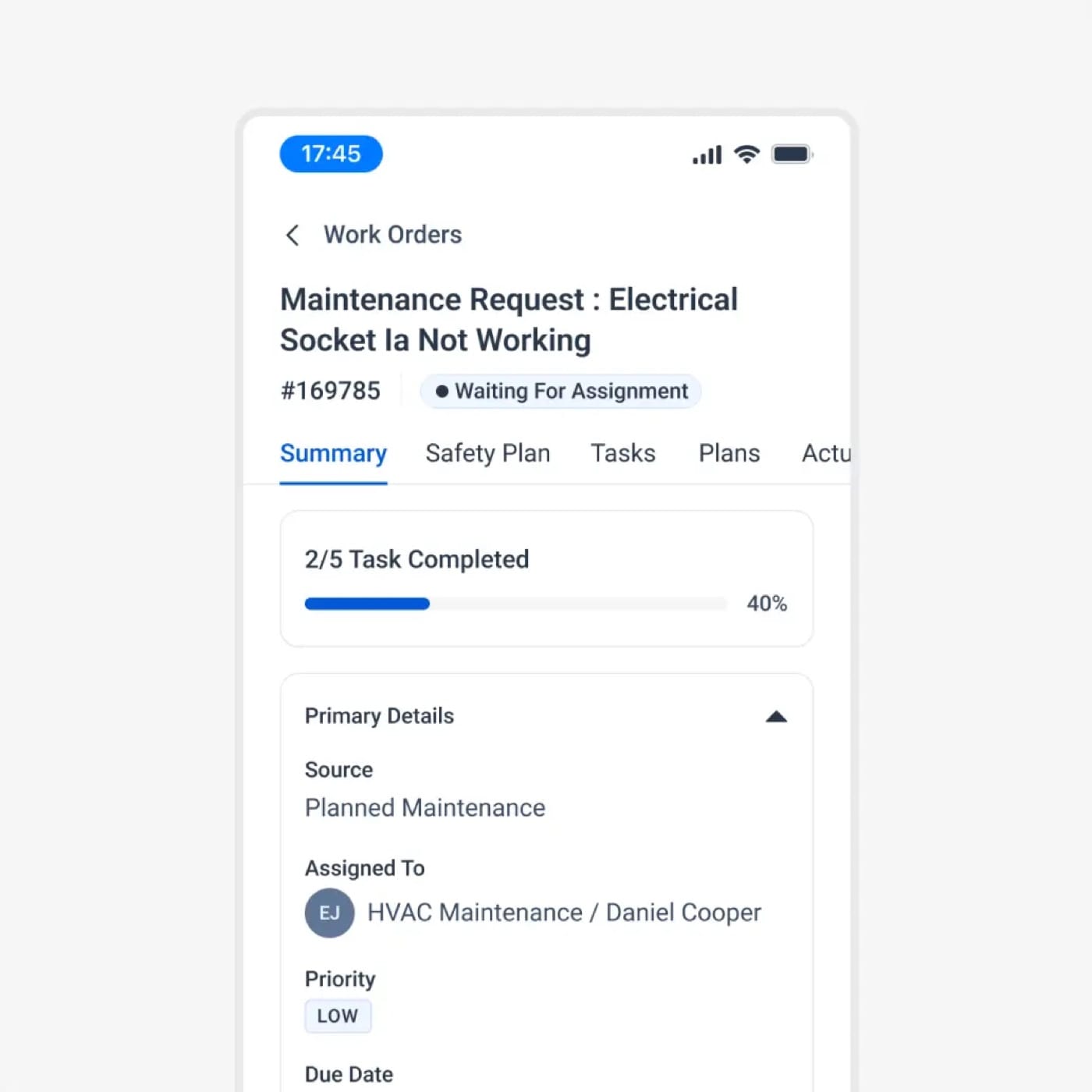
Ideal for: multifamily operators running 500 to 10,000+ doors with in-house technicians and a PMS such as Yardi.
Why it ranks #1: it pairs a full CMMS your technicians can run offline with live agents that take resident requests, dispatch the right technician or vendor and close the job, alongside the PMS you already run.
Most apartment CMMS tools log the resident's request and wait for someone to act. Facilio puts agents to work on what happens next, and from the 2 a.m. leak call to the vendor invoice check, the work runs on Facilio's CMMS software or the one you already have.
Mira, the facility helpdesk AI, answers resident calls, chats, email and WhatsApp, after hours included, and logs a complete work order before the caller hangs up. FM Ops Engineers, Facilio's in-house team, set up the agents on your properties and keep running them with you, and a native Yardi connector ties maintenance to units and budgets.
Key features:
Core features:
- Work orders with unit history: every job ties to the community, building, unit and appliance, so the work order software shows a dishwasher that keeps failing in unit 214 before you approve the same repair again.
- Inspections and move-out audits: digital checklists for move-in and move-out audits document damage with photos and raise work orders from failed items during a turn.
- Preventive maintenance: preventive maintenance software schedules boilers, chillers, elevators, roofs and fire systems by time or meter across every community.
- Parts and inventory: stock is linked to work orders per community, with reorder alerts before you run out of furnace filters or garbage disposals.
- Resident requests: service request management takes requests from a tenant portal, QR codes on assets, the app or email, and sends status updates back to the resident.
- Portfolio dashboards and SLA tracking: response times, completion rates and vendor performance across every property in one view, ready for the weekly owner call.
- Mobile and offline-first: the mobile CMMS app keeps working in basements, boiler rooms and garages with no signal, syncs when the connection returns and records before and after photos.
- Vendor and subcontractor management: each vendor's certifications and insurance are tracked, with alerts before they expire, so an uninsured painter never starts a turn.
AI agent features (Facilio's AI agents, running on Facilio's CMMS or the one you already have):
- Service intake: answers resident calls, chats, email and WhatsApp 24/7 and logs a complete work order with the unit, issue and photos.
- Service dispatch: applies your rules and license checks, then assigns the right technician or vendor to a no-heat call or a leaking water heater.
- Vendor coordination: briefs, chases and closes out vendors over email and WhatsApp, checks every completion photo and files the report in your CMMS.
- Invoice validation: runs your rules on every vendor invoice, passes what matches and sends the rest back before you pay for a turn.
- Compliance AI: turns inspection and audit findings into work orders, with high-risk findings held for your review.
- Reporting AI: writes recurring owner and portfolio reports from live work order data on a schedule.
- FM Copilot and Atom assistants: answer questions in plain language inside every work order, asset and dashboard, and can close, comment on or reschedule jobs.
- Custom agents built in weeks: FM Ops Engineers build agents for work your team still runs by hand, such as owner report packs or turn scheduling.
Deployment and security: SaaS or behind your firewall, ISO 27001 certified and GDPR compliant, with regional data residency.
- Multifamily operators with 500 to 10,000+ doors and in-house technicians across several communities.
- Teams whose leasing office or call center spends the day logging resident calls and chasing vendors.
- Portfolios on Yardi that want maintenance tied to units and budgets without replacing the PMS.
- Operators that want a partner team to set up and run the agents rather than hiring for it.
- Small single-community teams that only need a self-serve work order app; they pay for more platform than they use.
- Buyers who want a published price, since Facilio quotes every plan.
Pricing: quoted by portfolio size, users and deployment scope on the Facilio pricing page. AI agents run on a separate credit-based subscription, with a free trial for Helpdesk AI.
- Standard: work order and service request management, PM scheduling, mobile access, reports and dashboards.
- Essential: everything in Standard plus inspections and compliance rounds, inventory and spare parts, procurement, tenant and stakeholder portals and integration support.
- Enterprise: everything in Essential plus vendor management and RFQs, compliance and audit controls, SSO, a dedicated customer success owner and a sandbox.
What reviewers say: rated 4.4/5 on G2.
- "visibility and data that allows me to manage my world in real time" (Kevin K., Director of Maintenance, enterprise, G2, July 10, 2025)
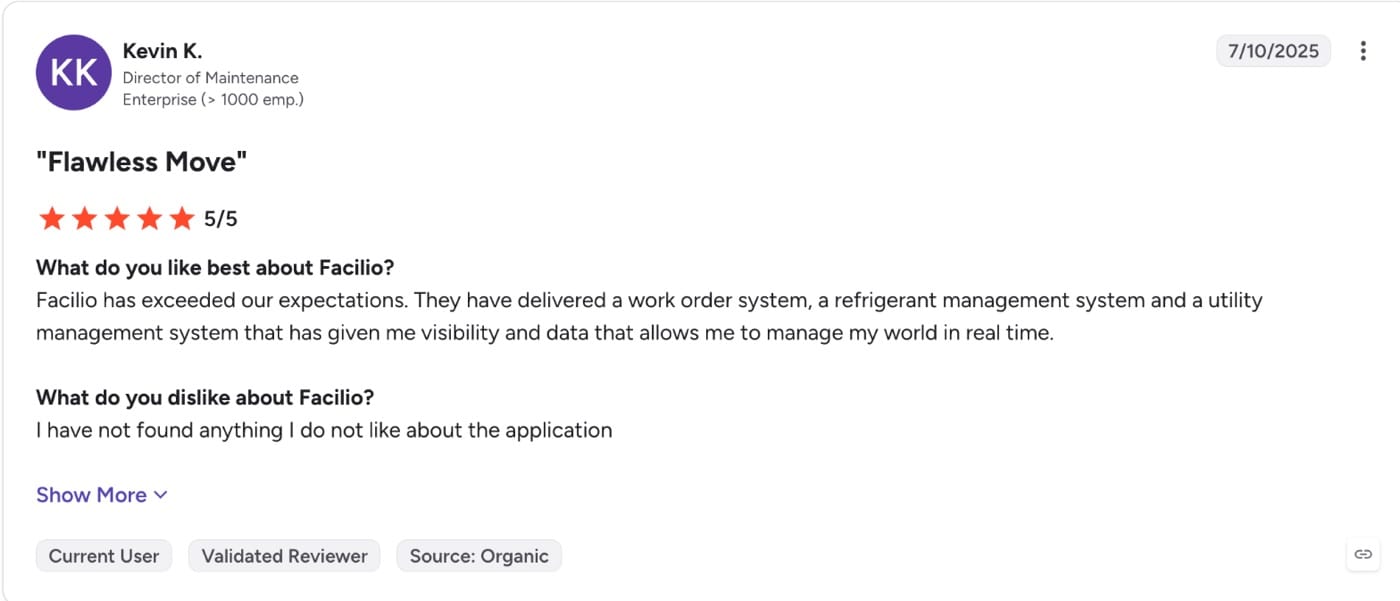
Source: G2, organic review
- "the challenges that we've had with Facilio were more on the implementation period" (Dan B., Vice President of Real Estate and Construction, mid-market, G2, July 23, 2025). If your team is thin, ask how the FM Ops pod handles data collection in the first weeks.
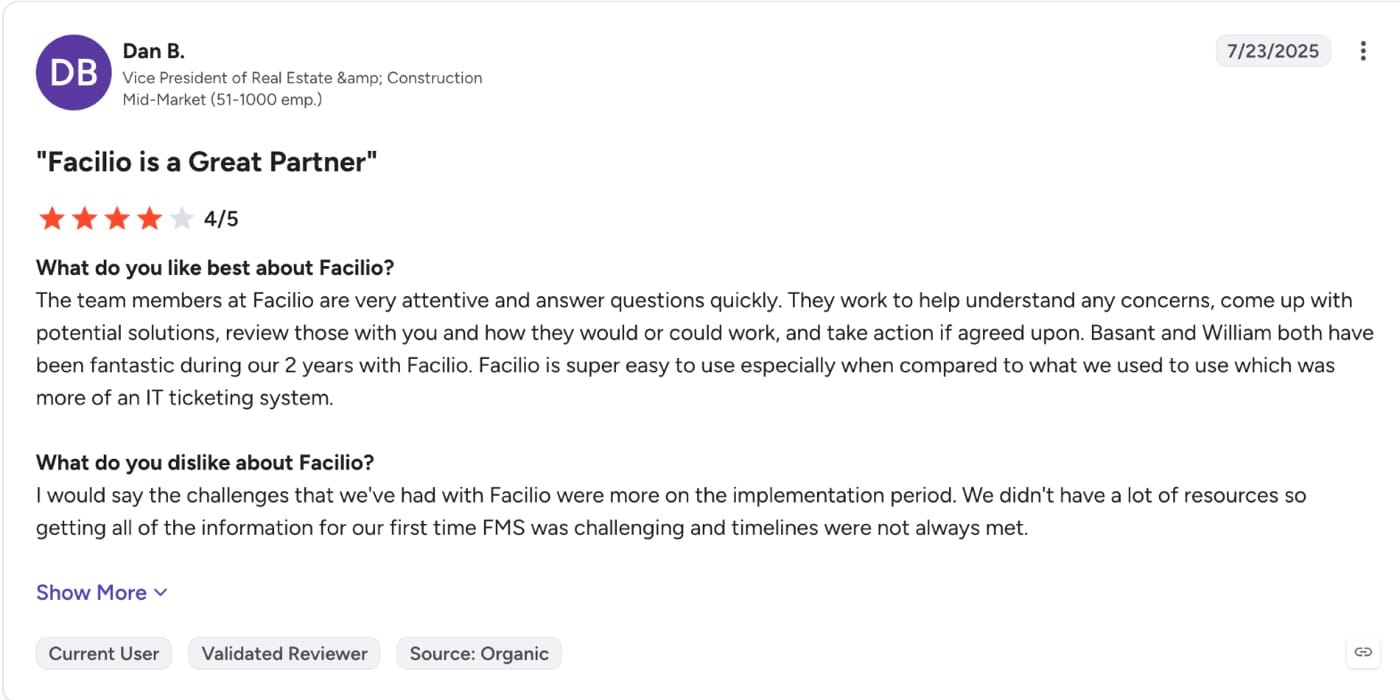
Source: G2, organic review
a 40-year facility services provider put its helpdesk on Facilio's agents. 80 percent of helpdesk calls (1,110) were handled end to end, 30 percent arrived outside office hours, response to dispatch fell from 3.6 hours to 0.9 hours and SLA compliance rose from about 62 to about 92 percent (Helpdesk AI case study, calls from January 2026 to date, checked November 2026).
See it on an apartment portfolio: watch a resident's after-hours leak call become a dispatched work order, with the vendor follow-up and invoice check handled.
See Facilio run on your apartment portfolio
Watch a resident call become a dispatched work order, with vendor follow-up and invoice checks handled.
Choose it if: you run 500 or more doors and the hard part is the resident calls, vendor follow-up and invoices around the work order, not the work order itself.
See how Facilio runs this across your own sites
2. MaintainX
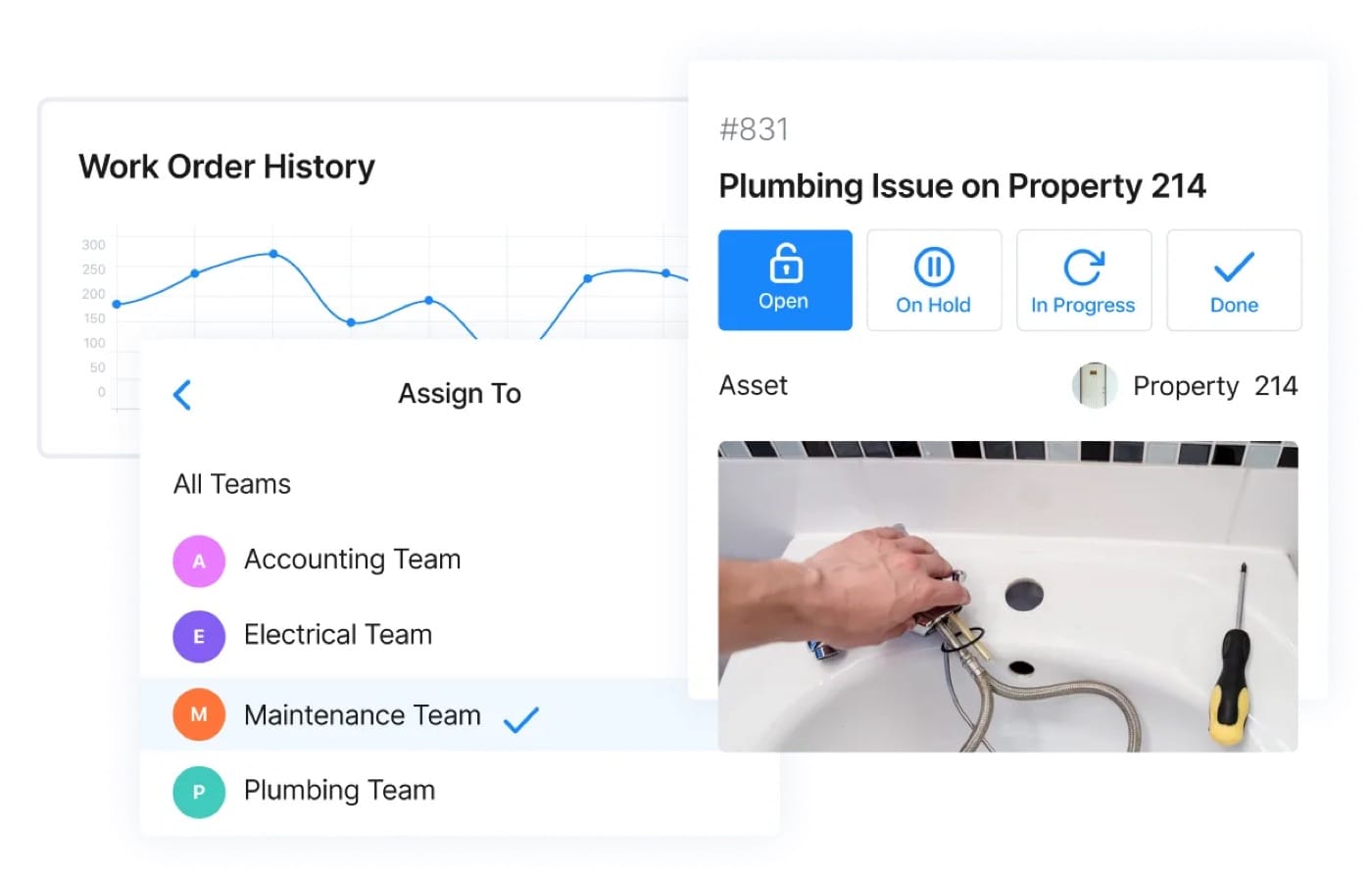
Ideal for: in-house technician teams that want a mobile-first CMMS with a free starting tier.
Why it ranks here: it is the most widely reviewed mobile-first CMMS on this list and pitches property portfolios directly, though offline mode and request portals sit on Premium.
MaintainX, now part of Autodesk, is a mobile-first CMMS built around work orders, procedures and checklists that technicians fill in on their phones. Its property management pages pitch it for tracking tenant requests and repeating tasks such as fire inspections and lawn care across a portfolio.
The plan matters for apartments. Offline mode, request portals, meter-based PM and parts inventory start at Premium, and multi-site management is Enterprise only. There is no native Yardi, RealPage, Entrata or AppFolio connector; MaintainX points you to Zapier or its REST API.
Key features:
- Work orders and procedures: step-by-step procedures and checklists attach to each work order, so a new technician runs a pool chemical check the same way as a veteran.
- Request portals and QR codes: residents and staff scan a QR code to report a broken gate or a leaking sink, with unlimited free requesters; portals are on Premium and Enterprise.
- Preventive maintenance: calendar PM on every plan, with meter-based triggers for equipment like boilers from Premium.
- Mobile app with offline mode: technicians complete saved work orders in low-connectivity spots such as basements, on Premium and Enterprise.
- Parts and purchase orders: parts inventory, low-stock alerts and purchase orders from Premium, so a community does not run out of water heater elements.
- Vendors: unlimited vendor records on every plan, with external work orders from Premium.
- AI assistance: AI drafts procedures on every plan, and MaintainX Assist on Enterprise answers questions and recommends next steps, but it cannot create or edit data, so a person still acts.
- In-house maintenance teams that want technicians working from a phone app within days.
- Operators that want to start free on one community and upgrade as they add properties.
- Teams that run recurring checklists, such as fire extinguisher, pool and grounds inspections, across many communities.
- Portfolios comfortable connecting their PMS through Zapier or an API instead of a native connector.
- Teams that need offline mode and request portals but want to stay on the Essential price.
- Operators that want an AI that takes resident calls or dispatches work without a person in the loop.
- Portfolios that need native sync with Yardi, RealPage or Entrata.
Pricing: Basic is free, Essential is 25 monthly), Premium is 75 monthly) and Enterprise is quoted, with free requester accounts, on the MaintainX pricing page; see the MaintainX pricing breakdown.
What reviewers say: rated 4.8/5 on G2.
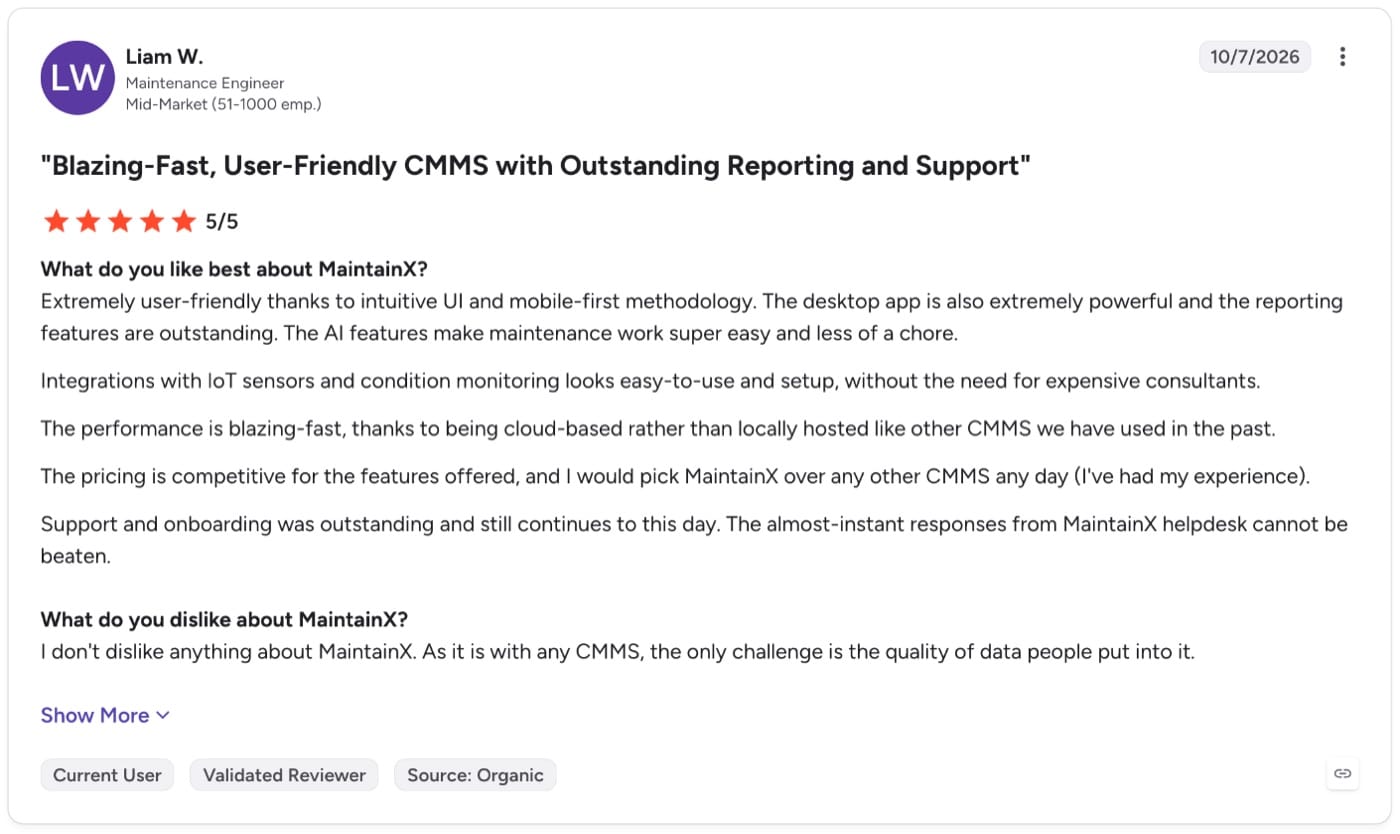
- "Extremely user-friendly thanks to intuitive UI and mobile-first methodology." (Liam W., Maintenance Engineer, mid-market, G2, October 7, 2026)
Source: G2, organic review
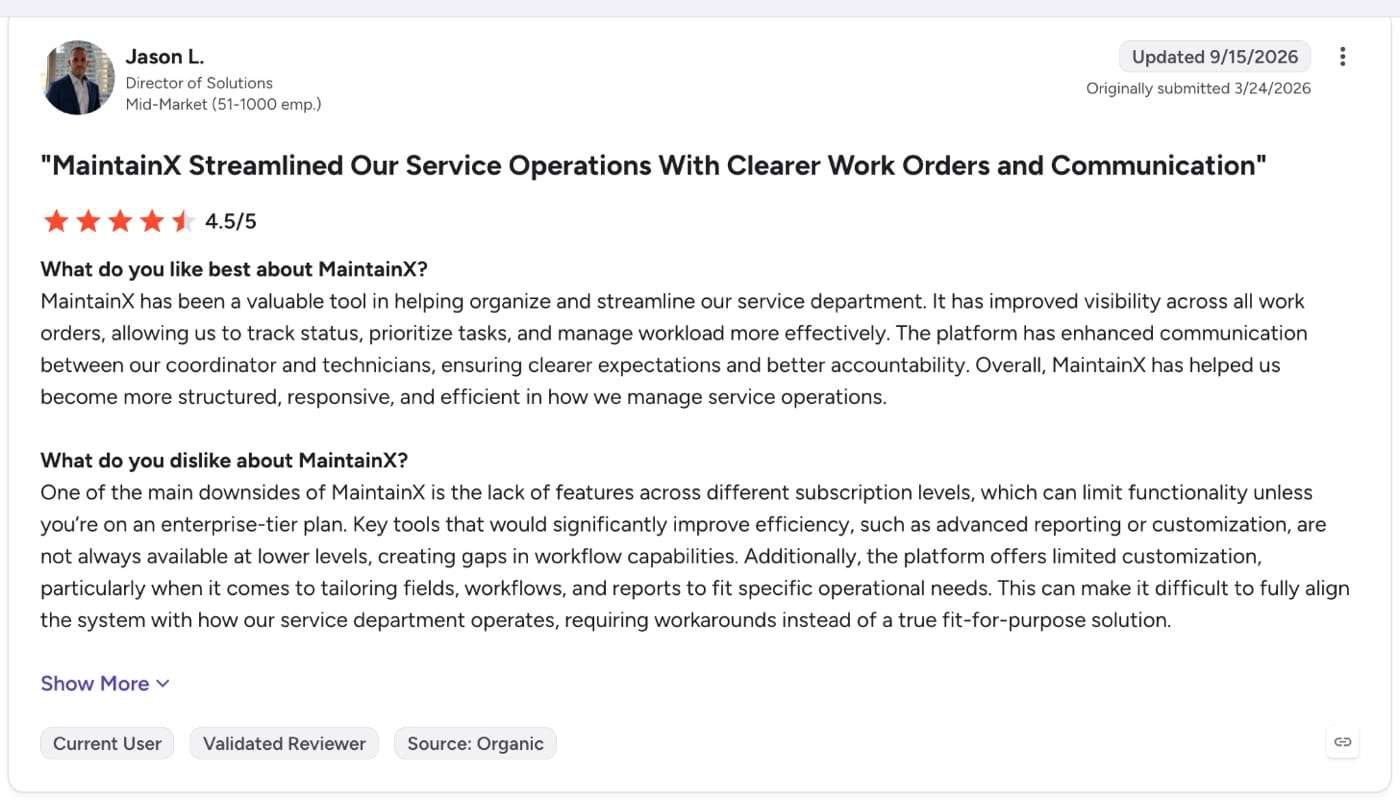
- "the lack of features across different subscription levels, which can limit functionality" (Jason L., Director of Solutions, mid-market, G2, updated September 15, 2026)
Source: G2, organic review
Choose it if: you want in-house technicians on a mobile CMMS fast and can budget for Premium to get offline mode and request portals.
3. HappyCo
Ideal for: multifamily operators with heavy turn volume that want inspections, make-ready and maintenance in one tool synced with their PMS.
Why it ranks here: it is built only for multifamily, with a Make Ready board and the widest set of PMS integrations on this list.
HappyCo started in 2011 as Happy Inspector and now runs maintenance, inspections, make-readies and vendor sourcing for multifamily operators, with JoyAI as its AI layer. Its Fall 2026 release added a Voice AI Triage Agent that takes resident calls and creates work orders, and a Make Ready board that flags move-out dates changed in the PMS.
Integration depth is the standout. HappyCo connects with Yardi Voyager, RealPage OneSite, Entrata, ResMan, AppFolio (through AppFolio Stack), Buildium and MRI. Pricing is a modular quote by unit count, and HappyCo says most customers go live within 60 to 120 days.
Key features:
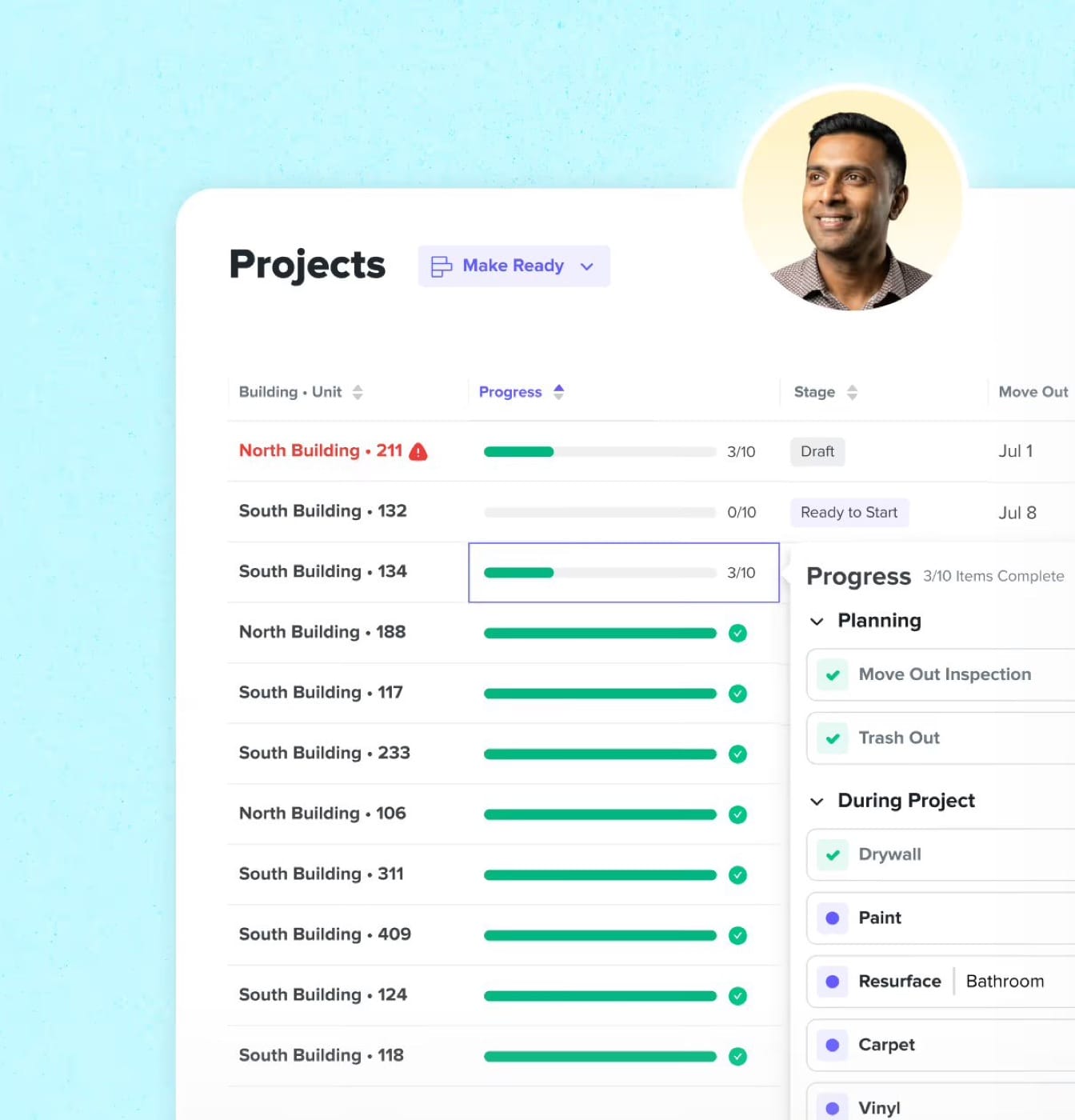
- Make Ready board: turn timelines and task sequences track every unit by building, from move-out inspection and trash out to paint and carpet, with a turn time column.
- Inspections: move-in, move-out and safety inspections with photos auto-create work orders from failed items.
- Work order routing with JoyAI: JoyAI prioritizes, routes and summarizes work orders so a no-AC call reaches the right technician first.
- Voice AI Triage Agent: a new add-on that gathers the issue from a resident call, triages it against your SOPs and creates the work order.
- Resident updates: residents get SMS updates on their requests, and requests raised in the Bilt resident portal create HappyCo work orders.
- Offline apps: the HappyCo Maintenance app works offline for technicians in units and mechanical rooms.
- Sourcing: JoyAI builds the scope of work, surfaces qualified vendors, sends the bid and scores responses, while your team picks the award.
- Happy Force: optional remote technicians cover after-hours calls and 24/7 ticket management, as people rather than software.
- Operators turning hundreds of units a month who want one board for every make-ready.
- Portfolios on Yardi Voyager, RealPage OneSite, Entrata or ResMan that want inspections and work orders synced.
- Teams that want after-hours call coverage, by AI or by remote technicians.
- Small portfolios that want a published price or a quick self-serve start; HappyCo quotes by unit count and onboarding takes 60 to 120 days.
- Operators that also maintain office or retail buildings, since HappyCo is built only for multifamily.
- Teams that need meter-based PM for central plant equipment, which HappyCo does not document.
Pricing: no public prices; HappyCo quotes modular packages by unit-count band (under 500, 500 to 1,999, 2,000 to 14,999 and over 15,000) on the HappyCo pricing page.
What reviewers say: rated 4.3/5 on G2. The newest named review covers both sides:
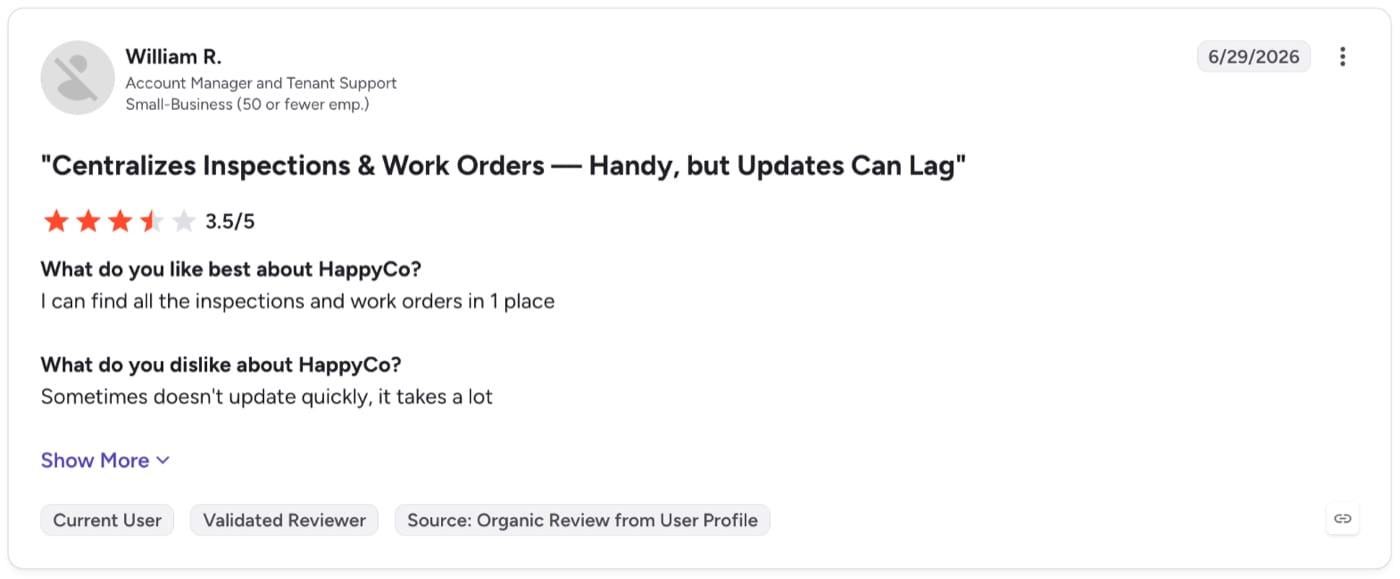
- "I can find all the inspections and work orders in 1 place" (William R., Account Manager and Tenant Support, small business, G2, June 29, 2026)
- The same reviewer adds: "Sometimes doesn't update quickly"
Source: G2, organic review (one review, both quotes)
Choose it if: you run only multifamily and unit turns and PMS sync drive your maintenance week.
4. Property Meld
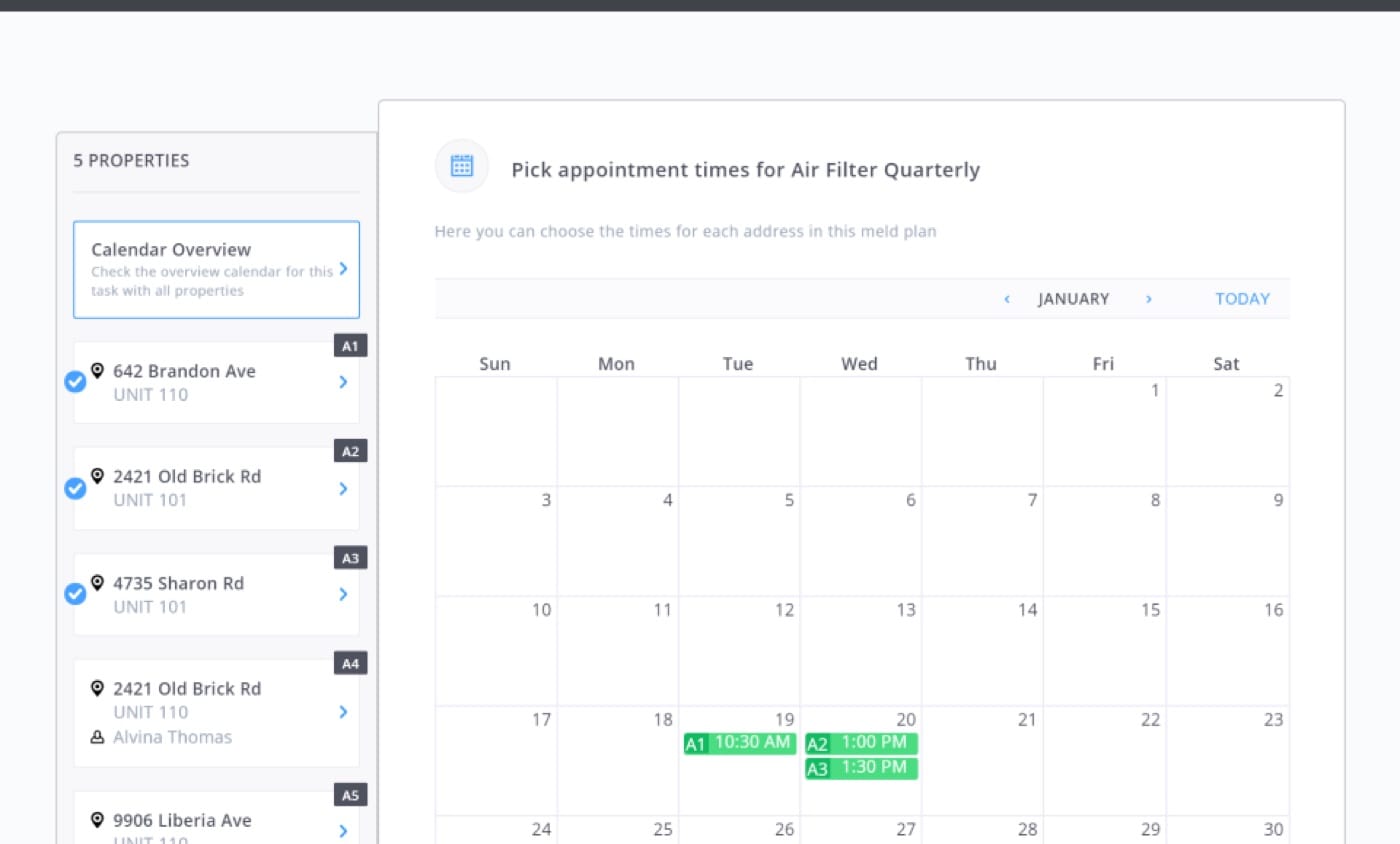
Ideal for: operators that send most repairs to outside vendors and want resident and vendor coordination automated.
Why it ranks here: per-unit pricing, native AppFolio, Buildium, Rent Manager and Yardi sync, and MAX agents for intake and after-hours calls make it the vendor-dispatch specialist.
Property Meld calls itself property maintenance operations software. A resident reports a repair, MAX diagnoses and triages it, and the Meld moves through scheduling, vendor work and invoicing, which suits residential managers above 100 doors.
Its PMS sync is native with AppFolio, Buildium, Rent Manager, Yardi, Propertyware and Rentvine, while RealPage, Entrata and ResMan are not listed. Offline mode and parts inventory are not documented, so it fits vendor-led teams better than in-house technicians who stock parts.
Key features:
- Resident portal and intake: residents report repairs through a single sign-on portal and are invited automatically after move-in through the PMS sync.
- MAX repair intake: MAX runs conversational intake, diagnosis and emergency screening, then creates the Meld with transcription and documentation.
- MAX On-Call: an add-on that answers resident calls 24/7, triages them and escalates only true emergencies.
- Scheduling: residents, technicians and vendors pick appointment windows, so a quarterly air filter change lands on a time the resident can make.
- Vendor coordination: text, email and in-app vendor messages, estimates and invoice capture, plus Vendor Nexus for sourcing vetted vendors.
- Turns and recurring work: project coordination for turnovers, rehabs and mitigations, and recurring repair schedules for repeat tasks.
- Cost projections: MAX estimates repair costs at intake, with TrueCost checks on missing or unexpected costs rolling out in phases.
- Residential managers who dispatch most repairs to outside vendors rather than in-house technicians.
- Portfolios on AppFolio, Buildium or Rent Manager that want Melds and invoices to sync back automatically.
- Operators that want an after-hours call service replaced by an agent.
- Teams that bill owners and want repair costs documented from intake to invoice.
- In-house maintenance teams that need parts inventory and offline mobile for technicians.
- Operators on RealPage, Entrata or ResMan, which are not on its integration list.
- Portfolios under 100 doors, given the $200 monthly minimum.
Pricing: Ops is $2.00 per unit per month with a $200 monthly minimum, and MAX On-Call adds $1.50 per unit, on the Property Meld pricing page.
What reviewers say: rated 4.3/5 on G2.
- "it allows the techs to have an app solely focused on their work orders" (Justin B., Senior Service Technician, mid-market, G2, April 30, 2026)
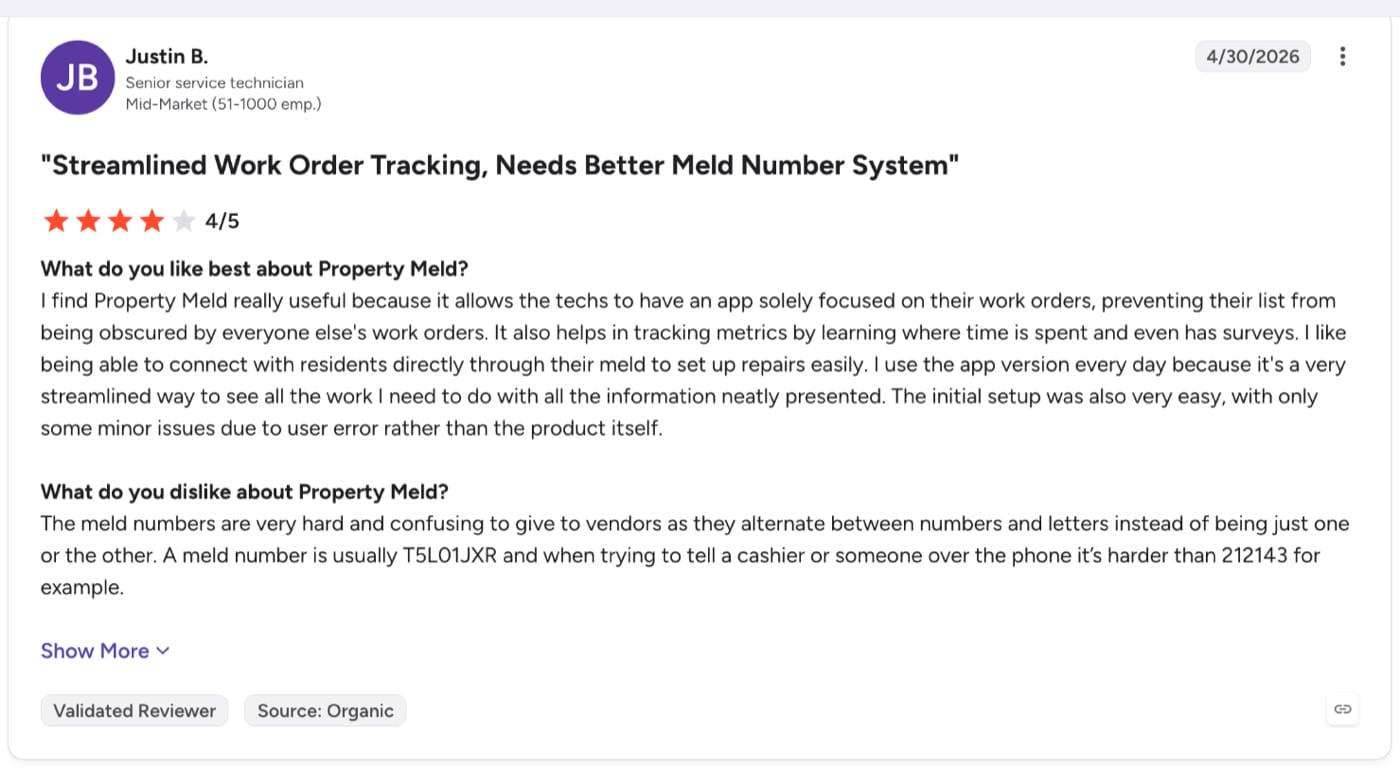
Source: G2, organic review
- "requires paying extra for Insight Pros as an additional feature" (Sal B., Client Success Manager, small business, G2, June 30, 2026)
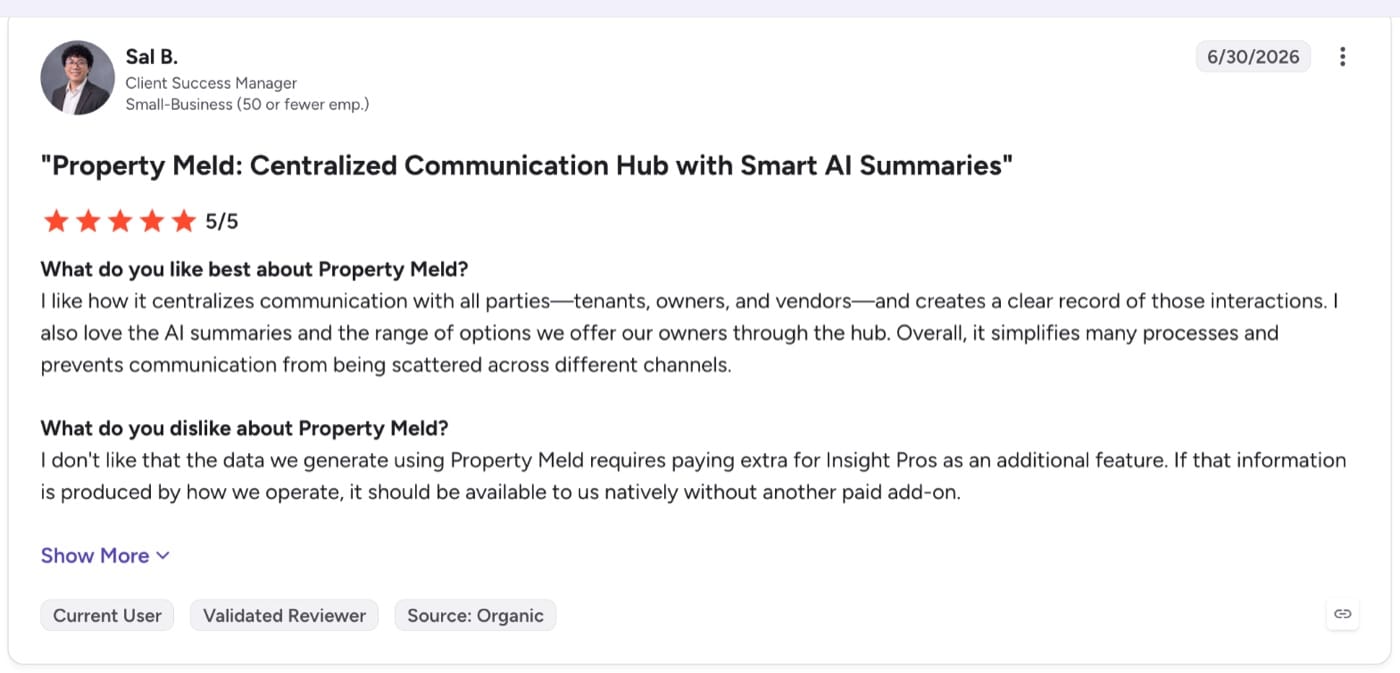
Source: G2, organic review
Choose it if: outside vendors, not your own technicians, do most of your repair work.
5. Limble
Ideal for: growing in-house teams that want quick technician adoption and a free resident request portal.
Why it ranks here: every plan includes a work request portal with unlimited requesters, and users rate it highly for ease of use, but it has no direct PMS connector.
Limble is a mobile-first CMMS with a property maintenance page aimed at apartment and multifamily teams. Residents submit requests without a paid seat or login through a link, QR code or email, which matters when 2,000 households can report a leak.
Limble says it has no direct Yardi, AppFolio or RealPage integration and no dedicated make-ready module; it offers a REST API and Zapier instead, and turns run on work order templates. Offline mode, meter-based PM, parts inventory and insurance certificate tracking start at Premium+.
Key features:
- Work request portal: unlimited residents and staff submit requests through a link, QR code or email on every plan.
- Preventive maintenance: unlimited recurring PMs on every plan, with meter and threshold triggers from Premium+.
- AI PM Builder: turns an equipment manual into a PM schedule for a new rooftop unit, which a planner reviews before it goes live.
- Mobile app with offline mode: technicians close work orders in units and mechanical rooms, with offline mode from Premium+.
- Insurance certificate tracking: tracks vendor certificates of insurance from Premium+, so an expired policy shows up before a turn.
- Parts inventory: parts tracking with cycle counts from Premium+.
- Anomaly detection and scheduling suggestions: flags unusual readings on Premium+, and on Enterprise proposes schedules for a planner to approve.
- Multi-location reporting: reports and controls across communities on Enterprise.
- In-house teams of 5 to 30 technicians across a handful of communities.
- Operators that want every resident to submit requests without paying for seats.
- Teams that value fast rollout and technician adoption over deep PMS integration.
- Maintenance leaders who need to track vendor insurance without a separate tool.
- Portfolios that need native sync with Yardi, AppFolio or RealPage.
- Turn-heavy operators that want a dedicated make-ready board.
- Teams that need offline mode but want to stay on the Standard plan.
Pricing: quote through a calculator on the Limble pricing page, with extra costs for SSO and ERP or IoT integrations; see the Limble CMMS pricing guide.
What reviewers say: rated 4.8/5 on Software Advice.
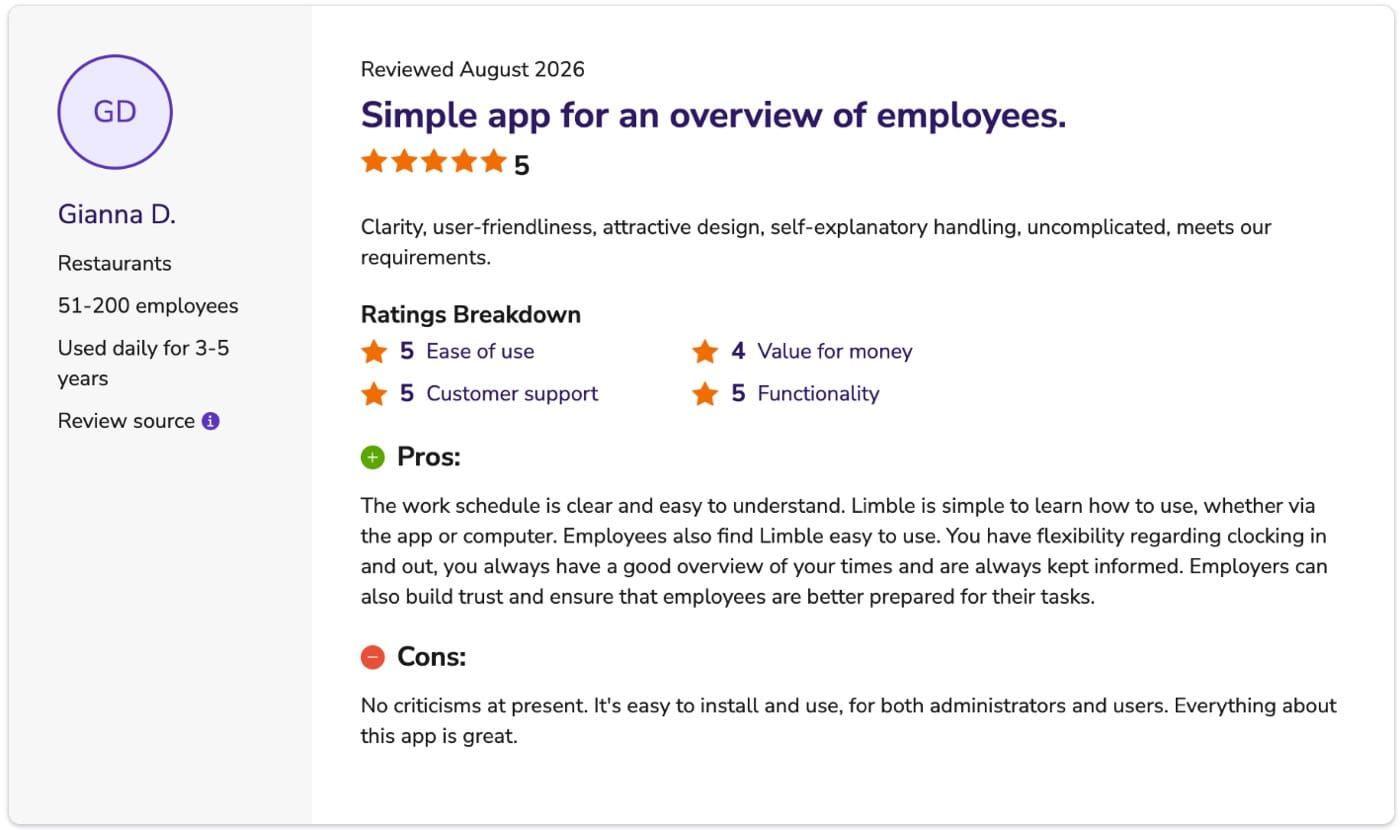
- "Limble is simple to learn how to use, whether via the app or computer." (Gianna D., restaurants, 51 to 200 employees, Software Advice, August 2026)
Source: Software Advice
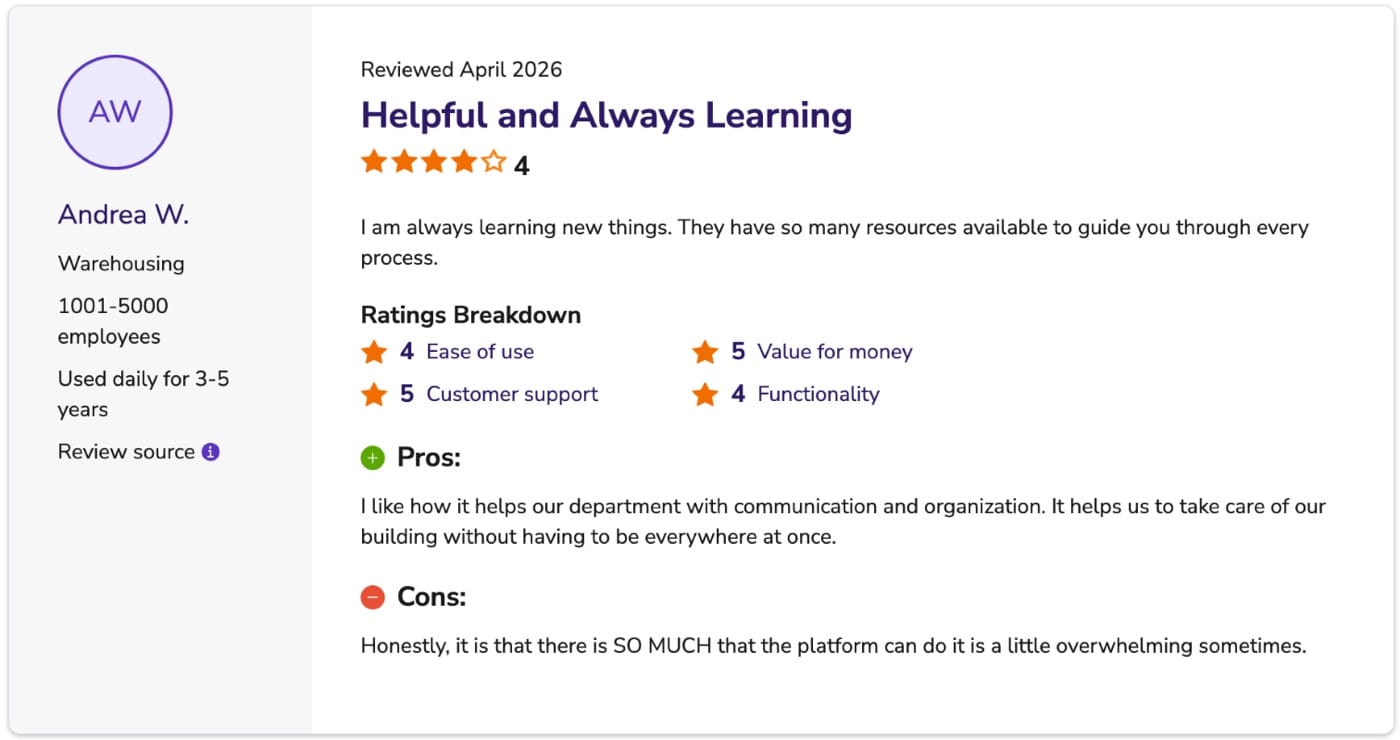
- "there is SO MUCH that the platform can do it is a little overwhelming" (Andrea W., warehousing, 1,001 to 5,000 employees, Software Advice, April 2026)
Source: Software Advice
Choose it if: you want an easy-to-adopt CMMS with free resident requests and can work without a native PMS connector.
6. UpKeep
Ideal for: mid-size in-house teams that want an AI that logs and closes work by voice.
Why it ranks here: Nova creates and closes work orders from voice and documents, and residents request for free, but offline mode needs the quoted Professional plan.
UpKeep prices by the people who create and close work orders rather than by unit count, and its multifamily page runs make-ready turns as per-unit checklists with photos and rolls labor, parts and vendor costs up by unit, building and property. Its Nova AI is positioned as AI that does the work: it creates work orders by voice, turns forwarded invoices and quotes into logged items and closes out stale jobs.
Watch the tiers. PM, meter readings and parts start at Premium, while offline mode, the branded resident portal, the Smart Scheduler and the vendor portal start at the quoted Professional plan, and SSO, multi-site and workflow automation are Enterprise. UpKeep says plainly it has no out-of-the-box Yardi, RealPage or Entrata integration and treats PMS sync as an integration project on its Enterprise API.
Key features:
- Nova voice work orders: technicians create or close a work order by talking, and Nova checks parts inventory along the way.
- Branded resident portal: each property gets its own portal name, logo and link, residents get a ticket number and updates on approval and completion, and a QR code opens it with the location set (Professional and up).
- Make-ready checklists: each turn runs as a per-unit checklist with photos, so leasing sees what is left before promising a move-in date.
- Response targets and cost roll-ups: a response target applies by request type, and labor, parts and vendor costs roll up by unit, building and property.
- Vendor portal with insurance tracking: from Professional, vendors upload COIs, licenses and certifications with expiry tracking, and an uninsured vendor can be blocked from new work.
- Preventive maintenance and meters: PM and meter readings from Premium, for HVAC filter changes and boiler checks.
- Offline mobile: offline changes sync later with conflicts flagged, QR or barcode scans open an asset record and checklists work offline (Professional and up).
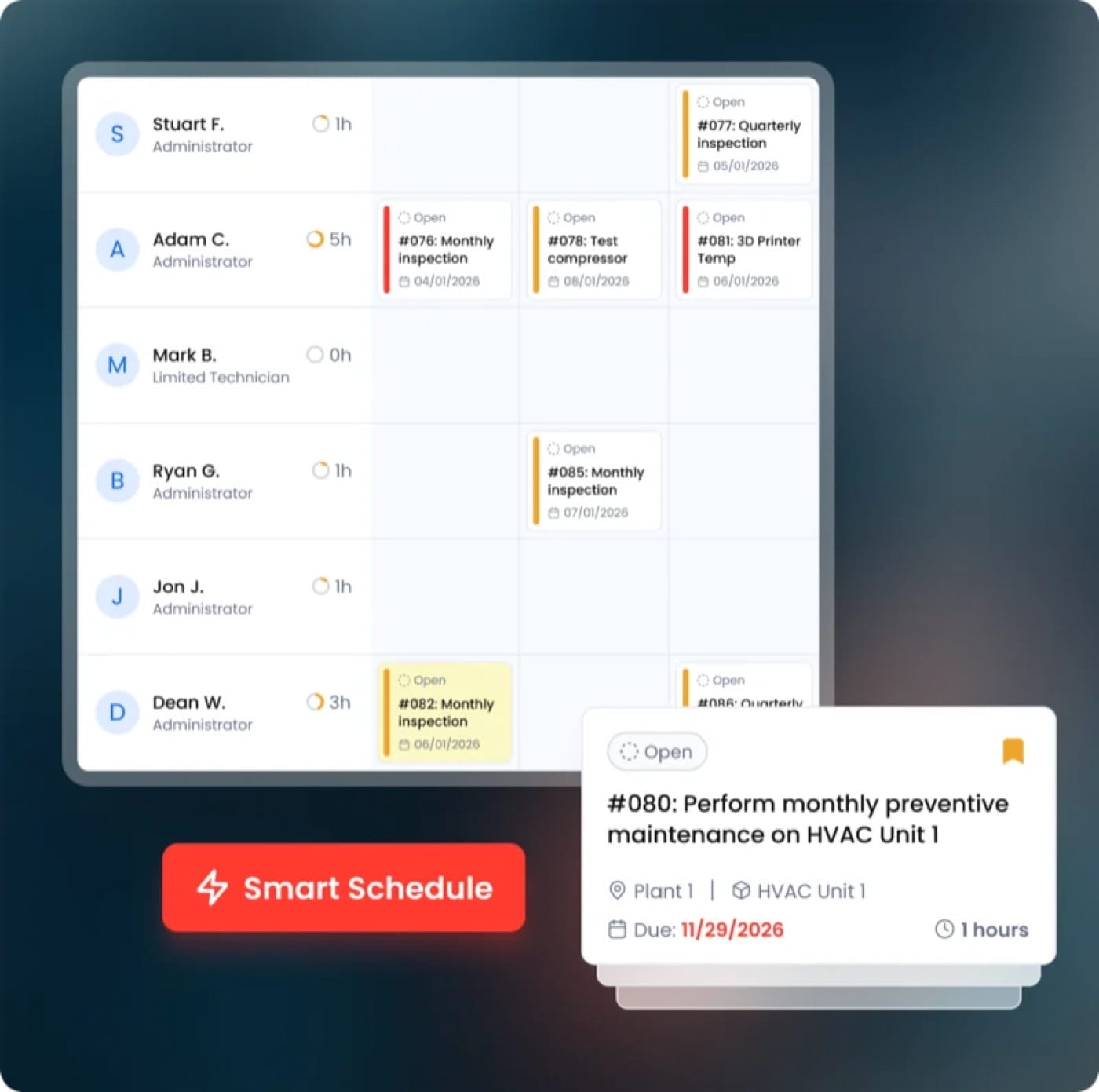
- Smart Scheduler: assigns PM work across technicians on a board, from Professional.
- Reporting: dashboards emailed as PDFs on a schedule, with exports from Premium and full history from Professional.
- In-house teams that want AI to handle work order paperwork by voice.
- Mid-size operators that want a branded resident portal per property and are ready for the Professional plan.
- Teams that track turns as per-unit checklists and want unit-level cost roll-ups.
- Operators that use outside vendors and want insurance and license documents checked before work is assigned.
- Portfolios that want free view-only and requester users for leasing staff and owners.
- Teams that need offline mode or a branded portal on a published price, since both start at the quoted Professional plan.
- Portfolios that need native Yardi, RealPage or Entrata sync, which UpKeep treats as an Enterprise API project.
- Budget owners who want predictable costs, as Nova usage is metered by credits and setup packages run from $500 to $5,000.
- Operators that need SSO, multi-site controls or workflow automation without moving to Enterprise.
- Vendor-dispatch models; UpKeep's own property FAQ says dedicated vendor-dispatch platforms handle that more deeply.
Pricing: Essential is $24/user/mo and Premium is $55/user/mo, with Professional and Enterprise quoted, on the UpKeep pricing page; see the UpKeep pricing breakdown.
What reviewers say: rated 4.6/5 on Capterra.
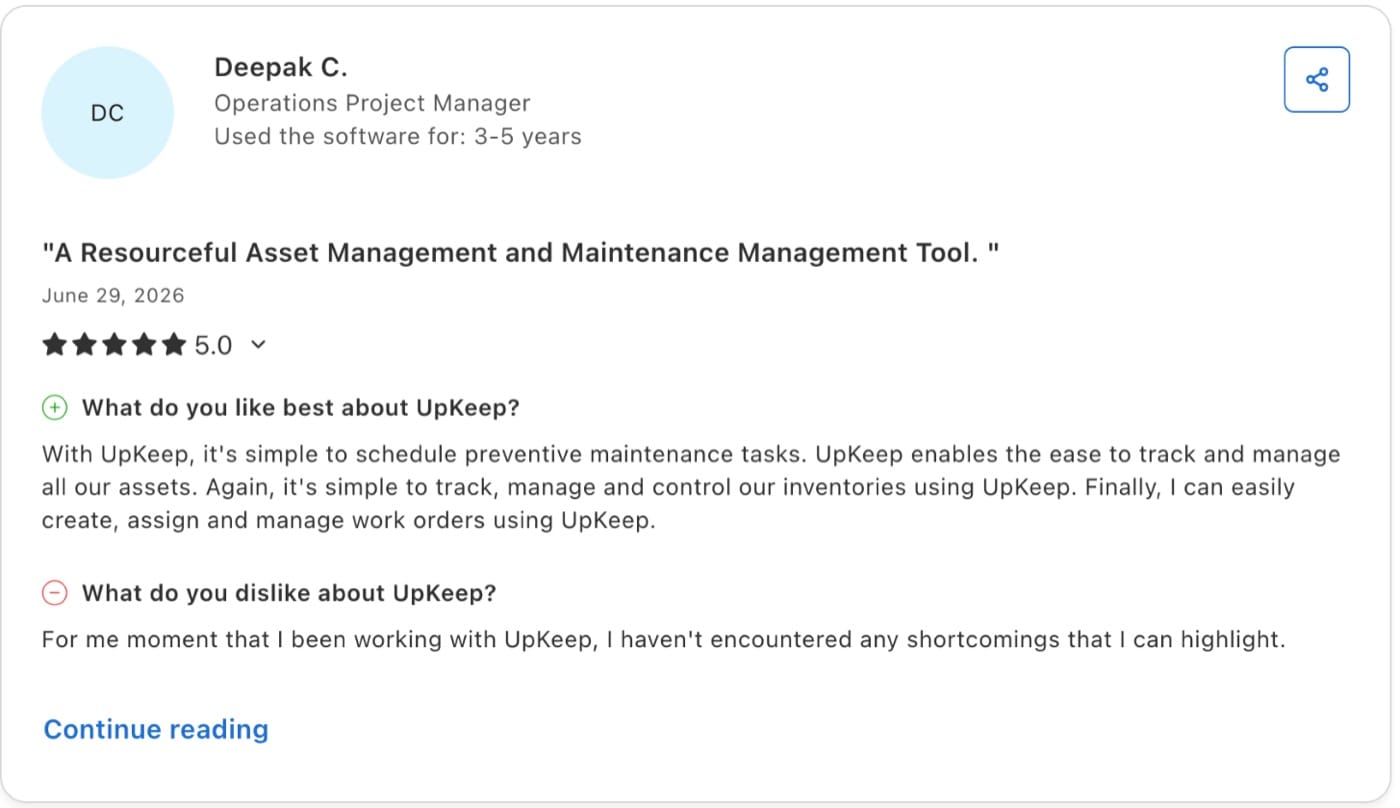
- "With UpKeep, it's simple to schedule preventive maintenance tasks." (Deepak C., Operations Project Manager, Capterra, June 29, 2026)
Source: Capterra
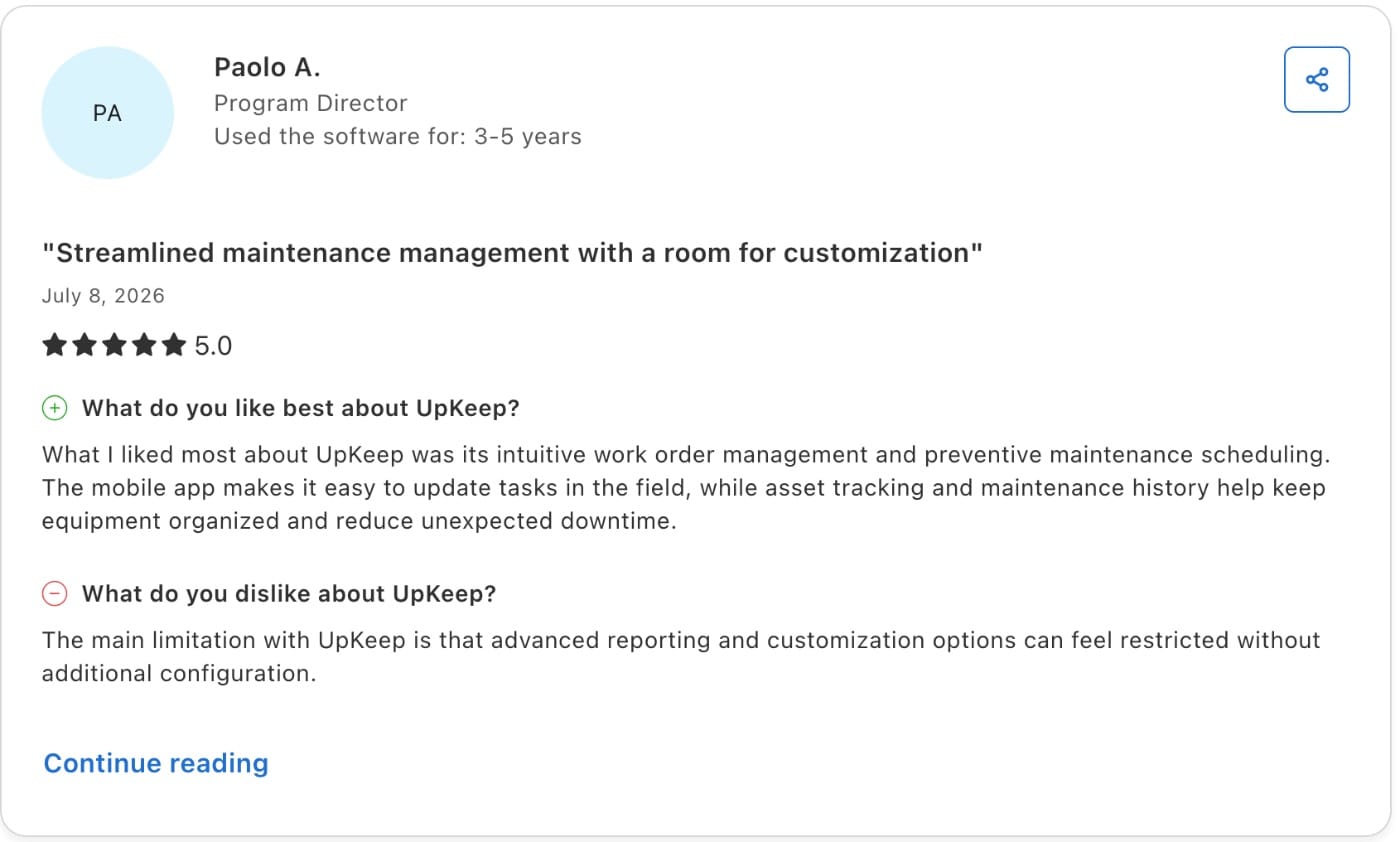
- "advanced reporting and customization options can feel restricted without additional configuration" (Paolo A., Program Director, Capterra, July 8, 2026)
Source: Capterra
Choose it if: you want an AI that acts on work orders and can plan for the Professional plan to get offline mode and the resident portal.
7. Maintenance Care
Ideal for: budget-conscious teams that want unlimited users at one flat monthly price.
Why it ranks here: $250 a month covers unlimited users, which few CMMS tools offer, but offline mode, PMS connectors and its AI are not documented.
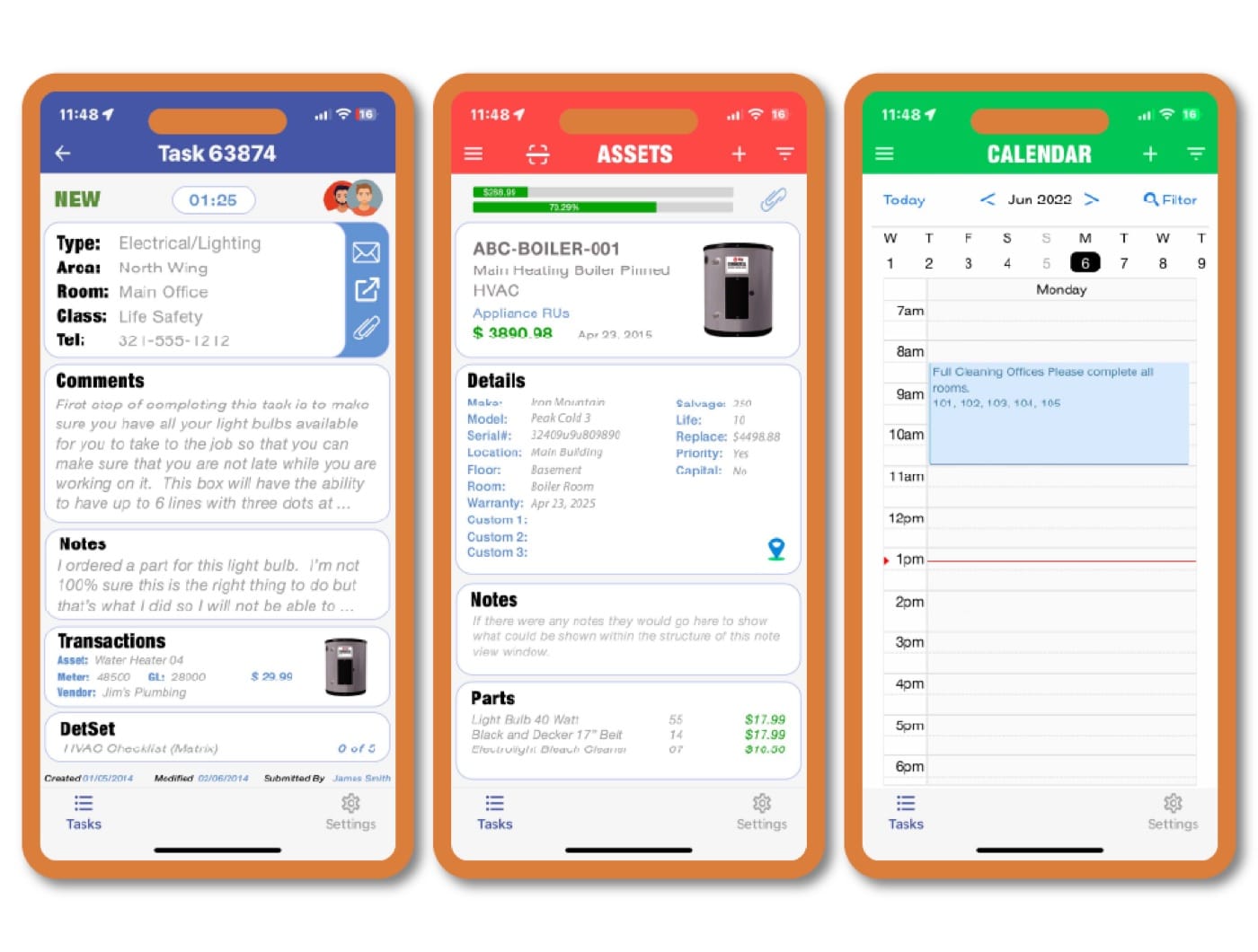
Maintenance Care has sold CMMS to facilities and property teams since 2003, from offices in Cambridge, Ontario and Davenport, Florida, and its property page lists property managers such as Capstone, Presidential Place and Superior Property Management. Tenants submit requests through an online page or an on-site kiosk, and the paid plan adds a customizable request form, PM calendar, parts inventory, inspections and multi-facility support.
The gaps are offline mode, which its mobile app pages never mention, and integrations: no PMS is named, Zapier comes with the paid plan, and the API, custom reports and Tableau sit in Enterprise Elite. Its AI is listed on the pricing table but not described.
Key features:
- Request page and kiosk: tenants submit from any device or an on-site kiosk, with a customizable request form on the paid plan.
- Duplicate warnings: requesters are warned before submitting a request that may already exist, which cuts repeat tickets for the same hallway light.
- Email replies on the work order: requesters and vendors get status emails and can reply from their own inbox, with replies saved on the work order.
- Alerts by building: email or text alerts route by request type or building area, with SMS alerts for stalled work and Google Calendar sync.
- Preventive maintenance: PM scheduling and a PM library on every plan, with a calendar planner on the paid plan for boiler and roof checks.
- Inspections and audits: custom audits with photos and PDF output, where a poor result creates a follow-up task automatically.
- Asset costs and documents: expense tracking, depreciation, warranty and life expectancy on every plan, plus 500 MB of documents per facility for items like water shut-off maps.
- Reporting: completion reports that compare buildings, plus downtime and team performance, exportable to PDF, Excel or CSV.
- Parts and multi-facility: parts inventory, multiple communities and capital planning on the paid plan.
- Teams that want every technician, supervisor and leasing agent on the system without per-seat costs.
- Small portfolios that want to start free and move to one flat price.
- Property managers who want tenants and vendors to reply by email without learning a new app.
- Operators that track asset costs and warranties for capital planning on a tight budget.
- Technicians who work in basements and boiler rooms and need a documented offline mode.
- Portfolios that need native PMS sync, since only Zapier and an Elite-tier API are offered.
- Multi-property owners who want custom analytics, which sit in Enterprise Elite with Tableau.
- Teams that need SSO or round-the-clock support; neither is documented, and support runs in business hours.
- Buyers who want documented AI features today.
Pricing: the Free plan covers 2 users, the paid plan is $250/mo for unlimited users based on yearly pricing, and Enterprise Elite quoted, on the Maintenance Care pricing page.
What reviewers say: rated 4.7/5 on Capterra.
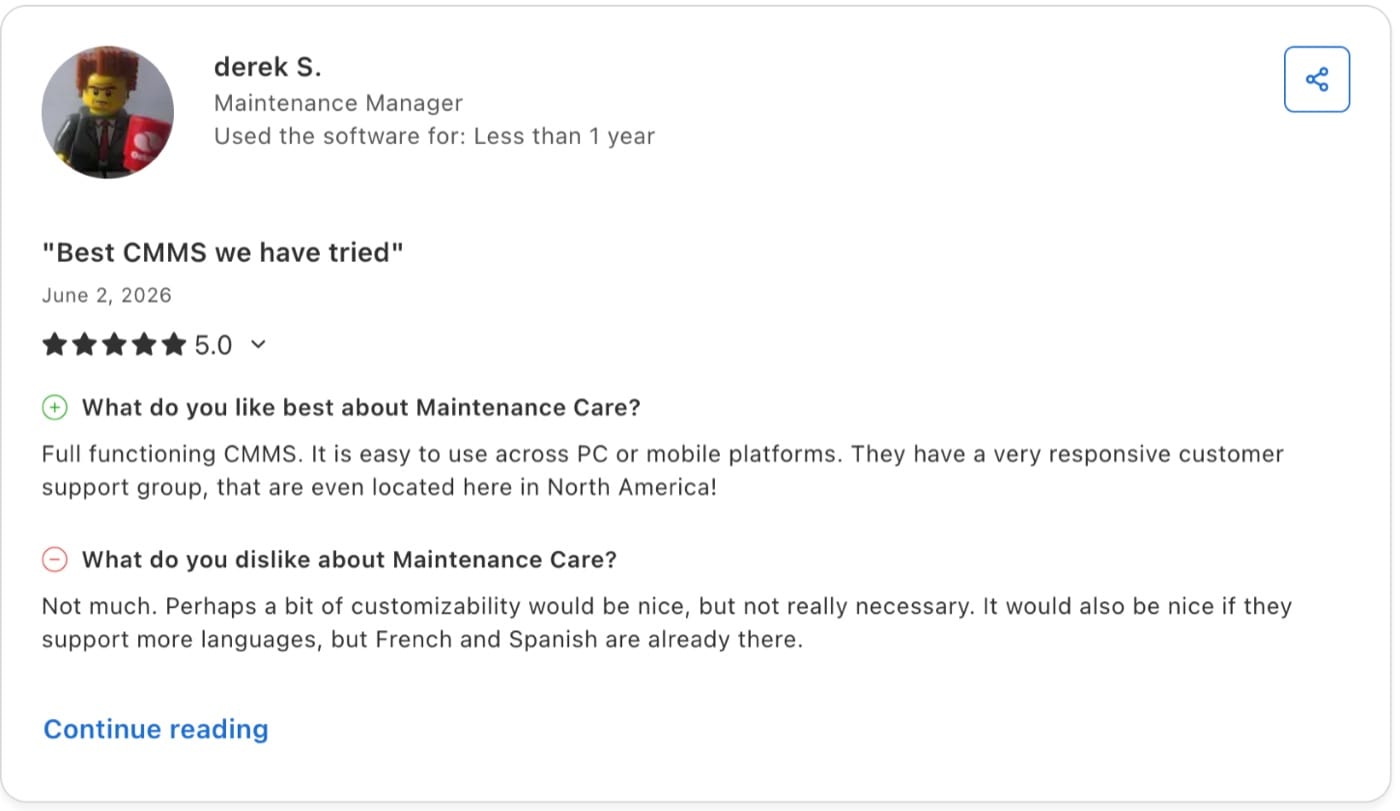
- "It is easy to use across PC or mobile platforms." (derek S., Maintenance Manager, Capterra, June 2, 2026)
Source: Capterra
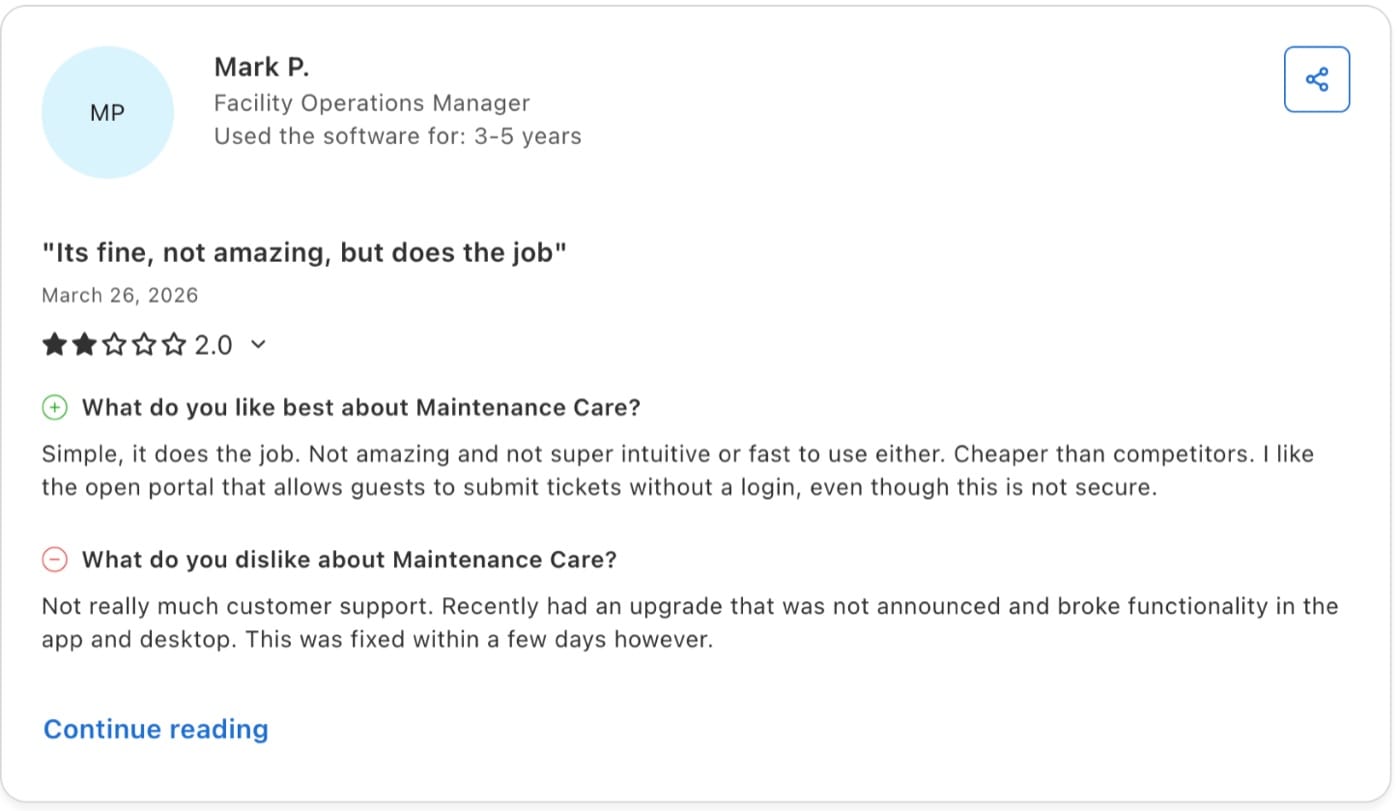
- "an upgrade that was not announced and broke functionality in the app" (Mark P., Facility Operations Manager, Capterra, March 26, 2026)
Source: Capterra
Choose it if: you want the lowest predictable cost for many users and do not need offline mode or PMS sync.
8. ClickMaint
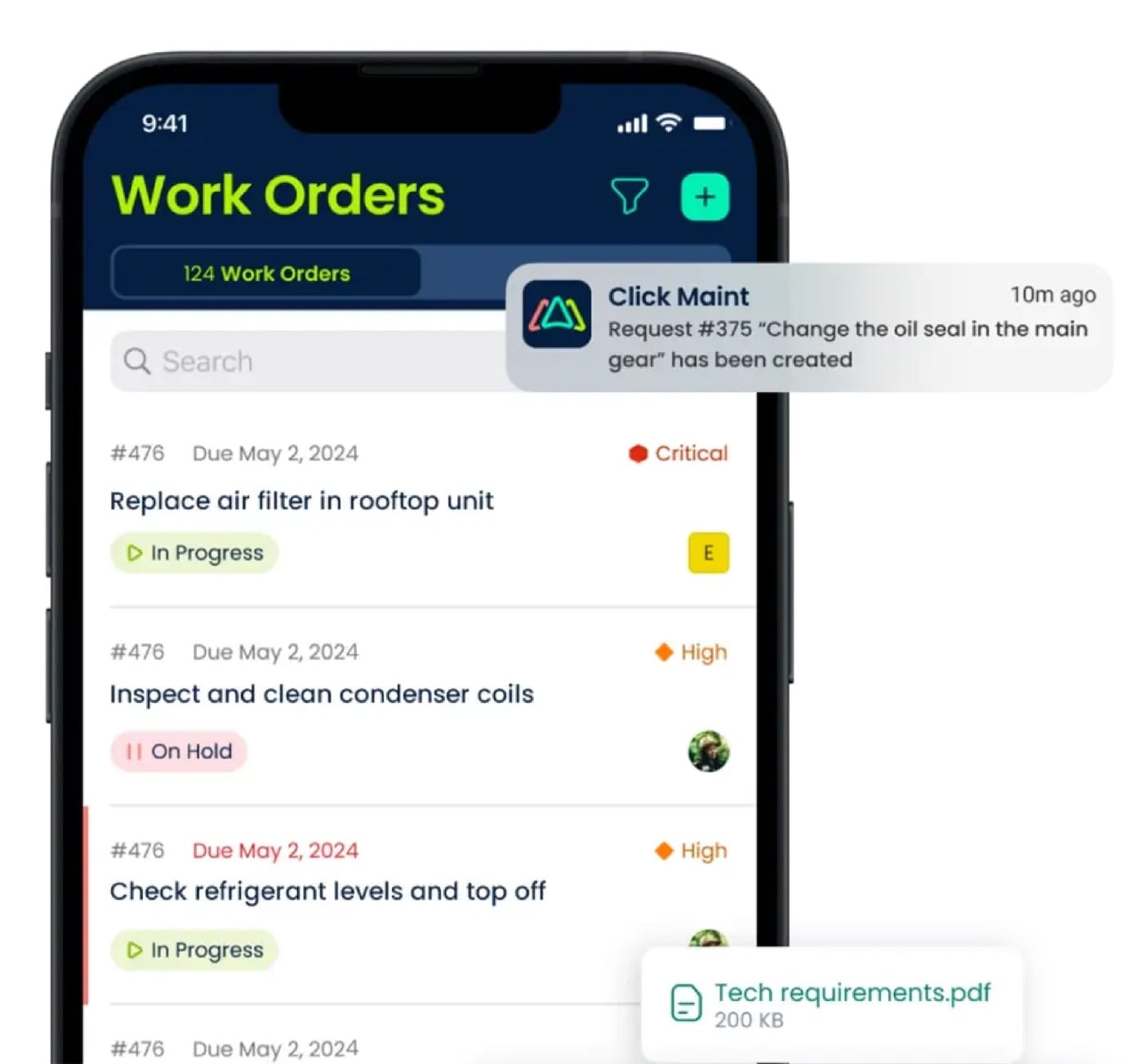
Ideal for: small portfolios that want one simple plan and a free trial.
Why it ranks here: one plan includes request portals, PM, inventory, vendors and API access at a published price, but meter-based PM is still in progress and offline mode is not documented.
ClickMaint sells a single Professional plan that bundles unlimited requesters and request portals, QR and email requests, approvals, PM, a mobile app, asset tracking, 12 KPI reports, parts inventory, vendors and API access. Its apartment example is Bethania Group, which runs 1,000+ work orders a month for tenants in 800+ apartments with 20 users and QR requests.
It is still filling gaps: meter-based PM and Zapier webhooks were listed as in progress in its October 2026 release notes, and offline mode is not documented. No PMS connector is named, so sync with Yardi or AppFolio runs through the included API, and each property keeps its own data and reports.
Key features:
- Requests by portal, QR code and email: residents and staff submit through portals, QR codes or a dedicated email address per portal, without a login or a paid seat.
- Requester updates and comments: requesters get an email on every status change and can trade comments with the technician, so a resident knows when the plumber is coming.
- Approvals and forms: configurable request forms and approval workflows before a request becomes a work order.
- Procedures and PM: time-based PM for chosen months, copied across many assets, with procedure steps that capture photos and signatures.
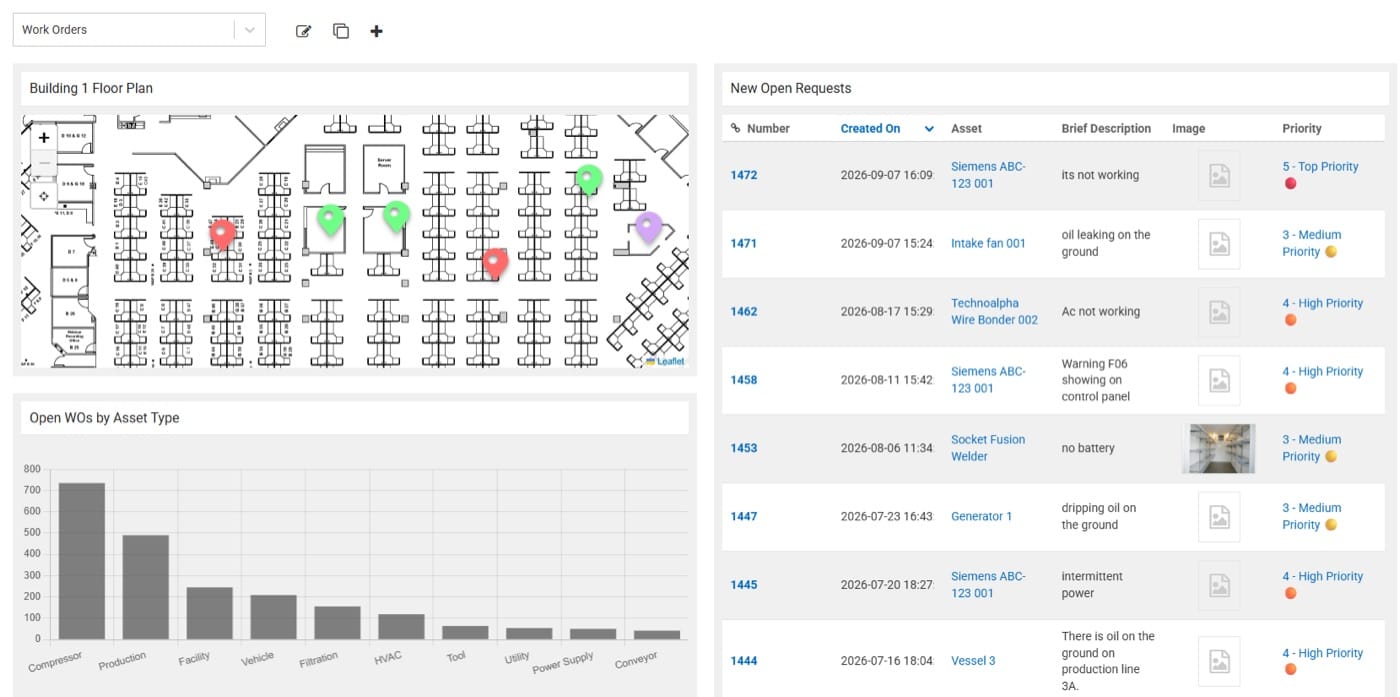
- Interactive floor plans: color-coded pins show open requests and assets on each building's floor plan.
- Mobile app: technicians work their queue on iOS or Android in 5 languages, with a mobile parts module added in September 2026.
- KPI reports and labor cost: 12 reports including MTTR, MTBF and on-time versus overdue, with regular and overtime labor rates per user.
- SSO and roles: Google, Microsoft Entra ID and Okta sign-in with Lead Technician and View Only roles, and work routes to technicians by category using rules rather than AI.
- Small to mid-size portfolios that want a published price and one plan with everything in it.
- Operators with in-house technicians who want residents to request by QR code or email without accounts.
- Multi-building sites that want floor-plan pins to show open requests building by building.
- Teams that want to test the full product for 30 days before buying.
- Operators with in-house developers who can use the included API for PMS sync.
- Teams that need meter-based PM or offline mode today.
- Operators that want vendors to log in or need certificate-of-insurance tracking, since vendors get emails only.
- Portfolios that want one roll-up view, because each property keeps its own data and reports.
- Residents who expect to track a request in a portal; submitters get email updates only, and requester logins can see every request.
- Operators that want AI to take resident calls or dispatch work.
Pricing: $35/user/mo billed yearly or $42/user/mo billed monthly, with free requesters and API included, on the ClickMaint pricing page.
What reviewers say: rated 4.8/5 on Capterra.
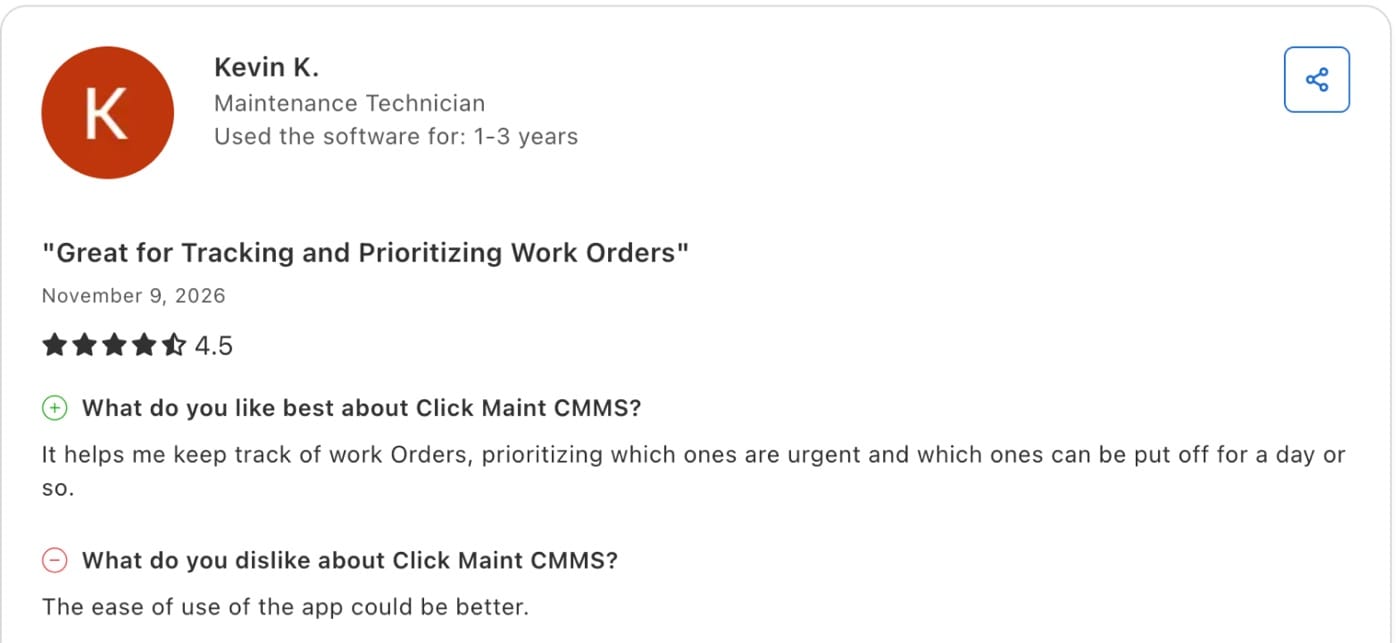
- "It helps me keep track of work Orders, prioritizing which ones are urgent" (Kevin K., Maintenance Technician, Capterra, November 9, 2026)
Source: Capterra
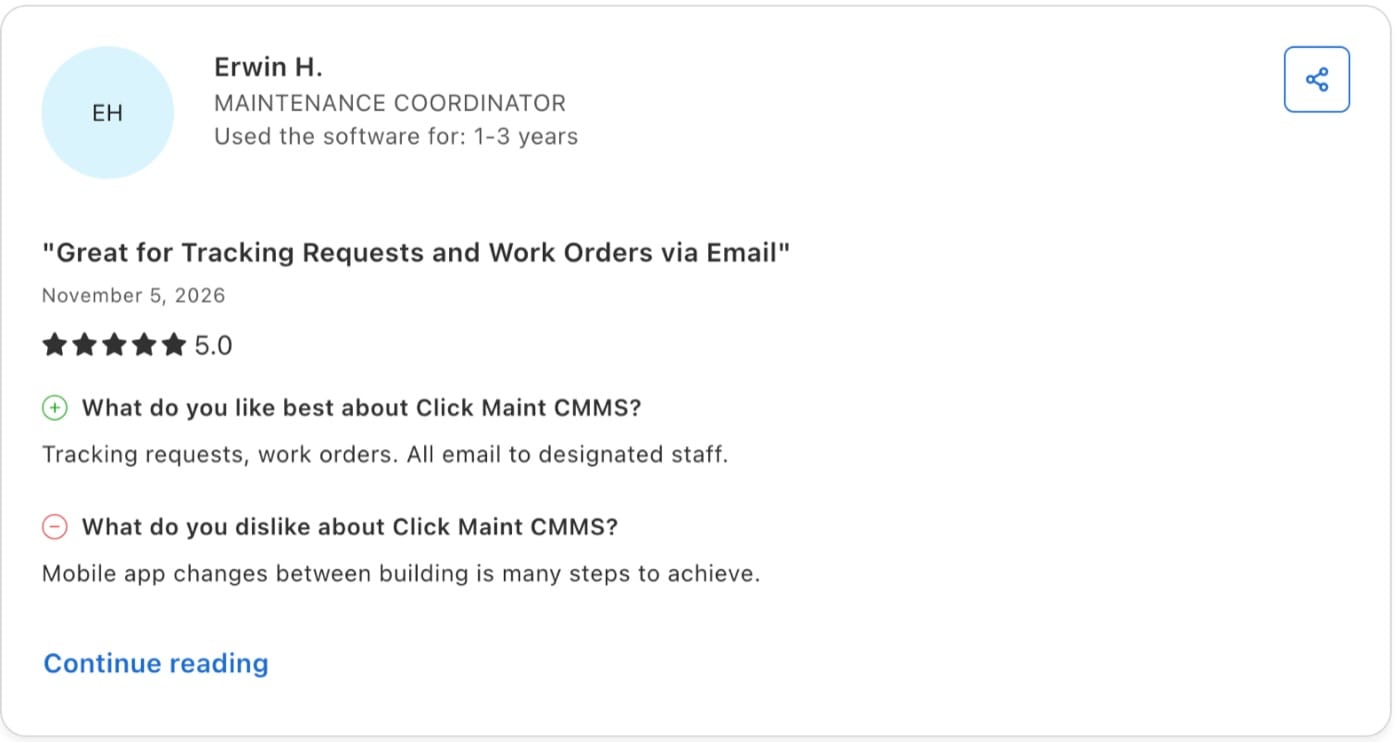
- "Mobile app changes between building is many steps to achieve." (Erwin H., Maintenance Coordinator, Capterra, November 5, 2026)
Source: Capterra
Choose it if: you run a small to mid-size portfolio, want one published plan with free requesters and can live without offline mode for now.
9. eMaint
Ideal for: communities with central plants that need meter- and condition-based PM on an offline app.
Why it ranks here: it brings industrial-grade PM and offline mobile on every tier, but no PMS connector, hidden prices and AI limited to Enterprise.
eMaint, part of Fluke Reliability, is a configurable CMMS with roots in industrial maintenance, ISO 27001 certified and used by 150,000+ people in 116 countries. For apartment portfolios its pull is equipment depth: meter, threshold and condition-based PM, offline mobile on both tiers and, on Enterprise, accounts that report across many sites.
It is a heavier fit for resident-facing work. There is no property or multifamily page, no PMS connector is named, SSO and API access sit in Enterprise with a 5-user minimum, the vendor portal is a paid add-on and prices have been hidden since July 2026. eMaint now lists a free trial and a switching offer of up to 4 months without paying for two systems.
Key features:
- Request intake and routing: requests arrive by portal, email, mobile or phone, duplicates are flagged and work is auto-assigned by trade, location and priority, so a no-heat call does not sit unassigned overnight.
- Condition-based PM: meter, threshold and condition triggers on both tiers service a chiller or boiler on readings, not only the calendar.
- Offline mobile with sign-off: technicians work offline, attach photos and video, and capture a required e-signature when a unit repair is done.
- Inspections and rounds: pass or fail tasks and route-based checklists for common areas and mechanical rooms, with rules that act on a failed item.
- Scheduling board: a drag-and-drop calendar with resource-based scheduling and approval steps for planned work.
- Interactive floor plans: assets and requests pinned on building floor plans, so a technician finds the right riser or air handler.
- Portfolio accounts: requester logins with their own history, a read-only owner view refreshed daily, and Enterprise accounts that report across communities and push one standard to every site.
- Vendor Portal: contractor access, work approvals and SLA tracking as a paid add-on.
- eMaint AI Suite: on Enterprise, answers questions from your data with citations and drafts SOPs and voice-filled requests that your team reviews and approves.
- Large communities with central boiler or chiller plants where condition-based PM prevents costly failures.
- Operators with dedicated maintenance planners who will configure workflows, rounds and reports.
- Portfolios that need offline mobile and e-signatures on every tier, not only the top plan.
- Multi-site owners on Enterprise who want cross-site reporting and one standard pushed to every property.
- Teams that want a published price; eMaint quotes every plan, with a 3-user minimum on Professional and 5 on Enterprise.
- Operators that need native sync with Yardi, RealPage, Entrata or AppFolio, since none is named and the API sits in Enterprise.
- Lean teams without someone to build reports and dashboards, a gap reviewers mention.
- Owners who want live portfolio views, since the read-only client account refreshes daily rather than in real time.
- Buyers who want a quick self-serve start; rollout is consultant-led, with assessments, workshops and service-hour packs priced separately.
Pricing: quoted, with a 3-user minimum on Professional and 5 on Enterprise and paid add-ons for the vendor portal and implementation, on the eMaint pricing page.
What reviewers say: rated 4.5/5 on G2; see the full eMaint CMMS review.
- "The interface is very user-friendly" (ragavi S., CMMS Superuser, mid-market, G2, August 6, 2026)
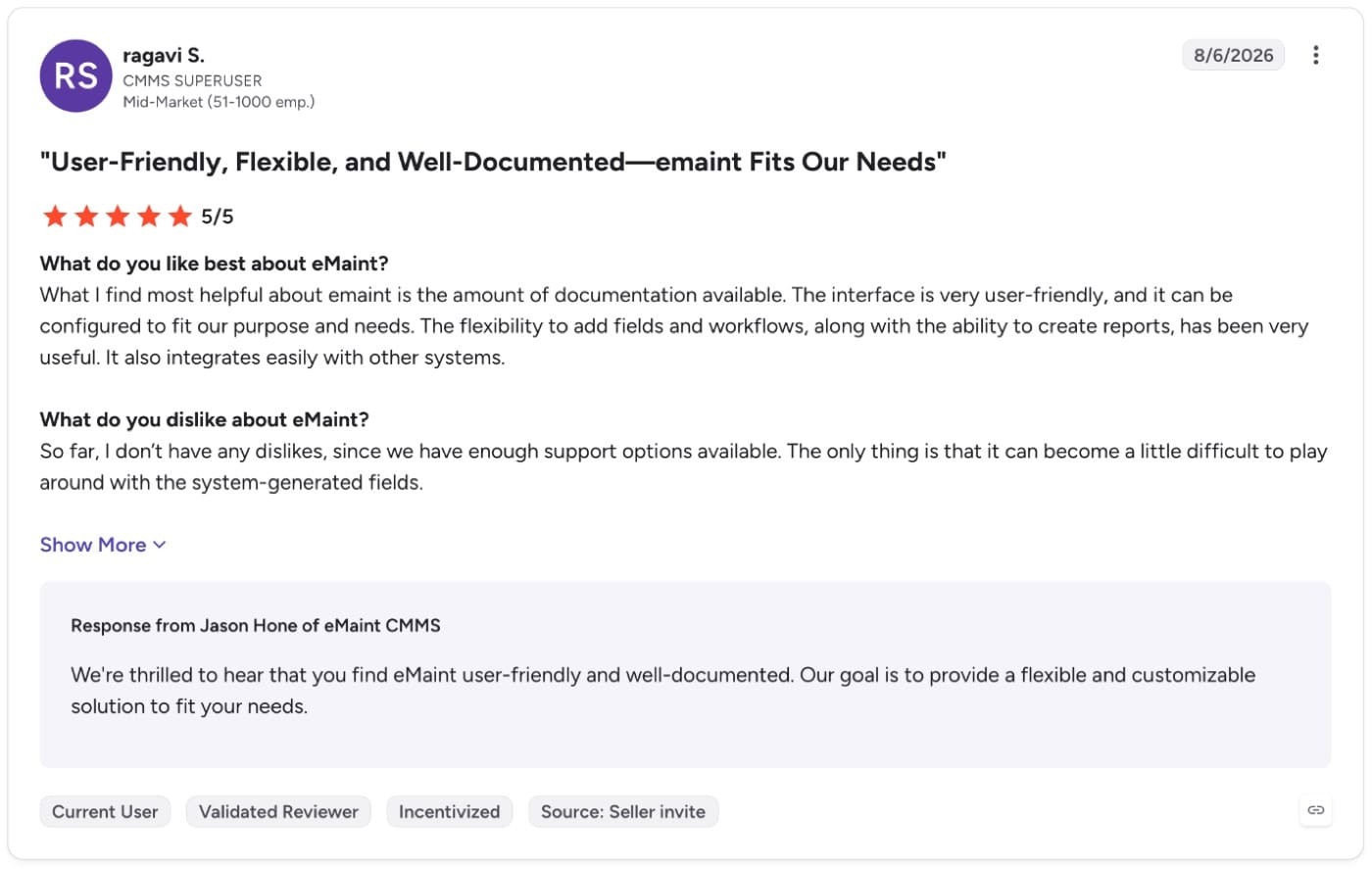
Source: G2, incentivized review (seller invite)
- Robert M. says reports and dashboards "need to be built by someone with a specialized skill set" (Maintenance Technician, mid-market, G2, June 24, 2026)
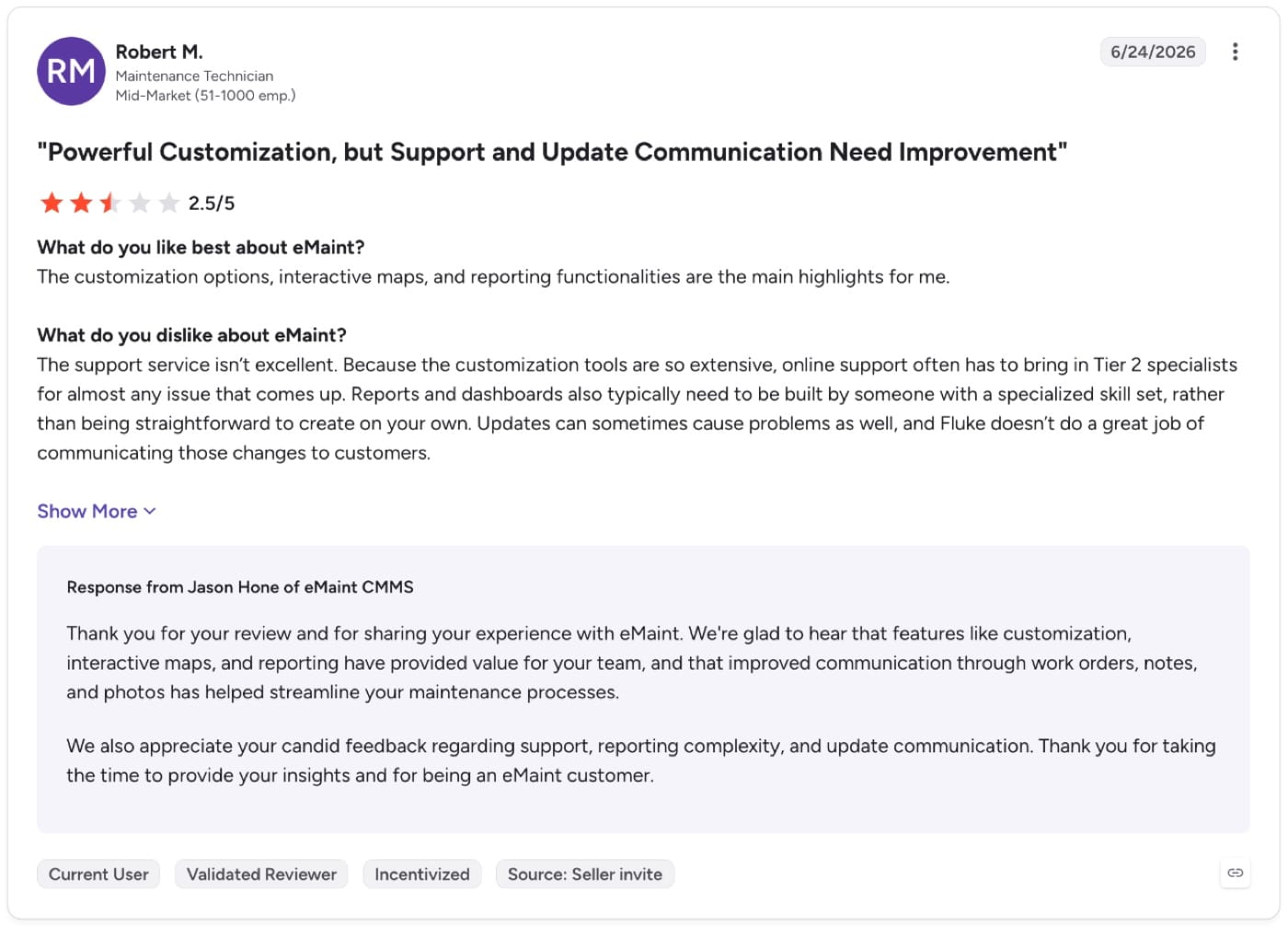
Source: G2, incentivized review (seller invite)
Choose it if: your communities run central plants that need condition-based PM and you have planners to configure it.
Use cases: how apartment teams use a CMMS every day
These are the daily jobs a CMMS for apartment complexes should run, from unit turns and after-hours calls to keeping boilers and amenities on schedule.
Each job below shows what a CMMS is built to do in an apartment community: one record for every unit, asset and request.
Make-ready and unit turns: a move-out starts a chain of tasks, from the move-out inspection and trash out to paint, carpet and the final walk, and every day a unit sits unready is lost rent. A CMMS tracks each step by unit, flags delays and shows leasing the ready date.
After-hours emergencies: a burst pipe at 2 a.m. or no heat in January cannot wait for the office to open. The CMMS, or an agent on top of it, should take the call, decide whether it is an emergency and get the on-call technician moving.
Resident requests and status updates: residents expect to report a leaking faucet from their phone and hear when someone is coming. A request that becomes a work order with the unit attached, plus automatic status texts, cuts repeat calls to the leasing office.
Preventive maintenance on building systems: boilers, water heaters, chillers, elevators, roofs and fire systems fail expensively when skipped. Calendar and meter-based PM keeps them on schedule across every community, and asset history shows which unit or system keeps failing.
Unit and safety inspections: move-in, move-out and annual unit inspections, plus NSPIRE inspections if you run HUD-assisted housing, need photos and a trail. Failed items should open work orders on their own.
Amenities and common areas: pools, fitness centers, laundry rooms, gates and parking lots carry their own checklists, chemical logs and vendor visits, and they shape what residents say in reviews.
Vendor-heavy turns: painters, flooring crews and pest control often do turn work. Check each contractor's insurance in vendor management software before you release the turn, so an uninsured crew never enters a unit.
KPIs that show it is working:
- Work order completion time, split by emergency and routine.
- First-time fix rate for in-house technicians.
- Make-ready days per unit, from move-out to rent-ready.
- PM compliance by community and system.
- Maintenance cost per door per month.
- Resident satisfaction on closed requests.
Key features to look for in a multifamily CMMS
A multifamily CMMS needs apartment-specific core features and AI that does the work, so check both groups below before you book demos or compare quotes.
For the general checklist, see the property management maintenance software guide; below are the apartment-specific must-haves.
Apartment-specific core features:
- Unit and asset hierarchy: community, building, unit and appliance records, so a repeat failure on one refrigerator is visible.
- Resident request intake: portal, QR code, email, phone and text, without paid seats for residents.
- PM by calendar and meter: schedules for boilers, water heaters, elevators and roofs, with meter triggers for plant equipment.
- Offline mobile app with photo proof: technicians keep working without signal and close jobs with before and after photos.
- Make-ready and inspection checklists: move-in, move-out and turn checklists that raise work orders from failed items.
- Parts inventory per community: stock linked to work orders, with reorder alerts.
- Vendor compliance: certificates of insurance and licenses tracked with expiry alerts.
- PMS sync: units, residents and work orders flowing to and from Yardi, RealPage, Entrata, AppFolio or Buildium.
AI and agent features:
- Request intake and triage: an agent answers calls, texts and chats, decides urgency and logs the work order.
- Dispatch: the right technician or vendor is assigned by skill, location and availability.
- Vendor follow-up: the agent confirms attendance, chases completion photos and closes the job.
- Invoice checks: vendor invoices are matched to the work order and rate before payment.
- Plain-language answers: staff ask questions about work orders and assets inside the CMMS.
Use one test in every demo: does the AI do the job end to end, or does it only suggest the next step for a person to take?
Apartment CMMS pricing: cost per door and total cost of ownership
Apartment CMMS pricing runs per user, per door, as a flat fee or by quote, so compare the monthly cost per door at your own seat count and door count.
Most vendors use one of four CMMS pricing models, and each scales differently as your door count grows.
- Per user: you pay for each technician, supervisor and coordinator who works in the system; residents and requesters are usually free (MaintainX, UpKeep, Limble, ClickMaint, eMaint).
- Per door or unit: you pay for every unit under management, whoever uses it (Property Meld, and HappyCo by unit band).
- Flat fee: one monthly price for unlimited users (Maintenance Care).
- Quote by scope: price set by portfolio size, users and modules (Facilio, HappyCo, eMaint, Limble's calculator).
| Tool | Model | Plan used | Monthly cost | Cost per door per month | What the plan leaves out |
|---|---|---|---|---|---|
| MaintainX | Per user | Premium, 12 users at $65 | $780 | $0.39 | Multi-site management (Enterprise) |
| UpKeep | Per user | Premium, 12 users at $55 | $660 | $0.33 | Offline mode and external portal (Professional, quoted) |
| ClickMaint | Per user | Professional, 12 users at $35 | $420 | $0.21 | Meter-based PM and offline mode not yet documented |
| Maintenance Care | Flat | $250 plan, unlimited users | $250 | $0.13 | Offline mode, PMS connectors |
| Property Meld | Per door | Ops, 2,000 units at $2.00 | $4,000 | $2.00 | Add 7,000, or $3.50 per door) |
| Facilio, HappyCo, Limble, eMaint | Quote | Quoted for your portfolio | Quote | Quote | Ask for a cost per door at 2,000 doors |
Estimated from published list prices as of November - 2026 for a 2,000-door portfolio across 8 communities with 10 technicians and 2 coordinators (12 paid seats; residents and requesters free). Annual billing where offered. Excludes implementation, integration and add-on fees.
Sources: MaintainX pricing, UpKeep pricing, ClickMaint pricing, Maintenance Care pricing, Property Meld pricing, Limble pricing, HappyCo pricing, eMaint pricing.
Hidden costs to ask about:
- PMS integration fees, or the developer time to build on an API or Zapier.
- Features gated to higher tiers, such as offline mode, request portals and meter-based PM.
- AI usage billed by credits or as add-ons, and what happens when you run out.
- SSO, vendor portals and multi-site reporting sold as add-ons.
- Data migration and onboarding services.
- Seat creep as leasing staff, supervisors and vendors need logins.
Best CMMS for apartments by portfolio size
The best CMMS for apartments changes with door count, from a single community with a few technicians to a national portfolio running thousands of units.
Under 500 doors: you need fast setup, free resident requests and a price you can see. Shortlist: ClickMaint, Maintenance Care, MaintainX and Limble, with Property Meld if vendors do most of your work and you clear 100 doors.
500 to 5,000 doors: you need property maintenance software that rolls every community into one portfolio view, offline mobile, PMS sync and help with after-hours calls. Shortlist: Facilio, HappyCo, Property Meld, MaintainX Premium and UpKeep Professional.
5,000 to 10,000+ doors: you need agents that absorb call and vendor volume, native PMS connectors, SSO and portfolio reporting for owners. Past 5,000 doors, your shortlist starts to overlap with the best enterprise CMMS software for multi-site teams. Shortlist: Facilio, HappyCo and eMaint for plant-heavy communities.
How to choose the right CMMS for your apartment portfolio
Use this five-step framework to choose the right CMMS for your apartment portfolio, moving from your operating model and your PMS to a true cost per door.
The 5-Step Apartment CMMS Selection Framework
- Map your operating model: decide who does most of the work, your in-house technicians, outside vendors or both, and how many requests arrive after hours. A team of 12 technicians needs a strong mobile app, while a vendor-led portfolio needs dispatch and invoice tracking. If your portfolio also holds retail or office space, compare commercial property maintenance management software too.
Shortlist: in-house teams look at Facilio, MaintainX, Limble and UpKeep; vendor-led teams look at Property Meld and Facilio.
- Decide between a PMS module and a dedicated CMMS: the maintenance module in Yardi, AppFolio or Buildium handles basic requests, but PM, parts, inspections and technician mobility usually need a dedicated CMMS. Keep the PMS for leases and rent, and sync units and residents into the CMMS.
Shortlist: HappyCo, Property Meld and Facilio sync with major PMS platforms natively.
- Test the resident request loop after hours: in each demo, call or text a request at night and watch what happens: who answers, how the work order is created, who gets dispatched and when the resident hears back.
Shortlist: Facilio, HappyCo and Property Meld run this with agents; the others rely on staff or an answering service.
- Test technicians offline: take the mobile app into a basement, boiler room or parking garage and close a work order with photos. Check which plan offline mode needs.
Shortlist: Facilio, HappyCo and eMaint include it; MaintainX, Limble and UpKeep gate it to higher plans.
- Price it per door at your real seat count: count every technician, coordinator and supervisor who needs a login, add the plan you need for offline and portals, and divide by your doors.
Shortlist: Maintenance Care and ClickMaint are lowest at small scale; quote Facilio, HappyCo and Limble against your door count.
Apartment CMMS integrations with Yardi, RealPage, Entrata and AppFolio
Apartment CMMS integrations decide whether units, residents and work orders flow automatically or get typed twice, so check each PMS connector before you sign.
Before you compare vendors, list what your CMMS integrations must sync: units, residents, work orders and charge-backs.
- Yardi (Voyager and Breeze): Facilio lists a native Yardi connector, HappyCo integrates with Yardi Voyager and Property Meld syncs properties, units and residents with Yardi. Limble says it has no direct Yardi integration.
- RealPage: HappyCo integrates with RealPage OneSite. Property Meld integrates with Buildium, a RealPage company, but does not list OneSite. Facilio connects through its REST API.
- Entrata: HappyCo syncs inspections, scheduling, move-in and move-out reporting and work orders with Entrata. Other tools on this list connect through an API.
- AppFolio: Property Meld creates work orders in AppFolio and syncs invoices back, and HappyCo creates inspections and make-ready projects through AppFolio Stack.
- Buildium: Property Meld syncs property data in and invoices back, and HappyCo syncs inspection data.
- Rent Manager and ResMan: Property Meld integrates with Rent Manager, and HappyCo integrates with ResMan.
- Accounting and AP: Facilio's invoice validation checks vendor invoices against the work order before payment, and Property Meld syncs invoices back to the PMS.
- Zapier and APIs: MaintainX, Limble, UpKeep, Maintenance Care and ClickMaint rely on Zapier, a REST API or both, which means someone on your team builds and maintains the sync.
AppFolio and Buildium are online property management software suites first, with maintenance as one module inside, and Yardi, RealPage and Entrata work the same way for larger portfolios. They stay your system for leases, rent and accounting; the CMMS runs the maintenance work.
Common mistakes when buying CMMS software for apartment complexes
Common mistakes when buying apartment CMMS software cost you rent-ready days, overtime and resident trust, and each one has a simple demo test to avoid it.
1.Stretching a PMS maintenance module too far: the module logs requests but cannot run PM on 40 boilers or track parts, so equipment fails early and technicians work from memory.
How to avoid it: ask your PMS vendor to show a meter-based PM schedule and parts reorder in a live demo.
2.Skipping the offline test: technicians lose signal in basements and boiler rooms, re-enter work later and photos go missing.
How to avoid it: close a work order with photos in airplane mode during the demo, on the plan you would buy.
3.Underestimating per-user pricing: leasing staff, supervisors and vendors all need logins, and a cheap per-user plan doubles.
How to avoid it: count every seat you will need in year two and ask for the cost per door at that count.
4.Mistaking an assistant for an agent: an AI that suggests next steps still leaves your team to answer calls and chase vendors, so desk hours stay the same.
How to avoid it: in the demo, ask the AI to create and dispatch a work order on its own and watch whether a person has to finish it.
5. No asset-level history: when work orders bundle several tasks, the same water heater gets repaired and re-approved again and again.
How to avoid it: ask to see the full repair history for one appliance in one unit.
6.Leaving after-hours calls untested: the after-hours service takes a message, nobody dispatches until morning and a small leak becomes a ceiling repair.
How to avoid it: place a test emergency call at night during your trial and time the response.
7.Buying a residential-only tool for a mixed portfolio: if your team also maintains offices or retail, a multifamily-only tool forces a second system.
How to avoid it: if your team also maintains offices, pick a platform that doubles as corporate facilities management software.
How to switch to a new apartment CMMS without downtime
Switching apartment CMMS software without downtime takes four phases, from mapping your data to retiring the old system, over about twelve weeks for most teams.
The four phases below adapt the CMMS implementation guide to an apartment cutover with no downtime.
The 4-Phase Apartment CMMS Cutover
Phase 1, map your data (typically weeks 1 to 2):
- Export communities, buildings, units, appliances and major assets from your PMS and current system.
- List open work orders, PM schedules and recurring inspections by community.
- Collect vendor records with insurance certificates and expiry dates.
- Agree on naming for units and assets so the PMS and CMMS match.
Phase 2, integrate and configure (typically weeks 2 to 5):
- Connect the PMS so units and residents sync, and test one resident request end to end.
- Set up request channels: portal, QR codes on common-area assets, phone and text.
- Load PM templates for boilers, water heaters, elevators, roofs and fire systems.
Phase 3, pilot one community (typically weeks 5 to 8):
- Run one community fully on the new CMMS while the others stay on the old process.
- Train technicians on the mobile app, including offline work and photos.
- Track completion time, make-ready days and resident feedback against the old baseline.
- Fix templates, routing rules and integrations before you scale.
Phase 4, roll out and retire the old system (typically weeks 8 to 12+):
- Move the remaining communities in waves of two or three.
- Turn on after-hours intake and vendor follow-up once routing is proven.
- Close or migrate the last open work orders and retire the old system.
Which CMMS software is right for your apartment portfolio
The best CMMS for apartment operators follows who does the work, how many doors you run and how much of the day goes to resident calls and vendor follow-up.
If your own technicians do most of the work, MaintainX, Limble and UpKeep get them onto a mobile CMMS quickly, and Maintenance Care or ClickMaint keep costs low for smaller teams. If unit turns drive your week, HappyCo's Make Ready board and PMS integrations lead. If vendors do most of the work, Property Meld coordinates them per door, and eMaint suits communities with central plants.
If your office spends the day logging resident calls, dispatching technicians and chasing vendors across hundreds or thousands of doors, that is the work Facilio's agents take on. If you run 500 or more doors on a PMS, request a demo and bring one live resident request; we will show you the agents running it on a portfolio like yours.
Want the work done for you?
Our FM Ops Engineers scope your first AI agent on your own sites, then build it, run it and stay with you.
FAQ: CMMS software for apartments
These answers cover the questions apartment operators ask most about CMMS software, from free options and PMS integration to offline apps, cost per door and AI.
What is the best CMMS software for apartments?
The best CMMS for apartments depends on your operating model. Facilio fits 500+ door portfolios that want agents for resident calls and vendors, MaintainX fits in-house technician teams, HappyCo fits turn-heavy operators and Property Meld fits vendor-led portfolios.
Is there a free CMMS for apartments?
Yes, with limits. MaintainX Basic is free, Maintenance Care has a free plan for 2 users and ClickMaint offers a 30-day free trial. Free tiers usually leave out offline mode, request portals or PM depth, so most apartment teams outgrow them.
Do you need a CMMS if you already use Yardi, RealPage or AppFolio?
Usually yes, if you run in-house technicians or PM on building systems. Your PMS handles leases, rent and basic requests, while a CMMS adds PM, parts, inspections, offline mobile and technician scheduling. Pick one that syncs units and residents with your PMS.
How much does a CMMS cost per door?
From about $0.13 to $2.00 per door per month in the 2,000-door example above. Per-user tools land near $0.20 to $0.40 per door, flat-fee tools lower, and per-unit tools such as Property Meld at $2.00 per unit plus add-ons.
Can apartment technicians use a CMMS offline?
Yes, on the right tool and plan. Facilio, HappyCo and eMaint include offline mobile, while MaintainX, Limble and UpKeep reserve it for higher plans. Test it in a basement or boiler room during your trial.
Can a CMMS run unit turns and make-ready?
Yes. HappyCo has a dedicated Make Ready board, Facilio runs move-in and move-out audits that raise work orders, and UpKeep and Limble track turns as work orders with steps. Look for a view by unit that shows the ready date.
Which KPIs show an apartment CMMS is paying off?
Track work order completion time, first-time fix rate, make-ready days per unit, PM compliance, maintenance cost per door and resident satisfaction. Compare each against your baseline from before go-live.
How do AI agents help apartment maintenance teams?
AI agents answer resident calls and texts at any hour, decide urgency, create the work order, dispatch the right technician or vendor and chase completion. That removes hours of calls and follow-up from your office team, if the AI acts rather than only suggests.
What are some examples of CMMS software used for apartments?
Common examples include Facilio, MaintainX, HappyCo, Property Meld, Limble, UpKeep, Maintenance Care, ClickMaint and eMaint. Some, like HappyCo and Property Meld, are built for multifamily, while others are general CMMS tools with property features.
About the Author