







 Service intake















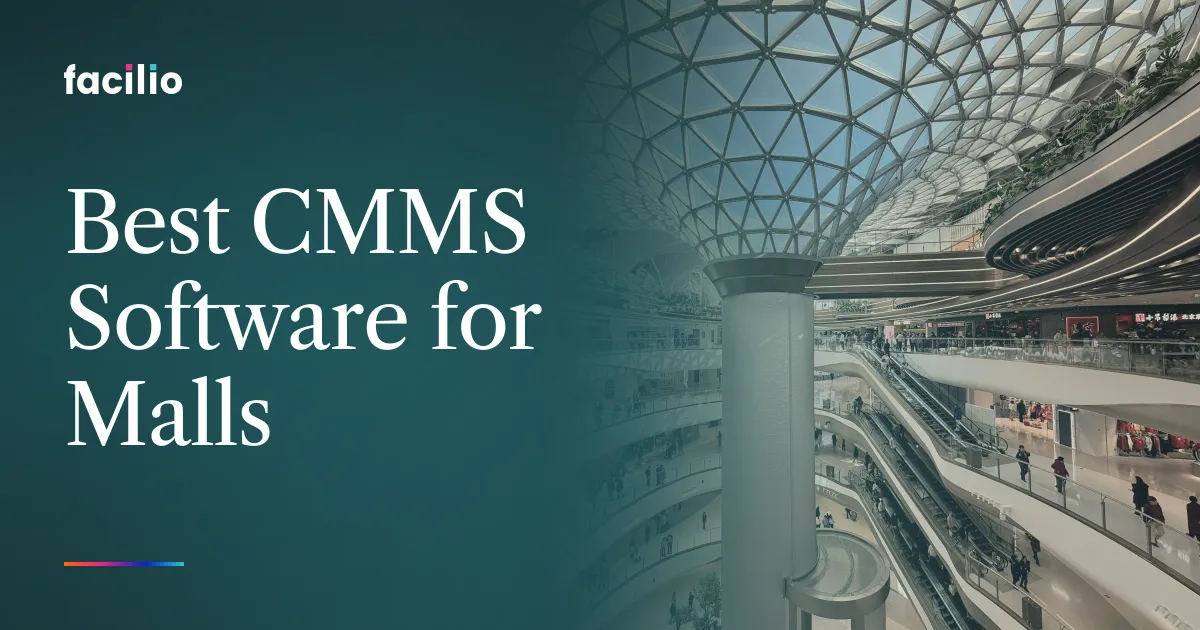

A mall is not one building, it is dozens of operations stacked in one roof: escalators and lifts under statutory inspection, common-area HVAC and lighting, food-court refrigeration, car-park equipment, and a few hundred tenants who each expect a fault fixed before it reaches a shopper. Most of that work is done by outside contractors, so the right system has to run the common areas and the vendors behind them, not just log tickets.
This guide compares the eight best cmms software options for malls on how they handle common-area assets, vendor coordination, compliance and cost, so you can match one to the way your center actually runs.
The best CMMS software for malls in 2026 are 1. Facilio, 2. ServiceChannel, 3. Corrigo, 4. MaintainX, 5. UpKeep, 6. Limble, 7. FMX, and 8. IBM Maximo.
- Facilio: best for AI-driven, connected operations and maintenance across multi-site mall portfolios and the FM service providers who run them.
- ServiceChannel: best for enterprise operators coordinating a large network of outside contractors across many centers.
- Corrigo: best for commercial-property teams that live in vendor dispatch, SLA scoring and invoice reconciliation.
- MaintainX: best for on-site center teams that want fast, mobile-first work orders their technicians will actually use.
- UpKeep: best for a single mall or small group wanting work-order automation with built-in AI credits.
- Limble: best for a growing mall portfolio standardizing structured maintenance workflows as it scales.
- FMX: best for mixed-use and campus-style properties already managing scheduling and space alongside maintenance.
- IBM Maximo: best for asset-intensive operators running critical vertical-transport and plant as enterprise assets.
CMMS for malls comparison table
A quick read on where each tool sits before the full profiles. Prices are the lowest published list price where one exists and "Quote" where pricing is custom.
| # | Platform | Best for | Starting price | Rating |
|---|---|---|---|---|
| 1 | Facilio | Connected O&M across mall portfolios | Quote | 4.4 (G2) |
| 2 | ServiceChannel | Enterprise contractor coordination | Quote | 4.2 (G2) |
| 3 | Corrigo | Vendor dispatch and invoice reconciliation | Quote | 4.5 (G2) |
| 4 | MaintainX | Mobile-first on-site teams | $20/user/mo | 4.8 (G2) |
| 5 | UpKeep | Single mall with AI credits | $24/user/mo | 4.5 (G2) |
| 6 | Limble | Growing mall portfolios | Quote (calculator) | 4.8 (G2) |
| 7 | FMX | Mixed-use and campus properties | Quote | 4.7 (G2) |
| 8 | IBM Maximo | Asset-intensive enterprise plant | From under $40K/yr | 4.4 (G2) |
How malls use CMMS software across common areas and tenancies
Before the tools, it helps to be clear on what a CMMS, a what is cmms primer if the term is new, actually has to carry in a shopping center. A mall runs several maintenance operations at once:
- Common areas: HVAC and chillers, atrium and car-park lighting, travelators, restrooms, cleaning and BMS alarms across the shared estate.
- Vertical transport: passenger lifts, escalators and service elevators, each tied to an OEM service contract and a statutory inspection cycle.
- Food court: walk-in coolers and refrigeration units governed by food-safety rules, where an overnight failure is a health risk, not a backlog item.
- Tenancies: fit-out coordination and retailer service requests that have to reach the right trade before they reach a shopper.
- Contractors: most specialist work (lifts, HVAC, fire systems) is outsourced, so vendor dispatch, SLA tracking and spend visibility sit at the center of the job.
The point is that one center is in practice four or five maintenance operations prioritized from a single work-order queue. A CMMS for a mall earns its place when it can route a stuck escalator, a food-court cooler alarm and a tenant's lighting request through the same system, hold every lift and fire inspection audit-ready, and show center management what the contractors behind that work are actually delivering. For an FM service provider, the same system has to do all of that across several landlords' centers at once, with a clean client report for each.
How we evaluated the CMMS for malls in this guide
We weighted each tool on the jobs a center actually runs, not a generic feature count:
- Common-area and vertical-transport assets: how well it manages HVAC, chillers, common-area lighting, lifts and escalators as governed assets with their own inspection cycles.
- Vendor and contractor coordination: dispatch, SLA tracking and spend visibility for the outside trades that do most specialist mall work.
- Mobile and offline use: whether technicians can raise and close work from basements, plant rooms and car parks when the signal drops.
- Inspection and compliance: audit-ready logging for lift, fire and food-safety checks across the property.
- How much the software runs itself: whether the AI acts on intake, dispatch, vendors and invoices with a human checkpoint, or only suggests.
Ratings are the current published G2 scores, shown without counts and linked to the source; pricing is each vendor's own list or quote model, re-verified on publish day. No star, name, number or price here is invented.
The 8 best CMMS for malls, reviewed
Profiles follow the same shape so you can compare like for like: who it suits, a snapshot, what it does well in a center, where it falls short, pricing, and what a named reviewer says.
1. Facilio
Ideal for: multi-site mall and shopping-center operators, and the FM service providers who run centers for landlords, that want agents to run the work, not just record it.
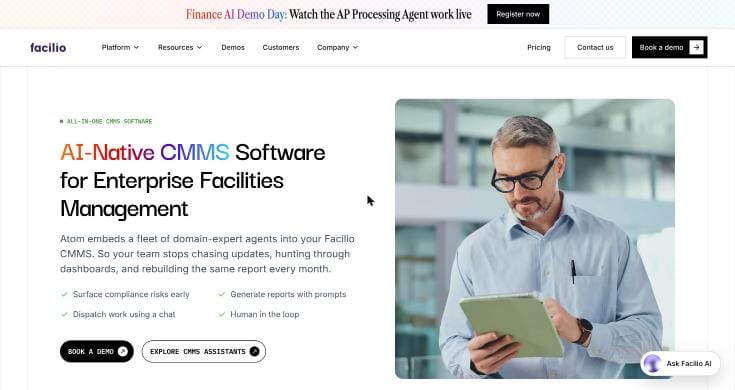
Why it ranks here: Facilio is the agentic platform for facilities management, and it is the only tool on this list where AI agents actually run the mall's operations and maintenance (intake, dispatch, vendor coordination, invoices, compliance) on a full connected CMMS, built and run by FM Ops Engineers who know buildings.
Facilio runs the common areas, the vertical transport and the vendors behind them on one data model, so a tenant request, an escalator fault and a food-court refrigeration alarm all become work orders in the same queue. It pairs that CMMS with the Atom agent suite, where agents handle the repetitive operations work end to end rather than suggesting what a coordinator should type.
For a center team or a service provider running several malls, that means the desk time spent chasing contractors, matching invoices to contracts and keeping lift and fire certificates current is handled by agents, with a person on the checkpoints. It is built for large, multi-site portfolios rather than a single kiosk.
Key features
Core features (the cmms software under the agents):
- Work order management: raise, assign and close common-area jobs like a flickering atrium light or a stalled travelator, and auto-generate work orders from inspections or BMS alarms.
- Preventive maintenance: schedule HVAC, chiller and escalator upkeep by time, meter or OEM trigger with preventive maintenance software so a statutory lift inspection never slips past its due date.
- Asset lifecycle management: track every escalator, elevator, rooftop unit and food-court cooler with health, cost and service history on one register.
- Mobile and offline-first: technicians log a basement plant-room or car-park fault from the mobile cmms app and keep working when the signal drops, with before-and-after photos on closure.
- Vendor and subcontractor management: rate lift, HVAC and cleaning contractors against SLAs and block non-compliant vendors from center jobs.
- Parts and inventory: tie spares like belt drives, filters and refrigerant to work orders with auto-reorder so a chiller repair is not held up by a missing part.
- Compliance and audit trail: digital inspection checklists with photos turn audit findings into work orders and keep lift, fire and food-safety logs audit-ready.
- Portfolio dashboards and SLA tracking: monitor MTTR, MTBF and SLA across every center on live dashboards, with Connected Buildings energy analytics where utility cost matters.
AI agent features (the Atom suite, running on Facilio's CMMS or the ai suite on the CMMS you already have):
- Service intake (Mira): answers tenant and shopper requests on any channel around the clock and raises the right work order first time.
- Service dispatch: picks the right technician or vendor by SLA, skill, location and asset history.
- Vendor coordination: chases quotes, confirms attendance, collects reports and closes the loop with specialist contractors.
- Invoice processing (Luca): checks every contractor line against the work order, contract and rate card before it is paid.
- Building compliance: tracks certificates, lift and fire inspections and statutory tasks, and flags the gap before the audit.
- Reporting (OpsVision): builds board and client packs in the operator's own template.
- Plus custom agents built in weeks by FM Ops Engineers for any process still run by hand.
Deployment and security: LLM-agnostic (Claude, OpenAI, Gemini, Bedrock), SaaS or behind your firewall, ISO 27001 and GDPR.
- Mall and shopping-center operators running common areas and shared plant across more than one property.
- FM service providers managing several landlords' centers who need agents and a clean client report per site.
- Centers that want intake, dispatch, vendor coordination, invoices and compliance handled by agents with human checkpoints.
- Operators replacing an aging CMMS across a portfolio without a long rip-and-replace.
- A single small center or kiosk that only needs a self-serve work-order app, which pays for more platform than it uses.
- Teams that need a published per-user price upfront, since Facilio is quoted by portfolio size, users and scope.
Pricing: quote-based, scoped to portfolio size, users and modules; no free plan, with guided onboarding rather than instant signup. See Facilio pricing.
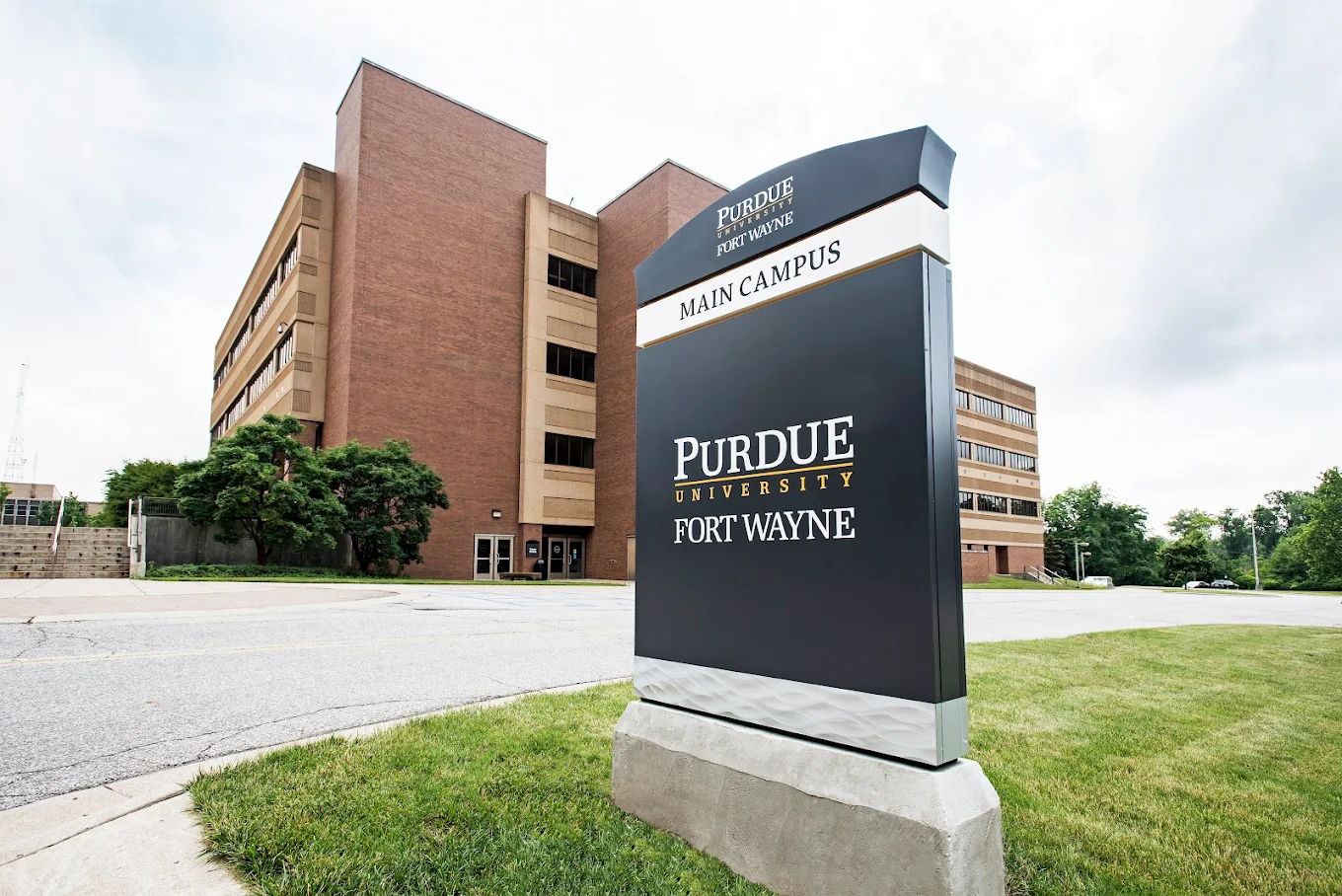
Tuten Labs runs more than 10,000 retail sites on Facilio with 10 to 15 percent fewer service calls; a Midwest supermarket chain unified CMMS, refrigeration compliance and utilities with EPA 608-ready reporting and 140-plus monthly utility bills digitized, the same food-court refrigeration problem a mall faces; and Purdue University Fort Wayne replaced a 16-year-old CMMS across 3M sq ft and went live in 10 weeks.
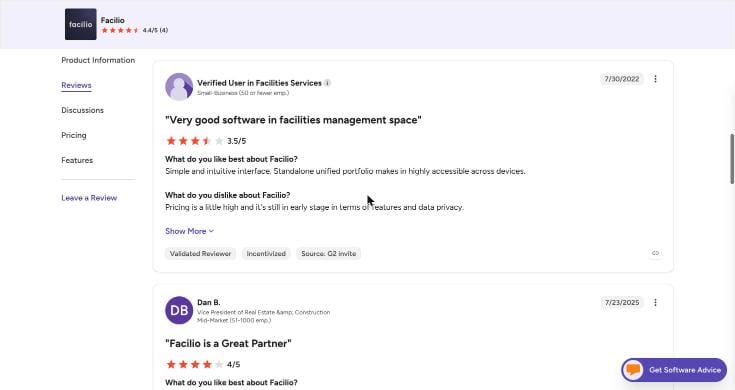
What reviewers say: 4.4 on G2, on a small base of four reviews. On the praise side, Dan B., a Vice President of Real Estate and Construction running more than 140 locations, calls Facilio "very attentive" and "super easy to use" against the IT ticketing system it replaced. On the critical side, no named negative review exists yet; the one lower-rated review, from a verified user, flags that pricing runs high and that the product is still maturing on some features, and that implementation took effort.
Choose it if: you run common-area operations across one or more malls and want agents, not just tickets, handling intake, vendors, invoices and compliance.
See how Facilio runs this across your own sites
2. ServiceChannel
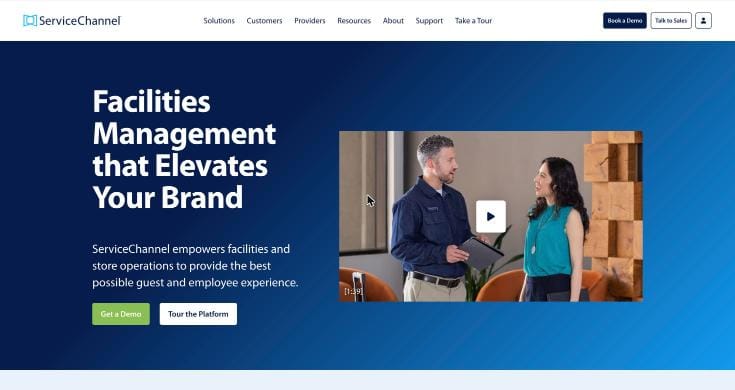
Ideal for: enterprise retail and mall operators who outsource most maintenance and need one place to source, dispatch and measure contractors.
Why it ranks here: ServiceChannel is the vendor-network and work-order marketplace many centers already run their third-party trades through, strongest exactly where malls are most exposed: outside contractors.
ServiceChannel centers on its provider marketplace: you source a vetted lift, HVAC or cleaning contractor on proven performance, dispatch the work, and track SLA and spend across every location. For a mall operator relying on specialist trades, that contractor visibility is the draw.
It is built around that outsourced model, which is also its limit for any center that does a lot of work in house. Reviewers on the platform skew toward the provider side rather than the paying brand.
Key features
- Provider marketplace: source and compare lift, HVAC, fire and cleaning contractors by proven performance, so a center can swap an underperforming escalator vendor for a vetted one in the same market rather than start the search from scratch.
- Work order management: raise, route and track reactive and planned work across every center in the portfolio from one system, with the full repair history held against each asset.
- SLA and spend tracking: monitor response and completion against SLA per contractor and per site, and break maintenance spend down by trade so a landlord can challenge a repeat HVAC call-out before it recurs.
- Asset and inspection management: run asset audits and standardized inspection playbooks across the estate, from rooftop plant to car-park barriers, with photo evidence captured on each check.
- Refrigerant reporting: log and report refrigerant use and leaks for food-court and grocery units, keeping EPA-style records audit-ready across the whole property.
- Invoice and proposal management: review contractor proposals and invoices against the work order and the not-to-exceed limit before approval, so a padded repair bill is caught at the desk.
- Mobile for site managers: approve work, track provider check-in and attendance, and see live job status from the center floor without returning to a desktop.
- Action Hub (AI): identifies stalled work orders and missed ETAs and creates tasks to unblock them, acting only once the operator enables automation and keeping a person on the dial by default.
- Enterprise retail and mall operators that outsource most maintenance and need one system to source, dispatch and measure every trade across many centers.
- Teams that want a vetted provider marketplace rather than building and re-vetting a contractor list from scratch in each new market.
- Operators standardizing SLAs and tracking maintenance spend per trade across a large portfolio of properties.
- Brands that already run refrigeration compliance across food-court and grocery footprints and want it in the same platform as work orders.
- Centers that do most maintenance with their own in-house technicians, since the model is built around dispatching outside contractors.
- A single small property that does not need a provider network or multi-site spend reporting to justify the platform.
- Teams that want published pricing to budget against, since it is quote-only and priced per location.
- Operators expecting agents that run the work end to end today, since Action Hub is opt-in and defaults to assist and recommend.
Pricing: custom quote, priced per location, with no public price page; its core AI is included at no added cost, and its 5 percent marketplace fee is paid by the contractor, not the buyer. See the Facilio servicechannel review for a fuller breakdown.
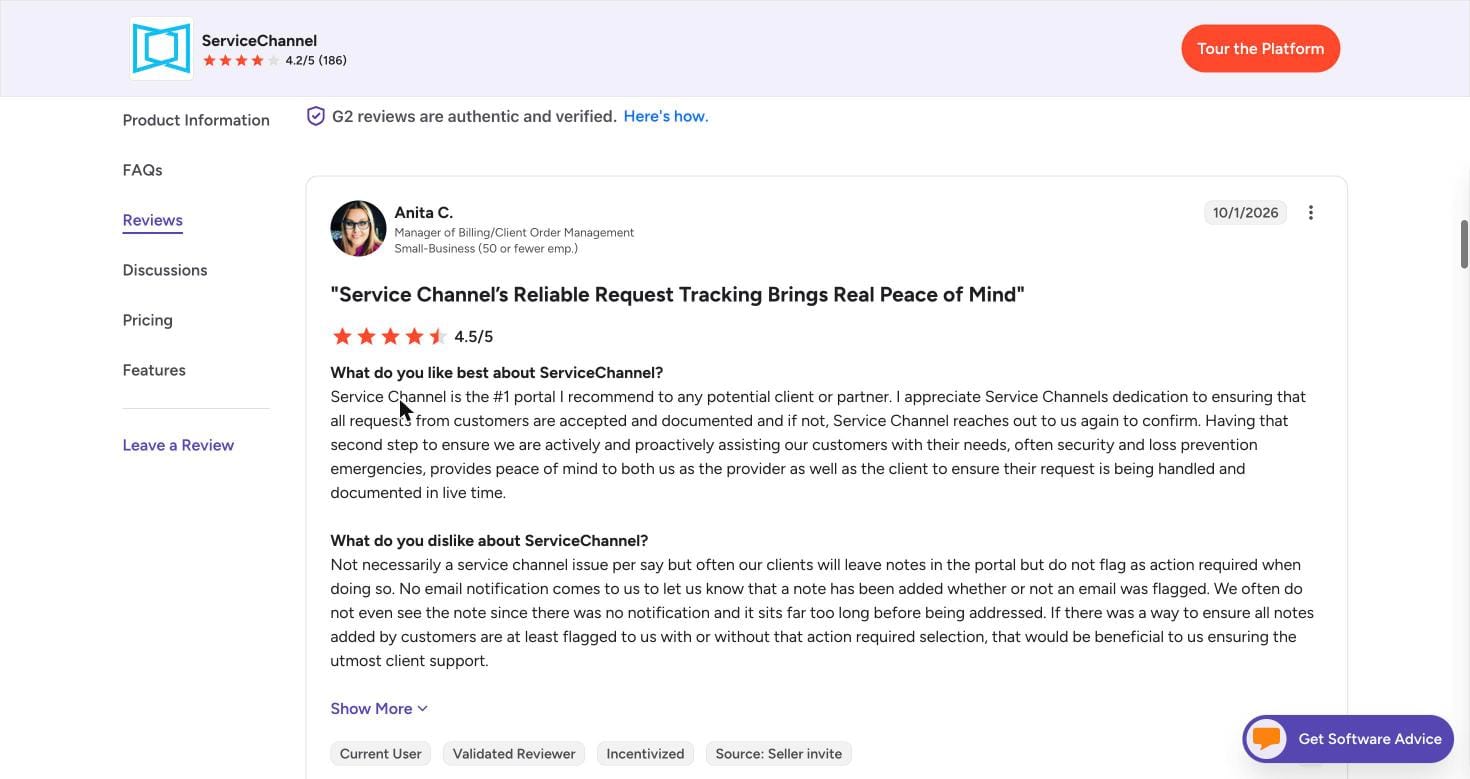
What reviewers say: 4.2 on G2. On the praise side, Anita C., a Manager of Billing and Client Order Management, calls ServiceChannel "the #1 portal I recommend to any potential client or partner" for the way it documents and confirms every request. On the critical side, she flags that client notes left in the portal are not always flagged as action-required and trigger no email notification, so they can sit too long. Note that many ServiceChannel reviewers are contractors rather than paying brands.
Choose it if: you run a center or portfolio where outside contractors do most of the work and you need one marketplace to source and measure them.
3. Corrigo
Ideal for: commercial-property and retail teams whose day is vendor dispatch, SLA scoring and invoice reconciliation across large properties.
Why it ranks here: Corrigo, from JLL Technologies, is built for the commercial real estate operator, with one of the deepest vendor-management and invoice-reconciliation stacks for a multi-tenant property like a mall.
Corrigo leans into the contractor economy of a shopping center: a large provider network, vendor scoring with SLA monitoring and GPS check-ins, and invoice reconciliation that validates what a contractor billed against the work. For a landlord reconciling hundreds of contractor invoices a month, that is the core value.
Implementation runs longer than the mobile-first tools, typically weeks rather than days, in line with its enterprise footprint.
Key features
- Vendor network and matching: AI-powered vendor matching connects a center with verified, peer-reviewed contractors, so a last-minute escalator or chiller fault reaches a trade that has already passed compliance rather than an unvetted one.
- SLA monitoring: score vendors on SLA with GPS check-ins and automated alerts when a job slips, so a missed fire-door repair escalates to center management instead of going quiet.
- Invoice reconciliation: validate every contractor invoice against the work order, contract and rate card before approval, catching a duplicate or out-of-contract charge across hundreds of monthly bills.
- JLL Marketplace procurement: run sourcing to payment with automated vendor compliance checks and competitive bidding, so a large common-area refurbishment goes out to qualified bidders in one flow.
- Work order management: route reactive and planned work across a multi-tenant property, tying each job to its asset, the tenancy it affects and the responsible trade.
- Mobile asset identification: identify and log assets in the field from the mobile app, so a technician can scan a rooftop unit and pull its service history on the spot.
- Dashboards and reporting: AI-enhanced dashboards track work, SLA and spend across the property and roll up to a portfolio view the landlord can act on.
- AI-assisted scheduling: assign work by priority, skills and availability with cost validation on approvals, so an after-hours emergency is routed and pre-approved without waiting on a coordinator.
- Commercial-property operators reconciling high volumes of contractor invoices against contracts every month.
- Centers that want vendor SLA scoring and GPS-verified attendance on the trades doing their critical work.
- Landlords sourcing and compliance-checking trades through a managed marketplace rather than a loose spreadsheet of vendors.
- Teams standardizing vendor onboarding and compliance across a multi-property portfolio.
- Small single-site teams that do not need an enterprise vendor and procurement stack to run their work.
- Operators wanting a fast, self-serve rollout, given implementations that typically run 8 to 20 weeks.
- Teams that want published pricing to budget against, since it is quote-based per user or per site.
- Centers wanting a single named autonomous agent, since the AI is assist-level woven across features rather than one agent that closes the loop.
Pricing: quote-based, licensed per user or per site, with optional vendor-management and invoice-reconciliation modules and implementation fees. Compare on Facilio's corrigo cmms pricing page.
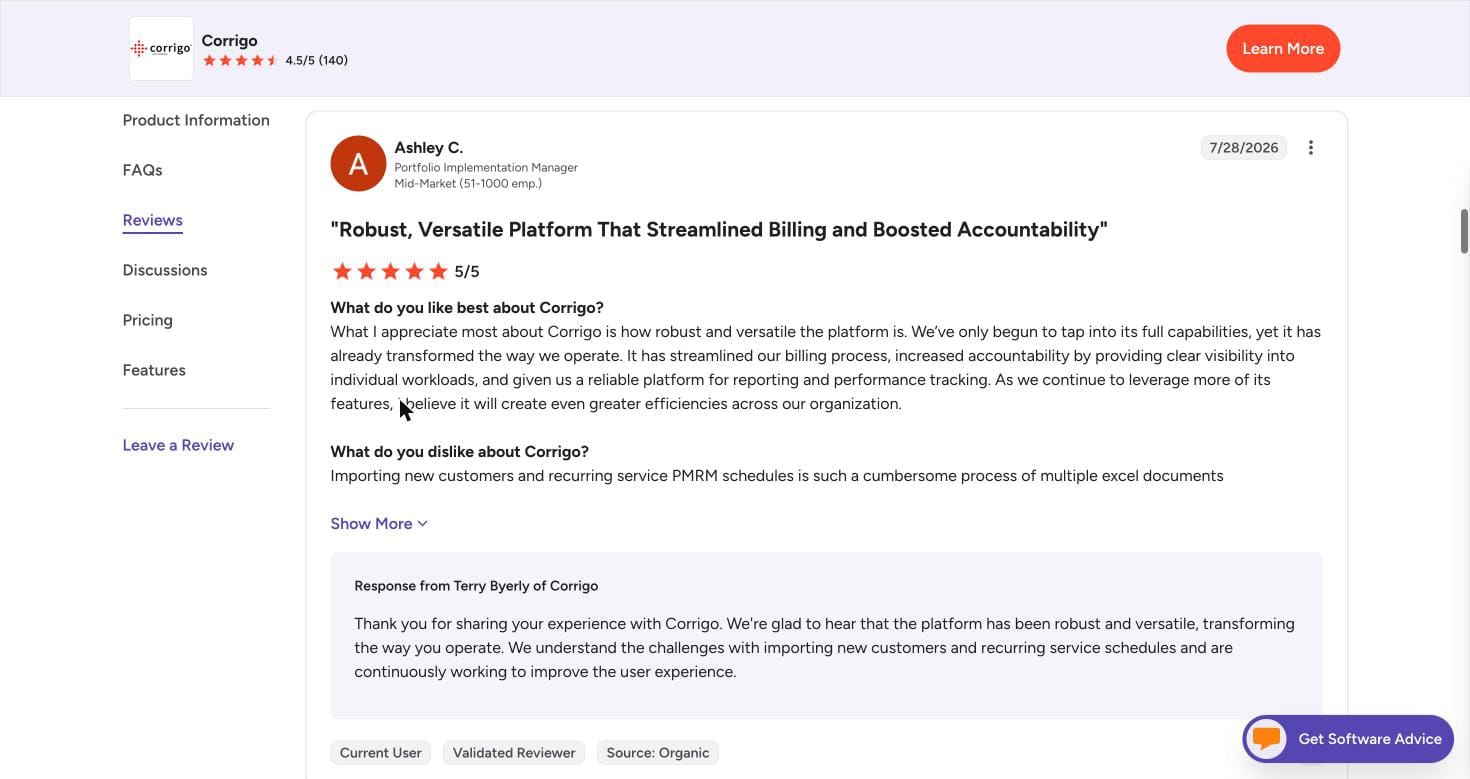
What reviewers say: 4.5 on G2. On the praise side, Ashley C., a Portfolio Implementation Manager, says Corrigo "streamlined our billing process" and "increased accountability by providing clear visibility into individual workloads." On the critical side, she flags that importing new customers and recurring maintenance schedules is "a cumbersome process of multiple Excel documents."
Choose it if: your center's hardest job is dispatching and paying a large base of outside contractors and you want SLA scoring and invoice reconciliation built in.
4. MaintainX
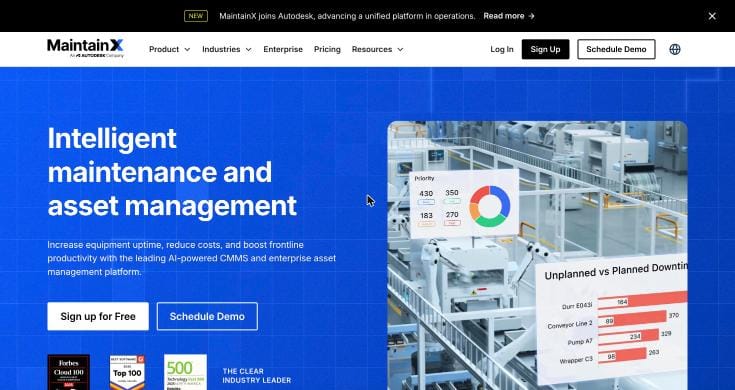
Ideal for: on-site mall maintenance teams that want work orders their technicians will actually open and update from the floor.
Why it ranks here: MaintainX, now part of Autodesk, is the mobile-first work-order tool technicians adopt fastest, which matters when your center team is spread across plant rooms, car parks and the retail floor.
MaintainX wins on day-to-day usability: a technician raises a work order, adds a photo of a jammed travelator step, and updates it from a phone with in-app chat. For a center that wants its own staff working in the system without training, that adoption is the point.
Its depth is lighter than the enterprise tools on portfolio and vendor coordination, and the heavier capabilities sit on higher tiers.
Key features
- Mobile work orders: raise, assign and close jobs with photos and in-app chat from the center floor, so a technician logs a jammed travelator step with a picture and the duty manager sees it before the next shift starts.
- Preventive maintenance: schedule PM for HVAC, common-area lighting and other assets by time, with condition-based and meter-based PM on the Premium tier for equipment that needs runtime or sensor triggers.
- Procedures and checklists: build digital inspection and safety checklists for lift, fire and food-court checks, so a statutory inspection is captured the same way every time with photos attached.
- Parts and inventory: track spares such as belts and filters against work orders with low-stock alerts, so a recurring escalator repair is not held up by a part nobody reordered.
- Asset management: log asset history and attach manuals to each unit, so the next technician opens the record and sees exactly what was done last time.
- Reporting: dashboards on work completed, cost and downtime that show which assets are eating the most labor across the center.
- Offline mode: work without a connection on the Premium tier, so a basement plant-room or loading-dock job is captured and syncs the moment the signal returns.
- MaintainX Assist (AI): searches manuals and prior work orders to answer questions and draft a procedure or work order, which a person reviews and edits before it is used.
- On-site center teams that do their own maintenance and want a tool technicians adopt on a phone without training.
- Operators wanting a free plan to trial the workflow in one center before committing budget across a portfolio.
- Teams that lean on digital checklists for lift, fire and food-court inspections and safety sign-off.
- Single centers or small groups that value day-to-day usability over deep portfolio and vendor features.
- Large portfolios needing multi-site management and cross-center rollups, which sit on the Enterprise tier.
- Centers that need offline and condition-based PM on the entry plan, since both start at Premium.
- Operators wanting agents that act on intake and dispatch, since Assist suggests and drafts for a person to approve.
- Vendor-heavy centers that need a contractor marketplace and SLA scoring built into the platform.
Pricing: Basic is free; Essential is $20/user/mo and Premium $65/user/mo billed annually; Enterprise is custom, and offline plus condition-based PM start at Premium. Compare on maintainx vs facilio.
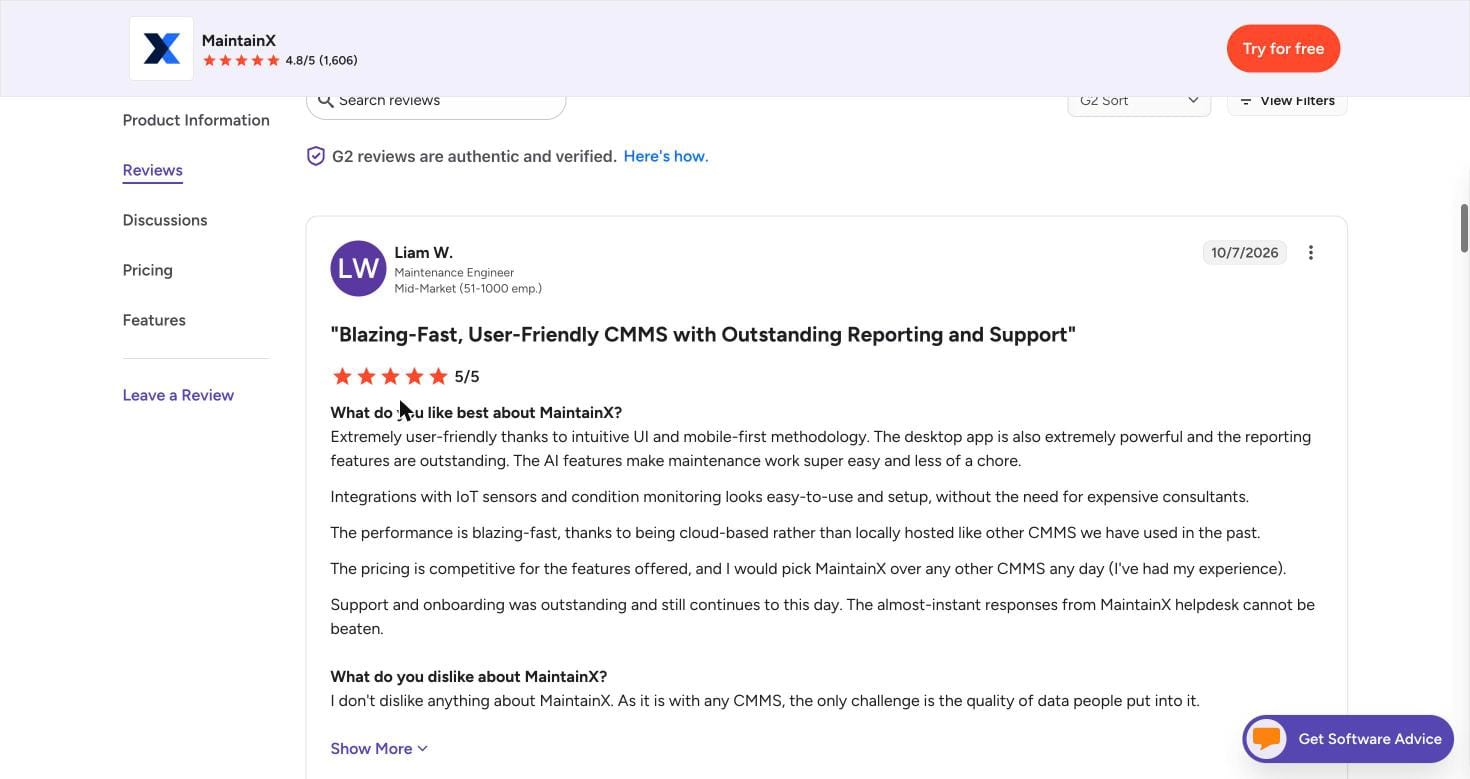
What reviewers say: 4.8 on G2. On the praise side, Liam W., a Maintenance Engineer, calls it "extremely user-friendly thanks to intuitive UI and mobile-first methodology" and says the AI features "make maintenance work super easy." On the critical side, he names no real drawback, saying the only challenge with any CMMS is "the quality of data people put into it"; the practical limits are tier-gated features (offline and condition-based PM start at Premium, multi-site and Assist are Enterprise-only).
Choose it if: your own technicians do the work and you want the tool they will open on a phone without being told to.
5. UpKeep
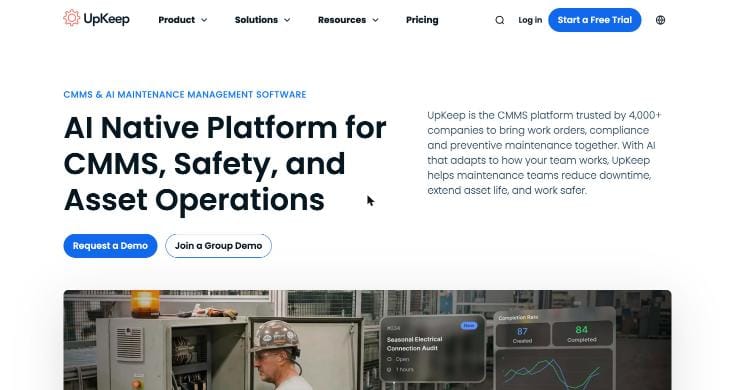
Ideal for: a single mall or small group that wants work-order automation with AI built into the entry plan.
Why it ranks here: UpKeep pairs approachable mobile maintenance with Nova AI and metered AI credits from the entry tier, a reasonable fit for a center team getting organized without an enterprise budget.
UpKeep covers the core center jobs: work orders, PM schedules for HVAC and common-area assets, parts tracking and optional sensor monitoring for equipment conditions and temperatures. Nova AI adds chat, a smart scheduler, voice fill and photo-to-parts, metered by monthly credits.
Offline mode and the external request portal sit on higher tiers, so a center that needs field offline from day one should price Professional.
Key features
- Work order automation: create and automate work orders for reactive and planned center jobs, with recurring rules so a monthly escalator check or a reported lighting fault raises itself without a coordinator.
- Preventive maintenance: schedule PM for HVAC, escalators and common-area lighting by time and usage, so high-traffic assets are serviced on a cadence rather than after they fail at peak footfall.
- Parts and inventory: track spare parts against assets and work orders, so a technician sees whether the belt or filter for a rooftop unit is in stock before scheduling the job.
- Edge IoT sensors: monitor equipment conditions and food-court or cold-store temperatures with optional sensors, so a refrigeration unit drifting out of range raises a work order before stock is lost.
- Mobile app: manage work from the field with photos and notes, so a plant-room or car-park job is updated on the spot instead of back at a desk.
- Nova AI: chat, a smart scheduler, voice fill, photo-to-parts and work-order summaries, metered by monthly Nova credits so AI usage stays capped to the plan.
- Request portal: an external request portal, on higher tiers, that lets tenants and staff log a center fault which routes to the right trade.
- Reporting: dashboards on work order status and asset cost that show where downtime and spend are concentrating across the center.
- A single center or small group getting maintenance organized off spreadsheets and paper for the first time.
- Teams that want built-in AI features without committing to an enterprise contract.
- Operators adding condition and temperature monitoring to critical equipment with sensors.
- Technicians who want a straightforward mobile app they can pick up quickly.
- Centers that need offline and an external request portal on the entry plan, since both start at Professional.
- Large portfolios wanting deep multi-site management and vendor coordination out of the box.
- Teams that want unmetered AI, since Nova is capped by monthly credits.
- Vendor-first operators that need a contractor marketplace rather than an internal work-order tool.
Pricing: Essential is $24/user/mo including Nova AI and Premium is $55/user/mo; Professional and Enterprise are quoted, with offline starting at Professional. Compare on upkeep pricing.
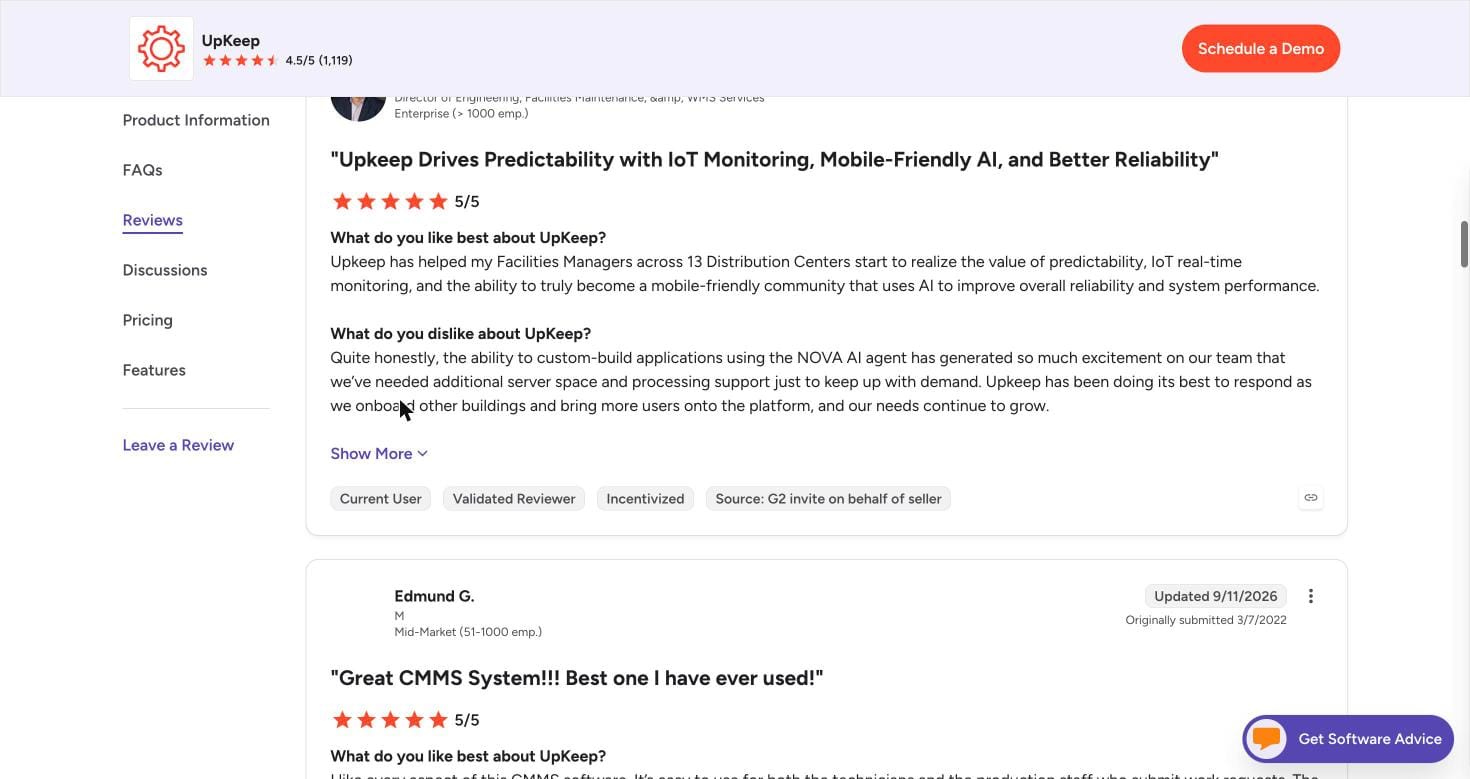
What reviewers say: 4.5 on G2. On the praise side, Edmund G., a mid-market reviewer, calls it a "Great CMMS System, best one I have ever used" and notes it is easy for both technicians and the staff who submit work requests. On the critical side, an enterprise director of engineering running UpKeep across 13 distribution centers notes that building custom applications with the Nova AI agent drove such demand that the team needed additional server space and processing to keep up as it onboarded more buildings.
Choose it if: you run one center or a small group and want core maintenance plus built-in AI at a published per-user price.
6. Limble
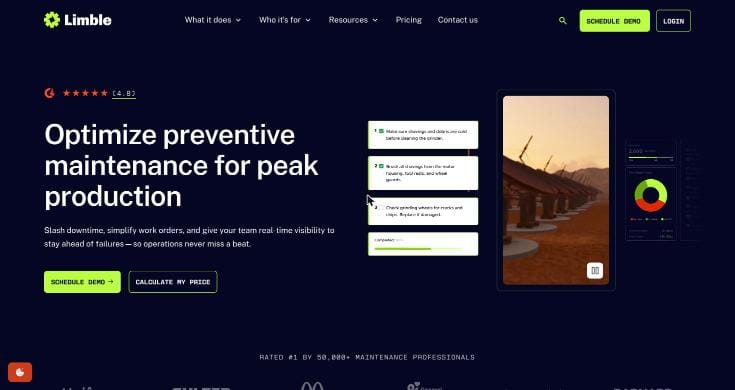
Ideal for: a growing mall portfolio that wants to standardize structured maintenance workflows as it adds centers.
Why it ranks here: Limble is the tool teams reach for when they are scaling: configurable workflows, strong asset tracking and an offline-capable mobile app that holds up as the number of sites grows.
Limble gives a scaling operator a clean, configurable workflow engine: asset hierarchies for each center, PM plans, work request portals on every plan, and analytics that improve as more sites come online. It is a common step up from a first mobile tool.
Offline mode, parts and vendor management, and the API sit on Premium+, so price the tier that matches a center's field reality.
Key features
- Configurable workflows: build center-specific maintenance and request workflows without code, so a team can model a different escalation path for a lift fault than for a food-court refrigeration alarm.
- Asset management: structure escalators, HVAC and common-area assets into parent-child hierarchies with full history, so a repeat failure on one chiller shows against the asset instead of scattered across tickets.
- Preventive maintenance: schedule and track PM across a growing set of centers, with templates that roll the same lift and HVAC plans out to each new property as it is added.
- Work request portal: let tenants and staff submit requests on every plan, Standard included, so a retailer can log a fault without a login.
- Mobile and offline: work offline on Premium+ and above, so a technician in a basement plant room keeps logging work that syncs when the signal returns.
- Parts and vendor management: track parts, purchase orders and vendors on Premium+, tying a spare used on a job to its cost and reorder point.
- Analytics and anomaly detection: dashboards that sharpen as more sites come online, plus anomaly detection on higher tiers that flags an asset trending toward failure.
- AI scheduling: AI-assisted scheduling on the Enterprise tier that balances PM load across technicians and centers.
- Operators standardizing maintenance workflows as they add centers to a growing portfolio.
- Teams that want configurable, no-code workflows without a heavy implementation project.
- Centers that value strong asset hierarchies and analytics to plan capital replacement of aging plant.
- Groups moving up from a basic mobile tool that has stopped scaling with the estate.
- Teams that need offline, parts and vendor management on the entry plan, since those start at Premium+.
- Operators wanting transparent list pricing to budget against, since plans are calculator-based.
- Vendor-first centers that need a contractor marketplace rather than an internal workflow engine.
- Buyers wanting agents that run intake and dispatch end to end rather than assist a coordinator.
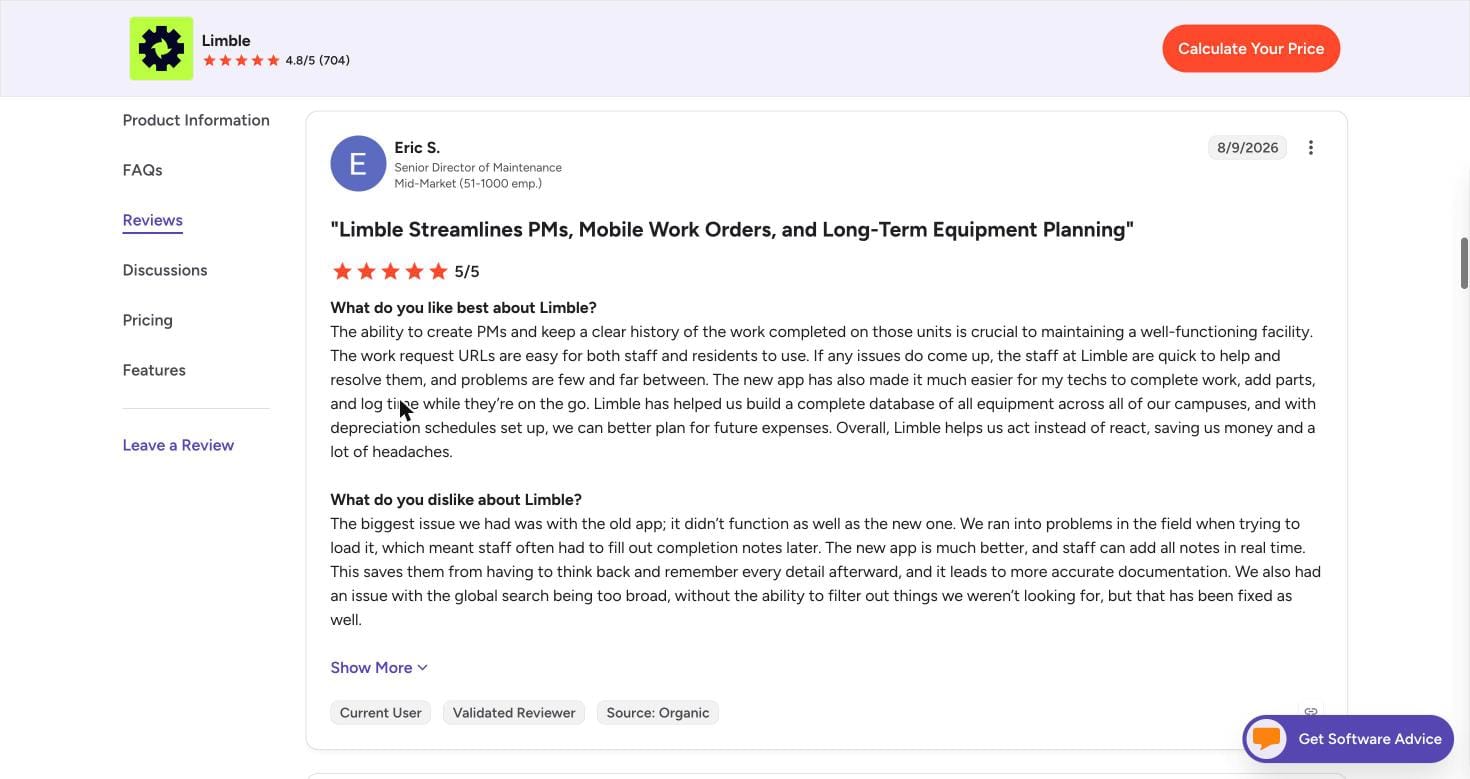
Pricing: Standard, Premium+ and Enterprise, priced through a calculator rather than published list prices, with offline on Premium+ and above. Compare on limble cmms review. What reviewers say: 4.8 on G2. On the praise side, Eric S., a Senior Director of Maintenance, says the ability to create PMs and keep a clear work history "is crucial to maintaining a well-functioning facility" and that work-request URLs "are easy for both staff and residents to use." On the critical side, he notes the older mobile app did not load reliably in the field and global search was too broad, though he adds both have since been fixed.
Choose it if: you are adding centers and want one configurable workflow engine that scales with the portfolio.
7. FMX
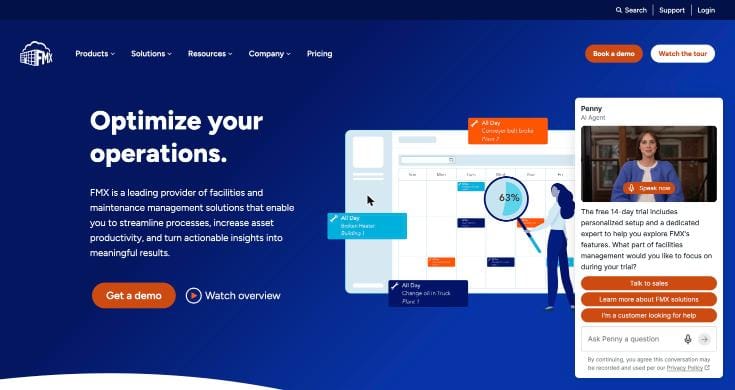
Ideal for: mixed-use and campus-style properties already running facility scheduling and space alongside maintenance.
Why it ranks here: FMX combines maintenance with facility scheduling and space management, which suits a property that books spaces and events as much as it fixes assets, though its roots are in education rather than retail.
FMX brings work orders, preventive maintenance, equipment and parts, plus facility scheduling and asset mapping into one place. For a mixed-use center with event space and bookings to manage, that scheduling overlap is useful.
Its focus is education and campus facilities, so retail and mall operations are not its native ground; treat it as the commercial stretch of its range rather than its core.
Key features
- Work order management: submit, route and resolve maintenance requests across the property, so a reported fault in a common area reaches the right technician with its location and priority attached.
- Automatic routing: auto-assign the best-suited technician using a kanban availability board, so a new work order lands with whoever is free and qualified rather than sitting in a queue.
- Preventive maintenance: schedule PM for HVAC, equipment and common-area assets, keeping recurring servicing on a calendar the whole team can see.
- Equipment and parts: track equipment maintenance and parts inventory together, so a repair is logged against the unit and the spare it consumed.
- Facility scheduling and rental: manage space bookings, events and rentals alongside maintenance, so an atrium event and the setup work behind it live in the same system.
- Asset mapping and reporting: map assets to locations and report on work and cost, giving a view of where labor is going across the property.
- Mobile app: manage work orders and asset info from the field, though offline support is not documented on FMX's product pages.
- AI (upcoming): an Iris assistant is described as planned, assigning work and acting only after human approval, with Text-to-Work-Orders already live today.
- Mixed-use and campus-style properties with events and bookable space to schedule alongside maintenance.
- Teams that want maintenance and room or space booking managed in one tool rather than two.
- Operators who value automatic work routing to keep jobs from stalling in a queue.
- Properties moving off spreadsheets and email for the first time.
- Pure retail or mall operators, since FMX is anchored in education and campus facilities rather than commercial retail property.
- Vendor-heavy centers that need a contractor marketplace and SLA scoring on outside trades.
- Teams that must confirm offline field use, which is not documented on FMX's product pages.
- Operators wanting a shipped AI agent today, since the Iris assistant is still upcoming.
Pricing: quote-only, priced on number of users and the features and workflows enabled, with special enrollment-based pricing for schools. Compare on fmx alternative.
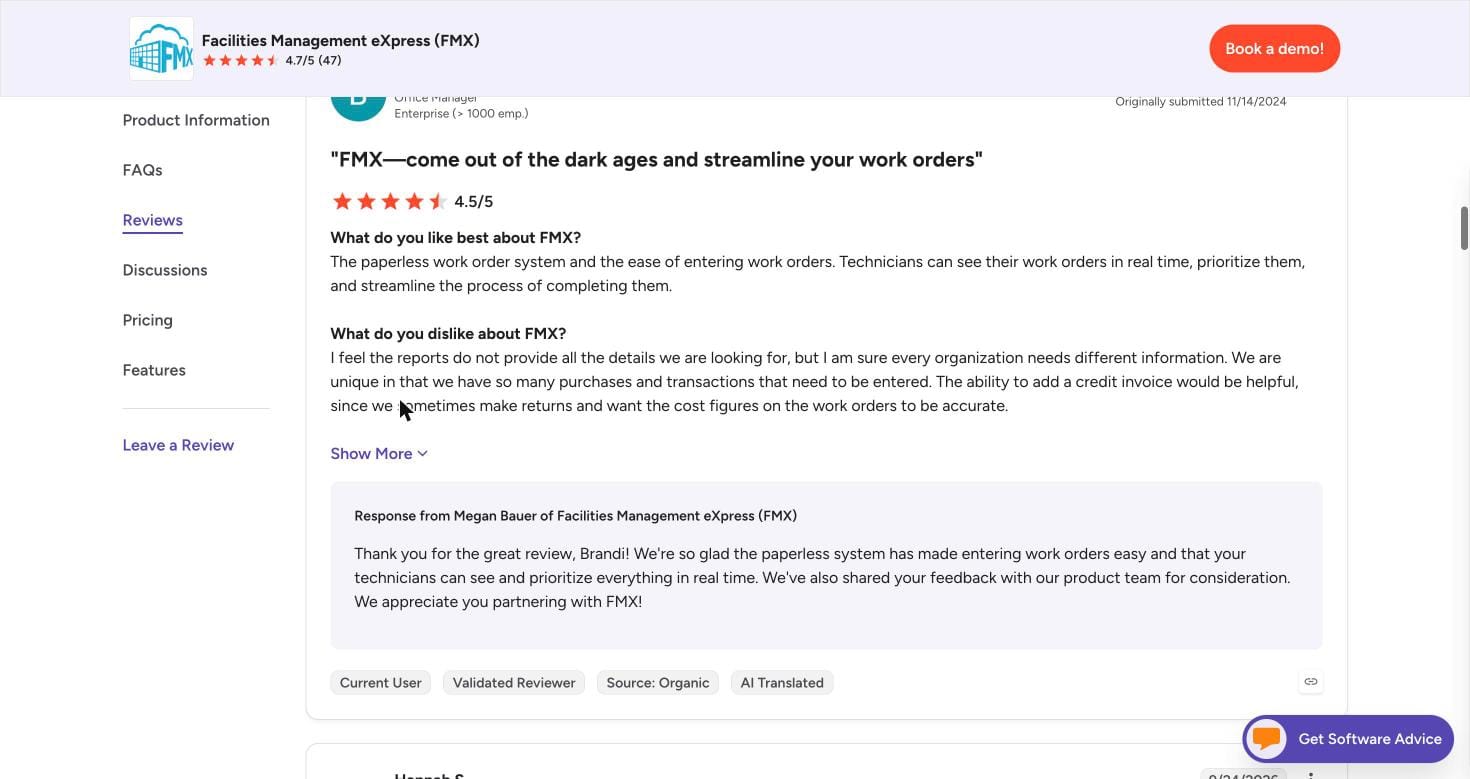
What reviewers say: 4.7 on G2. On the praise side, Brandi, an office manager at an enterprise, likes "the paperless work order system and the ease of entering work orders," noting technicians "can see their work orders in real time, prioritize them." On the critical side, she flags that the reports "do not provide all the details we are looking for" and asks for credit-invoice support so returns show accurate cost figures on work orders.
Choose it if: your property schedules spaces and events as much as it maintains assets and you want both in one tool.
8. IBM Maximo
Ideal for: asset-intensive operators who manage vertical transport and plant as enterprise assets with deep reliability needs.
Why it ranks here: Maximo is the enterprise asset management benchmark, strongest where a mall's critical plant, chillers, lifts and escalators, justifies reliability, predictive and inspection depth beyond a standard CMMS.
Maximo treats each escalator, chiller and lift as a managed enterprise asset, with reliability, predictive maintenance and inspection capabilities that go well past a mid-market CMMS. For an operator running critical plant across large or flagship centers, that depth is the reason to look.
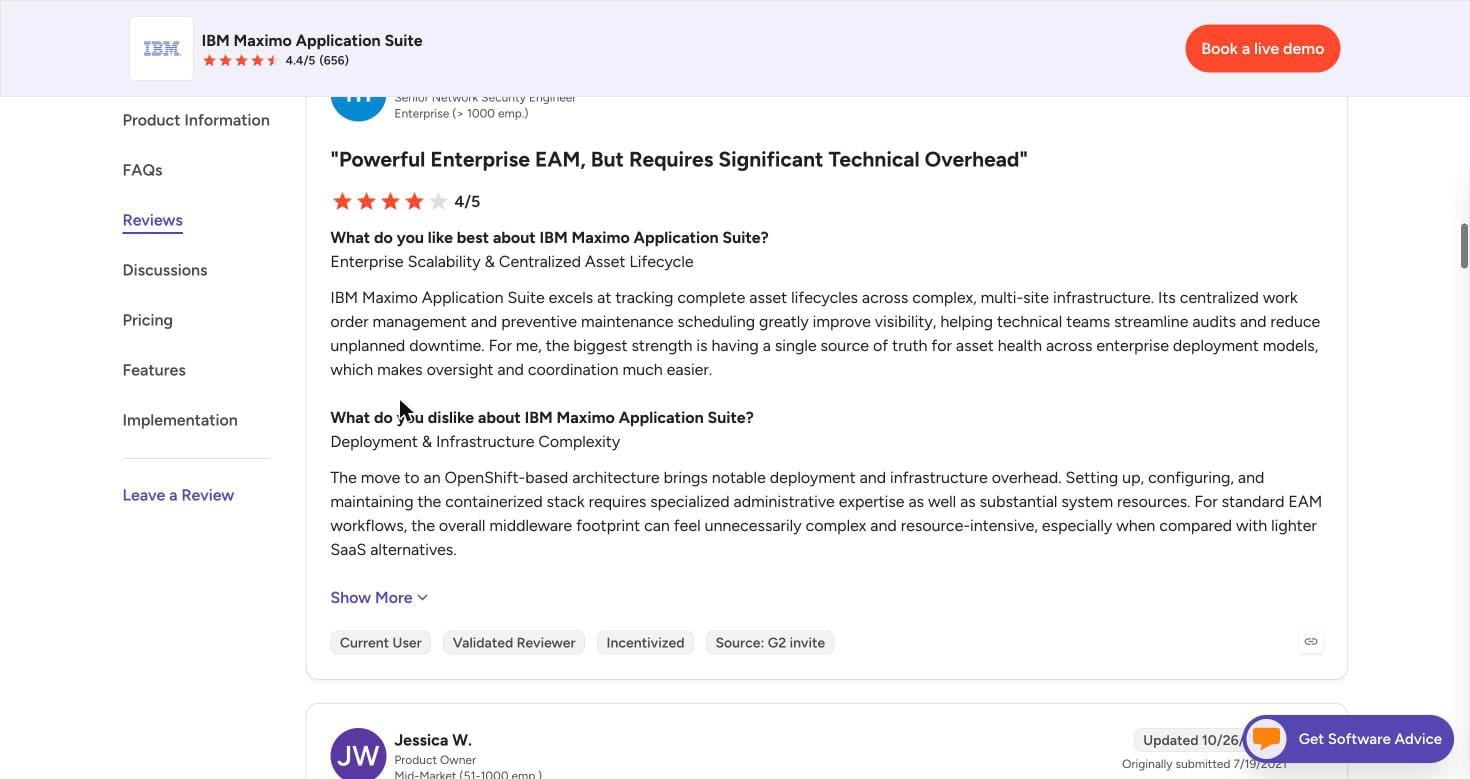
It is heavier and costlier to run than any other tool here, and reviewers consistently flag its deployment and infrastructure complexity, so it earns its place on asset depth, not ease of use.
Key features
- Enterprise asset management: manage the full lifecycle of critical center assets with enterprise asset management software depth few peers match, from an escalator's install date to its overhaul and eventual replacement.
- Preventive and predictive maintenance: schedule PM and use Maximo Predict and Health for condition-based upkeep of chillers and lifts, so a bearing trending toward failure is caught before it strands a unit at peak trading.
- Inspections: a dedicated inspection component for statutory and safety checks, keeping lift, fire and pressure-system records structured and audit-ready.
- Work and asset management: manage work orders against detailed asset records, with the cost, labor and parts history held on each critical unit.
- Inventory optimization: optimize spares across a large asset base, so expensive long-lead parts for vertical transport are stocked where they are needed without over-ordering.
- Space and capital planning: optional components for space and capital works that tie asset condition into the capital replacement plan for the property.
- Enterprise integrations: connect to BMS, ERP and IoT systems for enterprise-grade asset data across the estate, so plant readings and finance share one record.
- Reliability analytics: failure analysis and reliability tooling that turns years of work history on critical plant into a maintenance strategy.
- Operators running critical vertical transport and plant that need deep reliability and predictive capability.
- Large or flagship centers that manage their assets as enterprise assets with full lifecycle cost tracking.
- Teams with the in-house resources to run, configure and maintain an EAM of this scale.
- Portfolios that need predictive maintenance and formal inspection components working together.
- Small or mid-size centers, where the cost and configuration complexity outweigh the asset depth on offer.
- Teams wanting a fast, low-lift rollout and strong out-of-the-box mobile adoption for front-line staff.
- Vendor-first operators whose main need is a contractor marketplace rather than deep asset management.
- Budgets that cannot absorb per-component annual pricing and a 12-month non-cancellable minimum.
Pricing: Maximo Application Suite Essentials is priced per component per year, with the Maintenance component starting under $40K and Inspection under $47K, on a 12-month minimum. Compare on ibm maximo pricing.
What reviewers say: 4.4 on G2. On the praise side, an enterprise reviewer says Maximo "excels at tracking complete asset lifecycles across complex, multi-site infrastructure" and gives "a single source of truth for asset health." On the critical side, the same reviewer flags "significant technical overhead": the OpenShift-based architecture needs specialist administrative expertise and "can feel unnecessarily complex and resource-intensive" against lighter SaaS alternatives.
Choose it if: your center's critical plant demands enterprise reliability and inspection depth and you have the resources to run an EAM.
What a mall CMMS must handle, from escalators to the food court
Across every tool above, the same capabilities decide whether a system fits a shopping center. Use these two groups as your checklist.
Mall-specific core features:
- Vertical-transport asset management: every lift and escalator mapped to its OEM contract and statutory inspection cycle, not logged as a generic ticket.
- Common-area preventive maintenance: work order management and PM for HVAC, chillers, lighting and travelators by time, meter or OEM trigger.
- Vendor and SLA tracking: dispatch, SLA monitoring and spend visibility for the outside contractors who do most specialist work.
- Food-court refrigeration and compliance: refrigeration monitoring and audit-ready lift, fire and food-safety logs.
- Tenant request intake: one channel for retailer and shopper requests that routes to the right trade.
- Mobile and offline: parts inventory management software and work actions usable in basements, plant rooms and car parks when the signal drops.
AI and agent features:
- Intake and dispatch: does the AI raise and route the work order, or only suggest it?
- Vendor coordination: does it chase quotes, confirm attendance and close the loop, or just flag a delay?
- Invoice and compliance: does it validate a contractor invoice and turn an audit finding into a work order, or leave that to a coordinator?
The test for any shortlisted tool is simple: does the AI do the job end to end with a human on the checkpoint, or does it only suggest while a person still does the work?
Best mall CMMS software by operation size
The right tool depends as much on the size and shape of your operation as on the feature list.
- A single mall or small center: a mobile-first tool like MaintainX or UpKeep gets a resident team organized quickly at a published per-user price, without paying for portfolio features you will not use.
- A growing or multi-center portfolio: Limble suits a team standardizing workflows as it scales, while Facilio fits an operator that wants agents running intake, vendors and compliance across every center from one platform.
- An enterprise or asset-intensive operator: Facilio for connected, agent-run operations across the portfolio, or IBM Maximo where critical plant demands deep EAM; larger operators comparing options often start with a best enterprise cmms software shortlist.
- An FM service provider running centers for landlords: Facilio, ServiceChannel or Corrigo, depending on whether you want agents, a provider marketplace, or invoice reconciliation at the core; service providers managing commercial property can also map this against corporate facilities software.
What CMMS software for malls actually costs
Mall CMMS pricing comes in three shapes, and the sticker price is rarely the whole cost.
- Published per-user pricing: MaintainX and UpKeep publish per-user list prices, which are easy to budget but add up fast across a large resident team and push offline and advanced features to higher tiers.
- Calculator or quote pricing: Limble, FMX, ServiceChannel, Corrigo and Facilio price on scope, since a mall's user mix, site count and modules vary too much for a flat rate.
- Component or capacity pricing: IBM Maximo prices per component per year with user and work-order capacity caps, so cost scales with the asset program.
A realistic illustration for a 10-center portfolio with 25 users, using only published list prices and annual billing:
Indicative annual cost for a 10-center mall portfolio, 25 users, as of November - 2026. Quote-based tools shown as Quote. Figures re-verified on publish day.
| Platform | Plan basis | Indicative annual cost |
|---|---|---|
| MaintainX | Premium, $65/user/mo | $19,500 |
| UpKeep | Premium, $55/user/mo | $16,500 |
| IBM Maximo | Maintenance Essentials component | From under $40,000 |
| Facilio | Quote, by portfolio and scope | Quote |
| ServiceChannel | Quote, per location | Quote |
| Corrigo | Quote, per user or per site | Quote |
| Limble | Calculator, by plan | Quote |
| FMX | Quote, by users and features | Quote |
Hidden costs to ask about:
- Which tier includes offline, since a center with basements and plant rooms needs it from day one.
- Implementation and onboarding fees, which run weeks for the enterprise tools.
- Whether AI is metered by credits and what a realistic month of use costs.
- Add-ons for vendor management, parts or the API that sit above the entry plan.
Questions to ask before you shortlist a mall CMMS
Work through these in order; each decides what belongs on your shortlist.
- Who does the work? Decide whether your own technicians or outside contractors do most maintenance, because it changes the whole tool class. A center that outsources lifts, HVAC and cleaning needs vendor coordination at the core; one with a resident team needs mobile adoption first. Shortlist: contractor-heavy centers look at Facilio, ServiceChannel and Corrigo; in-house teams look at MaintainX, UpKeep and Limble.
- Does it treat vertical transport as governed assets? Confirm the tool maps each lift and escalator to its OEM contract and statutory inspection, and escalates an overdue inspection rather than closing a ticket. A missed escalator inspection is a liability, not a backlog item. Shortlist: Facilio and Maximo for inspection-governed asset depth; confirm the mid-market tools handle statutory cycles.
- Will it work offline across the center? Check which tier includes offline, since technicians lose signal in basements, plant rooms and car parks. If offline sits two tiers up, the true cost is higher than the sticker. Shortlist: Facilio includes offline; on MaintainX it starts at Premium, on UpKeep at Professional, on Limble at Premium+.
- How much work can the software run itself? Decide whether you want AI that acts on intake, dispatch, vendors and invoices with a human checkpoint, or AI that only suggests. For a lean center team, agents that close the loop are worth more than another dashboard. Shortlist: Facilio for agents that act; ServiceChannel for opt-in automation; the rest for assist-level AI today.
- Does it report per center and per client? Confirm you can see SLA, spend and compliance per property, and per landlord if you are a service provider. Without that, a portfolio becomes a spreadsheet exercise every month. Shortlist: Facilio, ServiceChannel and Corrigo for portfolio and client reporting.
What mall operators overlook when choosing a mall CMMS
These are the misses that cost centers time, money and compliance findings.
- Treating escalators and lifts like any other work order. Vertical transport sits under OEM contracts and statutory inspection, and a generic ticket lets the inspection date slip before anyone notices. The cost is a liability exposure and a failed audit. How to avoid it: ask each vendor to show an overdue lift inspection escalating to center management, not just closing.
- Having no single channel for tenant requests. When retailer requests arrive by email, phone and WhatsApp, they get lost and resurface as complaints. The cost is tenant goodwill and repeat visits for the same fault. How to avoid it: confirm one intake channel that routes a tenant request to the right trade automatically.
- Managing contractors on spreadsheets. Outside trades do most specialist mall work, so a center with no SLA visibility pays for work it cannot measure. The cost is overspend and slow repairs on critical plant. How to avoid it: require SLA and spend tracking per contractor, per site, before you sign.
- Treating food-court refrigeration as ordinary HVAC. A walk-in cooler failure overnight is a food-safety and stock-loss event, not a morning backlog item. The cost is spoiled stock and a health finding. How to avoid it: confirm refrigeration monitoring and alarm-to-work-order for food-court units.
- Scheduling disruptive PM during trading hours. Running noisy or access-blocking work at peak footfall drives shoppers and tenants away. The cost is lost trade and tenant friction. How to avoid it: check that PM scheduling respects trading hours and footfall peaks.
- Buying a store-level retail tool to run the whole property. An in-store chain tool does not cover common areas, shared plant or multi-tenant coordination. The cost is a system that fits a tenant, not the landlord. How to avoid it: scope the tool against common-area and vertical-transport operations, not a single unit.
- Ignoring offline field use. A tool that needs a signal fails exactly where center work happens, in basements and plant rooms. The cost is technicians writing on paper and re-keying later. How to avoid it: test the mobile app offline in a plant room during the demo.
How AI is changing mall maintenance software in 2026
The shift in 2026 is from software that records mall maintenance to software that runs parts of it. The mid-market tools have added assistants that answer questions, draft a procedure from a manual, or summarize a work order, with a person still doing the work. ServiceChannel's Action Hub goes a step further, identifying stalled work orders and missed ETAs and creating tasks once an operator enables automation.
The larger change is agentic operations. On a platform like Facilio, agents take a job end to end with a human on the checkpoint: a service-intake agent answers a tenant request and raises the right work order, a dispatch agent picks the contractor by SLA and history, a vendor agent chases the quote and confirms attendance, and an invoice agent checks the bill against the contract before it is paid.
For a lean center team, that is the difference between AI that suggests and AI that removes the desk work.
The practical test stays the same: can it close the loop, or does it only point at the problem?
How to switch to a new mall CMMS without downtime
A center never closes, so the move has to be phased. Use a simple four-phase cutover.
Phase 1, scope and asset register (typically weeks 1 to 3).
- Pull every common-area and vertical-transport asset, with OEM contracts and inspection dates.
- Clean the vendor list and current SLAs.
- Agree the work-order and priority rules the center runs on.
- Pick one center or zone as the pilot.
Phase 2, configure and import (typically weeks 3 to 6).
- Load assets, PM schedules and inspection cycles.
- Set up vendor records, SLAs and approval rules.
- Configure the tenant request intake channel.
- Import open work orders so nothing is lost.
Phase 3, pilot in one center (typically weeks 6 to 9).
- Run the pilot zone live while the old system stays read-only.
- Have technicians work the mobile app offline in plant rooms.
- Check inspection escalation and vendor SLA tracking against live jobs.
- Fix gaps before the rollout.
Phase 4, roll out across the portfolio (typically weeks 9 to 12).
- Bring centers on in waves, not all at once.
- Move reporting and client packs across per property.
- Retire the old system once a full cycle runs clean.
- Agree the baseline metrics to measure against.
Which CMMS for malls is right for you
If you run common-area operations across one or more centers and want agents handling intake, dispatch, vendors, invoices and compliance, Facilio is the strongest fit. If most of your maintenance is outsourced, ServiceChannel gives you a provider marketplace and Corrigo gives you vendor SLA scoring and invoice reconciliation. If your own technicians do the work, MaintainX and UpKeep win on mobile adoption and published pricing, and Limble suits a portfolio standardizing workflows as it grows. FMX fits a mixed-use property with scheduling to manage, and IBM Maximo fits an asset-intensive operator with critical plant.
To see how agents run a center's intake, vendors and compliance on a connected CMMS, request demo with Facilio and walk through your own mall's workflow.
Related reads
- best cmms for retail for in-store retail chains maintaining their own units
- retail software for retail property operations
- commercial portfolios software for multi-site commercial real estate
Mall CMMS questions facilities teams ask
What is the best CMMS software for malls?
For most operators the best CMMS for malls is Facilio, because it runs common areas, vertical transport and vendors on one platform with AI agents that act. The right pick still depends on whether you outsource maintenance, run it in house, or manage centers for a landlord.
What are the top 5 CMMS systems for shopping centers?
For shopping centers, Facilio, ServiceChannel, Corrigo, MaintainX and Limble are a strong top five. Facilio and ServiceChannel suit contractor-heavy operators, MaintainX and Limble suit in-house teams, and Corrigo leads on vendor and invoice depth.
What software do malls use for maintenance?
Malls use CMMS and facilities management software to run common-area upkeep, lift and escalator inspections, food-court refrigeration, tenant requests and outside contractors. Larger operators add energy and compliance tools, often on one connected platform.
How much does a mall CMMS cost?
It varies by model. MaintainX and UpKeep publish per-user prices from about $20 to $65 per user per month; Facilio, ServiceChannel, Corrigo, Limble and FMX are quote-based; and IBM Maximo prices per component per year from under $40,000.
How do malls manage escalator and elevator maintenance?
Malls manage lifts and escalators as governed assets, each tied to an OEM service contract and a statutory inspection cycle. A good CMMS schedules those inspections automatically and escalates an overdue one rather than letting it close as a ticket.
Can a CMMS handle tenant maintenance requests in a mall?
Yes. A mall CMMS gives retailers one channel to log requests, routes each to the right trade, tracks it against an SLA, and reports back, so a tenant fault is resolved before it affects shoppers.
Want the work done for you?
Our FM Ops Engineers scope your first AI agent on your own sites, then build it, run it and stay with you.
About the Author