










 Service intake
















The best asset management inspection software in 2026 are 1. Facilio, 2. IBM Maximo, 3. MaintainX, 4. Mitti (by SafetyCulture), 5. Asset Panda, 6. Asset Essentials by Siemens, 7. eMaint, 8. Limble, 9. Property Inspect, and 10. UpKeep.
Asset management inspection software lets your team check every rooftop unit, fire door, lift and switchboard on schedule, keep photo evidence from a phone, and turn a failed item into a work order before an auditor or a tenant finds it. This guide compares 10 tools built for building and facility assets on offline checks, failed-item work orders and compliance records, while the guide to building inspection management software covers statutory inspection programs. If you inspect bridges and roads, Bentley AssetWise is the specialist, and IT hardware audits sit better in ServiceNow or Snipe-IT.
Quick verdict
- Facilio: best for multi-site facility portfolios that need every failed inspection dispatched, fixed and documented, with agents and an FM Ops team doing the follow-up.
- IBM Maximo: best for asset-intensive enterprises with an in-house EAM team that want computer-vision inspections inside a full asset suite.
- MaintainX: best for mobile-first maintenance teams that want inspections and work orders in one app, starting on a free plan.
- Mitti (by SafetyCulture): best for safety and operations teams running high volumes of checklist inspections across many sites.
- Asset Panda: best for teams that want every inspection stored on a detailed, configurable asset record.
- Asset Essentials by Siemens: best for public-sector, education and municipal facility teams that already plan work in a CMMS.
- eMaint: best for reliability teams pairing inspections with condition monitoring and calibration records.
- Limble: best for mid-sized maintenance teams that want quick PM setup with inspection checks built into procedures.
- Property Inspect: best for property portfolios that run condition surveys and send branded reports to clients.
- UpKeep: best for small maintenance teams that want simple mobile inspection forms with optional work orders.
Asset inspection software compared at a glance
This table lines up all 10 asset inspection software options on fit, starting price, offline use, failed-item follow-up, AI and automation, and ratings.
| # | Tool | Best for | Starting price | Offline mobile | Failed item to work order | AI and automation | Rating |
|---|---|---|---|---|---|---|---|
| 1 | Facilio | Multi-site facility portfolios | Quote | Yes | Automatic, then dispatched by agents | Live agents for compliance, intake, dispatch, vendors, invoices | 4.4/5 G2 |
| 2 | IBM Maximo | Asset-intensive enterprises | Inspection from under $47K/yr | Not stated | Not stated | Computer-vision defect detection; assistant | 7.8/10 TrustRadius |
| 3 | MaintainX | Mobile-first maintenance teams | Free; paid from $20/user/mo | Yes | Automatic, once configured | Assist drafts procedures and requests (Enterprise) | 4.8/5 G2 |
| 4 | Mitti (by SafetyCulture) | Safety-led inspection programs | Free; paid from $24/seat/mo | Yes | Triggers actions and alerts | Report summaries, issue capture; agents in early access | 4.6/5 Software Advice |
| 5 | Asset Panda | Asset-record-first teams | Quote | Yes | Ticket raised from a failed result | Ursa AI fills records from photos, flags damage | 4.2/5 G2 |
| 6 | Asset Essentials by Siemens | Public-sector and education estates | Quote | Partial | Raised by the technician | Copilot suggests fixes (Enterprise tier) | 4.2/5 G2 |
| 7 | eMaint | Reliability and condition monitoring | Quote (3-user minimum) | Yes | Pass and fail inspection tasks | AI Suite answers and drafts SOPs (Enterprise) | 4.5/5 G2 |
| 8 | Limble | Mid-sized maintenance teams | Quote (price calculator) | Premium+ and up | Not stated | PM schedules from manuals, nameplate capture | 4.8/5 Software Advice |
| 9 | Property Inspect | Property portfolios and surveys | from $49/mo | Yes | Fails become tracked work | Inspect AI drafts reports for approval | 4.8/5 G2 |
| 10 | UpKeep | Small maintenance teams | from $24/user/mo | Professional and up | Optional, per item | Nova assistant; agents in early access | 4.6/5 Software Advice |
Prices from each vendor's own pricing page and ratings from the review site named, as of November - 2026.
How we evaluate asset management inspection software
We test each asset inspection platform on the work your team does every week: tracking equipment, running safety checks, keeping evidence and fixing faults.
We judged every platform on eight criteria:
- Tracking physical equipment: a searchable asset register with QR, barcode or RFID tags, so a technician opens the right air handler, extinguisher or pump record in one scan.
- Routine safety and condition checks: recurring inspection schedules by asset class and frequency, with pass, fail and condition scoring rather than free-text notes.
- Photo evidence: timestamped photos and video tied to the checklist item they prove, not dumped in a shared folder.
- Compliance audits and audit trail: a record an auditor can follow from schedule to inspection to fix, plus certificate dates for fire, lift and water systems.
- Offline mobile: whether a new inspection can be started, completed and photographed in a basement plant room with no signal, then synced later.
- What happens after a failed check: whether a failed item raises a work order automatically, routes it to a technician or contractor and tracks it to closure.
- Multi-site reporting: completion rates, overdue inspections and repeat failures compared site by site.
- AI that acts versus AI that suggests: what each tool's AI completes on its own, and what it only drafts for a person to finish.
Ratings come from G2, TrustRadius and Software Advice, checked live on November 18, 2026, and prices come from each vendor's own pricing page wherever one is published.
The 10 best asset management inspection software, reviewed
Each profile below covers who the asset inspection tool suits, its inspection features, what its AI does, pricing, a named reviewer and a one-line verdict.
1. Facilio
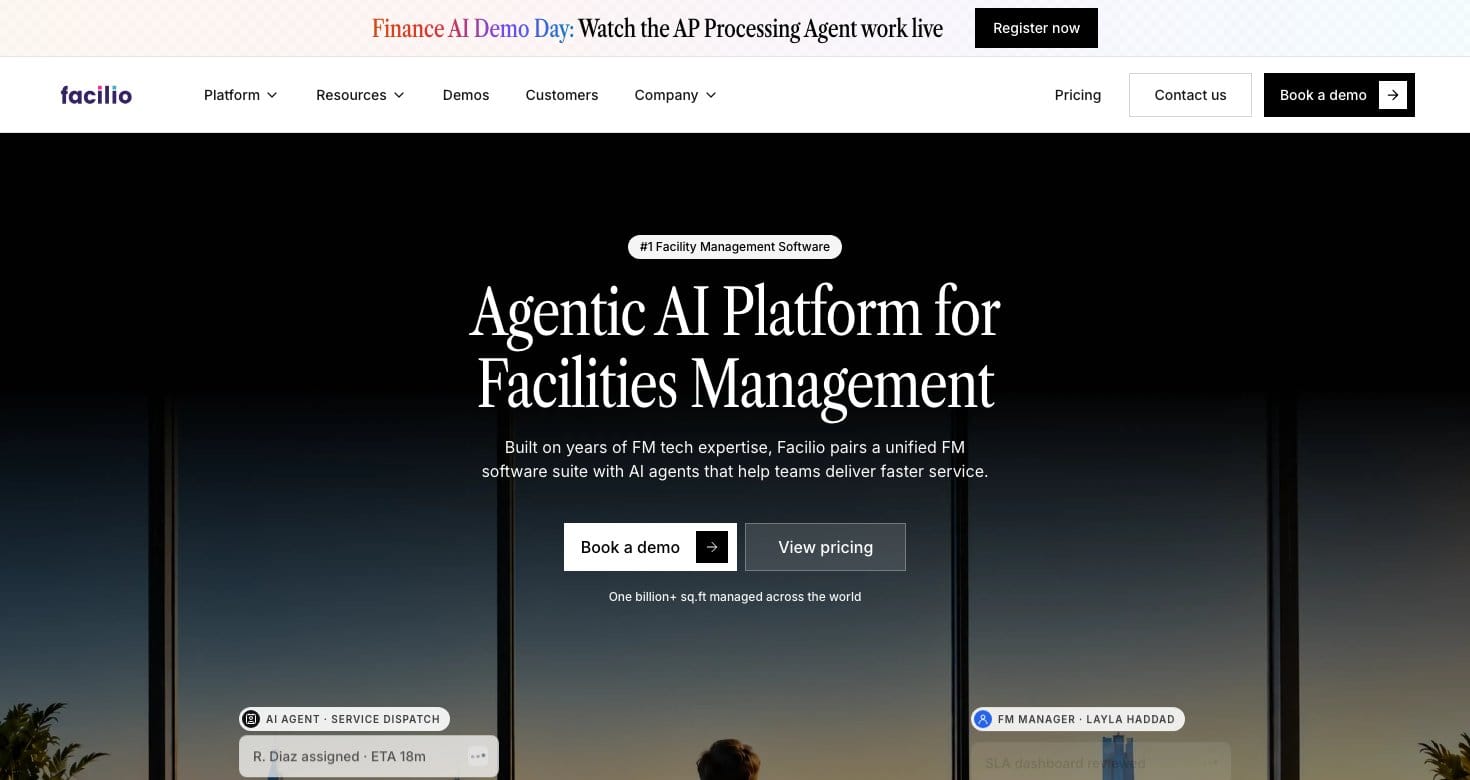
Ideal for: FM directors running scheduled asset inspections across a multi-site portfolio, where every failed check has to become a tracked, evidenced fix.
Why it ranks #1: it is the only platform here that runs the work after the inspection, from the work order to the contractor visit to the renewed certificate, with live agents and an engineering team that stays.
| Ideal for | Multi-site facility portfolios with statutory inspection schedules |
| Starting price | Quote by portfolio size, users and scope |
| Key strength | Failed inspection items become dispatched, closed work on one platform |
| Rating | 4.4/5 on G2 |
| Free trial | Guided demo on your own sites |
| AI and automation | Live agents for building compliance, request intake, dispatch, vendor follow-up and invoice checks |
Most tools on this list stop once the inspection report is filed. Facilio, the agentic platform for facilities management, keeps going: its agents raise the work order from a failed item, send it to the right technician or contractor, and track the certificate until the asset is compliant again, with the CMMS as the record they all run on.
Behind the software sits a pod of FM Ops Engineers, Facilio's own team. They map your inspection program as it runs today, build the templates, schedules and agents, and stay after go-live, so you need no technical hires and no training program. Facilio is trusted by 150+ customers across four regions.
Key features:
- Inspection templates and schedules: Facilio's inspection management software builds drag-and-drop checklists with conditional logic and scoring, then runs them daily, weekly, monthly or on a custom cycle and assigns each one by skill, availability and workload.
- Mobile and offline-first execution: technicians complete inspections in a plant room or car park with no signal, attach photos, video and remarks to each item, check in by GPS and scan the asset's QR code, and everything syncs when the connection returns.
- Failed item to work order: a score below the threshold you set raises a corrective work order on the spot, with escalation rules for critical findings such as a failed fire damper or a tripped emergency light.
- Asset register and lifecycle: every chiller, lift and fire panel carries its inspection history, warranties and manuals, tagged by RFID or qrcode asset tracking software so the right record opens in one scan.
- Planned maintenance and statutory compliance: PPM schedules and statutory inspections run on one calendar, with timestamped audit trails and exportable PDF reports aligned to OSHA, EPA and ISO requirements.
- Vendor and subcontractor management: fire, lift and water-treatment contractors work inside the same inspection schedule, with license and insurance checks before they are assigned.
- Portfolio dashboards and SLA tracking: completion rates, overdue inspections and repeat failures compare site by site in no-code dashboards, so a regional manager sees which building is slipping before the audit.
- Atom agents: live ai suite agents take the follow-up work off your desk: building compliance tracks certificates and flags the gap before the audit, service dispatch picks the technician or vendor, vendor coordination confirms the visit and collects the report, service intake turns calls and emails into work orders, and invoice processing checks the contractor's bill against the job, all running on Facilio's CMMS or the one you already have.
- Connected Buildings: alarms from the BMS, HVAC and refrigeration systems become work orders with fault detection attached, so a condition problem is caught between scheduled inspections.
Deployment and security: SaaS or behind your firewall, ISO 27001, GDPR and regional data residency.
Best for:
- Portfolios with statutory schedules for fire systems, lifts, water hygiene and electrical testing, where a missed certificate is an audit finding.
- FM directors who want a failed inspection item to become dispatched work without a coordinator chasing it by phone.
- Teams without spare IT capacity, because FM Ops Engineers configure the program and keep running it with you.
- Operators who want to keep their current CMMS, since the agents can run on top of it.
Not ideal for:
- A small single-site team that only needs a self-serve checklist app, because Facilio is built for large, multi-site enterprise portfolios and that team would pay for more platform than it uses.
- Buyers who need a published per-user price on day one, because every plan is quoted by portfolio size, users and scope.
Pricing: Facilio quotes its Standard, Essential and Enterprise plans by portfolio size, users and scope; see pricing.
What reviewers say: Facilio holds 4.4 out of 5 on G2. Cristy T., an Operations Director, wrote in August 2025 that after trying several CMMS platforms, "Facilio is the ONLY ONE that has been able to deliver."
Customer proof: CIT Ltd, an FM services firm that has managed national landmarks and cities since 1993, reached compliance-ready status in two weeks on Facilio, with threshold-based work orders raised automatically from its inspections (cit case study).
See your inspections run end to end.
Bring one site's inspection schedule and watch a failed item become a dispatched, closed and documented fix.
Request a demo →Verdict: the strongest pick for a multi-site facilities team that needs every failed inspection fixed and documented, not just reported, with a team that stays to run it.
2. IBM Maximo
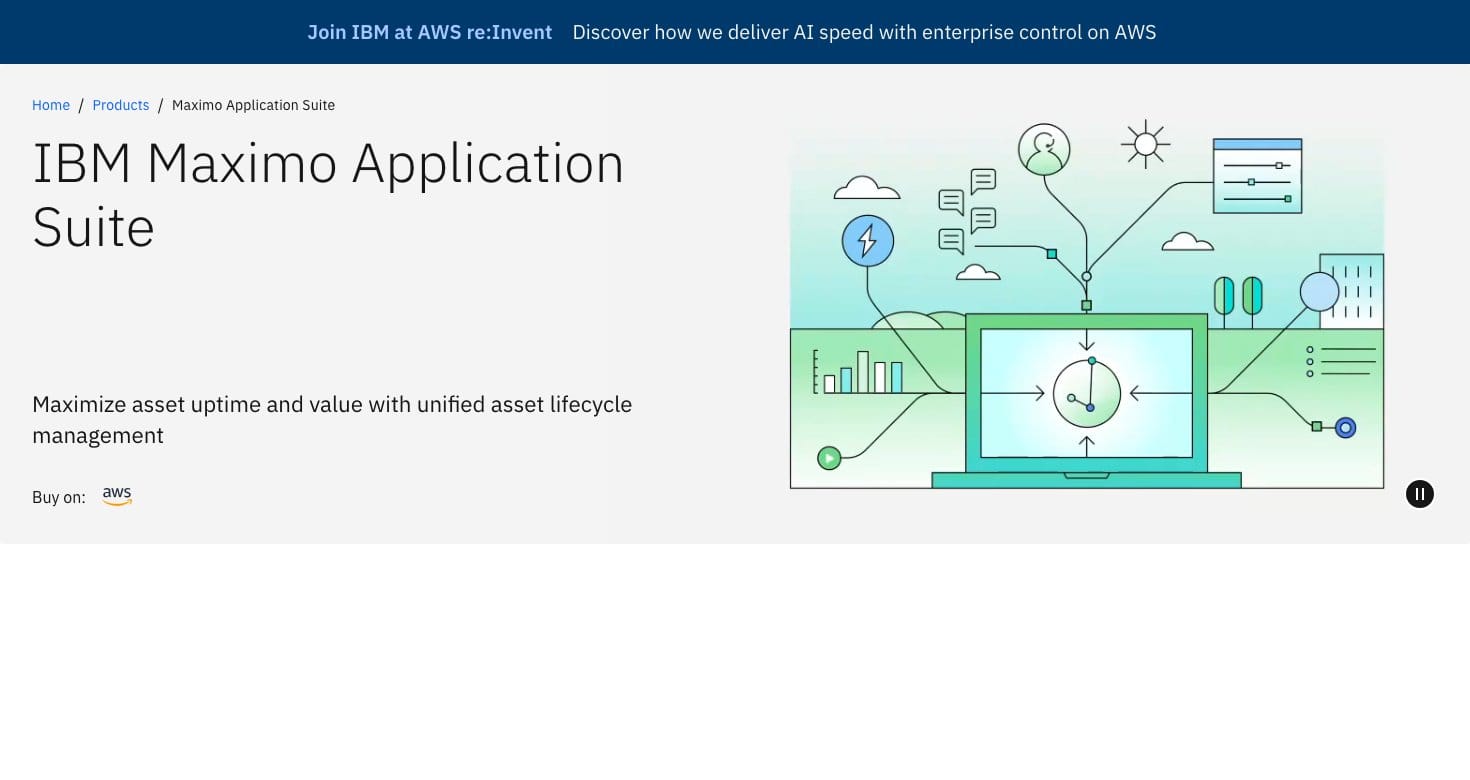
Ideal for: asset-intensive enterprises with an in-house EAM team that want inspections inside one asset lifecycle suite.
Why it ranks here: few platforms match its depth for large asset registers, and its visual inspection module detects defects from images, though the cost and setup suit enterprise programs.
| Ideal for | Enterprises with large, complex asset registers |
| Starting price | Inspection component from under $47K per year |
| Key strength | Full asset lifecycle suite with computer-vision inspection |
| Rating | 7.8/10 on TrustRadius |
| Free trial | Guided trial for Manage and Health; self-guided visual inspection demo |
| AI and automation | Visual inspection flags defects from images; Maximo Assistant answers technician questions |
IBM Maximo Application Suite bundles maintenance, inspection, health, space and capital planning into one subscription, priced by component. It is the reference EAM for utilities, transport and heavy industry, and many large campuses and healthcare estates run it too.
Inspections are one module in a much bigger system. That gives you deep asset data, but it also means a long implementation, specialist administrators and a partner to configure it. Facilio's maximo vs facilio comparison covers how the two differ for facilities teams.
Key features:
- Configurable inspection forms: digitized checklists and standard forms with automated schedules, assignments and notifications, for example a monthly generator run test across every hospital in a region.
- Mobile capture: technicians record readings and attach photos or video from a phone while walking a substation or plant room.
- Maximo Visual Inspection: a no-code computer-vision tool that is trained on your own images and flags defects, corrosion or anomalies from cameras, drones and phones.
- On-device inference: since the 9.2 release, visual inspection models can run on the device, which helps on sites with weak connectivity.
- Maximo Assistant: a natural-language assistant on mobile that finds asset information and history and suggests problem codes, with the supervisor confirming next steps.
- Health and predictive modules: asset health scores and failure predictions sit beside inspection results, so a declining chiller can be flagged for replacement planning.
- Open agent connections: the 9.2 release lets organizations connect their own agents to Maximo Manage through its APIs.
- Space, lease and capital planning: separate components cover the real estate side for enterprises that want one IBM estate.
Best for:
- Enterprises with tens of thousands of assets that need inspection data inside a full EAM, health and capital planning stack.
- Organizations that already run IBM software and have in-house administrators or a long-term implementation partner.
- Inspection programs built on images, such as drone surveys of roofs, towers or substations, where computer vision saves walk-down time.
Not ideal for:
- Facilities teams that want to start inspecting within weeks, since a typical rollout needs a partner, data migration and administrator training.
- Budgets below enterprise scale, because each component is priced per year in the tens of thousands of dollars before services.
- Teams that need contractor-facing compliance follow-up, because the inspection page does not describe failed-item work orders, certificates or vendor coordination.
- Buyers who want offline inspection confirmed upfront, as the inspection page does not state it.
Pricing: IBM lists the Essentials Inspection component from under $47K per year and Maintenance from under $40K per year, with Standard and Premium quoted; see IBM Maximo pricing and Facilio's ibm maximo pricing breakdown.
What reviewers say: Maximo scores 7.8 out of 10 on TrustRadius. Doug Craft, a Staff IT specialist at The Home Depot, wrote in November 2026 that he values "the ability to configure all screens and functions to match my exact business needs."
Verdict: the deepest inspection-plus-EAM suite here, best suited to enterprises with the budget and in-house team to run it.
3. MaintainX
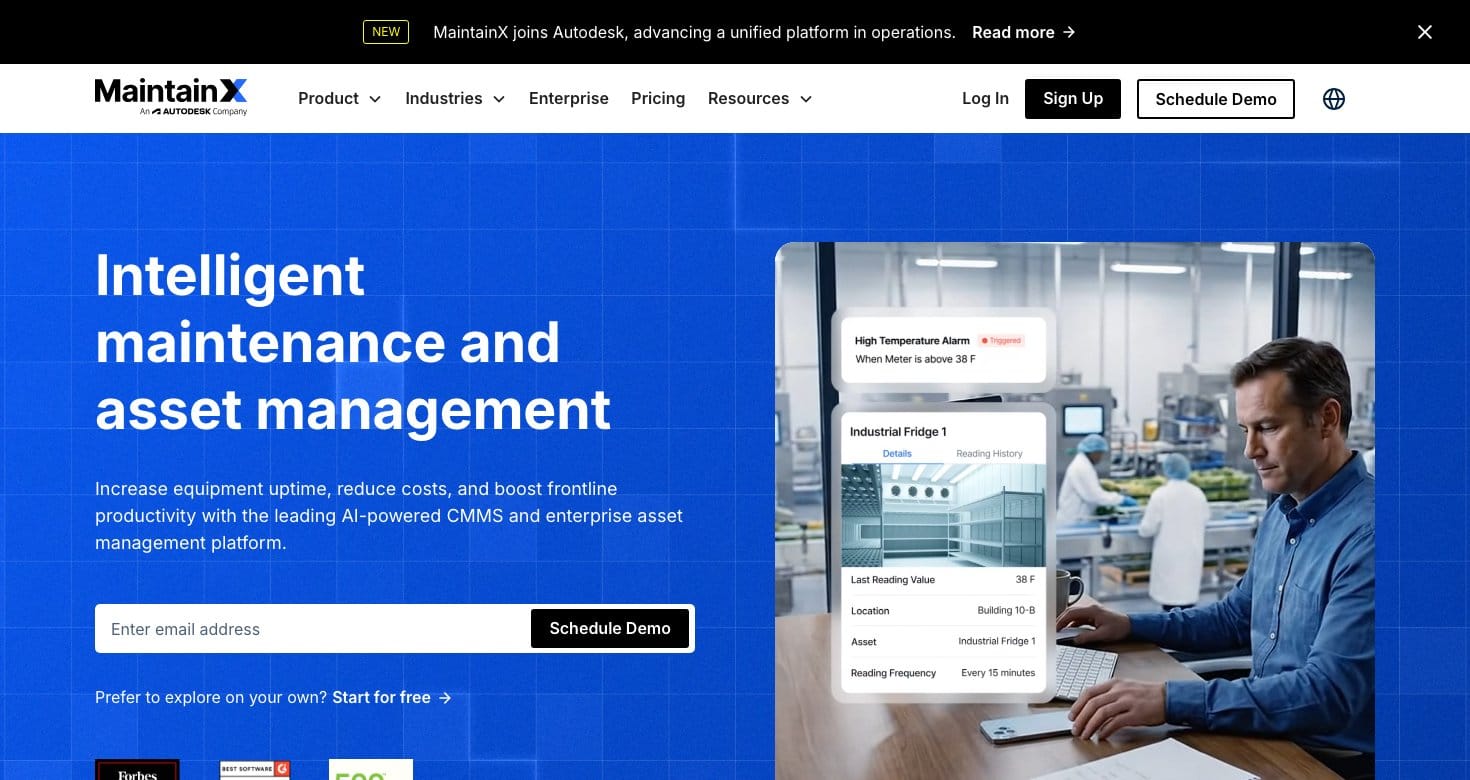
Ideal for: mobile-first maintenance teams that want inspections and work orders in one app.
Why it ranks here: its inspection checklists, offline mode and failed-item automations are easy for technicians to adopt, and a free plan lowers the bar to start.
| Ideal for | Maintenance teams that live on their phones |
| Starting price | Free; Essential from $20/user/mo billed annually |
| Key strength | Fast technician adoption with checklists tied to work orders |
| Rating | 4.8/5 on G2 |
| Free trial | Free Basic plan; trial on paid plans |
| AI and automation | MaintainX Assist drafts procedures, reports and requests for review (Enterprise plan) |
MaintainX, now part of Autodesk after a deal completed in August 2026, is a mobile CMMS used across manufacturing, facilities, property management and retail. Its inspection checklists carry pass and fail steps, photos and electronic signatures.
The pull for most teams is speed: technicians pick it up quickly, and a failed step can open a work order automatically once you set the rule. Multi-site management, SSO and the AI assistant sit on the Enterprise plan, so check which tier your program needs. See the maintainx vs facilio comparison for the facilities view.
Key features:
- Drag-and-drop inspection checklists: conditional logic and pass or fail criteria per step, so a failed emergency light test branches into the right follow-up questions.
- Automated corrective actions: a failed step can create a work order and alert the team, which keeps a leaking valve found on a walk-down from waiting for the next meeting.
- Offline mode: inspection data can be recorded without internet access and synced later.
- Photo evidence and signatures: photos attach to checklist steps, and completed inspections carry a timestamped audit trail with electronic signatures.
- QR codes and barcodes: codes are generated for each asset, so a technician opens the right compressor record in one scan.
- Cross-location reporting: templates enforce the same steps everywhere, and reports compare results by location.
- MaintainX Assist: answers questions, builds reports and drafts procedures or work requests that a person reviews and approves, available on the Enterprise plan.
Best for:
- Maintenance teams that need technicians using the app on day one, with minimal training.
- Single-site and mid-sized teams that want to start free and add paid seats as inspections grow.
- Operations where a failed inspection step should open a work order automatically.
- Teams preparing for OSHA or GMP audits that need signed, timestamped inspection records.
Not ideal for:
- Portfolios that need multi-site management and SSO but not an Enterprise budget, because both sit on the custom-priced tier.
- Teams expecting AI to finish follow-up work, since Assist drafts and answers but cannot create or edit records on its own.
- Facilities programs centered on contractor compliance and certificates, which need more vendor management than a technician-first CMMS provides.
Pricing: Basic is free, Essential is $20 per user per month billed annually, Premium is $65 per user per month billed annually, and Enterprise is quoted; see MaintainX pricing and Facilio's maintainx pricing guide.
What reviewers say: MaintainX holds 4.8 out of 5 on G2. Liam W., a Maintenance Engineer, wrote in October 2026 that it is "extremely user-friendly thanks to intuitive UI and mobile-first methodology."
Verdict: a strong, easy-to-adopt pick for maintenance teams that want inspections and work orders together, with AI that assists rather than acts.
4. Mitti (by SafetyCulture)
Ideal for: safety and operations teams running high volumes of checklist inspections across many sites.
Why it ranks here: SafetyCulture, rebranded as Mitti in 2026, is one of the most widely used inspection apps, with true checklist depth, offline use and a free plan.
| Ideal for | Safety-led, high-volume inspection programs |
| Starting price | Free for up to 10 users; Premium from $24/seat/mo billed annually |
| Key strength | Inspection templates and reporting at scale |
| Rating | 4.6/5 on Software Advice |
| Free trial | Free plan |
| AI and automation | AI report summaries and issue capture; agents in early access that act only after sign-off |
Mitti is the new name for SafetyCulture, the inspection app many teams still know as iAuditor. It serves manufacturing, facilities, hospitality, construction and retail, and the brand says 80,000 organizations use it.
Inspections are its home ground, and it has added an asset register and work orders around them. For a facilities team, that makes it a strong checklist layer, though the maintenance side is lighter than a dedicated CMMS.
Key features:
- Template builder: build and customize inspection templates without technical skills, with formulas that calculate results as the inspector answers.
- Offline inspections: works online or offline on any device, with auto-save and sync.
- QR codes and NFC tags: link codes or tags to assets on site, so an inspector at a fire extinguisher bank scans straight into the right record.
- Response-driven actions: any answer can trigger an action, an approval or an alert, so a failed guard rail check notifies the site manager immediately.
- Audit-ready records: date, time, GPS location, user attribution, e-signatures and approval workflows on every inspection.
- Asset register and servicing: a digital register with servicing by usage or time and work orders tracked to completion.
- AI report summaries and issue capture: each report gets a summary of critical findings, and photos or voice notes become issues to action.
- Agents (early access): background agents that propose actions, with nothing actioned until someone signs off.
Best for:
- Safety, quality and operations teams that run hundreds of inspections a week across stores, sites or venues.
- Organizations that want a free starting point and per-seat pricing for small teams.
- Programs that need a large library of ready-made templates and polished reports for auditors.
- Retail and hospitality chains standardizing store or venue walks, where the location-based plan includes unlimited users per site.
Not ideal for:
- Teams that want maintenance planning, parts and contractor control at CMMS depth beside their inspections.
- Large contractor-heavy estates on per-seat pricing, unless the location-based plan suits your sites.
- Buyers who want agents doing follow-up work today, since Mitti's agents are in early access and wait for sign-off.
Pricing: the Free plan covers up to 10 users, Premium is $24 per seat per month billed annually or $29 monthly, and Enterprise and location-based plans are quoted; see Mitti pricing.
What reviewers say: Mitti holds 4.6 out of 5 on Software Advice. Robert S., at an electrical contracting firm, wrote in April 2026: "It is easy to use, saves time during inspections and audits."
Verdict: the leading checklist-first inspection app here, best for safety-led programs that do not need deep maintenance follow-up.
5. Asset Panda
Ideal for: teams that want every inspection stored against a detailed, configurable asset record.
Why it ranks here: it starts from the asset rather than the checklist, which suits organizations whose first problem is knowing what they own and its condition.
| Ideal for | Asset-record-first organizations |
| Starting price | Quote |
| Key strength | Configurable asset register with inspection history |
| Rating | 4.2/5 on G2 |
| Free trial | 7-day free trial |
| AI and automation | Ursa AI reads nameplates and photos to fill records and flags visible damage, with people making the final call |
Asset Panda, founded in Dallas in 2012, is an asset tracking platform that serves government, education, healthcare and construction teams. Its Pro product adds Ursa AI, and the company reports more than 10,000 organizations served.
Inspections sit on each asset record, which keeps the history clean. Follow-up uses tickets rather than full maintenance work orders, so heavier maintenance programs usually pair it with a CMMS.
Key features:
- Inspection forms per asset: required fields, readings, photos, notes, signatures and pass or fail answers, changed without code.
- Offline capture: work is captured offline where connectivity is limited and synced later.
- Barcode and QR scanning: a scan on iOS or Android opens the asset, for example a portable generator checked out to a site team.
- Tickets from failed results: a failed result can become a ticket with an owner and a due date.
- Audit evidence: time-stamped activity and chain-of-custody records support audits and compliance reviews.
- Ursa AI asset capture: snap a photo of a nameplate or label and Ursa reads the make, model and serial number and fills the record.
- AI-assisted inspections: Ursa assesses visible damage and helps fill inspection details, while a person stays responsible for the final decision.
Best for:
- Organizations moving their asset register off spreadsheets and onto mobile scanning.
- Teams that track movable equipment, vehicles and IT alongside building assets.
- Inspection programs where history per asset matters more than scheduling depth.
- Buyers who want AI help filling records from photos.
Not ideal for:
- Facilities teams that need planned maintenance, parts and contractor management in the same tool.
- Portfolio managers who need multi-site inspection analytics, which the inspection page does not describe.
- Buyers who want a published price before the first call.
Pricing: Asset Panda quotes every plan after a needs call, with a 7-day free trial; see Asset Panda pricing.
What reviewers say: Asset Panda holds 4.2 out of 5 on G2. Isaac F., an Inventory and Asset Specialist, wrote in February 2026: "We've been able to completely move off spreadsheets."
Verdict: a solid asset-record-first tool, best when knowing what you own and its condition matters more than the maintenance that follows.
6. Asset Essentials by Siemens
Ideal for: public-sector, education and municipal facility teams that already plan maintenance in a CMMS.
Why it ranks here: Asset Essentials, formerly Brightly, is widely used across schools, local government and healthcare, with pass and fail tasks that lead into work orders.
| Ideal for | K-12, higher education, local government and senior living |
| Starting price | Quote |
| Key strength | Established CMMS for public estates |
| Rating | 4.2/5 on G2 |
| Free trial | Not published |
| AI and automation | Maintenance Copilot suggests diagnostics and parts; AI summaries; duplicate work orders flagged automatically |
Brightly Software became Siemens Asset Management Software in July 2026, and Asset Essentials is its core CMMS. Siemens reports 11,000+ organizations using its asset software, mostly in education, government, manufacturing and healthcare.
Inspection work runs through tasks on work orders. A technician can mark a task as failed and raise a follow-up work order from it, and IoT monitoring can raise corrective work automatically. Facilio's brightly vs facilio comparison covers the facilities differences.
Key features:
- Pass and fail tasks: a failed task on a work order lets the technician create a follow-up work order from it, for example after a failed boiler safety valve test.
- Automated preventive maintenance: PM schedules create work orders automatically on time or usage.
- IoT remote monitoring: connected equipment can auto-generate corrective work orders when readings go out of range.
- Partial offline mode: technicians can create work orders and log failed tasks offline, though adding assets, parts and attachments needs a connection.
- Duplicate work order flagging: requests for the same issue are flagged and consolidated before they are assigned.
- Maintenance Copilot: suggests troubleshooting steps, recurring issues and spare parts from manuals and history, with citations, on the Enterprise tier.
- Capital planning add-ons: separate Siemens products predict long-term asset health and lifecycles for budget planning.
Best for:
- School districts, universities and municipalities that need a proven CMMS used by peer institutions.
- Teams that want inspections inside work orders rather than in a separate checklist app.
- Estates planning capital renewal from asset condition data.
Not ideal for:
- Teams that need full offline inspection, because asset, parts and attachment edits need a connection.
- Buyers who want AI to complete tasks, since Copilot suggests and does not create or change records.
- Organizations that want published pricing or a self-serve trial.
Pricing: Siemens quotes Asset Essentials after a demo and does not publish prices; see Asset Essentials pricing and Facilio's brightly pricing breakdown.
What reviewers say: Asset Essentials holds 4.2 out of 5 on G2. Regina C., an Operations Coordinator, values "the ability to have all the different locations use the program and attach pictures."
Verdict: a dependable choice for public-sector estates that want inspections inside an established CMMS, with AI that advises rather than acts.
7. eMaint
Ideal for: reliability-focused teams that pair inspections with condition monitoring and calibration records.
Why it ranks here: as part of Fluke Reliability, it links inspections and work orders with sensor data and calibration tracking, which suits regulated and equipment-heavy sites.
| Ideal for | Reliability and regulated maintenance teams |
| Starting price | Quote; Professional has a 3-user minimum |
| Key strength | Condition-based maintenance with calibration tracking |
| Rating | 4.5/5 on G2 |
| Free trial | Not offered; demo only |
| AI and automation | AI Suite answers with citations, drafts SOPs and fills voice work requests for approval (Enterprise) |
eMaint, a Fluke Reliability company, reports 7,400+ deployments and 150,000+ users. Its strength is the reliability stack: condition-based triggers, meter readings and calibration management sit beside PM checklists and inspections.
Pricing is no longer published, and the AI Suite, multi-site operations, SSO and QR scanning sit on the Enterprise plan. Facilio's emaint vs facilio comparison sets out the facilities trade-offs.
Key features:
- PM checklists and inspection tasks: routine inspections with pass and fail tasks and procedures with inspection checks, such as a monthly compressor vibration route.
- Condition-based triggers: meter readings and sensor data trigger maintenance when a value crosses a limit.
- Calibration management: calibration records, labels and standards tracking for regulated equipment.
- Offline mobile: technicians view work orders, update status, take photos and scan assets with no signal, and data syncs automatically.
- E-signatures and audit trail: digital signatures on completion and automatic audit trails for compliance reviews.
- QR and barcode scanning: scan to open asset history or submit a work request, on the Enterprise plan.
- eMaint AI Suite: an assistant that answers from your data with citations, an SOP builder that drafts procedures for approval, and voice requests that fill fields before a person converts them to work orders.
Best for:
- Plants and campuses that run condition monitoring with Fluke sensors and want inspections in the same system.
- Regulated sites that need calibration records and e-signatures.
- Multi-crew teams that want offline work orders on the Professional plan.
Not ideal for:
- Buyers who want published prices, since both plans are now quote-only with user minimums.
- Smaller teams that want AI, because the AI Suite is Enterprise-only.
- Facilities programs led by contractor compliance and certificates rather than equipment reliability.
Pricing: Professional (3-user minimum) and Enterprise (5-user minimum) are quoted and billed as a prepaid annual commitment; see eMaint pricing and Facilio's emaint pricing guide.
What reviewers say: eMaint holds 4.5 out of 5 on G2. Felix W., a Business Process Management Manager, wrote in August 2026 that "X5 is a big improvement in UI, functionality and overall performance."
Verdict: the best fit here for reliability programs that want inspections tied to condition data, with an Enterprise plan needed for AI.
8. Limble
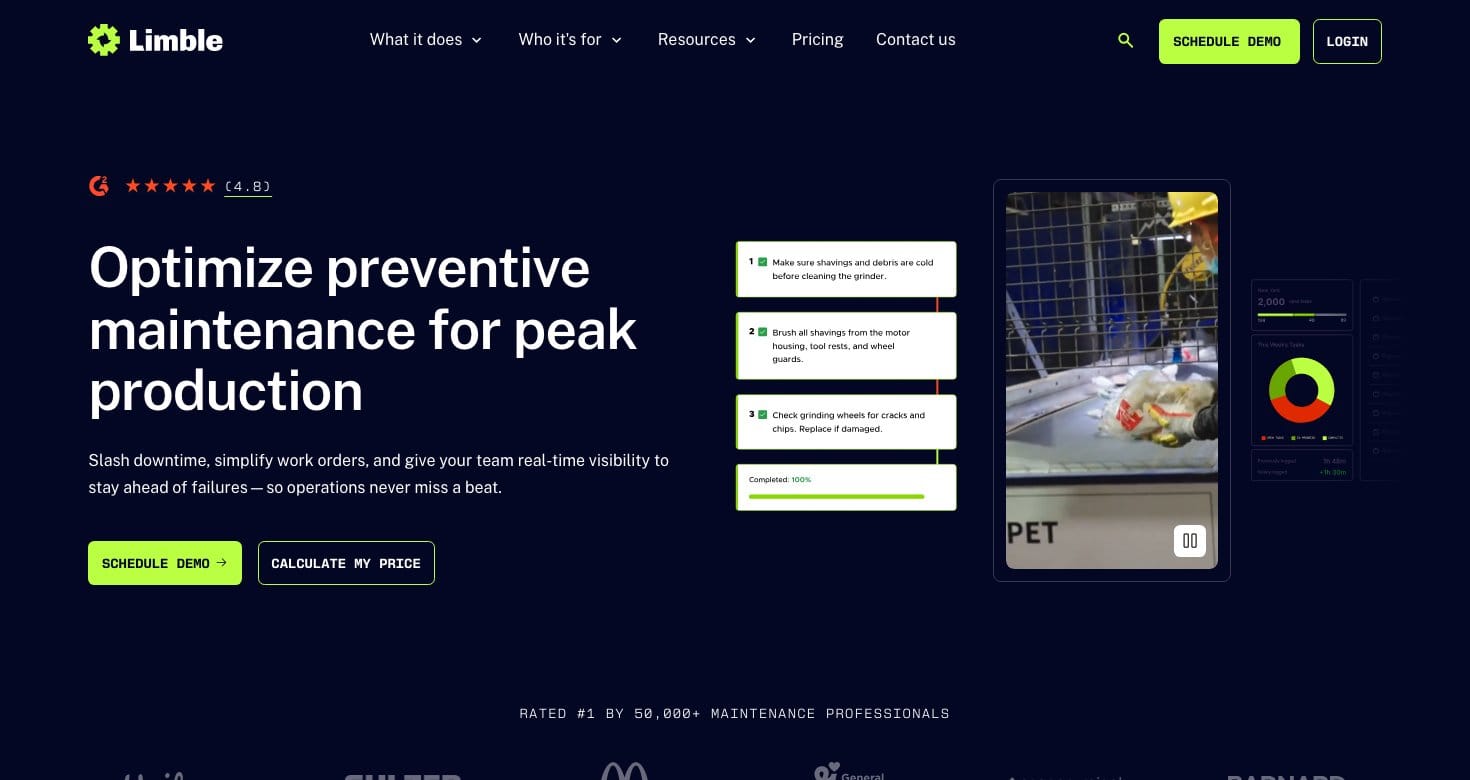
Ideal for: mid-sized maintenance teams that want fast PM setup with inspection checks inside procedures.
Why it ranks here: reviewers rate its ease of use highly, and its AI turns manuals into PM schedules quickly, which shortens setup for inspection-heavy assets.
| Ideal for | Mid-sized maintenance teams |
| Starting price | Quote through an online price calculator |
| Key strength | Quick setup and high technician adoption |
| Rating | 4.8/5 on Software Advice |
| Free trial | Not published |
| AI and automation | AI PM builder from manuals, nameplate asset capture, anomaly flags on readings |
Limble serves teams from manufacturing and food and beverage to facilities, healthcare and education, from a single site to a national portfolio. Its plans are now Standard, Premium+ and Enterprise, with prices shown only through a calculator.
Inspection checks live inside procedures on Premium+ and Enterprise, and offline mode starts at Premium+, so the tier matters for an inspection program. The limble vs facilio comparison covers the multi-site view.
Key features:
- Procedures with inspection checks: step-by-step inspection checks with photos, readings and notes, on Premium+ and Enterprise.
- On-demand inspections: the Standard plan can start an inspection procedure on demand.
- Offline mobile app: technicians keep working with no signal from Premium+ up, and data syncs automatically.
- QR and barcode requests: anyone can scan a code on a unit heater or door closer to submit an issue.
- AI PM builder: turns service manuals and asset data into ready-to-use maintenance schedules on every plan.
- Asset Snap: reads nameplate details from a photo to create a new asset in seconds.
- Anomaly detection: flags unusual readings in real time on Premium+ and Enterprise.
- Compliance reporting: an audit trail of compliance activity and reports to share with auditors.
Best for:
- Maintenance teams that value fast adoption and strong customer support.
- Teams setting up PM and inspection schedules for many asset types at once.
- Organizations that want AI help building schedules from equipment manuals.
- Growing teams that may move from one site to several.
Not ideal for:
- Buyers on the Standard plan who need offline inspections, since offline mode starts at Premium+.
- Teams that need failed checks to raise work orders automatically, which the product pages do not describe.
- Programs that need certificate tracking and contractor compliance across many buildings.
Pricing: Limble prices Standard, Premium+ and Enterprise through an online calculator rather than a public price list; see Limble pricing and Facilio's limble cmms pricing guide.
What reviewers say: Limble holds 4.8 out of 5 on Software Advice. Karli S., in higher education, wrote in November 2026 that Limble gives her department "the ability to get work done in a timely and efficient manner."
Verdict: an easy-to-adopt CMMS for mid-sized teams, best when inspections live inside PM procedures on Premium+ or above.
9. Property Inspect
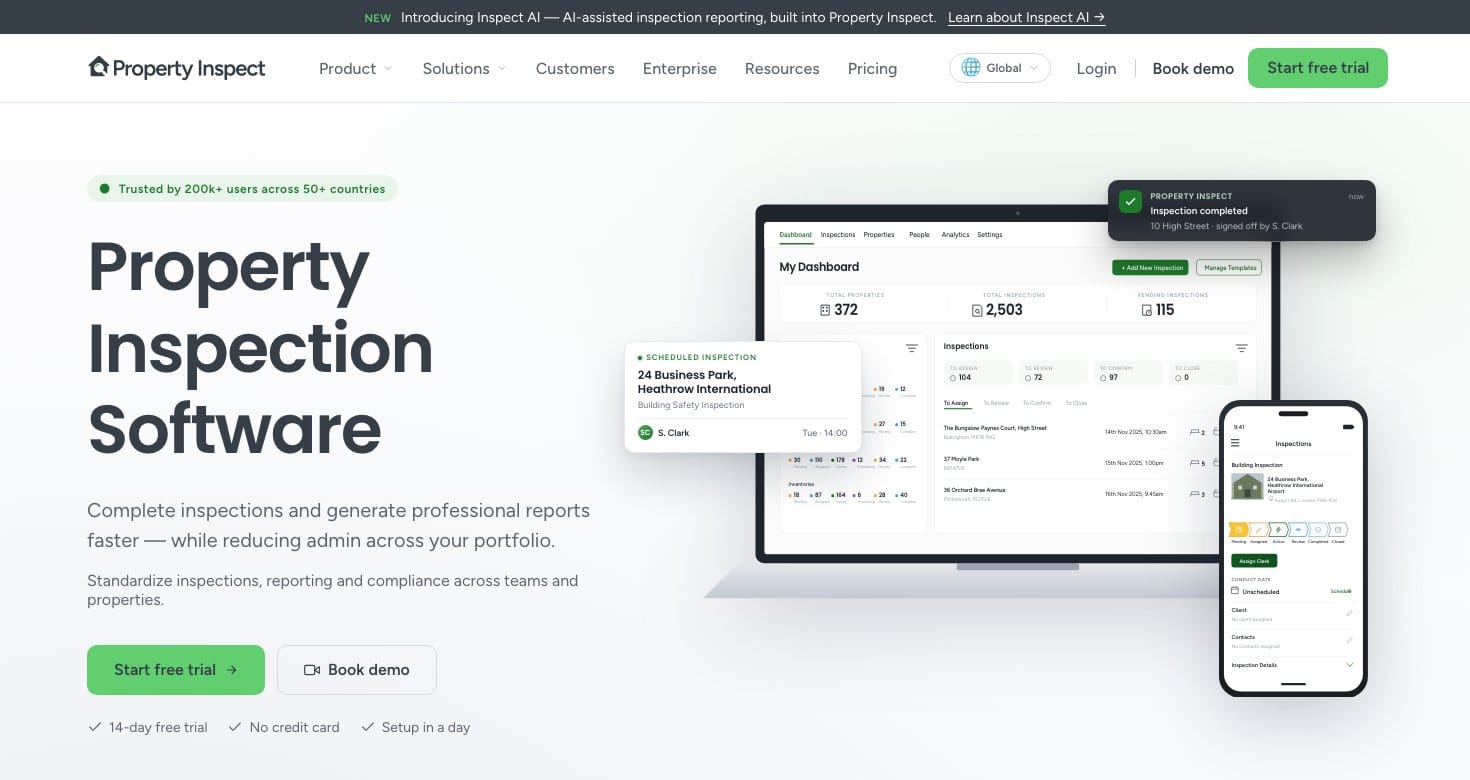
Ideal for: property portfolios that run condition surveys and planned inspections and send branded reports to clients.
Why it ranks here: it is built for property inspections across many buildings, publishes clear pricing and turns failed items into tracked work for teams or vendors.
| Ideal for | Commercial and residential property portfolios |
| Starting price | from $49/mo (Solo, one user) |
| Key strength | Property inspection reports and portfolio view |
| Rating | 4.8/5 on G2 |
| Free trial | Free trial on Solo, Standard and Pro |
| AI and automation | Inspect AI drafts descriptions, summaries and reports, and nothing is published until a person approves it |
Property Inspect, a trading name of UK-based Radweb Ltd, serves residential, multi-family, commercial, housing and hospitality portfolios, with 200k+ users across 50+ countries. Its facilities management offer covers planned, reactive and compliance inspections.
It is strongest where the inspection report is the product, such as surveys for owners, insurers or clients. For deeper maintenance, it connects to CAFM and CMMS systems through connectors and an API.
Key features:
- Structured inspection templates: planned, reactive and compliance inspections with photos, notes, GPS and condition ratings, for example quarterly communal area checks.
- Offline capture: photos, signatures, ratings and timestamps captured online or off.
- Fails become tracked work: failed items are assigned to teams or vendors, with vendor SLAs.
- PPM scheduling: planned maintenance scheduled across assets and sites.
- Portfolio view and reporting: inspections, actions and progress tracked across every site, team and contractor.
- Evidence packs: compliance and audit trail reports for regulators and insurers, including certificate reports such as lift inspections.
- CAFM and CMMS connectors: REST API and webhooks to pass results into your maintenance system.
- Inspect AI: generates descriptions, summaries and reports from inspection data for a person to review, edit and approve.
Best for:
- Property managers and surveyors who send polished inspection reports to owners and clients.
- Portfolios priced by property count, where per-property pricing beats per-user seats.
- Facilities teams that want inspection evidence packs for insurers and regulators.
Not ideal for:
- Teams that need full maintenance management, parts and procurement in the same system.
- Teams that need certificate expiry tracking, since compliance certificates appear as reports rather than tracked renewal dates.
- Large portfolios on the self-serve tiers, since 1,000+ properties moves you to custom Enterprise pricing.
Pricing: Solo is $49 per month, Standard $97 per month, Pro $275 per month with set user and property allowances, and Enterprise is custom for 1,000+ properties; see Property Inspect pricing.
What reviewers say: Property Inspect holds 4.8 out of 5 on G2. Susan C., a Director, wrote in October 2026: "It allows you to tailor reports to suit the needs of individual instructions."
Verdict: the most report-focused inspection tool here for property portfolios, with maintenance handled through your existing CMMS.
10. UpKeep
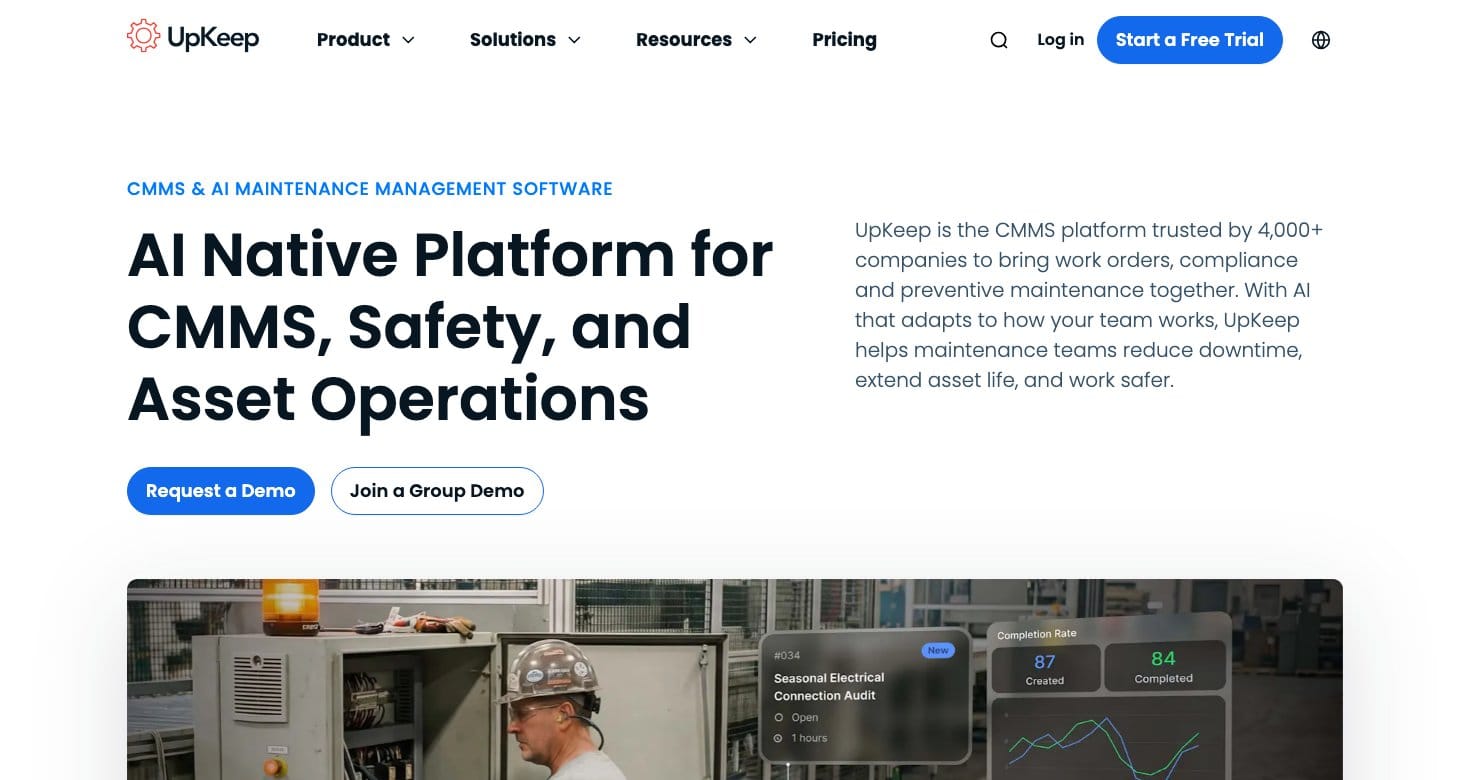
Ideal for: small maintenance teams that want simple mobile inspection forms with optional work orders.
Why it ranks here: its inspection forms are quick to build, it publishes entry prices, and each failed item can be set to raise a work order, a notification or an incident.
| Ideal for | Small teams and single-site operations |
| Starting price | from $24/user/mo (Essential) |
| Key strength | Simple forms with configurable failed-item actions |
| Rating | 4.6/5 on Software Advice |
| Free trial | Free trial, no credit card |
| AI and automation | Nova assistant answers and runs scheduled tasks on credits; Supernova agents in early access |
UpKeep, founded in 2015 in Los Angeles, serves 4,000+ companies across manufacturing, facilities, data centers, healthcare and energy. Its 2026 plans meter AI through monthly Nova credits included with each tier.
Its forms are friendly for small teams, but offline mode and signature capture start at the quoted Professional plan, and multi-site support sits on Enterprise. The upkeep vs facilio comparison covers the portfolio angle.
Key features:
- Inspection form builder: sections, required answers, pass and fail items, numeric ranges, signatures and photos, such as a weekly roof drain check.
- Configurable failed-item actions: a failed item can create a work order on the asset, notify an owner or raise an incident, only if you set it to.
- Offline forms: forms filled at the point of work with no signal sync when the connection returns, from the Professional plan.
- One form library across sites: the current version of each form publishes to every site, with completion tracked per form, site and shift.
- Free requester seats: requesters are free and unlimited, so occupants can report issues without a paid seat.
- Nova AI: answers questions, runs scheduled tasks and passes data between apps, with most recommendations left for you to act on.
- UpKeep Intelligence: suggests the best technician, auto-generates PM checklists, fills forms by voice and summarizes work orders on Premium and above.
Best for:
- Small maintenance teams moving off paper inspection forms.
- Single-site operations that want published prices and a quick start.
- Teams that want control over which failed items become work orders.
Not ideal for:
- Field teams that need offline inspections on the entry plans.
- Multi-site portfolios, since multi-site support sits on the quoted Enterprise plan.
- Regulated programs that need validated e-signatures, which UpKeep says its forms are not validated for under FDA 21 CFR Part 11.
Pricing: Essential is $24 per user per month and Premium $55, while Professional and Enterprise are quoted; see UpKeep pricing and Facilio's upkeep pricing guide.
What reviewers say: UpKeep holds 4.6 out of 5 on Software Advice. Chris P., in automotive, wrote in November 2026 that he likes "its user-friendly interface and ability to centralize maintenance operations in one platform."
Verdict: a friendly starting point for small teams, though offline use and multi-site support need the higher, quoted plans.
Key features to look for in asset inspection software
Strong facility asset inspection software pairs checklist depth, offline mobile and asset records with follow-up, plus AI that finishes work, not drafts it.
Facility asset inspection core features:
- Checklists with pass, fail and scoring: weighted questions, conditional logic and automatic fail triggers, so "extinguisher pressure out of range" means the same thing at every site.
- True offline mobile: starting a new inspection, adding photos and signing off with no signal, not just finishing forms downloaded earlier.
- QR, barcode or RFID asset identification: one scan opens the exact rooftop unit or fire door and stops checks being logged against the wrong asset.
- Photo evidence on the item: timestamped and location-tagged images attached to the checklist line they prove.
- Inspection history on the asset record: every check, finding and repair sits with the asset, so condition trends show up before a replacement decision.
- Failed-item work orders: a failed item opens a corrective work order with an owner and a due date, not just a note in a report.
- Certificates and statutory schedules: expiry dates for sprinkler, fire alarm, lift and backflow certificates, with alerts before they lapse.
- Portfolio dashboards: completion, overdue checks and repeat failures by site, region and asset class.
AI and agent features:
- Photo and visual analysis: AI that reads a nameplate, flags visible damage or fills the asset record from a picture.
- Form and template generation: AI that drafts a new checklist from a manual or a short description.
- Compliance gap tracking: an agent that watches certificate dates and inspection results and flags the gap before the audit.
- Dispatch on fail: an agent that sends the failed item to the right technician or contractor and follows it to closure.
One test separates the two groups: does the AI do the job end to end, or does it only suggest the next step for someone on your team?
Best asset inspection software by company size
The right asset inspection app changes with headcount and site count, since a single site and a national portfolio need very different follow-up and reporting.
Small teams and single sites: you need fast setup, a usable free tier or low per-user price, and checklists a technician can run on day one.
- UpKeep and Limble get a small maintenance team inspecting from a phone within days, though offline use sits on their higher plans.
- Mitti (by SafetyCulture) has a free plan for up to 10 users and a large template library for safety walks.
Mid-market and multi-site teams: you need inspection history on each asset, multi-site reporting and work orders in the same tool.
- MaintainX and Asset Panda tie inspections to asset records and work orders.
- Asset Essentials by Siemens suits public-sector and education estates, and eMaint suits teams adding condition monitoring.
- Property Inspect fits property portfolios that live on condition surveys and client reports.
Enterprise portfolios: you need statutory compliance at scale, vendor control and someone to run the program with you. Facilio and IBM Maximo are built for this tier, and the guide to facilities asset management software covers the wider asset lifecycle side.
How to choose asset management inspection software
Use this five-step framework to shortlist asset inspection software in one round of demos, starting from your assets and standards, not a feature list.
The 5-Step Inspection Software Selection Framework
Step 1: Map your asset classes and inspection standards
What to do: list each asset class (fire systems, lifts, HVAC, electrical, water) with its standard and frequency, such as NFPA 25 quarterly sprinkler checks.
Why it matters: it shows whether you need statutory certificate tracking or only routine condition checks.
Shortlist: Facilio, IBM Maximo and Asset Essentials for statutory-heavy estates; Mitti and Property Inspect for checklist-led programs.
Step 2: Test offline on a real plant-room walk
What to do: in the demo, switch the phone to airplane mode, start a new inspection, add three photos and submit.
Why it matters: tools that only cache forms downloaded earlier fail the moment a technician meets an unscheduled fault.
Shortlist: Facilio, MaintainX, Mitti, Asset Panda and Property Inspect state offline capture; UpKeep and Limble add it on higher plans; Asset Essentials works partly offline.
Step 3: Follow one failed check to closure
What to do: fail one item and watch what happens: does a work order open, who gets it, and how does it close with evidence?
Why it matters: this is where checklist apps and maintenance platforms split apart.
Shortlist: Facilio, MaintainX, UpKeep and Property Inspect turn a failed item into tracked work automatically; Asset Essentials and Asset Panda need the technician to raise it; Facilio also dispatches and follows up through its agents.
Step 4: Check multi-site reporting and evidence export
What to do: ask for a dashboard comparing completion and repeat failures across three sites, then export the audit record an inspector would ask for.
Why it matters: a tool that reports one site at a time leaves your team rebuilding spreadsheets before every audit.
Shortlist: Facilio, IBM Maximo, Asset Essentials and Property Inspect.
Step 5: Decide who runs it
What to do: choose between a self-serve app, where your team builds templates and owns adoption, and a vendor-run program, where the provider configures it and stays.
Why it matters: your team's spare hours decide whether a self-serve rollout sticks.
Shortlist: UpKeep, Limble and Mitti for self-serve; Facilio for a program its FM Ops Engineers build and run with you.
Integrations and compliance systems for asset inspection software
Asset inspection software must connect to the systems holding alarms, costs and identities, and keep evidence in the form each inspection standard expects.
Systems to connect:
- BMS, IoT and alarms: alarms from building management, HVAC and refrigeration systems should open inspections or work orders between scheduled checks; Facilio and eMaint handle this natively through monitoring and condition sensors.
- ERP and finance: contractor costs from failed-item repairs should flow to SAP, Oracle or your accounting system without rekeying.
- Existing CMMS: if you already run a CMMS, check whether the inspection tool writes findings back into it; Facilio's cmms integrations and agents work on top of an existing system.
- Identity and single sign-on: contractors and staff should sign in through your identity provider, with roles that limit who can close an inspection.
- Document storage: certificates and inspection PDFs should land in your document system with the asset and date attached.
Inspection standards your records should cover:
- OSHA 29 CFR 1910: workplace safety inspections, including walking surfaces, exits, fire protection and electrical equipment, with dated records of each check.
- NFPA 25, NFPA 72 and NFPA 80: inspection, testing and maintenance of sprinklers, fire alarms and fire doors, each with set frequencies and documented results.
- NFPA 70B: electrical equipment maintenance, now a standard rather than a recommended practice, with condition assessments for switchgear and panels.
- ASHRAE Standard 180: inspection and maintenance tasks for commercial HVAC systems by component and frequency.
- ASME A17.1: periodic inspections and tests for elevators and escalators, usually witnessed by a licensed inspector.
- EPA Section 608: refrigerant leak inspections and repair records for appliances above the regulated charge size.
- Joint Commission Environment of Care: life-safety and utility system inspections for hospitals, with documentation surveyors can trace.
Common mistakes when buying asset inspection software
Most failed asset inspection software rollouts trace back to a few buying mistakes, each with a cost you can see in overtime, audit findings or repeat faults.
1. Buying a checklist app with no work-order loop
What goes wrong: failed items sit in a PDF while the fault gets worse; a failed fire damper found in March is still open in June.
What it costs: repeat call-outs and an audit finding for an issue you already knew about.
How to avoid it: fail one item in the demo and ask to see the work order it creates and who closes it.
2. Accepting cached offline as offline
What goes wrong: a technician in a basement plant room cannot start an unscheduled inspection, so the check is skipped or written on paper.
What it costs: double handling and gaps in the evidence.
How to avoid it: put the demo phone in airplane mode and start a brand-new inspection.
3. Keeping inspections off the asset record
What goes wrong: results live in forms, not on the chiller or lift they describe, so nobody sees the same pump failing four checks a year.
What it costs: the trend data that justifies a replacement budget.
How to avoid it: open one asset in the demo and ask for its full inspection history.
4. Ignoring certificates and statutory dates
What goes wrong: routine checks are digital, but sprinkler, lift and backflow certificates sit in a shared drive, and one lapses unnoticed.
What it costs: a compliance breach and sometimes an insurance problem.
How to avoid it: ask the vendor to show a certificate expiring in 30 days and the alert it triggers.
5. Pricing that punishes contractors and occasional users
What goes wrong: per-seat plans make contractor logins expensive, so fire, lift and HVAC contractors email photos instead.
What it costs: evidence that ends up outside the system.
How to avoid it: price the plan with every contractor and part-time inspector included, not just your core technicians.
6. Treating AI that drafts as AI that acts
What goes wrong: a tool that writes a checklist or summarizes a report still leaves your coordinator chasing every finding.
What it costs: the coordinator hours you expected to save.
How to avoid it: ask the vendor to show the AI completing one follow-up task with no human step in between.
7. No audit-ready export
What goes wrong: your data is complete, but producing a dated record for an inspector takes a day of copying into spreadsheets.
What it costs: an overtime week before every audit.
How to avoid it: ask for a one-click export of last quarter's fire inspections for one site.
The bottom line on asset management inspection software
The right asset management inspection software depends on what happens after a failed check, how many sites you run and who will keep the program running.
If your team inspects across many buildings and needs every failed item dispatched, fixed and documented, Facilio is the strongest fit, with agents that do the follow-up work and FM Ops Engineers who run the program with you. IBM Maximo suits asset-intensive enterprises with their own EAM teams. MaintainX, Limble and UpKeep suit maintenance teams that want inspections and work orders in a self-serve app. Mitti and Property Inspect suit checklist-led safety and property programs, Asset Panda suits asset-record-first teams, and Asset Essentials and eMaint suit public estates and reliability programs.
See a failed inspection fixed end to end.
We will run one of your inspection checklists live and show the work order, the dispatch and the audit record it leaves behind.
Request a demo →Asset management inspection software FAQs
These answers cover what facility teams ask most when comparing asset management inspection software, from choosing a tool to offline use and setup time.
What is asset management inspection software?
It is software that tracks physical assets and runs routine safety and condition checks on them from a mobile device, with photo evidence, pass or fail scoring, an audit trail and, in stronger tools, automatic work orders for failed items.
What is the best asset management inspection software?
For multi-site facility portfolios that need failed items fixed and documented, Facilio ranks first in this guide. IBM Maximo suits asset-intensive enterprises, MaintainX suits mobile-first maintenance teams, and Mitti suits safety-led inspection programs.
What is the best property management inspection software?
For commercial property portfolios, Property Inspect is strong on condition surveys and branded reports, while Facilio suits operators who want inspections, work orders, contractors and compliance on one platform across many buildings.
What are the top 5 asset management software tools?
For facility assets, five widely used options are Facilio, IBM Maximo, MaintainX, Asset Panda and Asset Essentials by Siemens. They differ most on enterprise depth, mobile use and how much inspection follow-up they automate.
Which CMMS software is considered the best for inspections?
There is no single best CMMS, but for inspection-heavy facilities work, look for scored checklists, offline mobile, failed-item work orders and certificate tracking. Facilio, MaintainX, eMaint and UpKeep all link inspections to maintenance work orders.
What is the best building compliance software for assets and audits?
Choose a tool that tracks inspections and certificates on each asset and produces a dated audit trail. Facilio pairs this with a building compliance agent that flags gaps before the audit, while IBM Maximo and Asset Essentials suit large public estates.
Can asset inspection software work offline?
Yes, but check the type. True offline lets a technician start a new inspection, add photos and submit with no signal, then sync later. Cached offline only allows forms downloaded beforehand, which fails for unscheduled checks.
What is the difference between asset inspection software, asset tracking software and a CMMS?
Inspection software runs the check and records the result. Asset tracking software records where an asset is and its condition over time. A CMMS plans and tracks maintenance work. Many facility teams need all three working on one asset record.
How long does it take to set up asset inspection software?
Simple checklist apps go live in days. Multi-site programs with statutory schedules, contractor access and integrations usually take several weeks, depending on how many asset classes and sites you bring on at once.
Is there affordable asset inspection software with mobile apps?
Yes. Mitti has a free plan for up to 10 users, MaintainX has a free Basic plan, and UpKeep and Property Inspect publish entry prices. Check which plan includes offline use and user limits before you compare prices.
About the Author
