






 Service intake















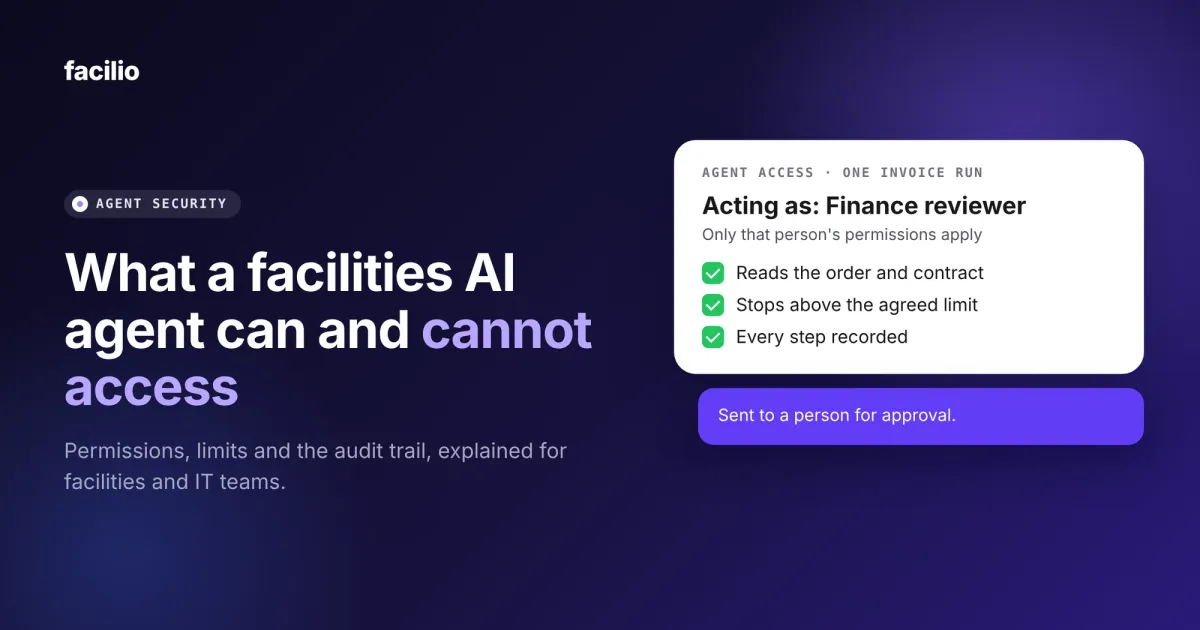

When you let an AI agent work inside your facilities systems, the question that matters is what it can reach, and what it can change. A capable model with too much access is a bigger risk than a modest one with the right limits.
In this guide, we explain what a facilities AI agent can and cannot access, the four limits we apply to every agent, and the questions your IT and risk teams should ask any vendor.
Key takeaways
- A facilities AI agent should act as the person it works for, with only that person's permissions.
- It should never run on a shared system account, because that hides who did what.
- Operating limits, approval thresholds and a person for every exception are agreed before go-live.
- Every run is recorded end to end, so a reviewer can replay it step by step.
- Outside AI tools reach your data only through connections your organisation has authorised.
Why does AI agent access matter more than the model?
An agent does not only answer questions. It opens records, raises work orders, checks contracts and sends messages. Each of those is an action, and an action needs a boundary.
The security community treats this as a named risk. The OWASP list of top risks for LLM applications includes excessive agency, where an agent has more functions, permissions or autonomy than its task needs.
For facilities, the fix is practical. Decide what the agent may touch before it goes live, and keep a record of what it did.
What can a facilities AI agent access, and what can it not?
The table below sets out each area of access, what the agent can do there, and the limit that applies.
| Area | What the agent can do | What it cannot do |
|---|---|---|
| Your records | Read and update the records that the person it acts for is allowed to use. | See or change anything that person could not, or any other customer's data. |
| Other systems | Act in the systems your organisation has connected and authorised. | Use a shared system account or reach a system nobody has authorised. |
| Your network | Run jobs behind your firewall through an executor that dials out. | Receive inbound connections, because no inbound ports are opened. |
| Credentials | Use a connection that the platform holds on its behalf. | See a password or key. They are encrypted, held on the server and kept from the model. |
| Your data location | Process prompts and data in your region. | Move your prompts and data to another region. |
| Shared knowledge | Use reviewed, anonymised facilities knowledge. | Learn from any customer, site, vendor or person name, which are removed before any model reads the data. |
What are the four limits on every facilities AI agent?
Access is only half the answer. These four limits apply to everything an agent does once it has access.
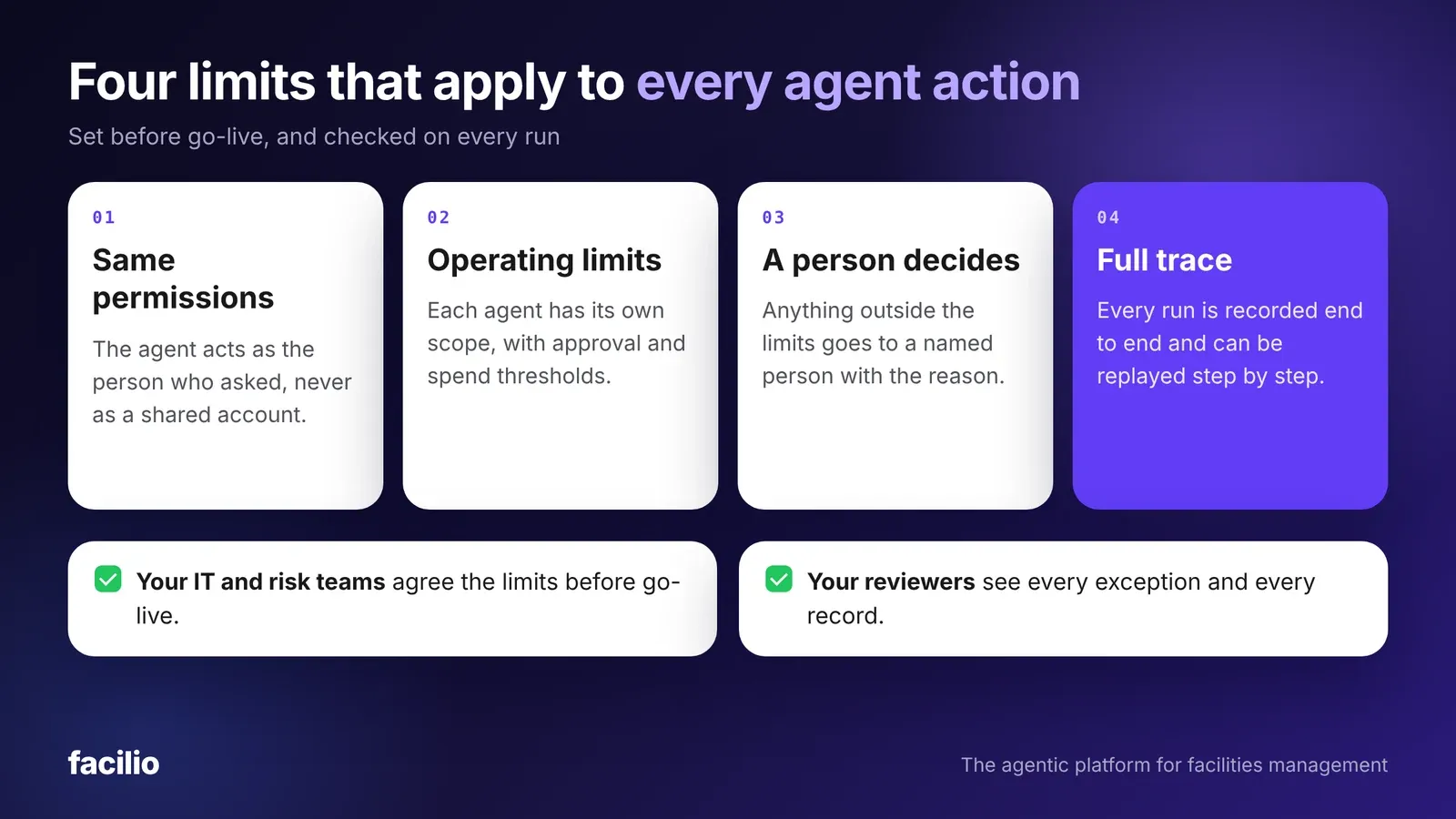
Limit 1: The agent has the same permissions as the user
The agent acts as the person it works for. If a finance reviewer cannot approve an invoice above a limit, neither can the agent working for that reviewer.
We never use a shared system account. Every action is attributed to a named person, which is what your auditors will ask to see.
Limit 2: Each agent has operating limits
Limits are set for each agent, not for the platform as a whole. Approval and spend thresholds are agreed with your team before go-live, and the agent stops when a case goes beyond them.
Limit 3: A person decides the exceptions
Anything outside the agreed limits goes to a person, with the reason attached. The agent does not guess, and it does not push the case through.
Limit 4: Every run leaves a trace
Each run is recorded end to end, covering prompts, tool calls and hand-offs, and a reviewer can replay it step by step. Our guide to measuring AI agent performance shows how to turn those traces into accuracy and exception figures.
Who checks what before an agent goes live?
Security is shared work. The table shows what we do and what we ask your IT and risk teams to confirm at each step.
Before go-live
Who does whatWhat should you ask any vendor about agent access?
These five questions work for any vendor. They also form part of the wider checklist in our guide to evaluating AI for facilities management.
- Whose permissions does the agent use? The answer should be the user's, and not a shared account.
- Where do prompts and data stay? Ask for the region and who can reach it.
- What are its operating limits? Ask for the thresholds and what happens beyond them.
- How do you see what it did? Ask to replay one full run.
- How does it reach our network? Ask whether anything needs an inbound port.
Take your access questions to a live demo.
Our FM Ops Engineers walk through the limits and show a full trace on a live portfolio.
How does Facilio apply these limits?
We run our AI agents for facility operations on one platform, with FM Ops Engineers who agree the limits with your team and stay with the agent after launch.
What about outside AI tools such as Claude or ChatGPT?
An outside tool can connect to Facilio through MCP, but only to the actions your organisation has authorised. It runs as the signed-in user, with that person's permissions.
Every action is logged against the person who authorised the tool, just as if one of our agents had run it. Access can also be limited to a single connection, so an assistant built for one system sees that system and nothing else.
What about certifications?
Our current security and trust materials list SOC 2, ISO 27001 and GDPR. We share the latest reports and status with your IT team during security review, so you can confirm the detail against your own policies.
The bottom line: what should you agree before an agent goes live?
Agree whose permissions the agent uses, where its data stays, what its limits are and how you will review a run. If a vendor cannot show each of these, the agent is not ready for your estate.
A good first step is to pick one workflow and write the four limits down for it. Then ask the vendor to show a full trace of a real run.
See the AI agents live
See the limits applied to your own workflow
Talk with our FM Ops Engineers about your workflow, and we will show what the agent can reach and what stays with your team.
Frequently asked questions about facilities AI agent access
Can a facilities AI agent see data its user is not allowed to see?
No. The agent acts as the person it works for and only has that person's permissions, so it cannot read or change a record the person could not. Each customer's data is also isolated from every other customer's.
Does an AI agent need its own system account?
It should not use a shared system account. A shared account hides who did what and usually carries wider access than any one person. An agent that acts as the user keeps every action attributed to a named person.
Can an AI agent approve payments or spend money on its own?
Only inside the operating limits agreed before go-live. Approval and spend thresholds are set for each agent, and anything outside them goes to a person.
Where do an AI agent's prompts and data stay?
In your region. Facilio runs in-region stacks in the United States, the United Kingdom, Australia, the UAE and Saudi Arabia, and prompts and data stay in the region you choose.
Can outside AI tools such as Claude or ChatGPT use our facilities data?
Only through connections your organisation has authorised, and only as the signed-in user with that person's permissions. Every action is logged against the person who authorised the tool.
About the Author

More from Facilio