Facilio DocsHelpdesk Guide
08 / 13
08Everyday work

Technicians

Your field team, in-house and contractors, synced from the tools you already use. Each profile shows live status, skills, certifications, territories and job history. This is everything Atom uses to pick the right person.

Find it inTechnicians
4 sections1 how-to guides2 min readDownload .md

08.1Your team at a glance

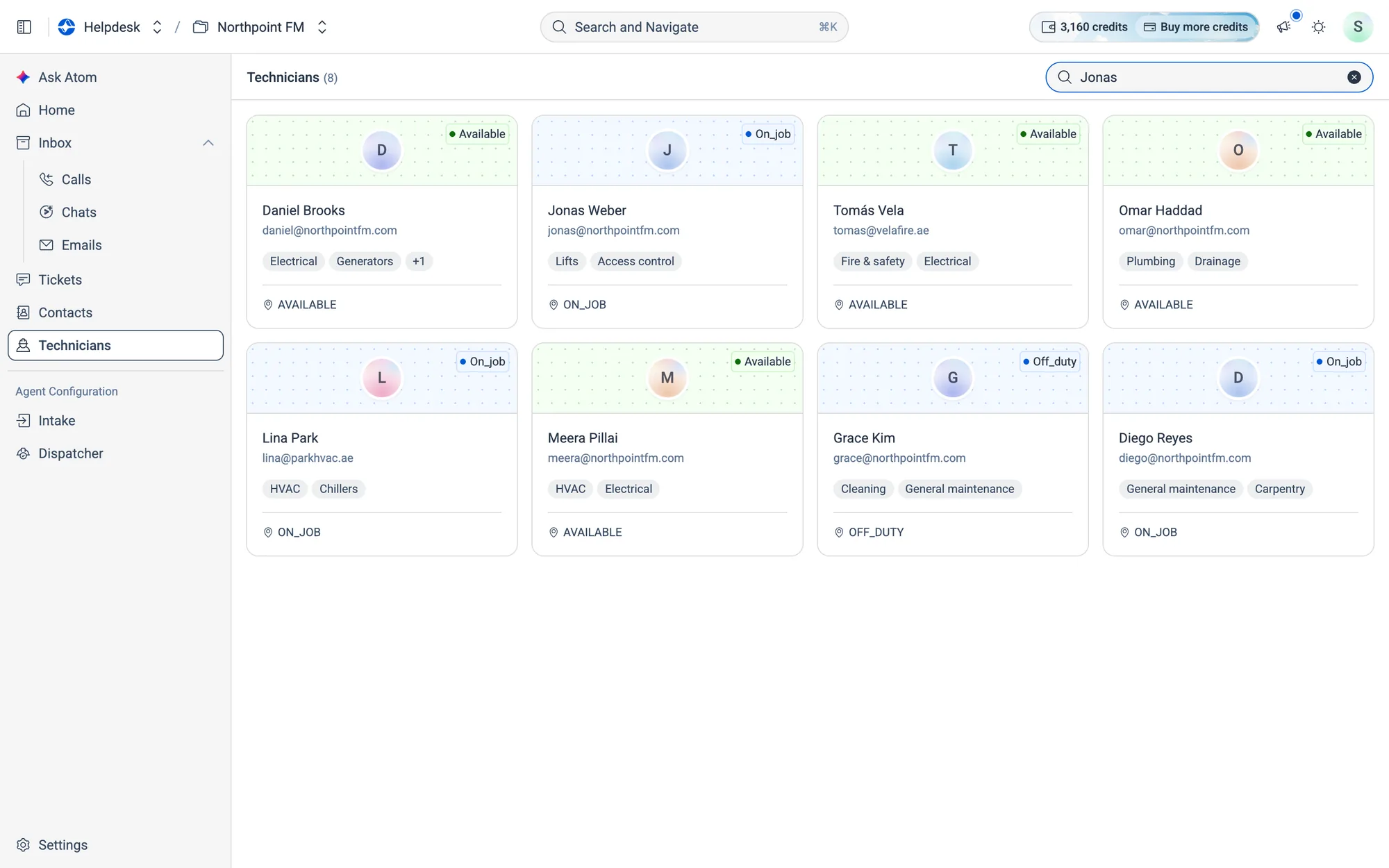
Open Technicians in the menu to see everyone as a grid of cards. The total appears next to the title.
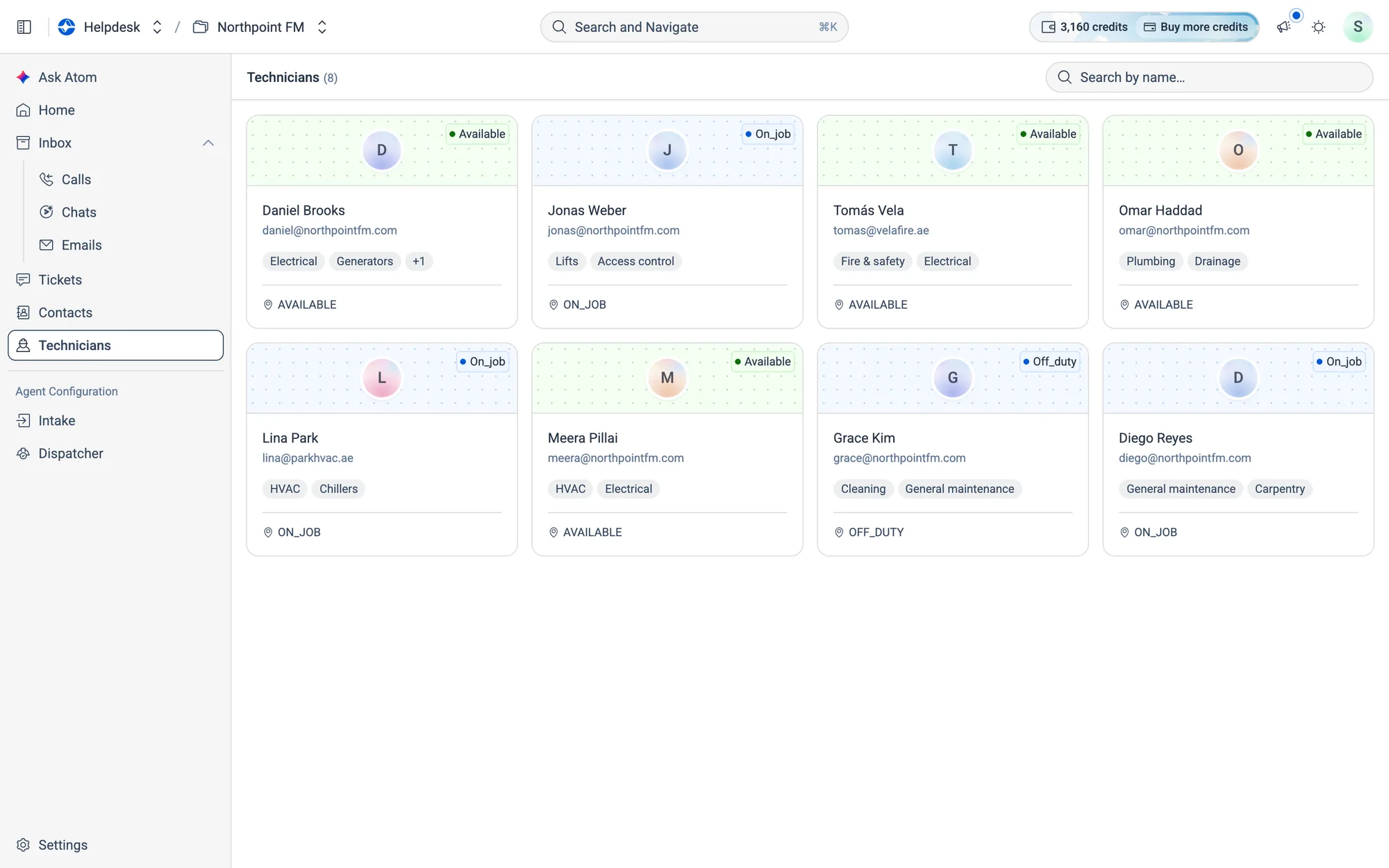
Each card shows the technician's live status, contact details and top skills.
Fig. 08.1Each card shows the technician's live status, contact details and top skills.
Colour Status
Green Available or active
Yellow Busy
Grey Offline or unavailable
Blue Any other status, for example on a job or off duty

08.2Look up a technician

How to find a technician and open their profile

  1. 1
    Type a name into Search by name….
Searching for Jonas narrows the grid to Jonas Weber.
Fig. 08.2Searching for Jonas narrows the grid to Jonas Weber.
  1. 2
    Click the card. The Technician Profile opens on top of the list.
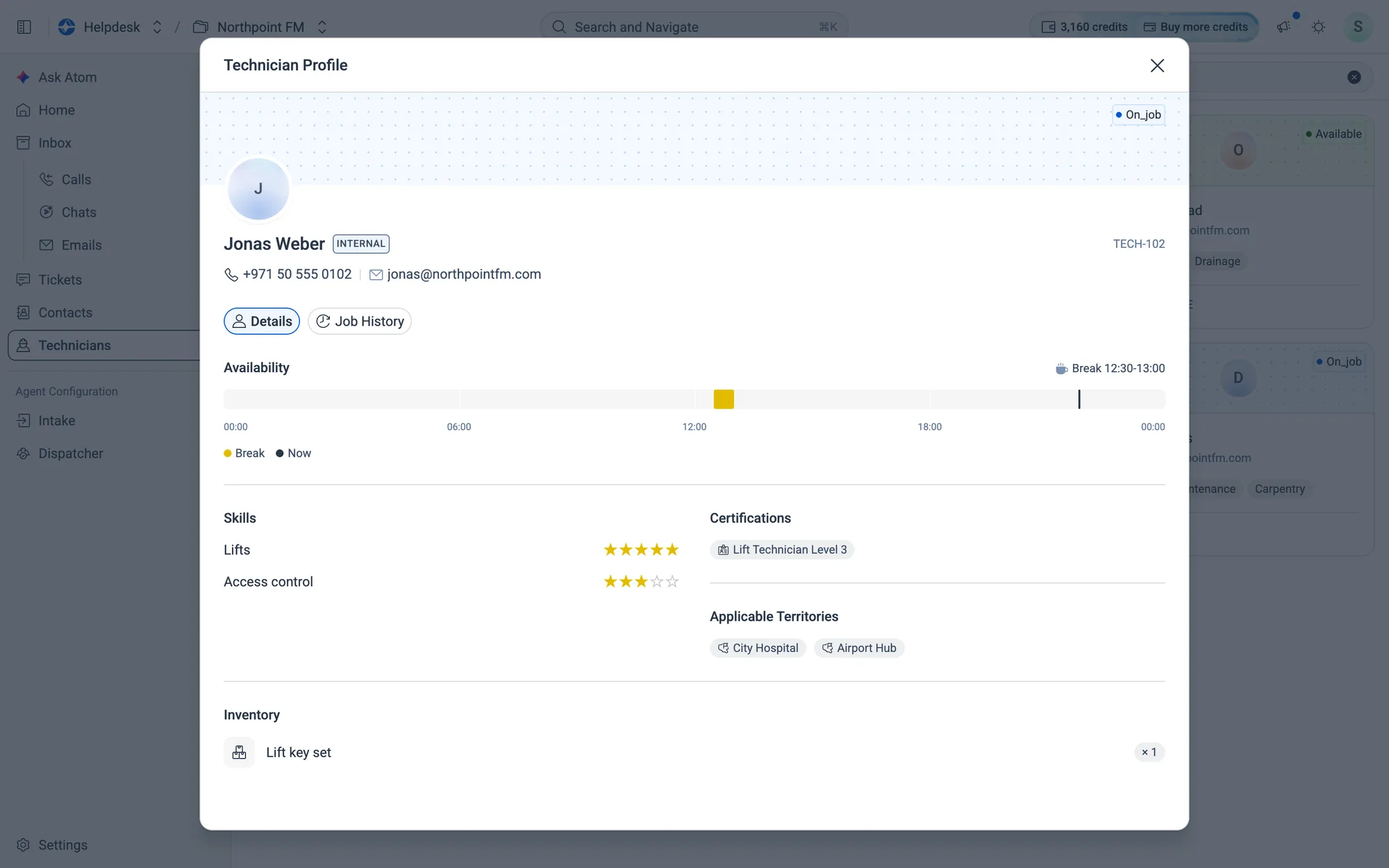
Details: today's availability, star-rated skills, certifications, territories and inventory.
Fig. 08.3Details: today's availability, star-rated skills, certifications, territories and inventory.
  1. 3
    Click Job History to see the tickets assigned to this technician.
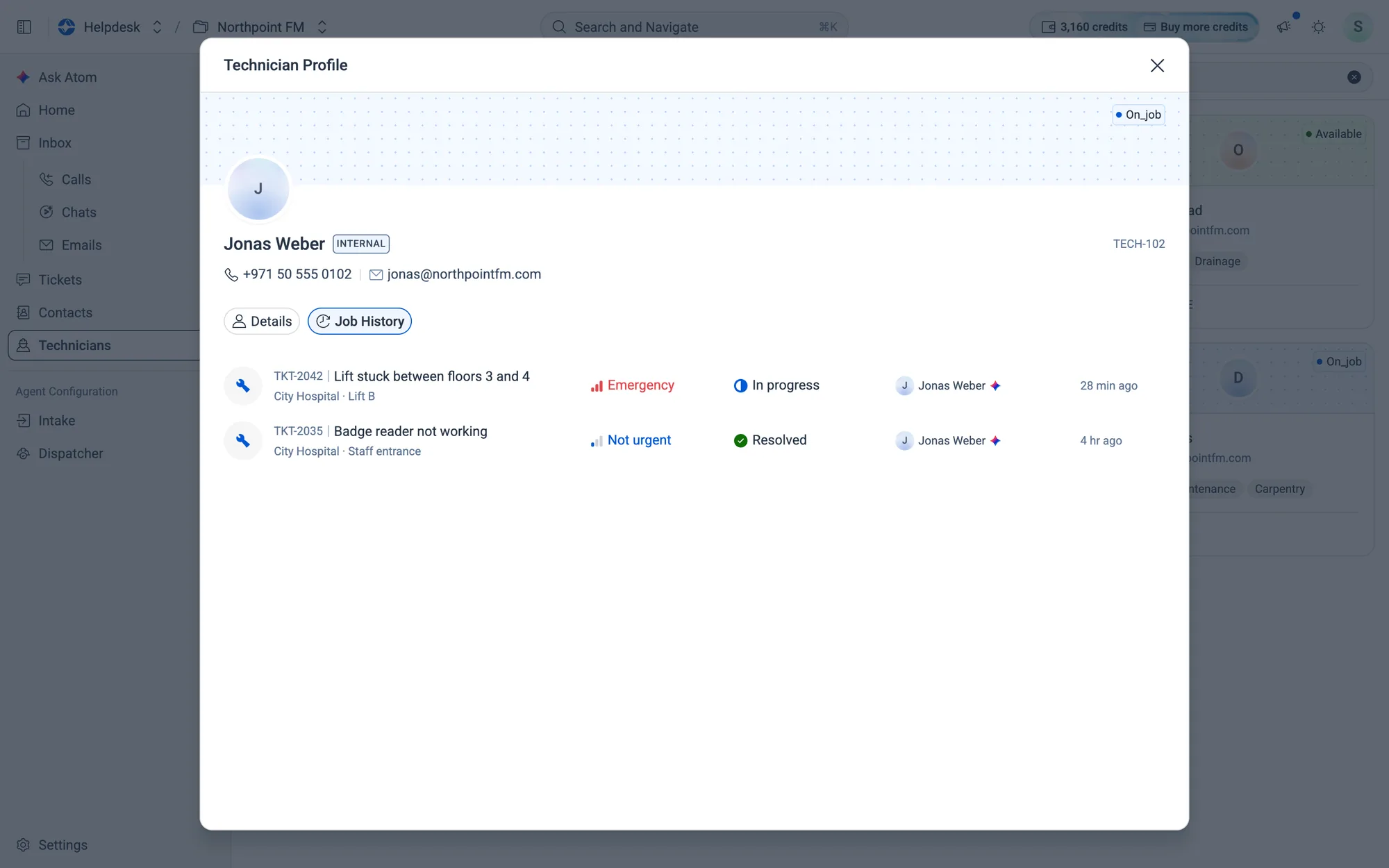
Job History lists Jonas's tickets, including the stuck lift at City Hospital.
Fig. 08.4Job History lists Jonas's tickets, including the stuck lift at City Hospital.

08.3Inside a profile, section by section

Who they are
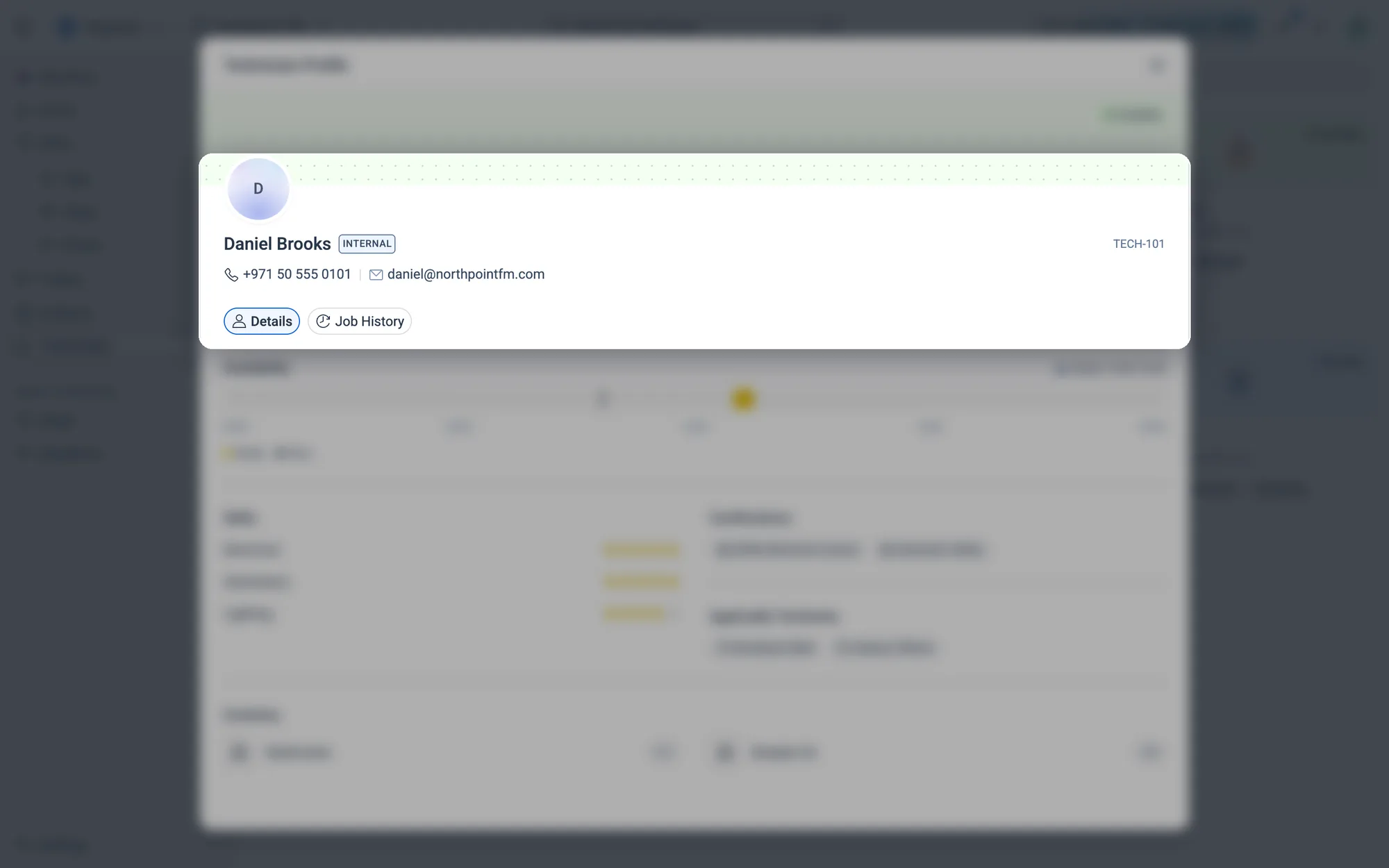
Name, Internal or External, phone, email and their technician ID, with the Details and Job History tabs.
Fig. 08.5Name, Internal or External, phone, email and their technician ID, with the Details and Job History tabs.

Internal means your own staff, and External means a contractor.

Availability
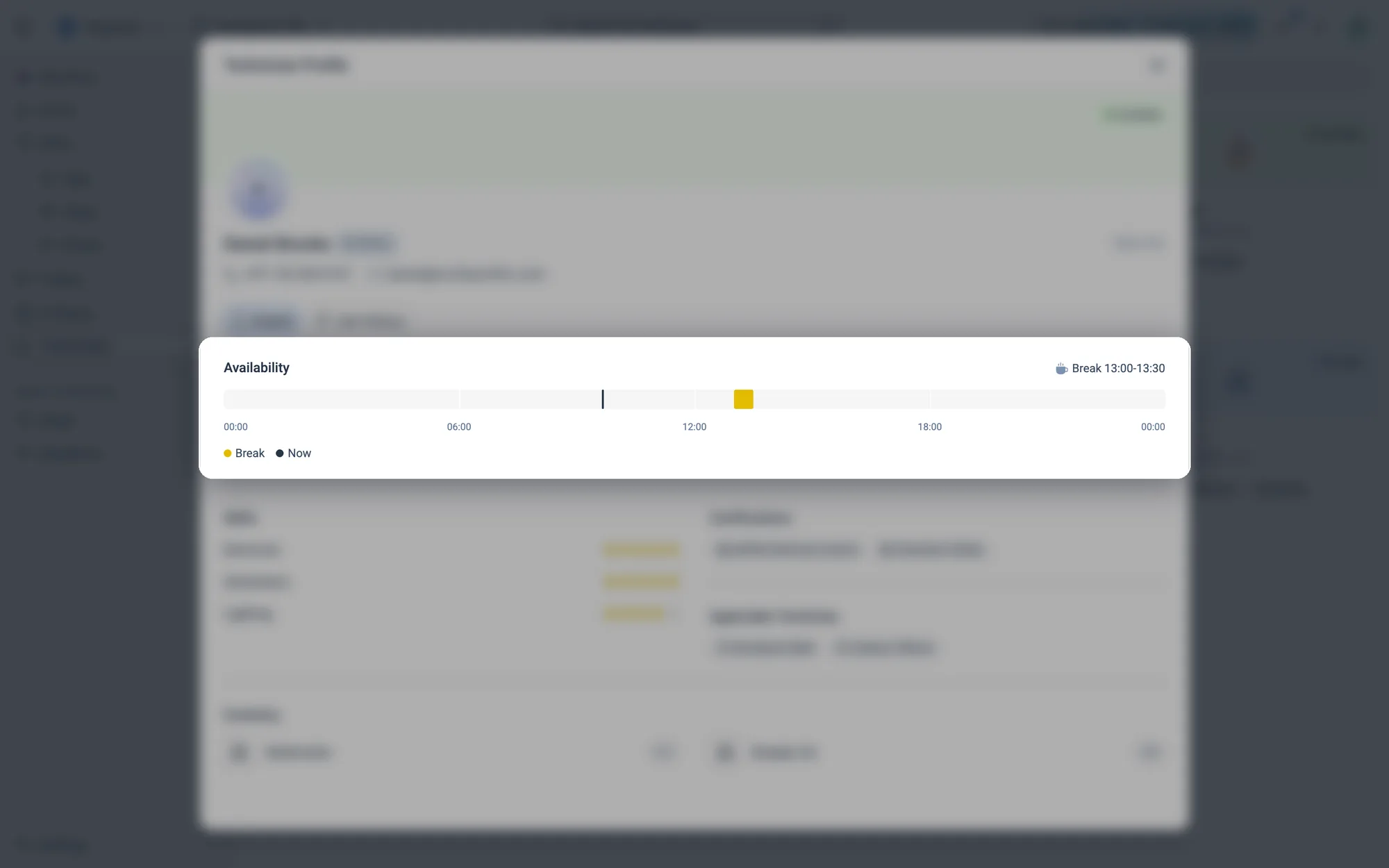
Today on a 24-hour timeline, with breaks marked and a live Now line.
Fig. 08.6Today on a 24-hour timeline, with breaks marked and a live Now line.

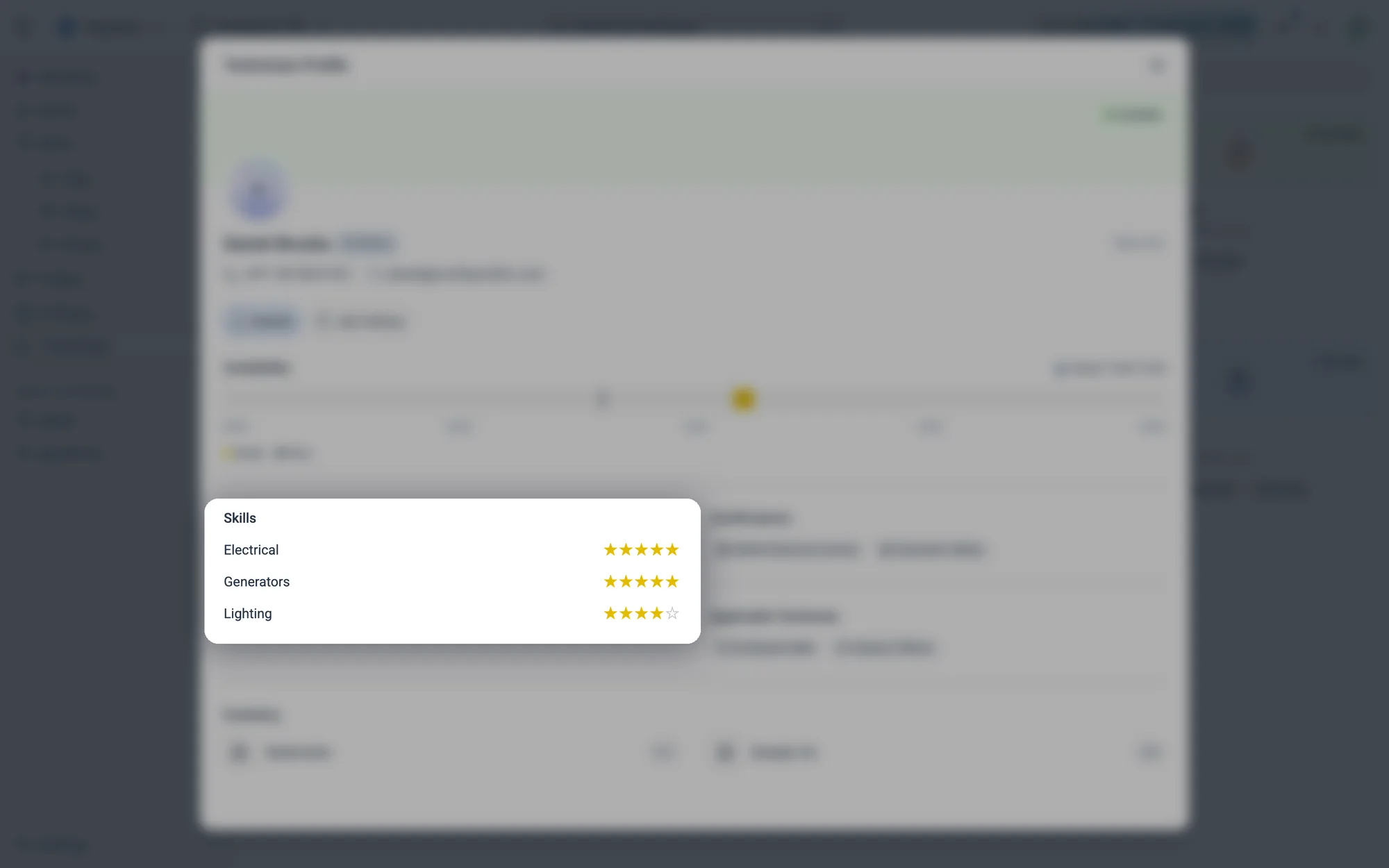
Skills

Each skill rated from 1 to 5 stars, from Beginner to Expert.
Fig. 08.7Each skill rated from 1 to 5 stars, from Beginner to Expert.

These are the skills Atom matches against a ticket's required skills.

Certifications and territories
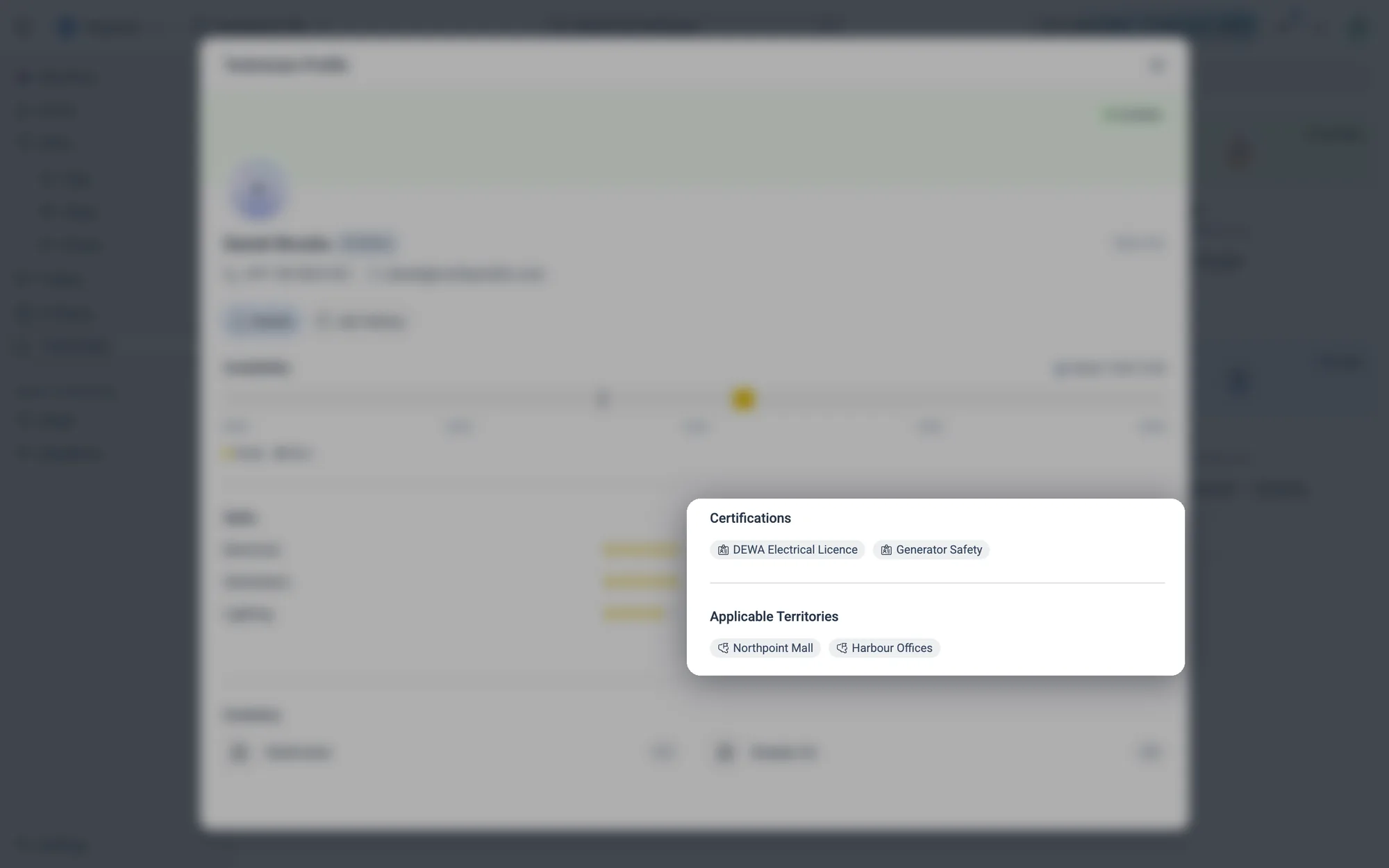
Licences and qualifications, and the sites they cover.
Fig. 08.8Licences and qualifications, and the sites they cover.

A dispatch policy can require a certification, such as the DEWA Electrical Licence, before a technician is even considered.

Inventory
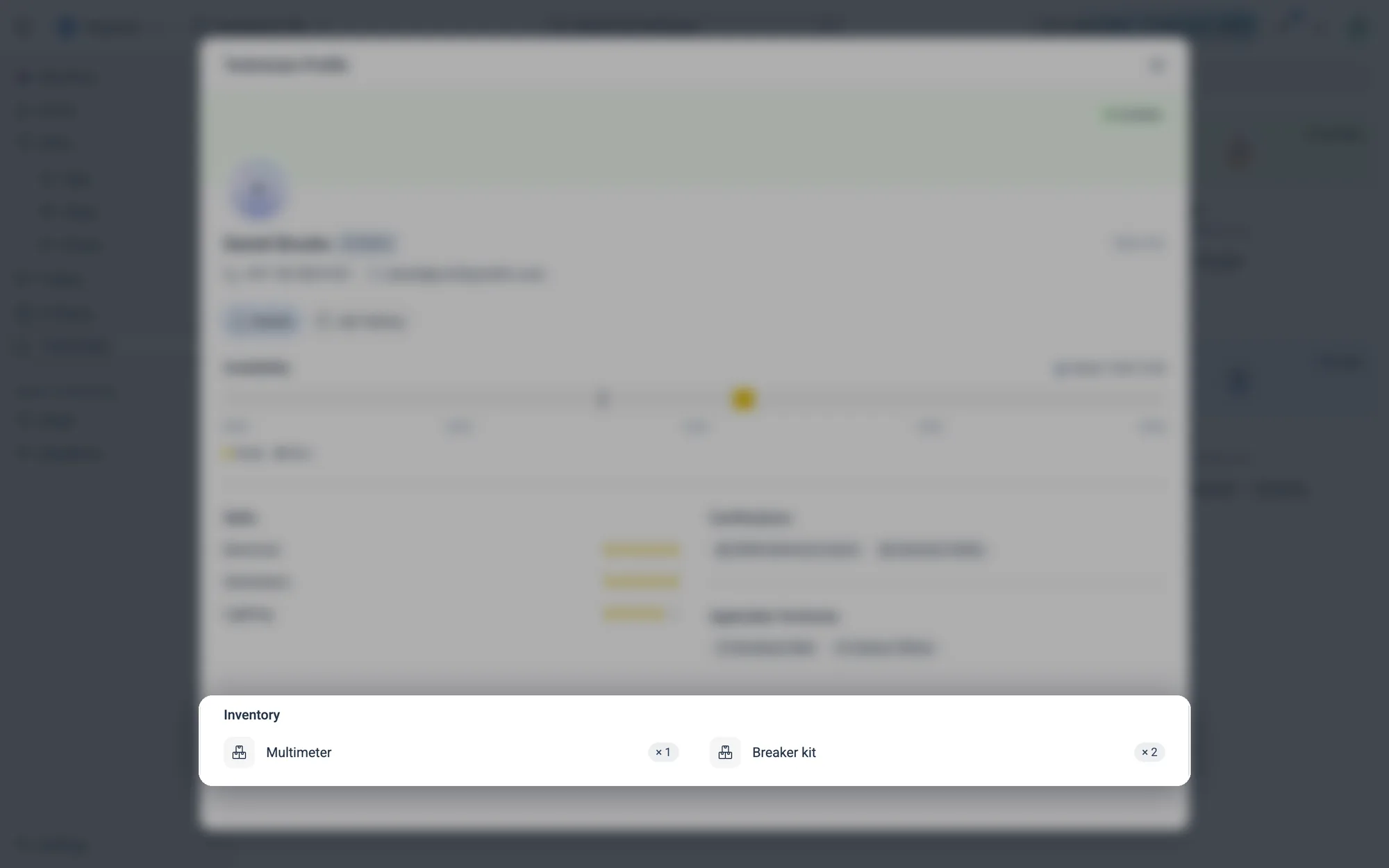
Tools and parts they carry, with quantities.
Fig. 08.9Tools and parts they carry, with quantities.

08.4Adding technicians

Technicians aren't typed in by hand. They sync from the system your team already lives in, such as your CMMS. On an empty Technicians page, click Set up a data source to connect it. See Add a dataset.