
The Inbox
Every call, chat and email your agent handled, with Atom's analysis on top and the full transcript underneath. Calls come with a recording you can play back.
05.1Three channels, one layout
Open Inbox in the menu and pick Calls, Chats or Emails. All three pages work the same way: a searchable list of conversations on the left, and the conversation you picked on the right.
| Page | What's in it | Channel labels you'll see |
|---|---|---|
| Calls | Phone calls and calls made from your website widget | Phone, Web Call |
| Chats | WhatsApp conversations and website chats | Whatsapp, Web Chat |
| Emails | Email threads, shown like a mail app | — |
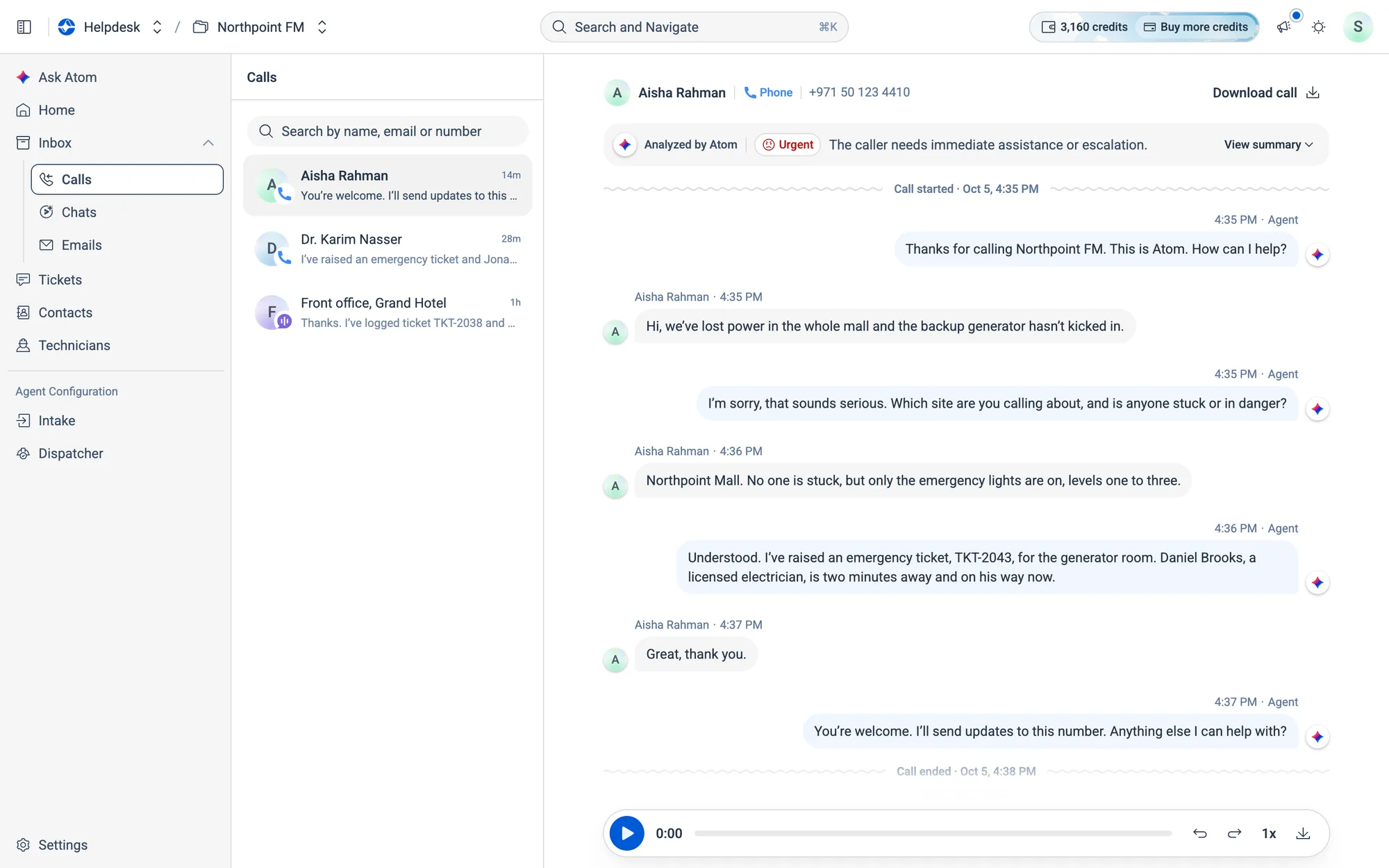
05.2Inside a conversation, section by section
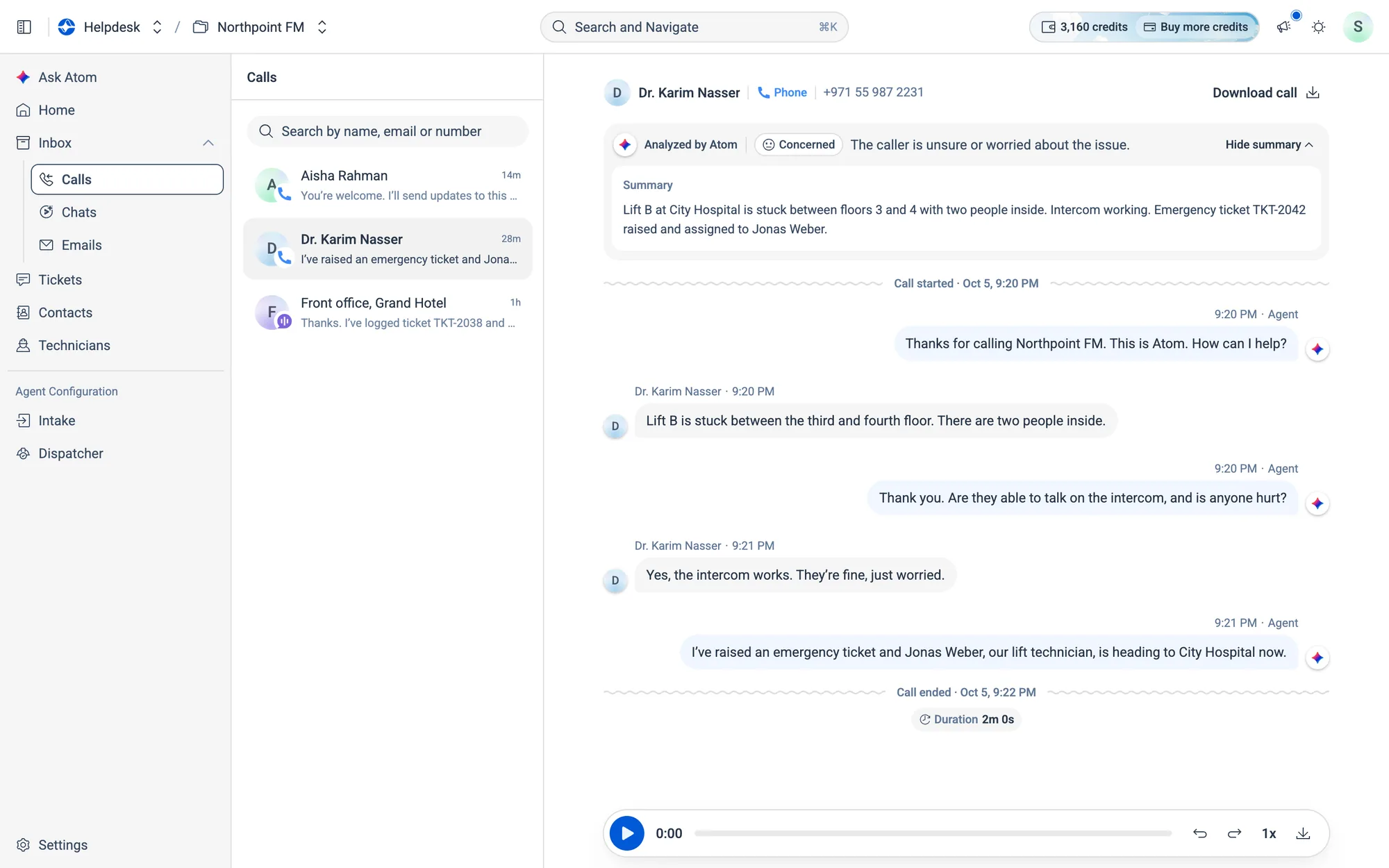
The conversation list
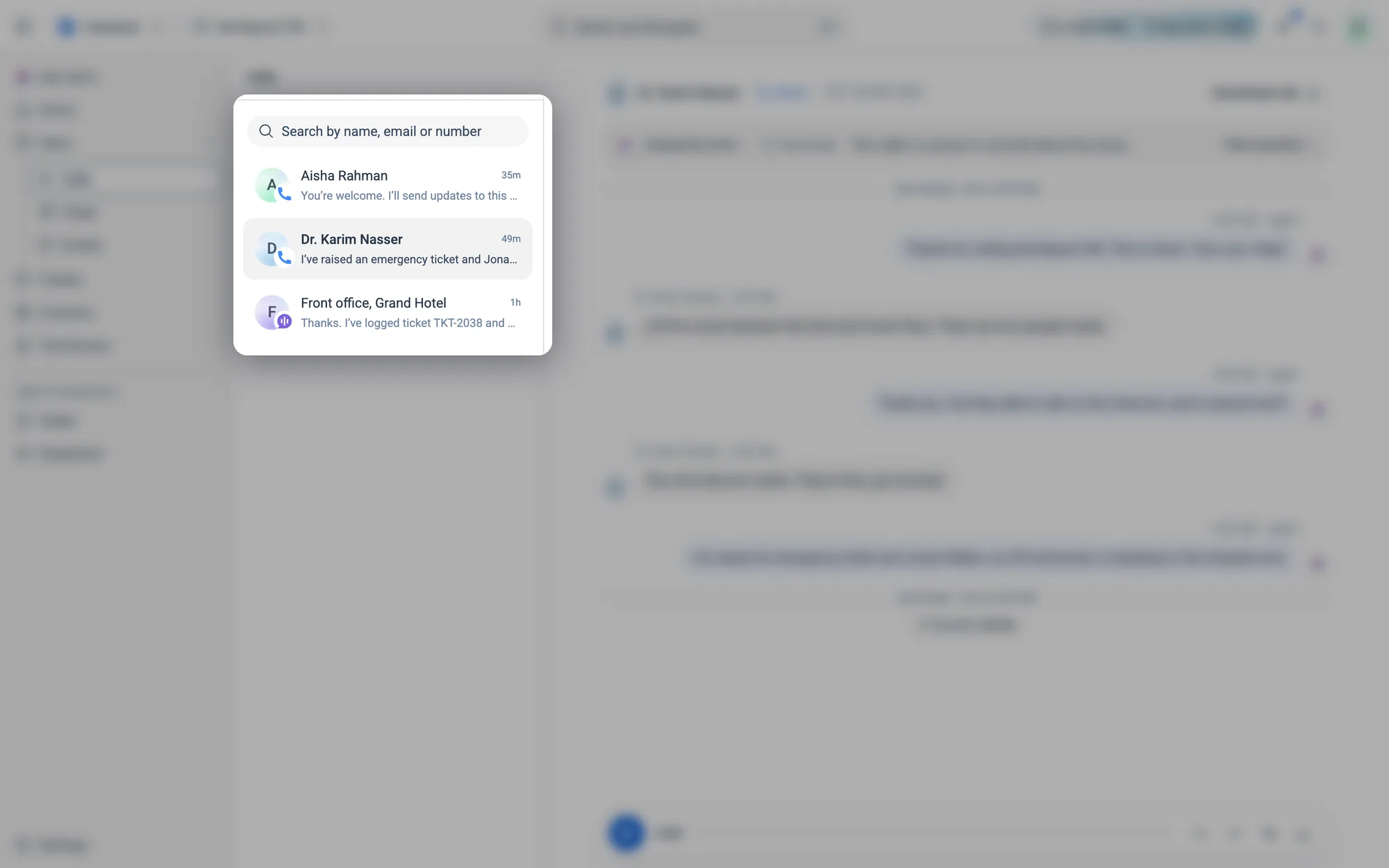
Each row shows who it was, the last line of the conversation and how long ago it happened. The open conversation is highlighted.
Who it was
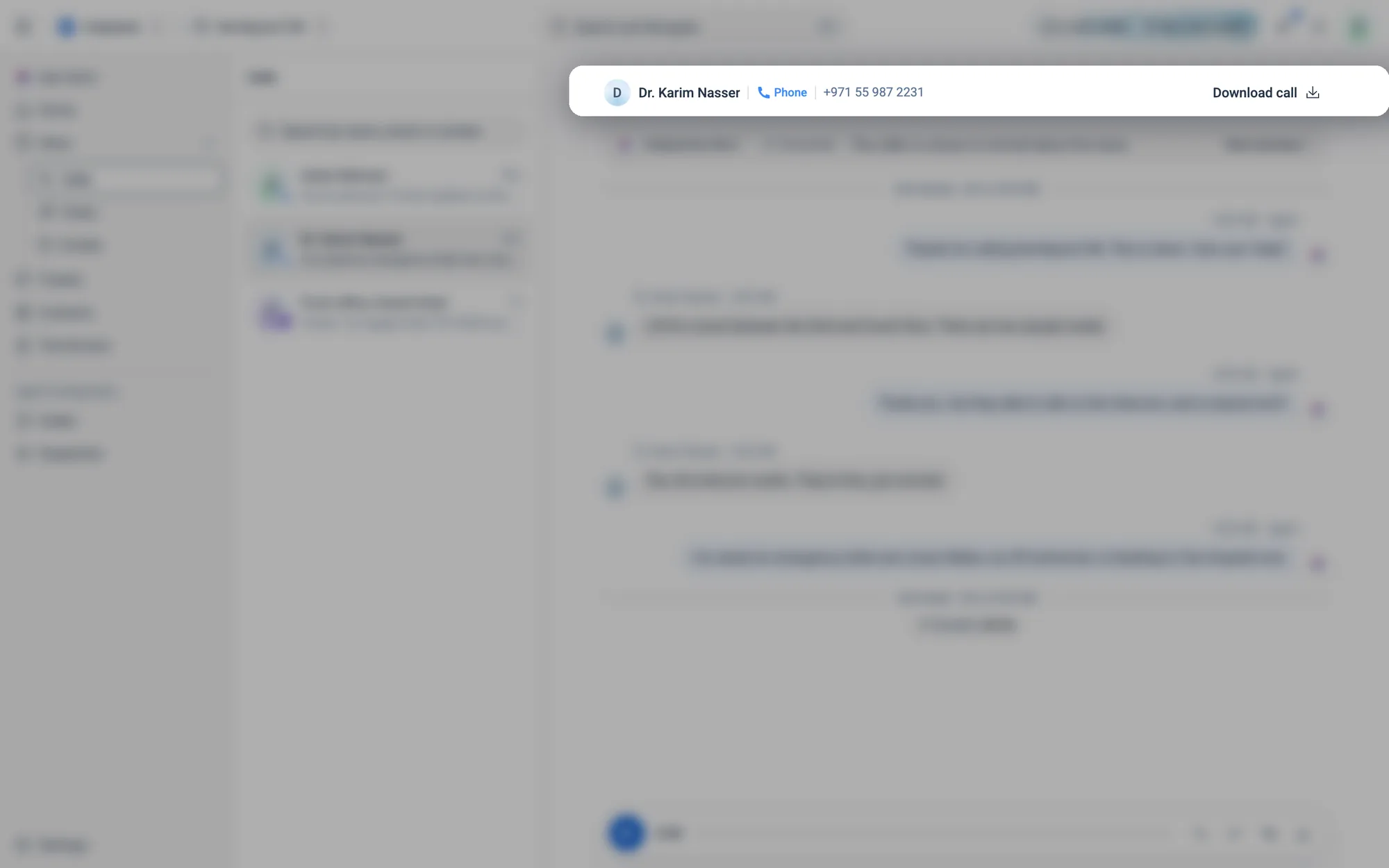
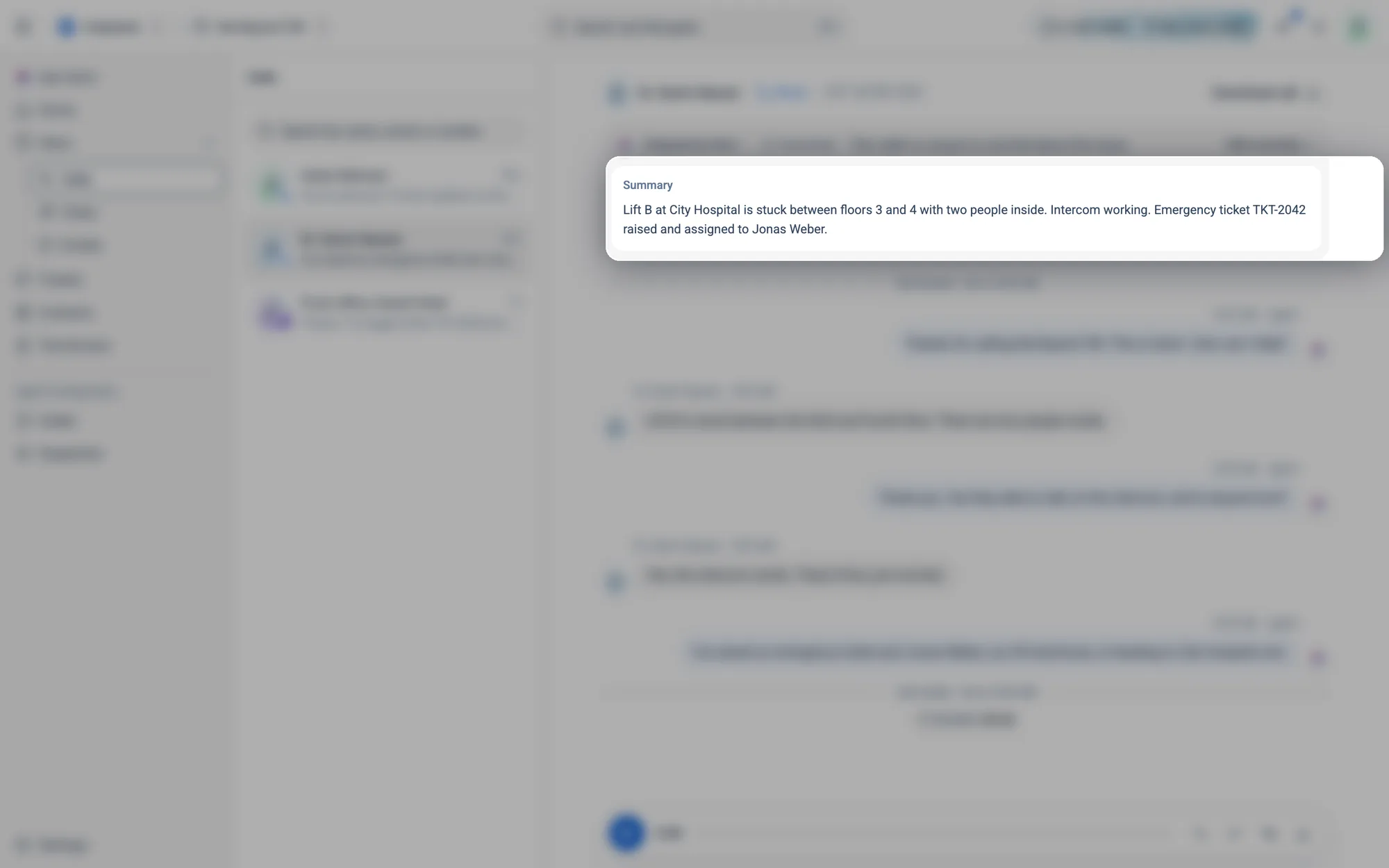
Download call on the right.Atom's analysis
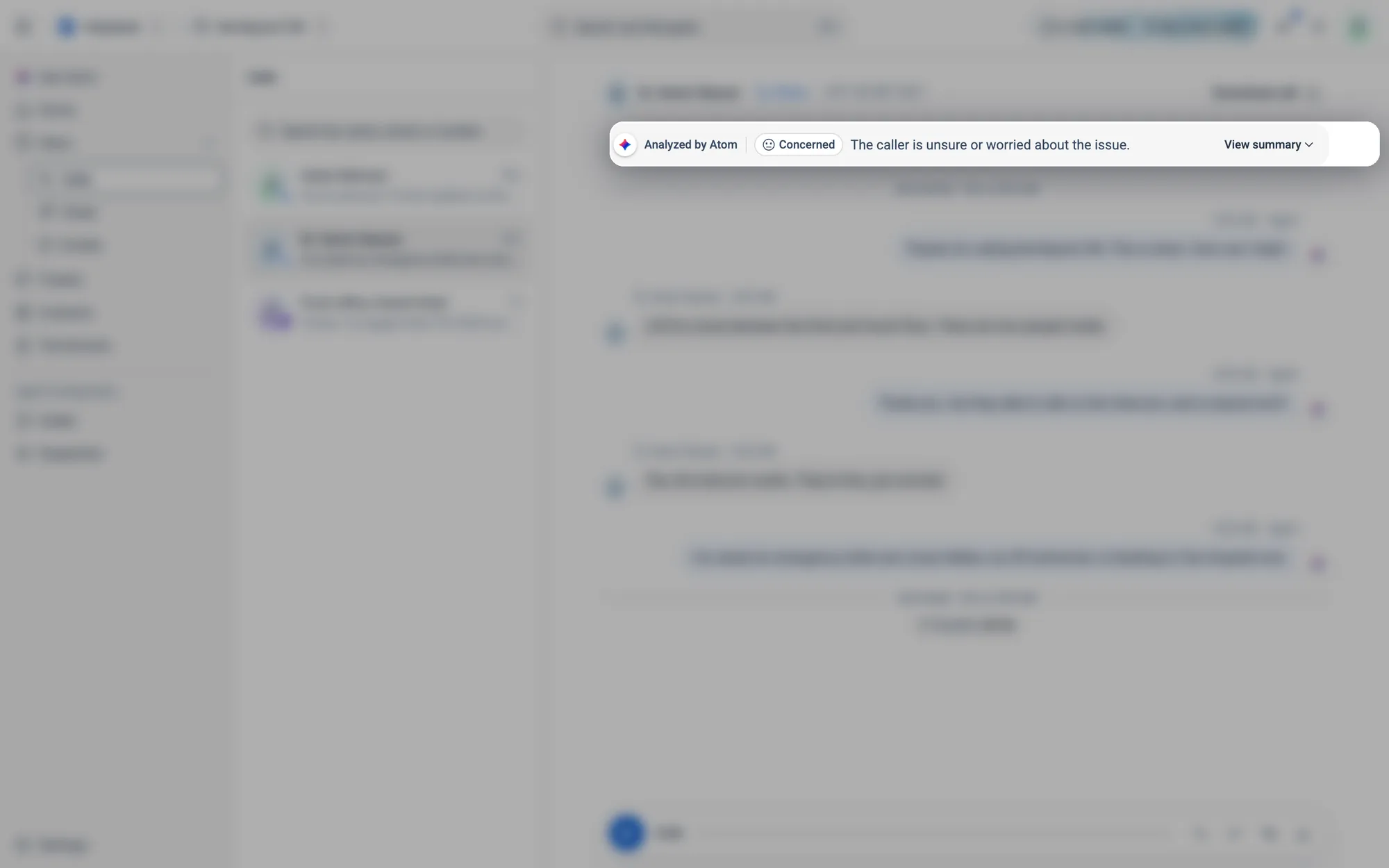
The tone chip, here Concerned, is one of five (see the table below). Click View summary for more.
The transcript
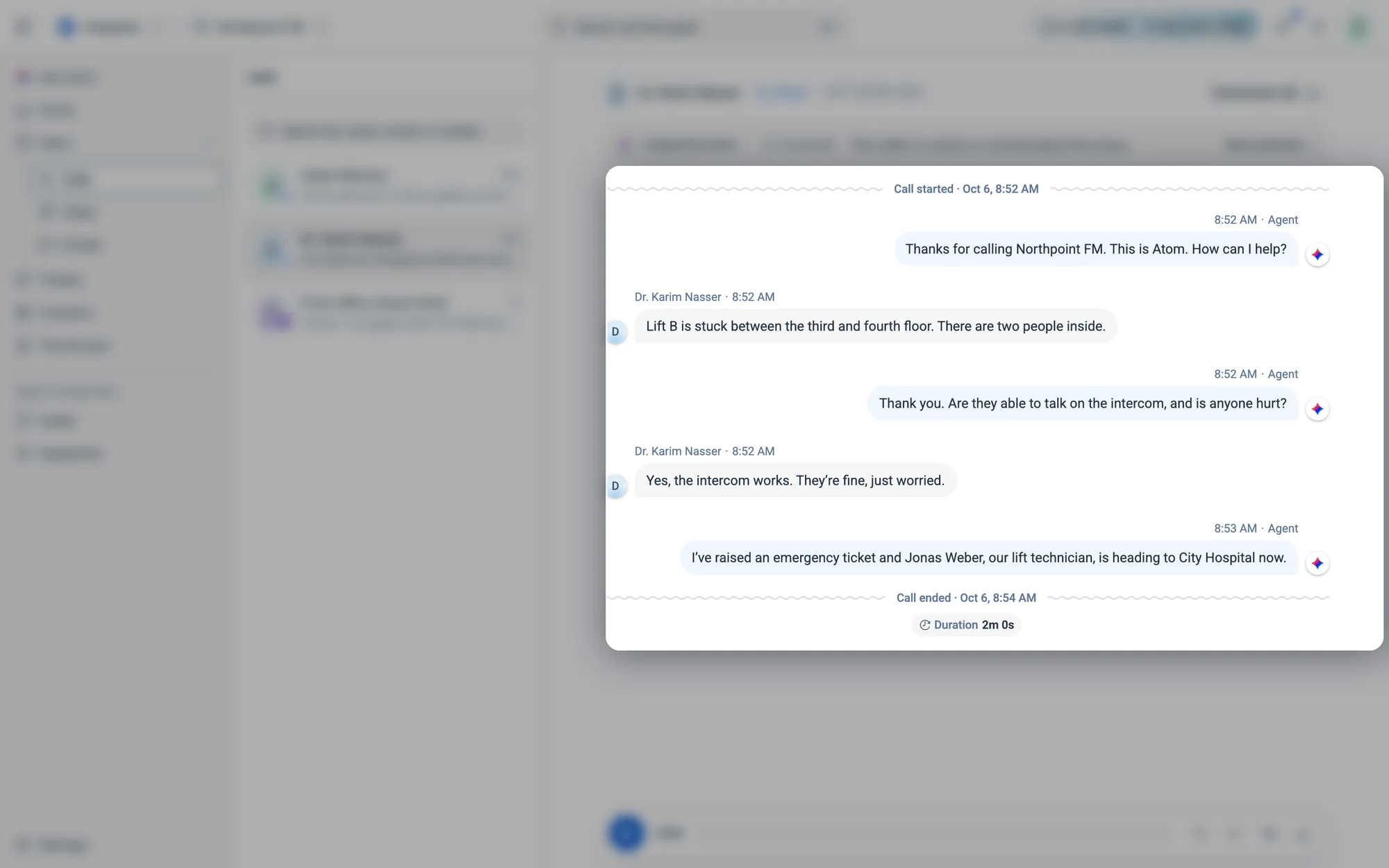
The agent's lines are on the right, marked Agent, and the tenant's are on the left with their name. Every line has a time.
The recording
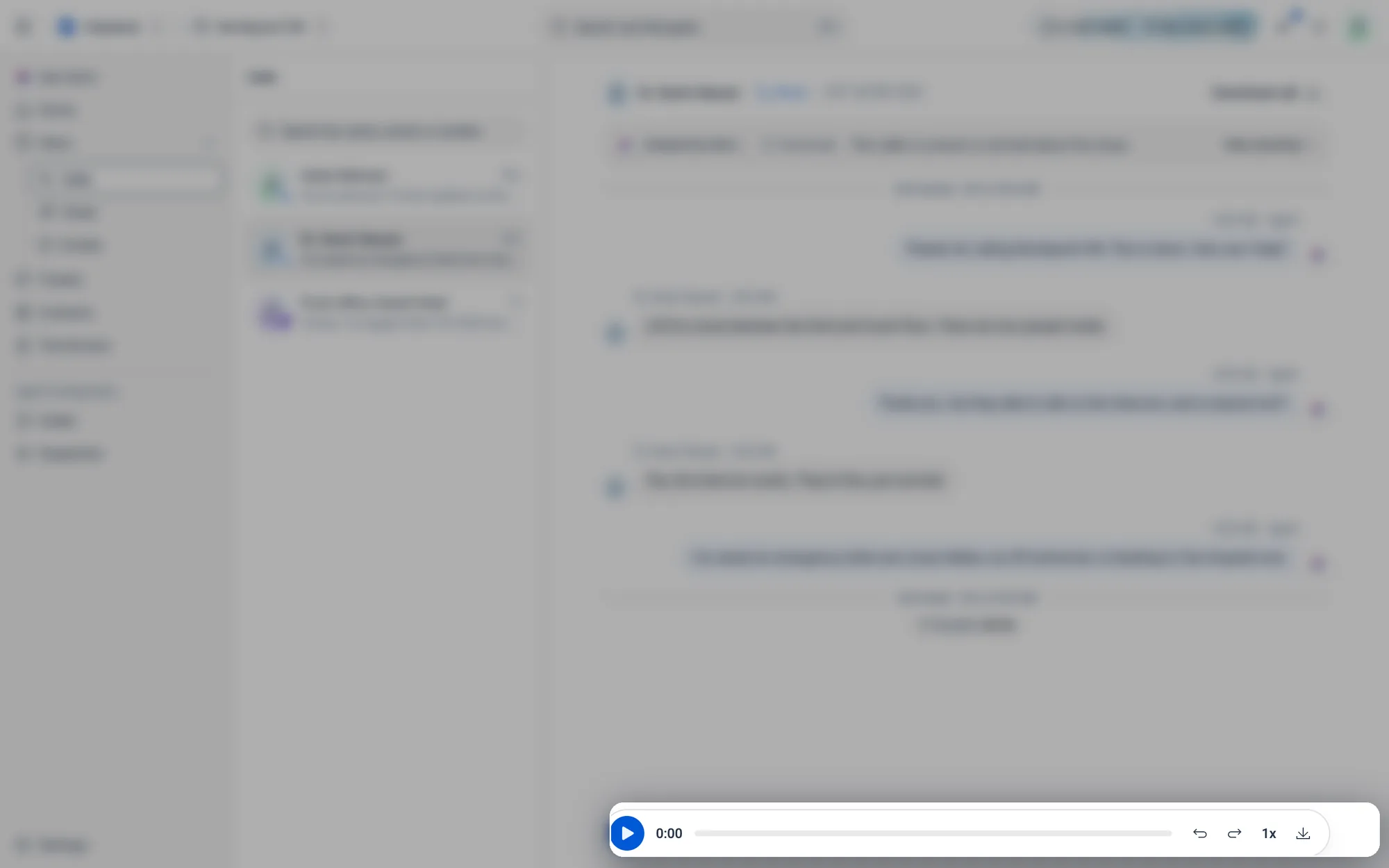
Play the call, skip 10 seconds back or forward, change the speed or download the recording.
05.3Read conversations
How to read a conversation and Atom's summary
- 1Open Inbox and choose Calls, Chats or Emails. The newest conversation opens automatically.
- 2Click any conversation in the list to open it. The Analyzed by Atom card at the top shows the tenant's tone and a one-line read.
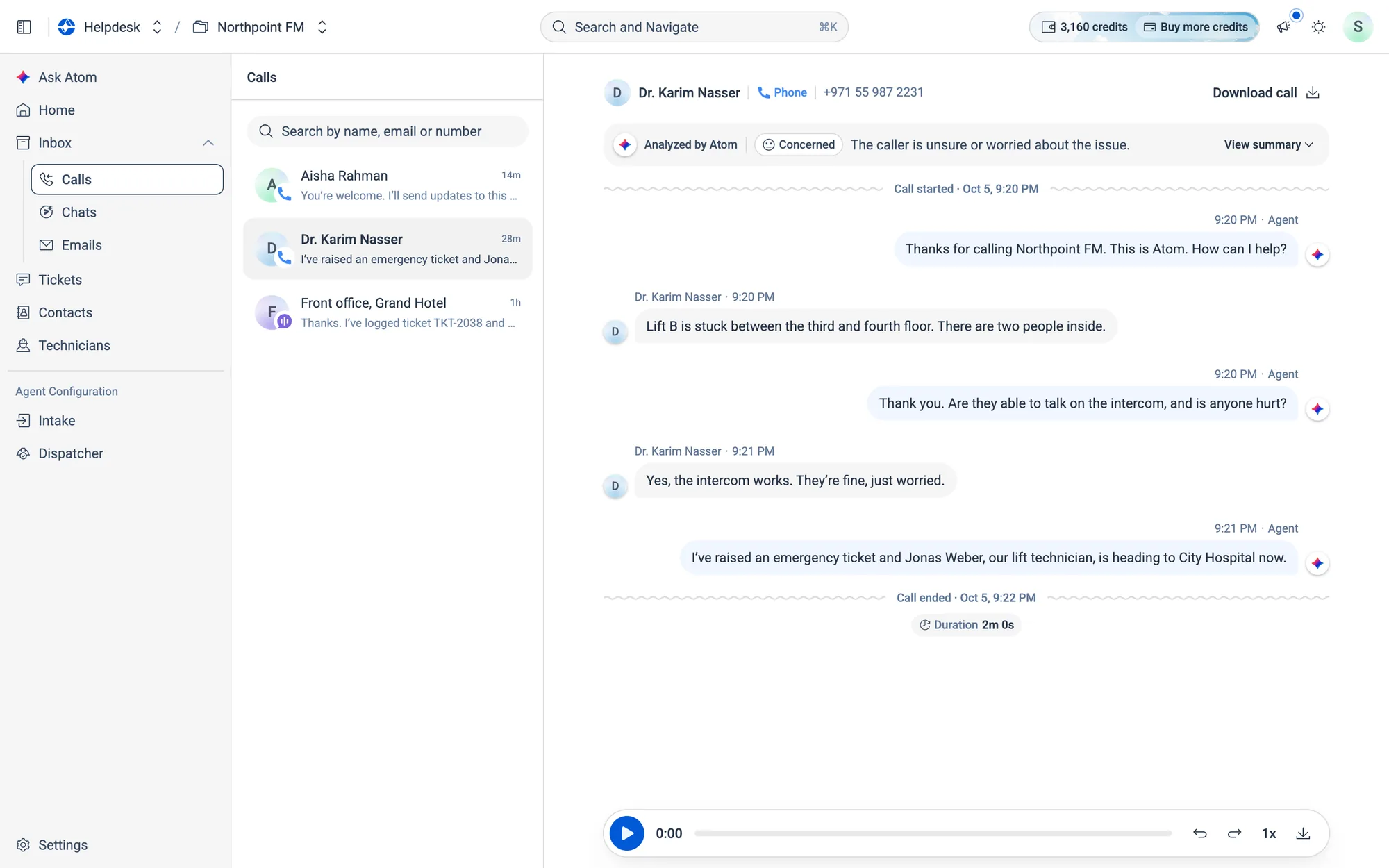
- 3Click
View summaryto see Atom's full Summary and Tags. ClickHide summaryto fold them away.
| Tone | What Atom picked up |
|---|---|
| Satisfied | Pleased, with no remaining issues |
| Calm | Relaxed and not expressing concerns |
| Concerned | Unsure or worried about the issue |
| Frustrated | Upset and having difficulty |
| Urgent | Needs immediate help or escalation |
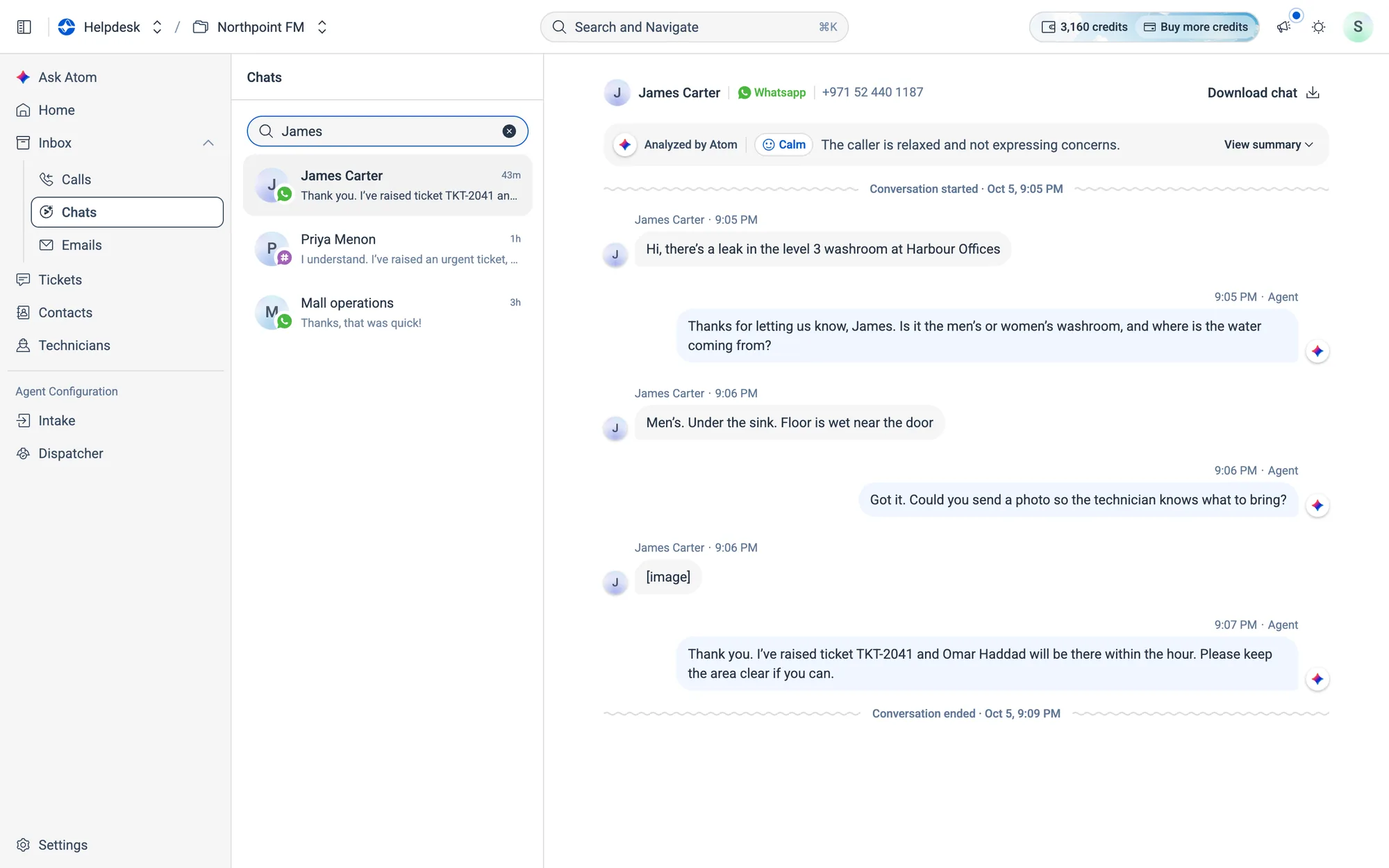
How to find a conversation
- 1Type in the search box at the top of the list (Search by name, email or number, or Search on Emails).
- 2The list updates as you type.
05.4Chats and emails
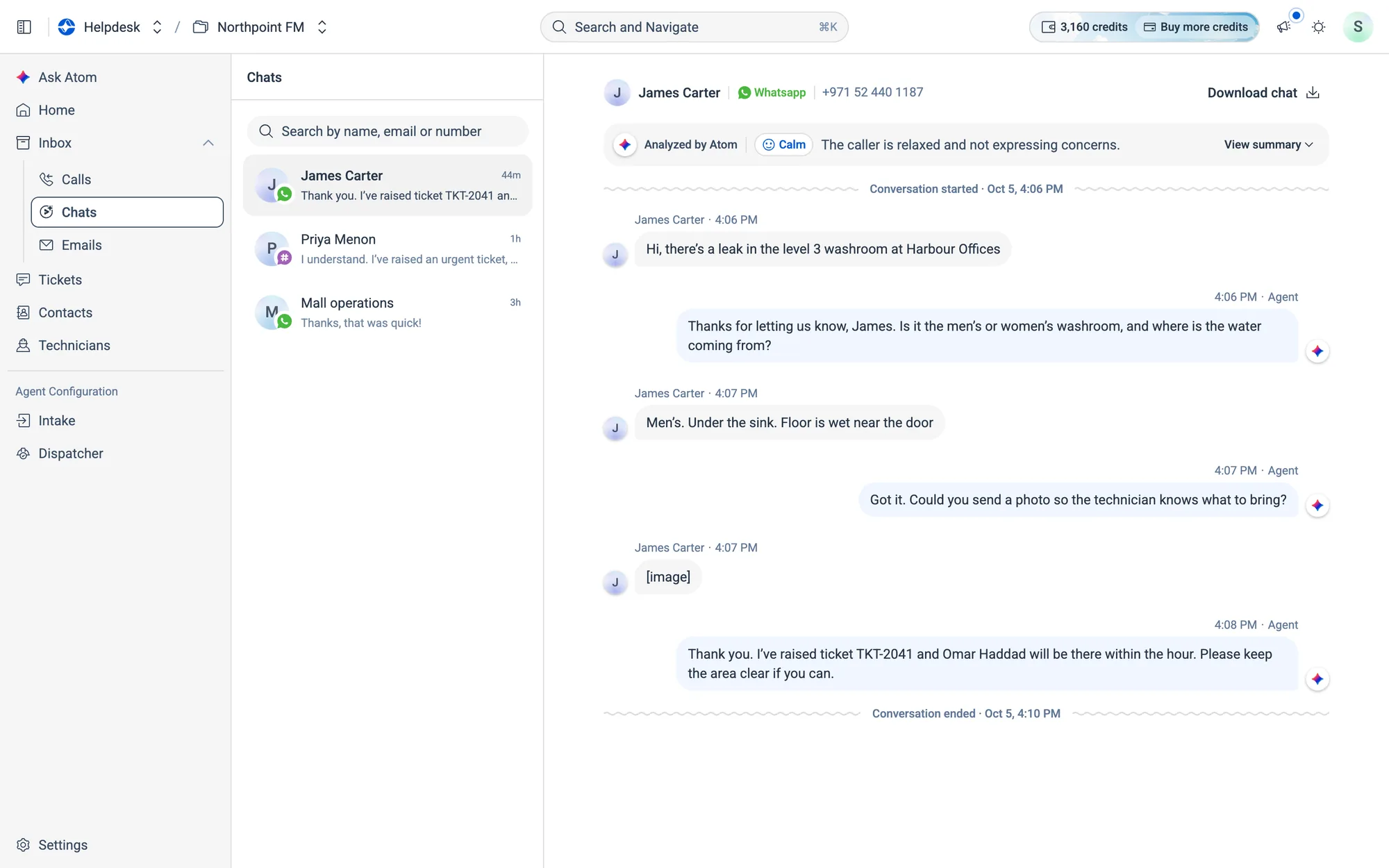
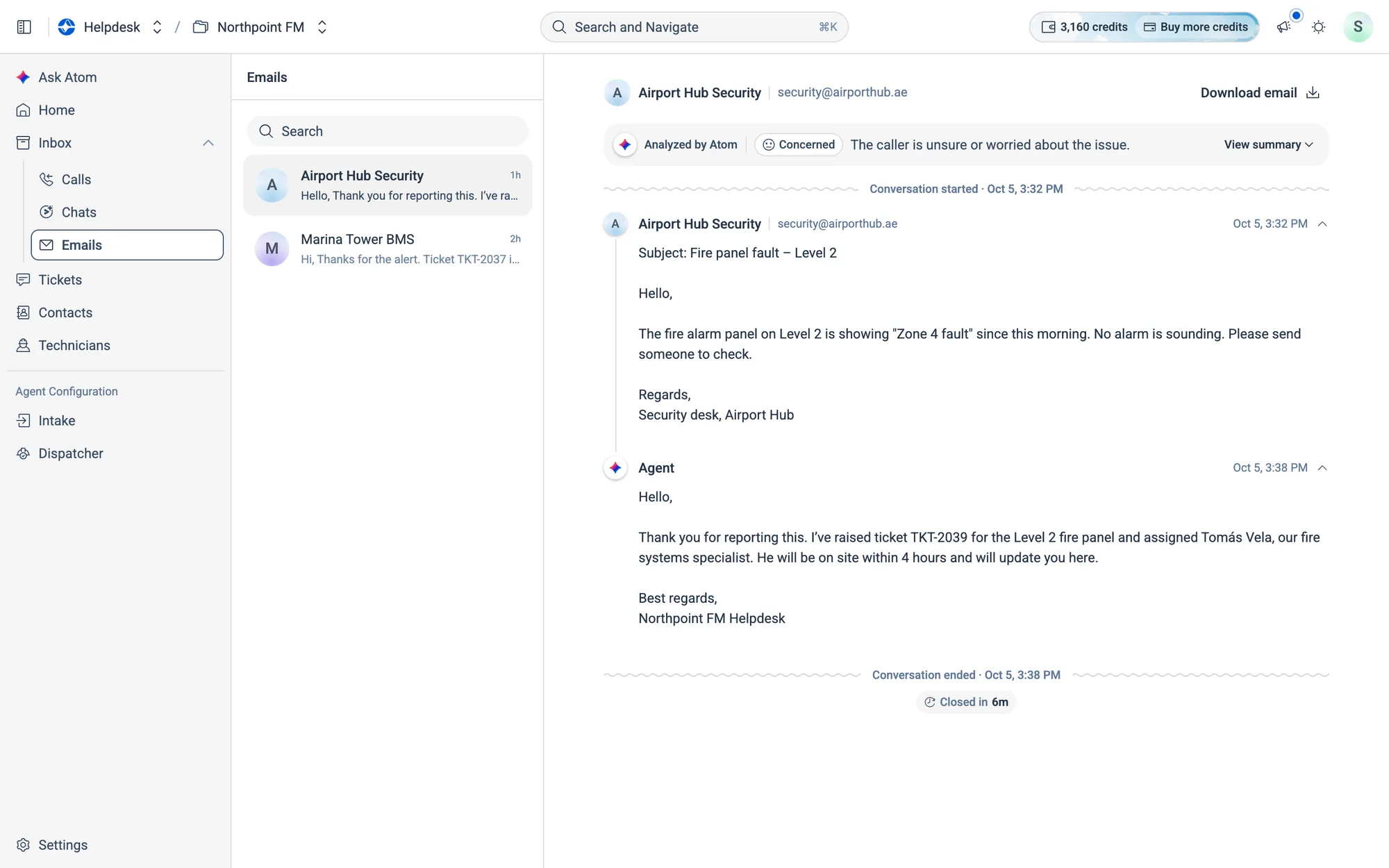
WhatsApp and web chat conversations look like a messaging app, with photos, documents, voice notes, locations and buttons shown in place. Email threads look like your mail app. Click a message header to collapse or expand it.
05.5More things you can do
- Play a call recording. Use the player at the bottom of a call to play, skip 10 seconds either way, change the speed or download the recording.
- Translate a transcript. If a conversation is in a different language from yours, click
Translate to English(or your language). Atom translates the transcript and the summary. Use the toggle to switch back to the original. - Download a transcript. Click
Download call,Download chatorDownload emailat the top right to save it as a text file.