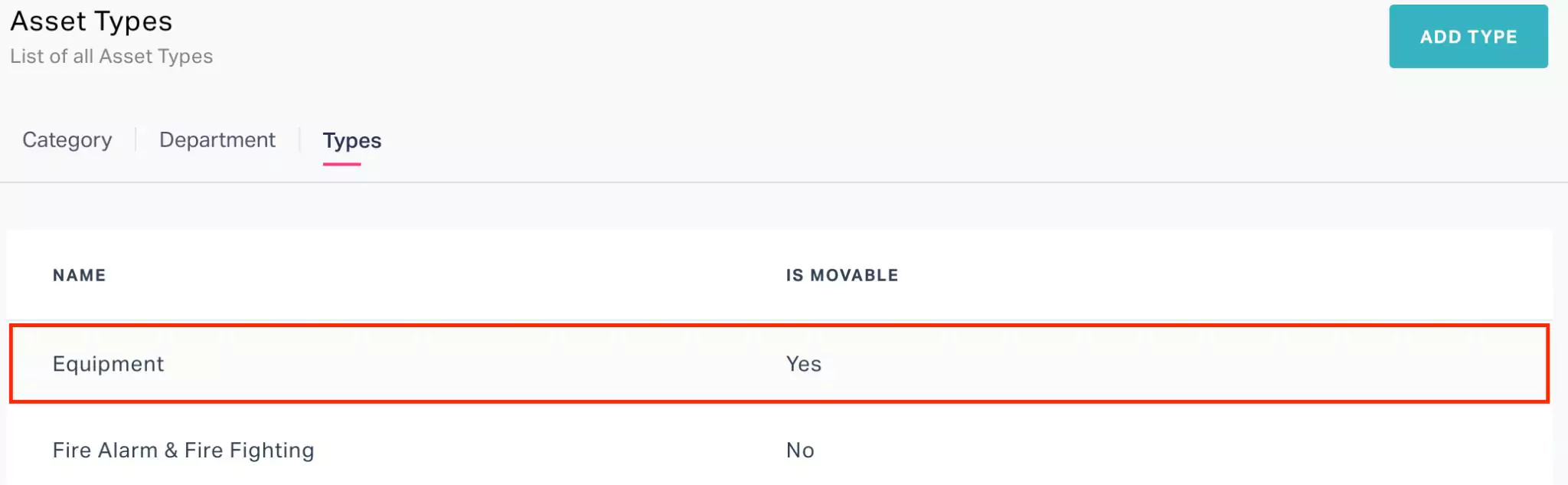
Adding Types
The asset type groups similar asset categories. In other words, the type in this module is a parent classification of the asset category. For example, you can group the assets like chairs and sofas in organization under the category 'Seaters'. The seaters, desks, and other similar asset categories can be grouped into the type 'Furnitures'. Further, the application allows you to define the mobility of the assets that belong to the particular type. Based on their ability to be moved the assets can be classified as follows:
Immovable Asset - These assets are fixed in their state and cannot be relocated such as elevators, HVAC, and so on.
Movable Asset -These assets can be easily shifted from one place to another such as machinery, IT equipment, vehicles, printers, and so on.
To add a type,
Navigate to the Types section. The configured list of all asset types appears.

Click ADD TYPE. The New Asset Type window appears as shown below.

Specify the Type name and enable the check box if the asset is movable.
Click SAVE. The new asset type is added to the list of asset types.