Dashboard Widget

The Dashboard Widget lets you embed custom visualizations — charts, maps, third-party reports, or any interactive content — inside a Facilio dashboard. Dashboard widgets respond to dashboard-level filter changes, so your custom content stays in sync with the rest of the dashboard.
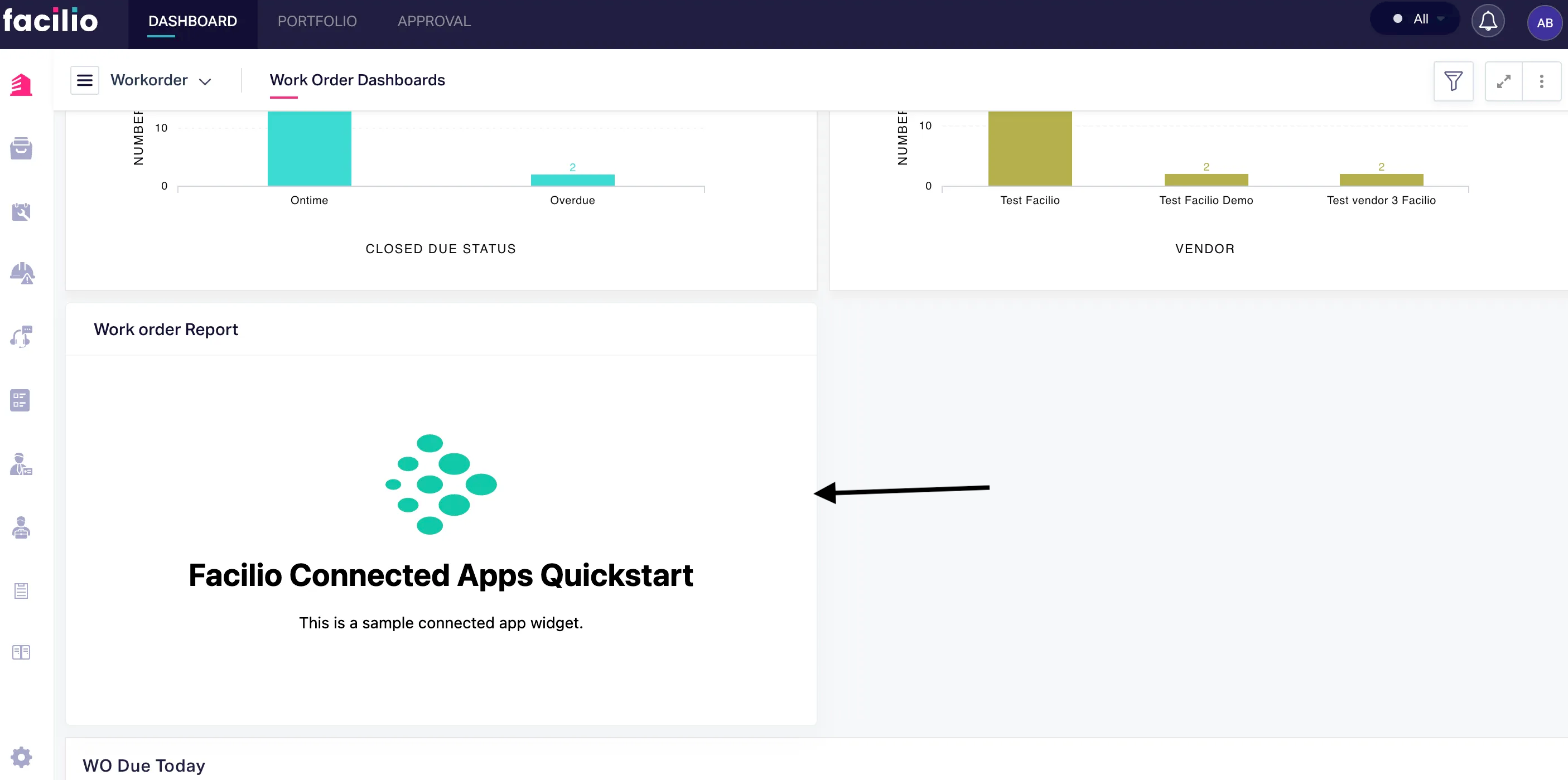
Availability#
| Apps | Mobile |
|---|---|
| Maintenance, Vendor, Requester, Client, Tenant | Yes |
When to use#
- Building custom charts or data visualizations that Facilio's built-in widgets don't support
- Embedding third-party reporting tools (Tableau, Power BI, Google Charts)
- Displaying real-time data from external APIs alongside Facilio data
- Creating interactive maps, floor plans, or other spatial visualizations
Events#
| Event | Description | Example |
|---|---|---|
| db.filters.changed | Triggered whenever dashboard filter values change | app.on('db.filters.changed', callback); |
Working with dashboard filters#
When users apply or change filters at the dashboard level, the db.filters.changed event fires. Use this to reload your widget's data with the updated filter values.
var app = new Vue({  el: '#app',  data: {    loading: true,    records: []  },  created() {    window.facilioApp = FacilioAppSDK.init();    window.facilioApp.on('app.loaded', () => {      this.loadData();
window.facilioApp.on('db.filters.changed', () => { const context = window.facilioApp.getContext(); const filters = context?.filters || context?.query?.filters; this.loadData(filters); }); }); }, methods: { async loadData(filters) { this.loading = true; try { const params = { viewName: 'all', perPage: 100 }; if (filters) { params.filters = JSON.stringify(filters); } const { list } = await window.facilioApp.api.fetchAll('workorder', params); this.records = list || []; } catch (error) { console.error('Failed to load data:', error); } finally { this.loading = false; } } }});Example — Monthly work order trend chart#
This example uses a simple HTML canvas, but you can use any charting library (Chart.js, D3.js, ECharts, etc.).
var app = new Vue({  el: '#app',  data: {    loading: true,    monthlyData: {}  },  created() {    window.facilioApp = FacilioAppSDK.init();    window.facilioApp.on('app.loaded', async () => {      await this.renderTrendChart();
      window.facilioApp.on('db.filters.changed', async () => {        await this.renderTrendChart();      });    });  },  methods: {    async renderTrendChart() {      this.loading = true;      try {        const { list } = await window.facilioApp.api.fetchAll('workorder', {          viewName: 'all',          perPage: 200        });        this.monthlyData = this.groupByMonth(list);      } catch (error) {        console.error('Failed to load chart data:', error);      } finally {        this.loading = false;      }    },    groupByMonth(records) {      const months = {};      records.forEach(record => {        const date = new Date(record.createdTime);        const key = `${date.getFullYear()}-${String(date.getMonth() + 1).padStart(2, '0')}`;        months[key] = (months[key] || 0) + 1;      });      return months;    }  }});