Create Record Page

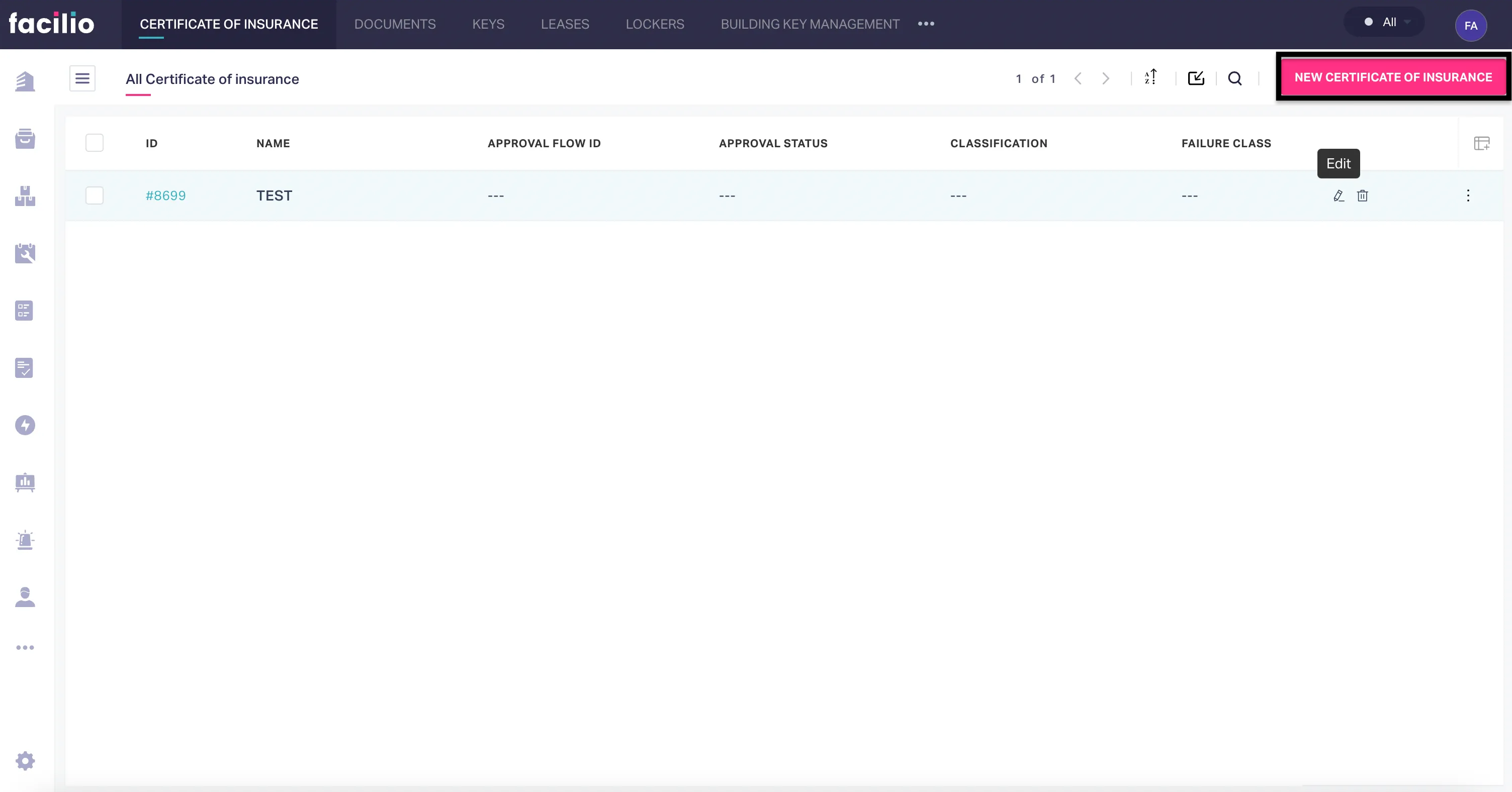
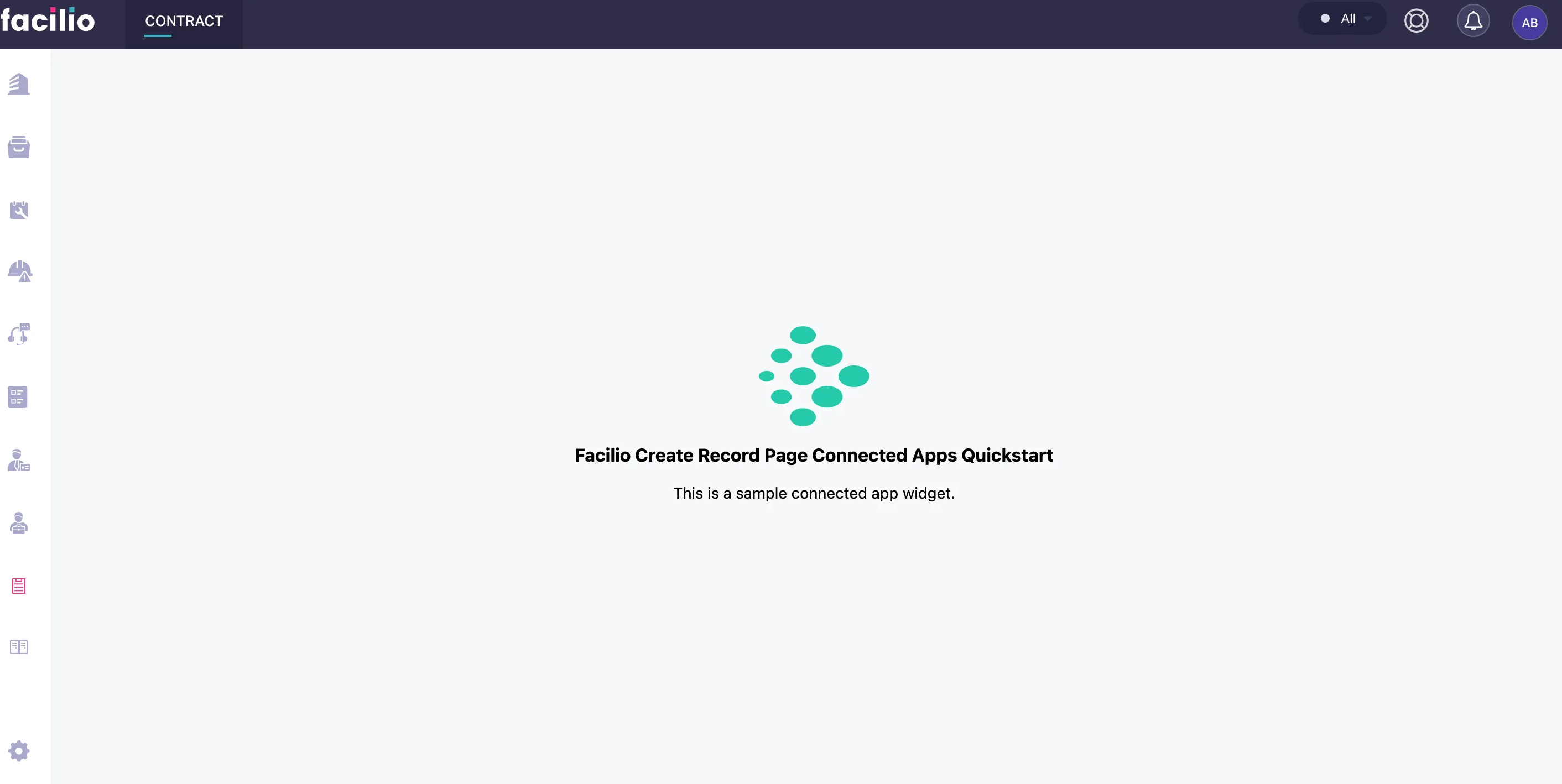
The Create Record Page widget replaces the default record creation form for a module. Use it when you need a fully custom layout — canvas editors, PDF builders, multi-step wizards, or forms with complex validation logic.
Availability#
| Apps | Mobile |
|---|---|
| Maintenance, Vendor, Requester, Client, Tenant | Yes |
Single widget per module per account
Only one Create Record Page widget is supported per module per account. Whichever loads first for that module is used; multiple instances for the same module are not supported.
When to use#
- Building a custom form layout that the default form cannot support
- Creating multi-step wizards for record creation
- Embedding a canvas or PDF builder
- Adding custom validation or auto-fill logic before saving
Context#
When the widget loads, app.getContext() returns { record: empty, query: {...} } — the record is empty (create mode); query contains URL params if any. The widget is responsible for collecting data and calling api.createRecord() to save.
Triggers#
| Function | Description | Example |
|---|---|---|
| save | Closes the widget and opens the record summary page (same as default system behavior). Pass the direct return value of api.createRecord() — the response object { code, error, [moduleName]: createdRecord }. | window.facilioApp.interface.trigger('save', response); |
| cancel | For the cancel button only. Closes the widget without saving. | window.facilioApp.interface.trigger('cancel'); |
Example — Custom work order creation form#
var app = new Vue({  el: '#app',  data: {    subject: '',    description: '',    siteId: ''  },  created() {    window.facilioApp = FacilioAppSDK.init();    window.facilioApp.on('app.loaded', (data) => {      console.log('Module context:', data.context);    });  },  methods: {    async submitWorkOrder() {      if (!this.subject) {        window.facilioApp.interface.notify({          message: 'Subject is required',          type: 'warning',          duration: 3000        });        return;      }
      try {        const response = await window.facilioApp.api.createRecord('workorder', {          data: {            subject: this.subject,            description: this.description,            siteId: parseInt(this.siteId)          }        });
        window.facilioApp.interface.notify({          message: 'Work order created successfully',          type: 'success',          duration: 3000        });
        window.facilioApp.interface.trigger('save', response);      } catch (error) {        console.error('Create failed:', error);        window.facilioApp.interface.notify({          message: 'Failed to create work order',          type: 'error',          duration: 4000        });      }    }  }});